Week 11 - Project - A pillar Design with Master Section
A Pillar Design With Master Section
Aim: To create A Pillar design with provided master section with class A surface , create the tooling axis , engineering features (Dog House) and perform the draft analysis for the final solid part.
Objective:
To construct a tooling axis by using master section with bisecting method.
To create class B and class C surface and make closed surface.
To make sure that the model meets the design rules and master section sketch for dog house creation.
Perform draft analysis on the final component.
Design Methodology:
1. Tooling Axis Creation:
The tooling direction is basically the direction that the mold pulls a part. The mold is built in two separate pieces , basically. You have a cavity side and you have core side. The core pulls apart from the cavity and that is called the die line or the tooling direction.
Open the given CAT part file.
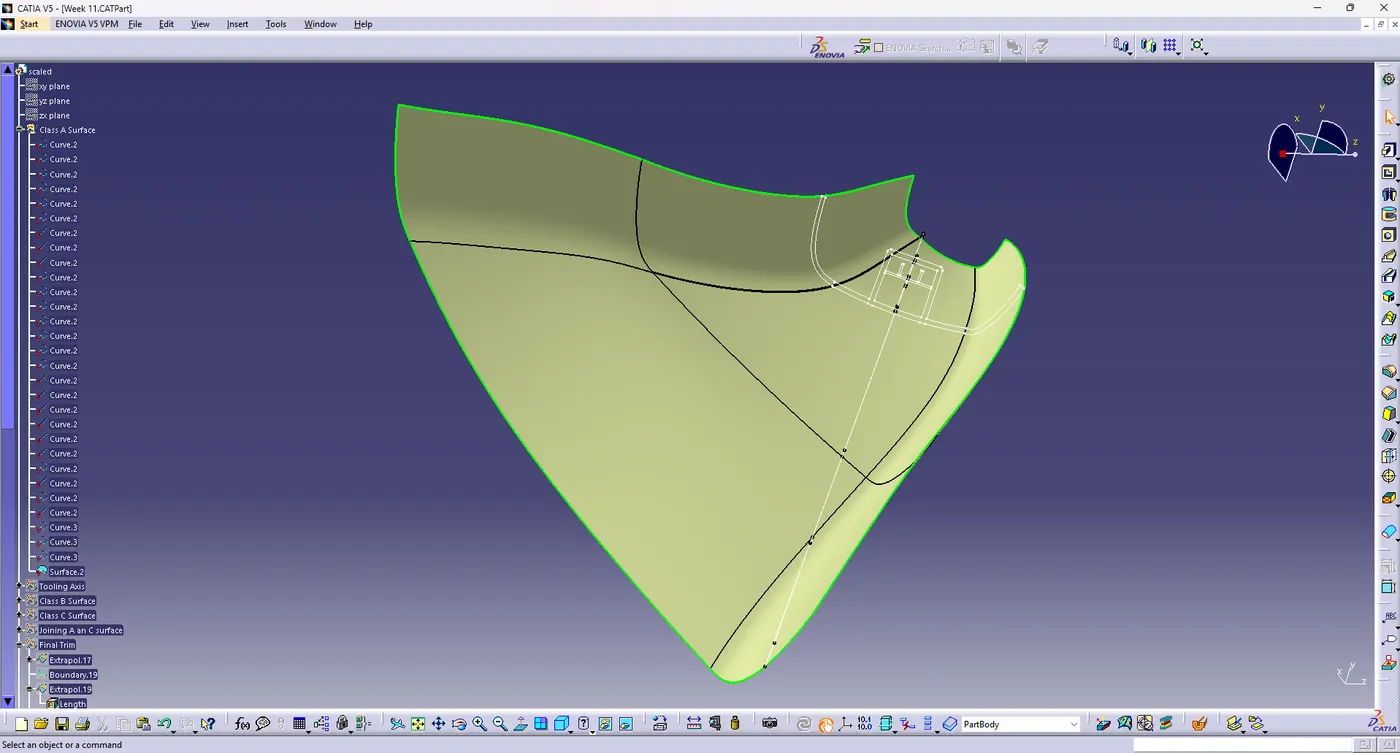
Check for gaps between surfaces for that click on join and then preview.
If there is any gap between the surfaces join them with a maximum tolerance of 0.003mm.
Extract the sides of dog house of master section by drawing line on the edges.
Create a line bisecting both the edges from the point between both the edges.
The line created bisecting both the lines is our main tooling axis as shown below.
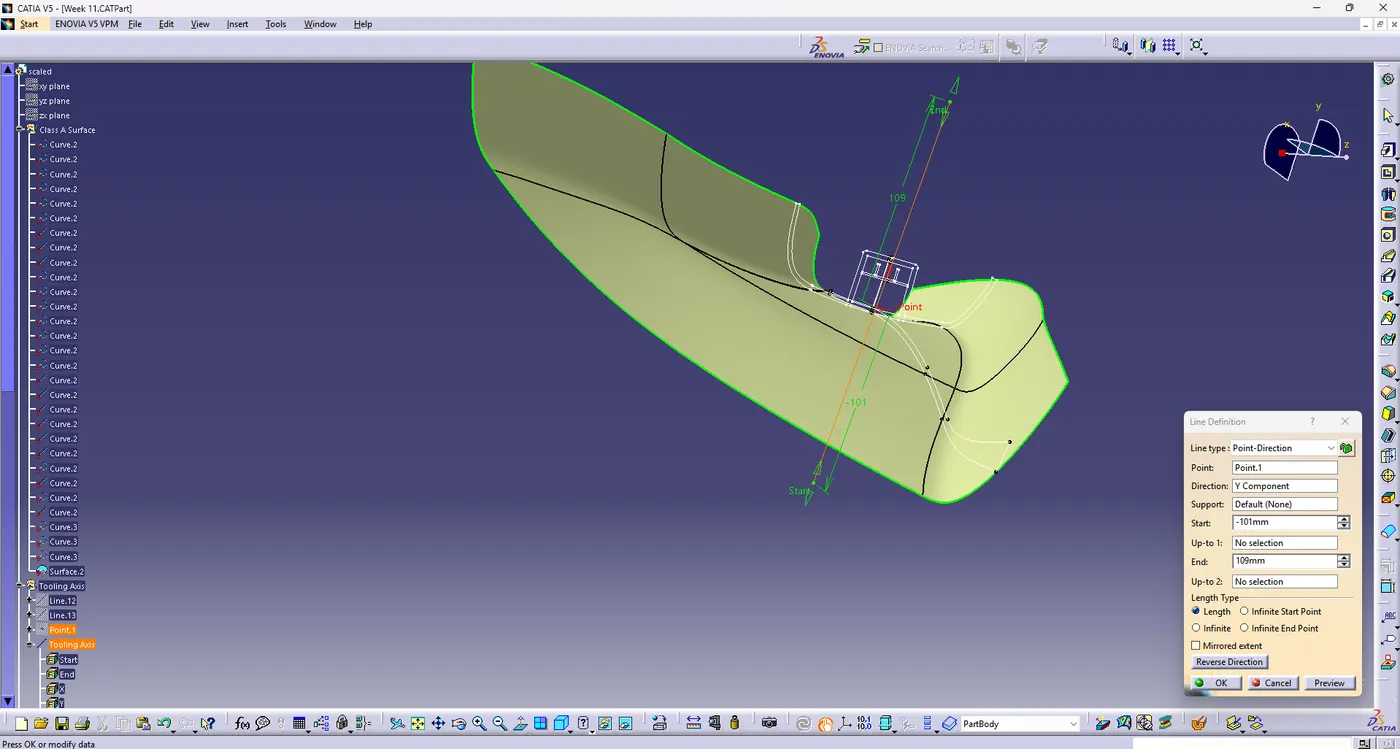
The tooling axis is created for the component.
2. Draft Analysis
The draft analysis command enables you to detect if the part you drafted will be easily removed. This type of analysis is performed based on colour ranges identifying zones on the analyzed element where the deviation from the draft direction at any point corresponds to specified values.
Before going to draft analysis go to customized view parameter >under mesh >check material and then click on ok.
Now for draft analysis go to insert>analysis>feature draft analysis.
Use the compass to define the draft direction.
In the colour scale change the draft angle to 3 degrees.
The component change to green in indication of passing draft angle.
Use running point to check the angle on the component.
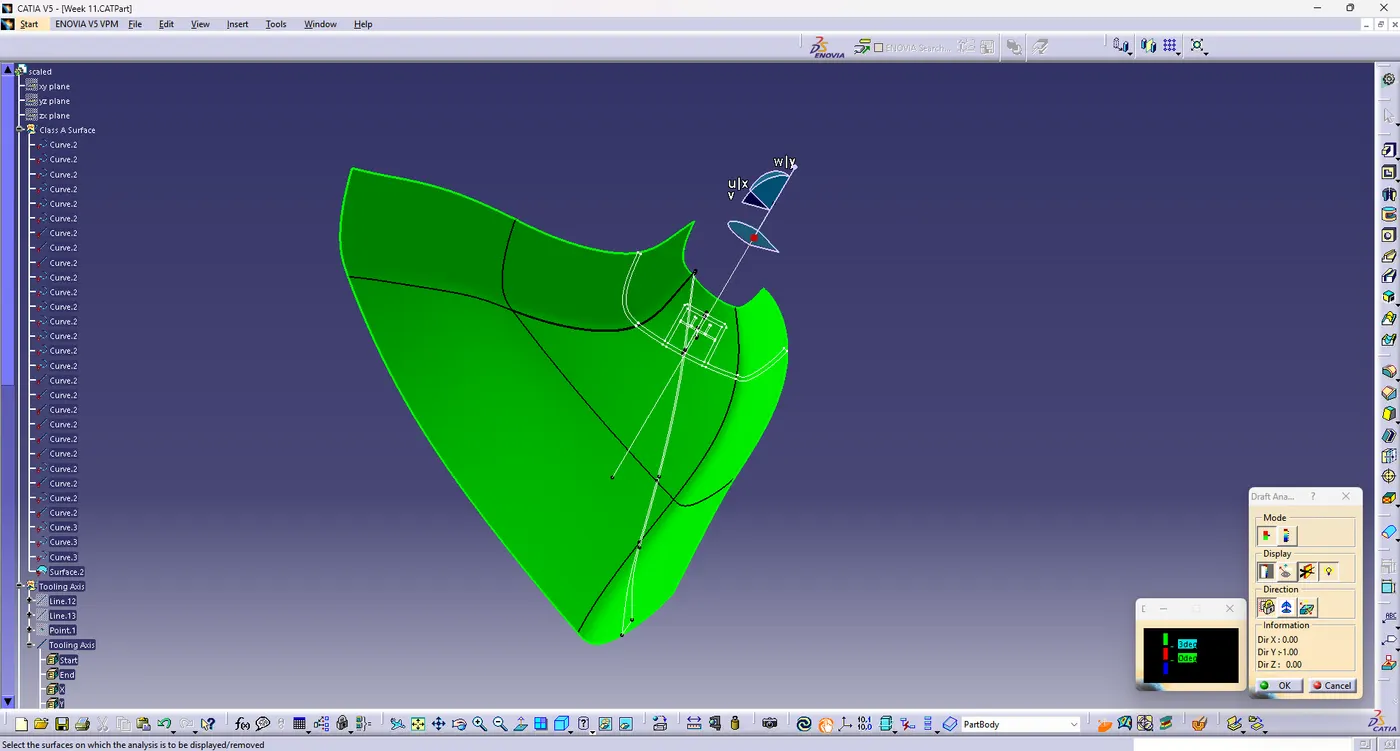
The draft analysis is complete.
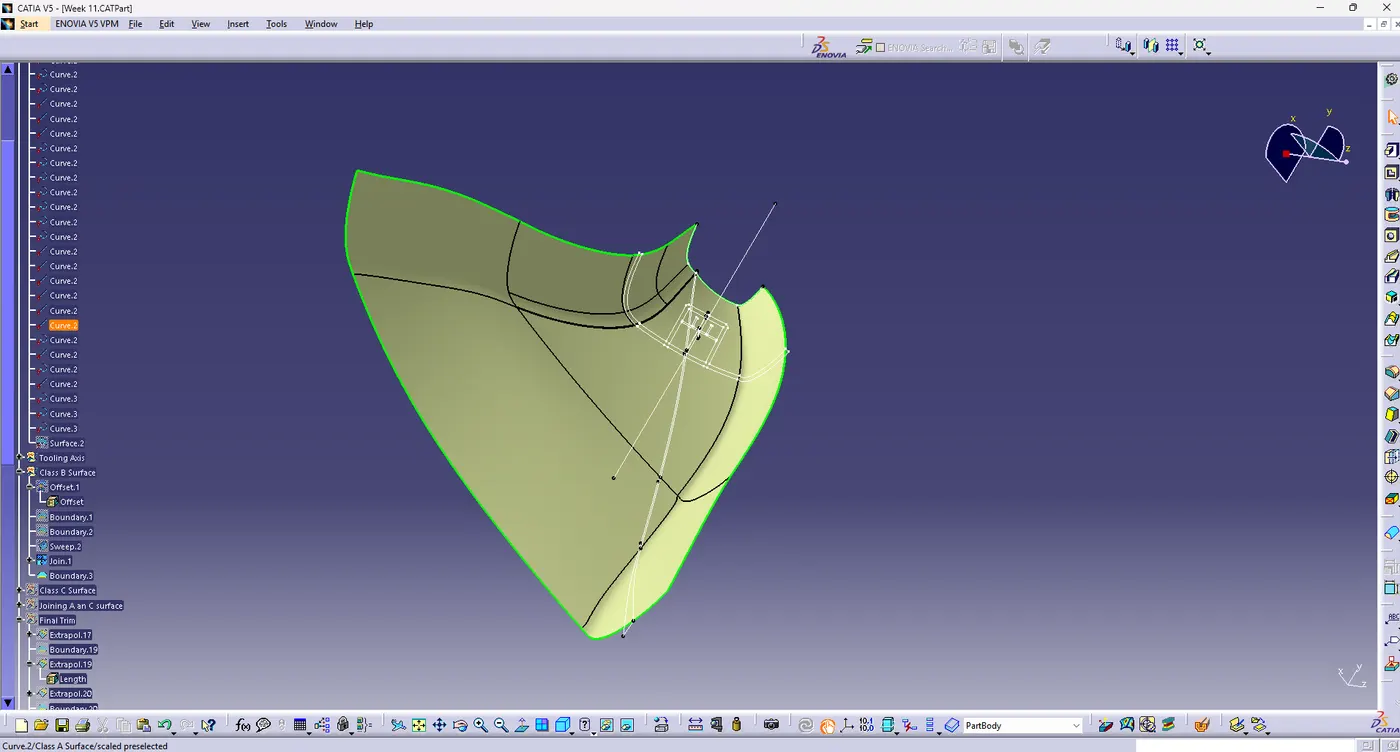
3. Create Class B Surface:
Offset the surface to 2mm to create the thickness.
Check whether all the surfaces are properly offsetted.
While offsetting Class A surface one of the patch not formed properly.
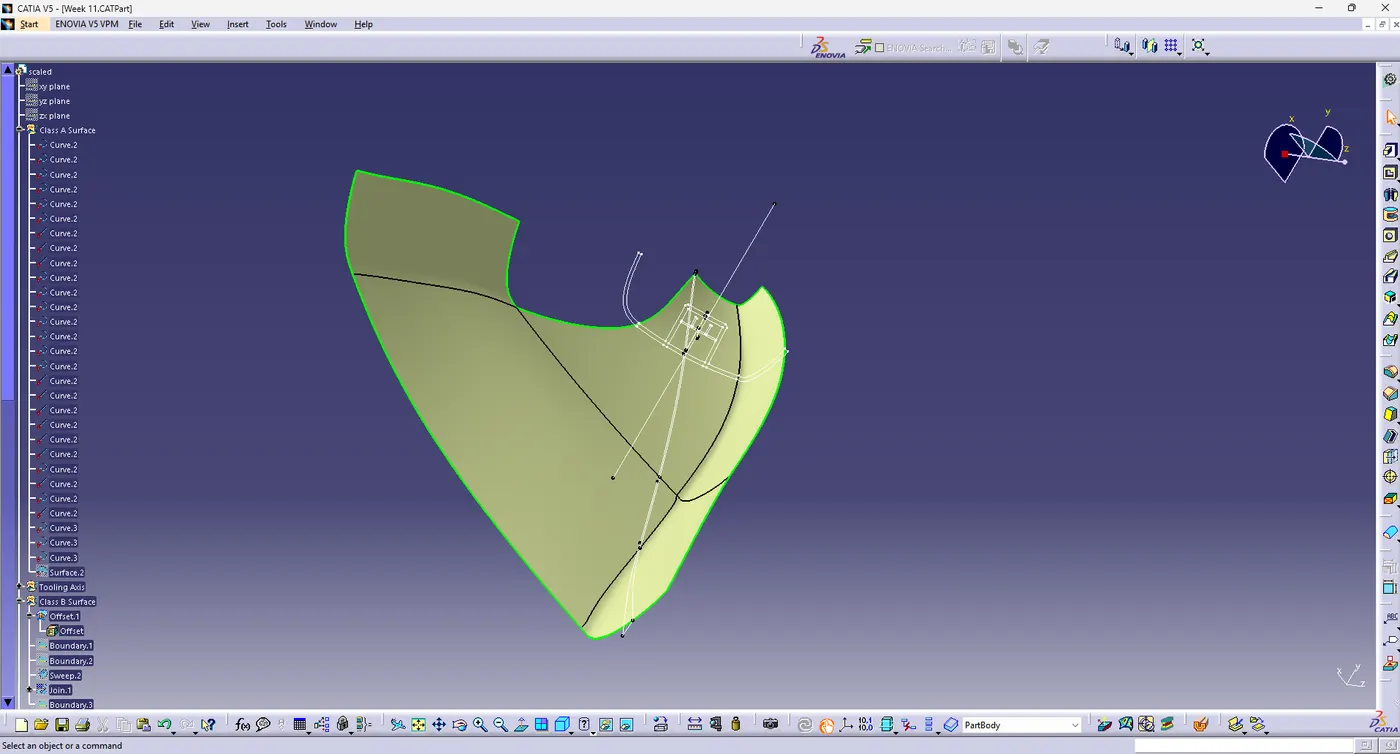
One corner does not offsetted, will be created with multiple section command.
Join all the surfaces together and class B surface will be created.
While trimming with the class C surface some of parts not getting coincide, will extrapolate 4mm with selecting the outer boundary.
4.Creating class C Surface
Extract the boundary from the class A Surface using boundary command.
Using disassemble tool to divide the boundary as the boundary contains domains.
Use sweep command>choose profile type>subtype as with draft direction>Choose guide curve and draft direction> Draft angle as 3 degrees>preview.
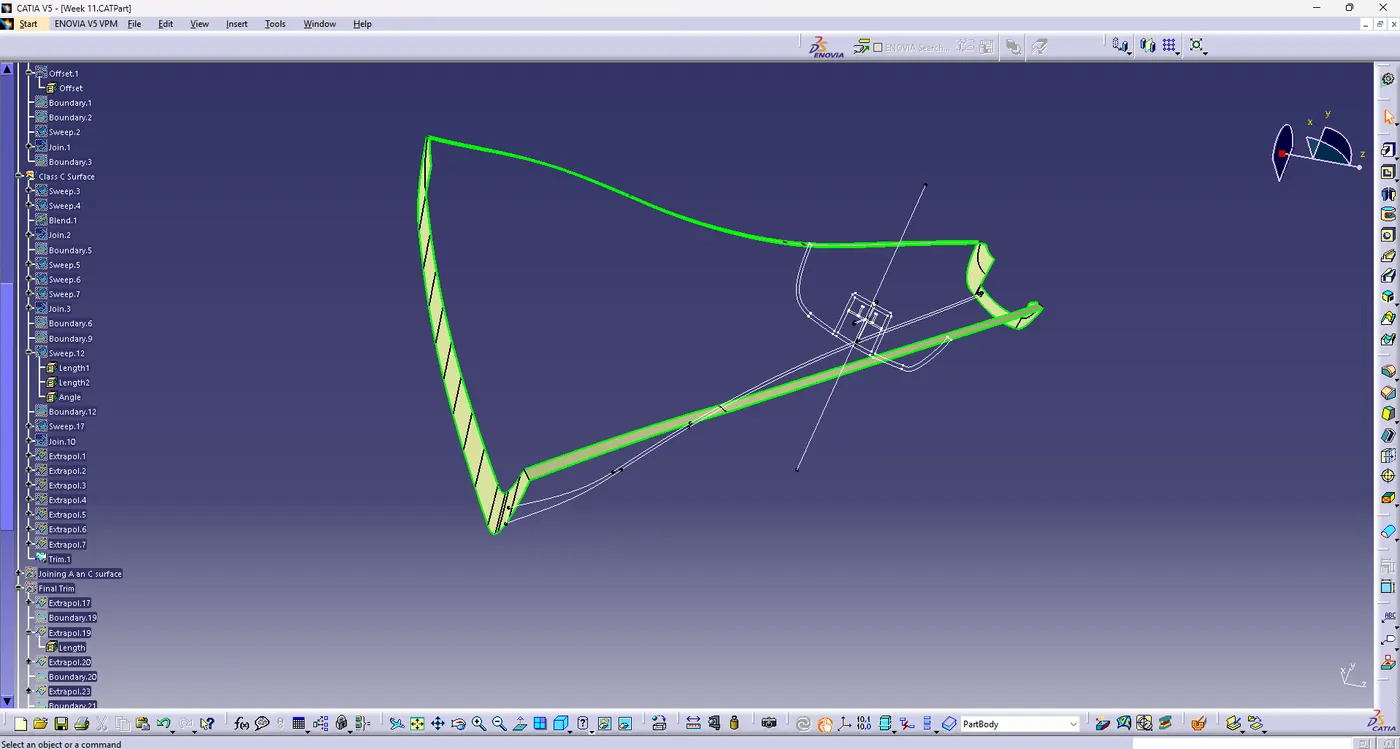
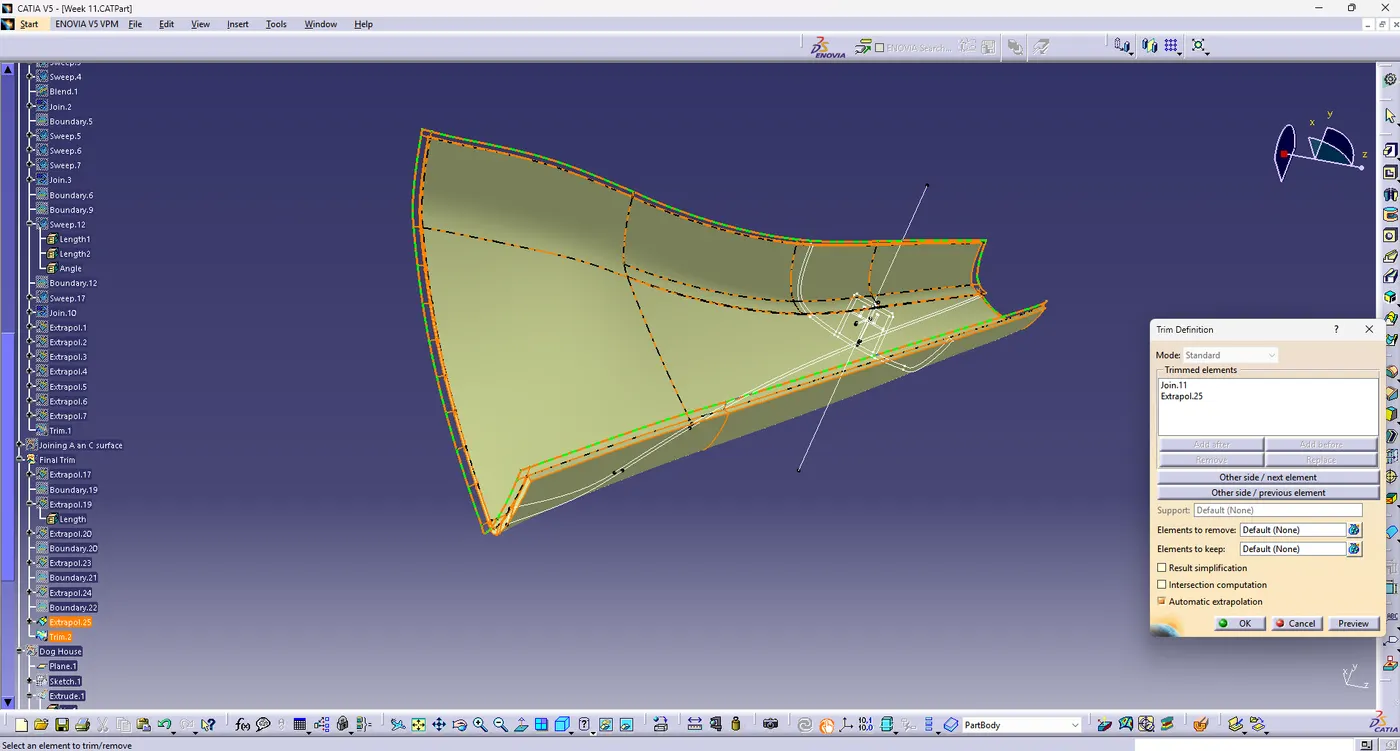
After getting sweep then trim the output with class B surface to get final output.
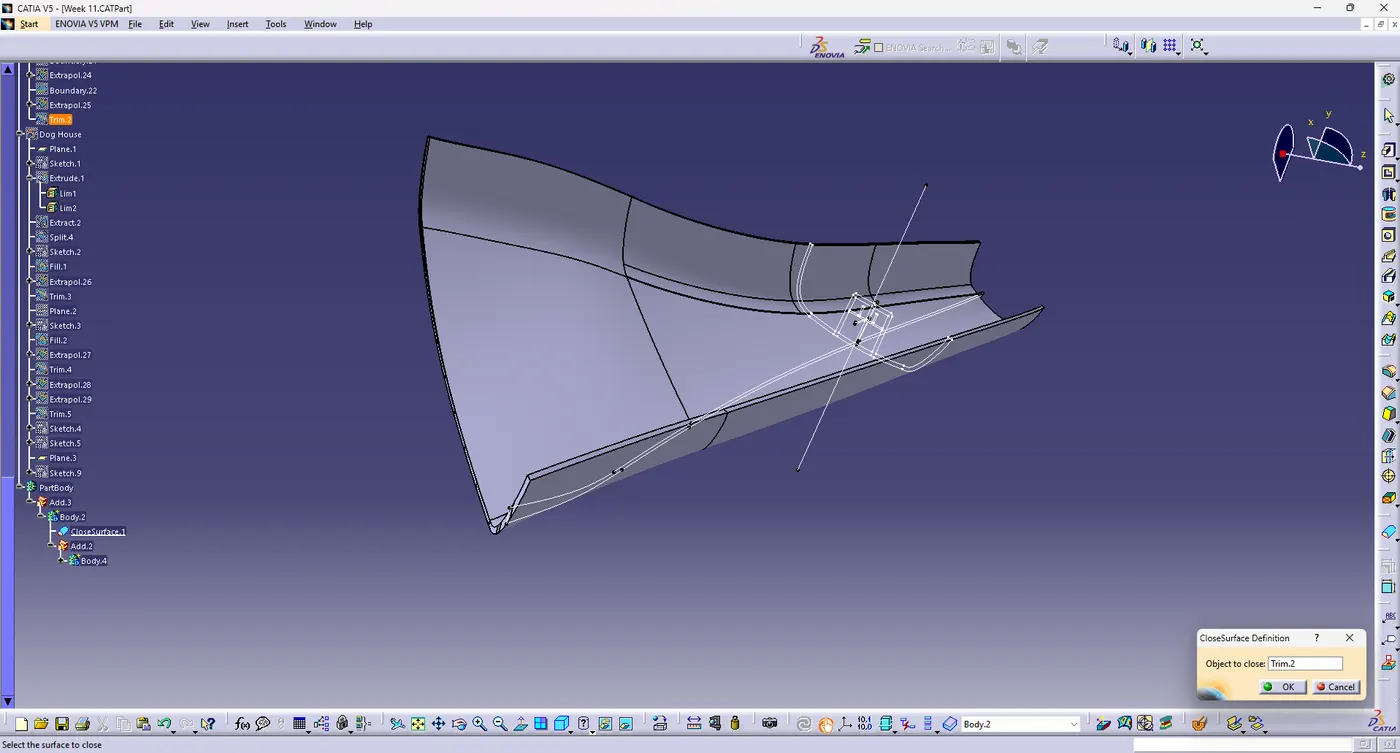
Now open part design workbench and using closed body surface create a solid of the component.
5. B Side Features creation:
Engineering feature Dog House:
Dog house is an engineering feature used in plastic trim design. Dog houses are used as supporting features. Sometimes other engineering features like snaps; locators, etc... are mounded on them to increase their strength.
Dog houses are subjected to draft analysis to prevent breakage of the component during ejection from the mold cavity. Dog house and other engineering components are built on B- Surface.
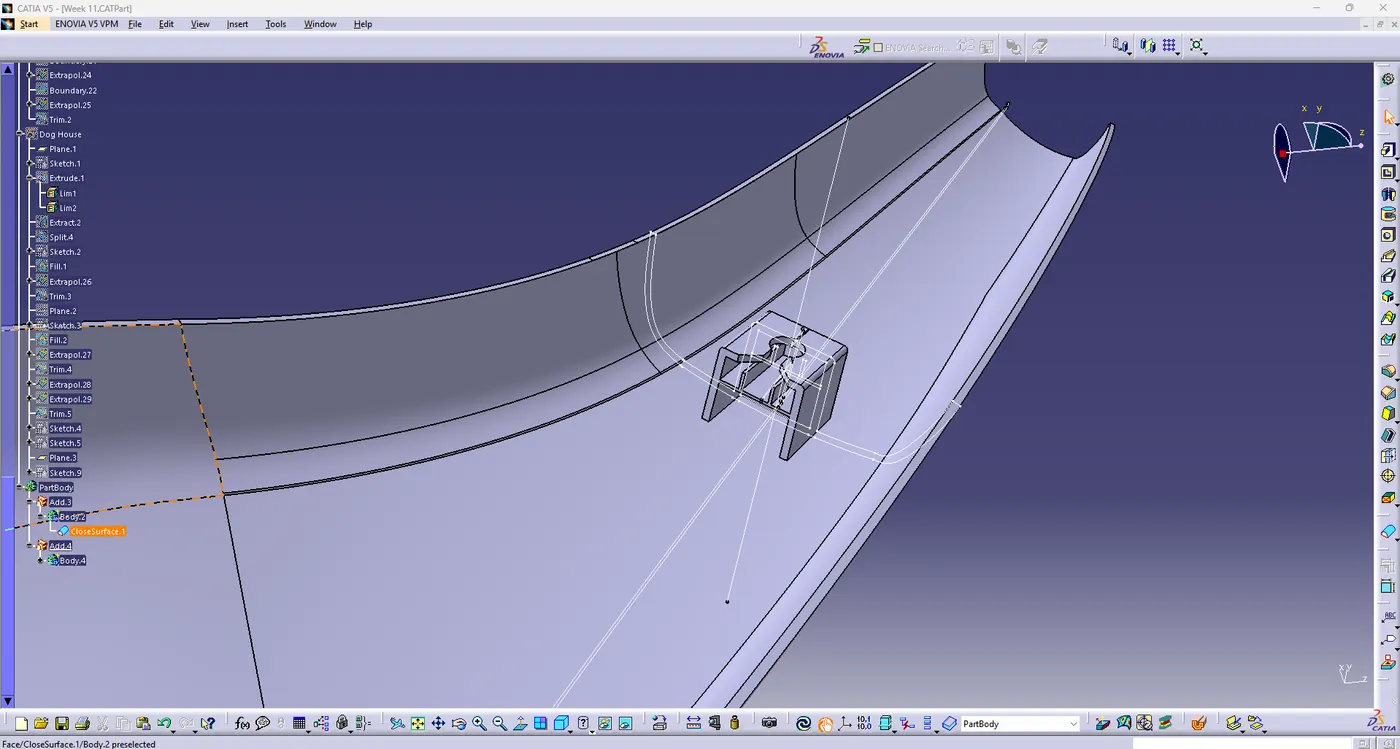
Draft analysis on a pillar with tooling axis:
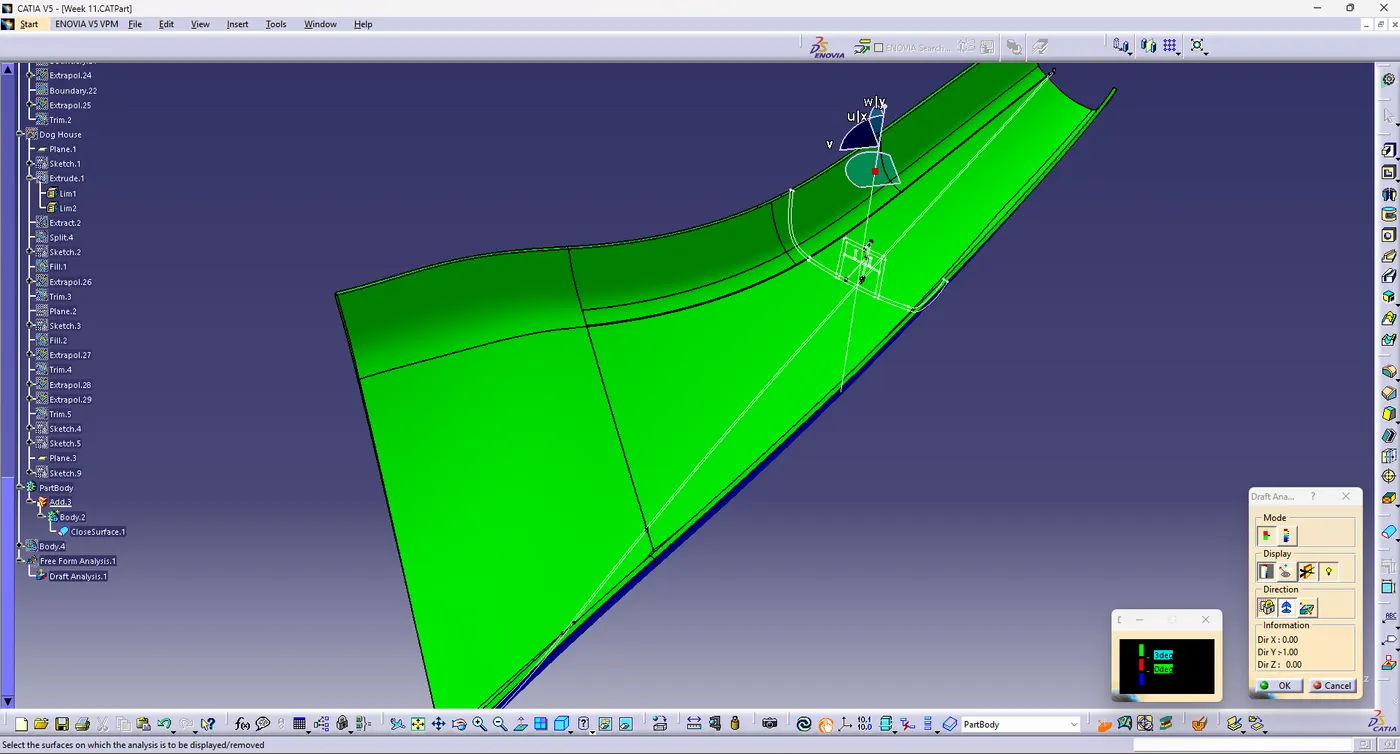
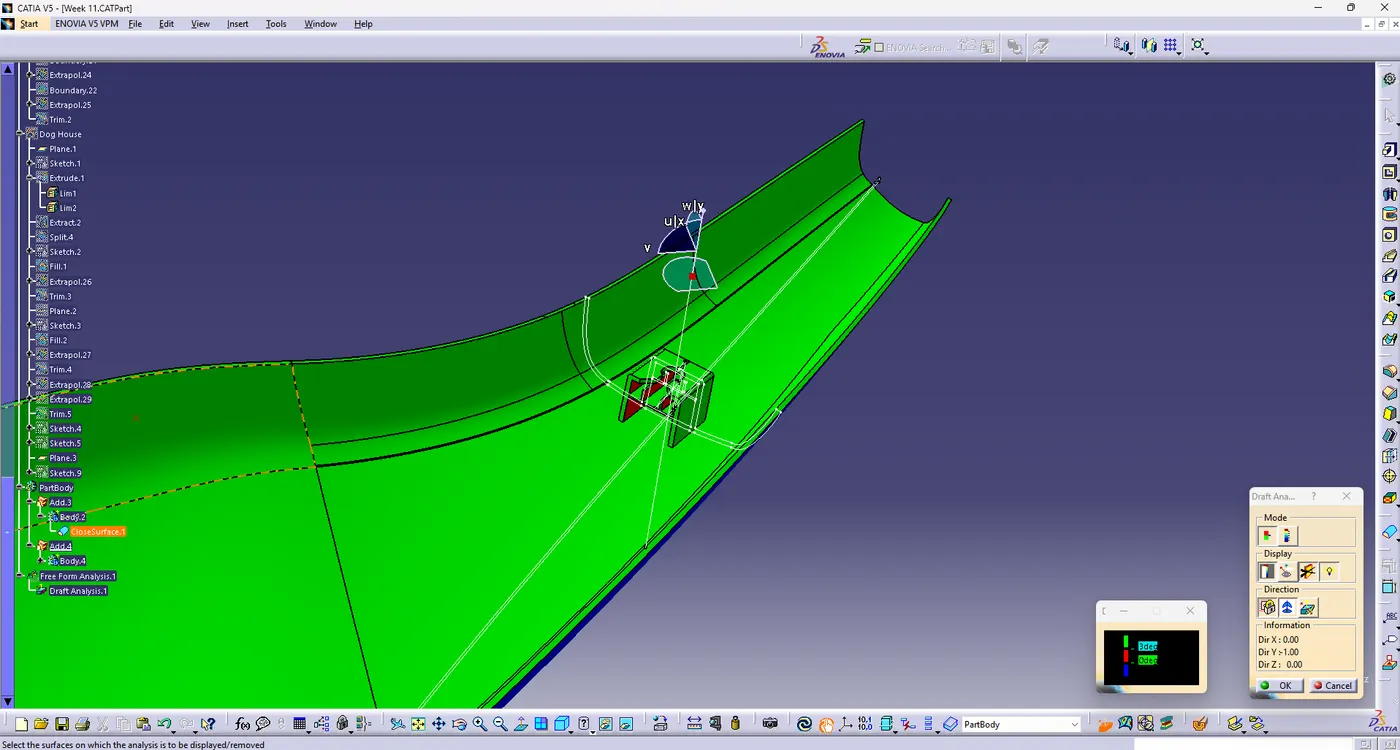
3D Model:
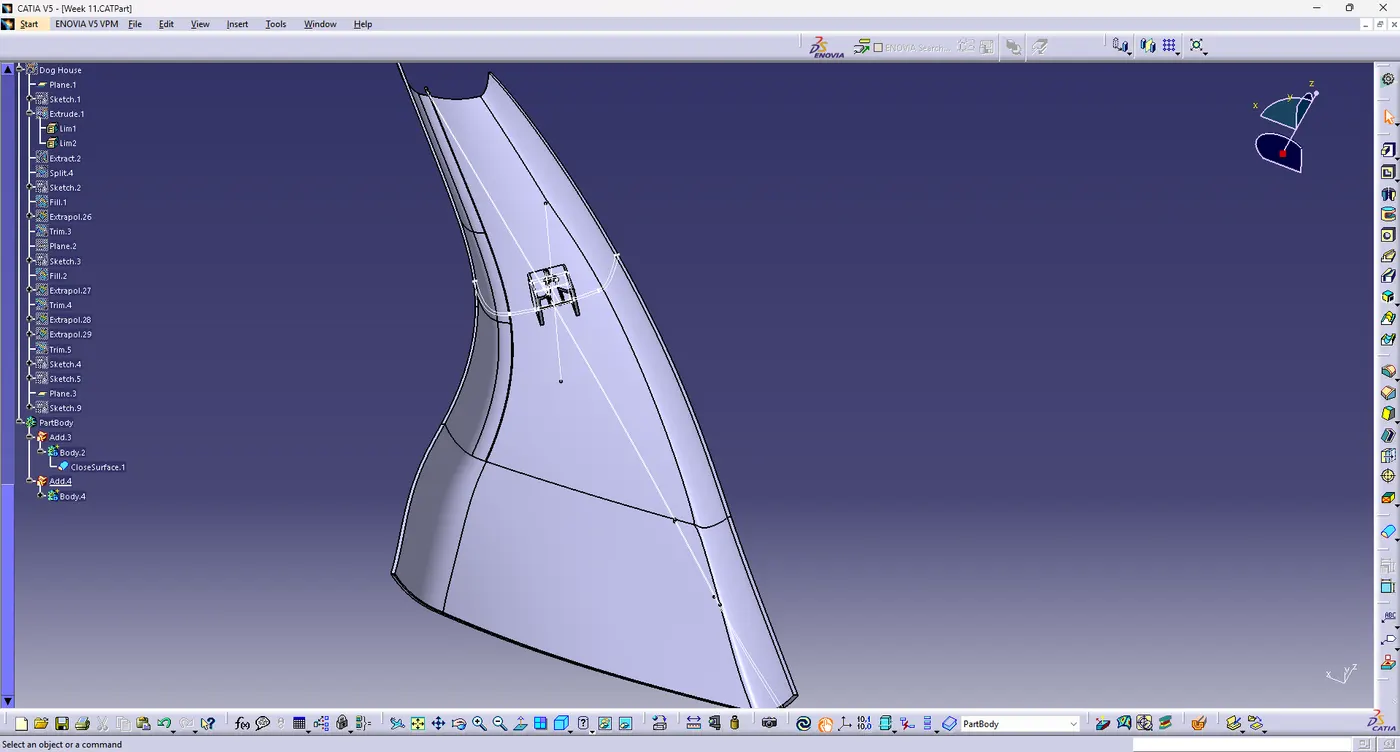
Conclusion:
The A Pillar design with provided master section with class A Surface is done successfully.
Created the tooling axis and perform the draft analysis for the class A and the final solid part.
Created dog house and perform draft analysis.