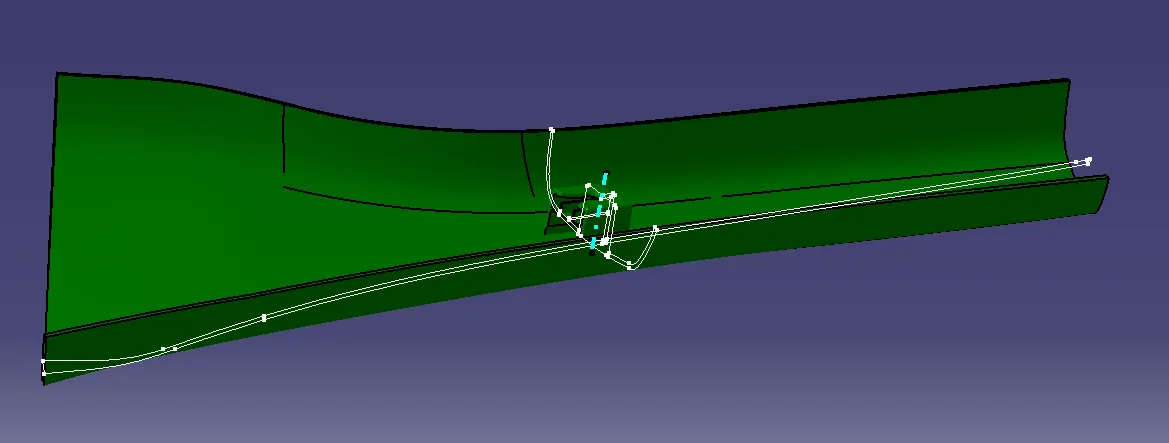
Week 11 - Project - A pillar Design with Master Section
Project - A pillar Design with Master Section
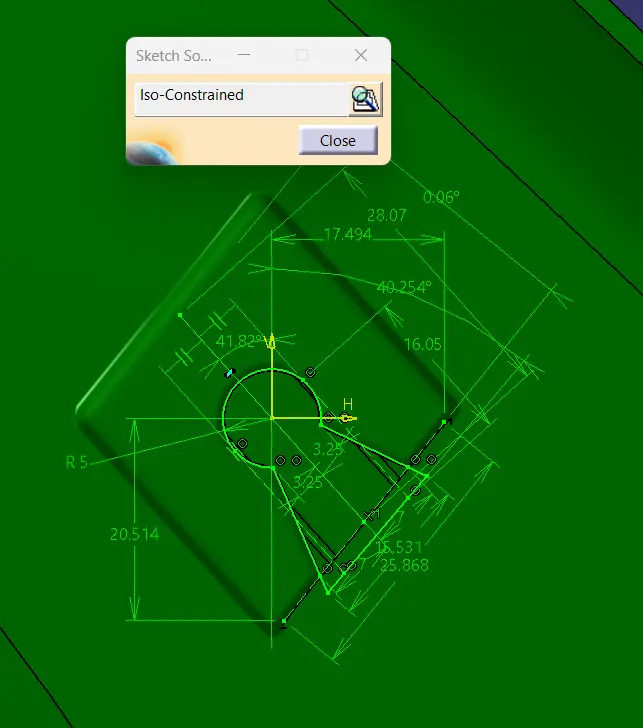
- Picture of the sketches with Sketch solving status’s geometry tab
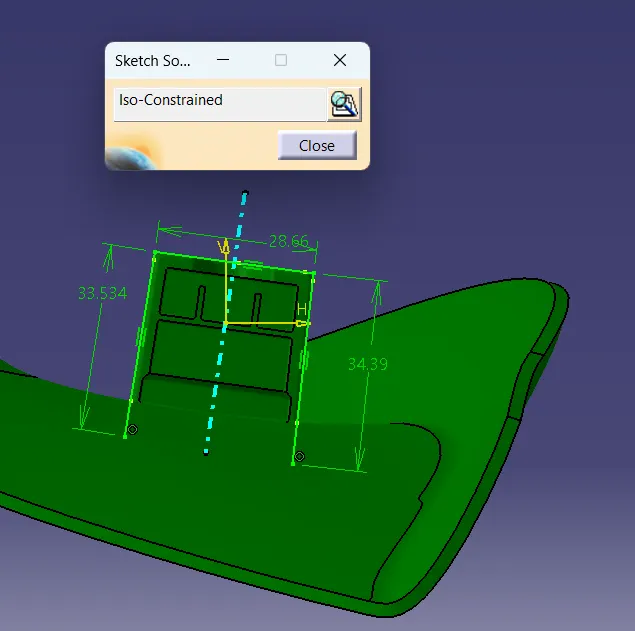
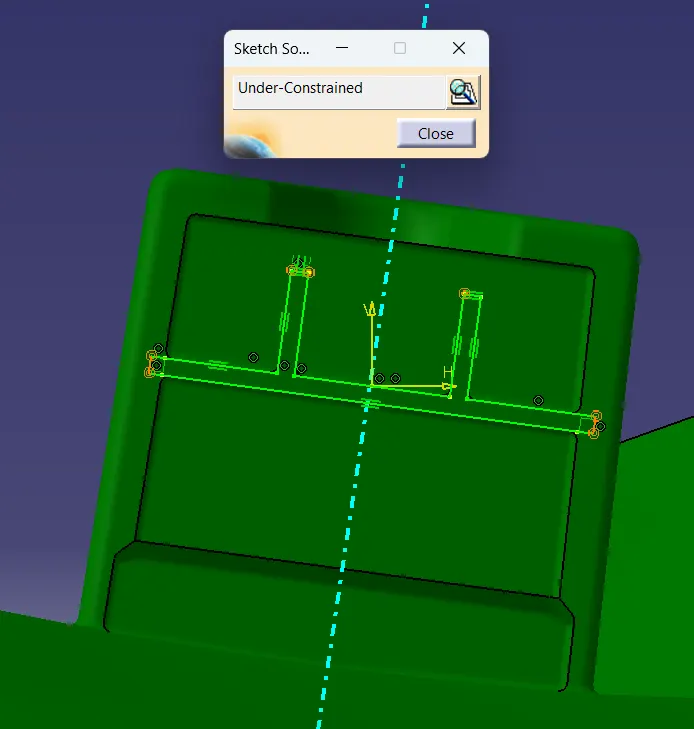
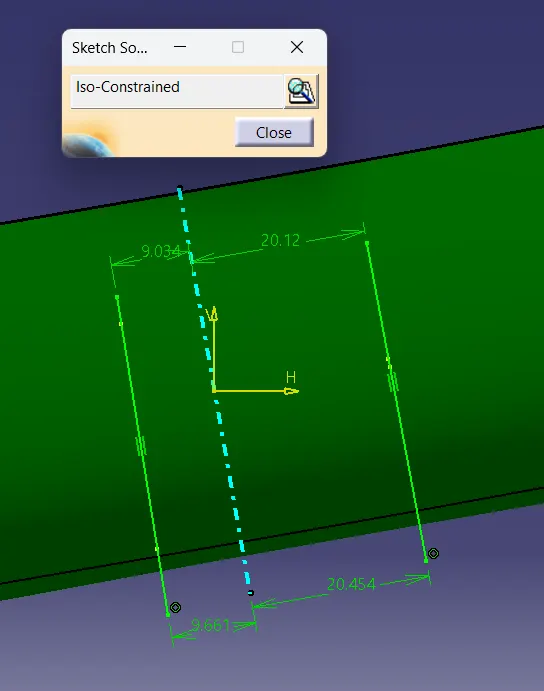
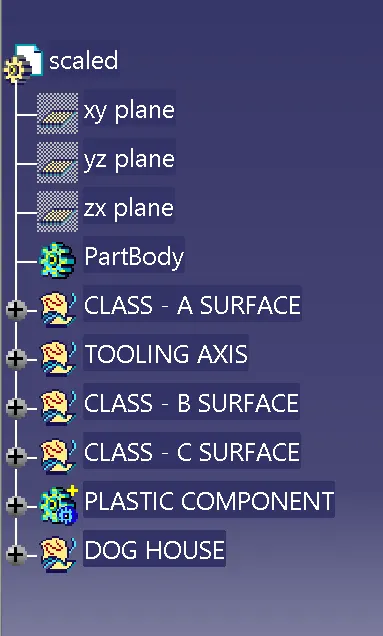
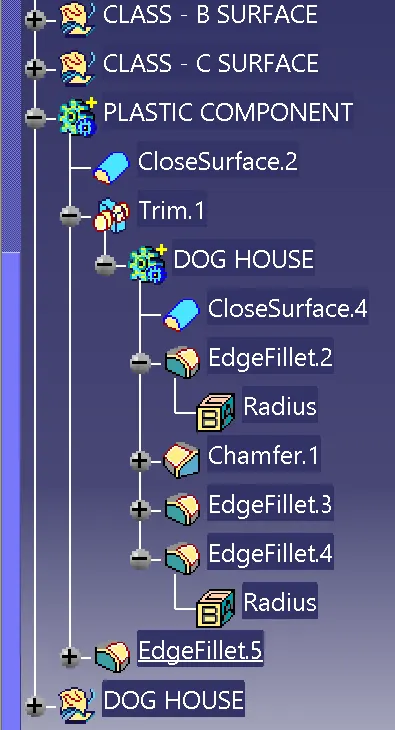
- Picture of the Detailed tree structure.
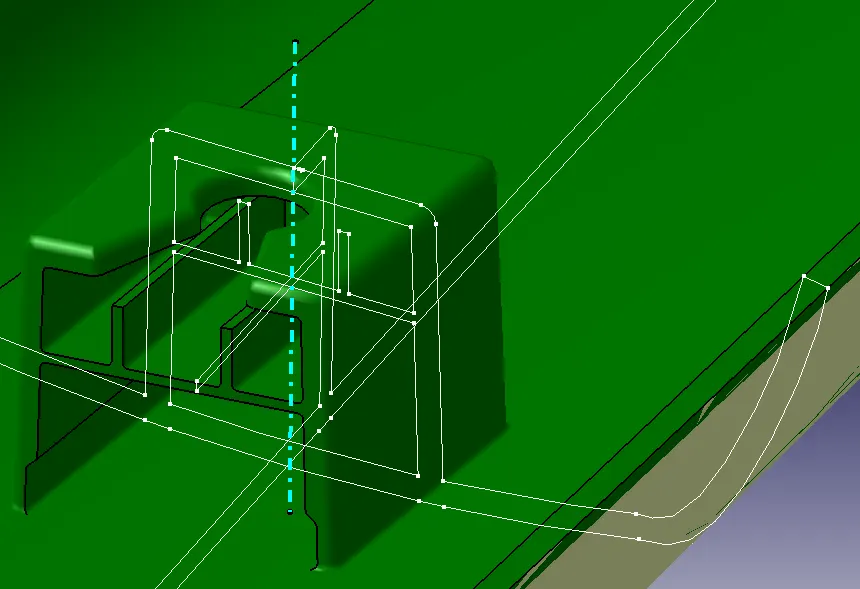
- Picture of the 3D CAD
- Create closed body
- Create a tooling axis and follow design rules.
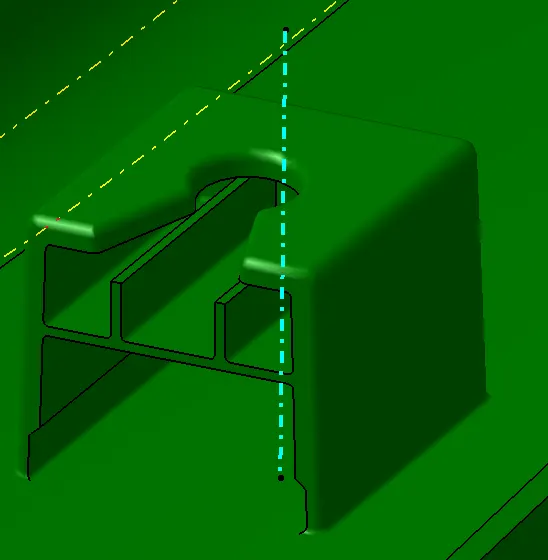
- Follow the Master section to create a flange
- Follow the master section for thickness and to create the Closed volume.
- Follow the master section to create Attachment features
- The thickness of the Plastic to be 2.5 mm