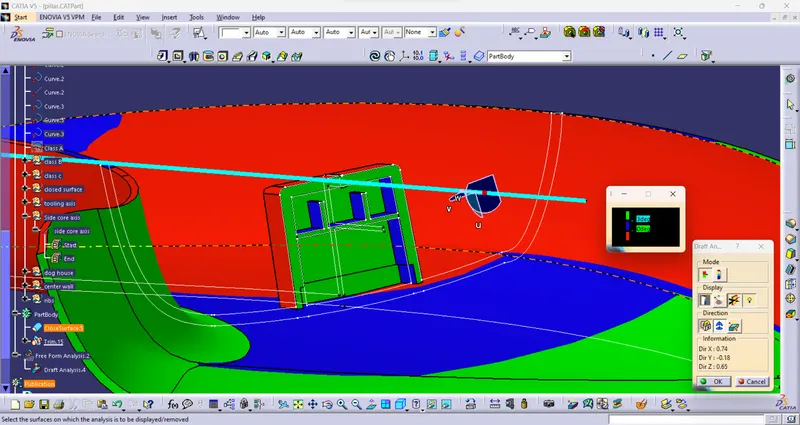
Week 11 - Project - A pillar Design with Master Section
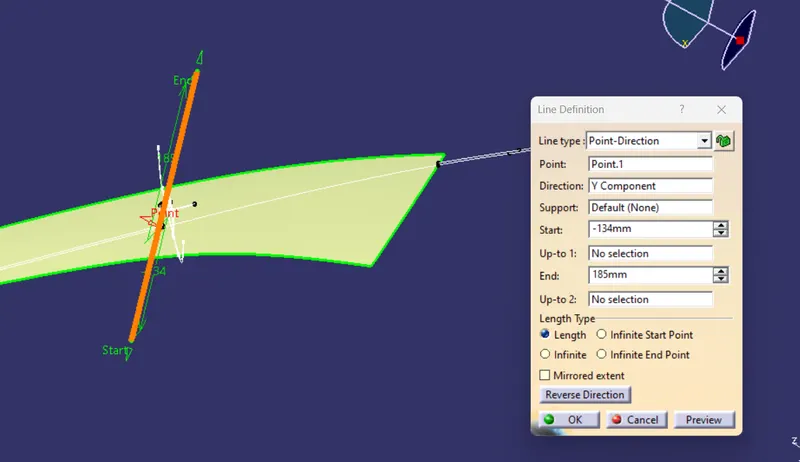
Tooling axis
- Extract any face from the class A and create a point
- Using that point create a line.
CLASS B SURFACE:
The thickness of the component as 2.5mm. Now we need to create a B surface which will be similar to the A surface at an offset value of 2.5mm. there are some discontinuities happened while offsetting the CLASS A surface so I repaired it to form a closed boundary by using the multiple extract, extrapolate, trim and fill surface commands and tools.
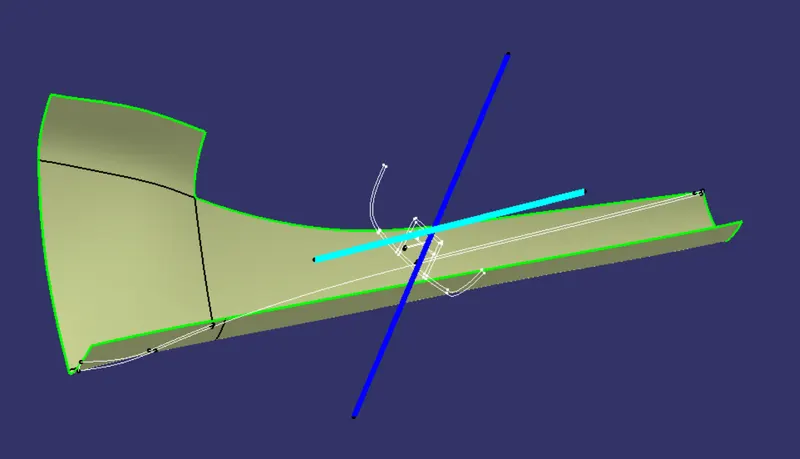
Create sweep for the patch
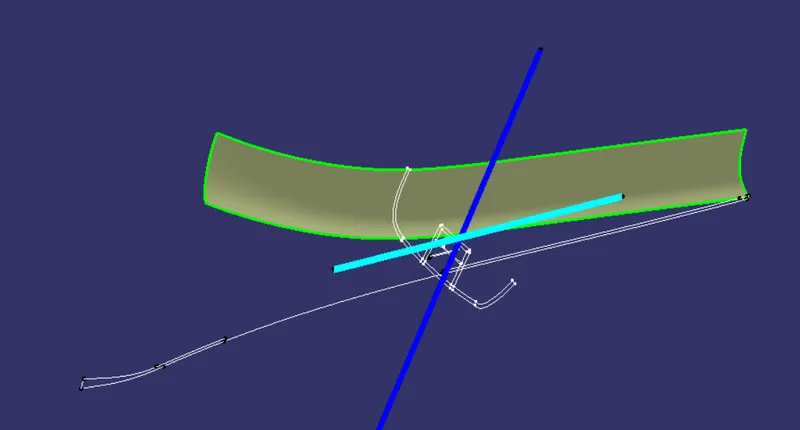
Join the sweep and offset with merging distance of 0.003mm
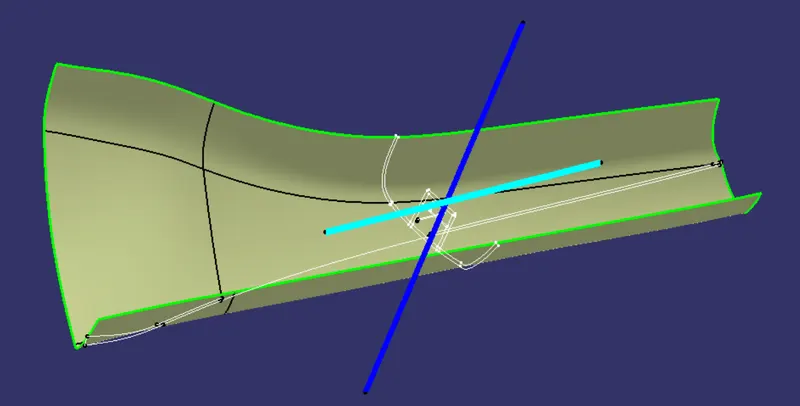
C SURFACE:
C surface is created with help of A-Surface by using the Sweep(with reference surface) and Boundary command separately, finally joined together to get the final C surface.
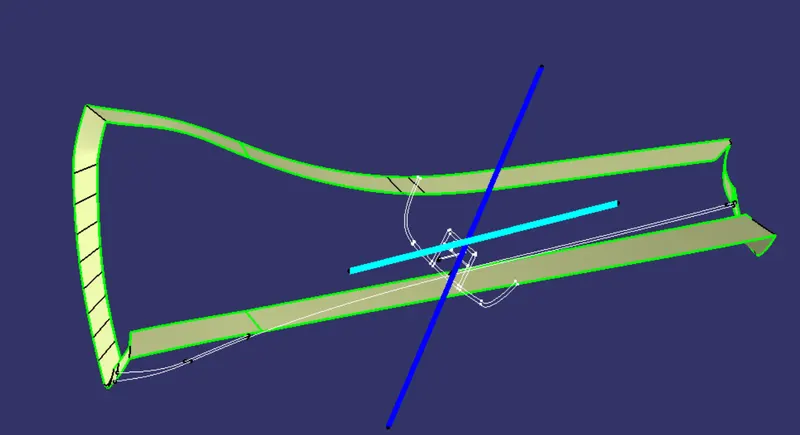
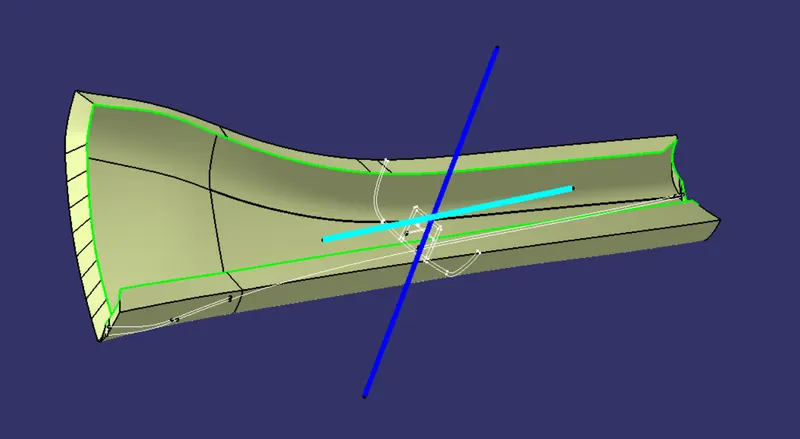
Closed surface
Trim the class C and Class B extrapolate if need.
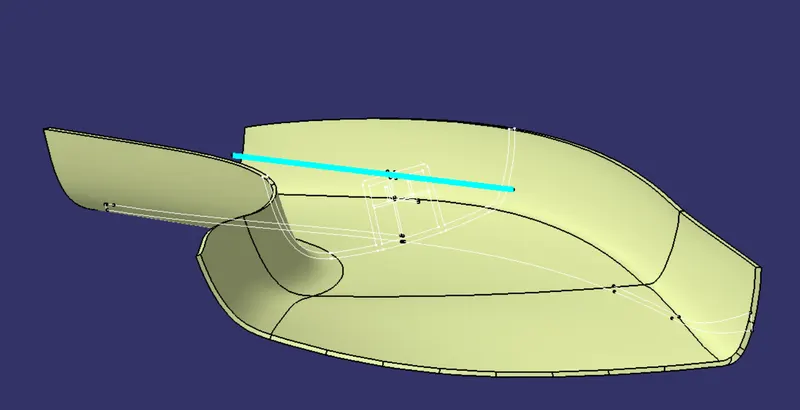
Start, mechanical design, part design and select closed surface
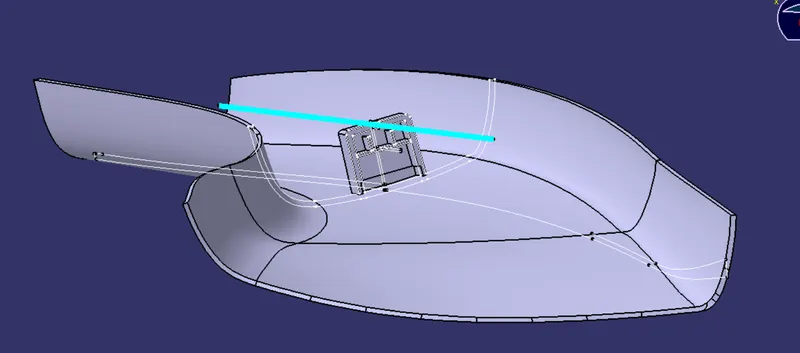
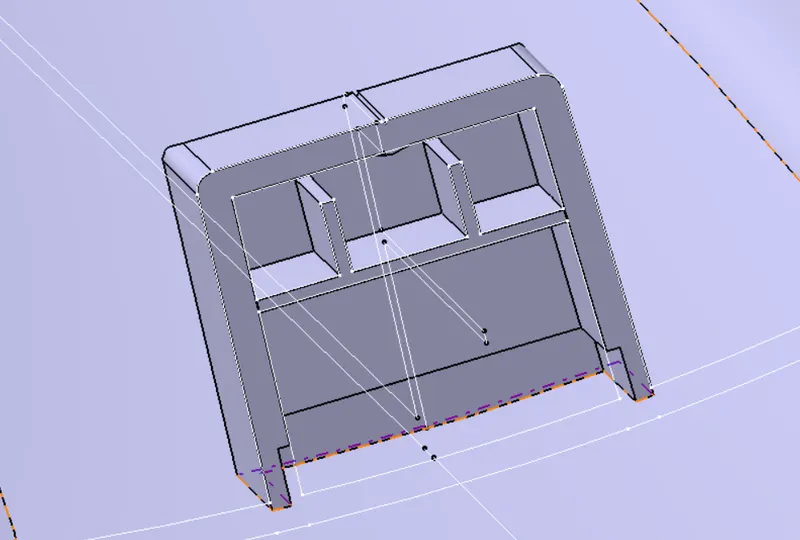
Dog house creation
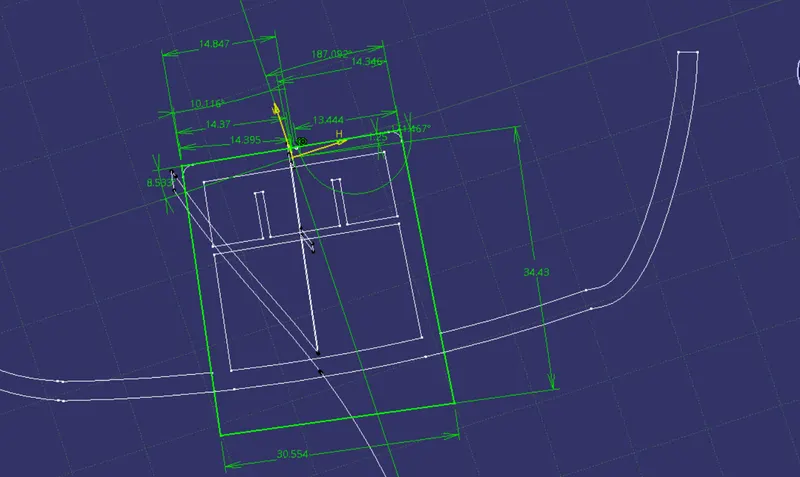
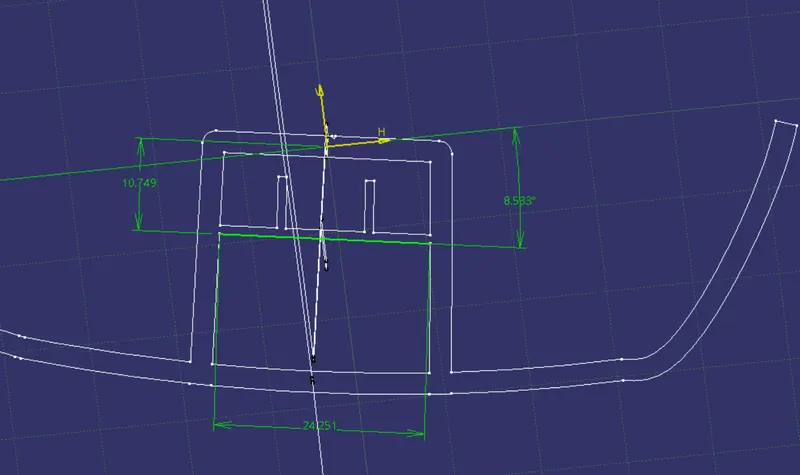
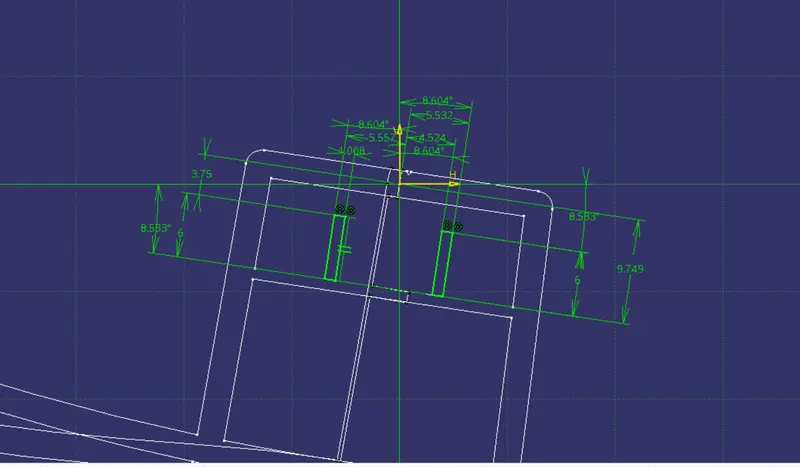
- Extract the lines from the master section and isolate them.
- using that line make a closed sketch and pad it .
- shell the pad to the thickness of 2.5
- draft to the angle of 0.5 deg
- give the required fillets
Draft analysis
Draft analysis using tooling axis
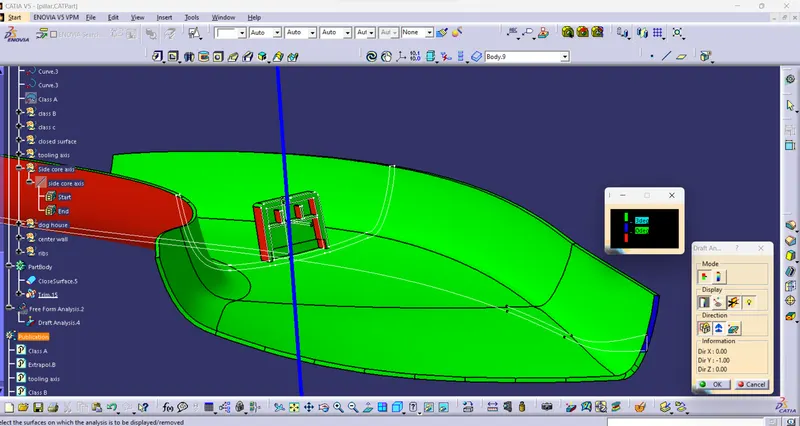
Draft analysis using side core for dog house