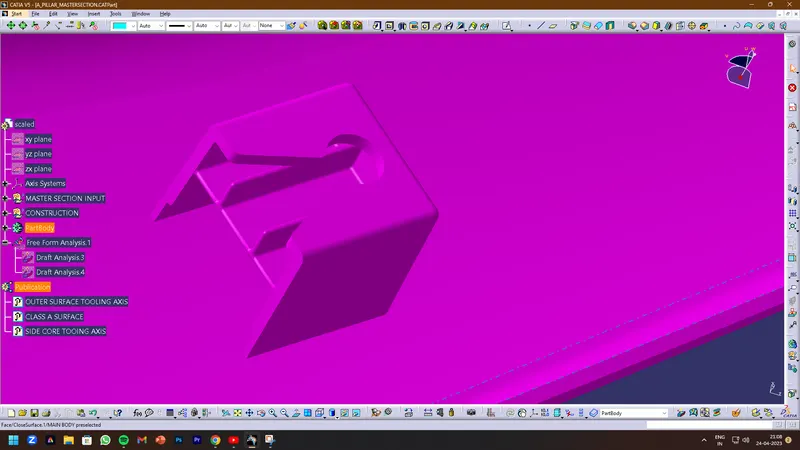
Week 11 - Project - A pillar Design with Master Section
AIM: To create A pillar Design with Master Section.
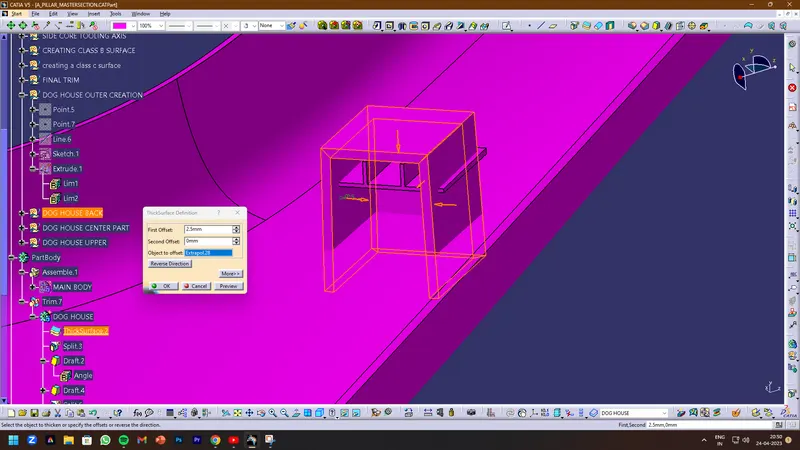
Taken the Thickness of the component to be 2.5 mm from the master section
PROCEDURE FOR DESIGNING A PILLAR COMPONENT :
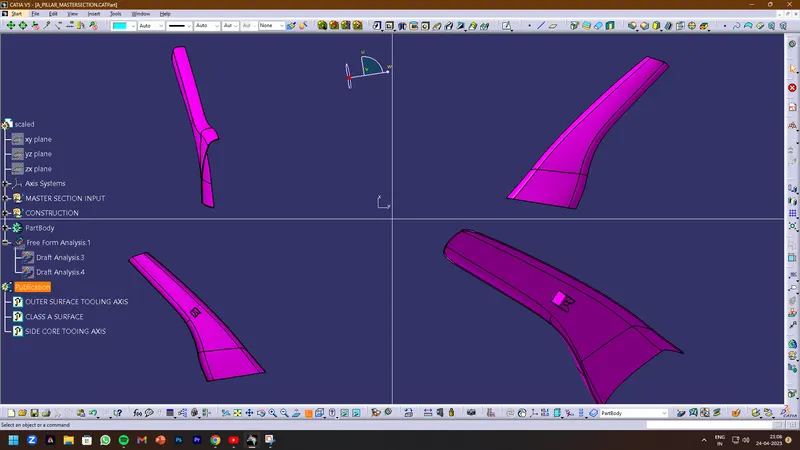
Class A surface: Class A surface is a Styling surface or aesthetic surface get it from the styling team. we will design the plastic component using the Class A surface as input.
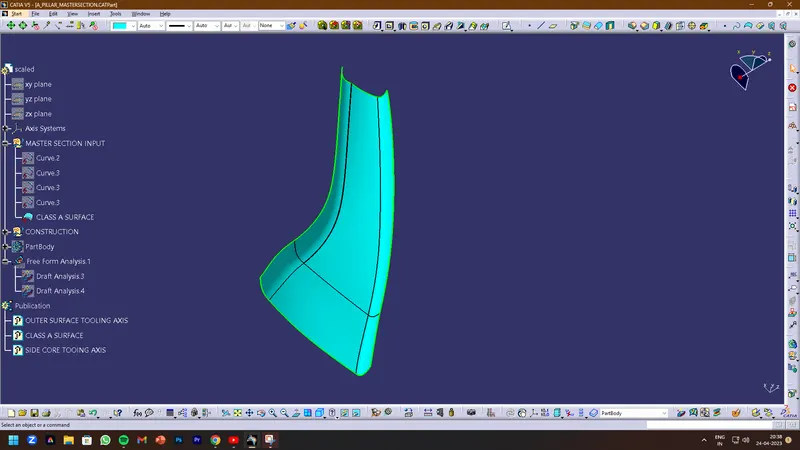
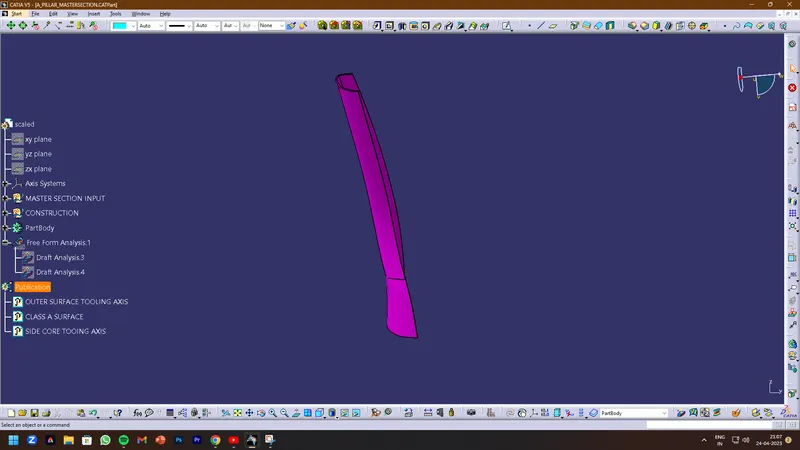
- Check all the views of the given class A surface that can help us to understand and get more understanding of the component.
Connectivity of the class A surfaces that there is no gap between the component, by using the joining command or boundary command we can check.
CREATING THE CLASS B SURFACE
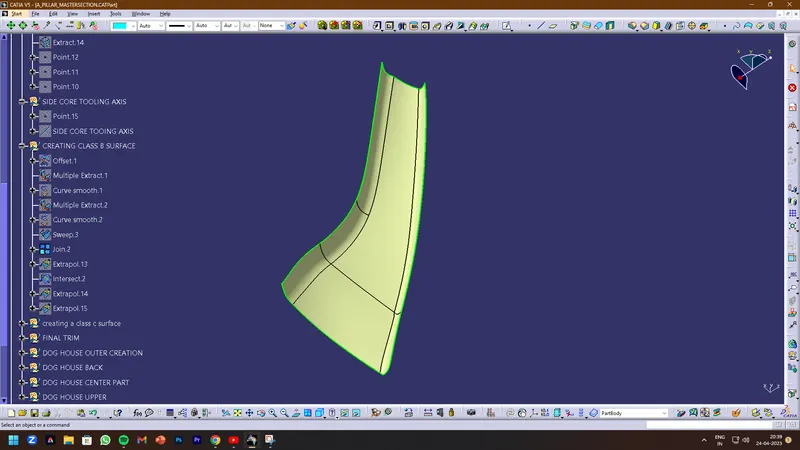
- Class B surface is to be creating the engineering features and offsetting the surface of class A. First, we will extract surfaces using the extract command and from the class A surface. And if there are any patches we have to make it a smooth surface and finally get the complete boundary.
CREATING THE CLASS C SURFACE
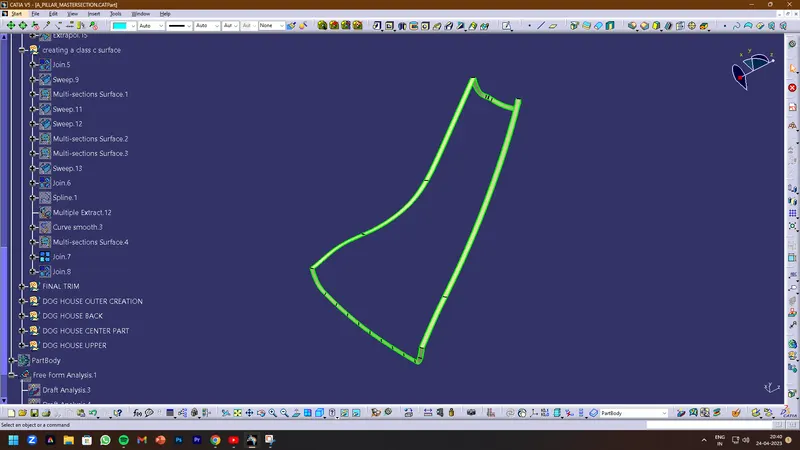
- Class C surface is connected the Class A and Class B, For the class C surface, we need to create the entire boundary of the component by using the boundary command.
- And also creating the best way for the tooling direction to manufacturing easily and effectively.
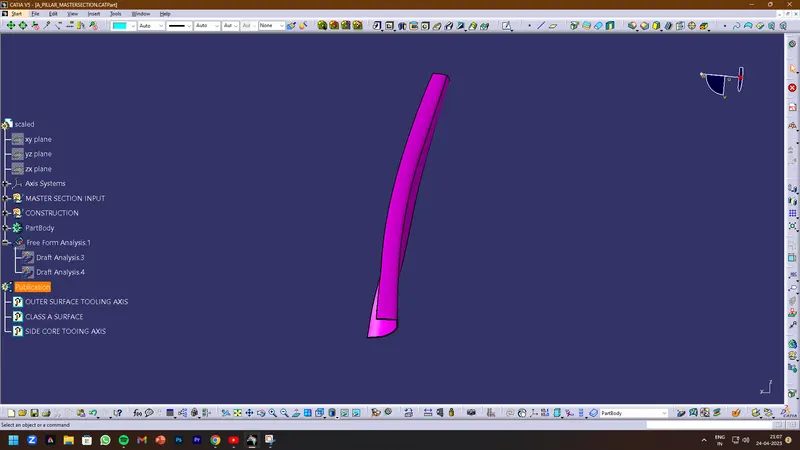
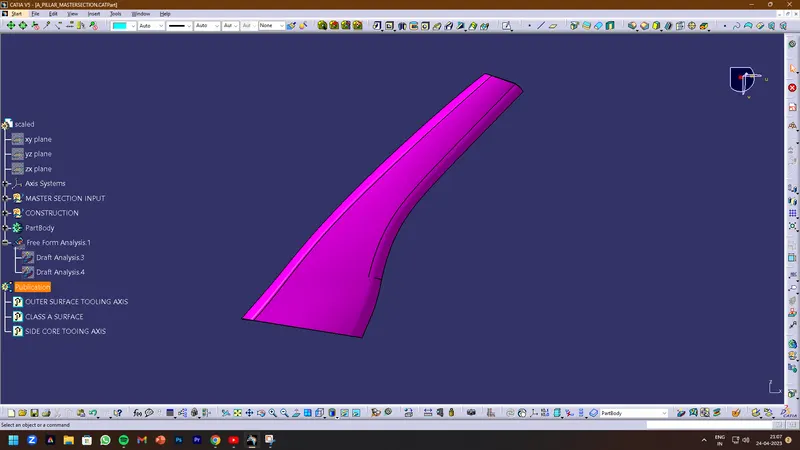
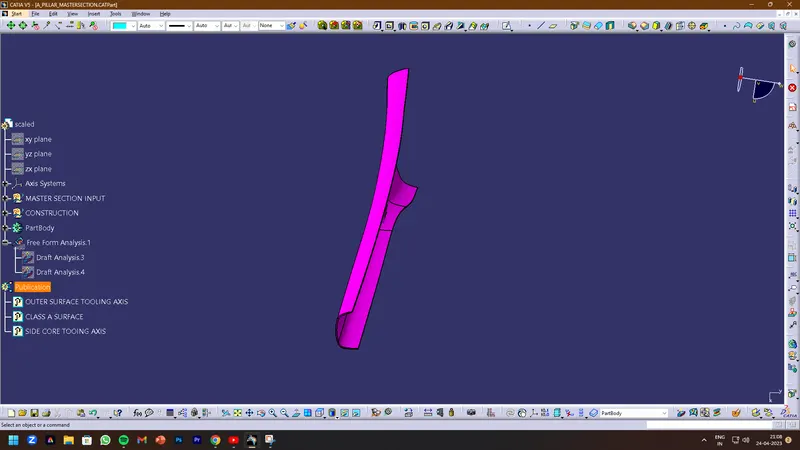
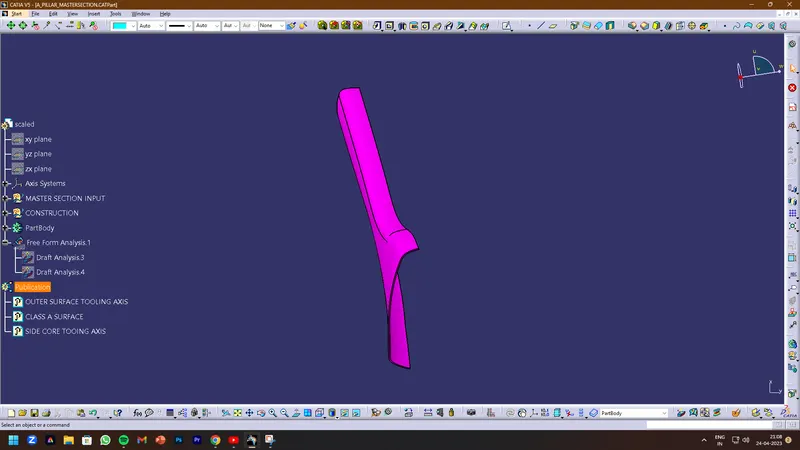
- By using the sweep command we can combine them and trim the surfaces so we can get the completed closed surface body and draft angle given as min 3 degrees.
- Before trimming the most important things join them all.
- After the body has to be closed by using the closed surface in part modeling.
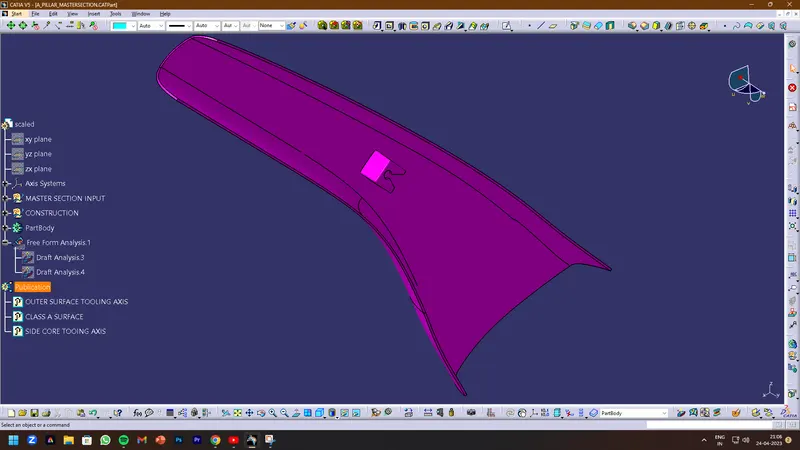
FINAL CLOSED BODY
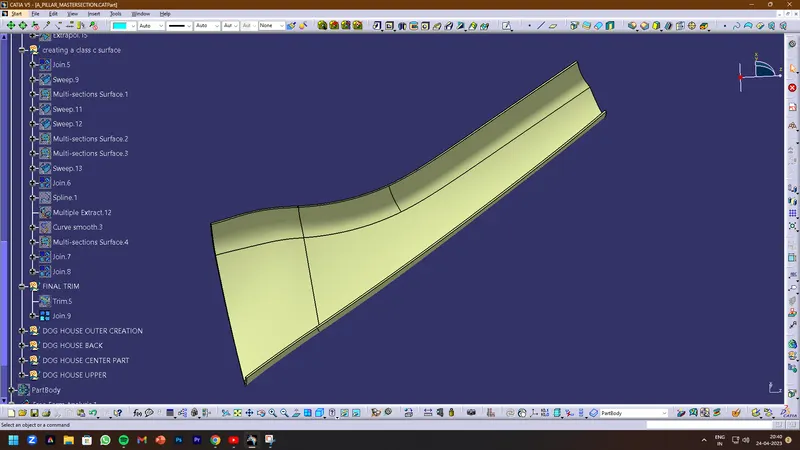
DESIGNING OF THE DOG HOUSE
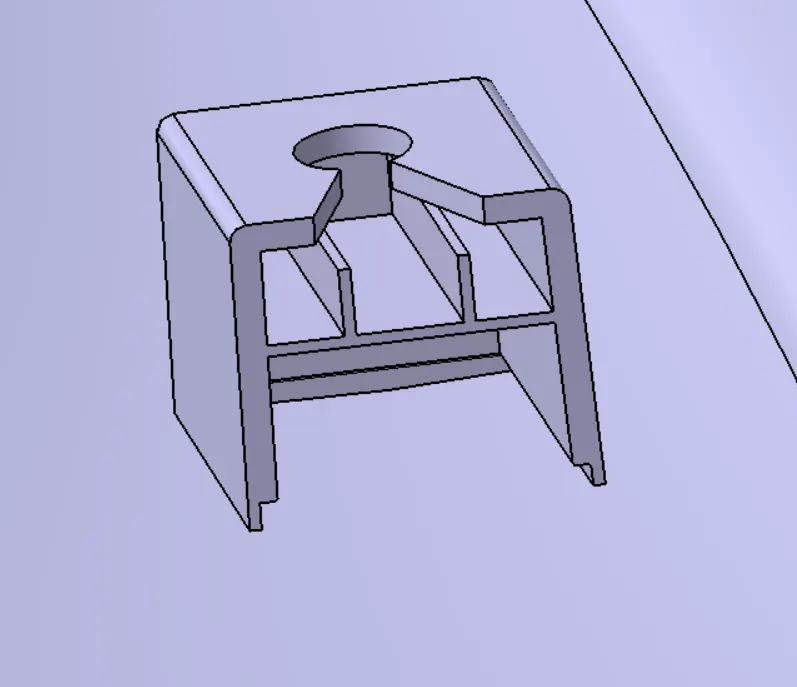
- The dog house is an engineering feature used in the plastic trim design. Dog houses are used as supporting features. Sometimes other engineering features like snaps; locators, etc. are mounded on them to increase their strength. The dog house is mostly used in automotive plastic and its main purpose is to help to avoid sink marks and save of wall thickness
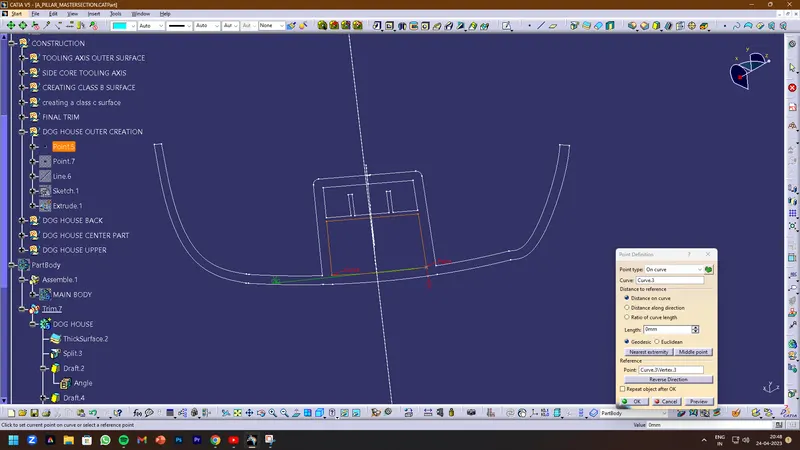
- PICK THE POINT
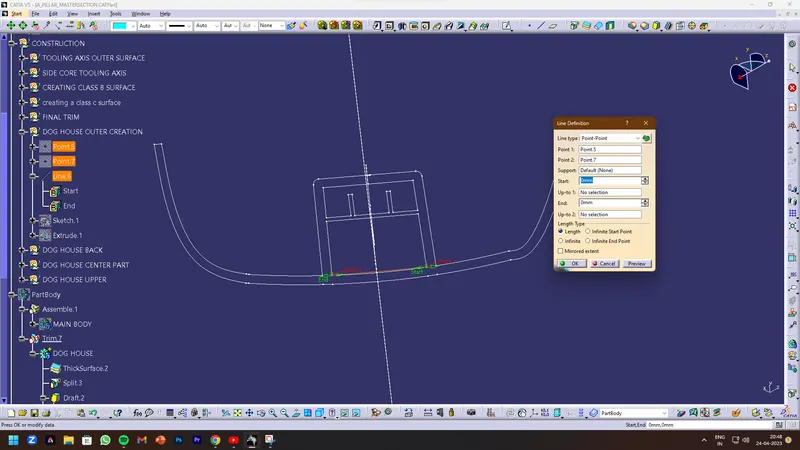
- CREATE A LINE
- MAKE THE SKTCH WITH THE HELP OF THE MASTER SECTION
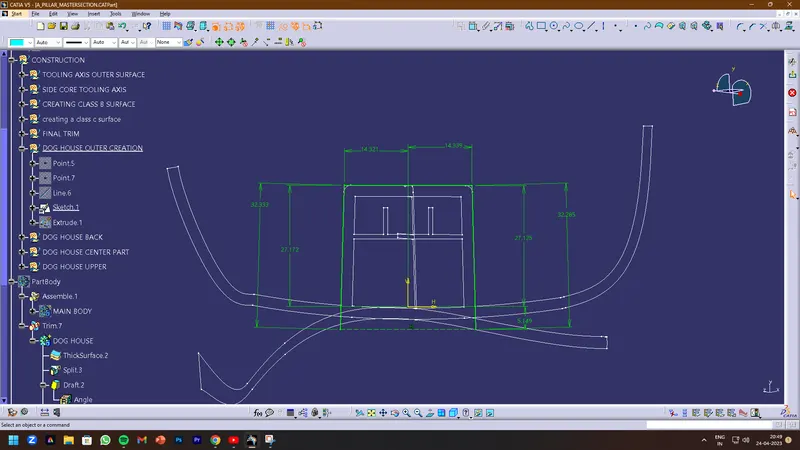
- EXTRUDE THE SKTCH
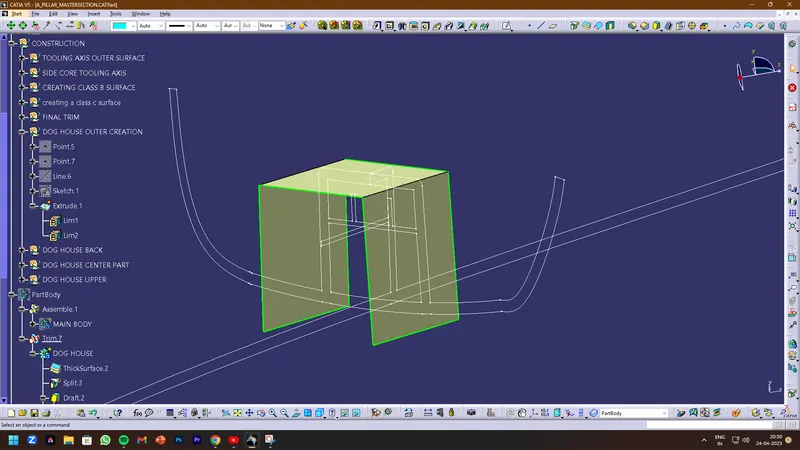
- APPLY THICKEN COMMAND 2.5 INSIDE BECAUSE I CREATE THE OUTSIDE SURFACE
- GIVEN THE DRAFT 1.5 DEGREE
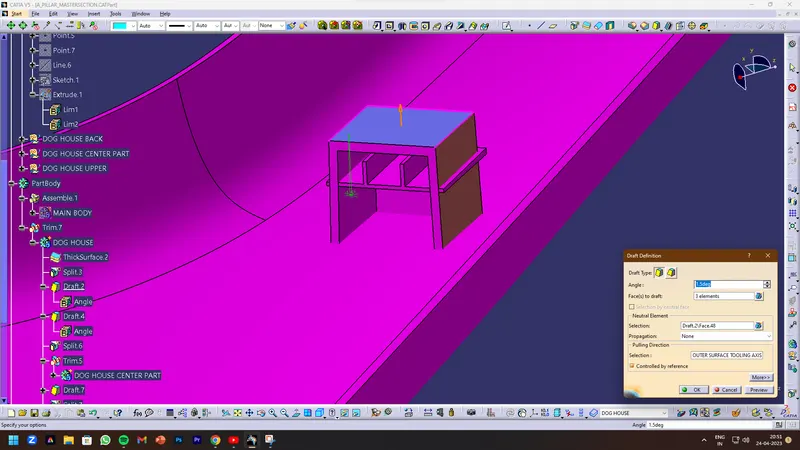
- SPLIT RHE CORING SECTION
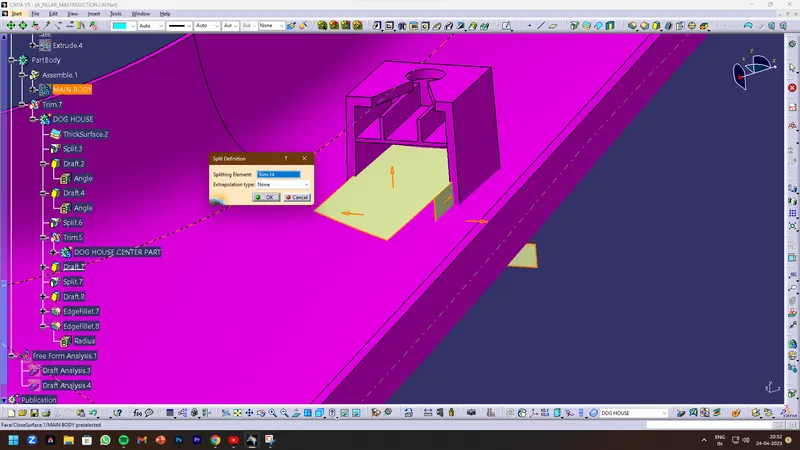
CREATE THE CENTER OF THE DOG HOUSE RIB SECTION
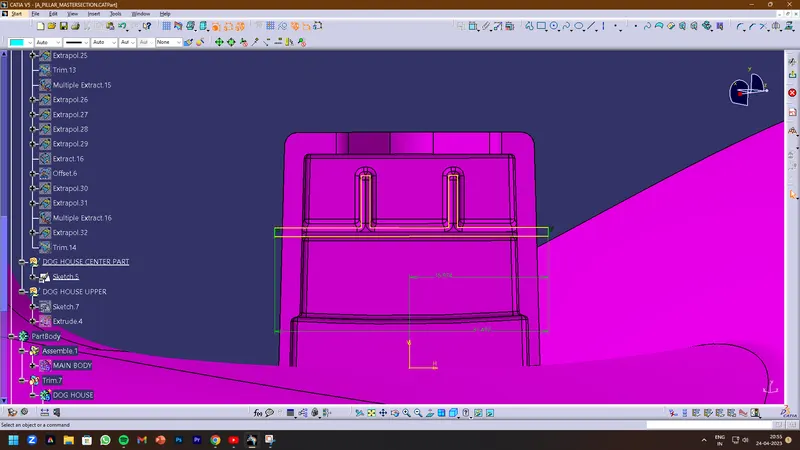
PAD THE CENTER SKETCH
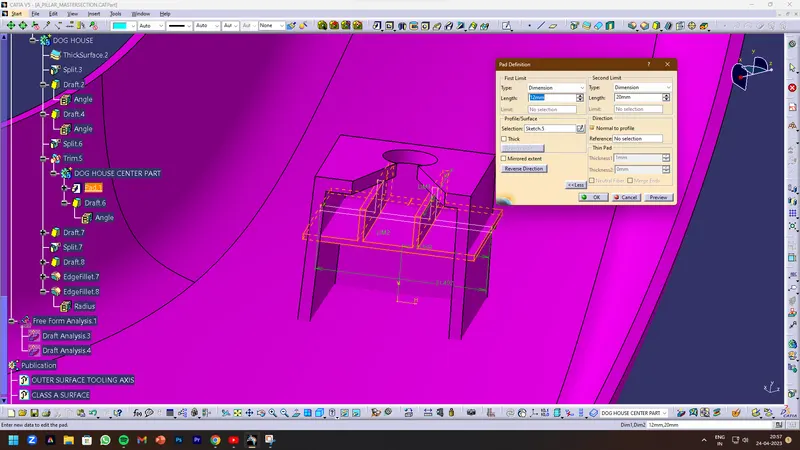
APPLY THE DRAFT 0.5 DEGREE
APPLY THE FILLETS
AT LAST, APPLY THE UNION TRIN AND JOIN IT
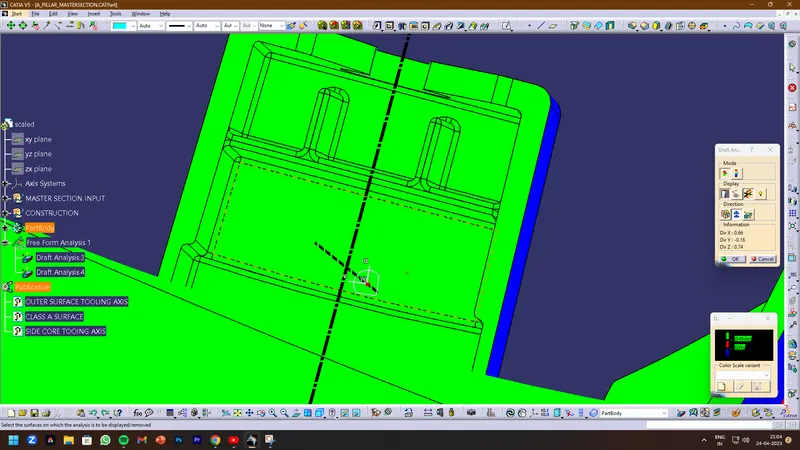
APPLY DRAFT ANALYSIS
OUTER-SIDE DRAFT ANALYSIS
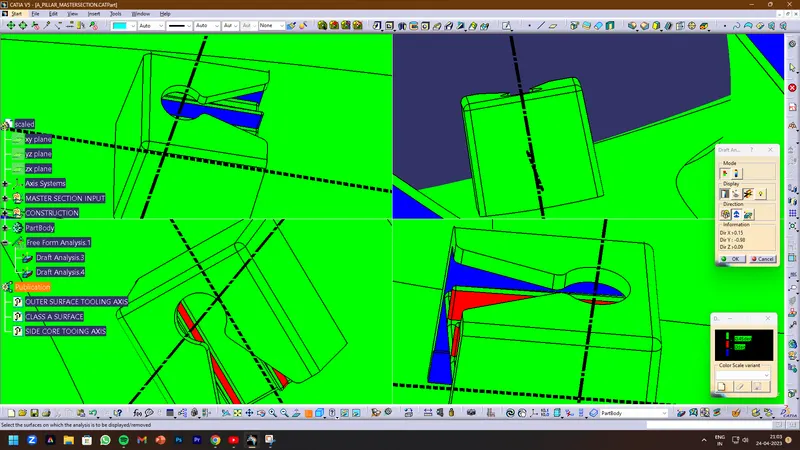
INNER-SIDE DRAFT ANALYSIS