Week 11 - Final project
AIM
To create a door interior part from the input of class A surface along with master section by following the design rules followed in tier 1 and OEM industries in CATIA V5.
OBJECTIVES
- Create a sketch by using positioned sketch.
- All the should be sketched should be also-constrained.
- Ensured proper tree structure.
- Create thickned part using master section for reference.
DRAFT ANLAYSIS
Draft analysis in catia is a command that is used to detect if the part you draft will be casily removed from the mold.It is perfromed based on color rangers identifying zones on the analyzed element.
PROCEDURE
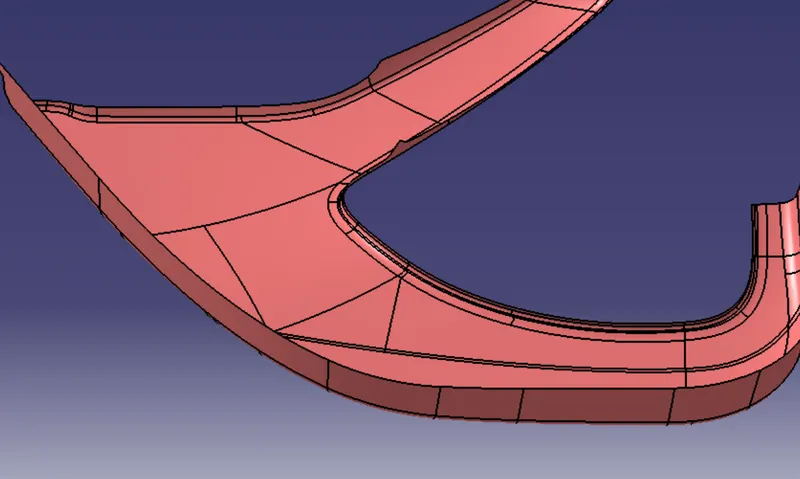
- Check all the boundary whether it has connected or not.
- Check the model visually and chosse the best tooling direction which should be easy for draft .
- After analyring the above model the best tooling axis direction.
- Creat a point on centre of gravity of part by using measure inertia command and insert a axis system on the point.
- creat a point-direction line parallel to the Y axis and name as tooling axis.
PROCEDURE
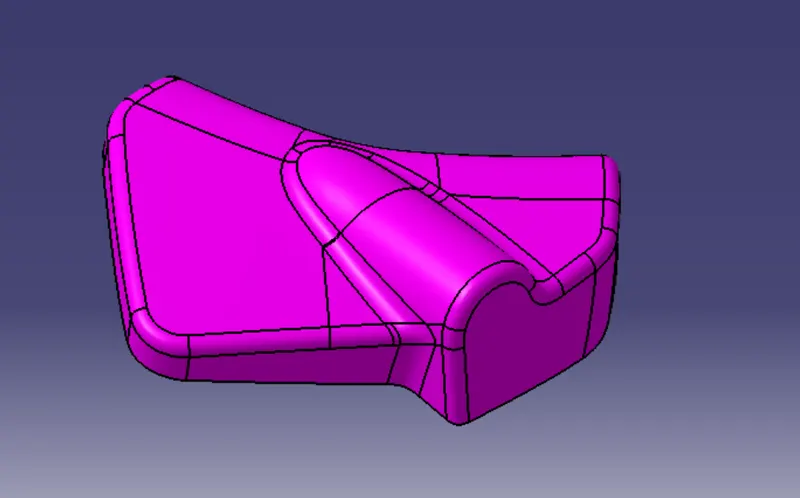
- Check all the boundary whether it has connected or not.
- Check the model visually & choose the best tooling direction which should be easy for draft.
- After analyzing the above model,we have to create tooling axis on Y.
- Create a point 1 and insert a axis system on the point 1 as shown below.
- Create a intersection on XY plane for the given surface.
- Add bisecting line as shown below by the reference of two lines created above and named as TOOLING FACING X DRIECTION.
- Add bisecting line by the reference of tooling facing x direction and tooling facing y direction and named as tooling axis.
PROCEDURE
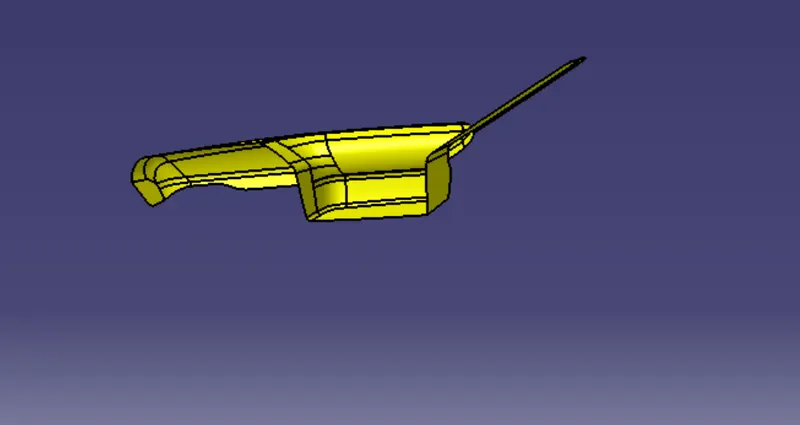
- Check all the boundary whether it has connected or not.
- Check the model visually & choose the best tooling direction which should be easy for draft.
- After analyzing the above model, there is an chance for undercut when we consider tooling axis from z.so we have to create tooling axis on x,y and also z.
- Create a point and insert a axis system on the point 1 as shown below.
- Create a intersection on ZX plane for the given surface.