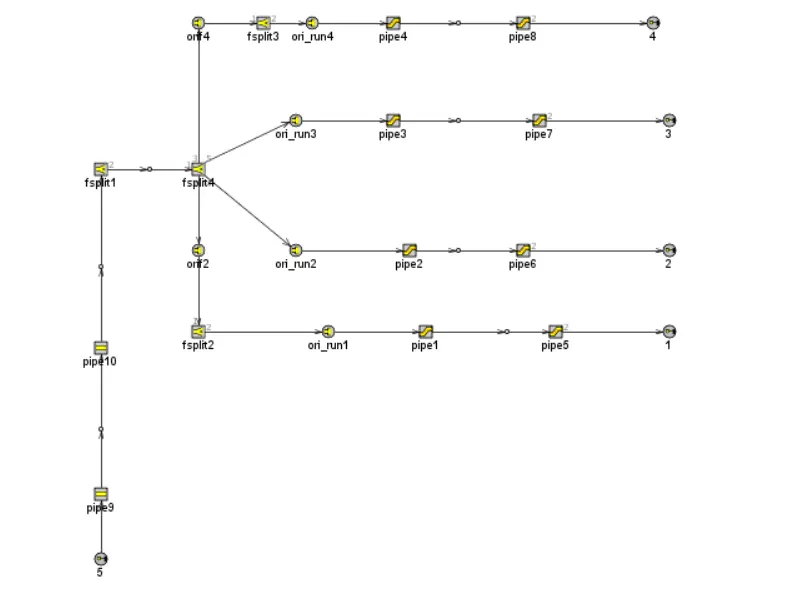
Week-11 : Discretization of 3D intake manifold using GEM-3D
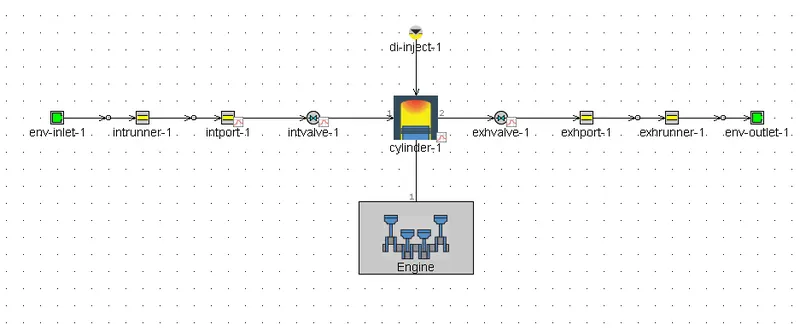
Aim: Explore the single-cylinder DI with discretization case 2 length 0.1mm for intake runner and compare it with default case 1.
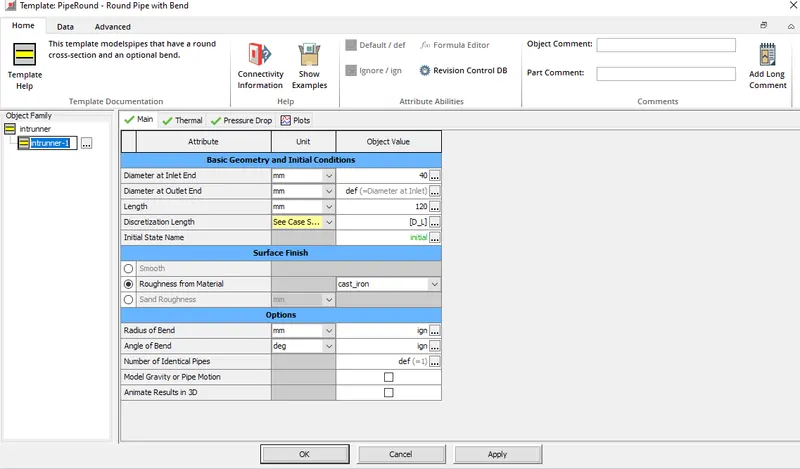
Parameters : Adding discretization length as a paramters
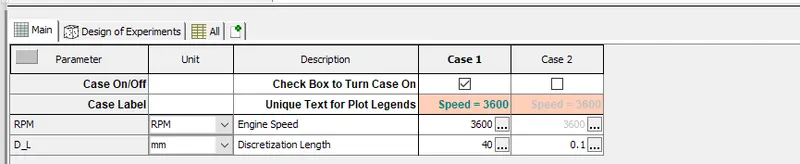
Cases :
Results :
Time :
Case 1 Case 2
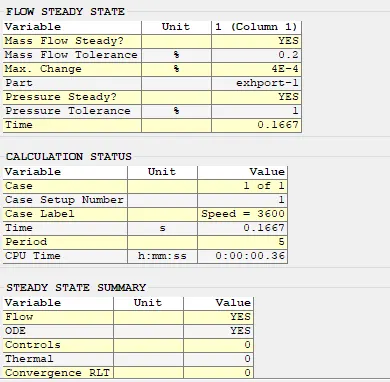
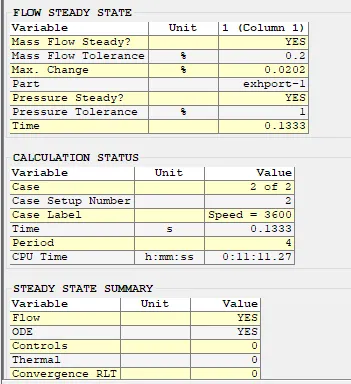
As it can be seen from the above table with smaller discretization length, CPU time increases. Case 2 took more time than case 1.
Engine Performance :
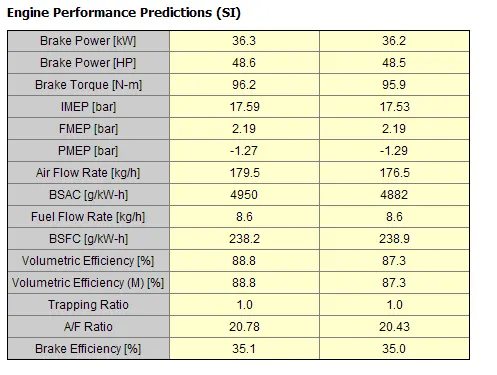
Slight variation is observed in bsfc, torque.
Pressure
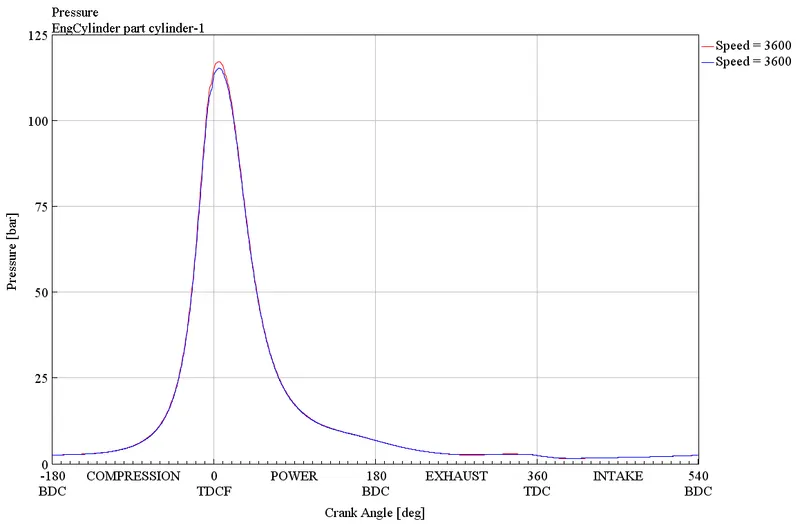
No significant difference is observed with respect to in-cylinder pressure.
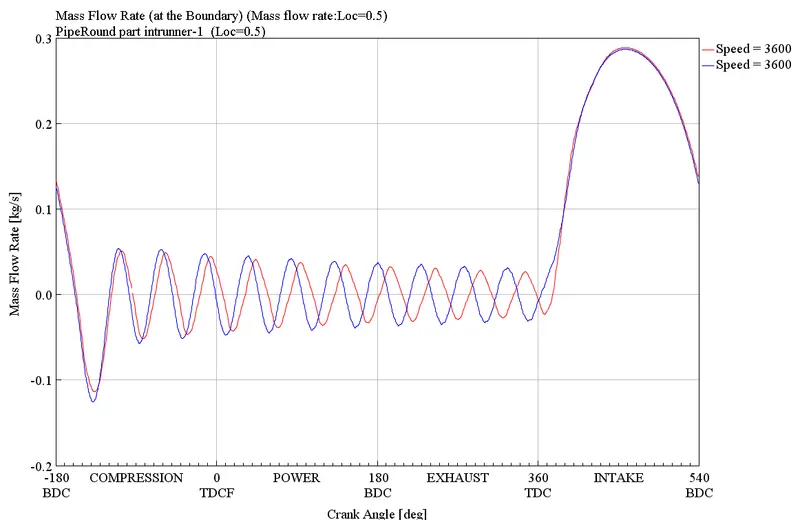
Mass Flowrate :
Exploring tutorial 2 - Building intake manifold from STL Model
Importing the 3d files from the example section
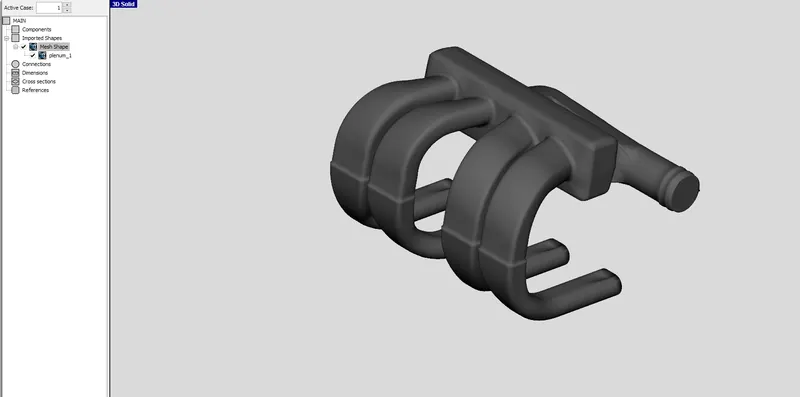
Step 1 :
As it can be seen from the above mesh file, the inlet and outlet are both closed and those have to be removed in order to facilitate the flow.
The whole component is now separated and the inlet and outlet are clearly visible
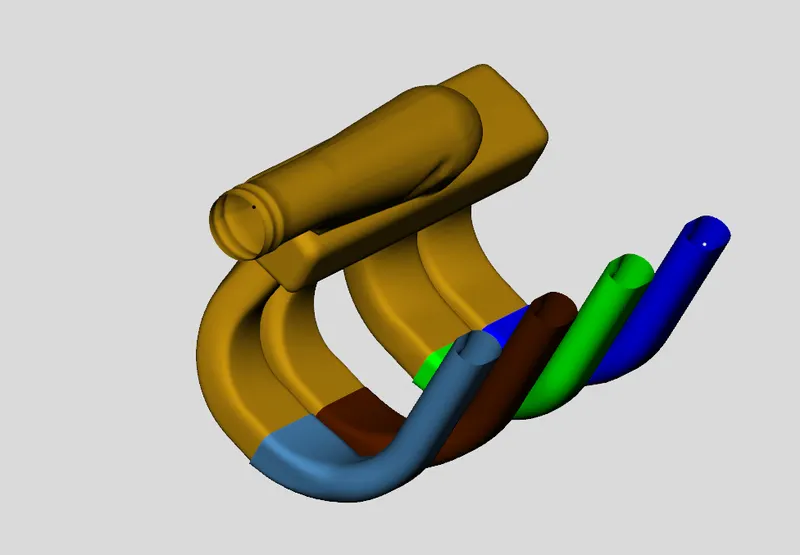
Step 2: Using 3 point cutting tool
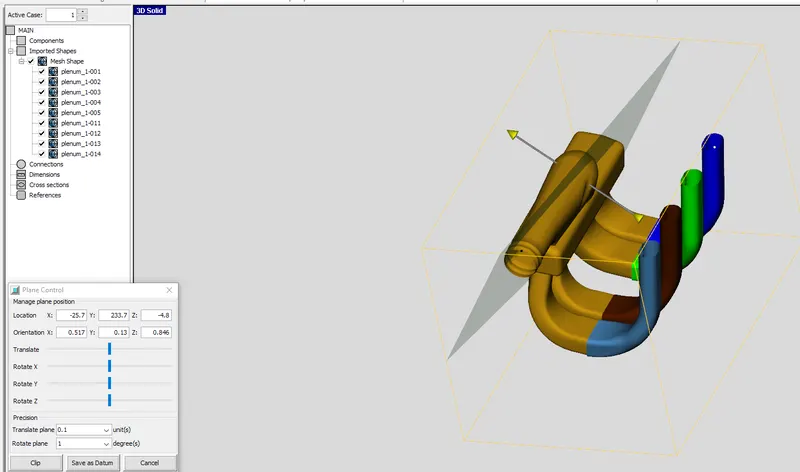
Step 3: Convert the shape to the component
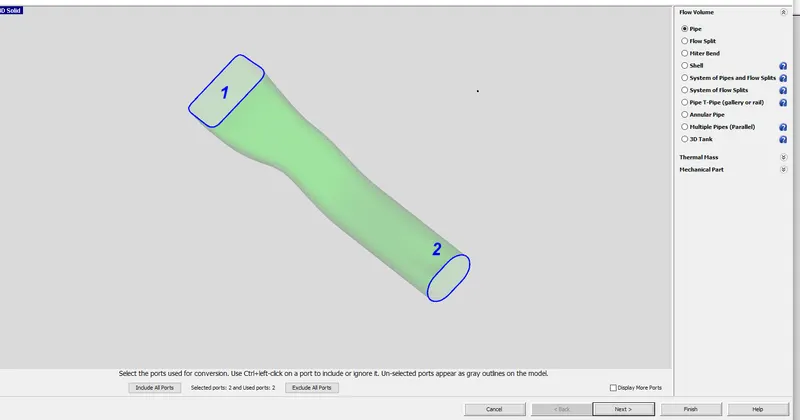
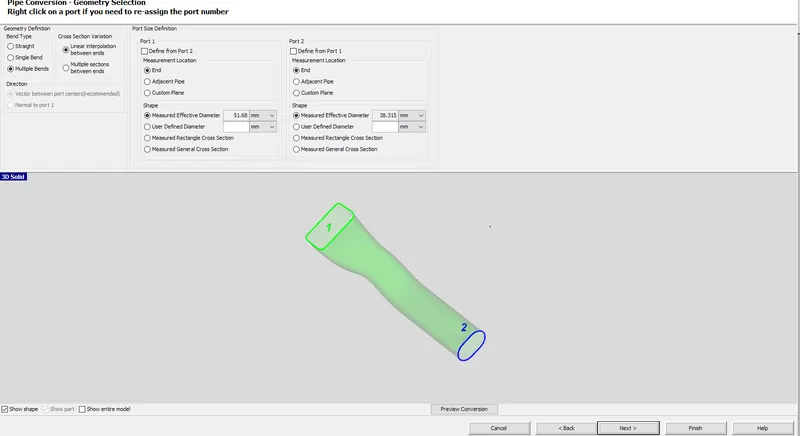
Step 4: Adding custom connection
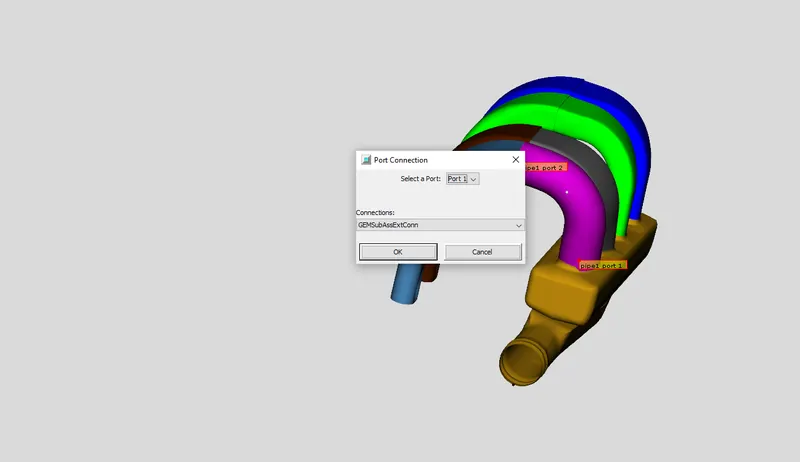
under connections, we have to select orifice.
Step 4: Adding custom connection - external assembly
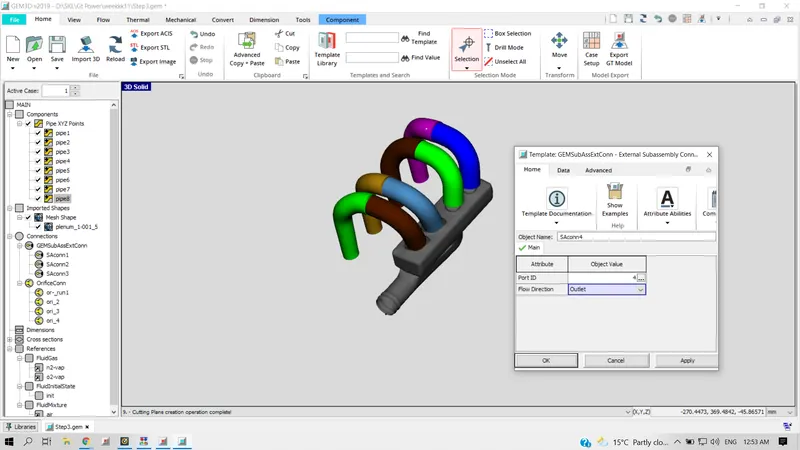
Step 5: Divide pipe sections with areas
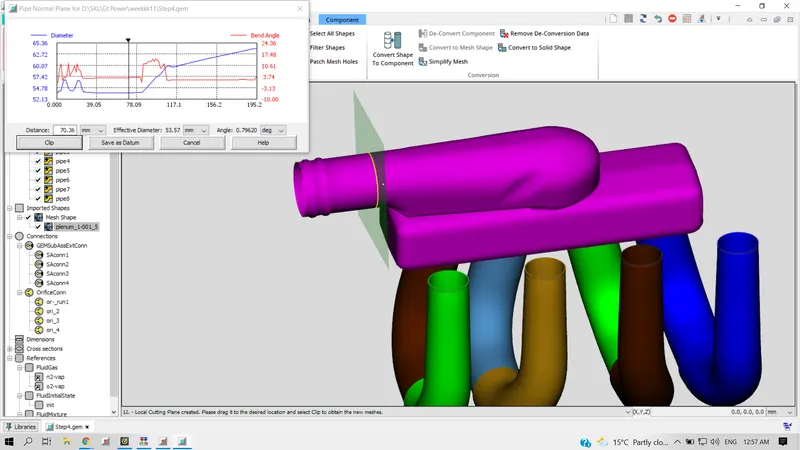
Now that the runners are converted to pipe. Let's move to the plenum and divide the area using principal lane cutting option
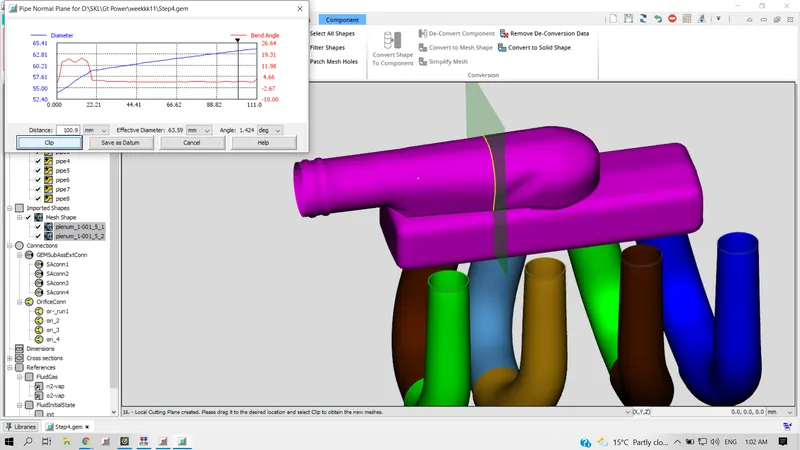
Step 6 : Converting the above assembly to flow split
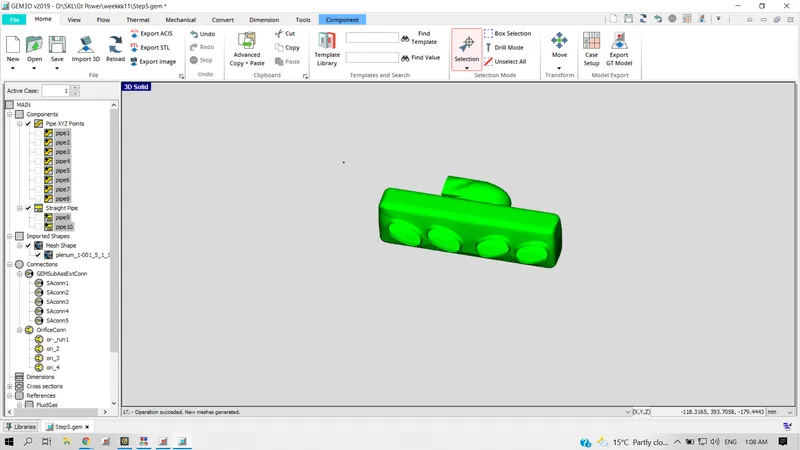
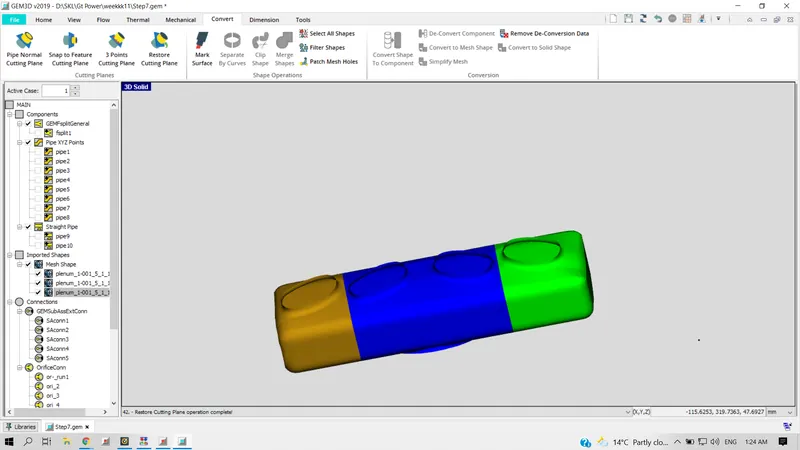
Cutting the plenum
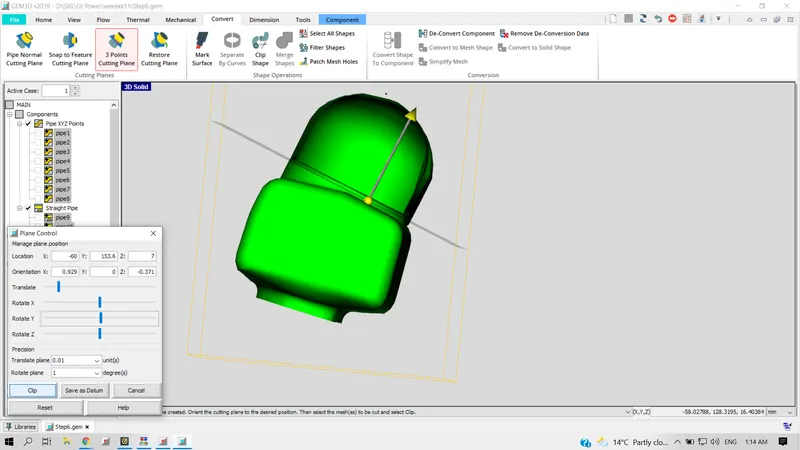
Converting plenum portion to flow split and hiding to view the plenum
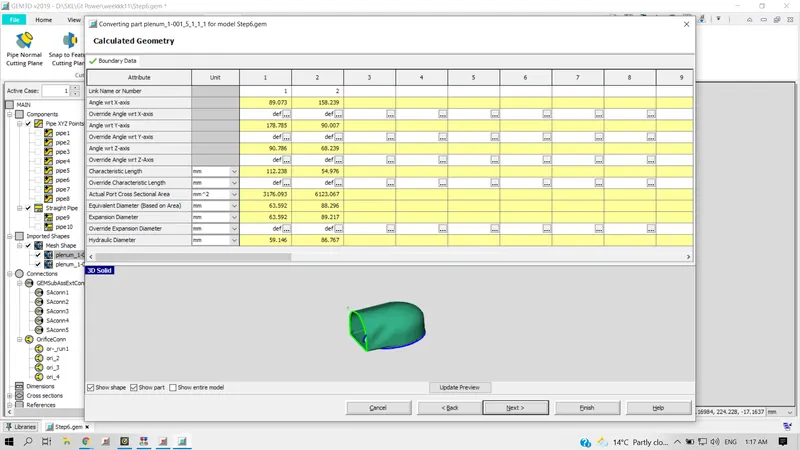
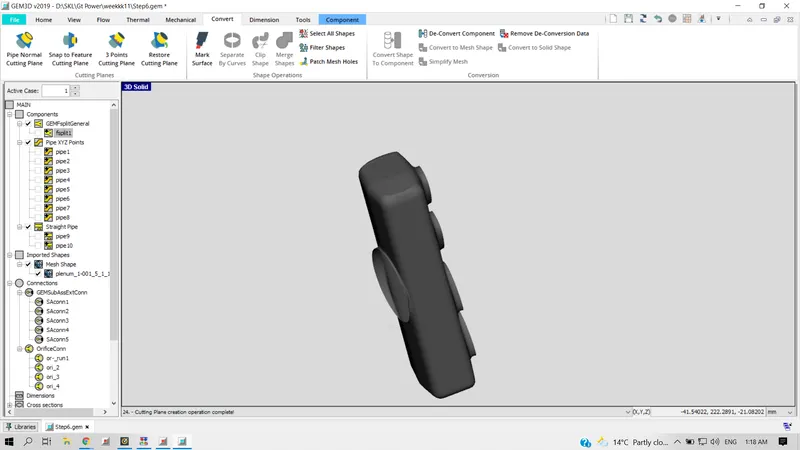
Dividing the plenum w.r.t individual opening runners and converting it to flowsplit
Final flow split assembly and gaps between the connection has to be closed using connection feature before descritizing the assembly
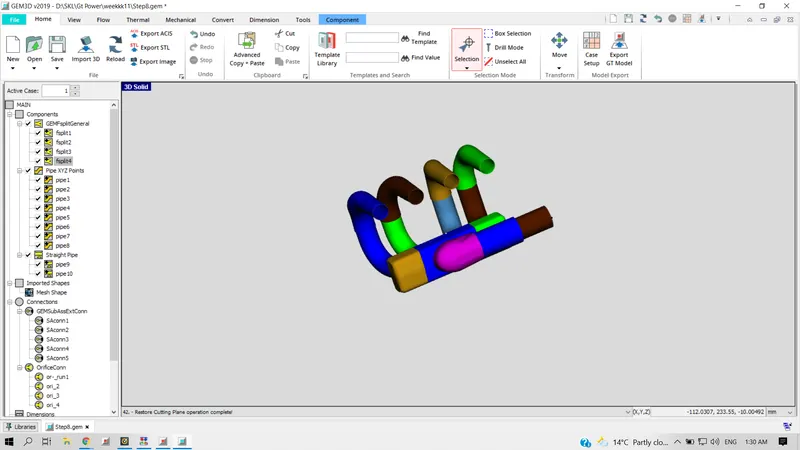
Step 7 : Discretizing the whole assembly from 3D to 1 D