Week 11- Assembly Workbench
Model Drawing 1
- create all the drawings and save them in one file
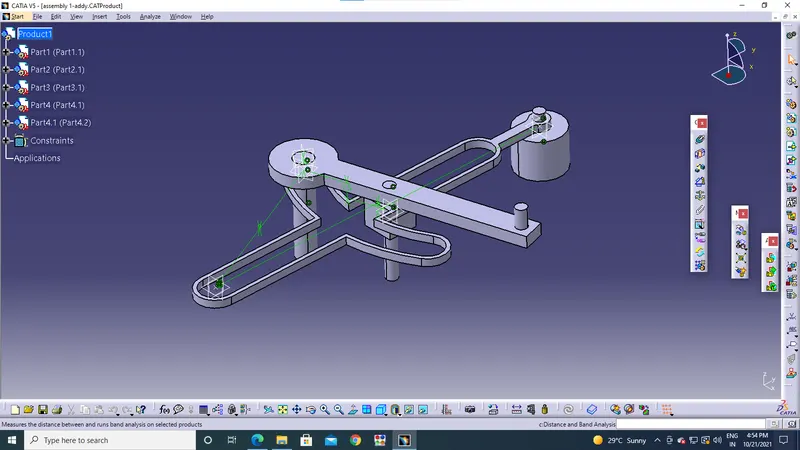
- after making all the part designs and saving them into one file open a new assembly design file and open the existing drawing files
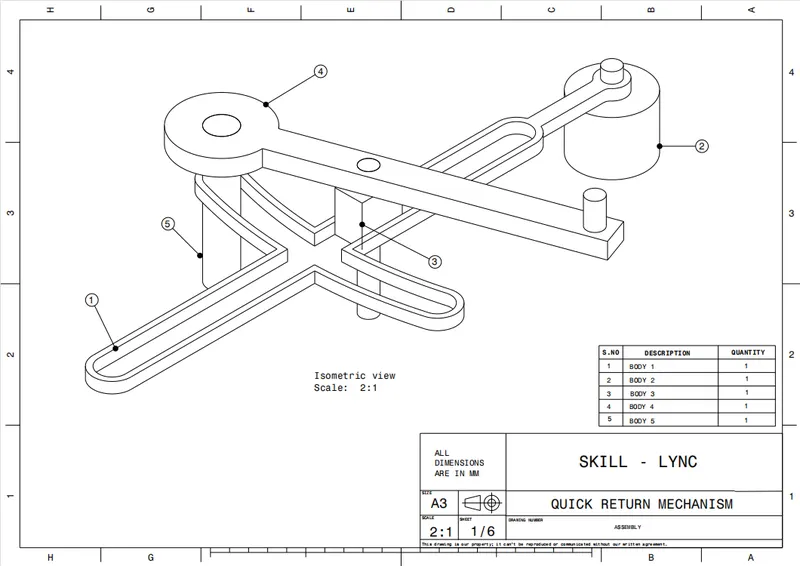
- from the given assembly design adjust the products individually using constraint commands where we can move the prdoucts onn the axis
Model Drawing 2
- from the same steps followed with the constarint commands and adjusting the planes and axis the assembly is done
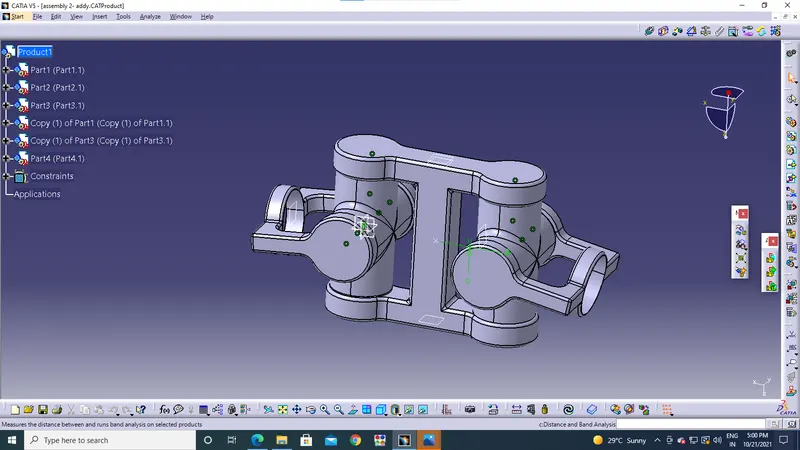
- in the second model the part 1,3 consist of 2 diagrams so copy the solid model and using paste special command and dupilicate the products