Week 11-3D Tetra Meshing Challenge
OBJECTIVE: For the given models the geometry cleanup and the tetra meshing has to be done as per the given criteria.
PROCEDURE:
MODEL1:
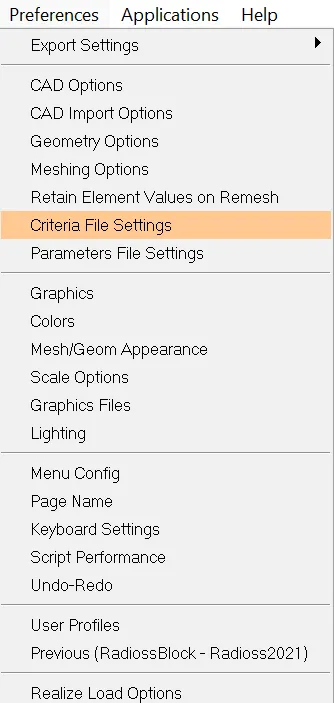
- First the given model is imported to HYPERMESH the crteria given should be added in the criteria file settings in preferences.
- Then delete the solids by using the delete and solids option.
- Using the automesh option and change the settings to only trias and mesh the component.

- Then check for the quality criteria for minimum and maximum size of the elements and clear the element failures by using the automesh and selecting the elements.
- Then use 3D panel and select the tetra mesh option to 3d mesh.

- After the creation of tetra mesh we need to check the tetcollapse elements and fix those elements using the distance and select two nodes and change the distance.


MODEL2:
- First the given model is imported to HYPERMESH the crteria given should be added in the criteria file settings in preferences.
- Here we can directly use the solids to create the tetramesh using the volume tetra by giving the element size.

- Then check for tetcollapse failed elements and fix the issues.
MODEL3:
- First the given model is imported to HYPERMESH the crteria given should be added in the criteria file settings in preferences.
- Here we can use the surfaces by deleting the solids and create the tetramesh using the volume tetra by giving the element size.

- Then check for tetcollapse failed elements and fix the issues.
LEARNING OUTCOMES: I have learned how to do the tetra meshing using the trias on the surface, also by using the direct solids to create the tetra mesh and also by selecting the surface and meshing directly by using the volume tetra option.
CONCLUSIONS: For the given models the tetra meshing is done as per the given quality criteria.