Week 10 Challenge
AIM – The aim of our is that, to Calculate the snow load for the bridges and Create the model in Staad Pro and analysis
the Structure.
INTRODUCTION – The Detail of Project for the bridge Given below
The Span of the Bridge is 10m
The snow is settled snow
The deck of bridge is flat with B <30 degree.
The depth of accumulation of snow is 1250 mm.
PROCEDUCE IN DETAIL:-
STEP1:- First create the node and select the add beam Command and create the beam.
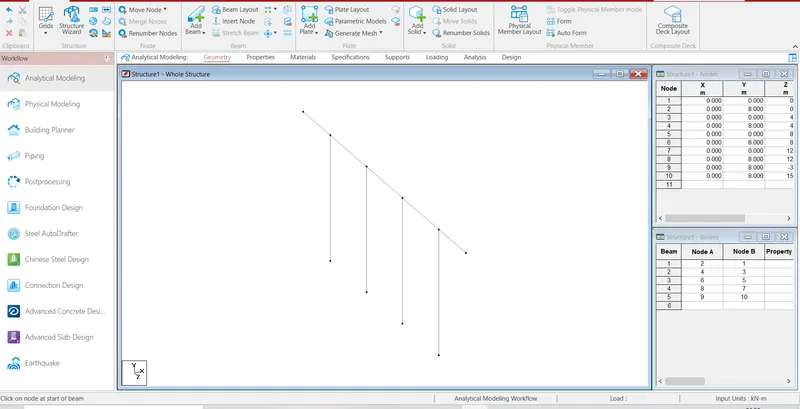
STEP2:- Then, Select the beam then go to the translation repeat Command and create the beam .
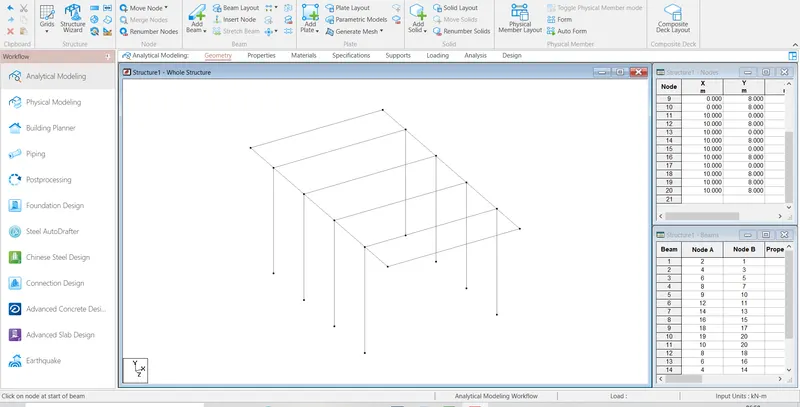
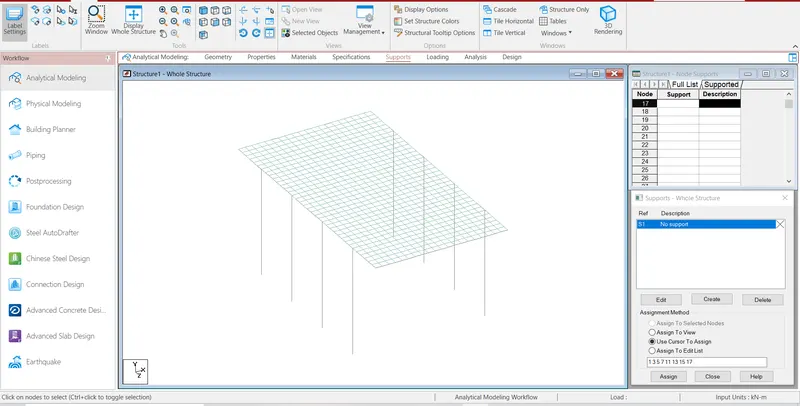
Step3:- After Create the model then go the support command create the fixed supports and assign the supports.
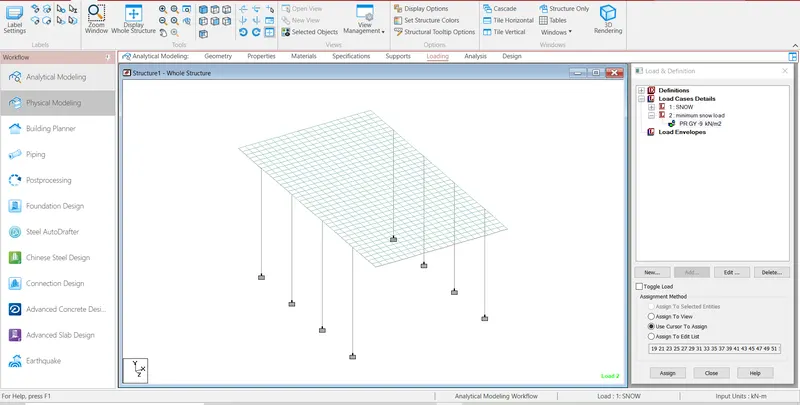
Step4:- After Create the support then go to the properties command and select geometry and assign the properties.
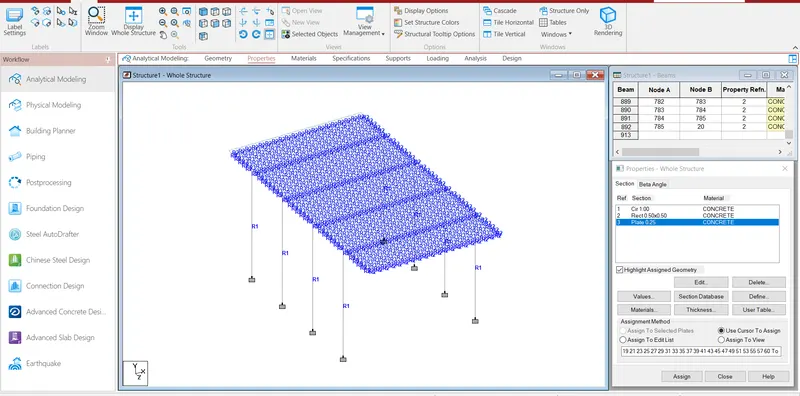
Step5:- Then Calculate the snow load as per IS 875 Part IV code
Design Snow Load
S=uSo
So is snow load on the ground
u is Shape Coefficient
So= Span of the Bridge* Depth of snow * Density of settled snow
As per IS 875 Part IV code Density of settled snow is 2 -3kN/m3
We taken the value of Density of settled snow is 3 kN/m3
So=10*1.25*3
=37.5 kN/m
As per IS 875 Part IV code value of Shape Coefficient for angle B<30 degree is, u = 0.8
S=u*So
=0.8*37.5
=30 kN/m
And also apply the minimum snow load considered for design of bridge is 9 kN/m as per clause 224 IRC 6.
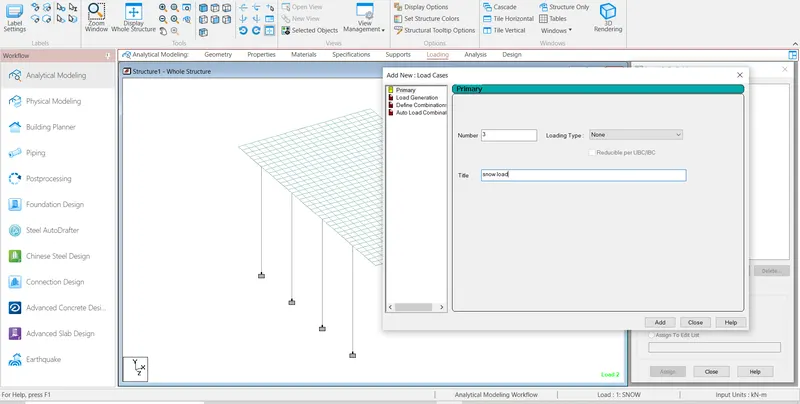
Step6:- After go to the Load definitions and defined the Snow Load .
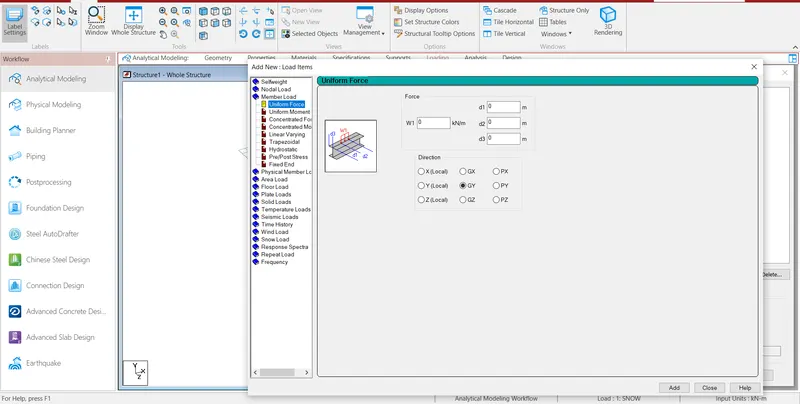
Step7:-Create the load and assign the load into model.
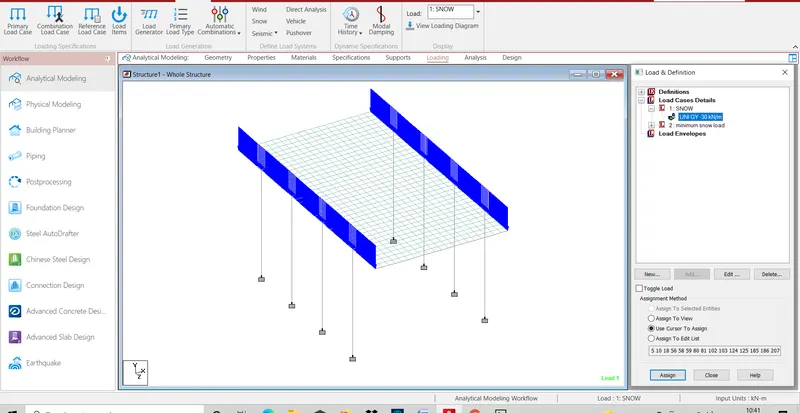
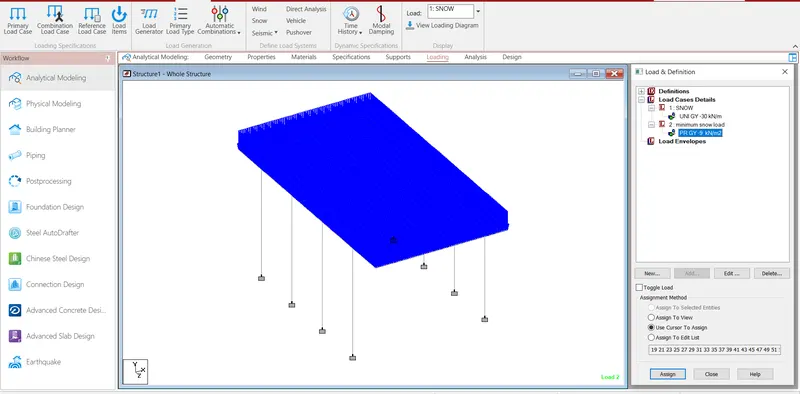
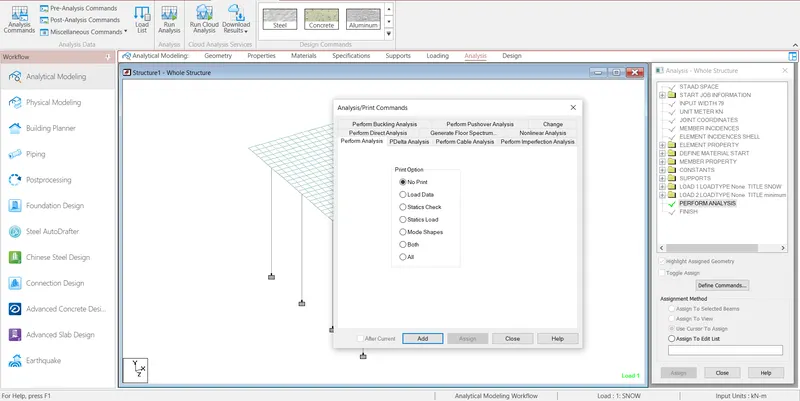
Step8:- Then slave the file and assign run analysis.
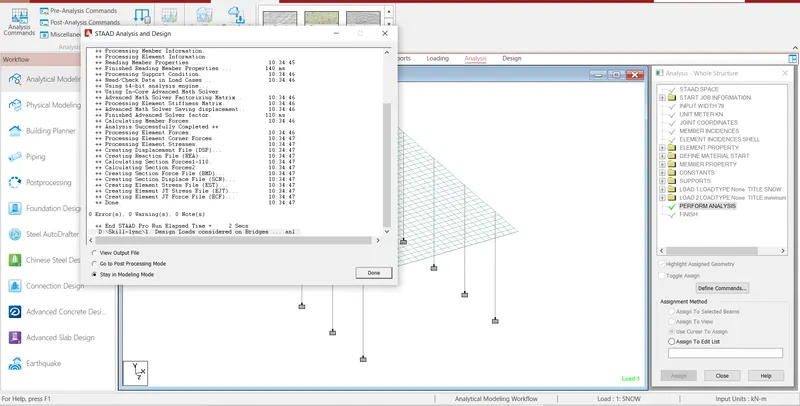
Step9:- Then Check the Deflection, displacement and all deformation on the structural element .
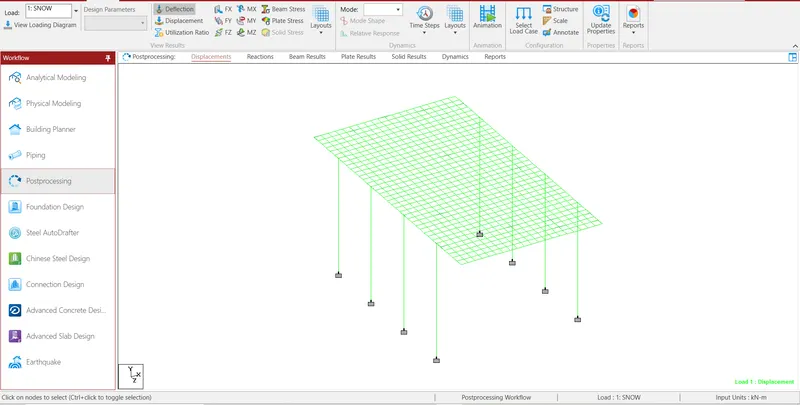
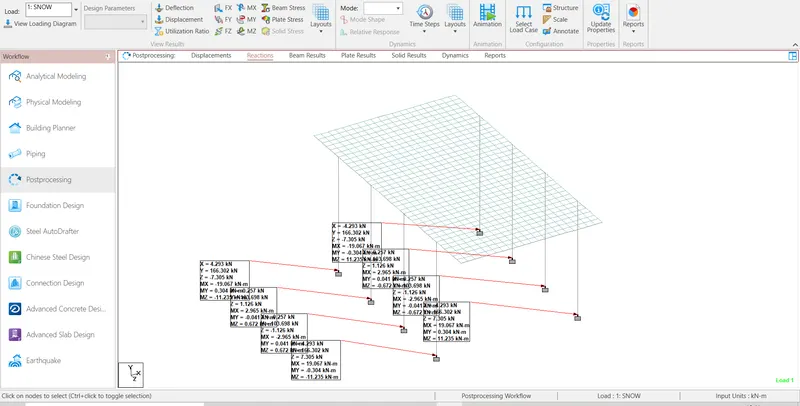
RESULT:- 30 kN/m the Snow load is acting in the bridge.
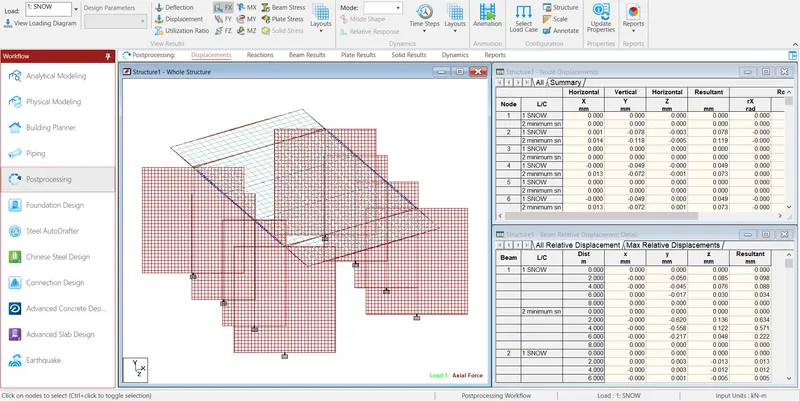
Axial force of model
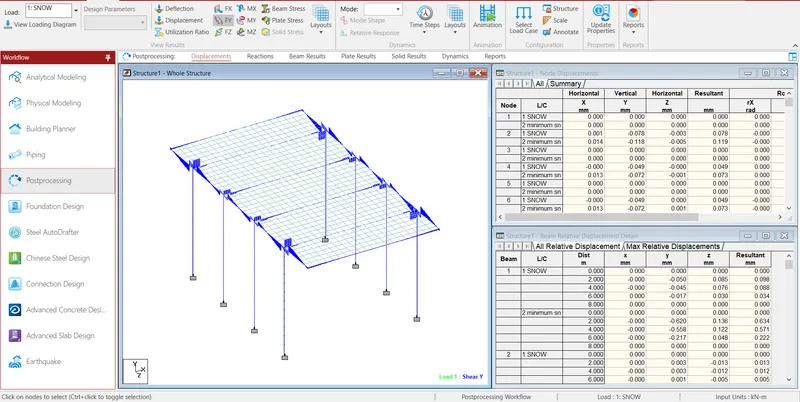
Shear force Y of model
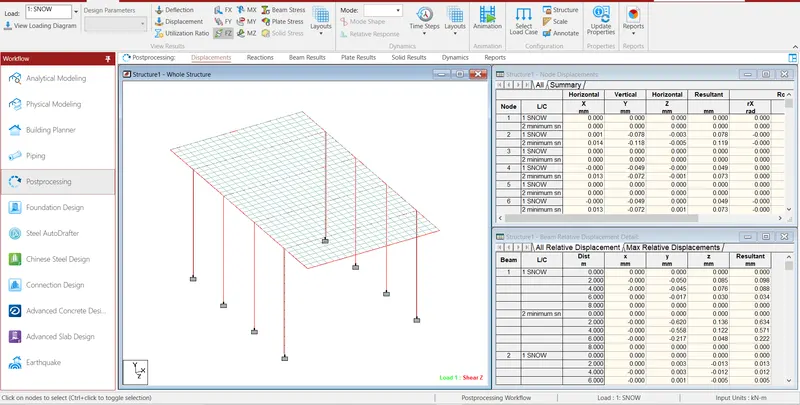
Shear force Z of model
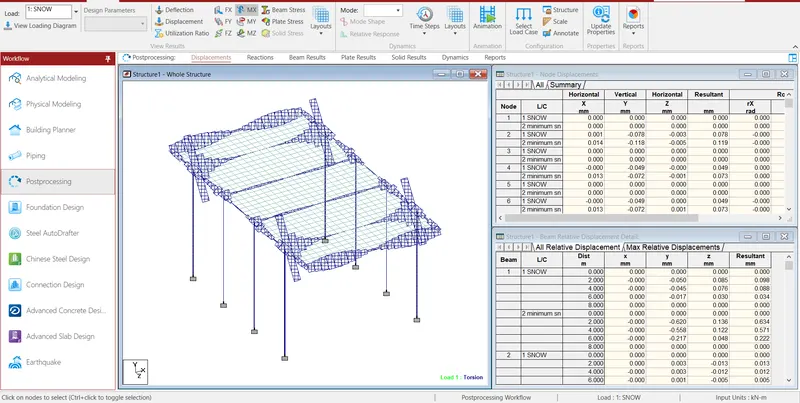
Torsion of model
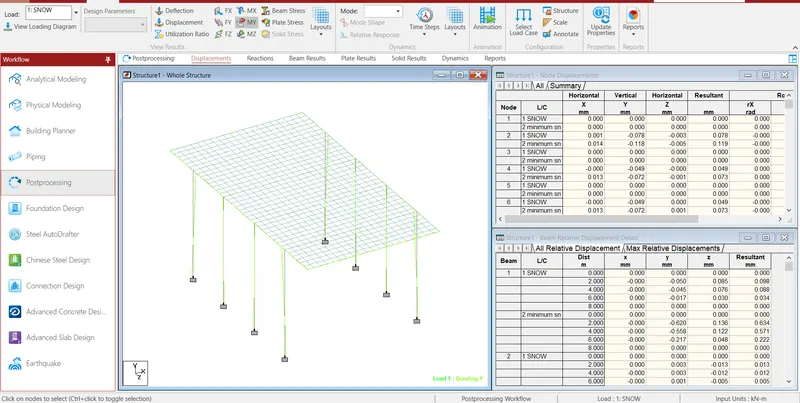
Bending Y of model
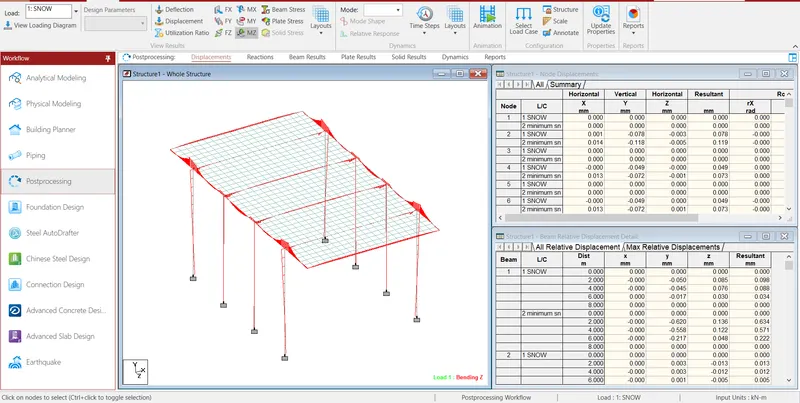
Bending Z of model
Reactions of model