Week 10 - Challenge 3 - Door Trim Lower with Engineering Features
Door Trim Lower with Engineering Features
AIM : DOOR TRIM LOWER WITH ENGINEERING FEATURES .
OBJECTIVE : THE MAIN AIM OF THIS CHALLENGE IS TO CREATE A SOLID BODY OF DOOR TRIM LOWER WITH THE HELP OF THE CLOSED SURFACE METHOD BY USING THE GENERATIVE SHAPE DESIGN WORKBENCH IN CATIA V5 . PERFORMING THE DRAFT ANALYSIS ON THE SOLID PART BODY OF THE DOOR TRIM . GIVEN SAMPLE DESIGN OVERVIEW : INITIALLY WE NEED ....
GIVEN SAMPLE PART :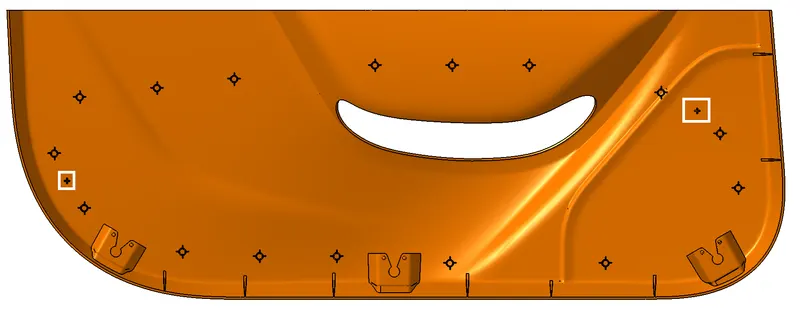
CLASS A SURFACE
- Check the connectivity of the Class A Surface
- Ensure that there is no gap between the component, using join command.
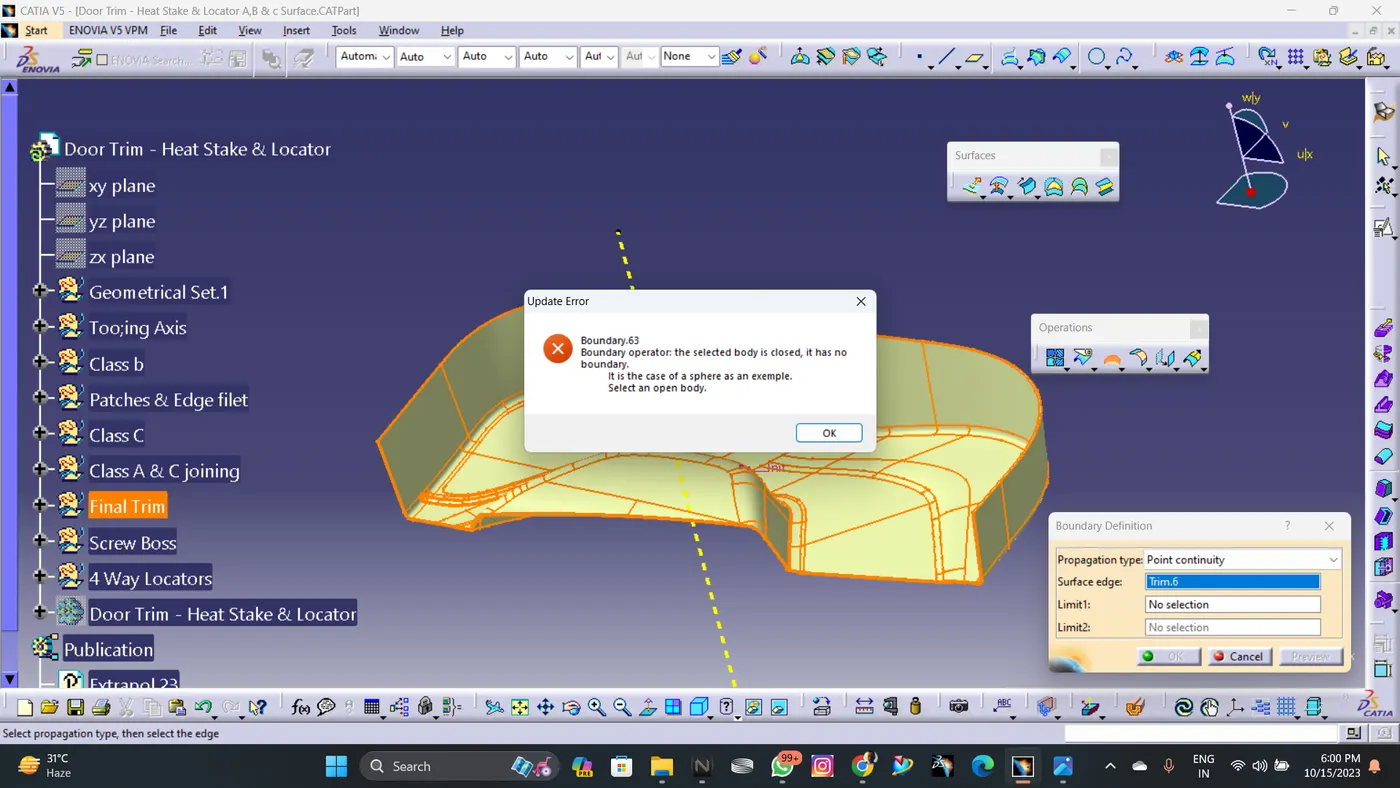
- We can visually check it or by clicking boundary command.
- Therefore first check completed.
TOOLING AXIS CREATION
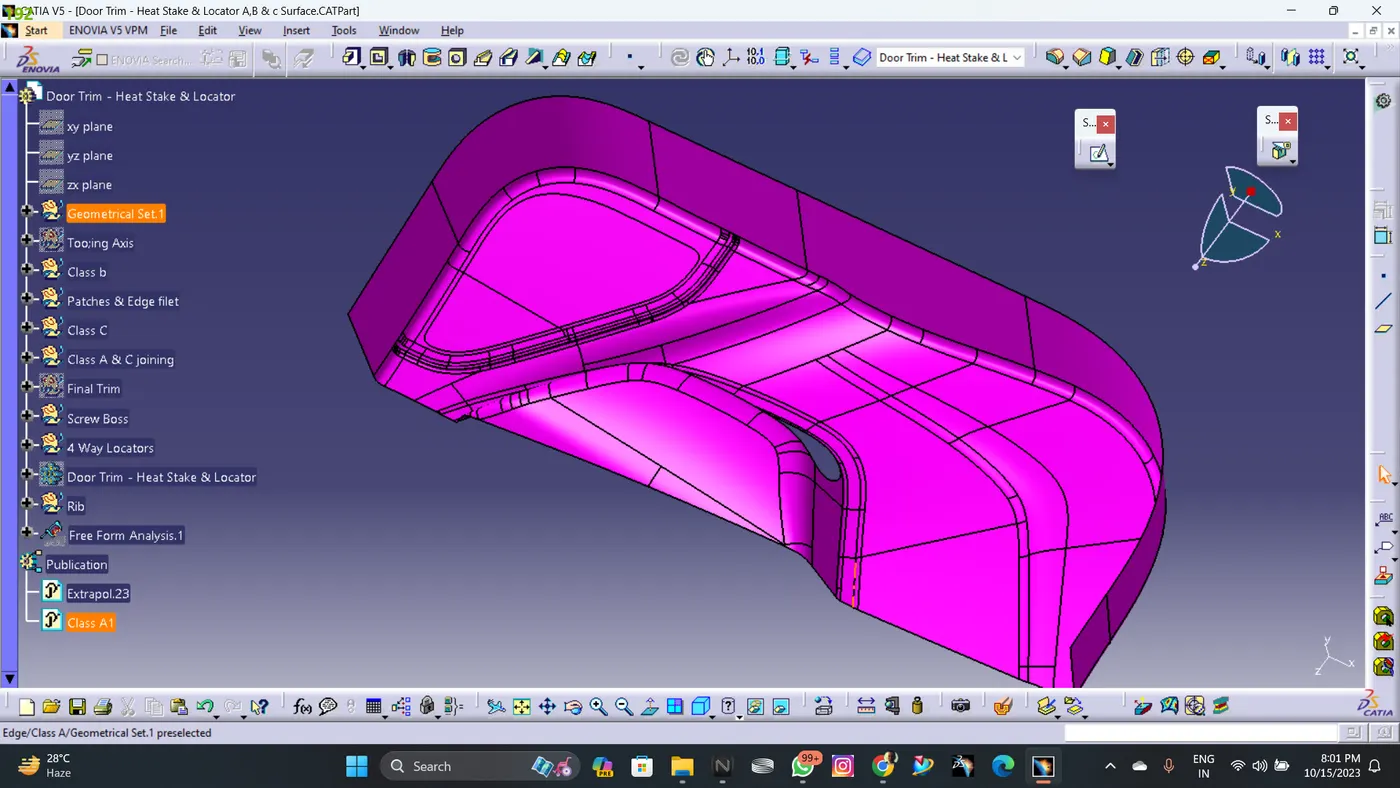
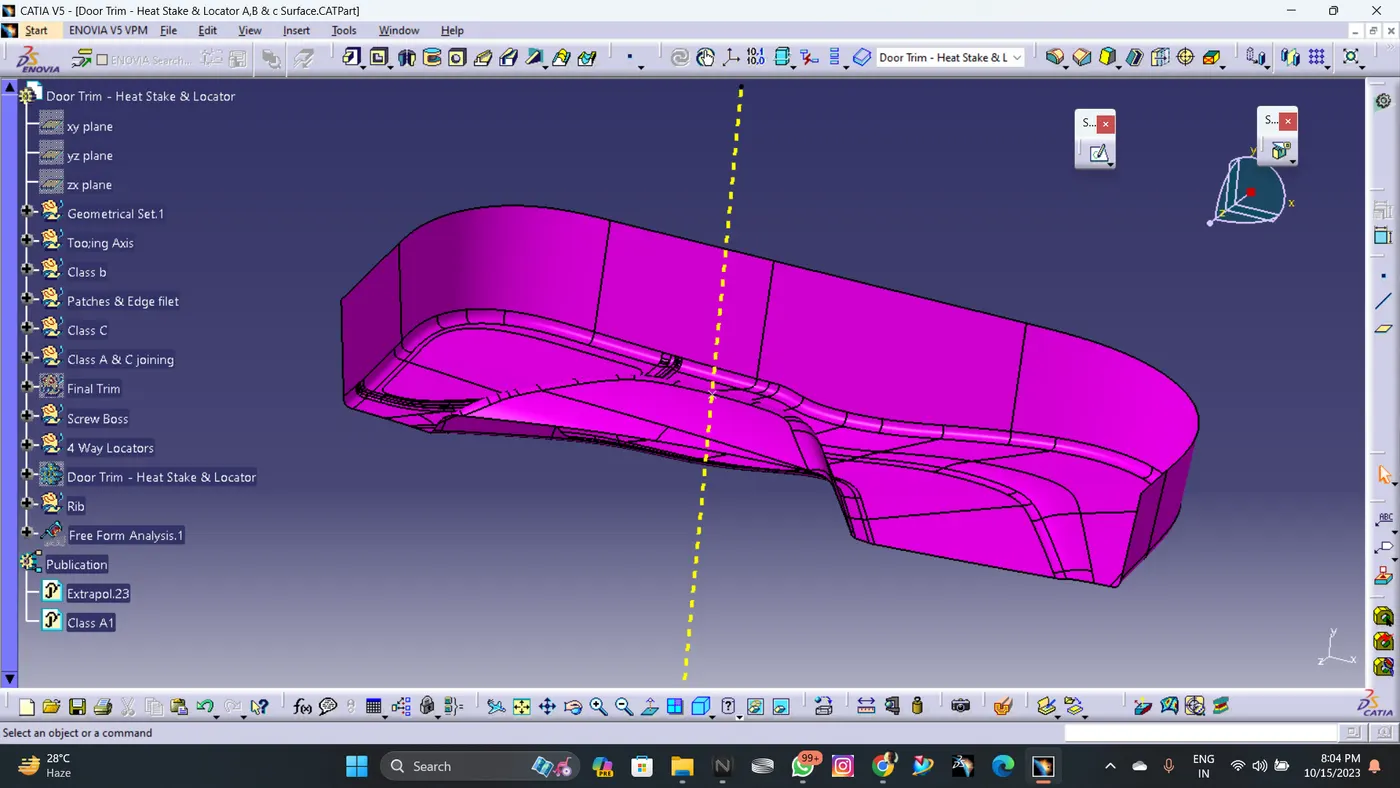
- Find the tooling axis of the component.
- The tooling axis is nothing but the mould opens or cavity opens.
- Check visaully which is the best possible tooling axis.
- Check all three axis.
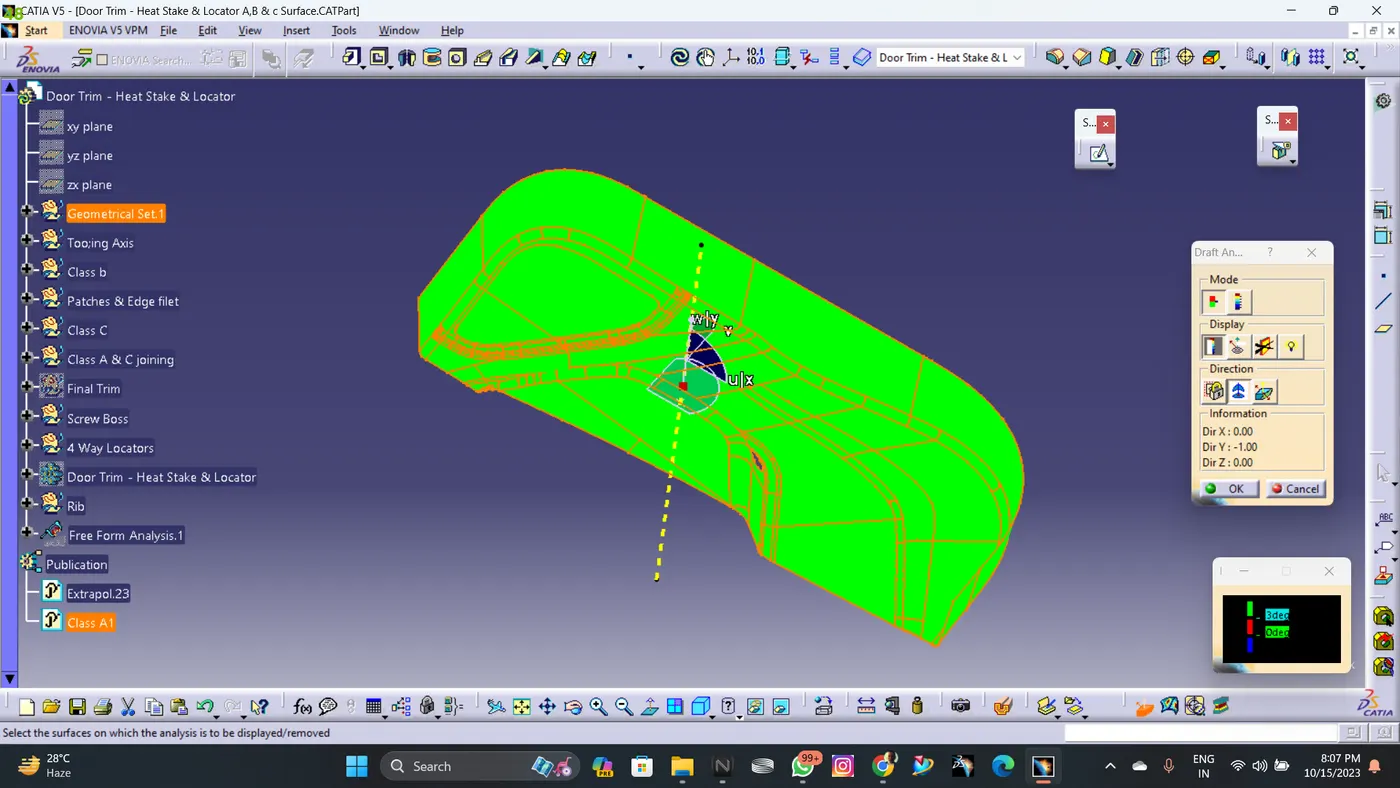
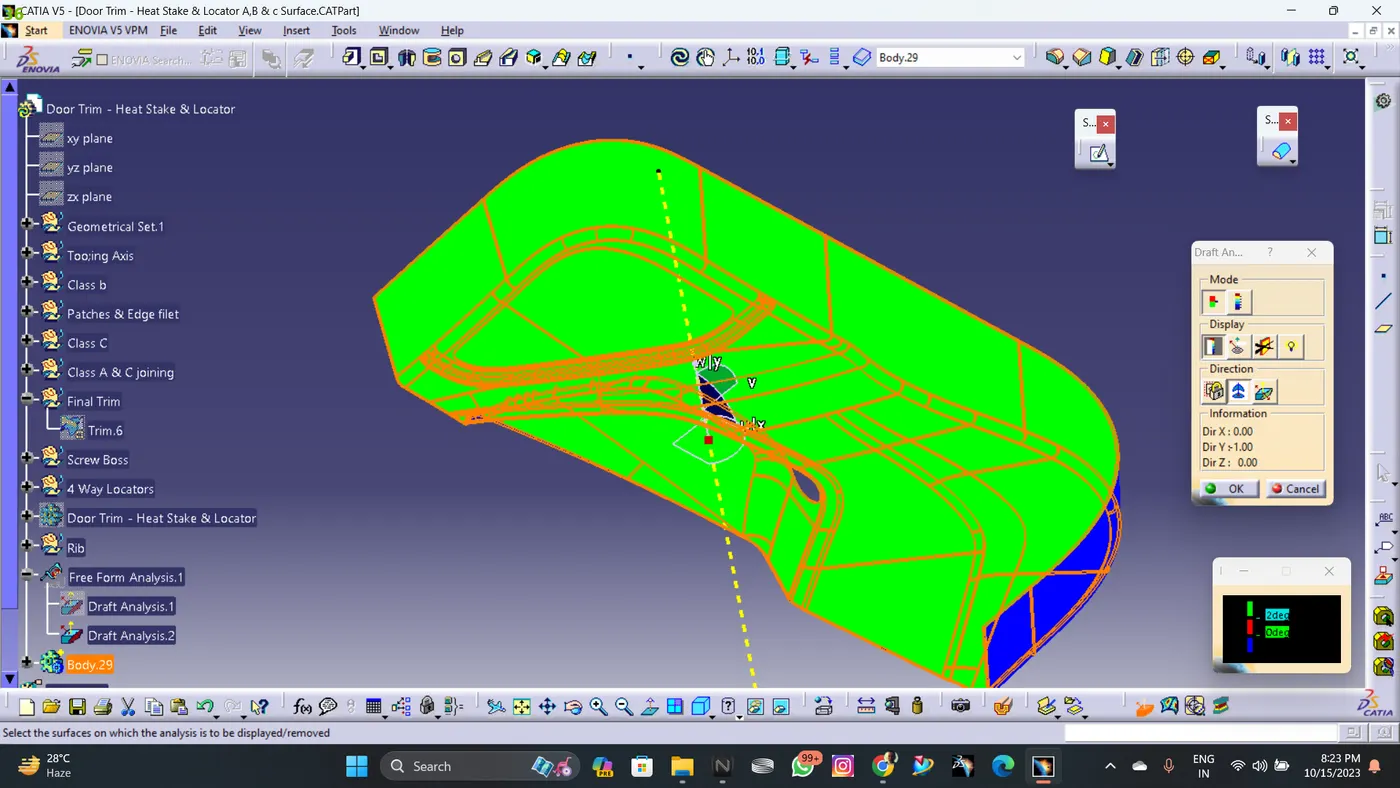
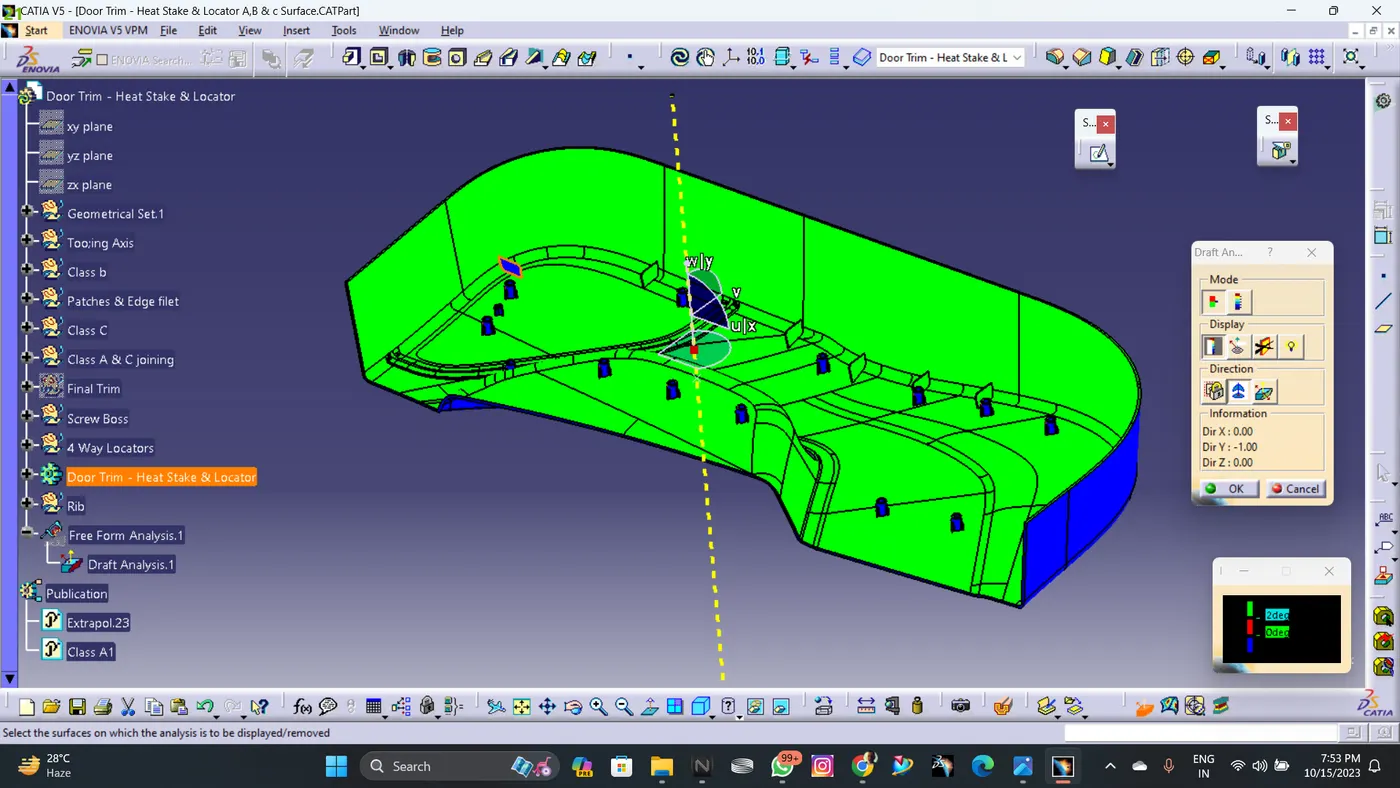
- Now perform the Draft analysis using the Featured Draft Analysis tool in the tools.
- Then after opening the draft analysis tool box go for the compass and place the compass alinged to tooling axis and click on the lock symbol after alinging and further click on the surface.
DRAFT ANALYSIS ON CLASS A SURFACE
- Go to insert< analysis>
- Align the tooling axis with the compass.
- Click on the surface and see that the surface is within the permissible limit of the draft values.
- The surface should be green and in the column proper value (3deg) should be inserted.
OFFSETTED CLASS B SUFACE WITH COMPLETING PATCH OPERATIONS
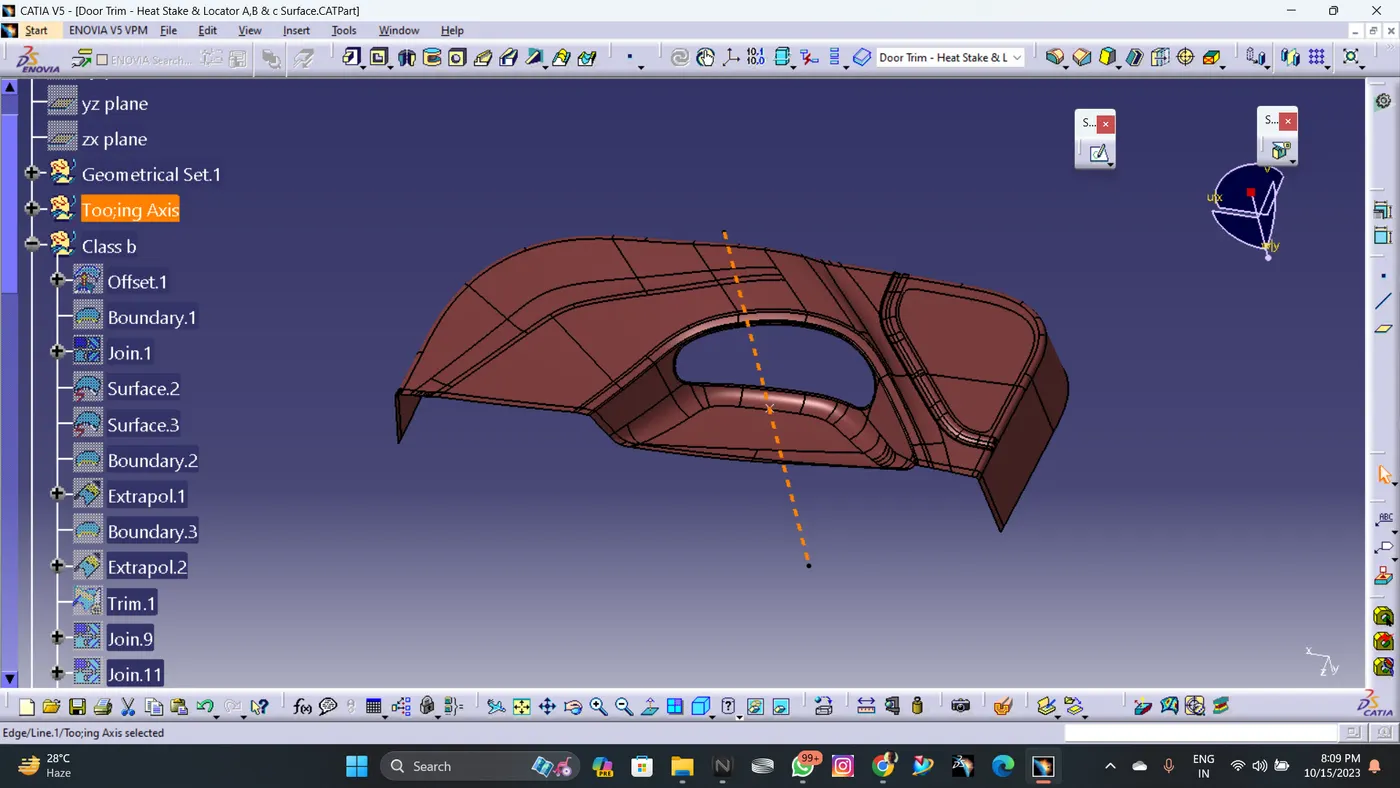
- Offset the class a surface 2.5mm direclty.
- Some patches will form after offsetting.
- Remove the filleted region for closing the patches.
- Define the boundary and extrapolate to required length.
- Now trim the surfaces to required surfaces
- Now provide proper fillet the surface to required amount
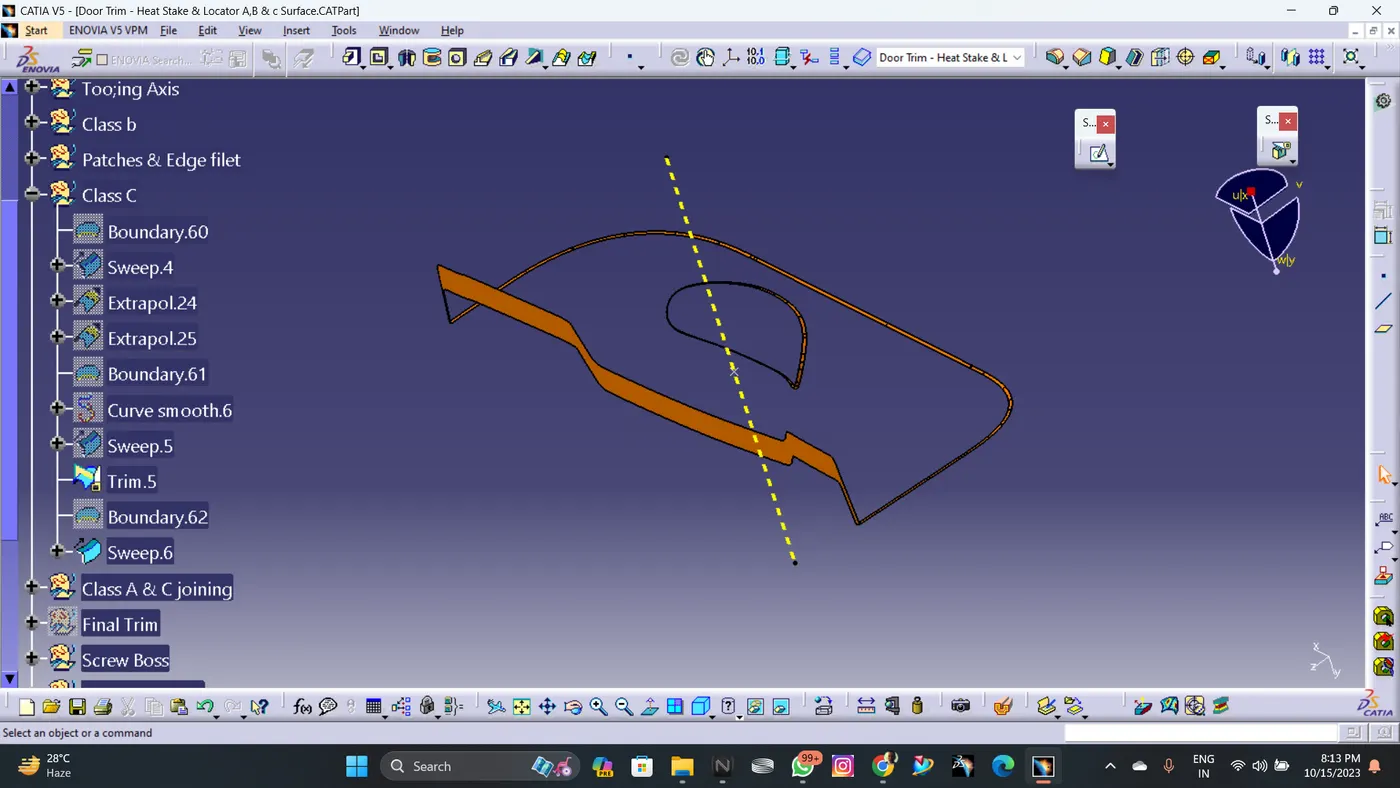
SWEEPED CLASS C SURFACE
- Extract the boundary of the class-A surface.
- Extract the boundary of the holes on the class-A surface.
- Use sweep command on the boundaries one by one to get the class-C surface.
-
JOINED CLASS C SURFACE AND CLASS A SURFACE
- Join the class-A and class-C surfaces together
- Trim the class-B surface with the join created earlier.
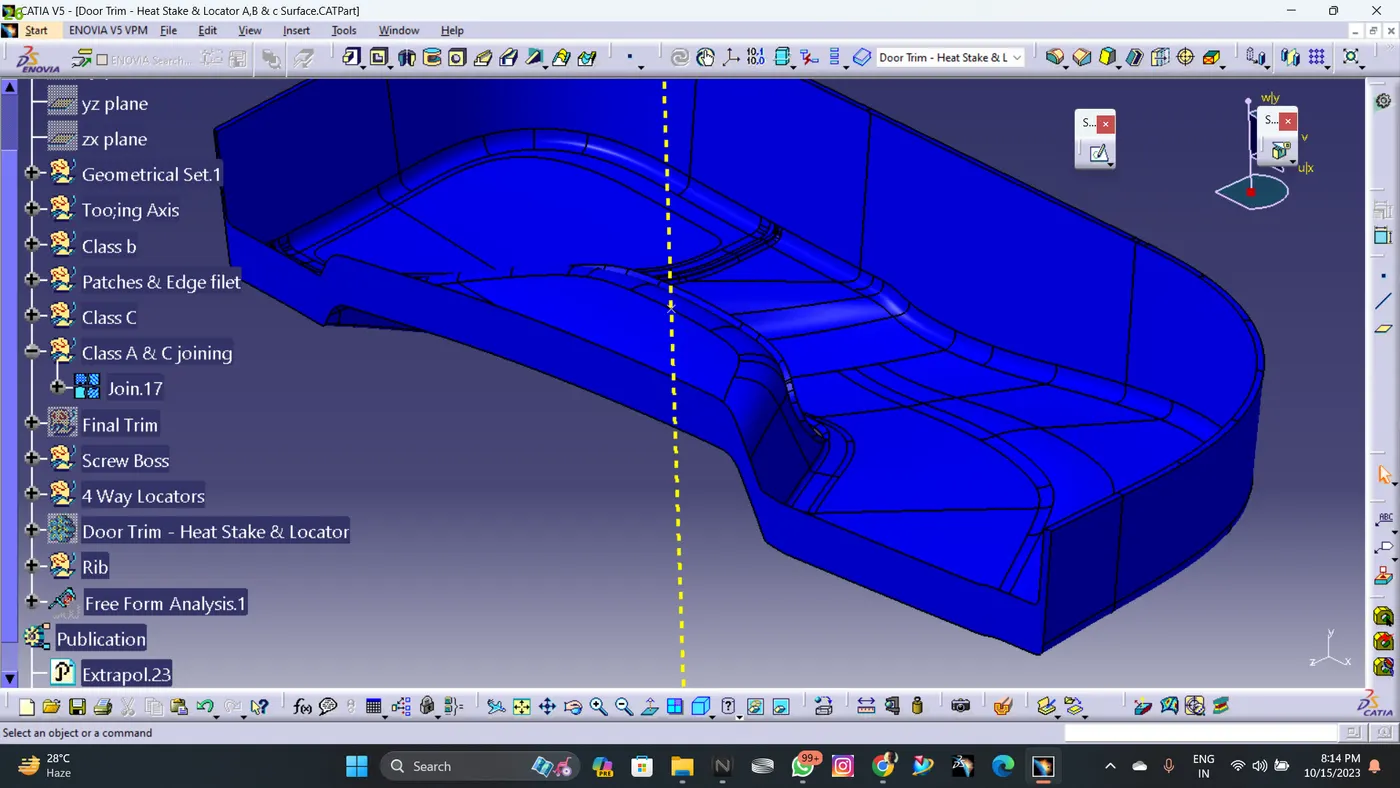
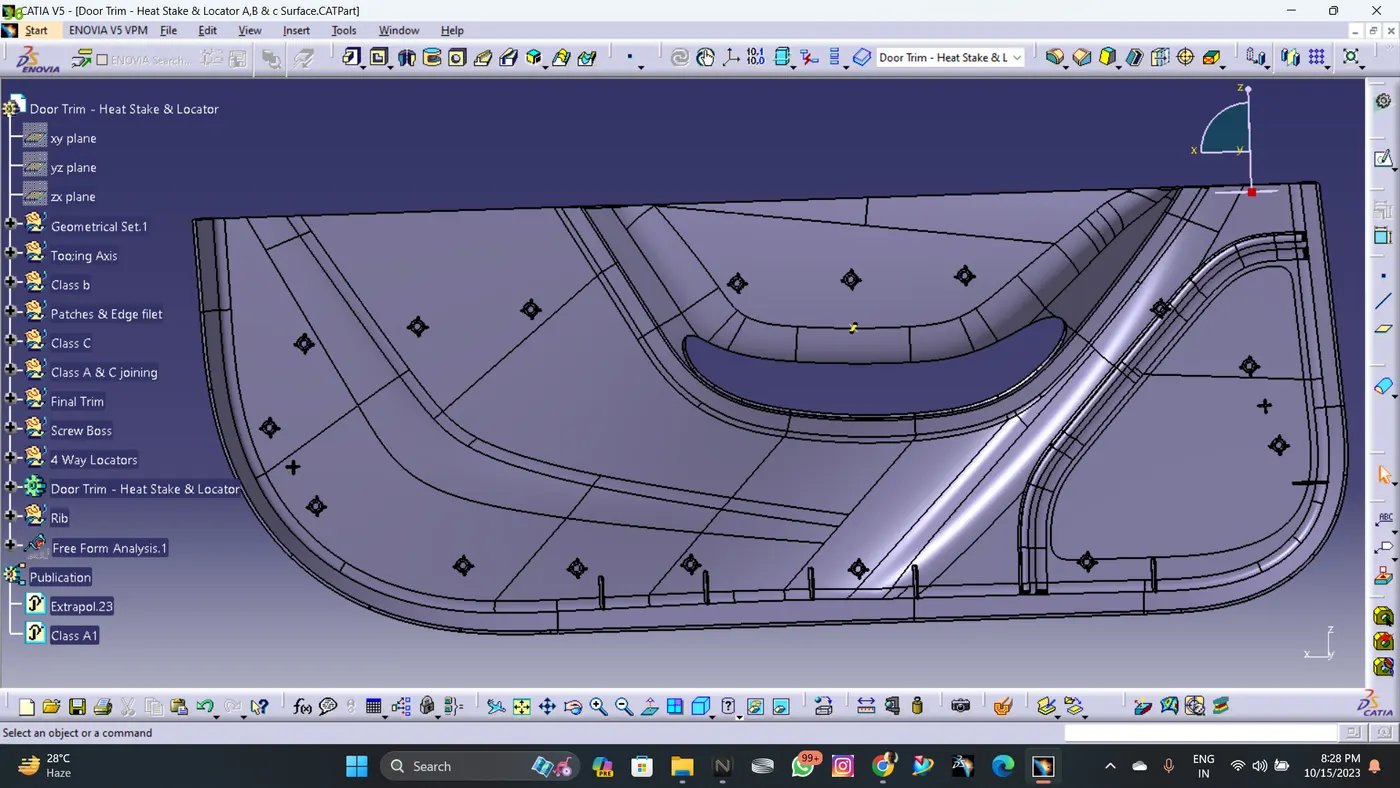
DOOR TRIM CLOSED SURFACE
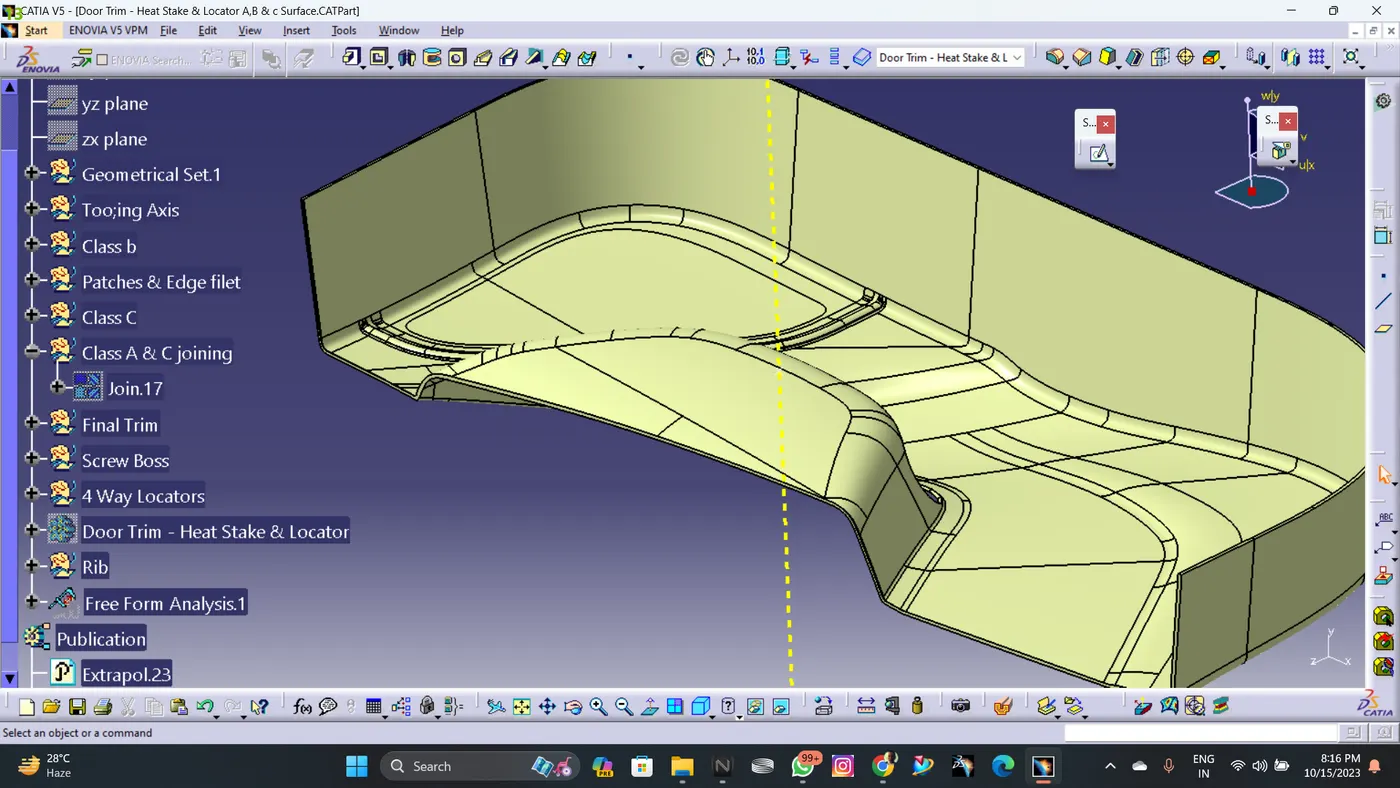
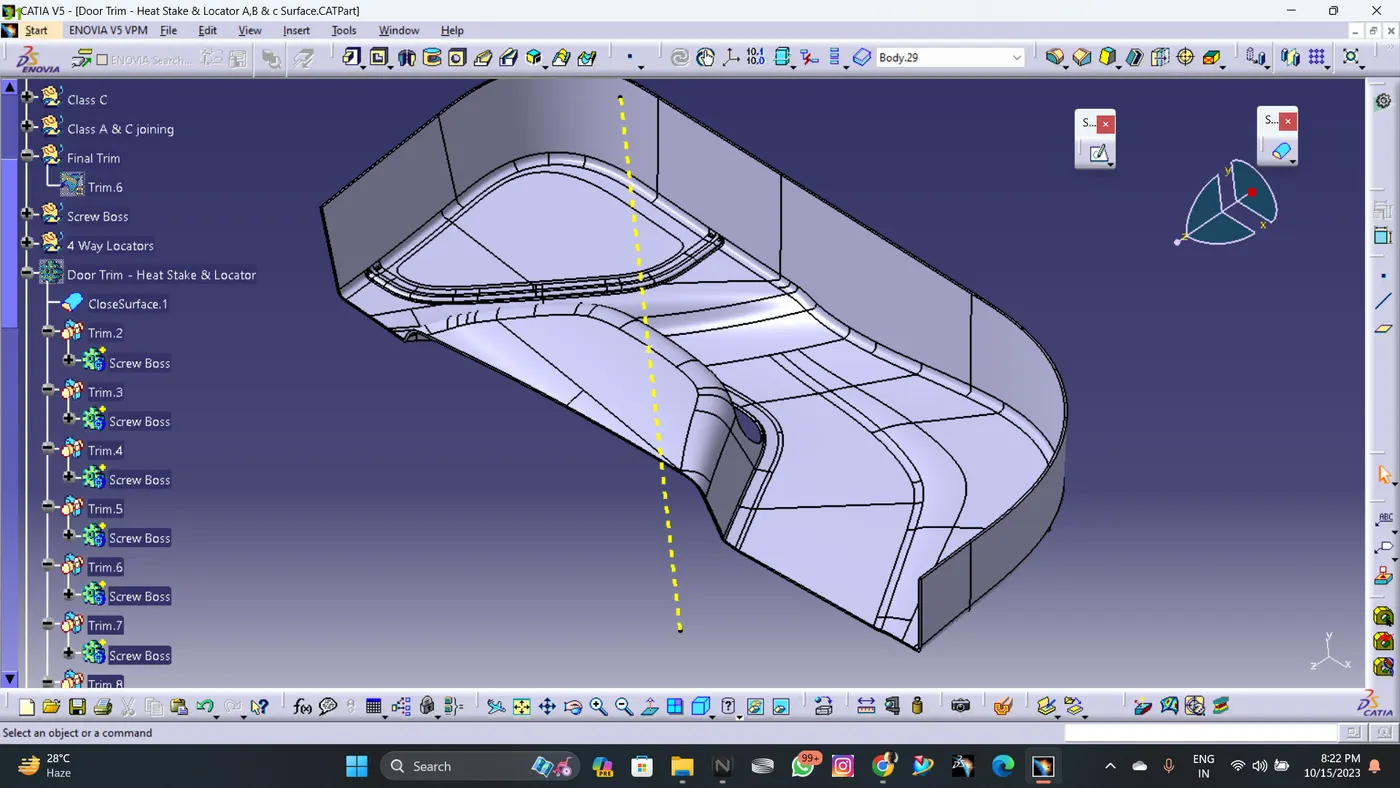
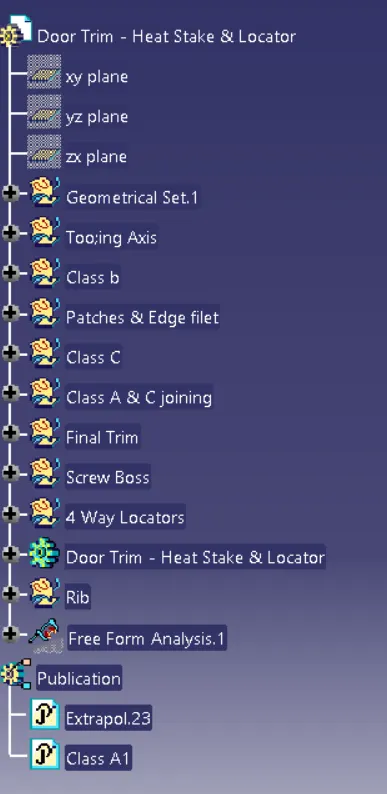
DESIGN TREE STRUCTURE
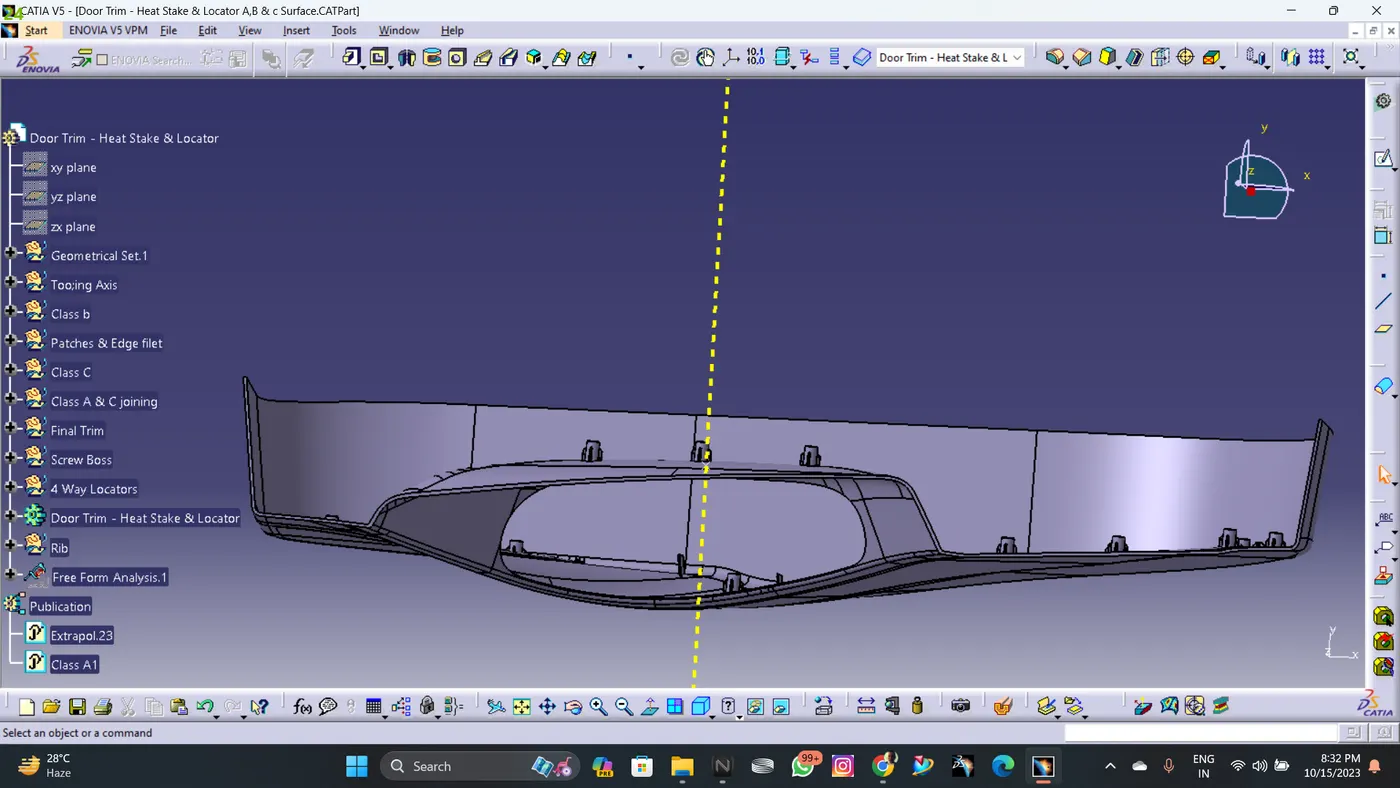
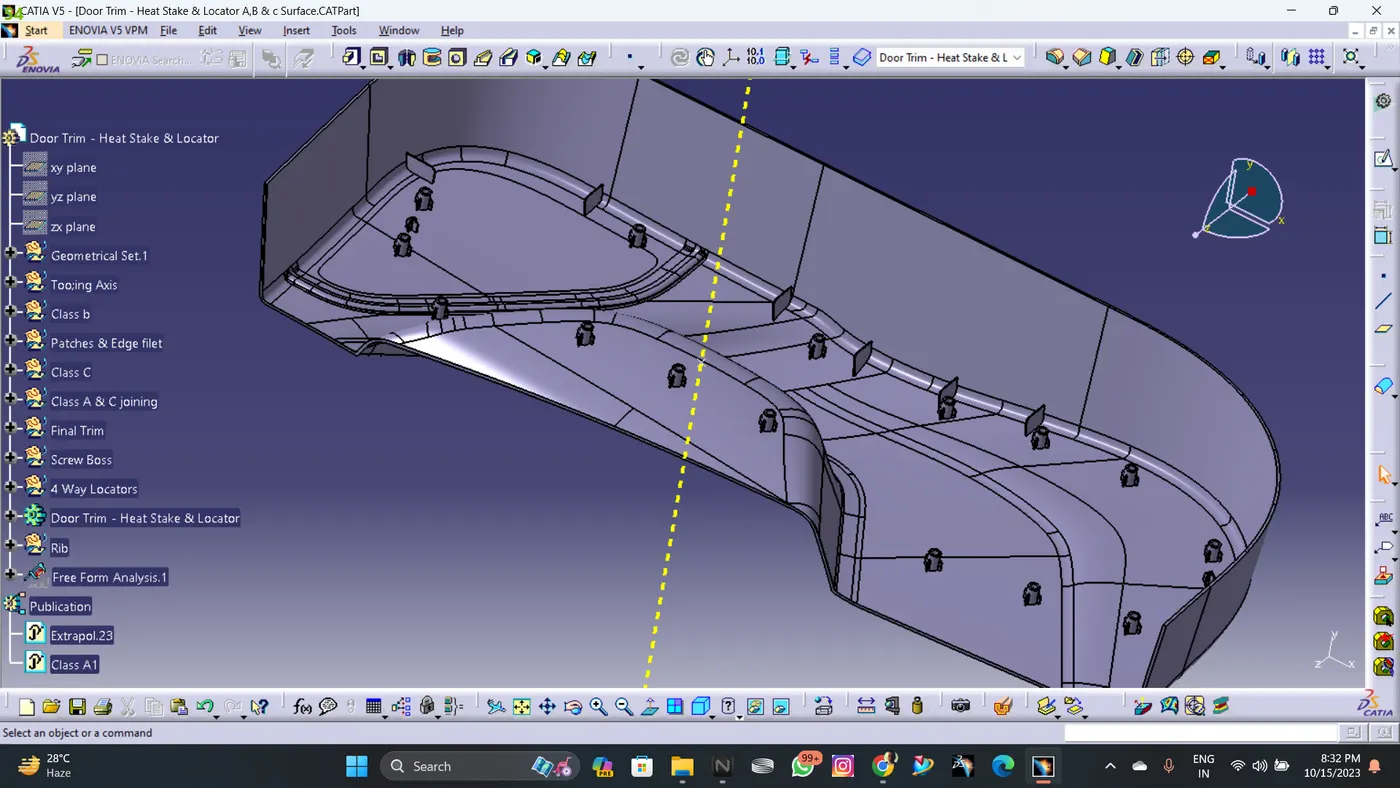
HEAT STAKES DESIGN
- Heat Staking is a pulsed-heat process to join two or more parts out of which one at least is made of plastic.
- The process is to deform the plastic material using heat and force at a set process time.
- The bond is made by partially de-forming the plastic part in order to fix the other.
- Heat Staking makes it easy to bond metal to plastic and is commonly used in high volume/low cost applications such as automotive, IT and consumer appliances.
- Similar and dissimilar materials may be joined: metal to metal, plastic to plastic, metal to plastic
- Accurate control operating within a small process window
- Local heating resulting in no damage to surrounding materials
- Processing of glass-filled materials
- No mechanical vibration
- Many heat-stake shapes possible through custom designed tools
- DRAFT ANALYSIS OF HEAT STAKES
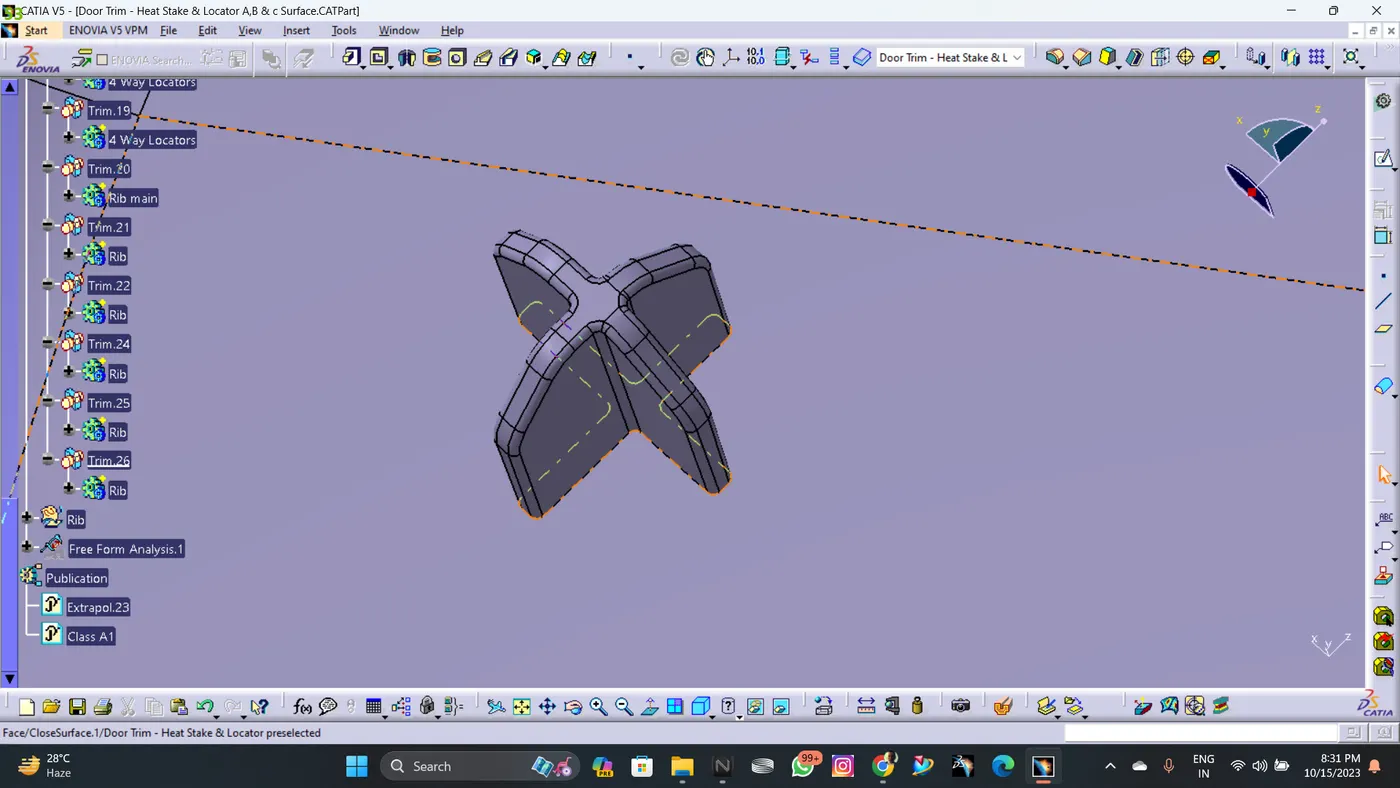
- LOCATORS DESIGN
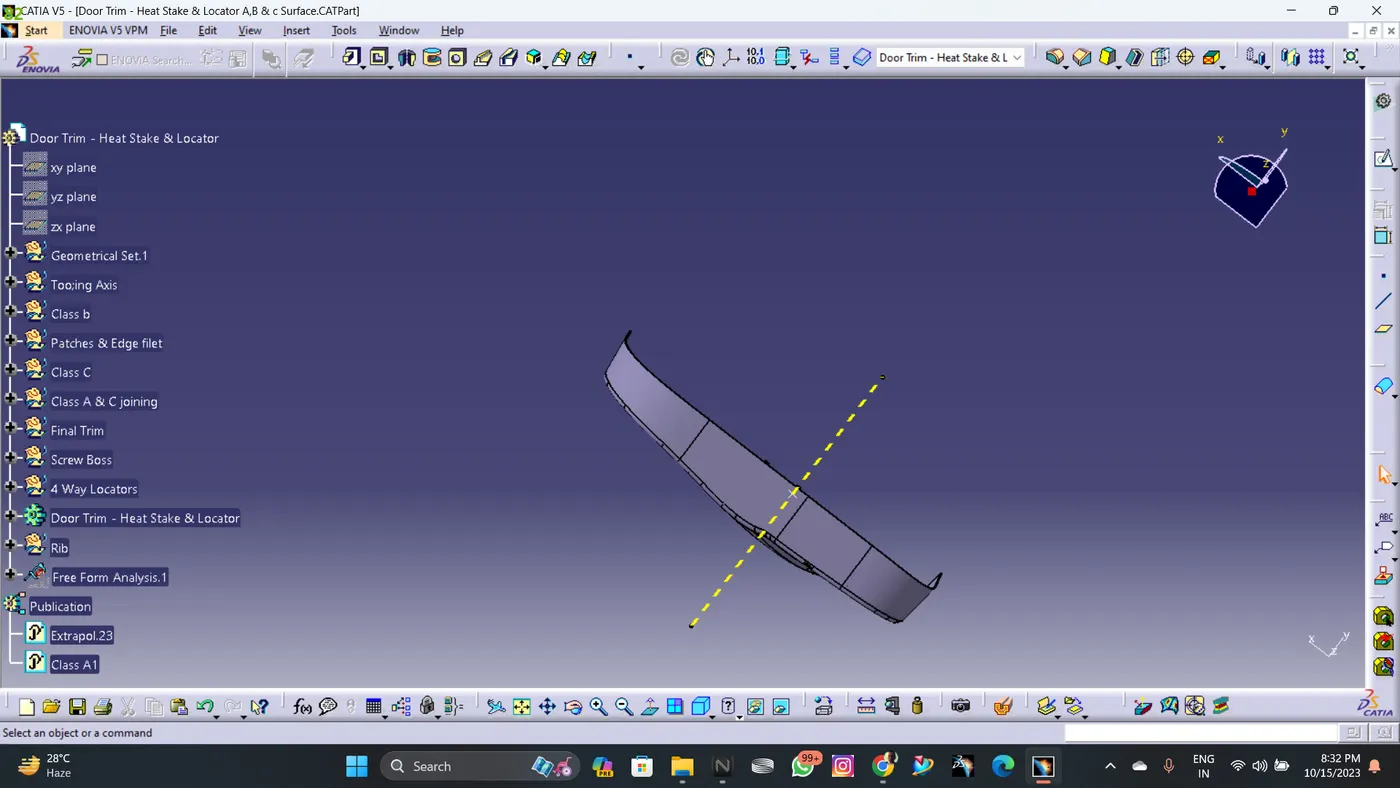
- Views:
-
-
CONCLUSION:
Thus by following the above we crate the door trim with B class features (heat stake and locator pins).