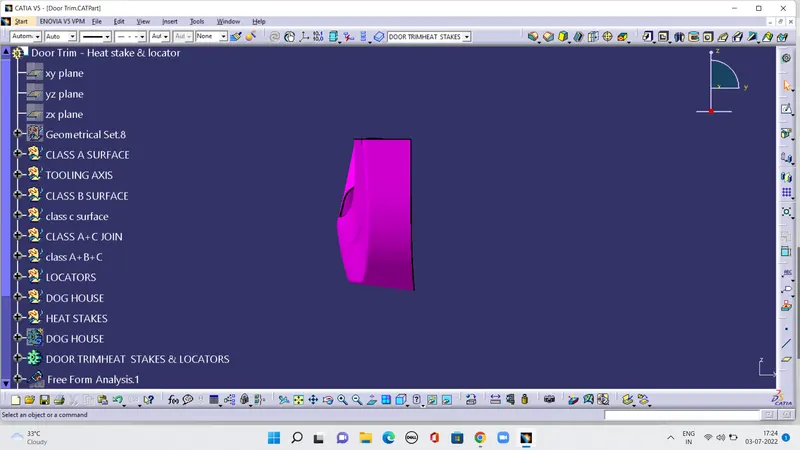
Week 10 - Challenge 3 - Door Trim Lower with Engineering Features
AIM:
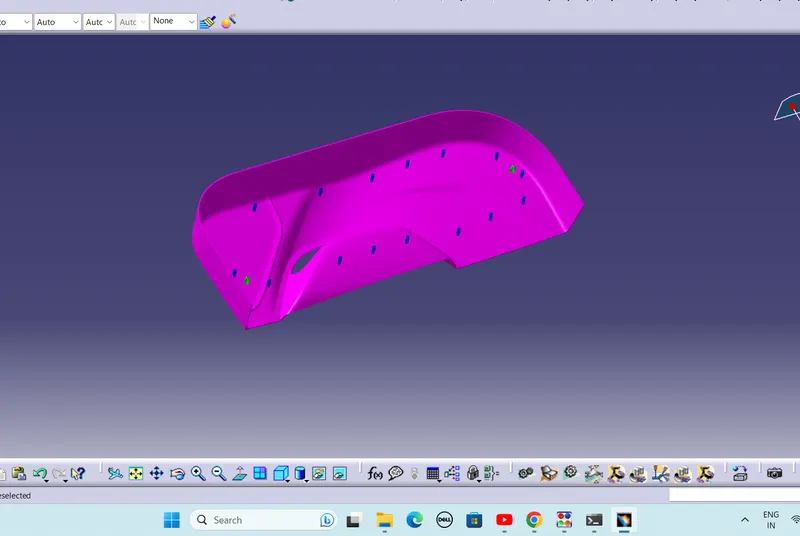
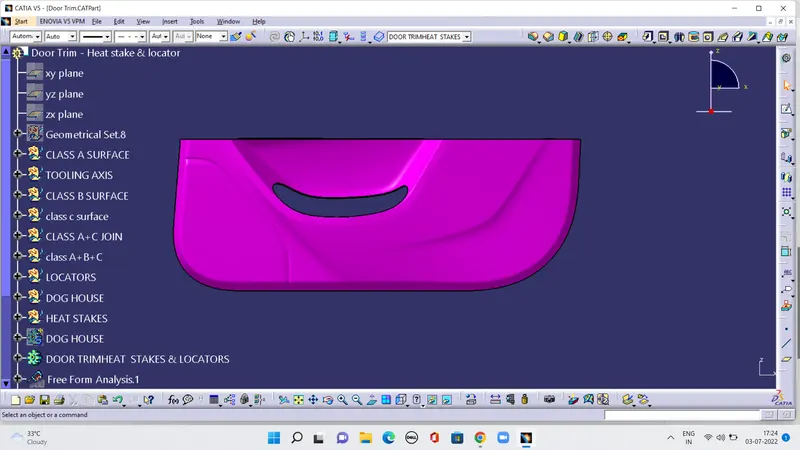
Create the Door Trim Lower Plastic component through the given Class-A surface. To begin with, the tooling axis for the given Class-A Surface should be created meeting the requirements of the draft angle and at the end perform the Draft analysis on the model.
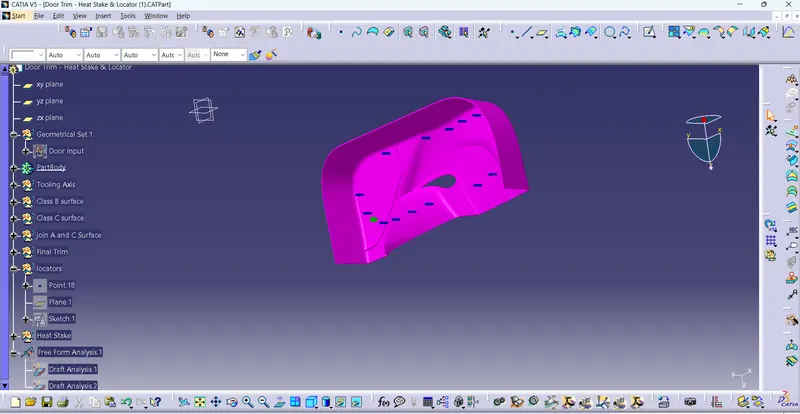
Create the Heat Stakes and the locators considering the design rules mentioned in the video for the door applique.
TOOLIS USED:
Boundery
Join
Multiple extract
Trim
Surface offset
Draft analysis
Intersect
Surface sweep
Close body surface
DESCRIPTION:
CREATING TOOLING AXIS :
The Tooling Direction is basically the direction that the mold pulls a part. The mold is built in two separate piecs,basically. You have a Cavity side and you have the core side. The Core pulls apart from the Cavity and that's the dye line or the tooling direction.
Opwn the given CATpart file.
PUBLICATION :
Publication is done to the component to make it visible and navigate easily.
To publish the component go to tools> publication and then select the tooling axis and the class A surface.
A separate tree structure is formed under the main part.
DRAFT ANALYSIS:
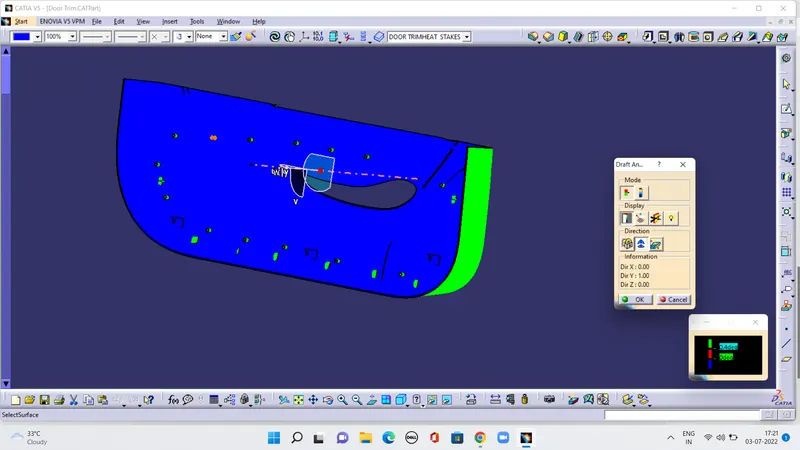
The Draft Analysis command enables you to detect if the part you drafted will be easily removed. This type of analysis is performed based on color rangs identifying zones on the analyzed element where the deviation from the draft direction at any point, corresponds to specifid values .
Before going to draft analysis go to customized view parameter > under mesh>check material and then click ok.
In the colour scale change the draft angle 3 degree.
The component changes to green in in dication of passing draft angle.
Use running point to check the angle on the component.
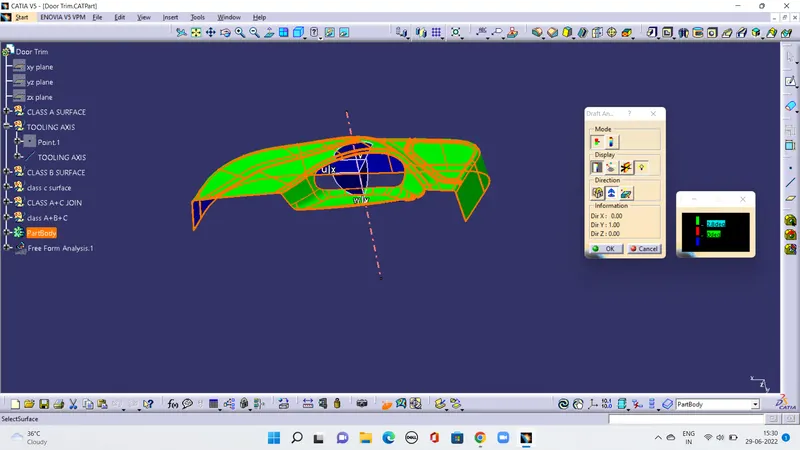
The draft analysis is complete
CREATING CLASS B SURFACE
Extract the surface from the class A using multiple extract and untrim them.
use Extrapolate to make sure that all the untrims are properly intersected to trim and offset the surfaces to 2.5mm to create the thickness.
Trim the extra surface using trim command
Apply fillets to the model after creating the entire surface.
If the edges are outside the fillet value will be added to the thickness of the component and if the edges are in side, the fillet value will be subtracted from the thickness of the component, for instance the thickness fo the component is 2.5mm the fillet value is 15mm so the outside portion value should be 17.5mm and inner eges shuold be filleted 12.5mm to get uniform thickness.
perform trims one at a time so that it will be clear to understand.
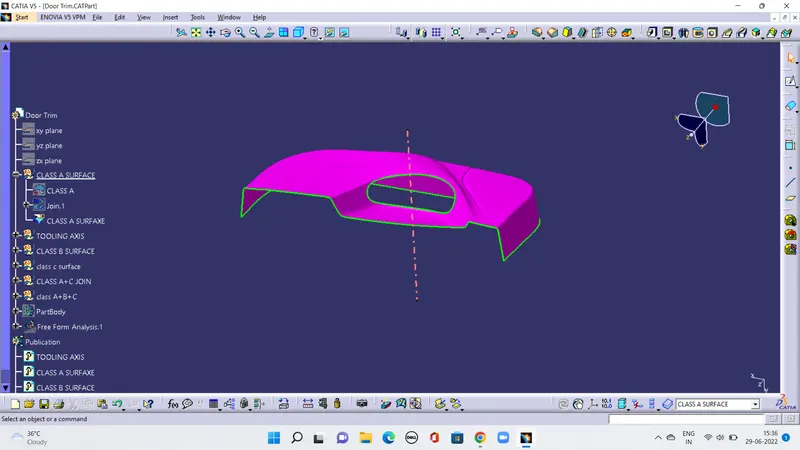
REATING CLASS C SURFACE
Extract the boundary from the class A surface using boundary command.
Using disassemble tool to divide the boundary as the boundary contains domains.
Use sweep command> choose profile type line >subtype as with draft direction> choose guide curve >draft angle as 90 degree> preview
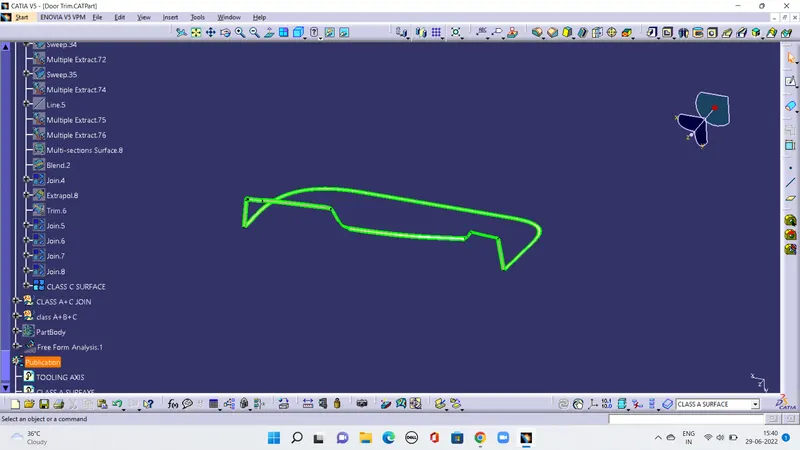
JOINING CLASS A AND C SURFCES
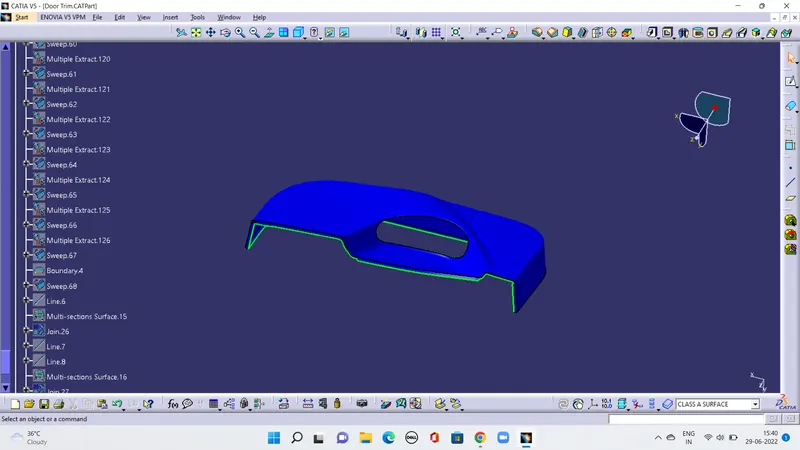
TRIM A+B & C SURFACES
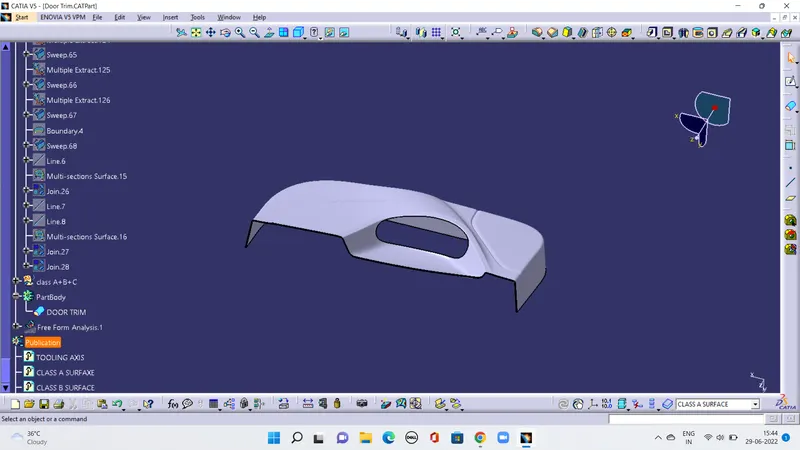
CREATING SOLID MODEL BY USING CLOSE SURFACE IN PART DESIGN
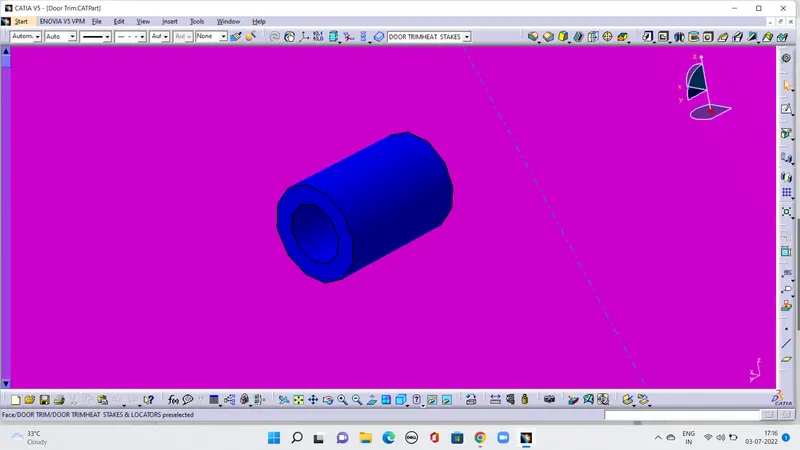
Create 4-way Locators, 2-way locators and heat stakes
INTRODUCTION:
3-2-1 PRINCOPAL:
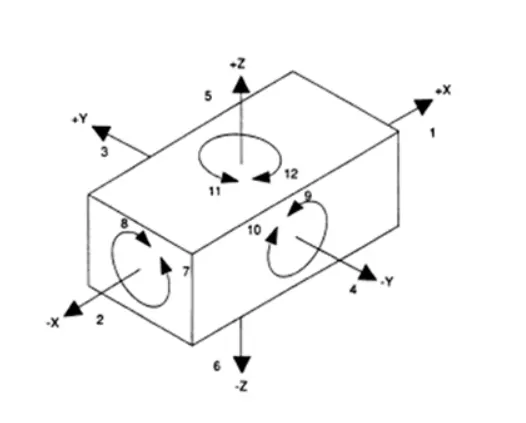
A work-piece free in space can move in an infinite number of directions. For analysis, this motion can be broken down into 12 directional movements or "degrees of freedom". All 12 degrees of freedom must be restricted to ensure proper referencing of a work piece. As show in Fig 1, the 12 degrees of freedom all relate to the center axis of the work-piece. Notice the 6 radial degrees of freedom.
The axial degrees of freedom permit straight-line movement in both directions along the 3-principal axis show as X,Y & Z. The radial degrees of freedom permit rotational movement, in both clockwise & counter clockwise radial directions aronud the same there axis.
Degrees of freedom of a Rigid Body
Consider the rigid body shown below which is situated in space. It can have 12 degrees of freedom.
4-WAY LOCATORS:
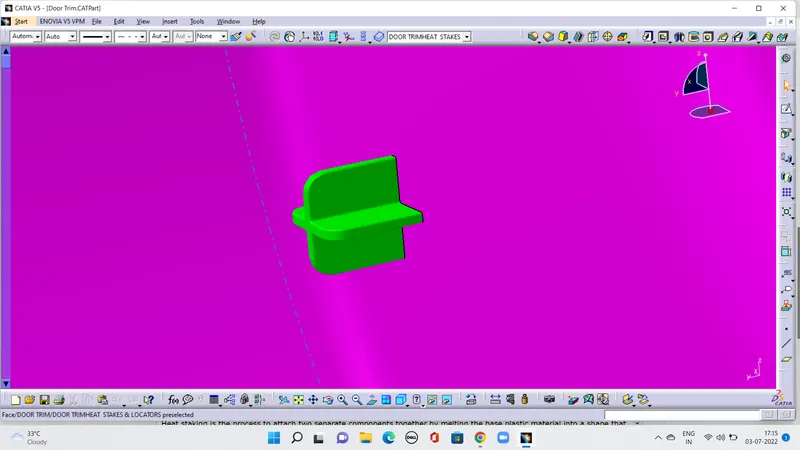
HEAT STAKES:
DRAFT ANALYSIS: