Week 10 - Challenge 2- Attachment Feature Creation (Dog House)
Week 10 - Challenge 2- Attachment Feature Creation (Dog House)
AIM
Create the Dog House for the Door Trim considering the design rules
Tooling Axis Creation
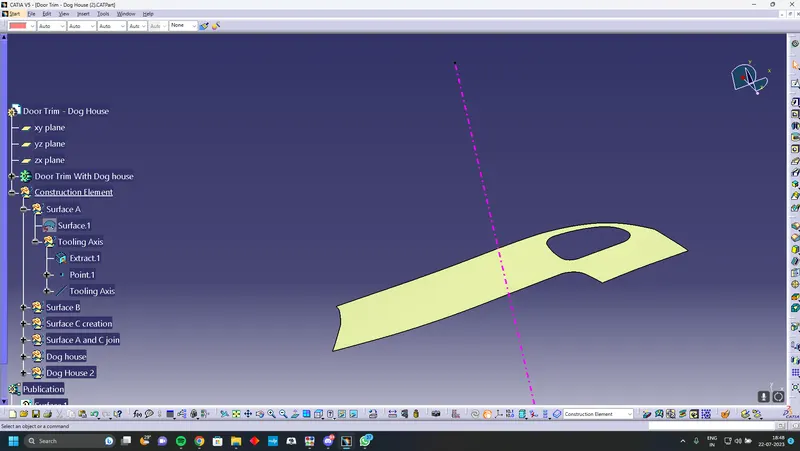
Check the best surface to place the tooling axis. Using point command find the center of the surface and Creating a tooling axis along the y direction
Surface B creation
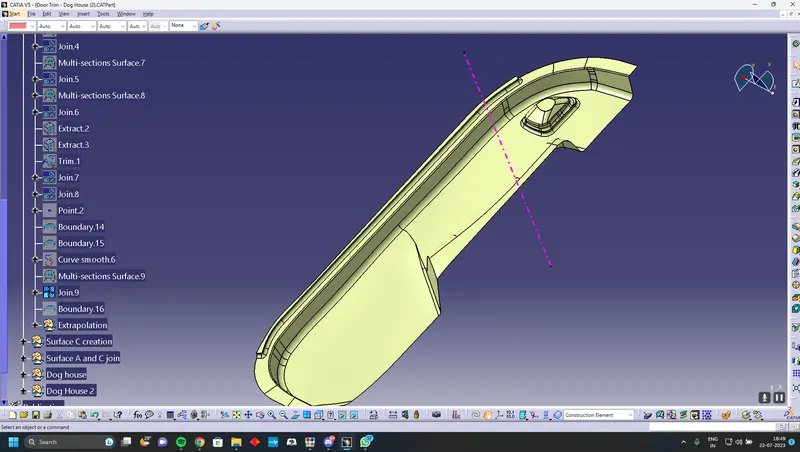
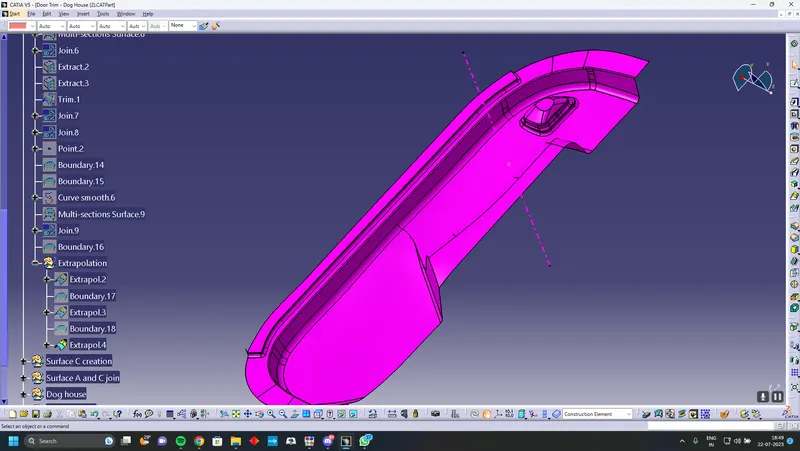
Offset the class A surface to 2.5mm Close the patches after completely closing everything extrapolate the edges so it will will intersect the class C surfface so you can trim it
Creation of Class C surface
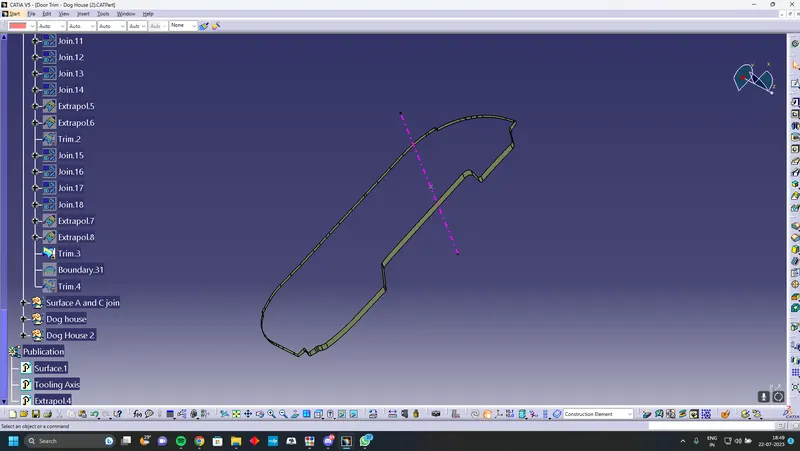
Using sweep command and sweep along the edges of class A surface,and joing every sweep into a single entity
Joining Class A and C
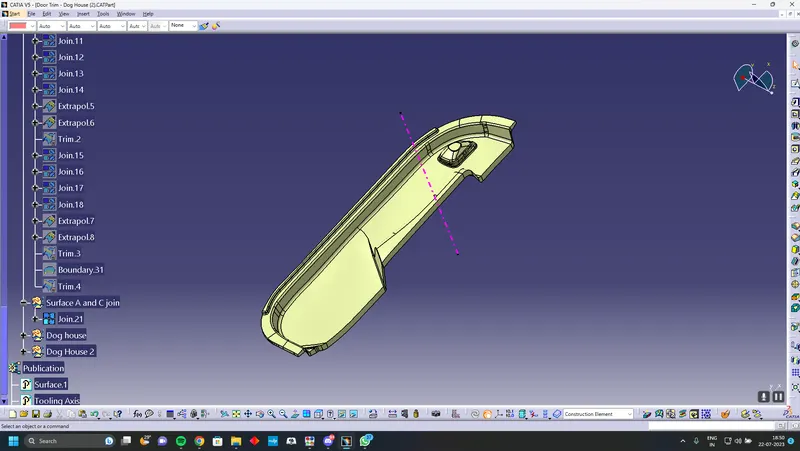
Using join command join the surface A and surface C
Final Trim
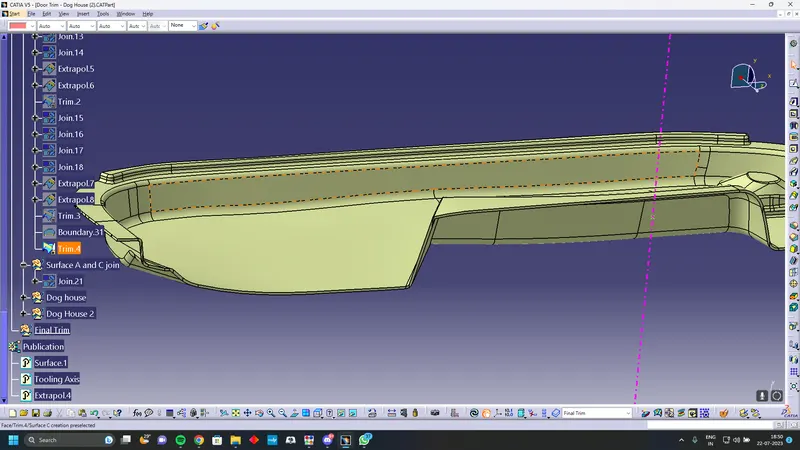
Trim Class B surface with Class A and C joined surface you will recieve a closed body
Closed Body
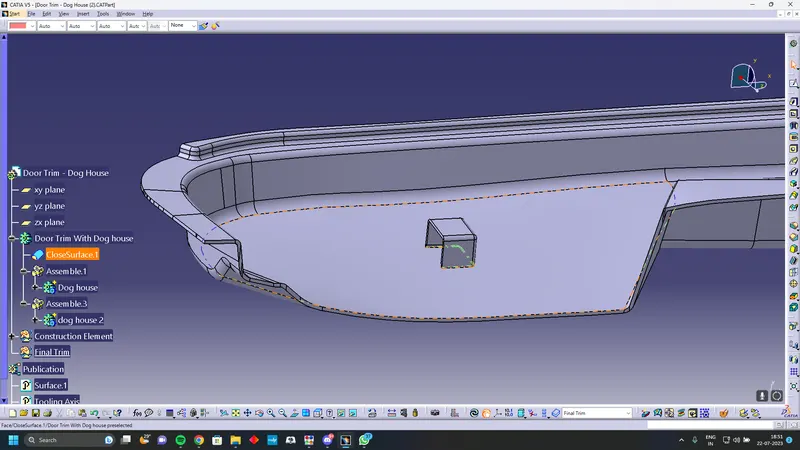
Using closed body command on the surface you will get a solid of the door tirm
Creation of Dog house
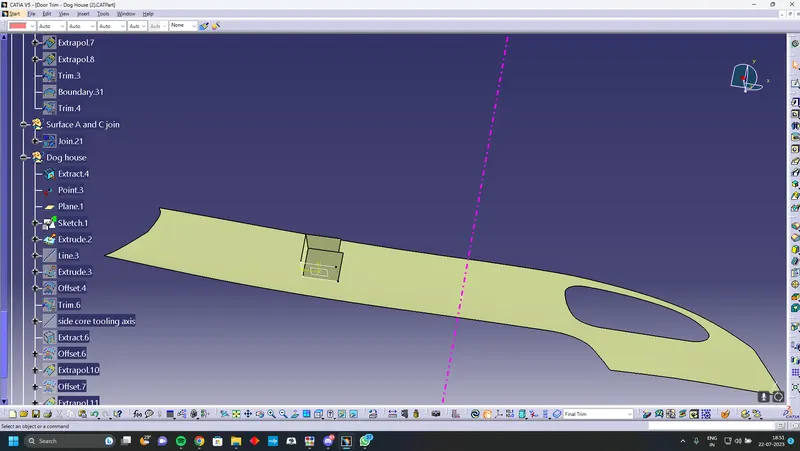
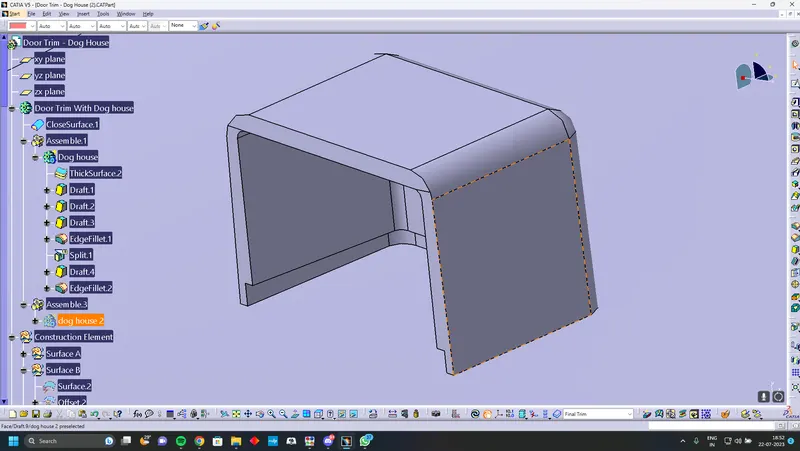
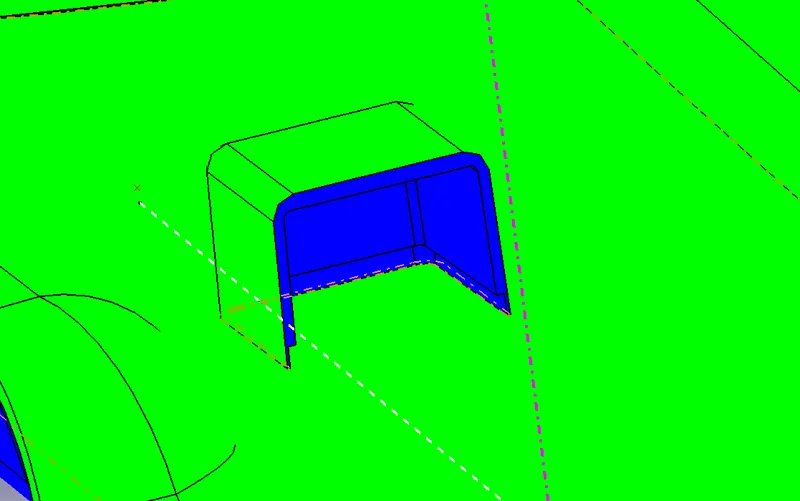
Extract the surface where you want to create the dog house on follow the design guide line and sketch the dog house The dog house need draft use tooling direction and drafting angle of 1.5deg. To draft the inside surface we need to create a side core axis perpendicuar to the normal tooling axis and give draft to them
Assemble the Dog house to the door trim
Draft Anlysis
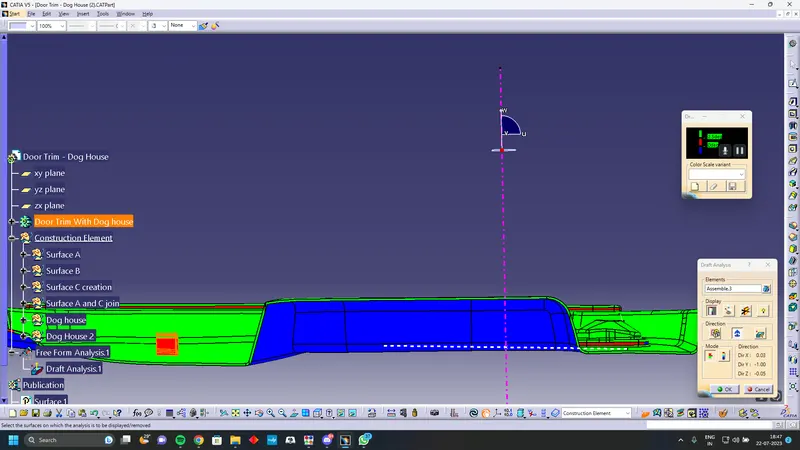
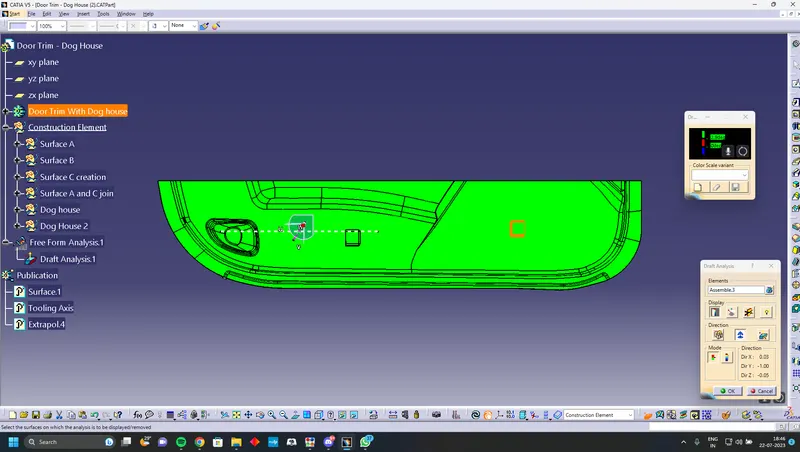
Draft Analysis of Dog House
Tooling Axis
Side Core Axis
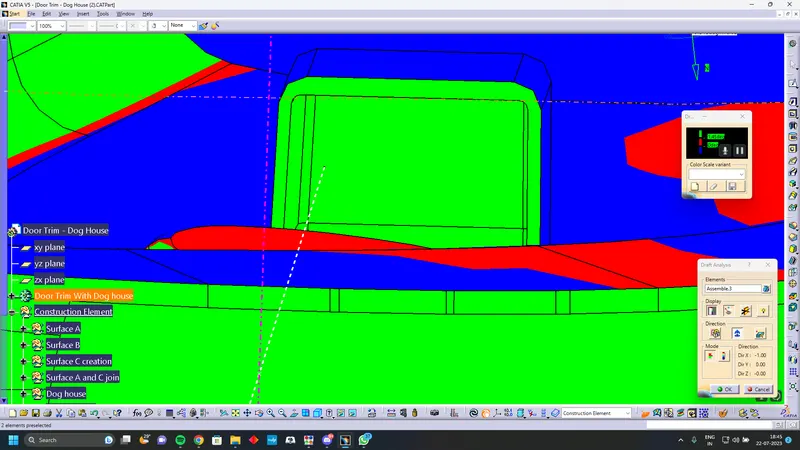
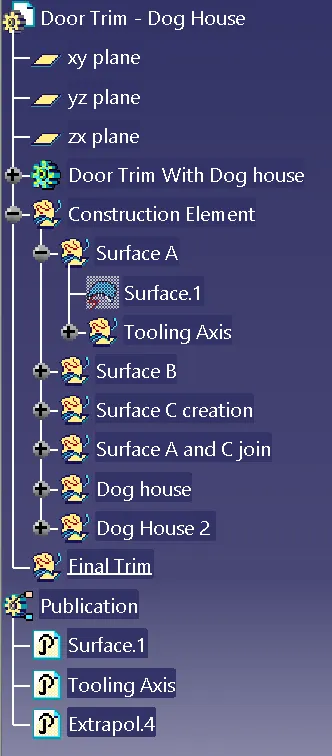
Design Tree