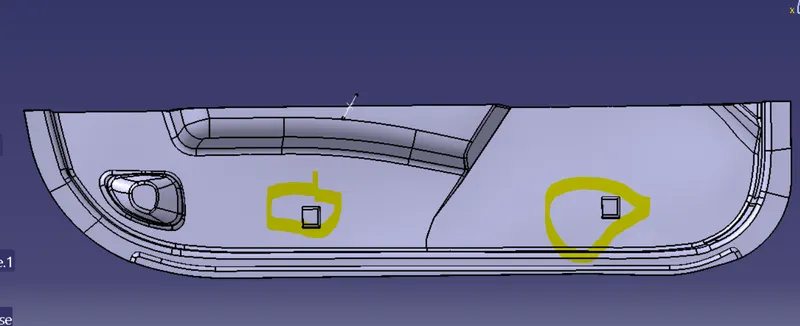
Week 10 - Challenge 2- Attachment Feature Creation (Dog House)
Aim : create a Door trim lower with dog house from given class A surface
Tools used : - Catia V5
Frequntly used commands : - Trim ,Split, Sweep
Step 1. Anaylize the Class A .
Import the class a and check for any dis contunity like gaps and surface irregularity. the given class A for this task dose not have any.
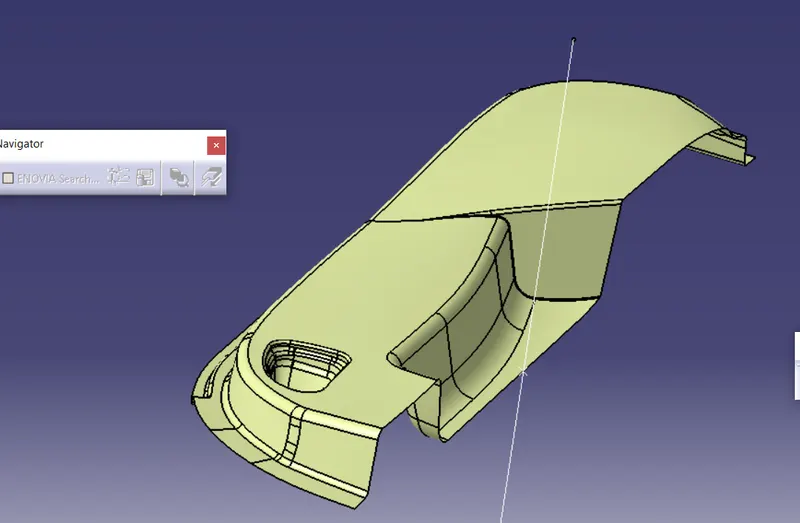
Step 2 . Class B creation
now offset the class A by 2.5 mm which is the plastic product thickness. and then repair the surface for irregulatity. there are many like fillets, Surface. So extract one by one surface then offeset it. then extrapolate and trim or split with each other. So that we get a replica of Class A
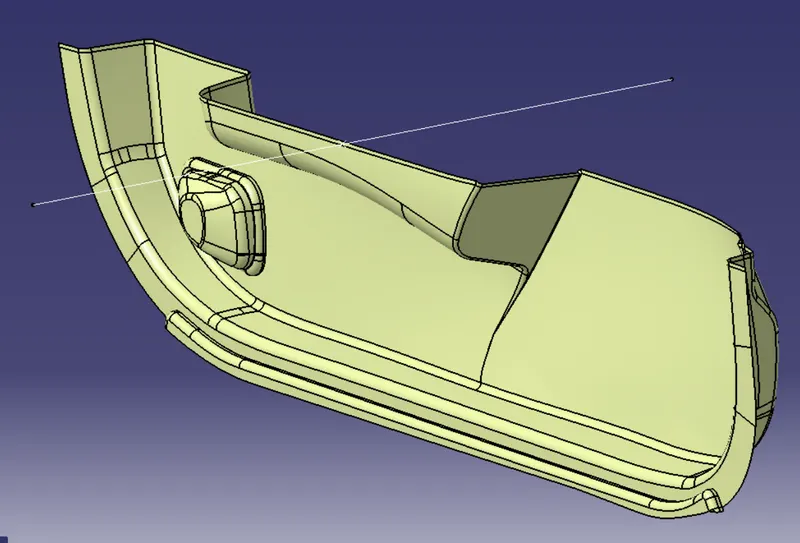
Step 3. tooling axis creation
Create a line in a direction where all the face are visble so that it will clear all the body in draft anayliss as shown below
tooling axis
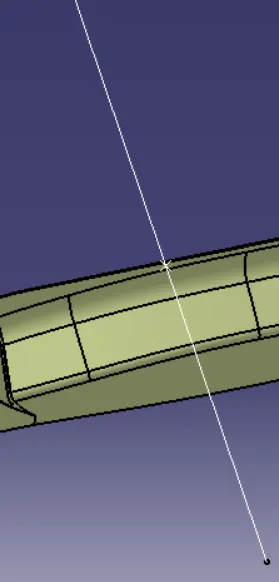
Draft anaylisis
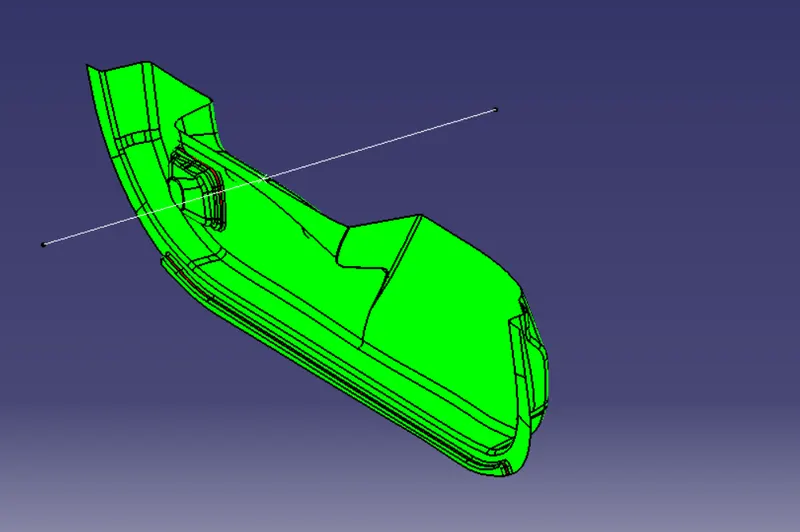
Step 4 Class C creation
Create flanges from class a towards class b . give draft anle to te surface which are perpendiculat to draft axis and 90 deg to surface parralel to draft axis. then extrapolate and trim those flanges to create class C surface as shown below
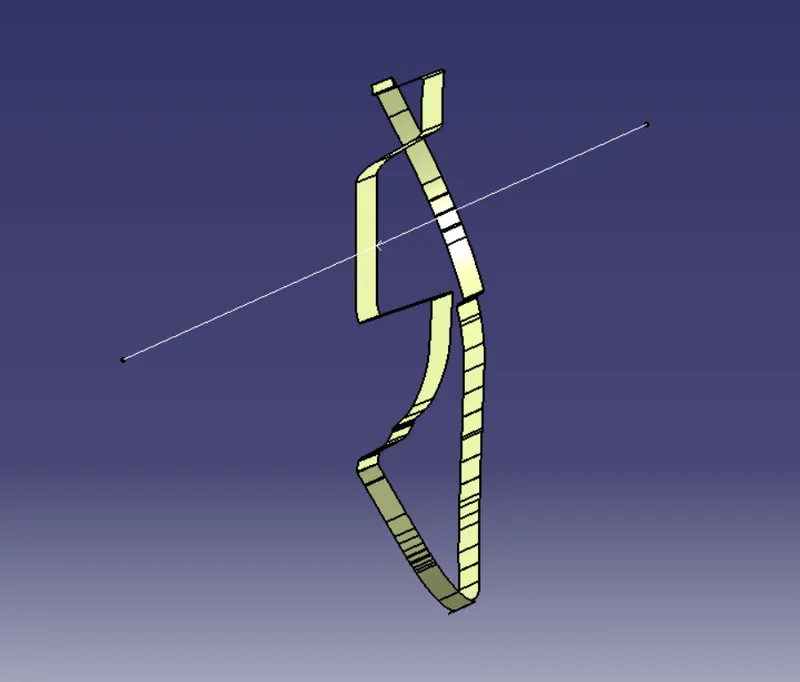
Step 5 trim
Join the class A and Class C surface then trim it with Class b to create a closed surface . then using close surface command in part design workbench create a closed surface. as shown below
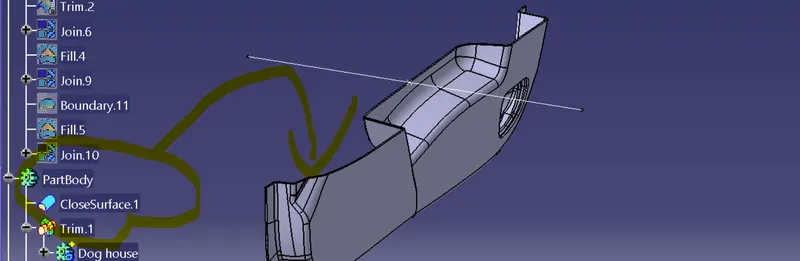
Step 6 Engneering Features.
Create a dog house by creating four walls form surface join them together create a soild body by thickning it inside.
then union trim it with main body and fillet it with corners. you will get the following result
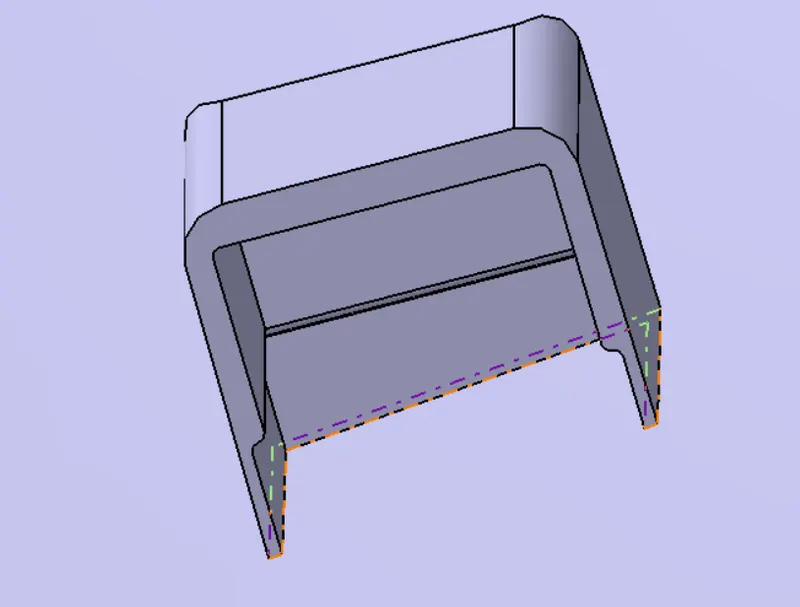
Finally you get the product
Door trim lower with dog house