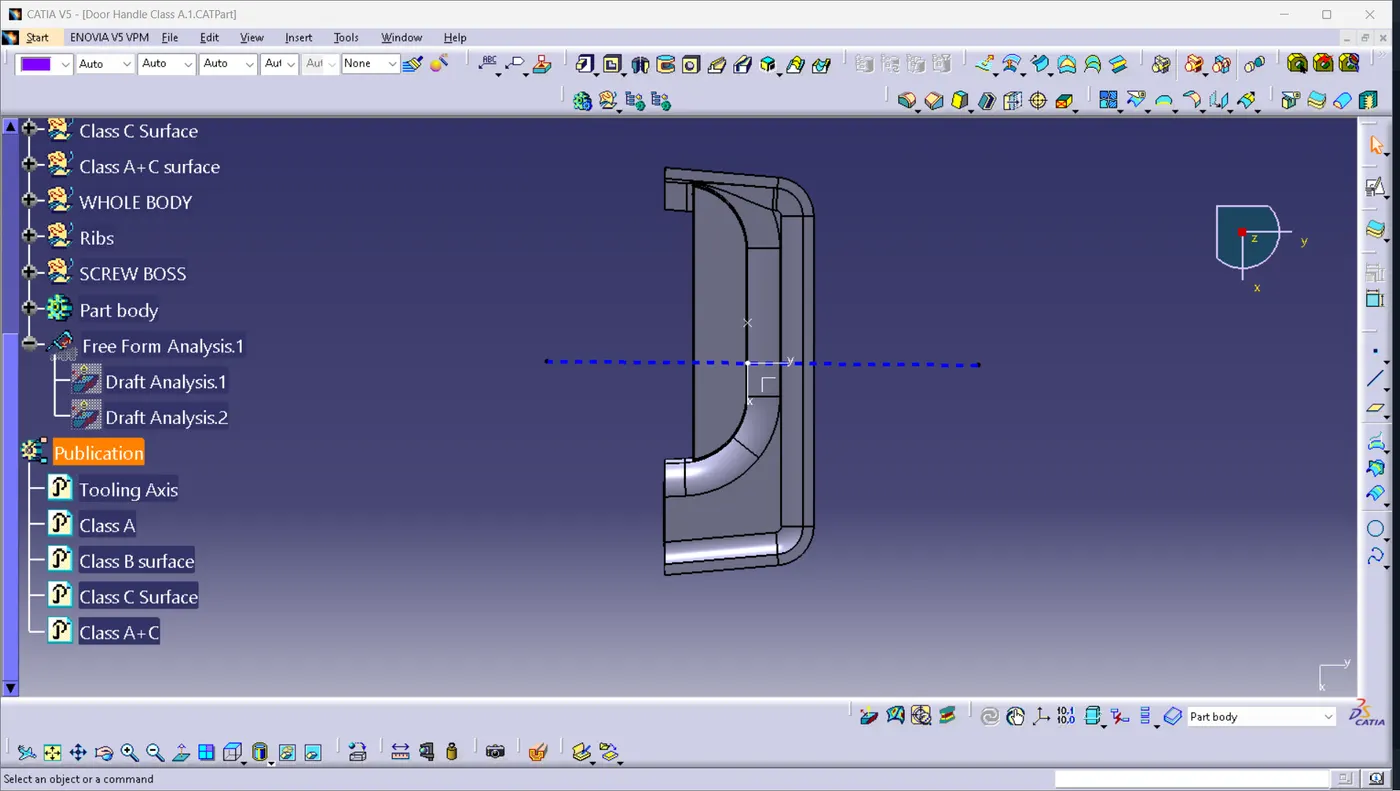
Week 10 - Challenge 1- Attachment Feature Creation (Ribs & Screw Boss)
Report:
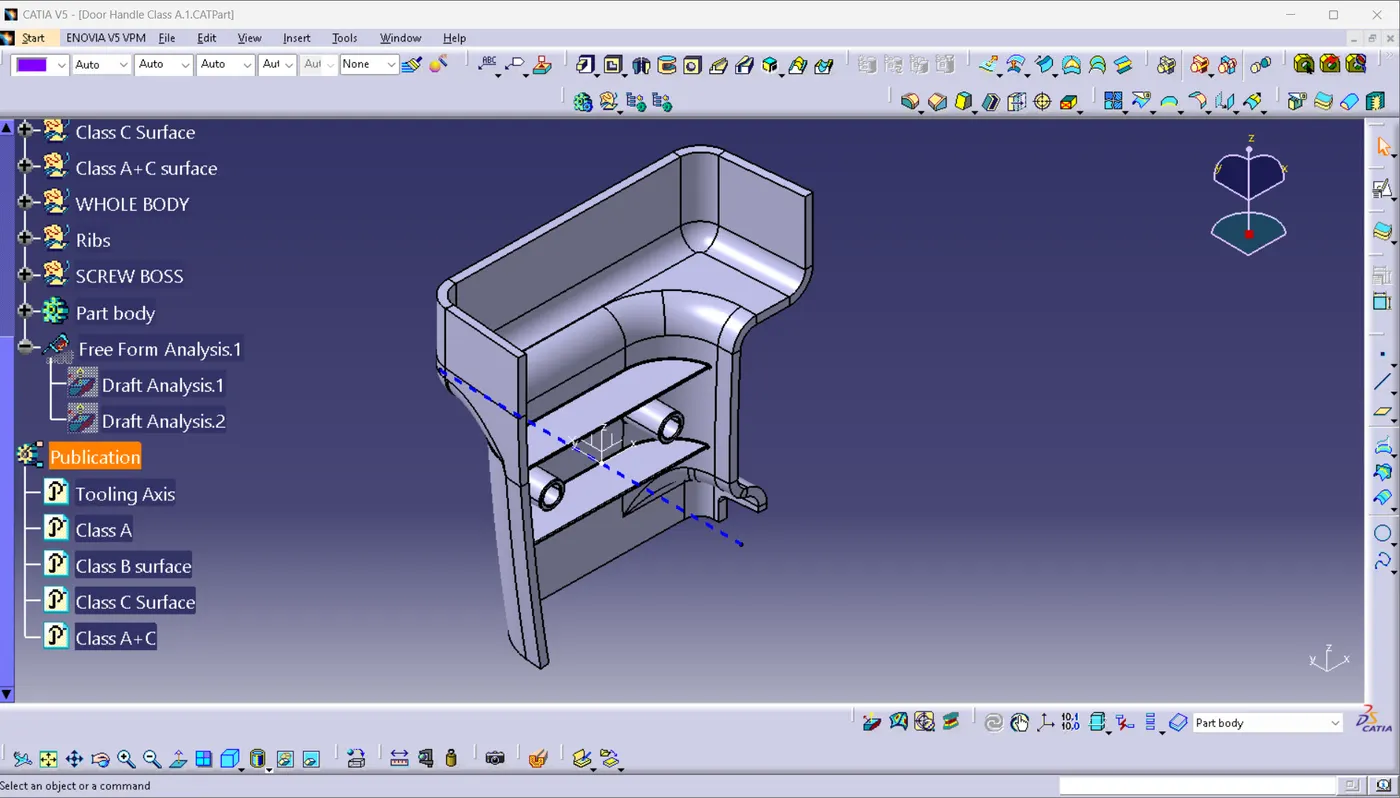
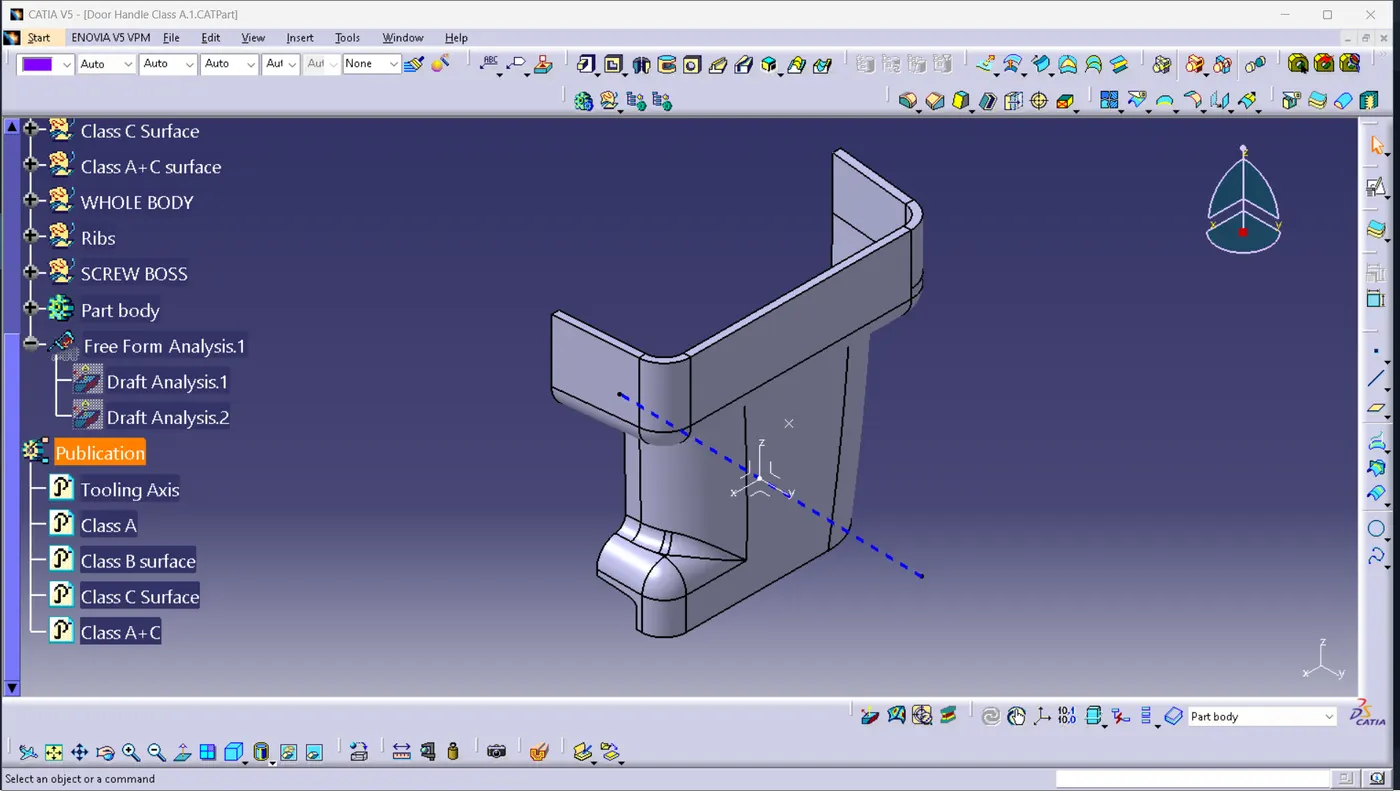
Tooling Axis:
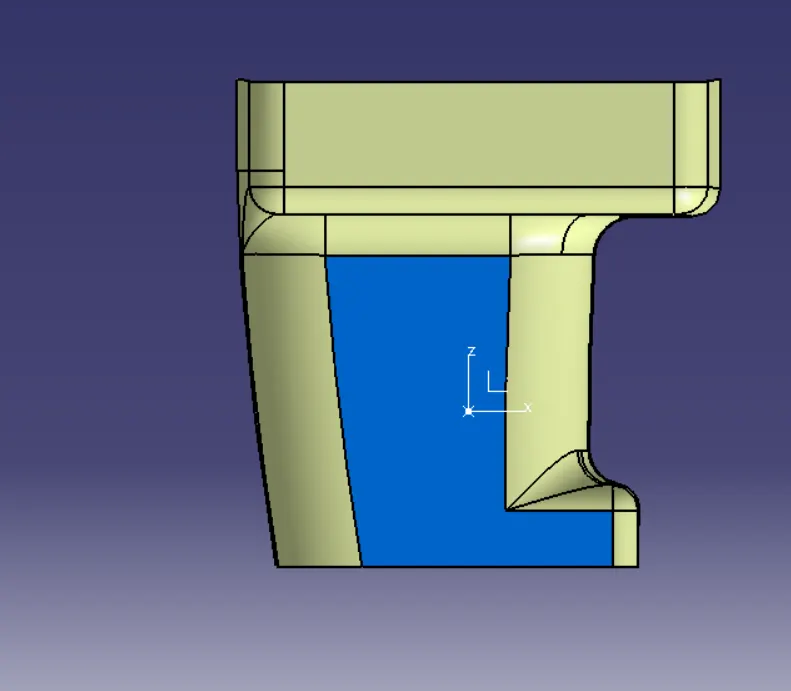
The blue colour surface was extracted and a point was created on the surface at a distance of 0mm.
An axis was created at that point.
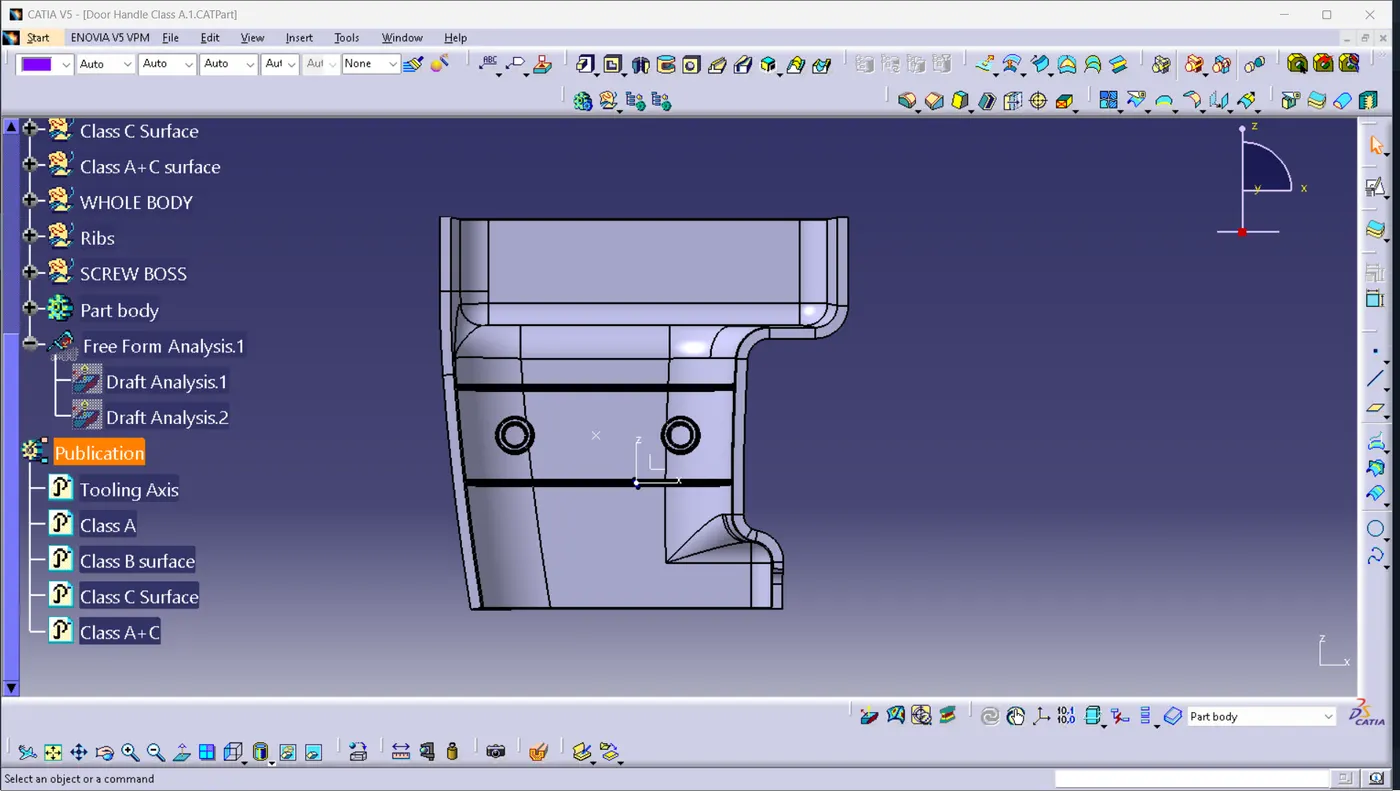
Dummy Axis 1:
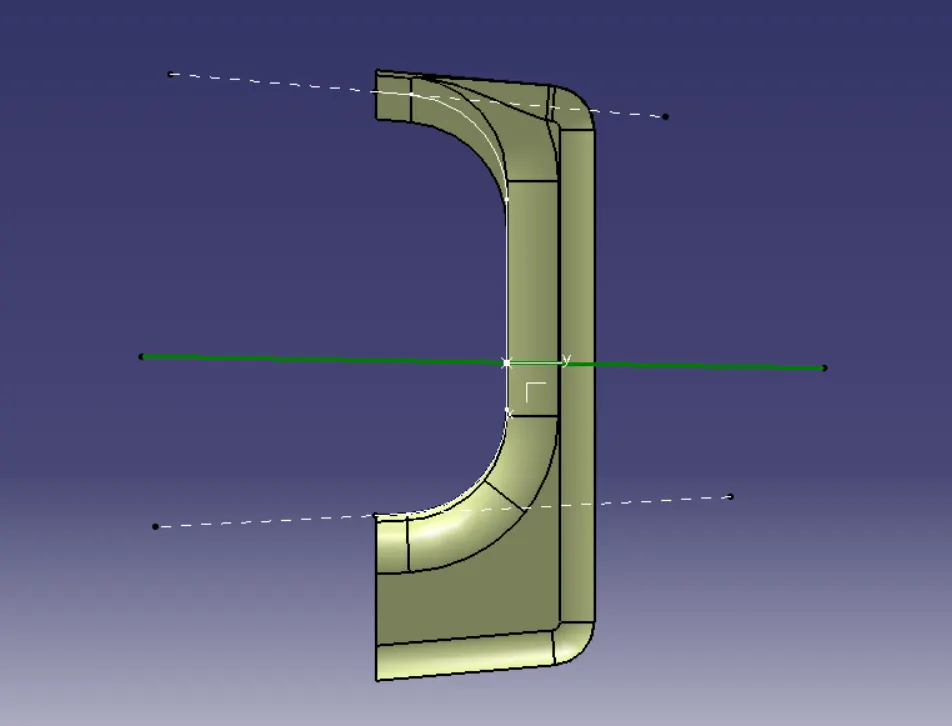
Using the XY plane of the axis, created an intersection. And draw two lines on the two sides. Then, draw a line between the two lines and the point using the bisecting line.
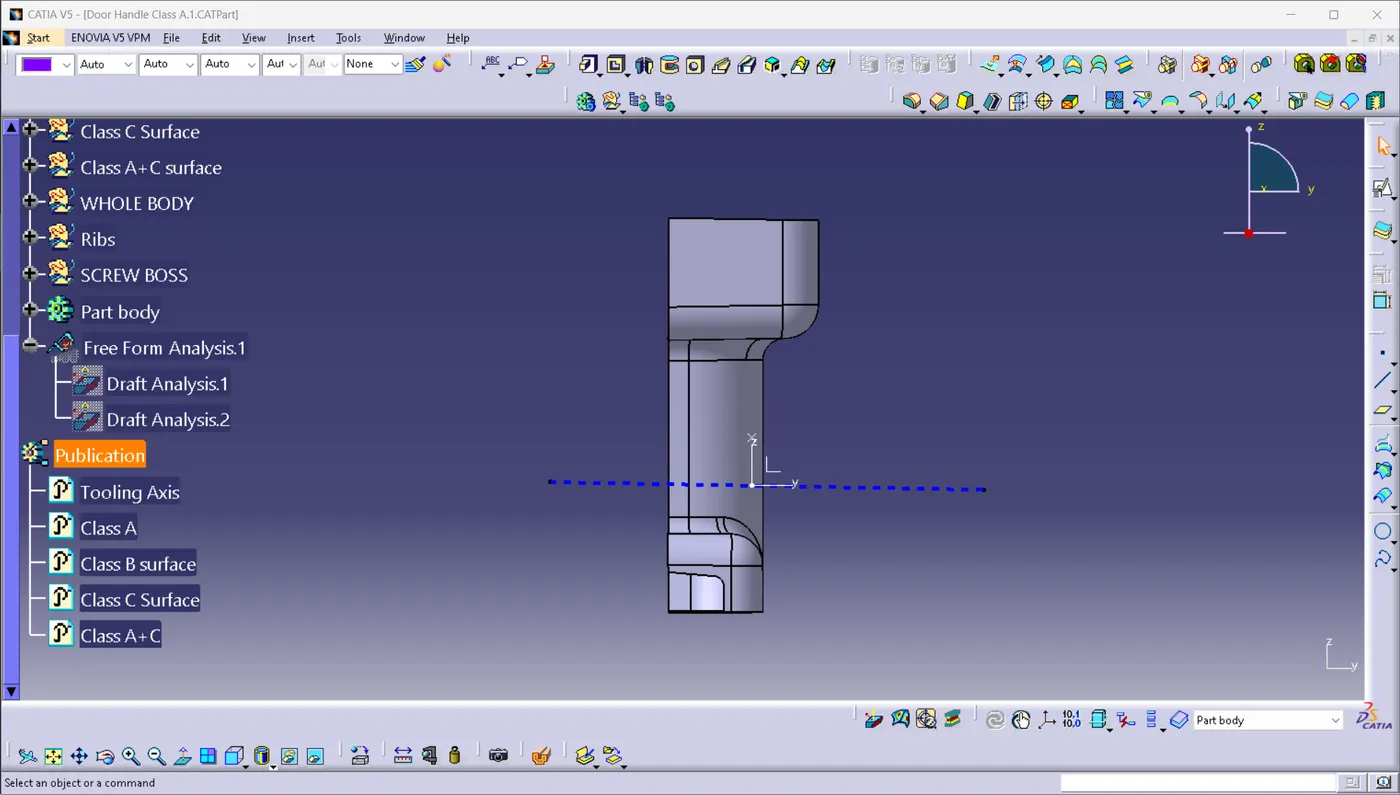
Dummy Axis 2:
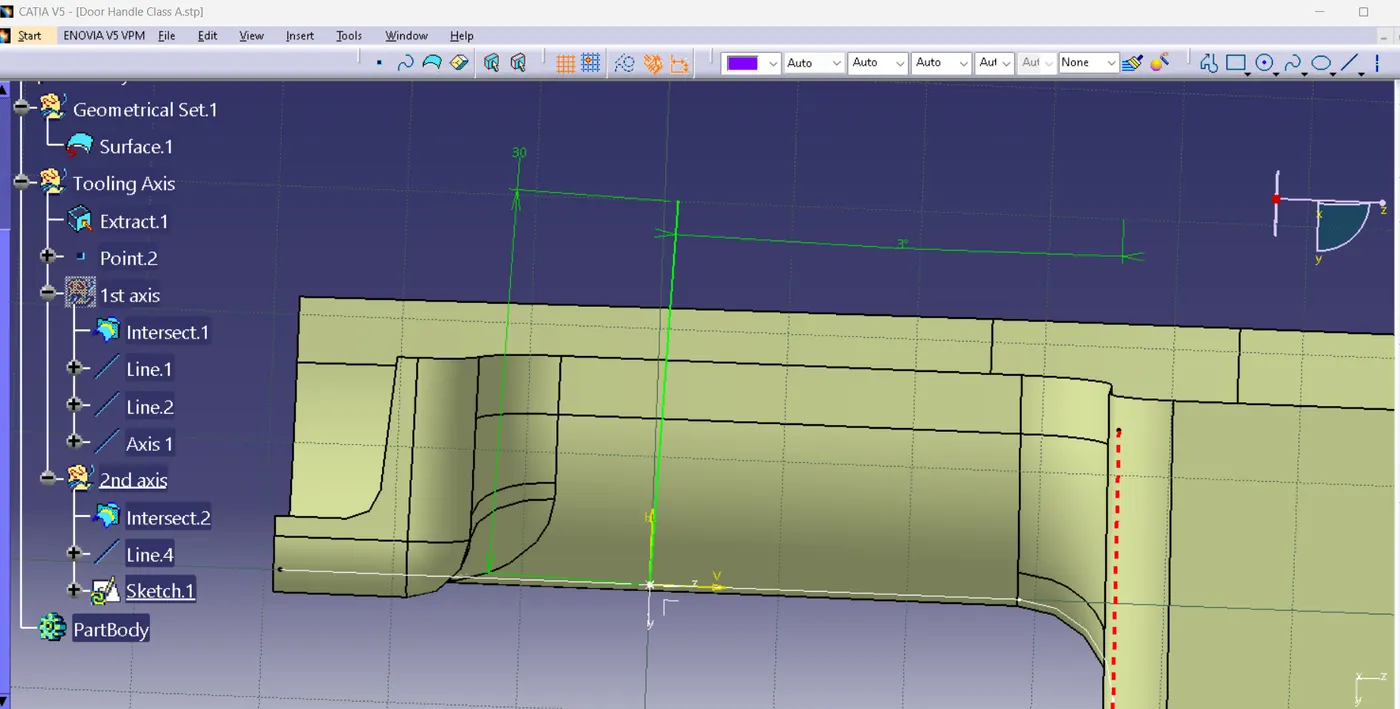
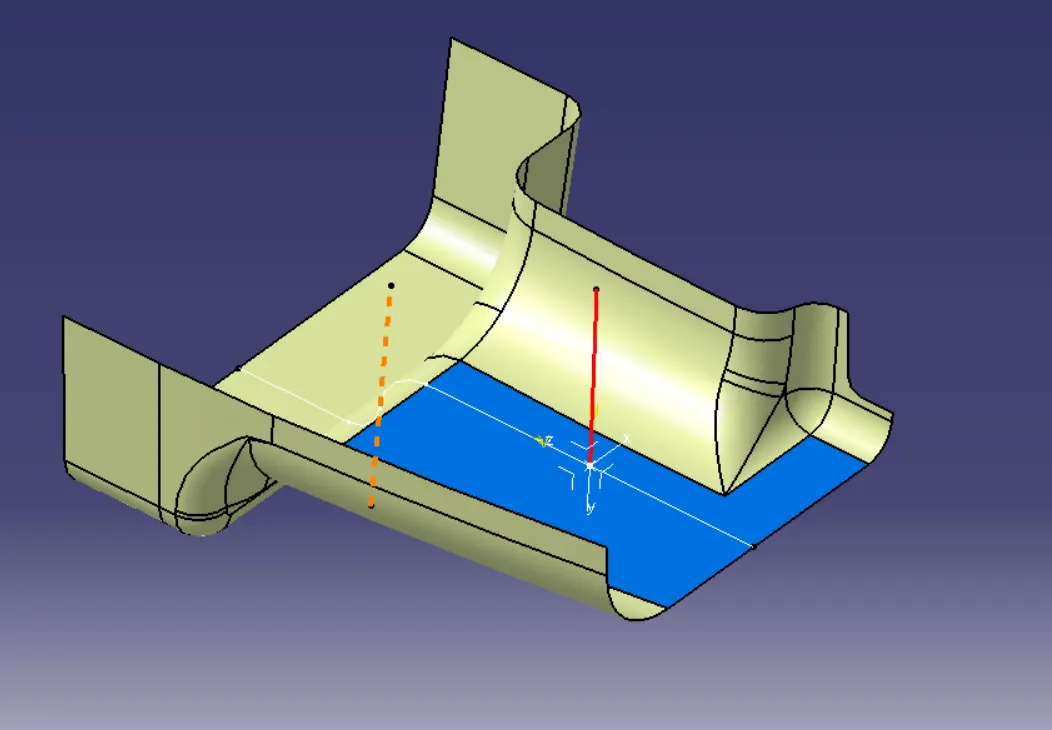
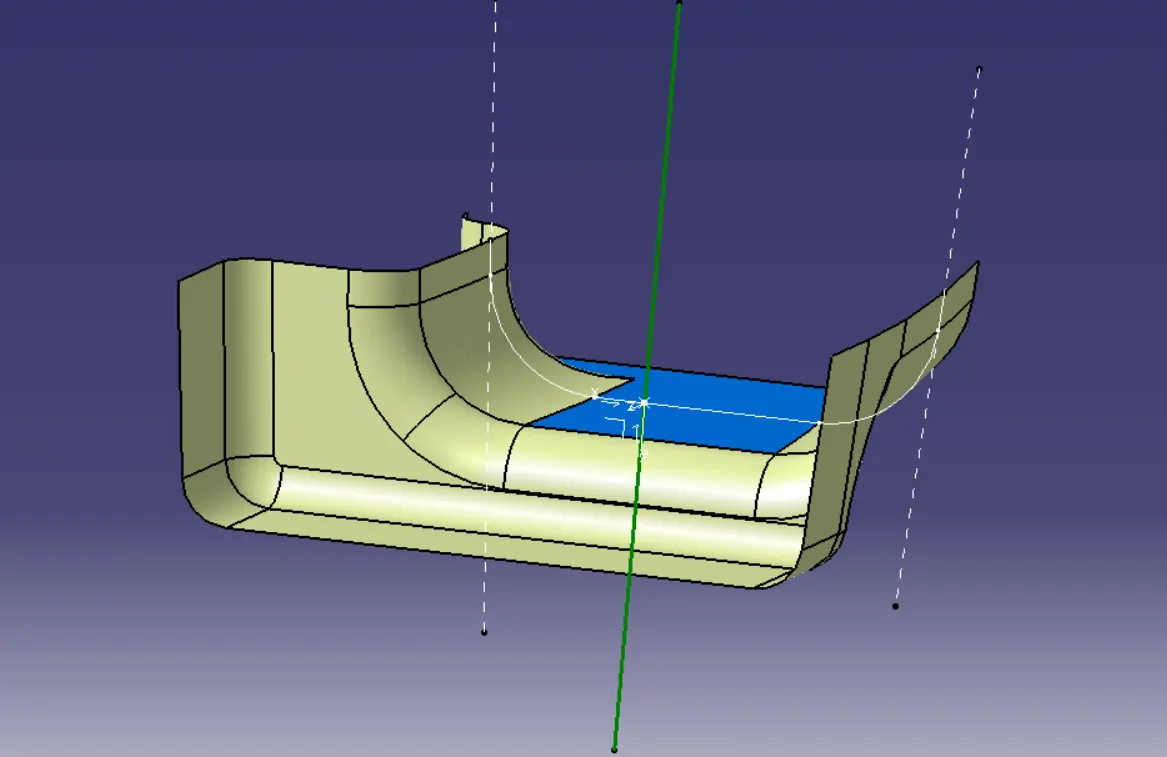
Created an intersection on the ZY plane. Created a dotted line at the angled plane and drew a line at an angle of 3 degrees from the dotted line from the point.
Tooling Axis:
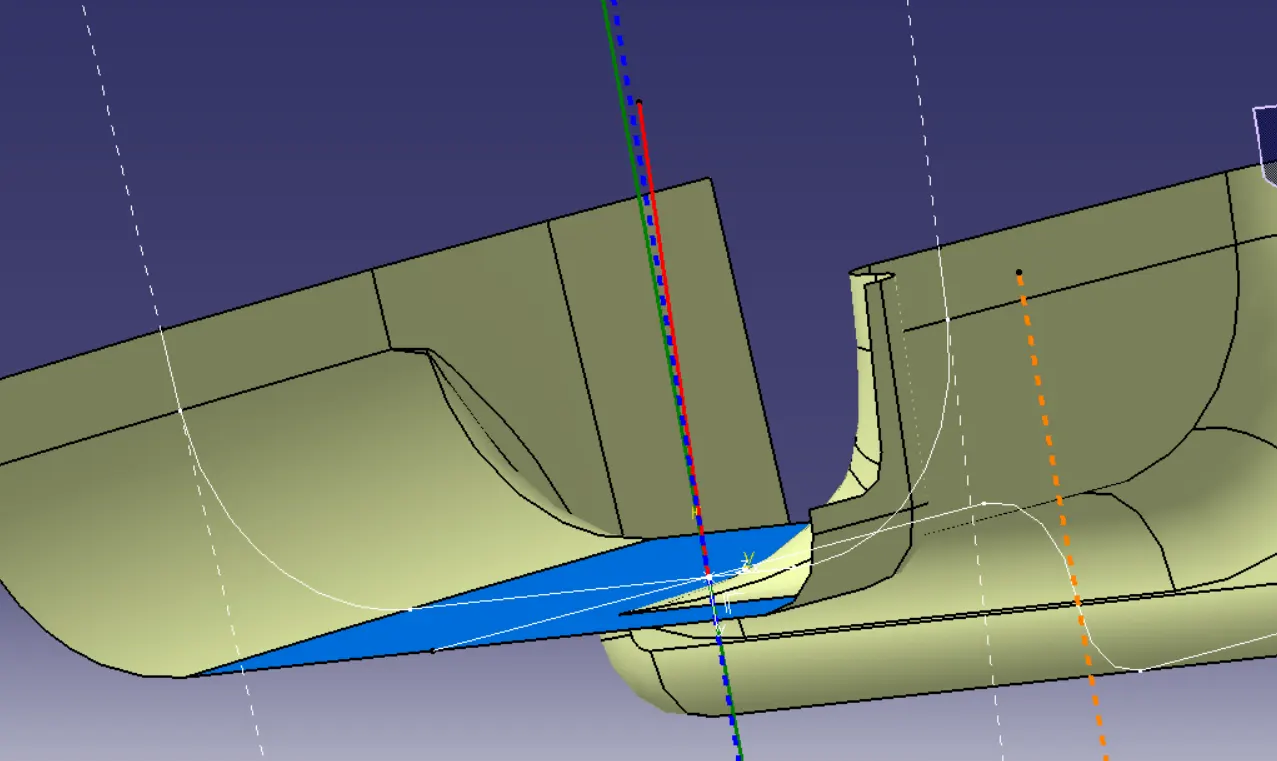
Drew a dotting line(Tooling Axis) bisecting the two dummy axes.
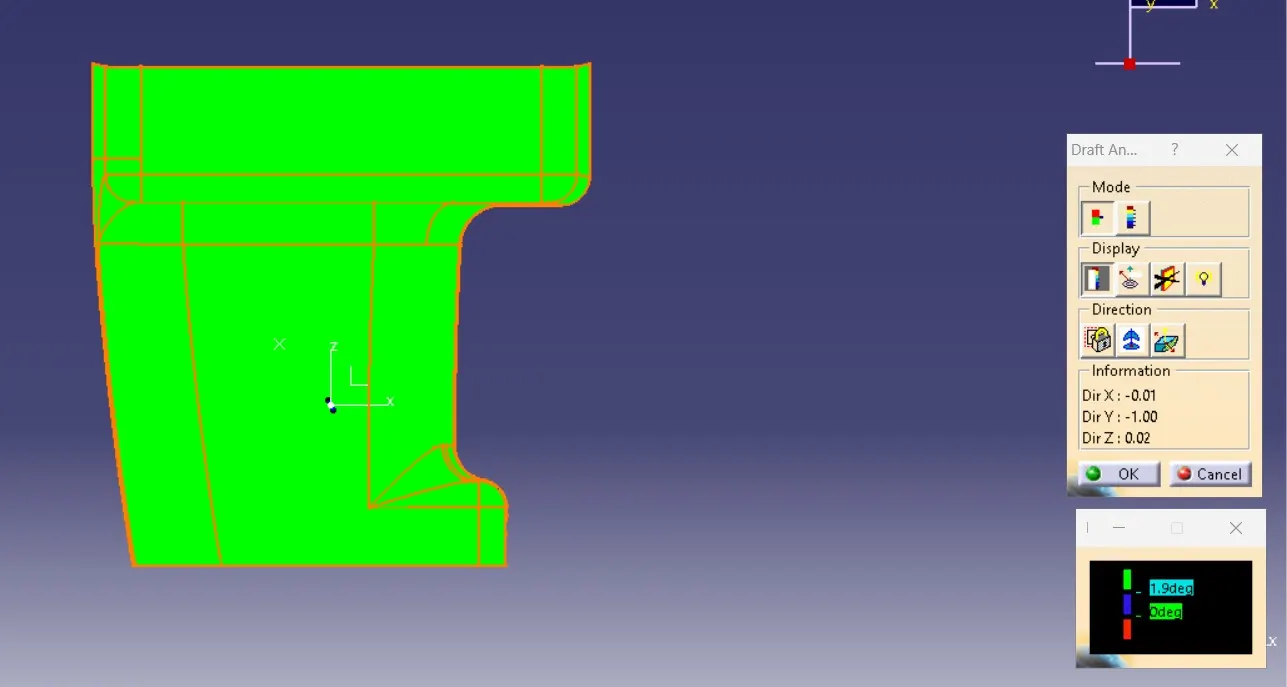
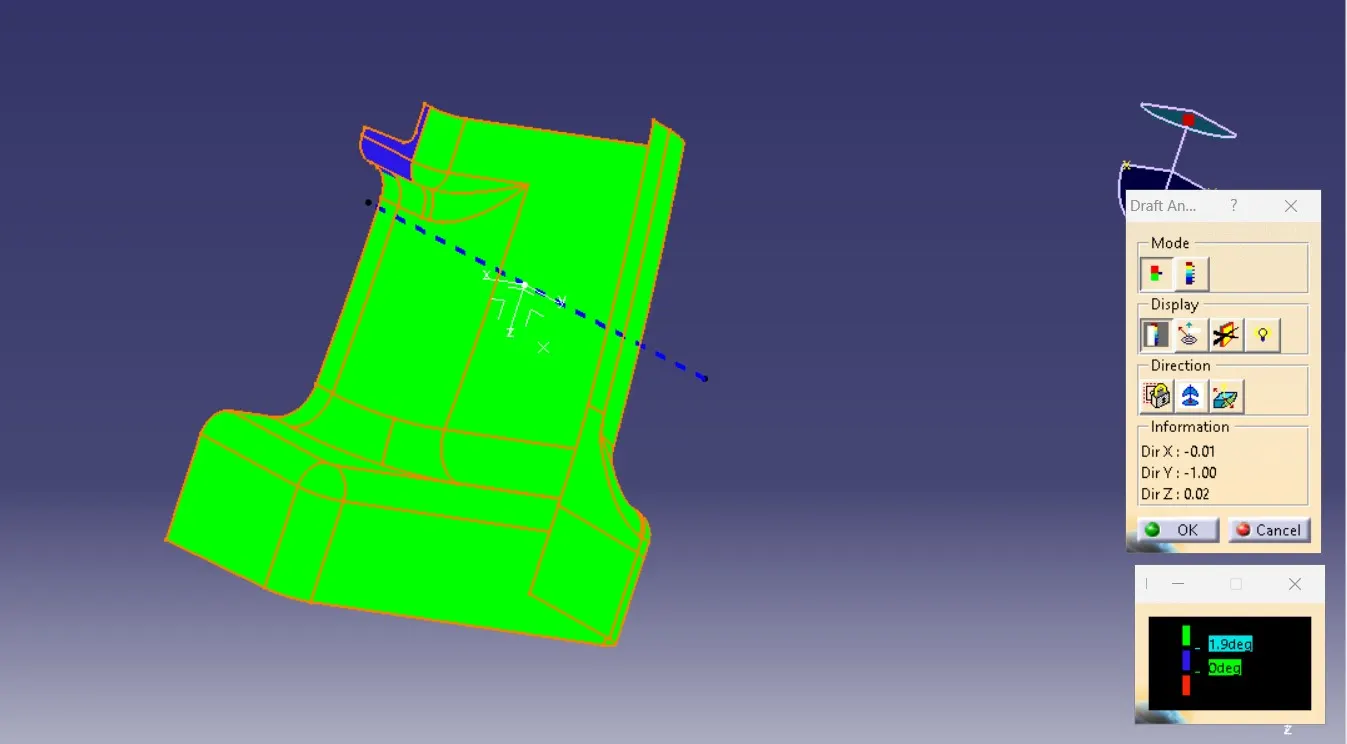
Draft analysis of Class A Surface:
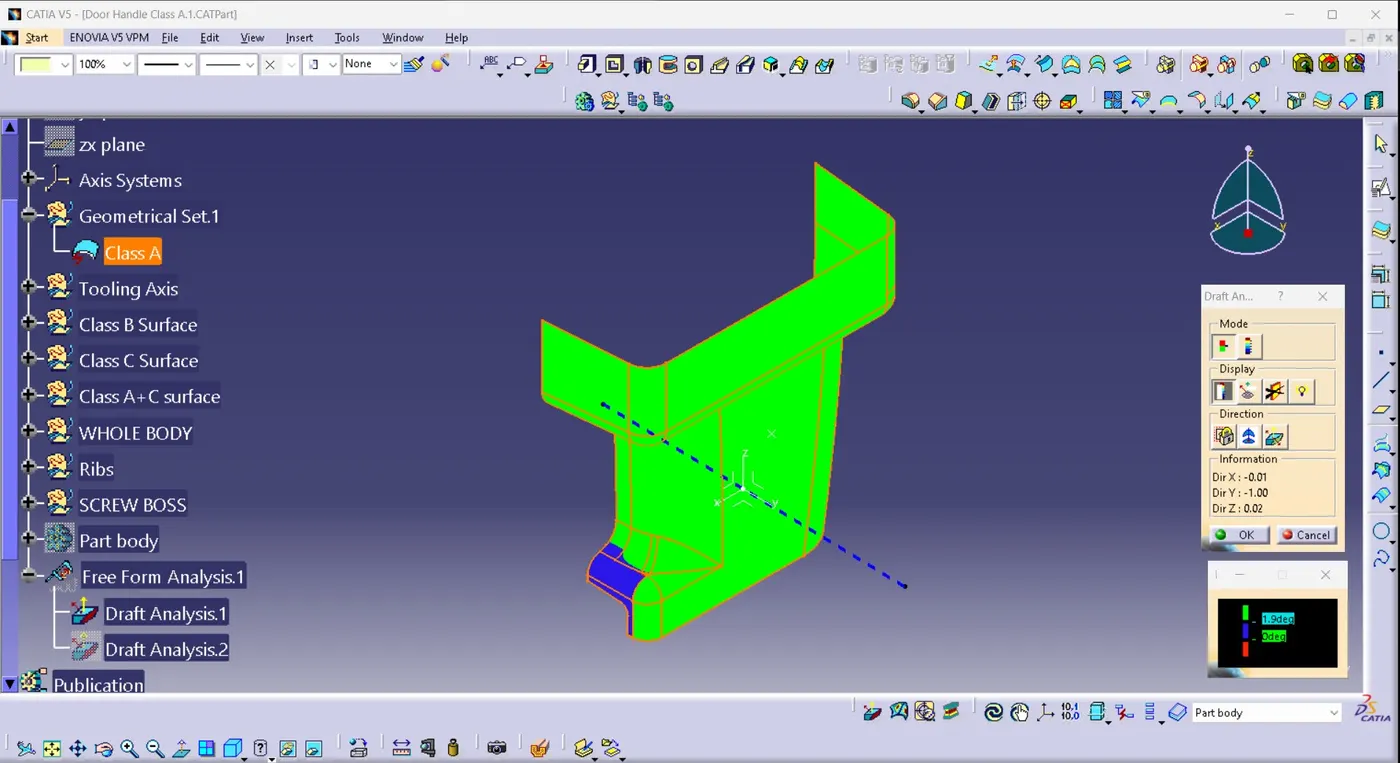
1)Select the Draft analysis feature
2) Select the compass and a line with the tooling axis.
3) Select the lock, touch on any point of the surface of the Class A surface and lock analysis.
4) Change the draft angle to 1.9 deg.
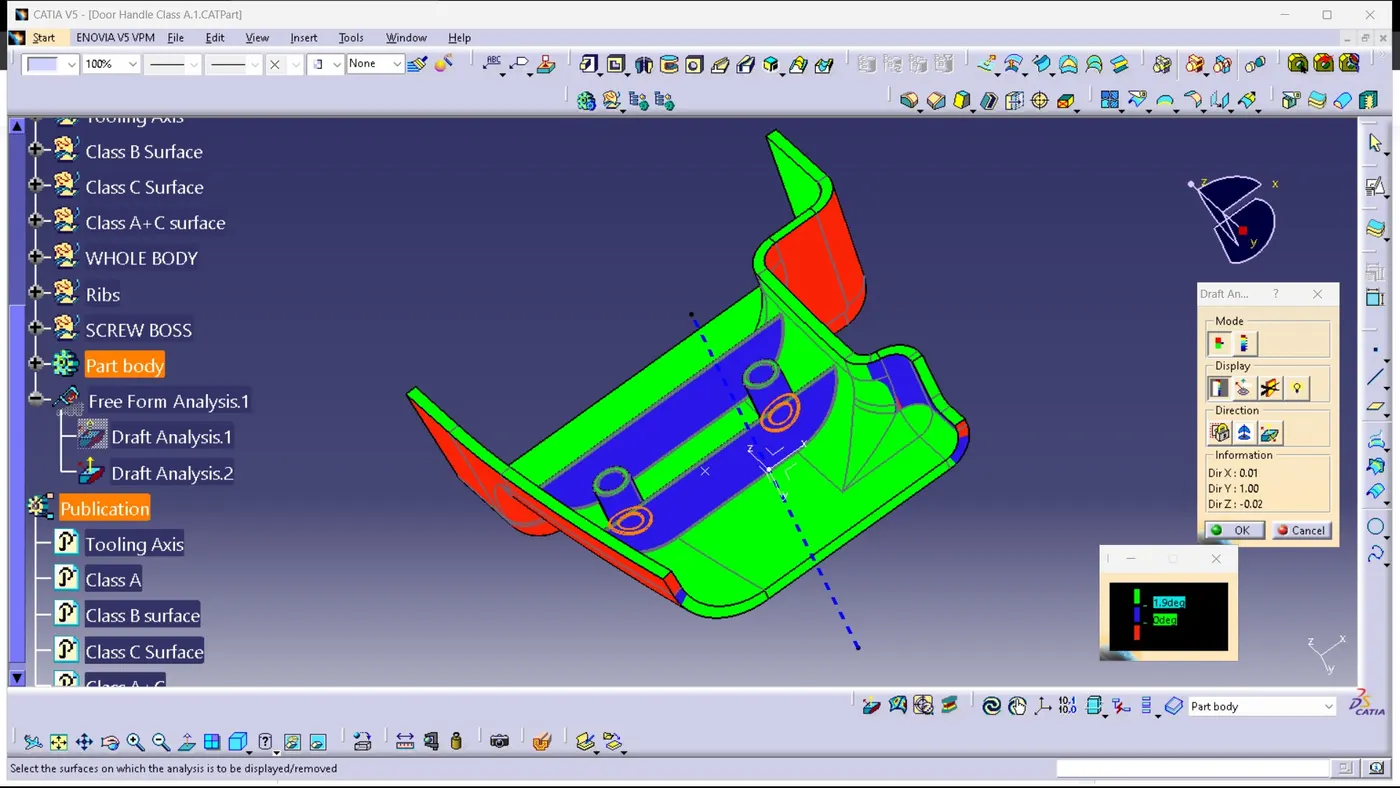
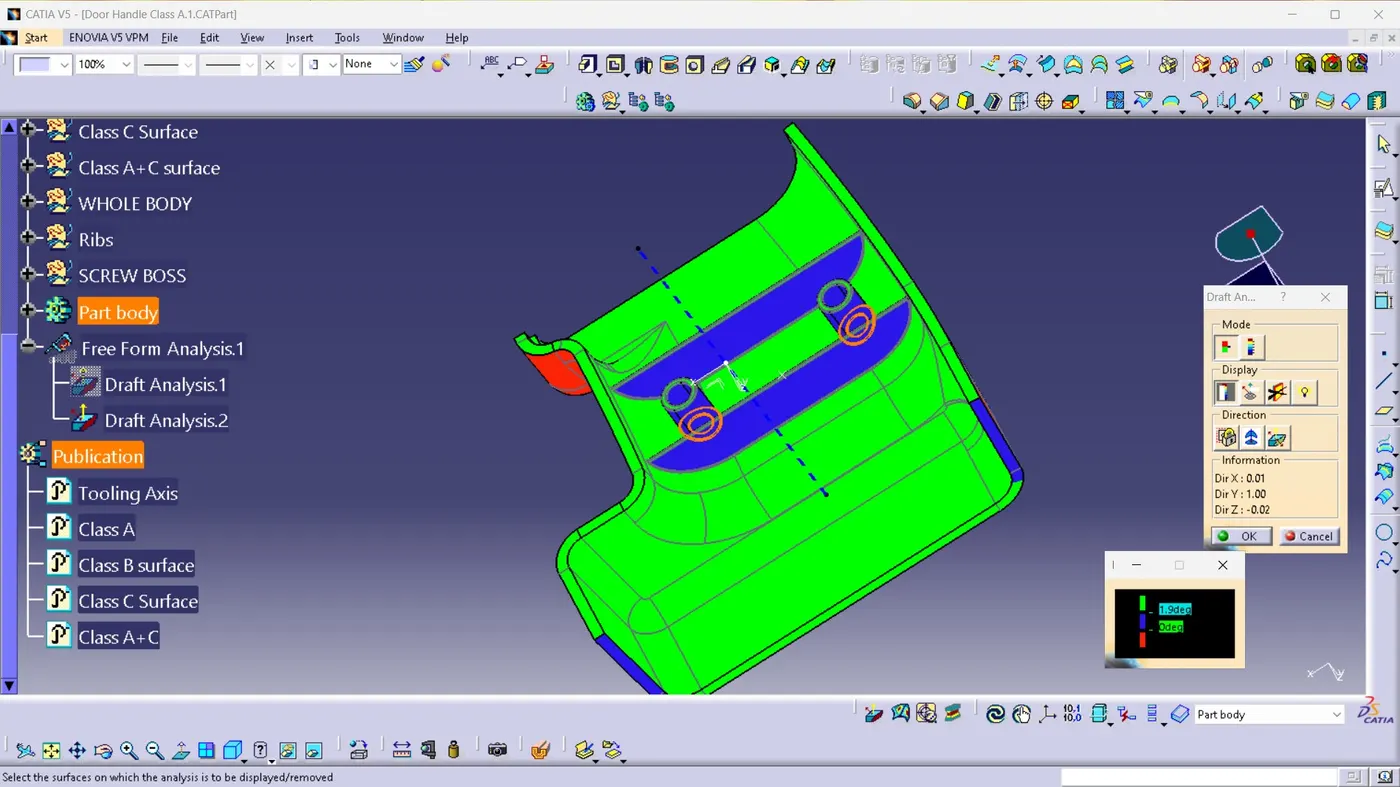
Draft analysis of Complete model:
1)Select the Draft analysis feature
2) Select the compass and a line with the tooling axis.
3) Select the lock, touch on any point of the surface of the Complete model and lock analysis.
4) Change the draft angle to 1.9 deg.
Complete Design: