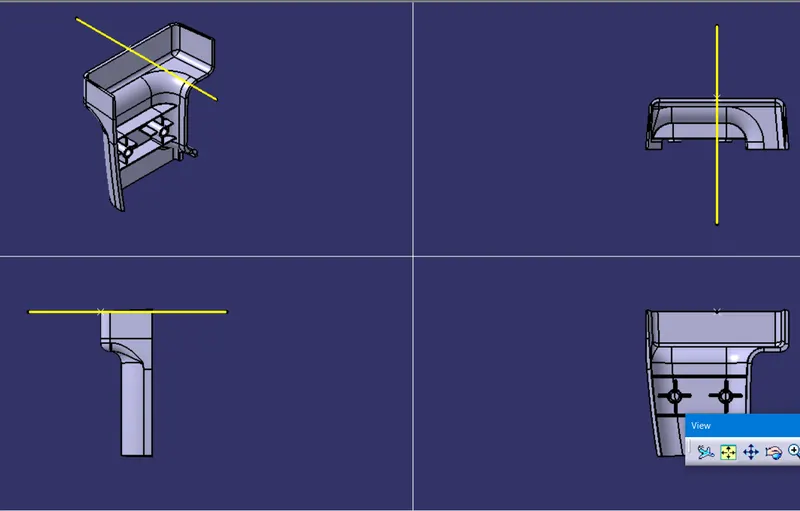
Week 10 - Challenge 1- Attachment Feature Creation (Ribs & Screw Boss)
Week 10 - Challenge 1 (Ribs & Screw Boss)
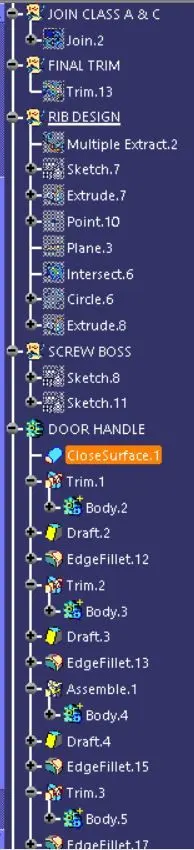
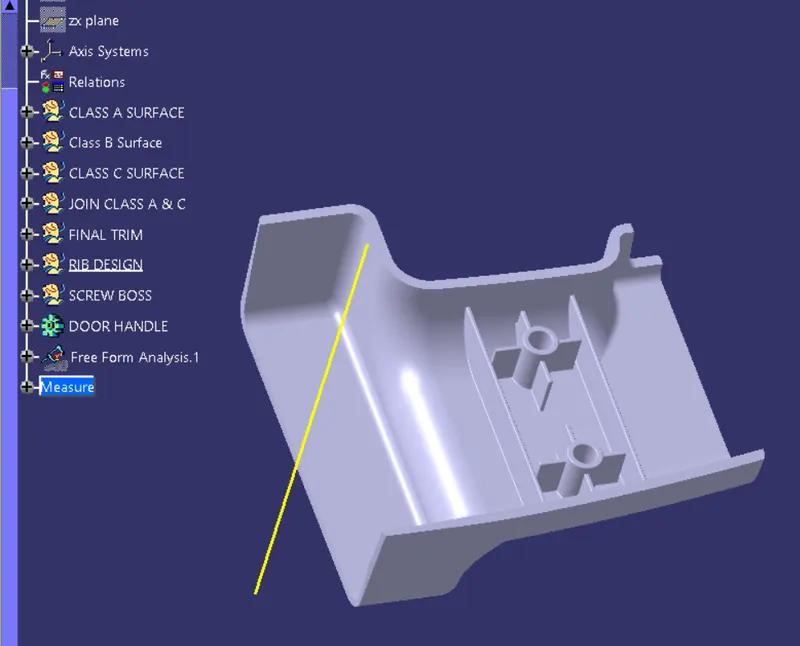
Create Ribs and Screw Boss in given Door Handle Part ?
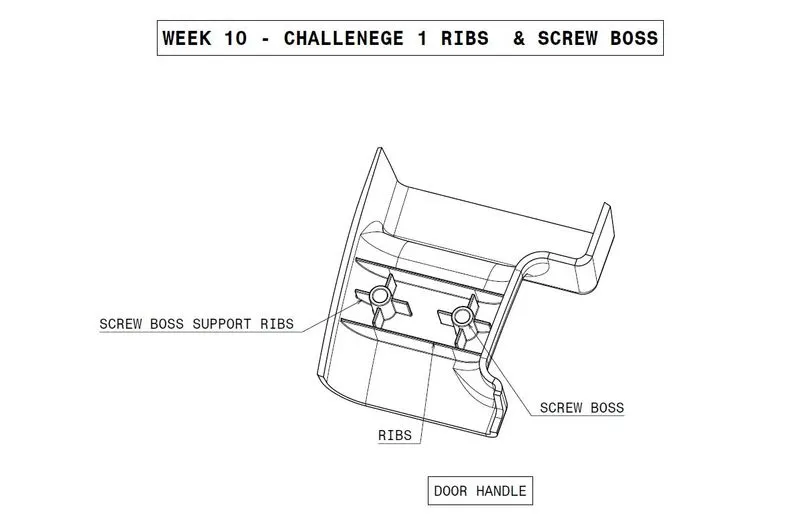
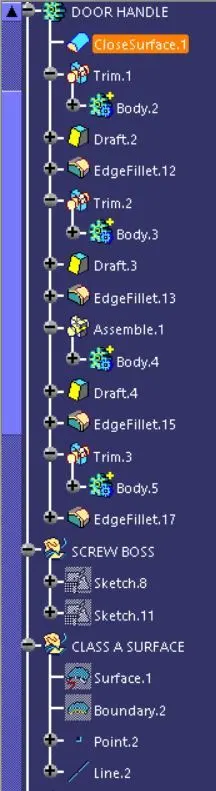
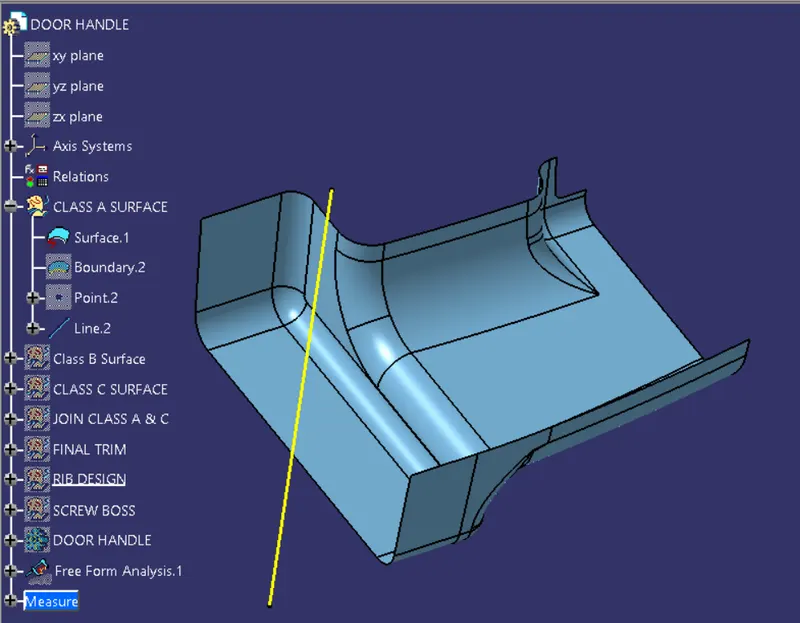
Given Class A Surface
In this class A surface any type of tooling axis will show error in draft analysis using bisecting line and point in direction.
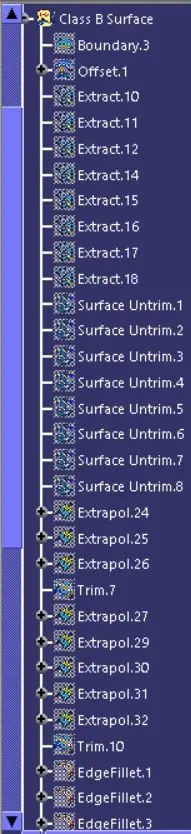
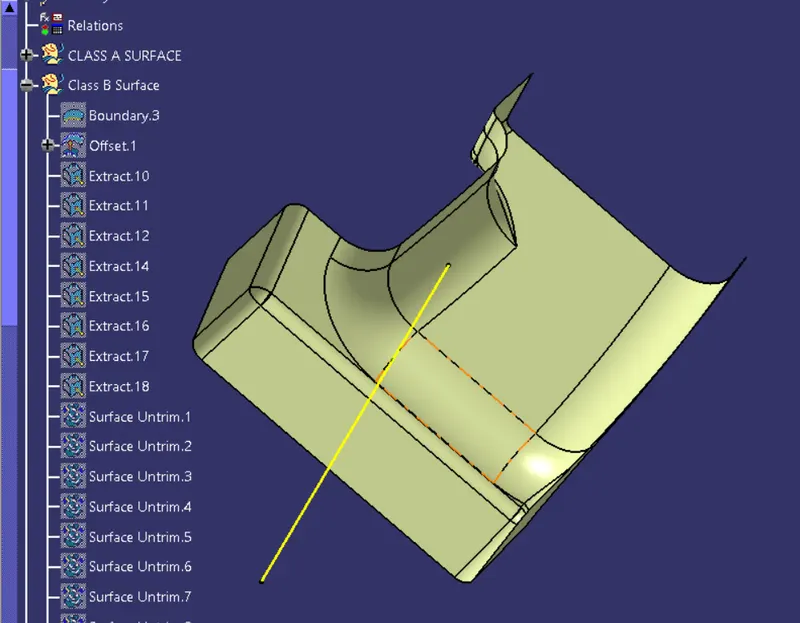
CLASS B SURFACE :
Creating boundary line on the class A surface and Offset the Class A surface with 2.5mm .U will get class B surface with some patches .
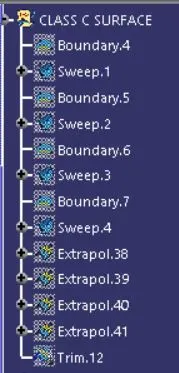
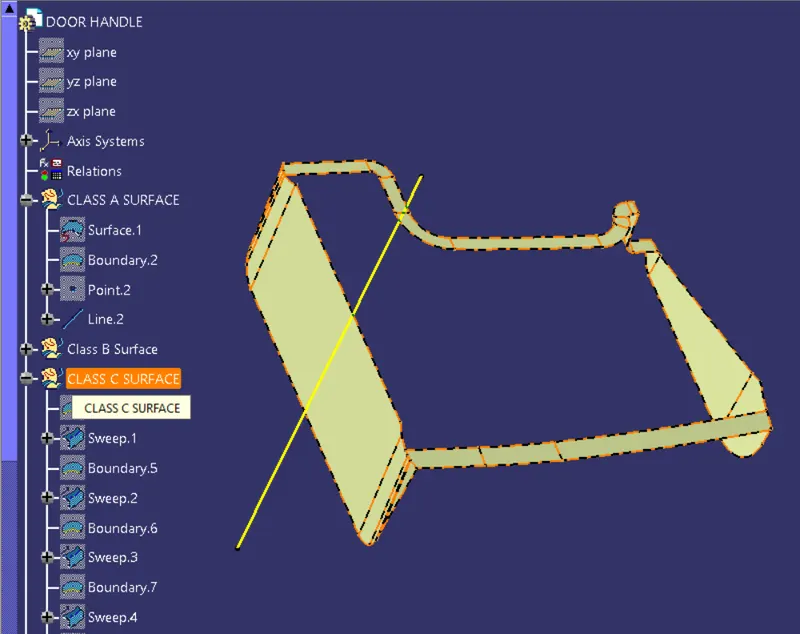
Class C Surface :
Create the class C Surface with using draft and reference option in sweep .
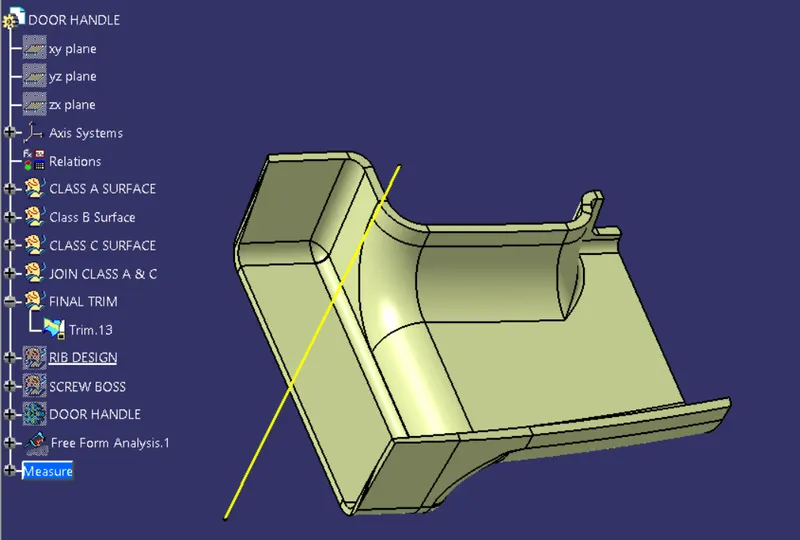
Final trim using Class B and Joined Class A & C you will get the Final Hollow Door Handle.
Using command Closed surface in Part Drawing with the Final Trim the we can acheive solid Surface.
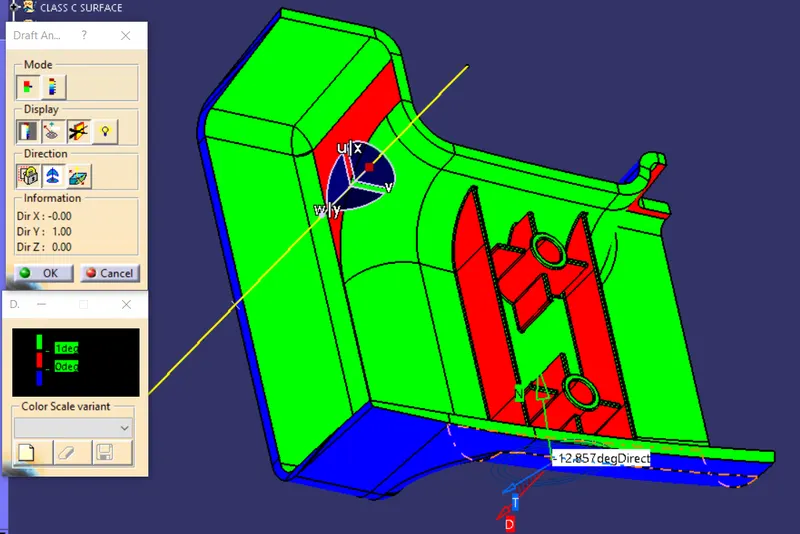
Draft Analysis :-
using draft analysis option turn the view mode to customized mode.Change shading to material and now ucan get Draft analysis, Select compass drag it to tooling axis and lock it.Now select color scale and direction pointer then select surface the surface will show green and blue color.Color other than this color shows the error as per color scale.
Product View : Isometric,Top,Front and Side view.