Week 10 Bullet penetrating a Bucket Challenge
Week 10 Challenge: Bullet Penetrating a Bucket Challenge
Course: Structural Analysis Using Ansys Workbench
Submitted by: Amanpreet Singh Whan
Supervisor: Vineet G
March 25, 2022
List of Figures
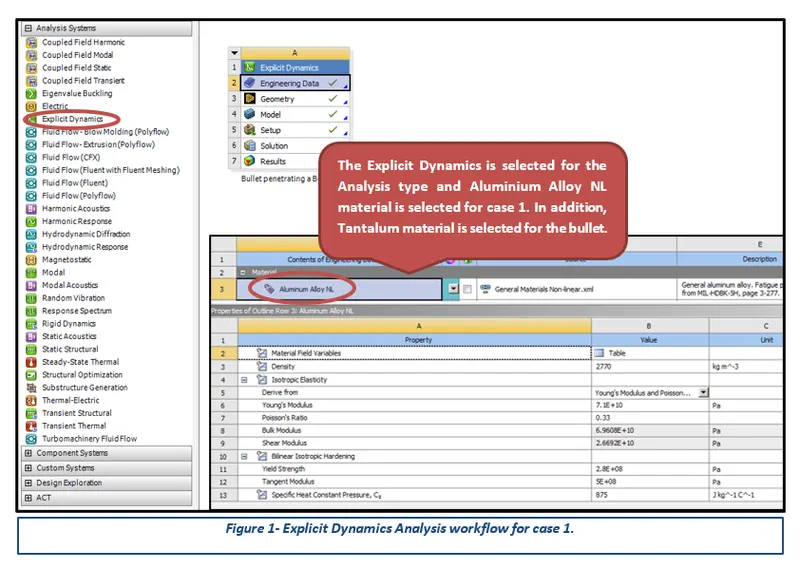
Figure 1- Explicit Dynamics Analysis workflow for case 1.
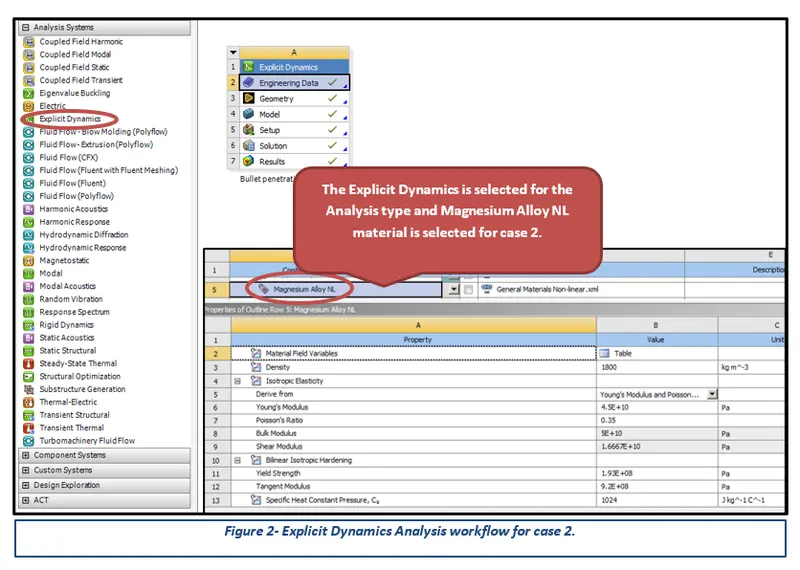
Figure 2- Explicit Dynamics Analysis workflow for case 2.
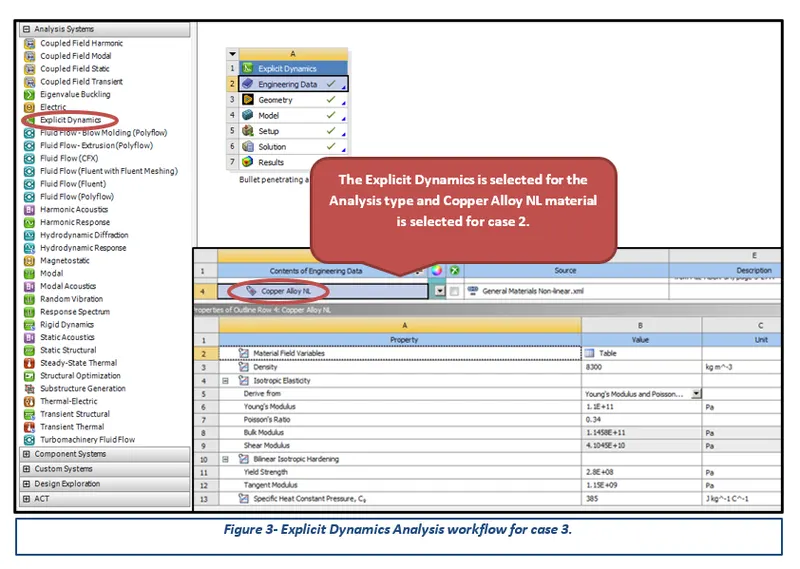
Figure 3- Explicit Dynamics Analysis workflow for case 3.
Figure 4- Imported given CAD Model.
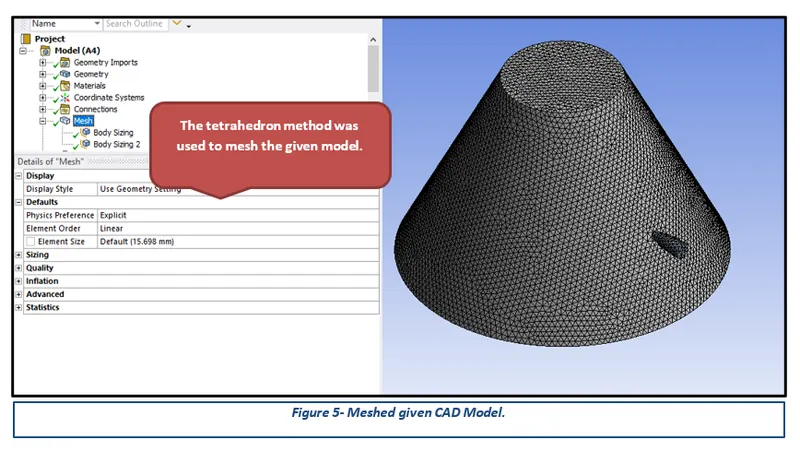
Figure 5- Meshed given CAD Model.
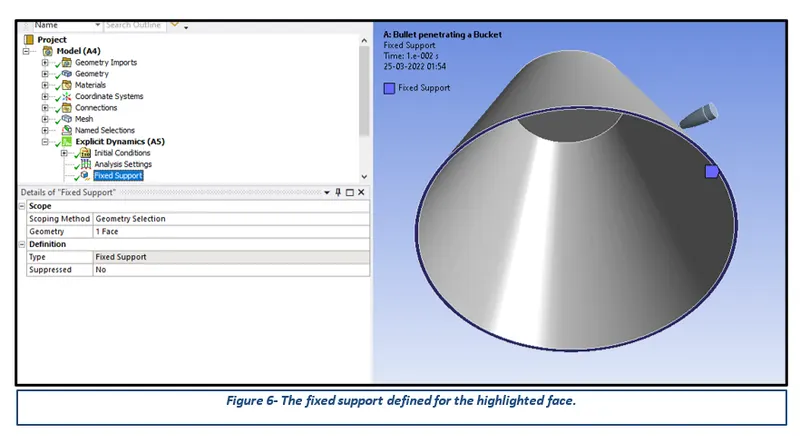
Figure 6- The fixed support defined for the highlighted face.
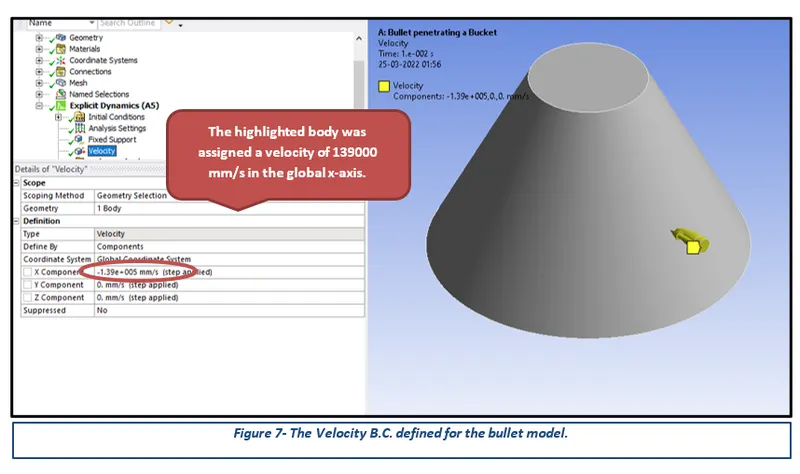
Figure 7- The Velocity B.C. defined for the bullet model.
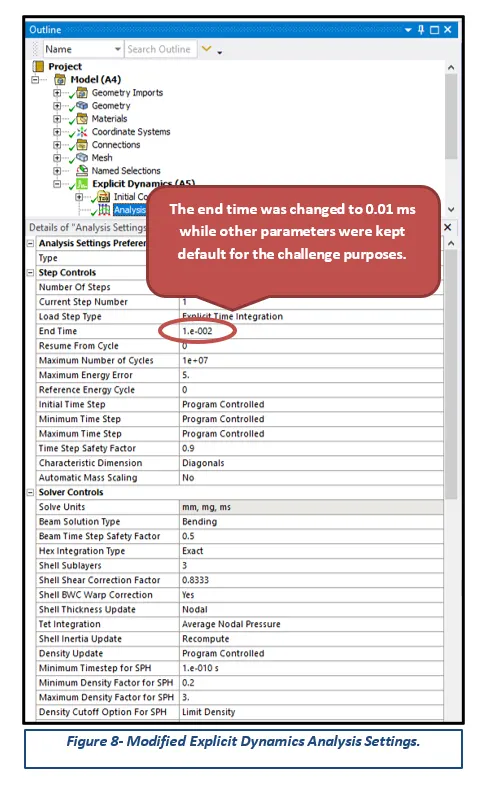
Figure 8- Modified Explicit Dynamics Analysis Settings.
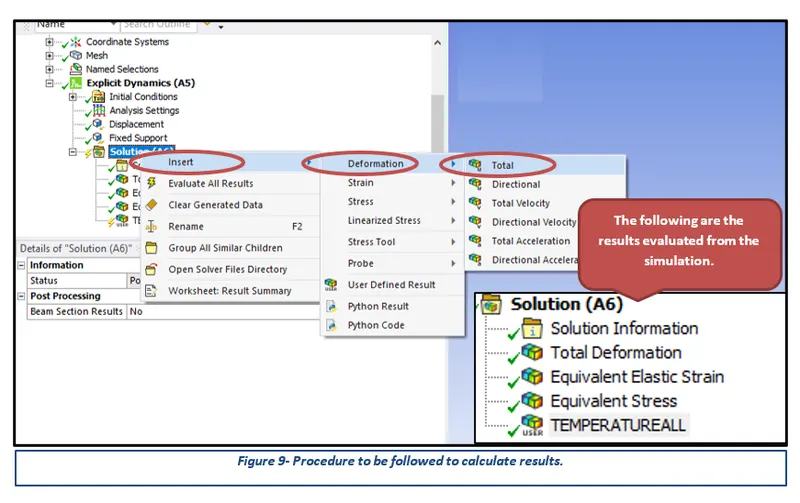
Figure 9- Procedure to be followed to calculate results.
Table of Contents
3.1 Importing and Meshing of CAD Model
1 Introduction
ANSYS is a general-purpose, finite-element modelling package for numerically solving a wide variety of mechanical problems. These problems include static/dynamic, structural analysis, heat transfer, fluid problems, and acoustic and electromagnetic problems. There are two methods to use ANSYS. One method is to use the graphical user interface (GUI). This method follows the conventions of popular Windows and X-Windows-based programs. Another method is to use command files. The command-file approach has a steeper learning curve for many, but it has the advantage that the entire analysis can be described in a small text file, typically in less than 50 lines of commands. This approach enables easy model modifications and minimal file-space requirements. The ANSYS environment contains two windows: the main window and an output window. A large number of files are created when ANSYS simulation is run.
2 Aims
- Simulate Bullet penetrating a Bucket using appropriate material for the given Model.
- Apply appropriate Boundary Conditions and Joint Loads.
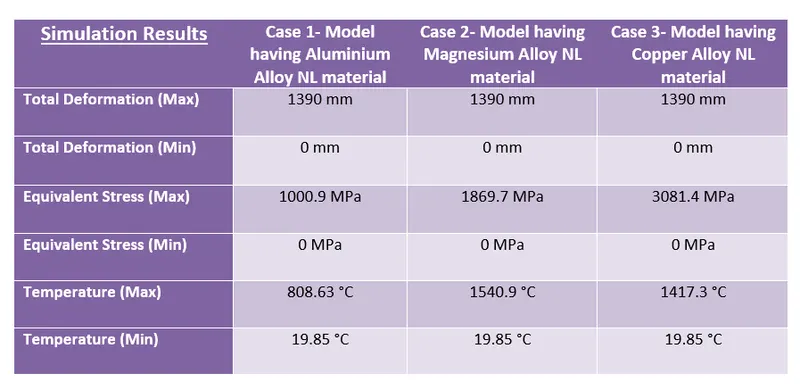
- Lastly, Determine Total Deformation and Maximum Stress results for the performed simulations and compare the results for the same.
3 Methodology and Results
The section describes the different stages that were performed using an engineering tool Ansys Workbench 2022 for the completion of the Week 10 Challenge. These stages can be further broadly sub-categorised into three key steps, importing the CAD model to apply the boundary conditions and finally performing the simulation to obtain the desired results.
3.1 Importing and Meshing of CAD Model
After opening the Ansys Workbench, the first step is to select the Analysis type and then define appropriate material from the Engineering Data options for the given CAD model. Considering the challenge requirements, Explicit Dynamics was selected for the Analysis type while Copper Alloy NL, Magnesium Alloy NL, Aluminium Alloy NL and Tantalum were selected for the given model. The following figures highlight the analysis system and material card parameters in detail.
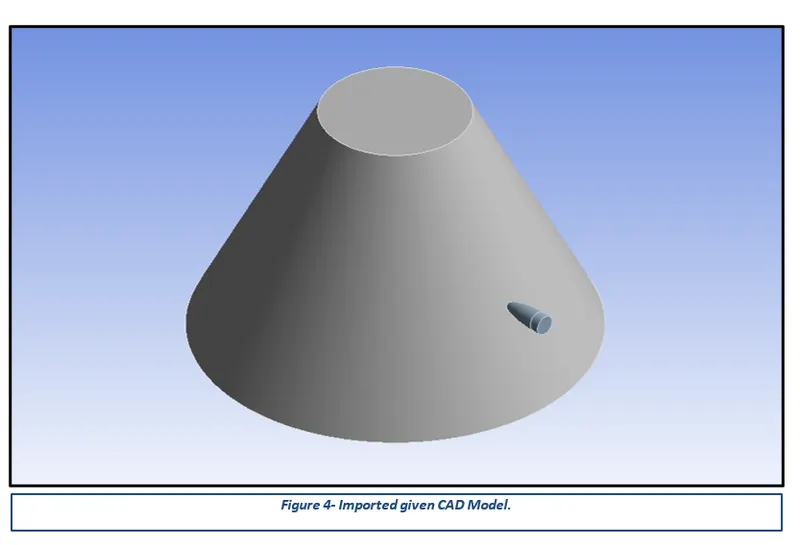
After updating the CAD model in the Ansys Workbench, the next step is to generate a good quality mesh. Meshing is a phase where the CAD geometry is discretised to represent the computational domain in which the solver will discover a solution. A refined mesh helps to achieve better results. The tetrahedron mesh is generated for the given model and is represented in the following figures.
3.2 Boundary Constraints
Boundary conditions are constraints necessary for the solution of a boundary value problem. The Fixed support constraint restricts all the translation degrees of freedom over the assigned entities to be zero. The force boundary condition applies a distributed force to the structure. It can be assigned to any number of faces of a structure. This boundary condition works as surface traction on each element of the assigned topological entity and its value is proportional to each element’s area.
A Fixed Support and velocity are assigned to fulfil the challenge requirements. The process followed to assign the boundary constraint is presented in the following figure.
3.3 Analysis Settings
The given model was simulated for a single step to determine appropriate total deformation and other stress-strain results. Therefore, the explicit time integration method is used to run the simulation and obtain the desired results. The following figure represents the modifications performed in the analysis settings.
Simulation Results
To visualise the simulation or results, the desired output cards have to be created. Total Deformation, Equivalent Elastic Strain and Equivalent Stress (Von Mises Stress) cards were created using the procedure illustrated in the following picture. It must be noted that the results have to be generated by running the solve command.
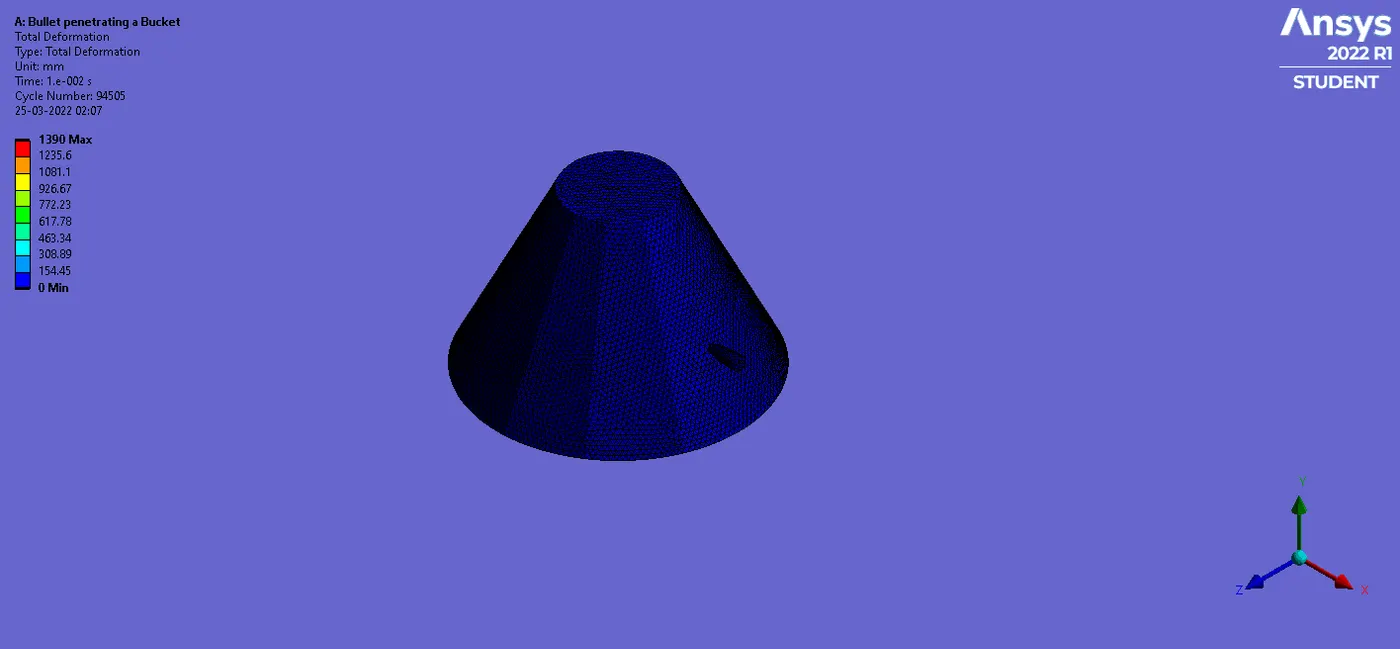
Case1: Simulation Results having Aluminium Alloy NL Material
Deformation Results:
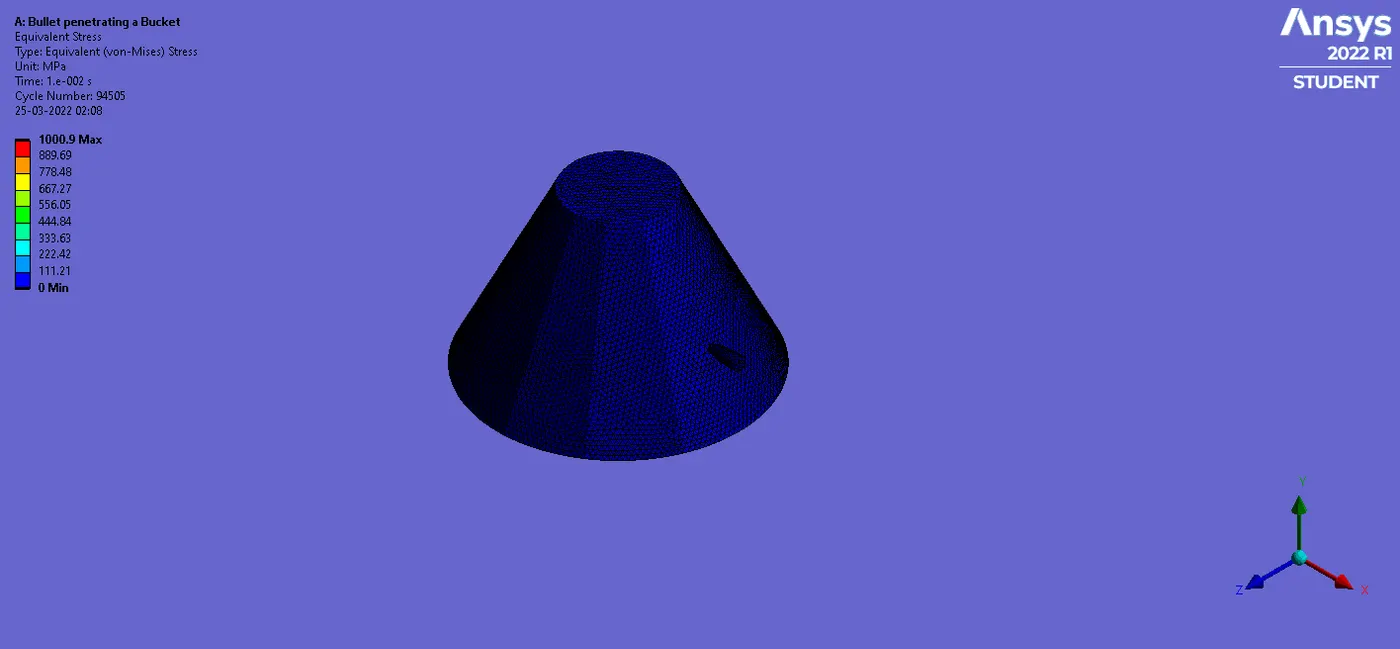
Stress Results:
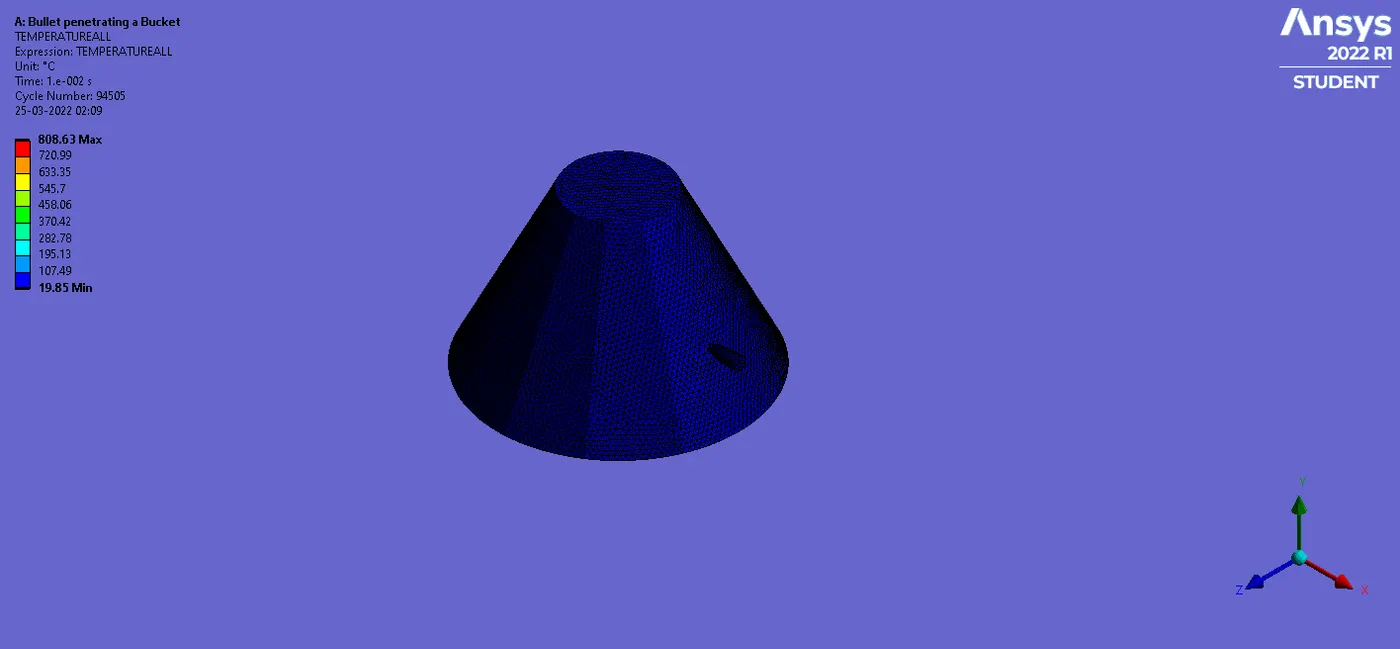
Temperature Results:
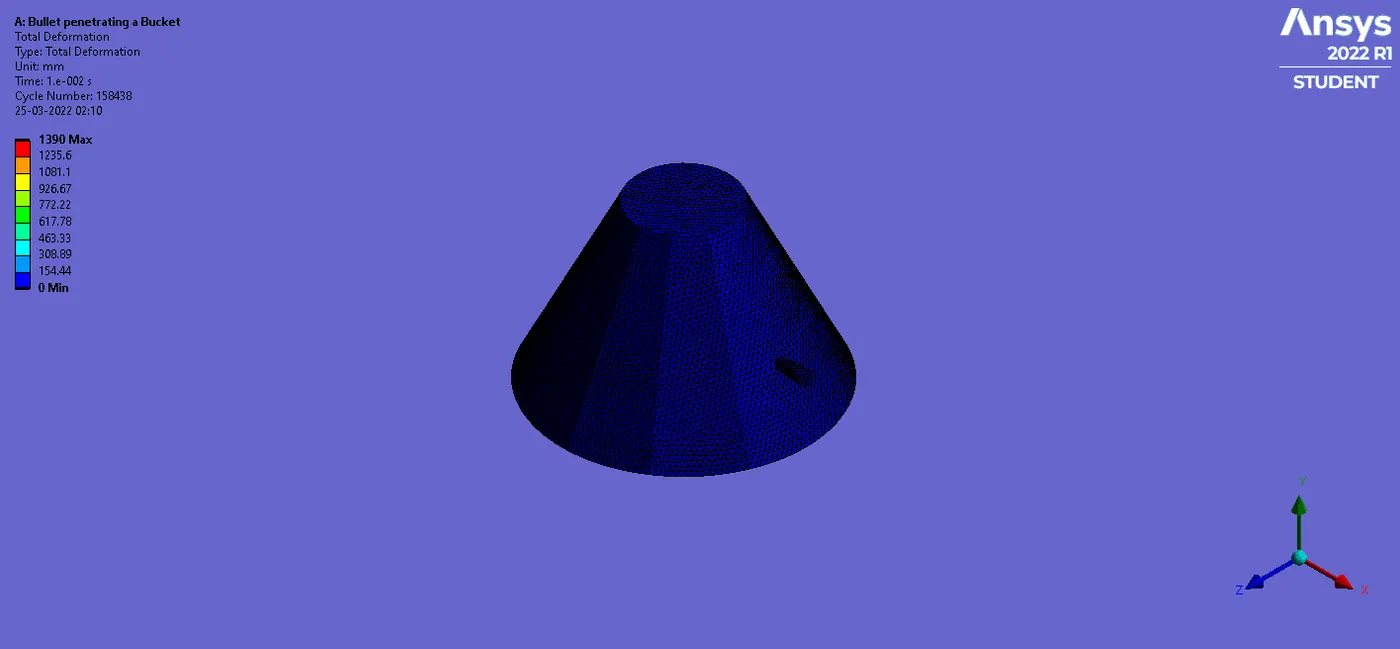
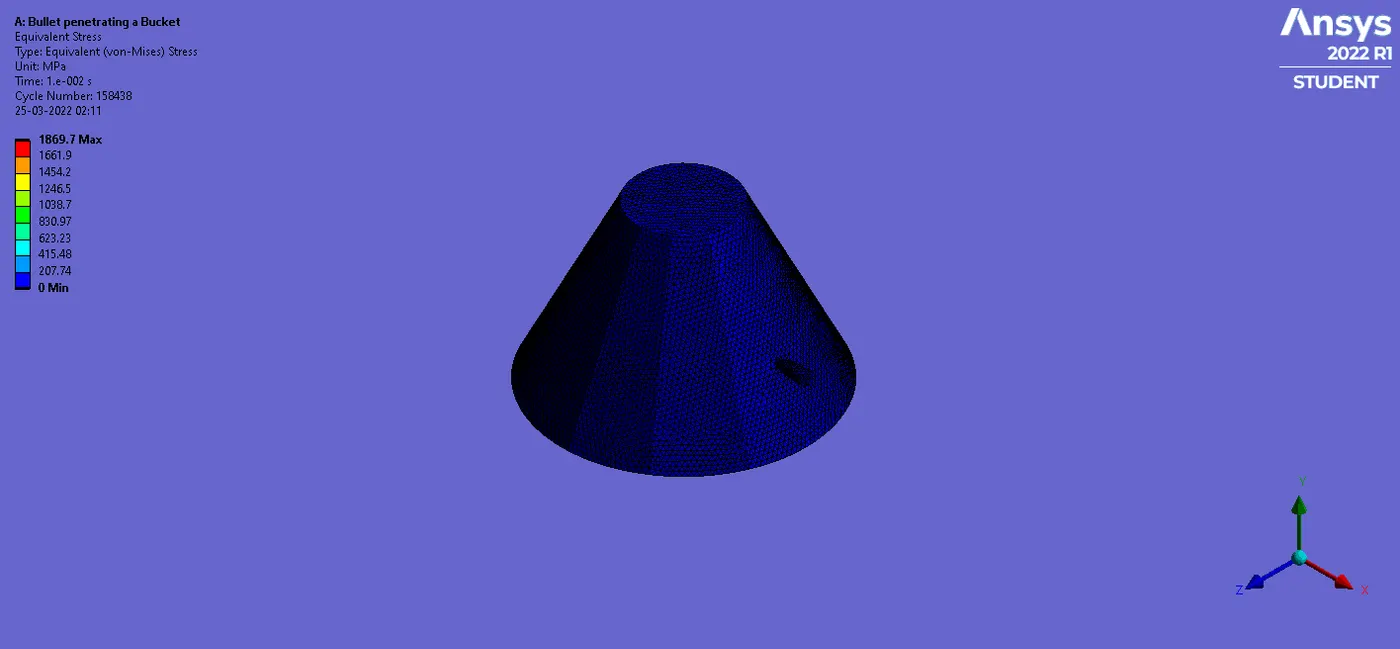
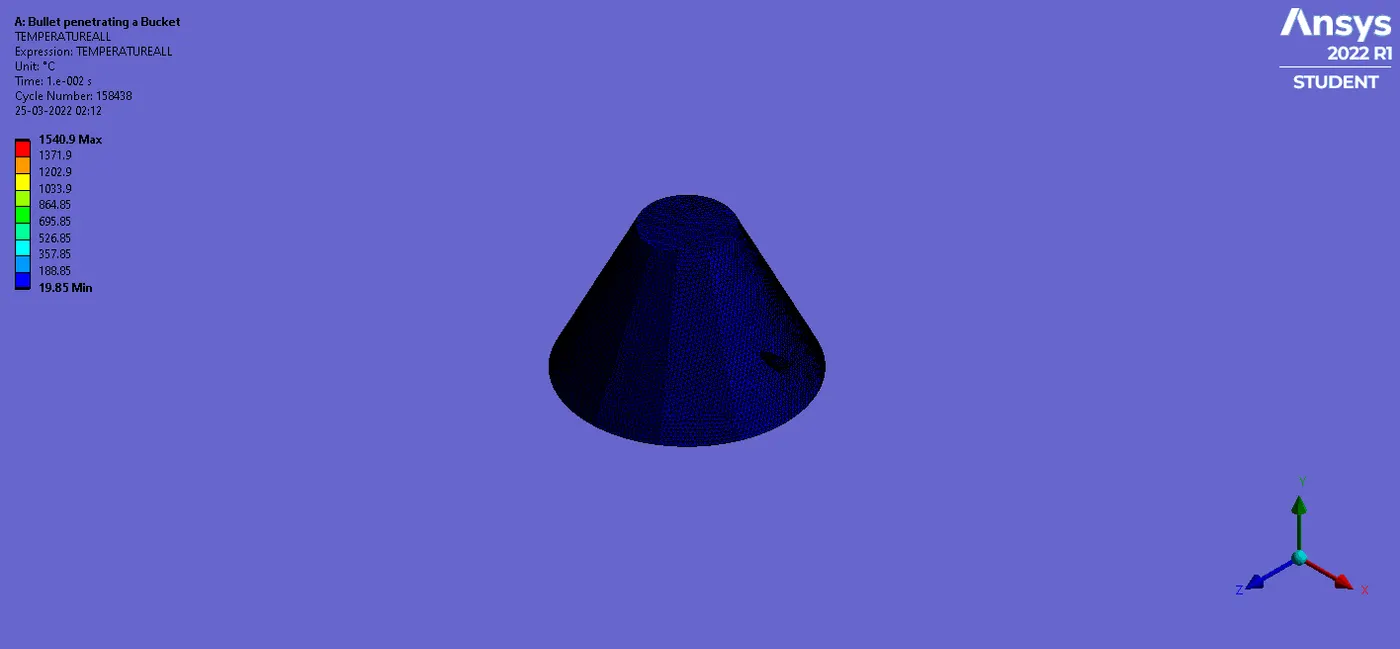
Case2: Simulation Results having Magnesium Alloy NL Material
Deformation Results:
Stress Results:
Temperature Results:
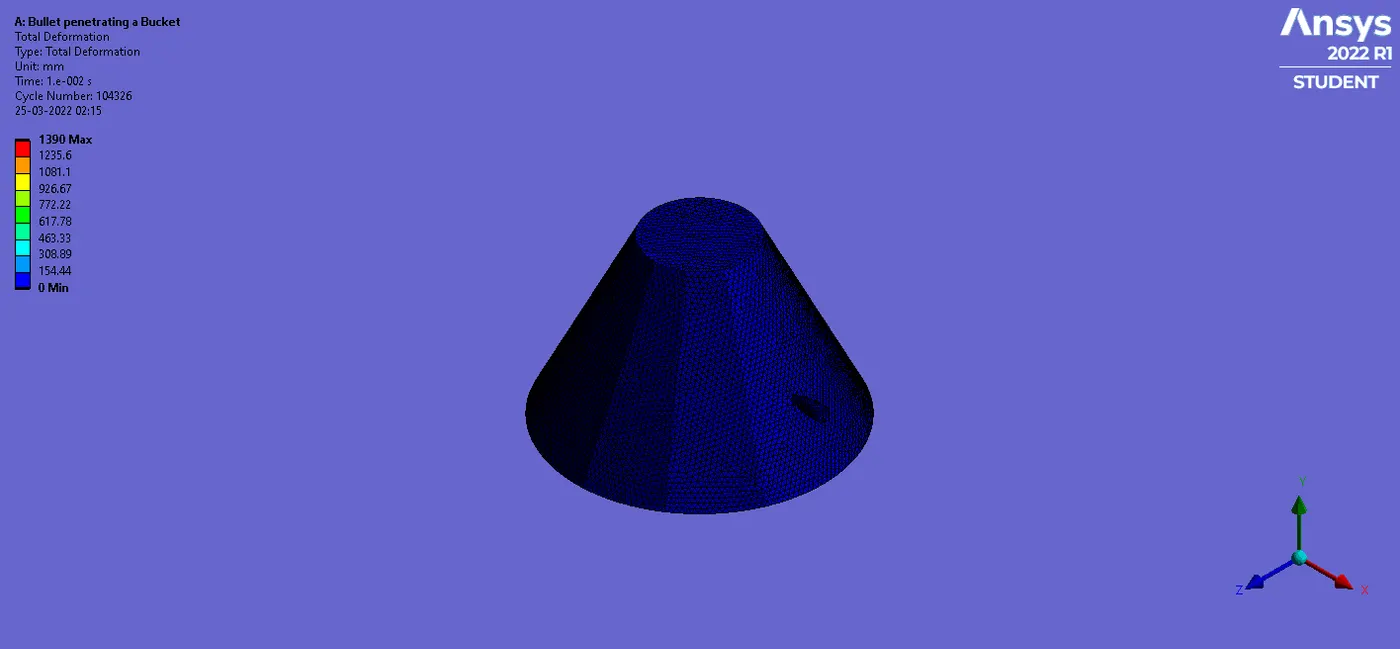
Case3: Simulation Results having Copper Alloy NL Material
Deformation Results:
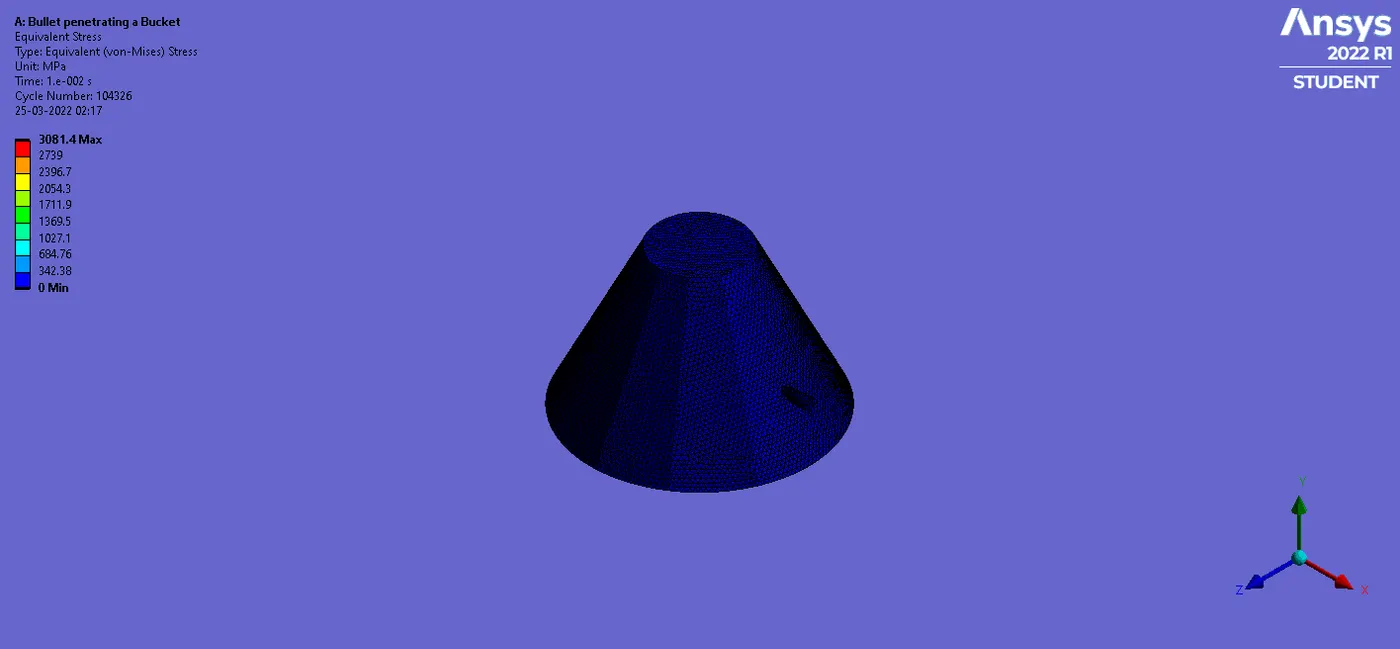
Stress Results:
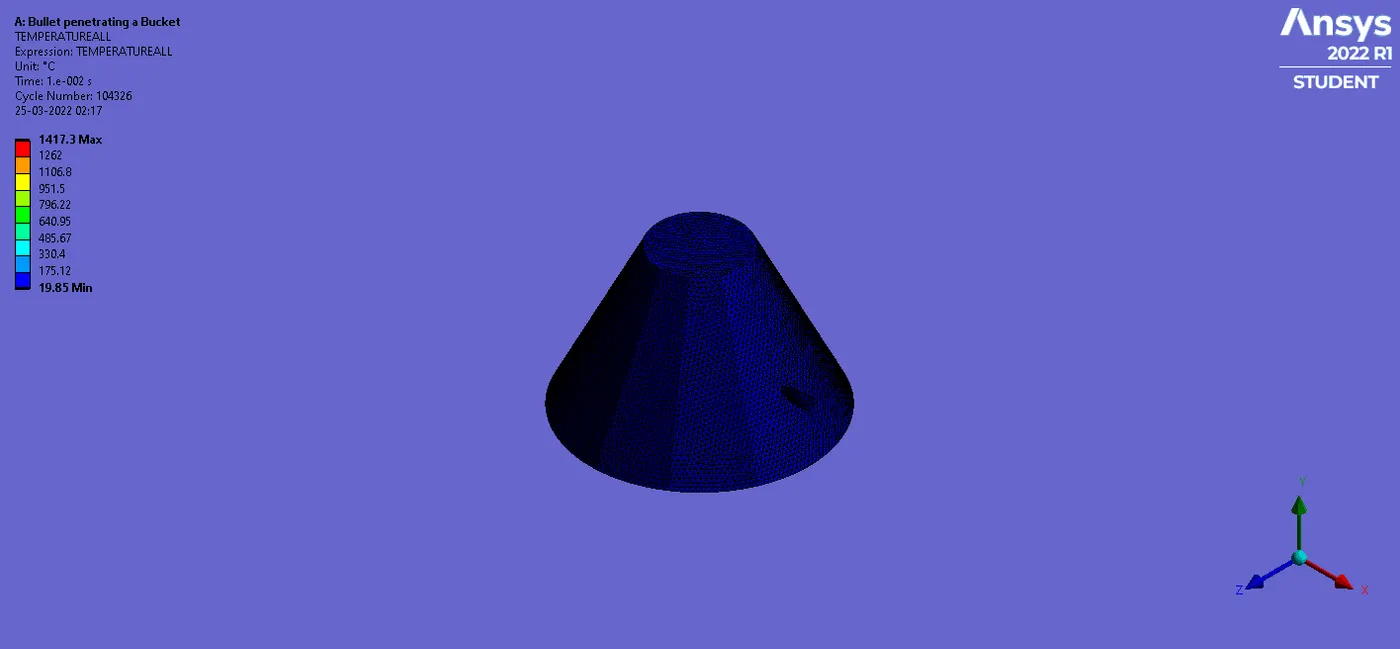
Temperature Results:
4 Conclusion
The main aim of the Week 10 challenge was to perform Bullet penetrating a bucket simulation using appropriate three different Non-Linear materials for the given Model. From the results, it was found that the total deformation resulting in all three cases is exactly equal. The equivalent stress generated in case 3 bucket having Copper Alloy NL material is highest in comparison to the other two cases. In addition, the temperature generated is maximum for case 2 where bucket has been assigned Magnesium Alloy NL material and least in case 1 where bucket has been assigned Aluminium Alloy NL material.