Week 10- Assembly Workbench
Week 10- Assembly Workbench
AIM:
To create assemblies and 2D Drawings
SOLUTION:
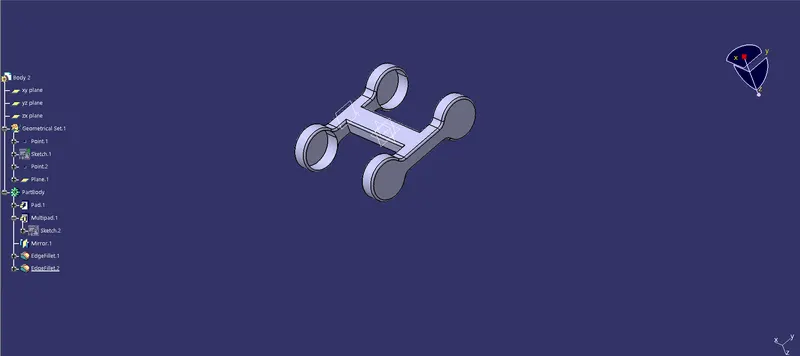
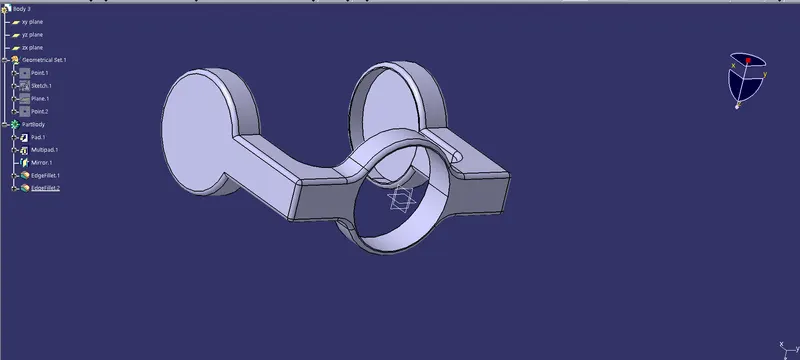
Quick Return Mechanism:
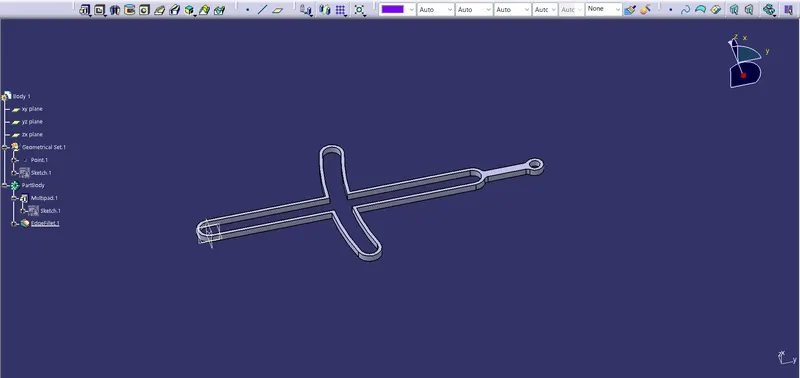
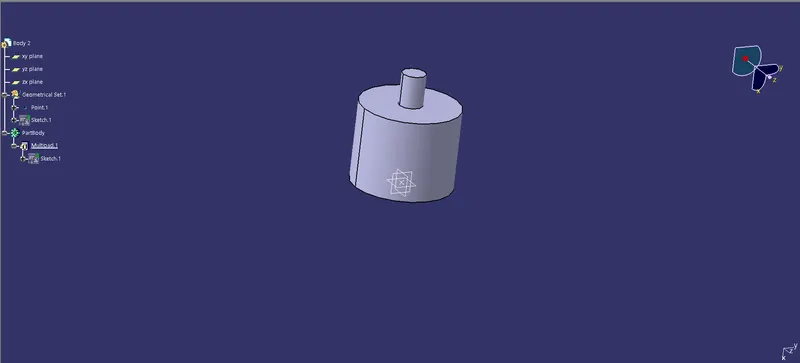
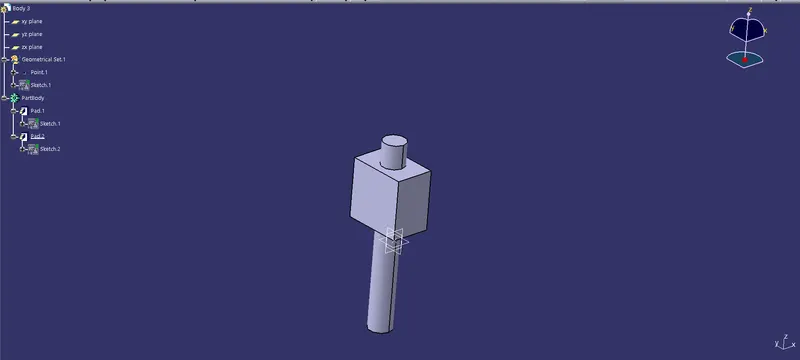
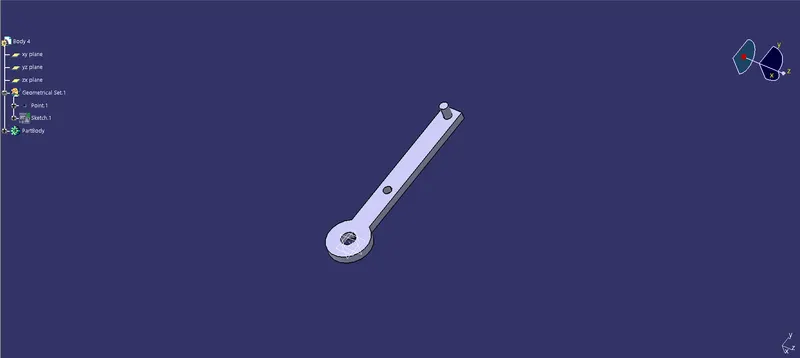
- There are 5 bodies in this assembly
- We create each body in part design
- Draw the sketch in part design as per the dimensions given in the question
- Use pad, Multipad, edge fillet commands to create the body

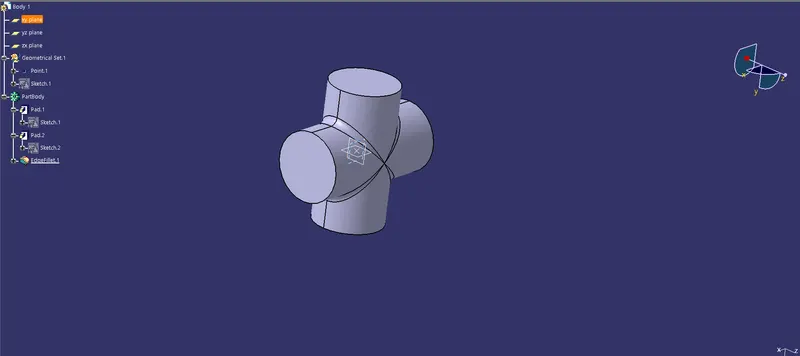
CV Joint:
- There are 3 bodies in this assembly
- We create each body in part design
- Draw the sketch in part design as per the dimensions given in the question
- Use pad, Multipad, edge fillet commands to create the body
- Mirror is also used whenever needed
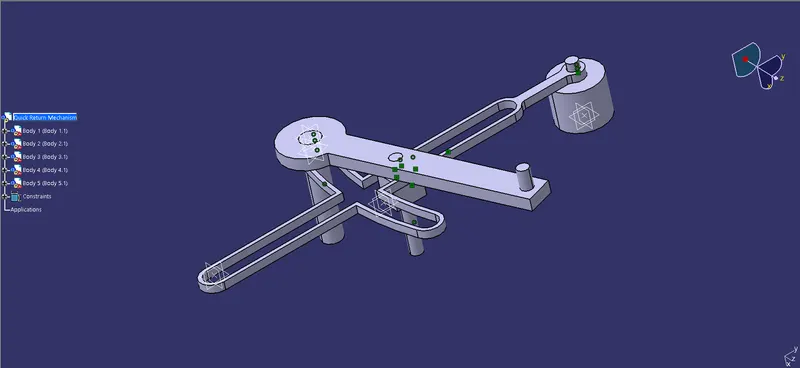
Quick Return Mechanism Assembly:
- New product is created and all the 5 bodies are added in PArt design assembly
- Use constraints to align the axis
- use contact face constraint to have a touch
- We take the question photo as reference
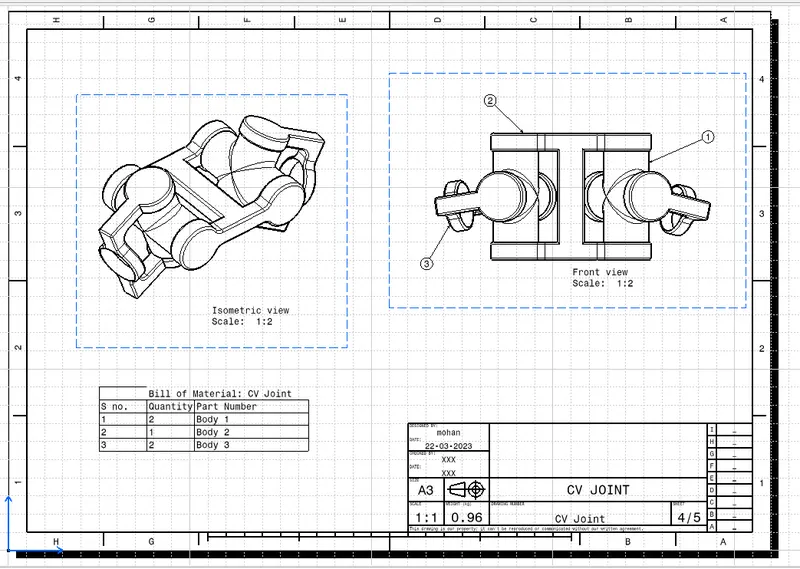
CV Joint Assembly:
- New product is created and all the 3 bodies are added in Part design assembly
- Use constraints to align the axis
- use contact face constraint to have a touch
- We take the question photo as reference
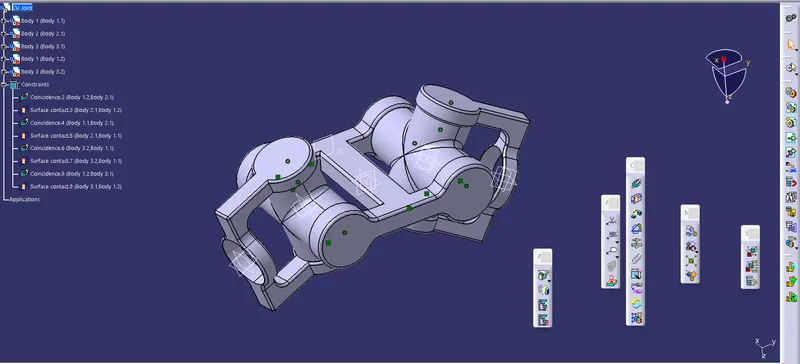
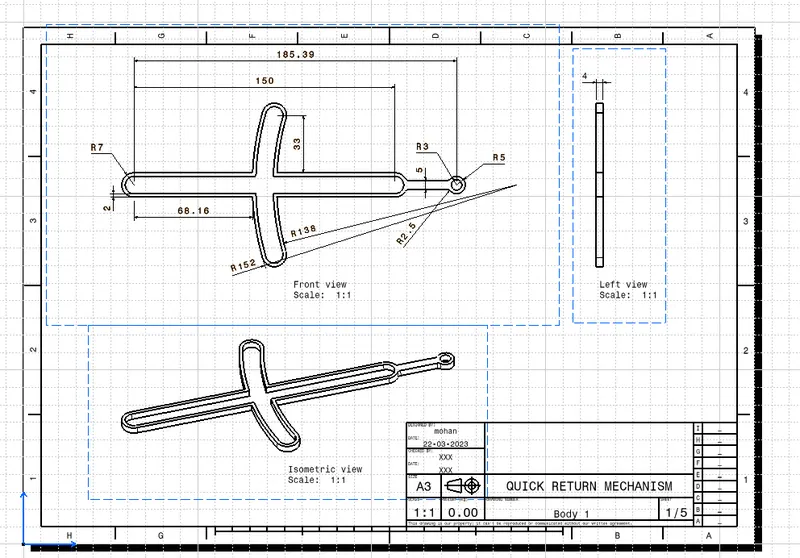
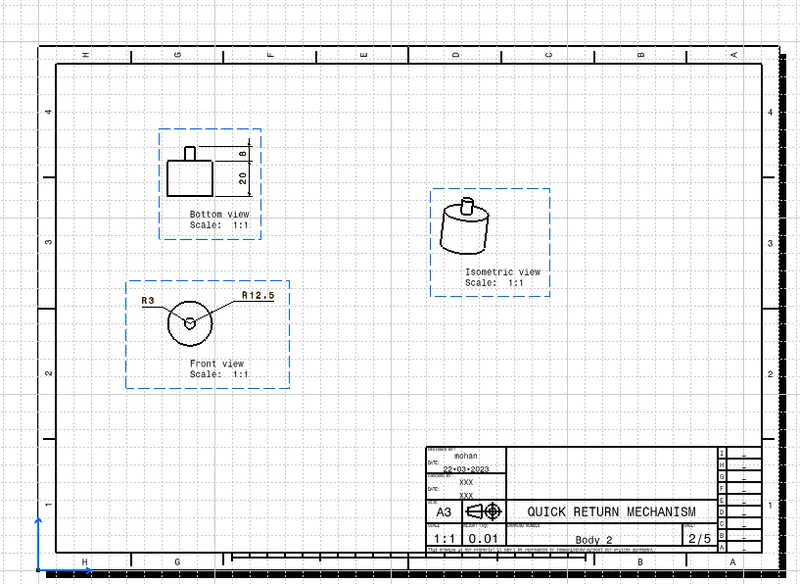
Quick Return Mechanism Drafting:
- New drawing file is created.
- each body is drafted in each sheet
- Clicking the front view command we import the Front view of the part body into the drawing
- Projection view is used for side and top view creation
- Dimensions are given as per the question
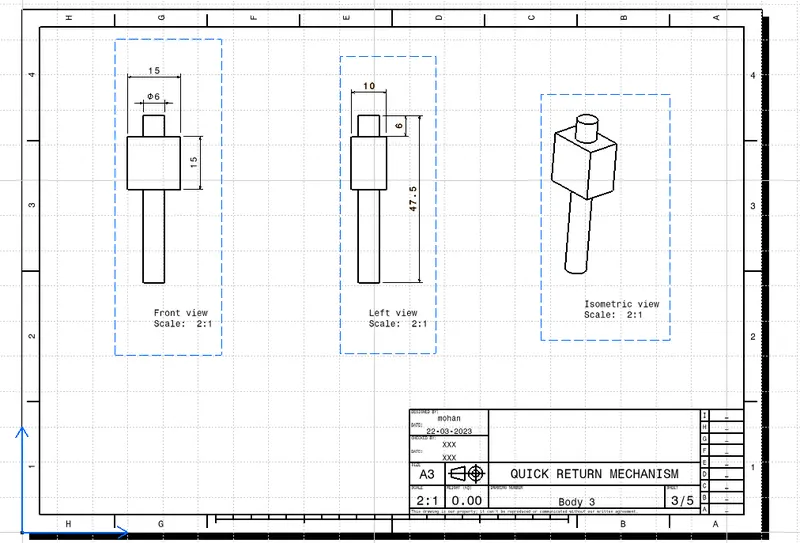
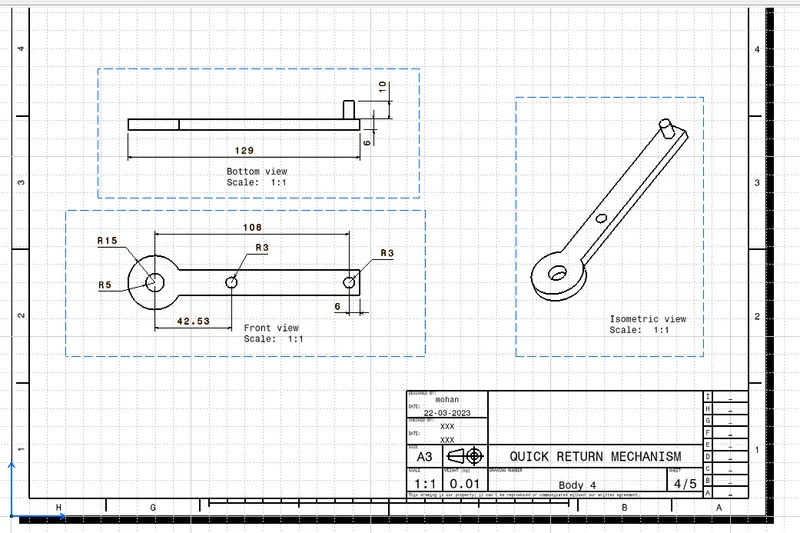
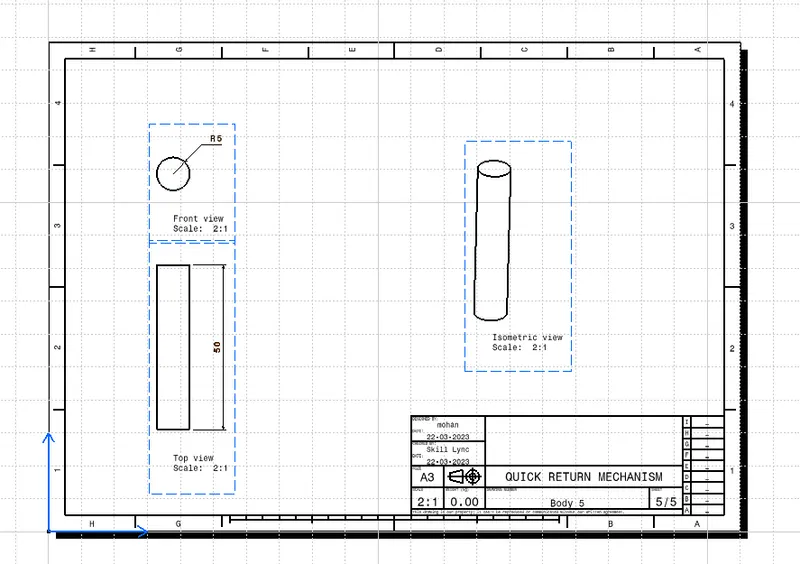
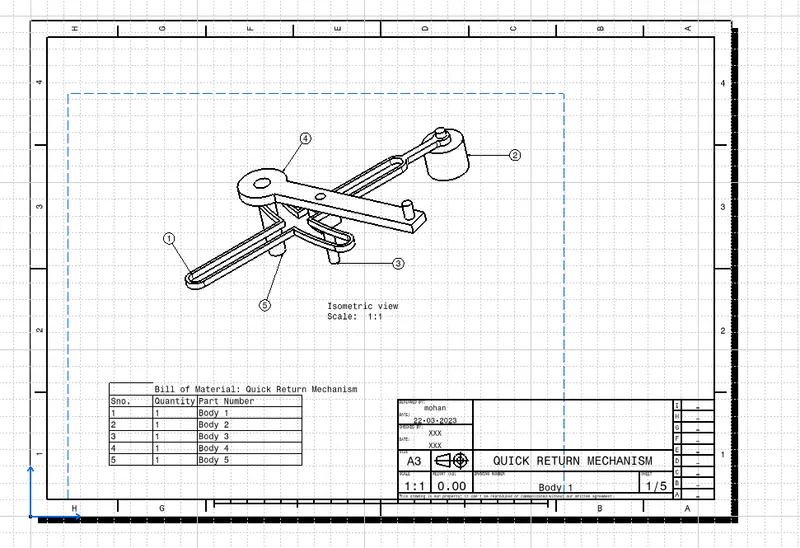
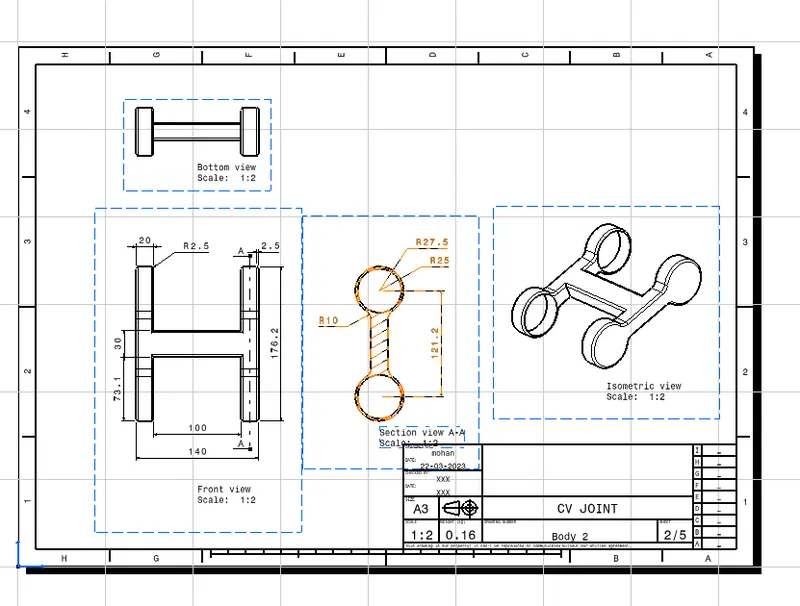
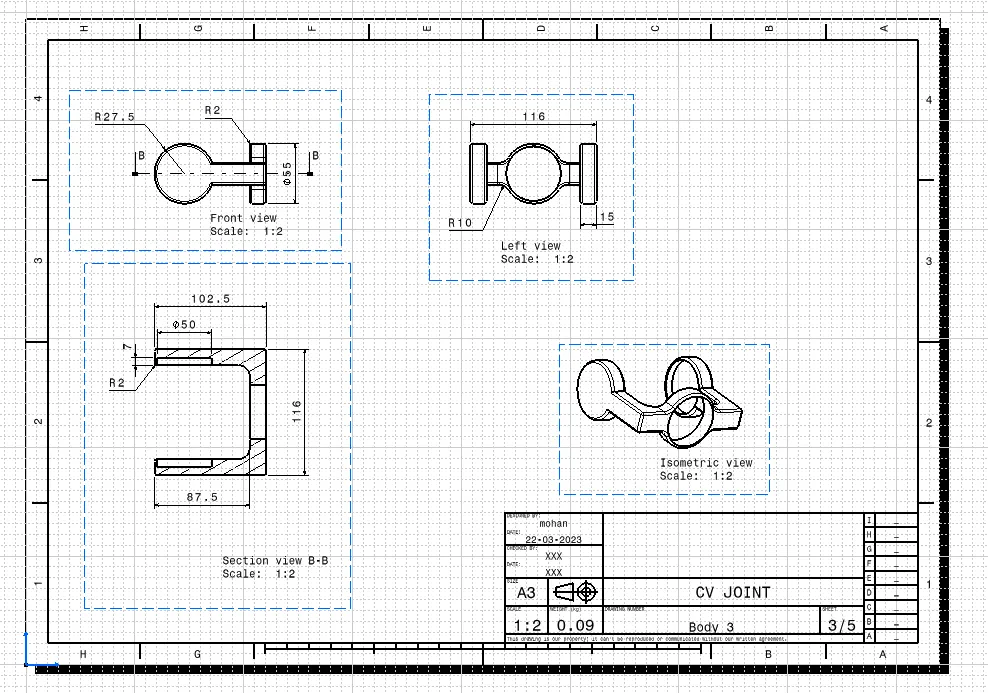
CV Joint Drafting:
- New drawing file is created.
- each body is drafted in each sheet
- Clicking the front view command we import the Front view of the part body into the drawing
- Projection view is used for side and top view creation
- Dimensions are given as per the question
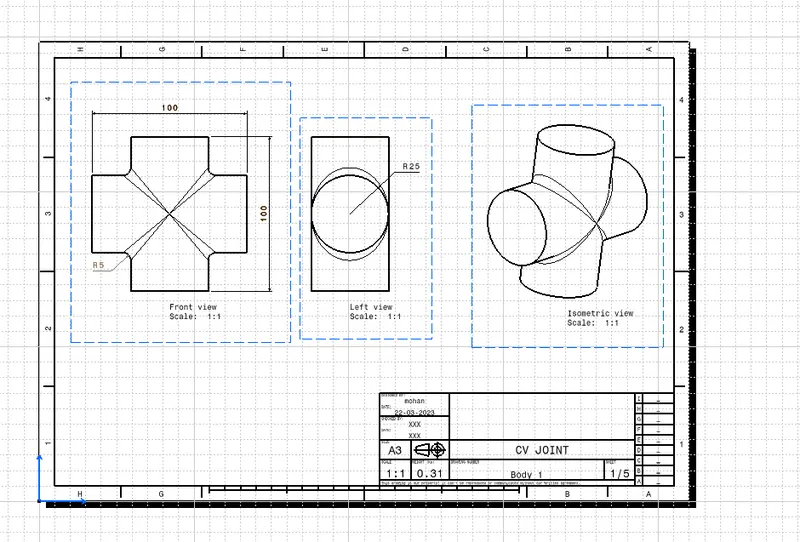
RESULT:
Hence i have assembled and drafted the models and saved the CATpart CATProduct CATDrawing and pdf drawing in the attachment