Assembly Workbench Challenge
1. Aim:
To Create 2 Assembly models from the given input.
2.Procedure:
2.1 Work Flow Pattern:
- Creation of all individual Parts from the input
- Importing into Assembly Workbench and Providing Assembly Constraints
- Creation of 2D Drawing Similar to the Input
2.2 Model 1:
2.2.1 Creation of Individual Parts:
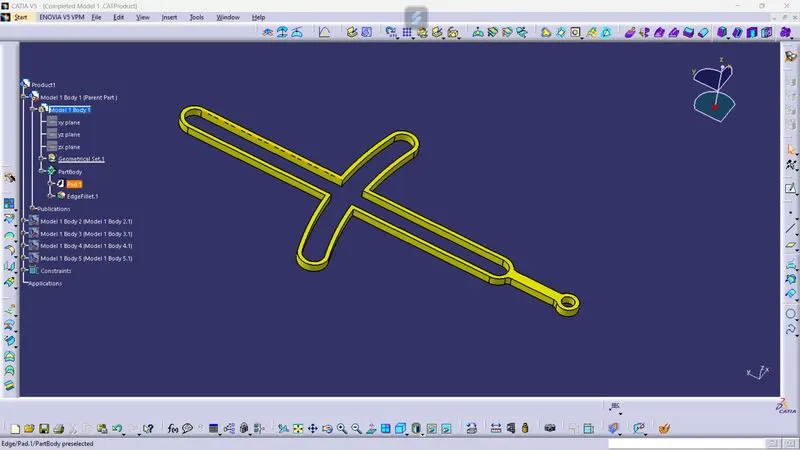
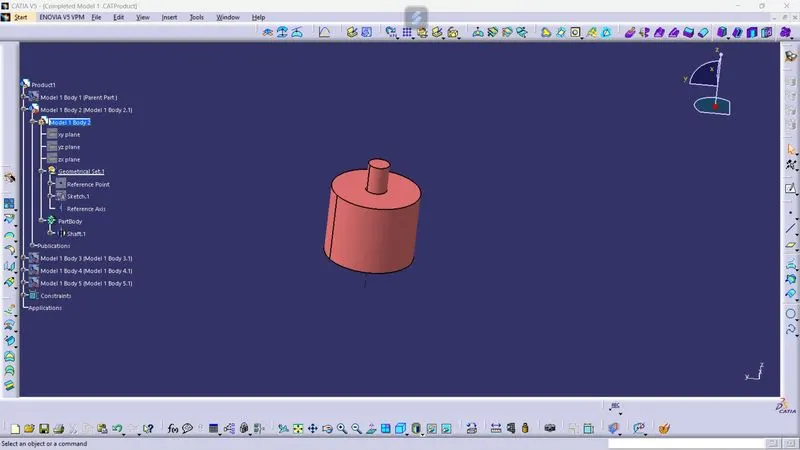
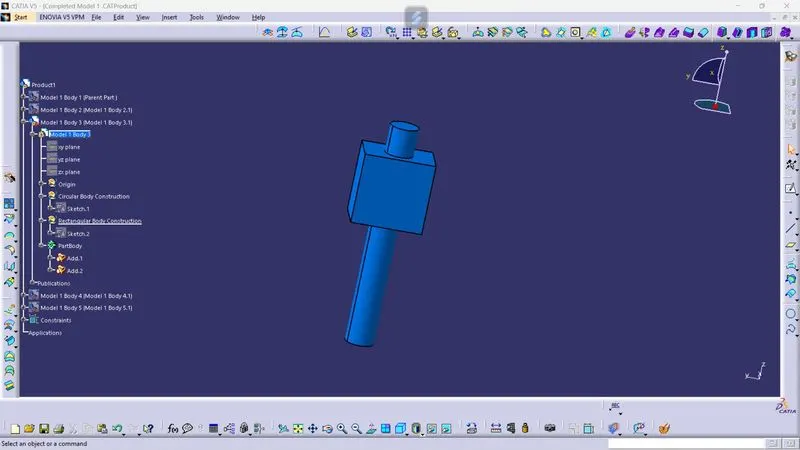
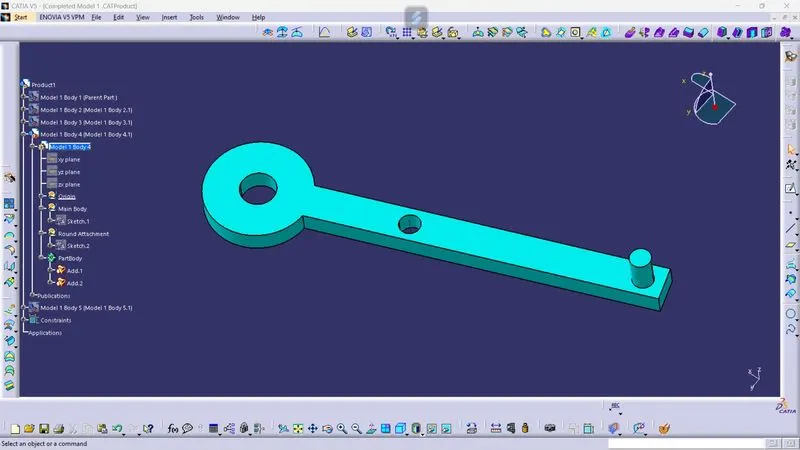
In the first model, there were 5 individual parts. Each part Created seperately with the given Dimensions. All the sketches drawn were iso-constrained.
Part 1:
Part 2:
Part 3:
Part 4:
Part 5:
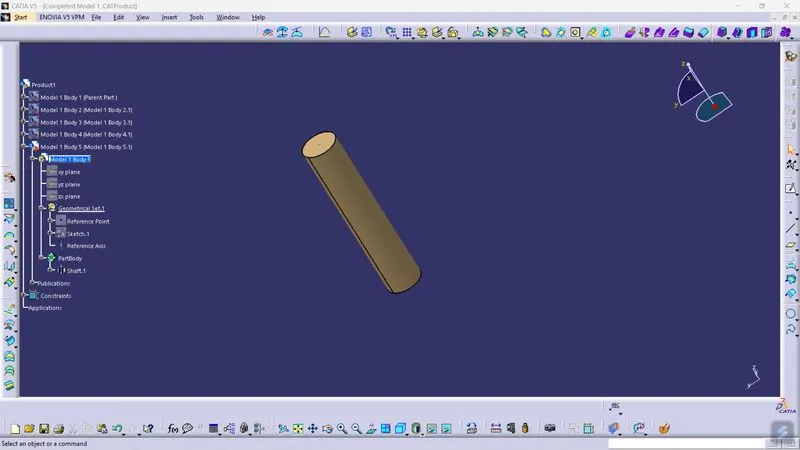
2.2.2 Assembly
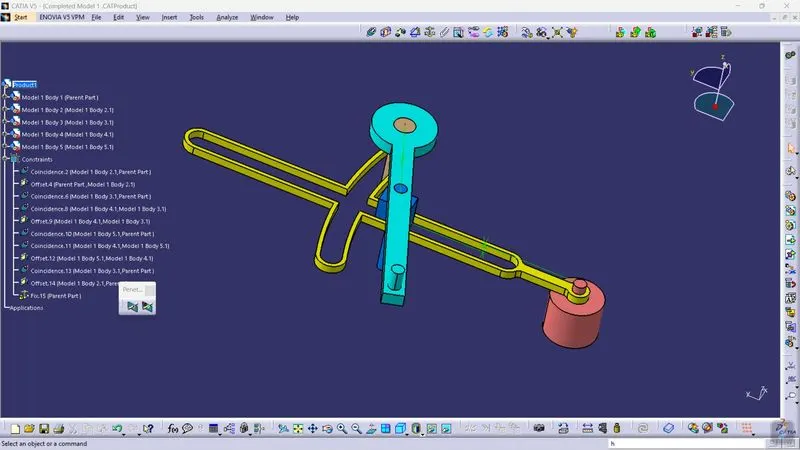
After the Creation of all the individual components, all the parts were imported into assembly workbench and provided Assembly Constraints based on the input
Assembled View:
2.2.3 Conversion of 2D Drawing:
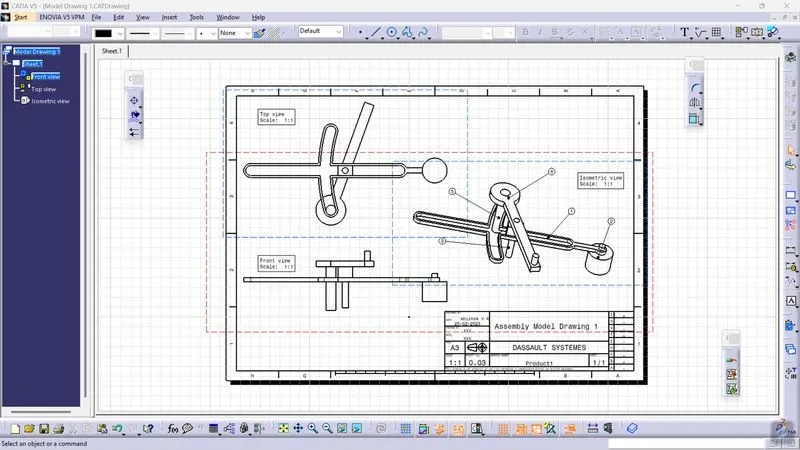
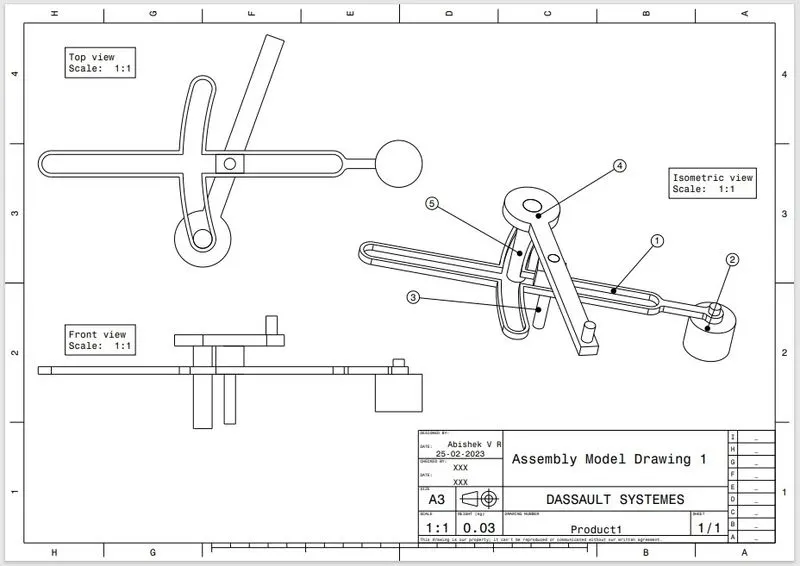
After the Assembly, the orientation of the product were imported into Drafting workbench in Isometric, Front and Top View.
2D Drawing:
2.3 Model 3
2.3.1 Creation of individual Parts
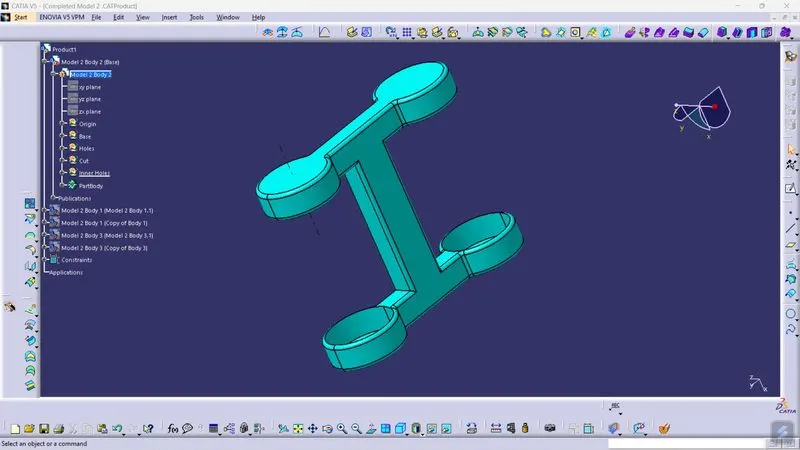
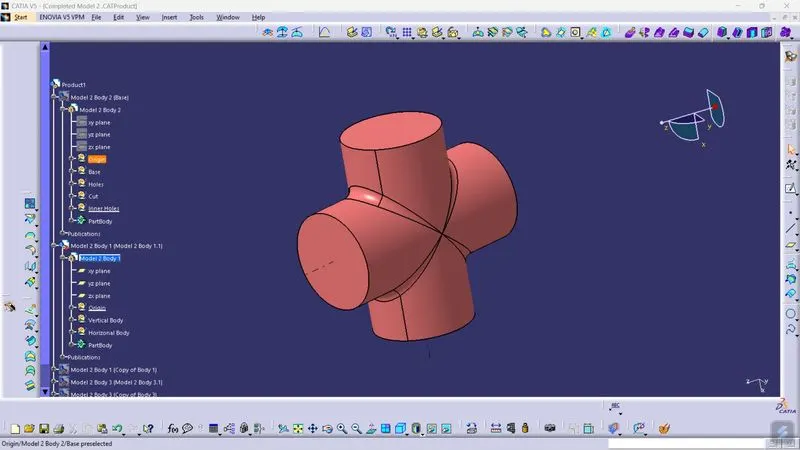
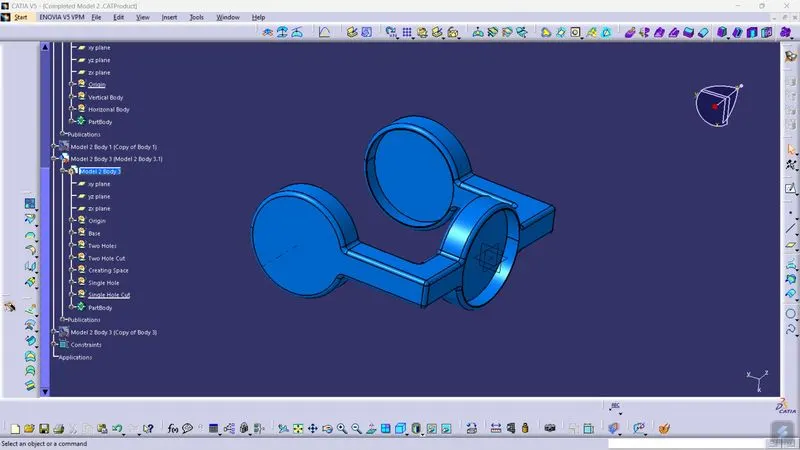
In the Model 2, there were 3 individual parts and totally 5 parts. Both Body 2 and 3 has an additional Copy.
Part 1:
Part 2:
Part 3:
2.3.3 Assembly
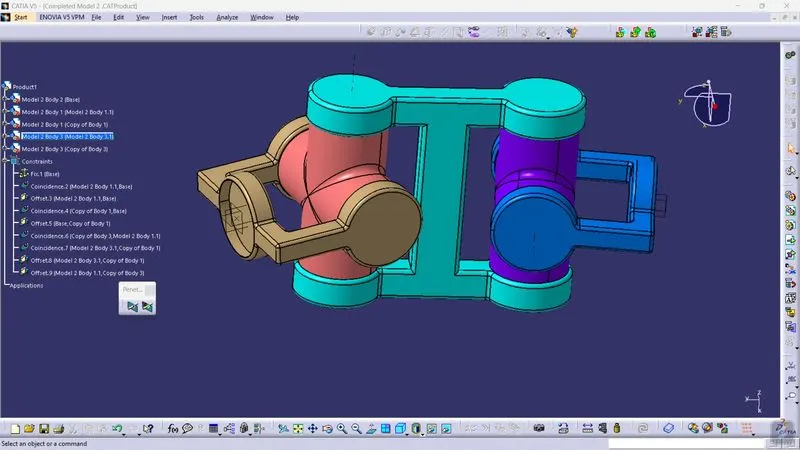
After the Creation of individual parts, they were imported in to the Assembly Workbench. For Body 2 and 3, additional copies were imported based on the requirement from the input.
Assembled View:
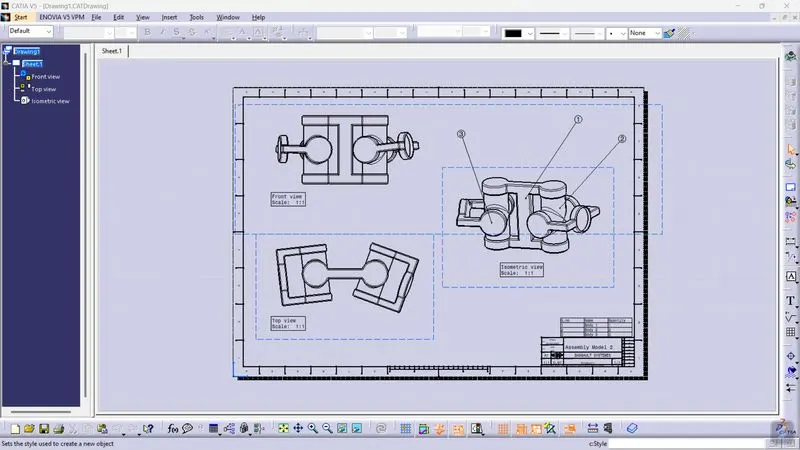
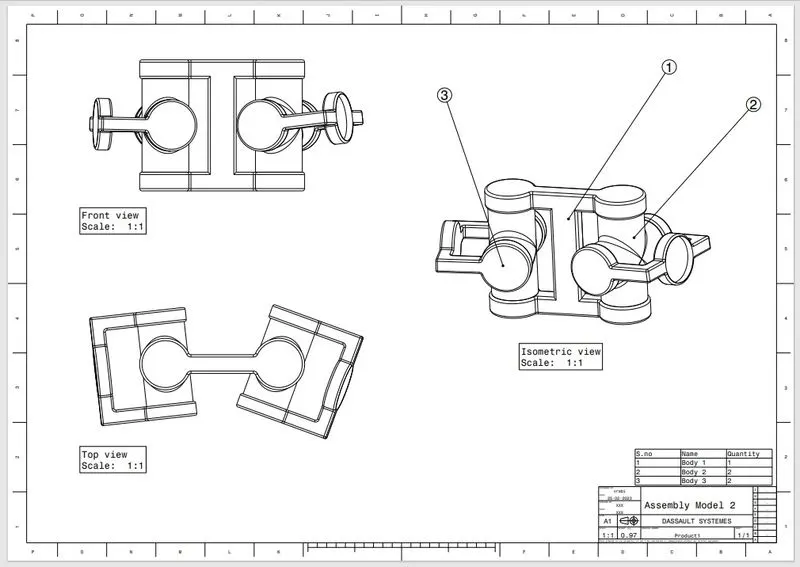
2.3.3 Conversion of 2D Drawing:
After the Assembly, the orientation of the product were imported into Drafting workbench in Isometric, Front and Top View.
2D Drawing:
3. Conclusion:
From the input individual Parts were created and Assembled. And also the assembled 3D were converted into an 2D Drawing.