Week 10- Assembly Workbench
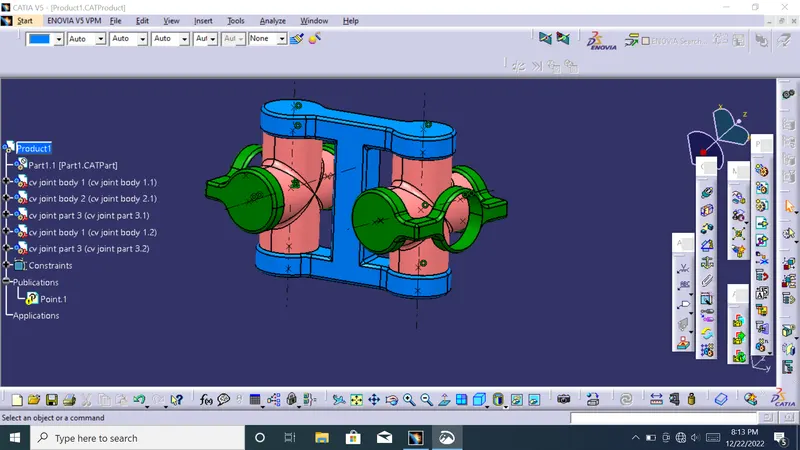
To make an assembly in CATIA V5 is not a very hard thing to do; all you should do is to make the right constraints and to know few frequent used commands in this CATIA module.
I think you know some things about Assembly module of CATIA, but I want to be sure that you know what do this module. So, this module is specially created to can make an assembly with many components
cATIA with any modification after installation, when you will try to make a Coincidence constrain CATIA it’s capable to recognize simple features like (intersection points, points, lines, axis) without any problem, but I my case, my company block this feature and I must build all this simple features and after that to use for assembly.
to make for each part publication. You must make public any feature of parts that you consider necessary to make an assembly. To make public a feature like a point, axis system or line, you must navigate on Tools
must insert from file the parts that you want to bring them into an assembly. To do that, you should use the button Existing Component from Product Structure Tools toolbar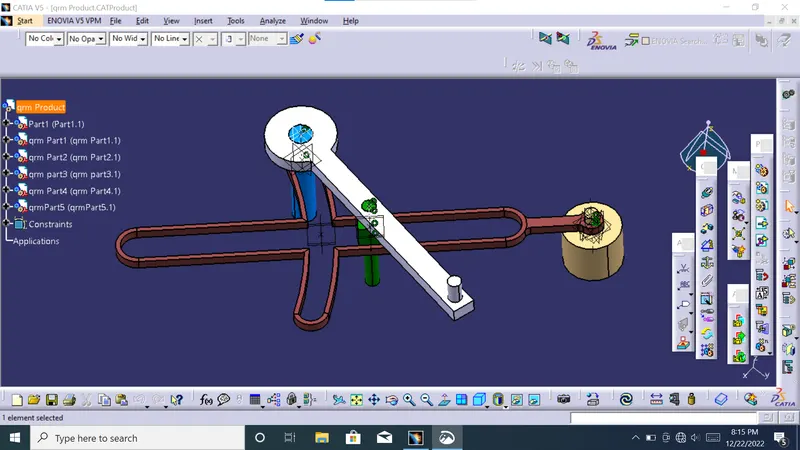
If the assembly structure has multiple parts but no sub-assemblies, apply a Fixed Constraint to the part that is not intended to move. Then apply other constraints from the moving part to the fixed part. The fixed constraint is just to ensure the primary part remains stationary.
Whenever constraints are being applied, the user can “build” the assembly by using Update All. This will verify that the direction is correct, or if the constraint is correct for the scenario. Then use the Undo button to undo the constraint on the part