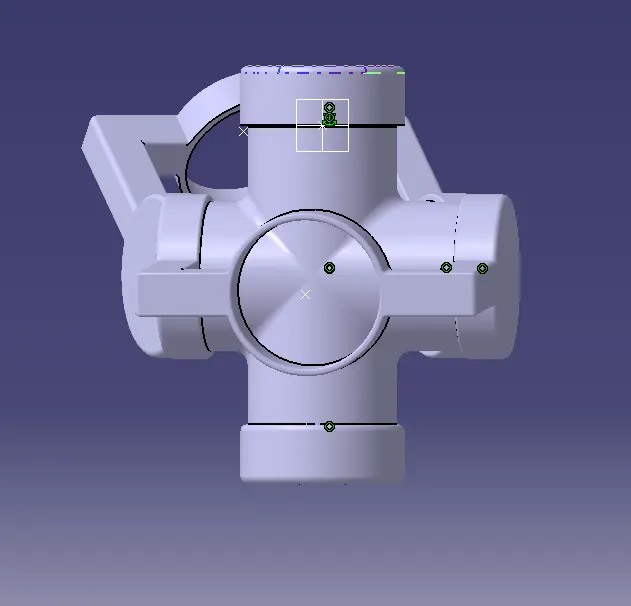
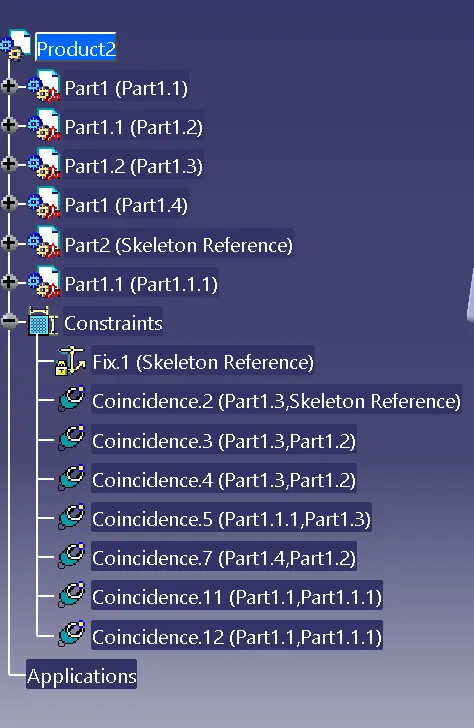
Week 10- Assembly Workbench
ASSEMBLY WORKBENCH
Objective:
To create part models of the given 2D drawings and then create their respective assemblies in the Assembly Workbench. Also create the drafting of all the generated models
Part Workbench:
we create the part models with the help of the given 2D drawings by sketching and then using commands such as Pad, Pocket, Boolean commands, etc.
Part modeling :-
Part 1
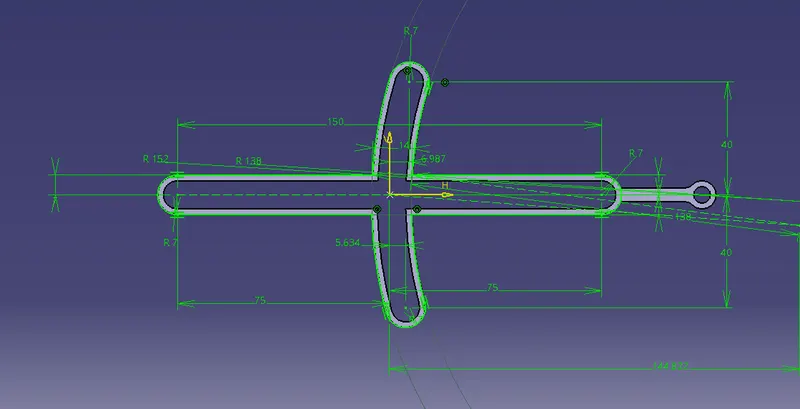
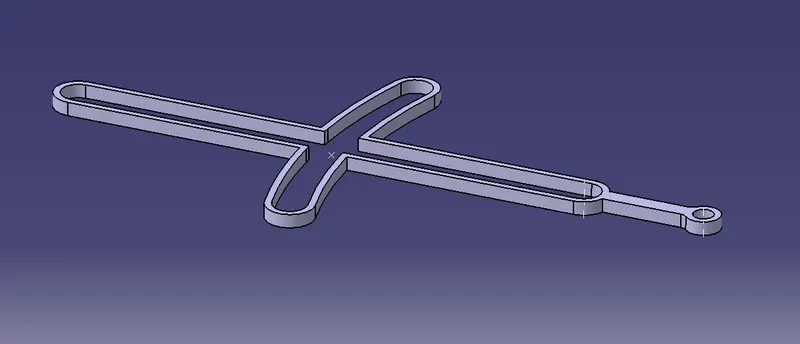
Part 2
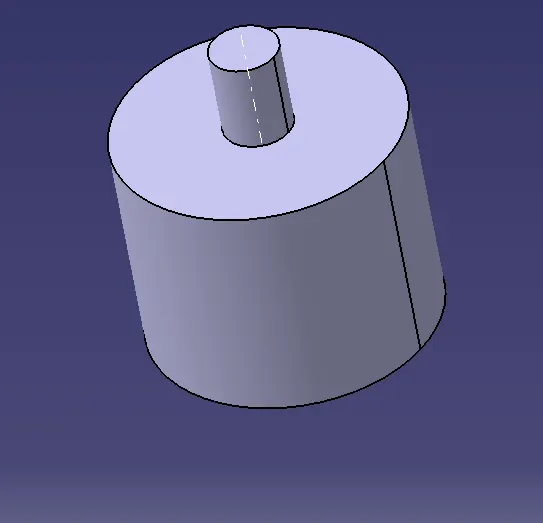
Part 3
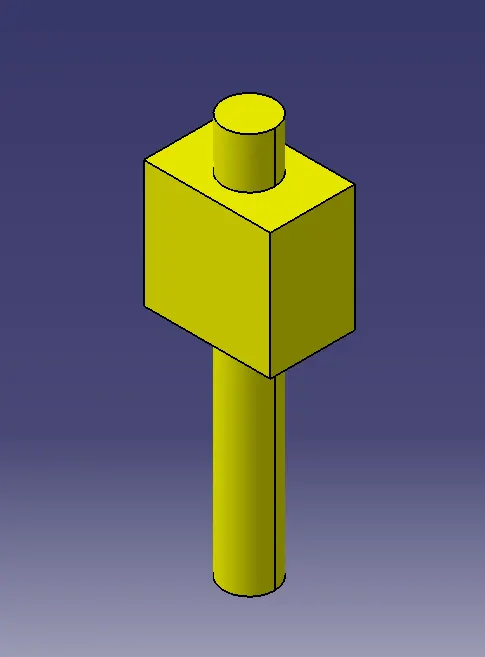
Part 4
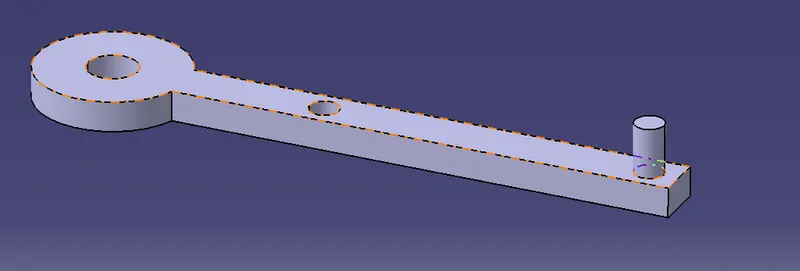
Part 5
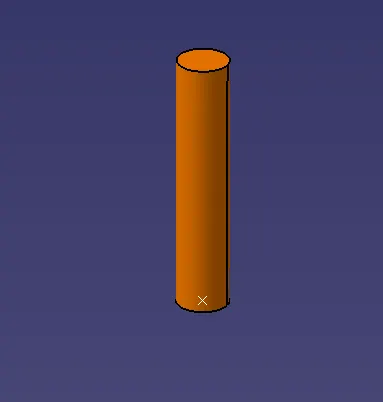
Assembly Workbench:
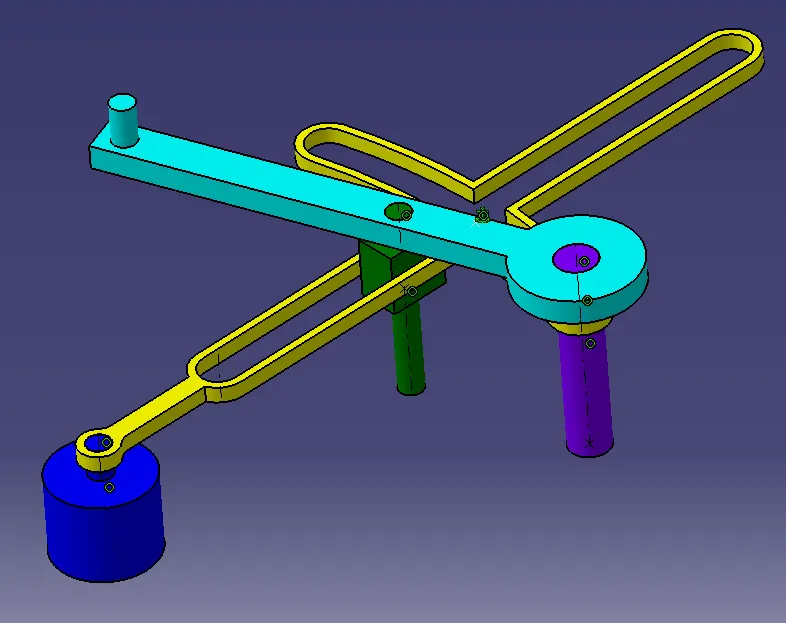
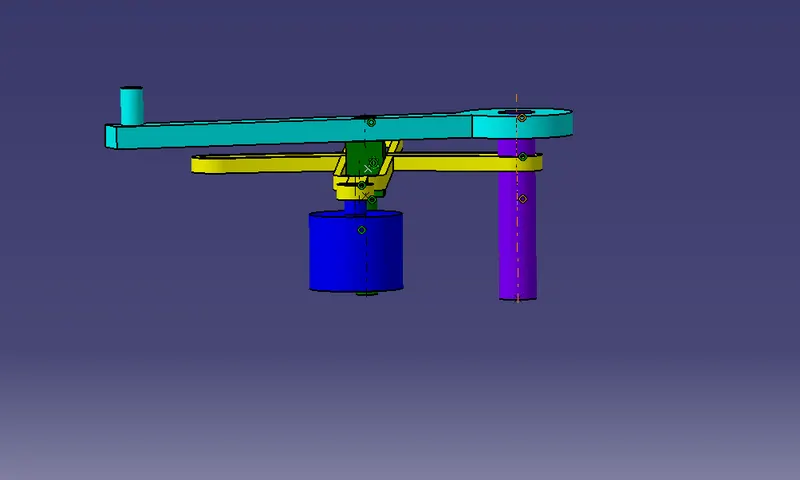
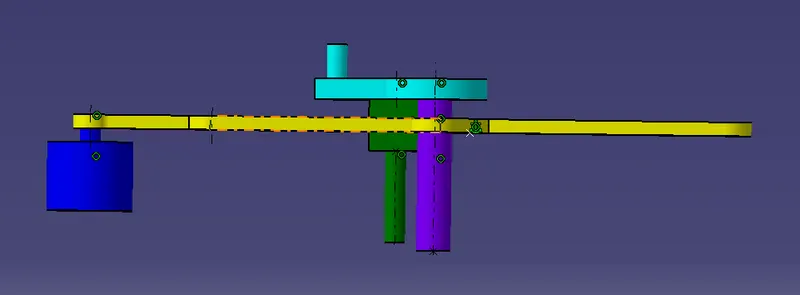
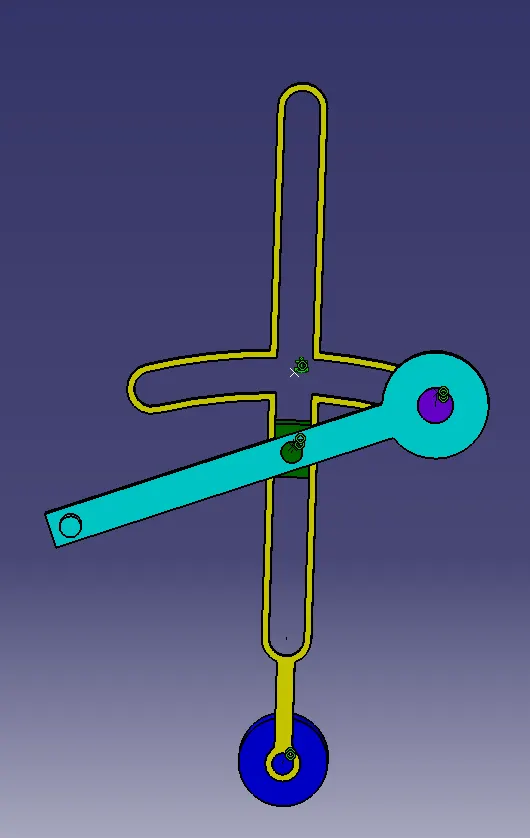
Assembing the part models in the Assembly Workbench according to the given 2D drawings using some basic assembly commands such as Coincidence, Offset and Manipulate.
Drafting Workbench:
after completion of the assembly, we create 2D drawings of the created models with different views.
ISOMETRIC VIEW
SIDE VIEW
FRONT VIEW
TOP VIEW
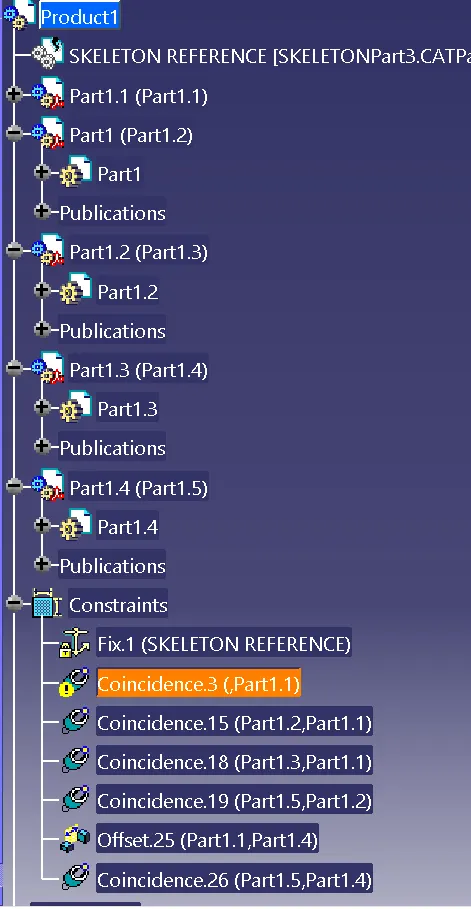
Product 2
Part modeling :-
Part 1
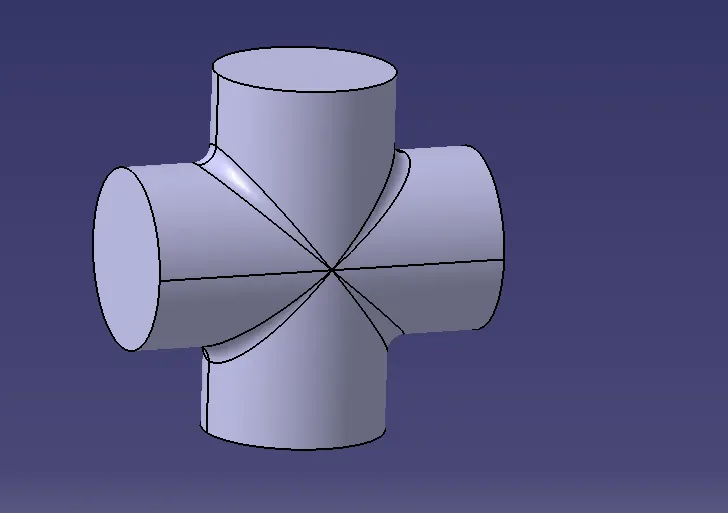
Part 2
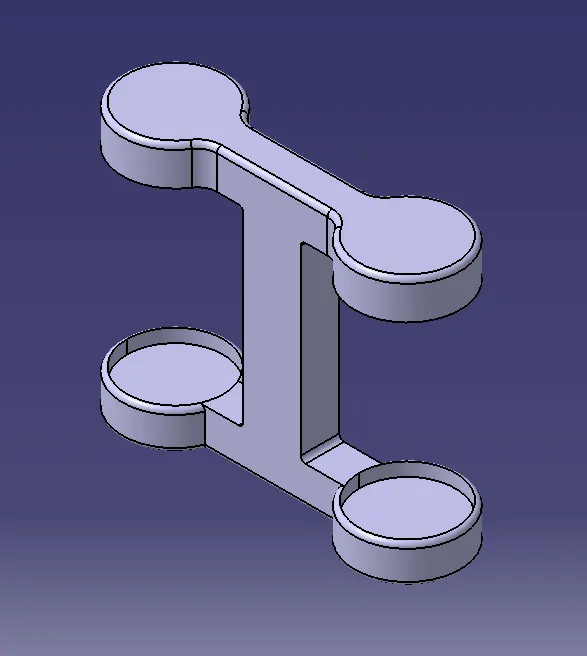
Part 3
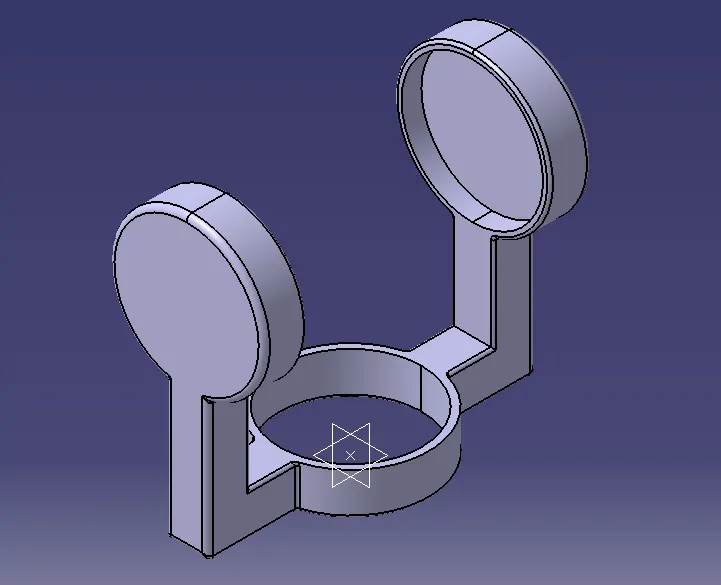
Assembly :
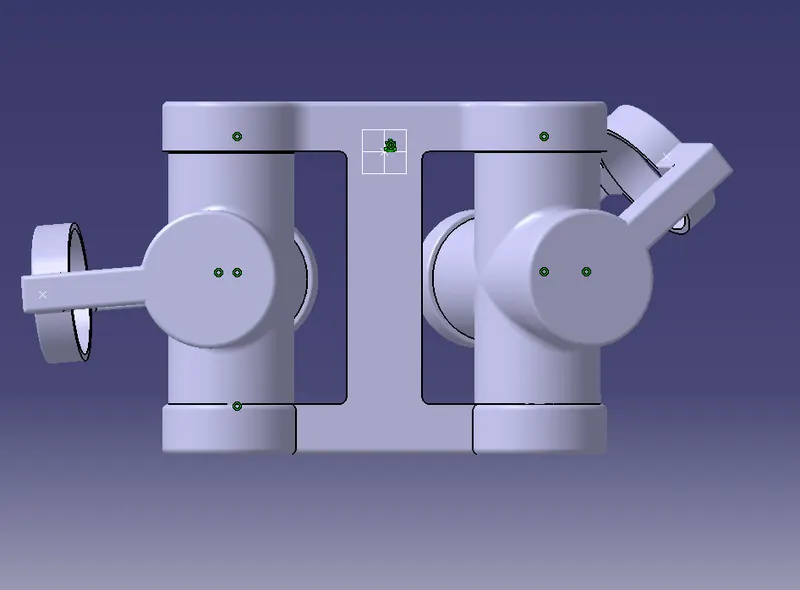
FRONT VIEW
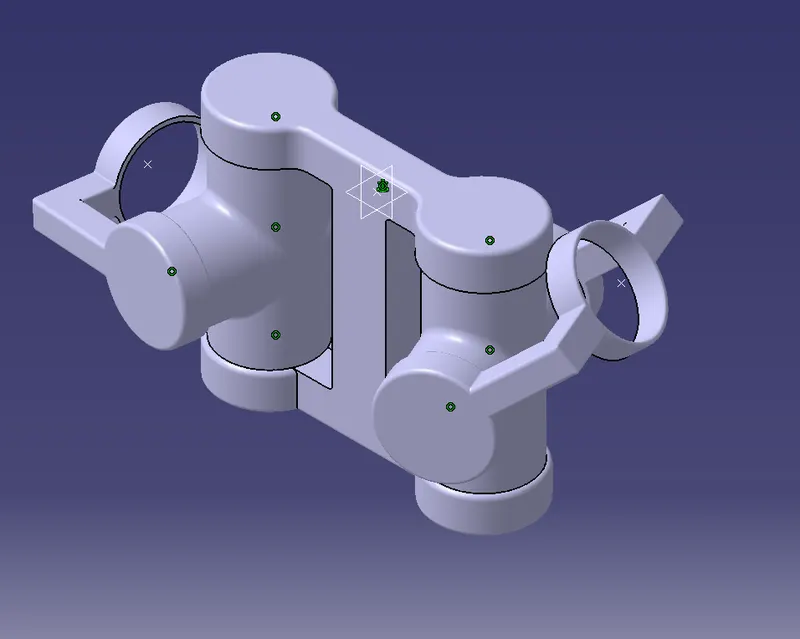
ISOMETRIC VIEW
SIDE VIEW
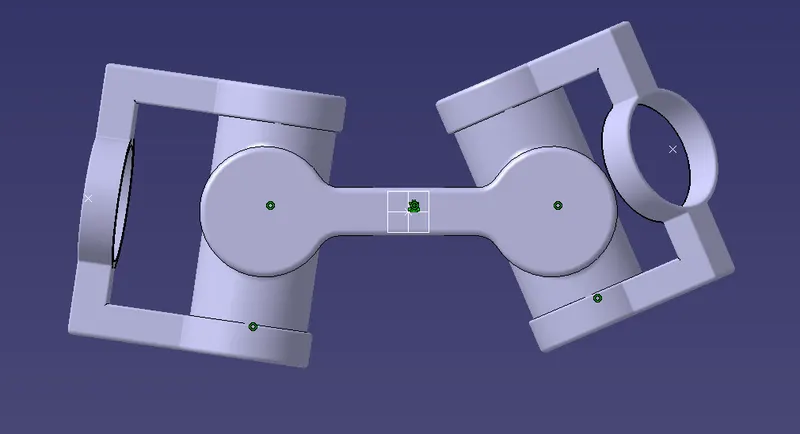
TOP VIEW