Week 10- Assembly Workbench
Detailed report of creating 3d cad parts
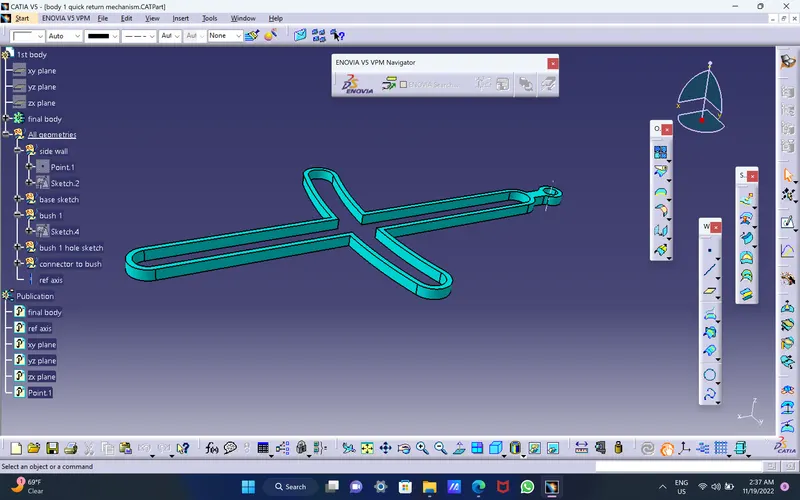
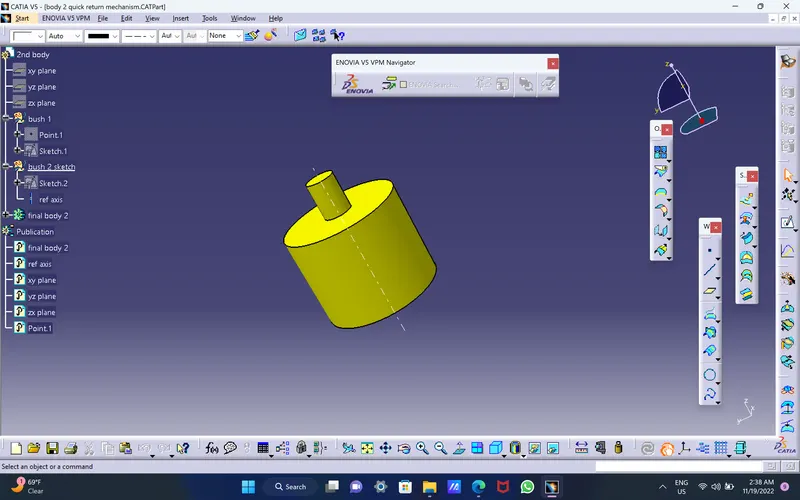
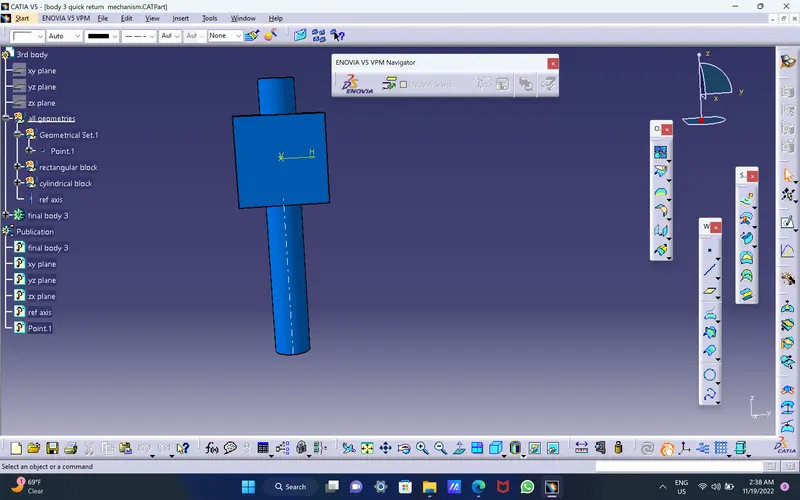
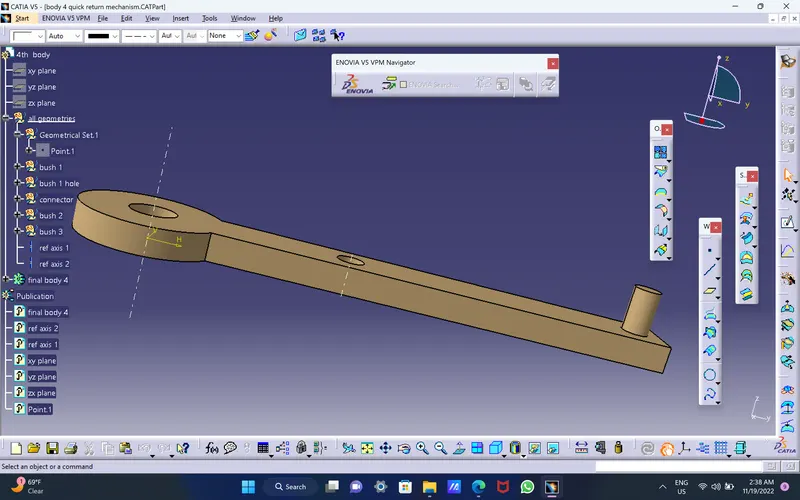
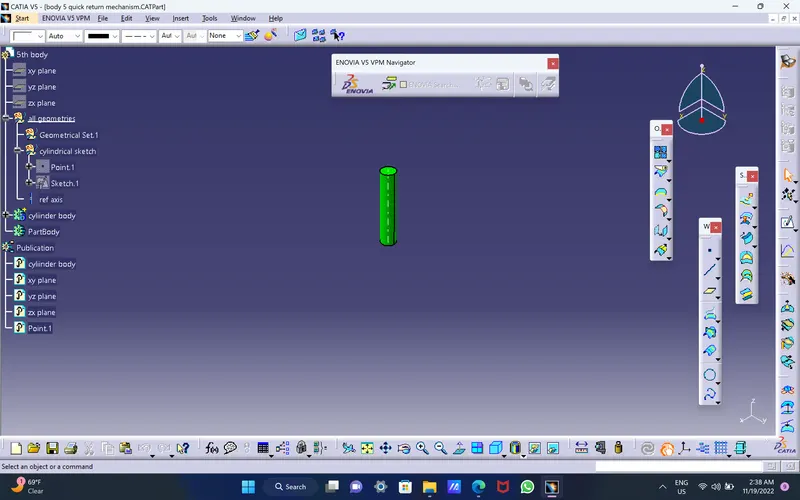
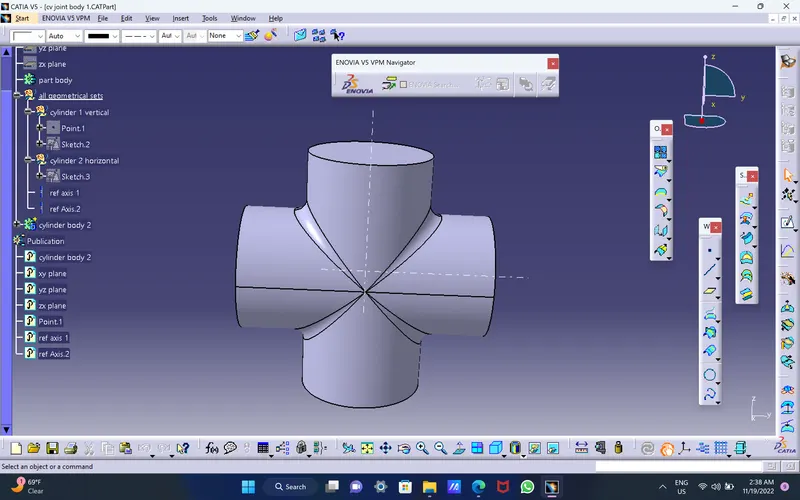
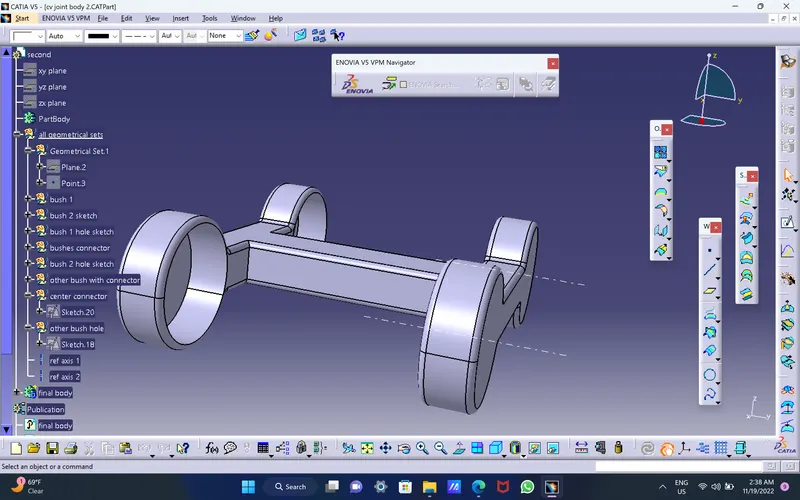
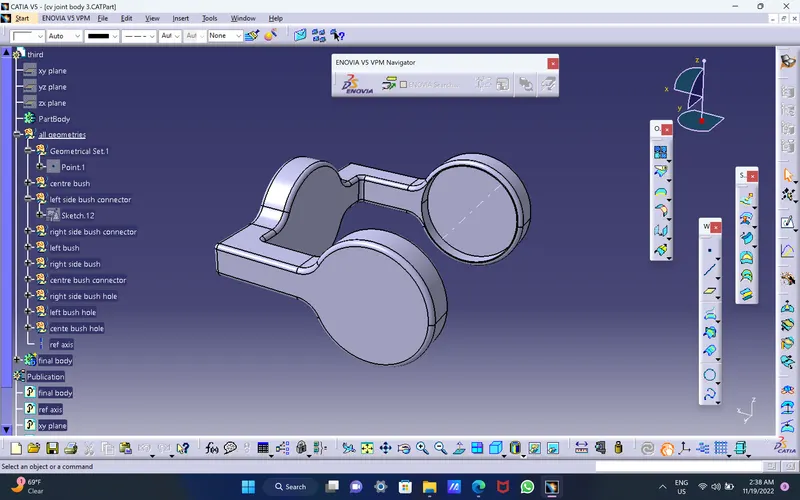
First of all i have used part designand using positioned sketch i have drawn the 2d parts and converted them into 3d parts and then later those 3d parts have been used for assembly and drafting.
Commands mostly used in part designing are : pad, boolean operations, edge fillet etc..
Detailed report for Assembly workbench:
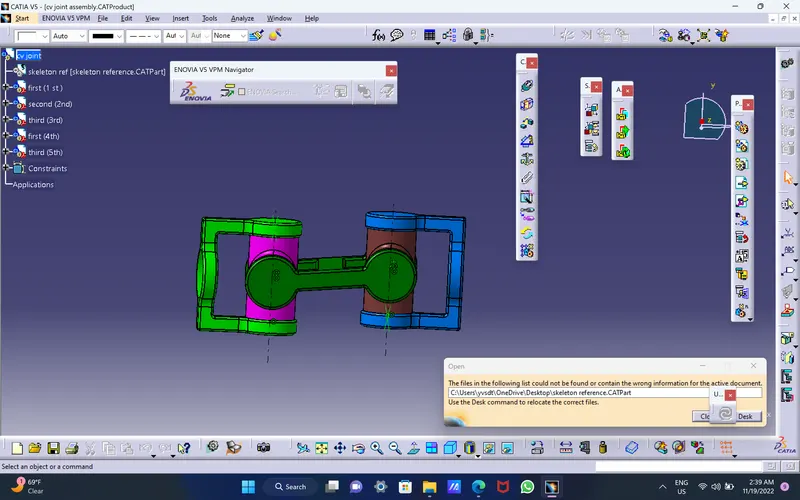
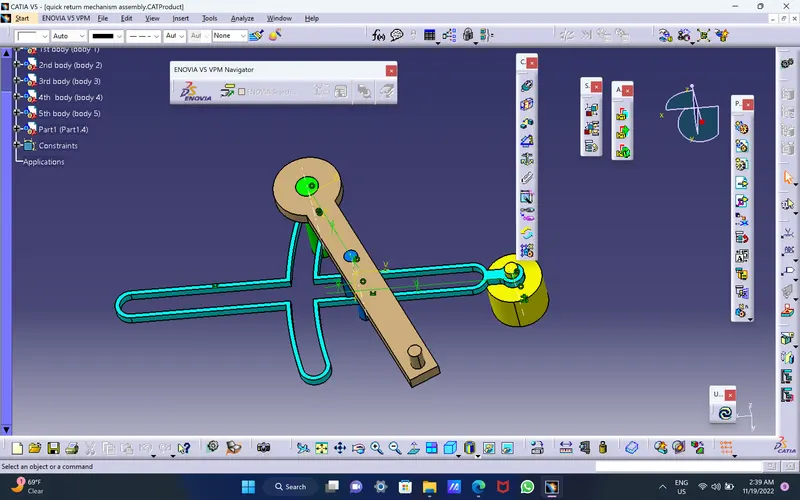
1.i have inserted the all the files at first
2.then have renamed them
3.then i have created one new part and made that fixed
4.i have created axis system to each and every parts
5.i used new part as reference and assembled all the cad parts
6.using save management i ahave saved the assembly file
commands mostly used in assembly workbench is coupling, offset, constraint definiition, manipulation, fix etc.
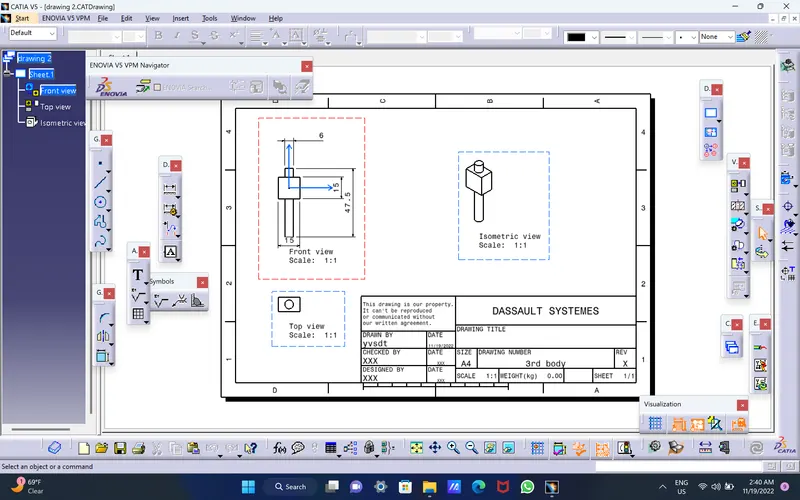
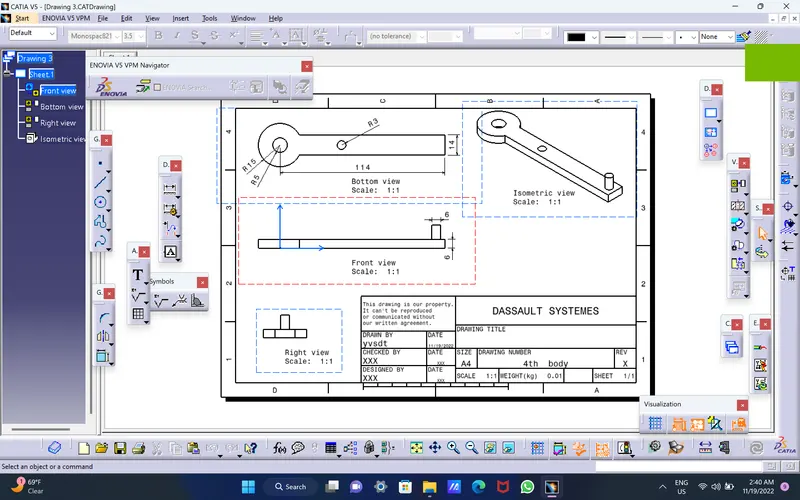
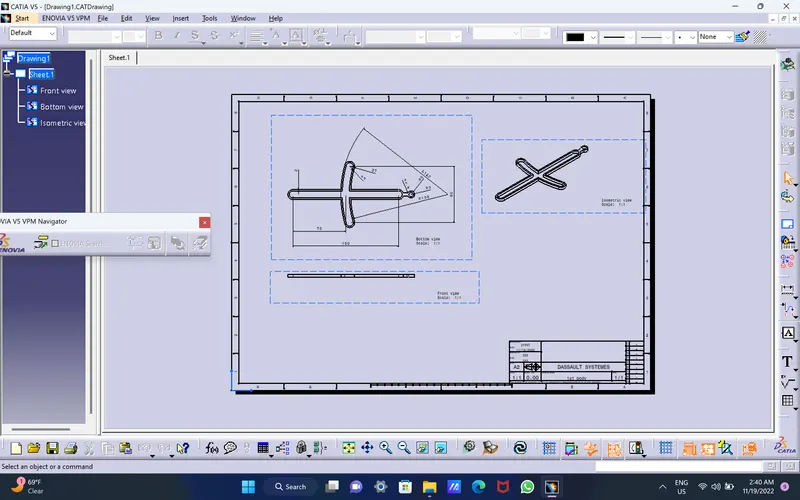
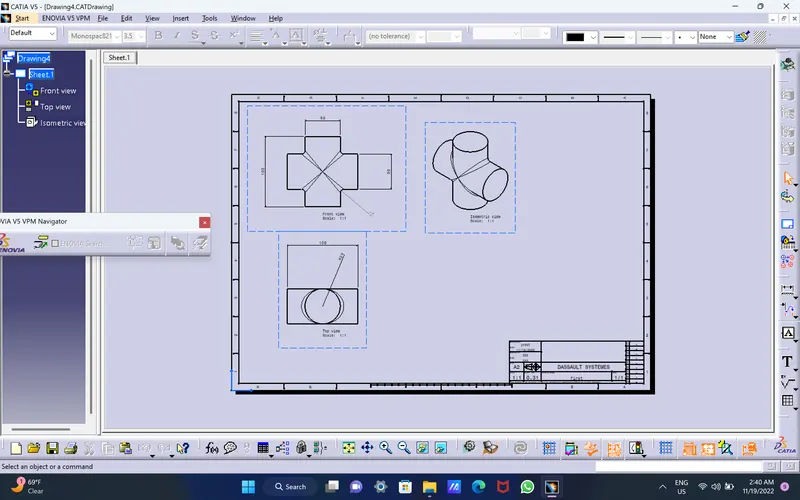
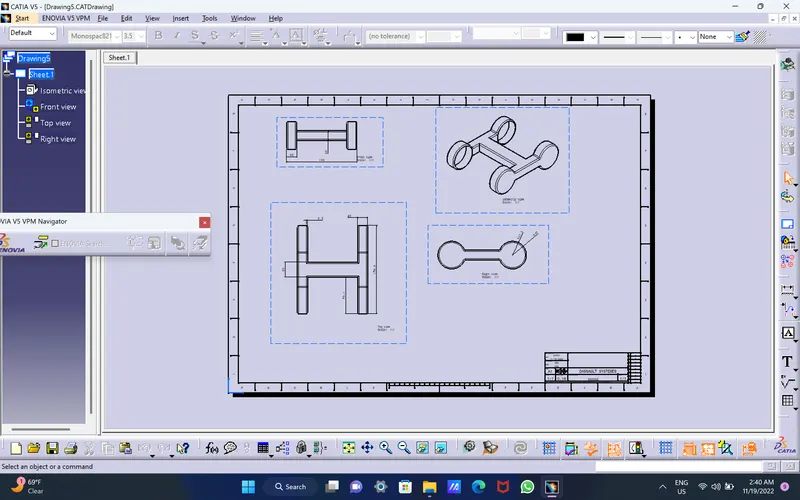
Detailed report for drafting.
1.We have extract the front view at first
2.Then we can extract the all the other projections such as top , left and bottom, right
3.Later we can give dimensions to the projections
4.we also have to project the isometric view
5.we have go to sheet background and give the title block and names to it
6.we have to use save management in order to save the drawing file.