Week 10- Assembly Workbench
ASSEMBLY WORKBENCH
The assembly files in CATIA are called Product files. There are two methods to invoke the Assembly Designworkbench of CATIA. The primary method to start a new product file is by selecting File >New from the menu bar to open the Newdialog box From this dialog box select Product.
PROCEDURE
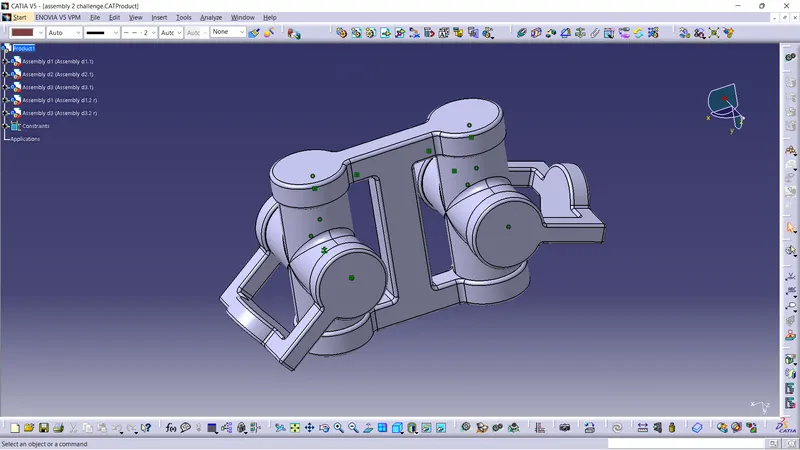
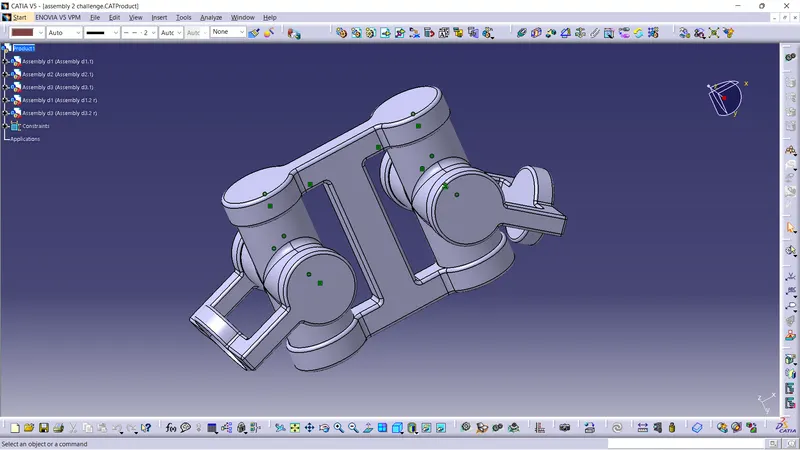
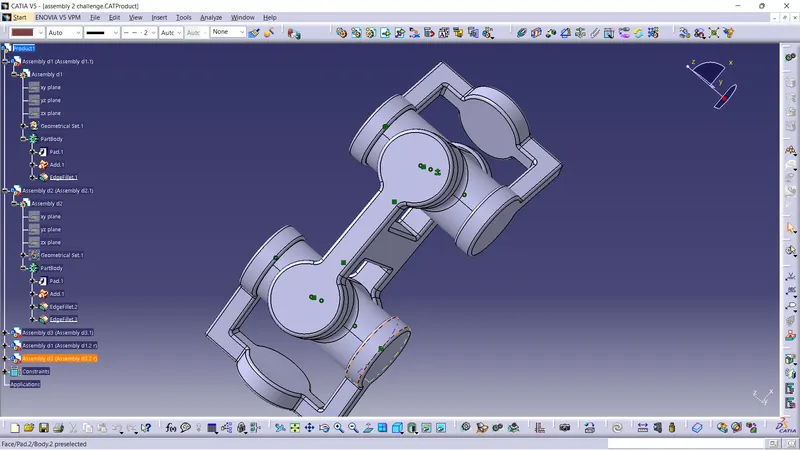
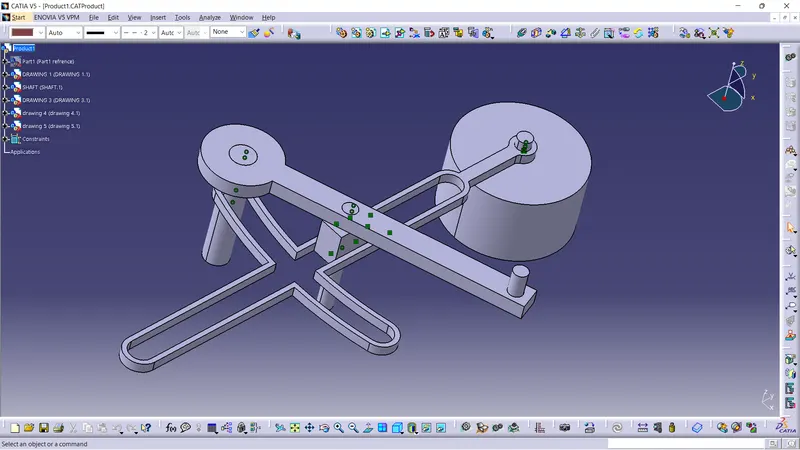
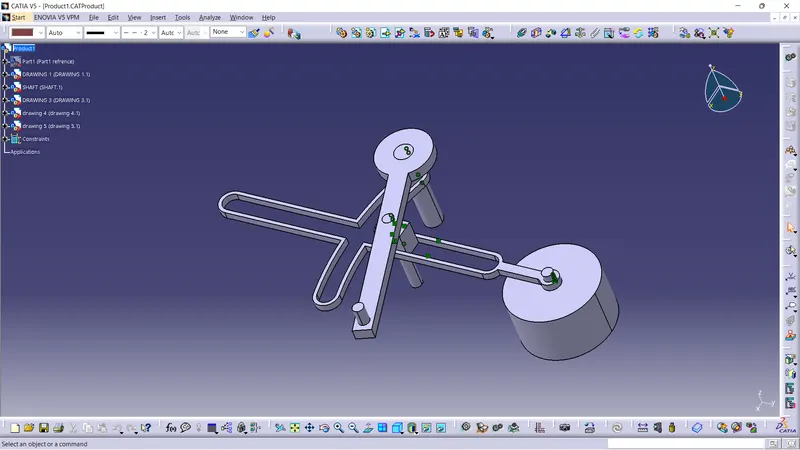
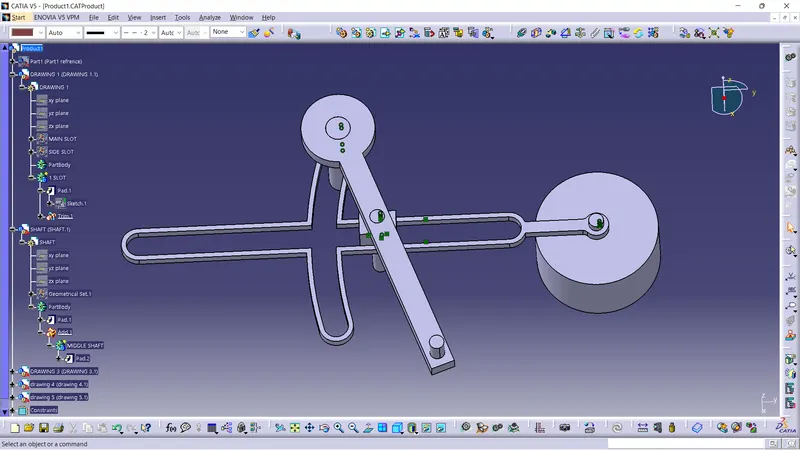
Hear we are doing the assemble many sub elements into a single product in an cat file.
By opening the assembly workbench in catia and we need to import the part files in the assembly workbench
and we need to assemble the components one by one
make the base part fix or use the dummy refrence to create the link with the dummy refrence.
And assemble the part with the giving relation as well a refrences.
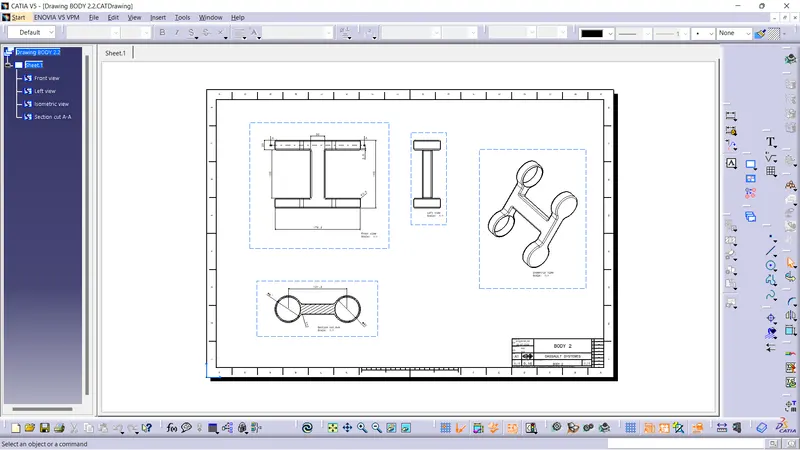
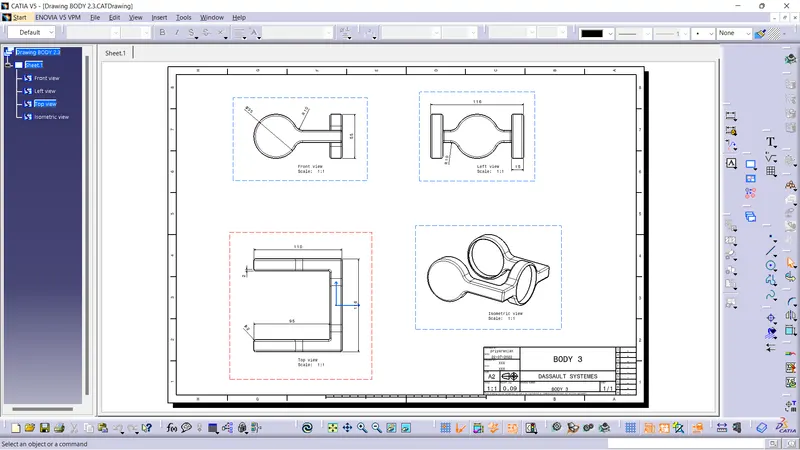
screen shorts
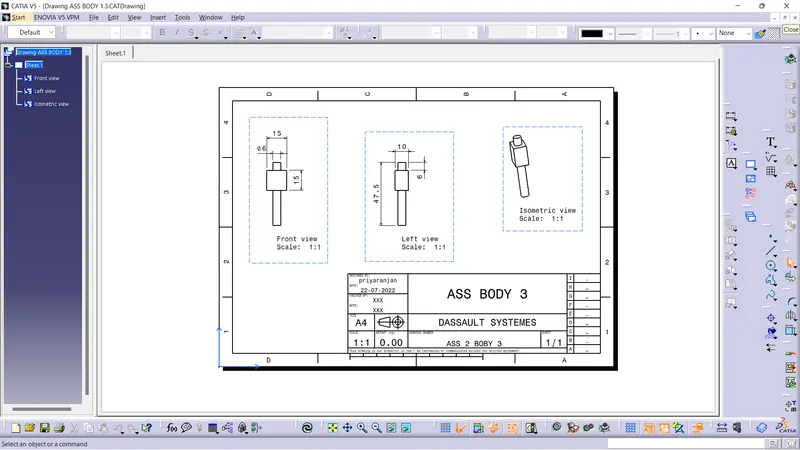
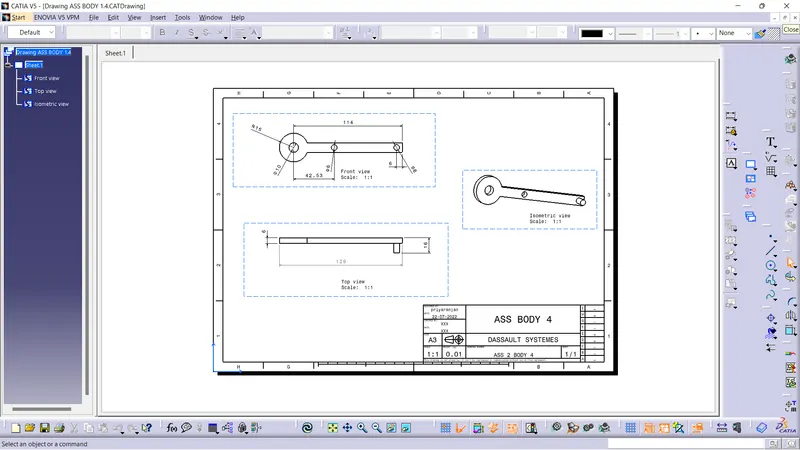
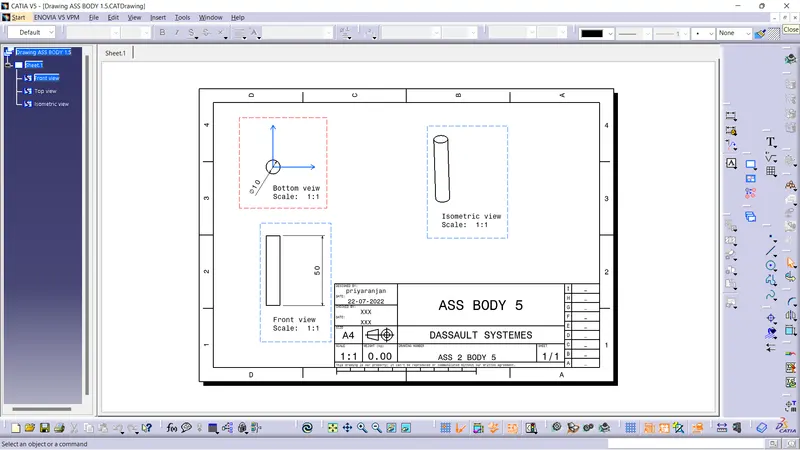
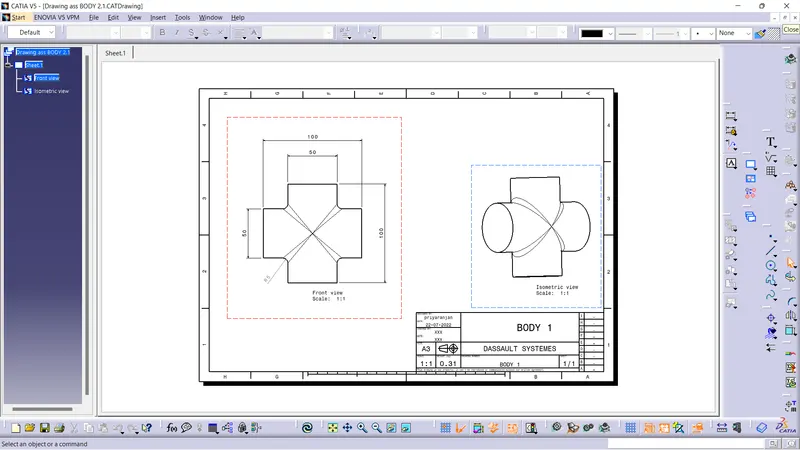
THANK YOU
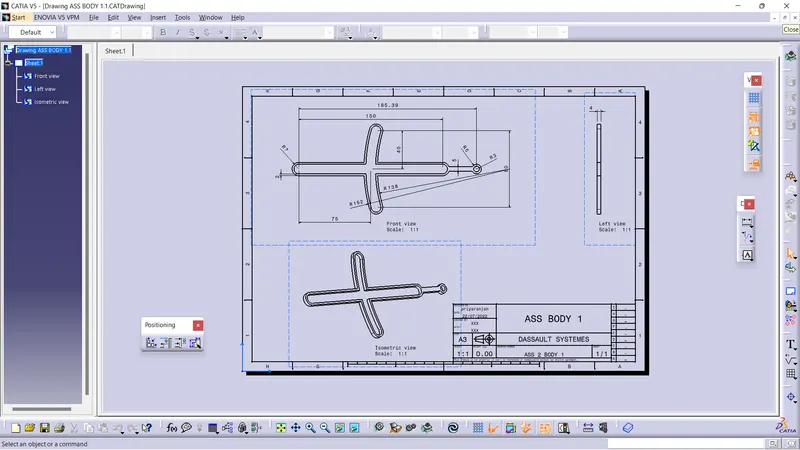
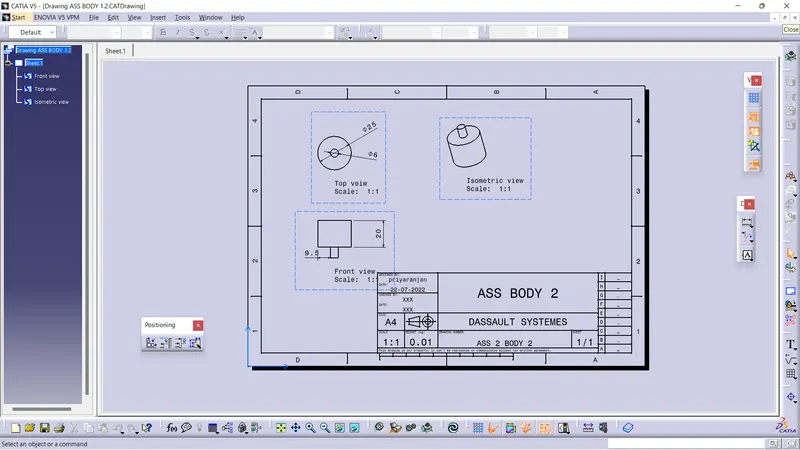
PLEASE FIND THE ATTACHMENT OF ASSEMBLY DESIGN AND DRAFTING.