Week 1: Channel flow simulation using CONVERGE CFD
Challenge 1
Aim:-
Channel flow simulation using CONVERGE CFD
Objective:
need to run 3 simulations and compare the results between all the 3 simulations.
3 different base mesh sizes are,
- dx = 2e-4m, dy = 2e-4m, dz = 2e-4m
- dx = 1.5e-4m, dy = 1.5e-4m, dz = 1.5e-4m
- dx = 1.0e-4m, dy = 1.0e-4m, dz = 1.0e-4m
simulation setup:
open converge studio application create a box
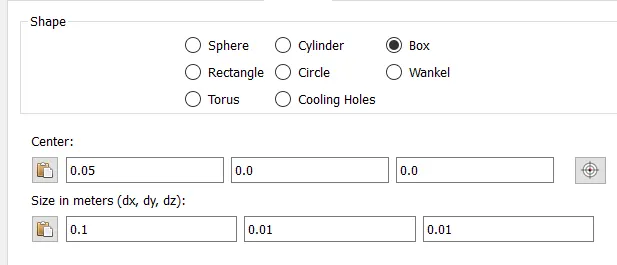
name boundaries
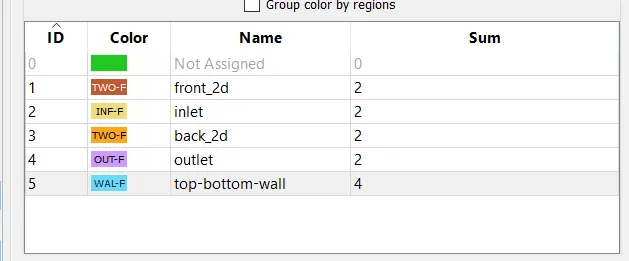
click on normal dongle and click on transformation select a plane and click apply
diagnosis the set of any error rectify them
case set up
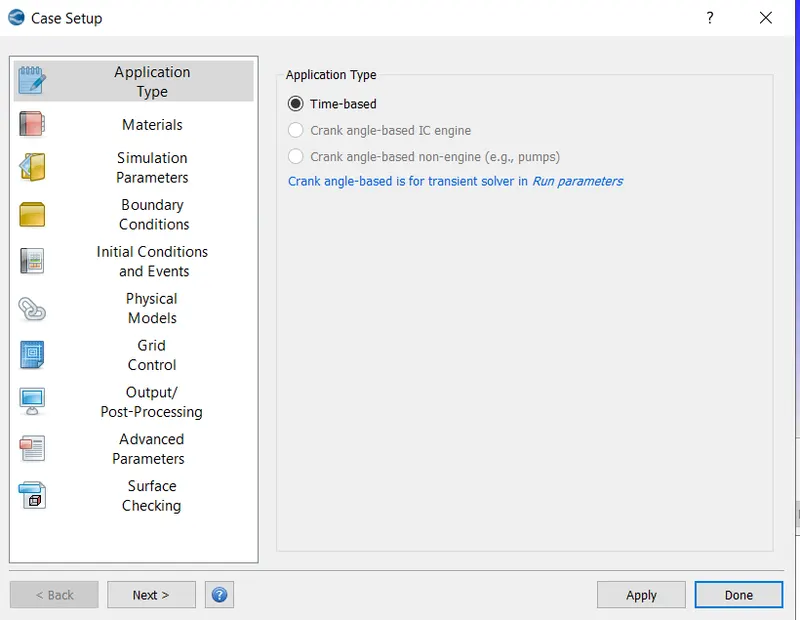
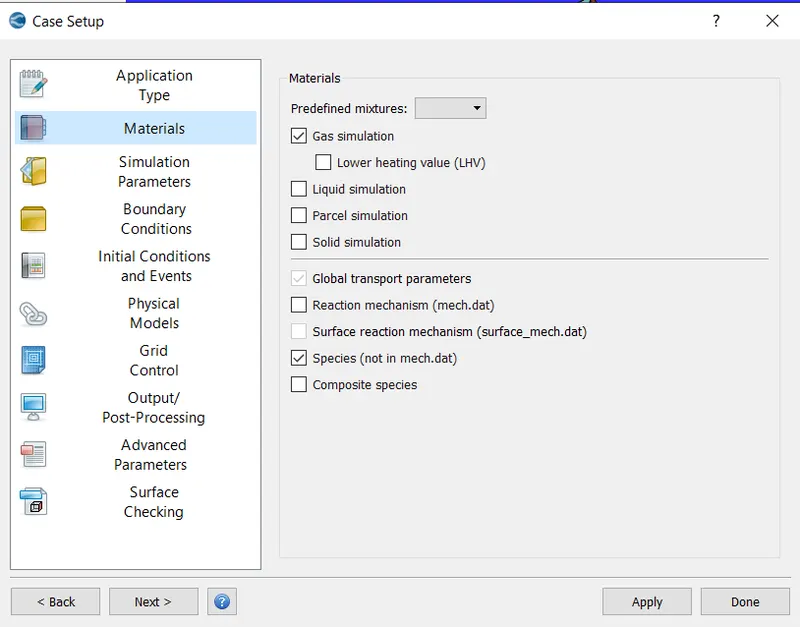
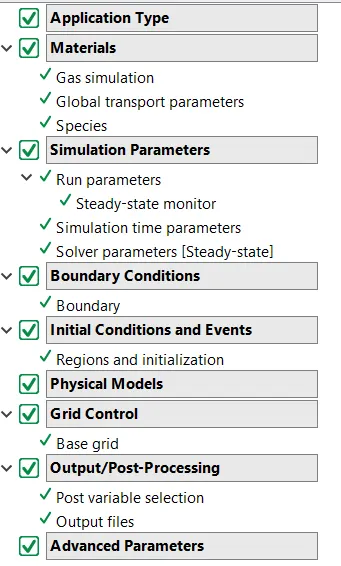
Case set up
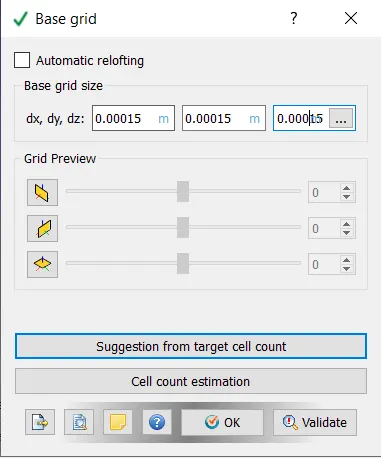
mesh setup
once case set up is done validate the setup
if any error are present resolve the errors
save the setup and export the input files to the folder
now open cygwin in administrator mode
change the folder to the folder where all input files are saved
and run the command mpiexec.exe -n 2 converge.exe restricted </dev/null> logfile &
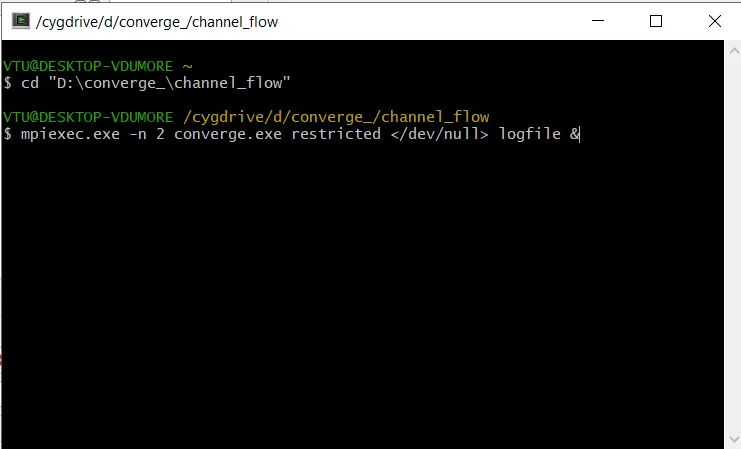
wait till simulation complete
open converge studio and in that move to post process mode
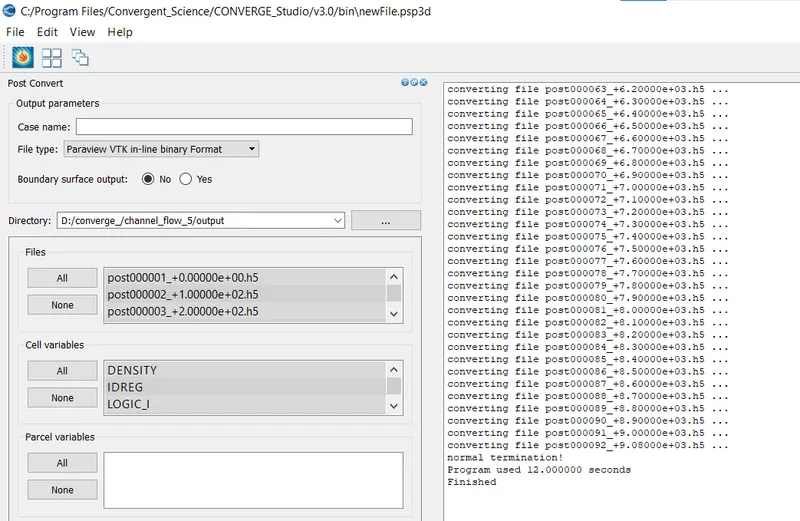
Convert the post process file to readble file to paraview
now open paraview
select the converted file and post process result
animation and simulation file are sbmitted in zip file
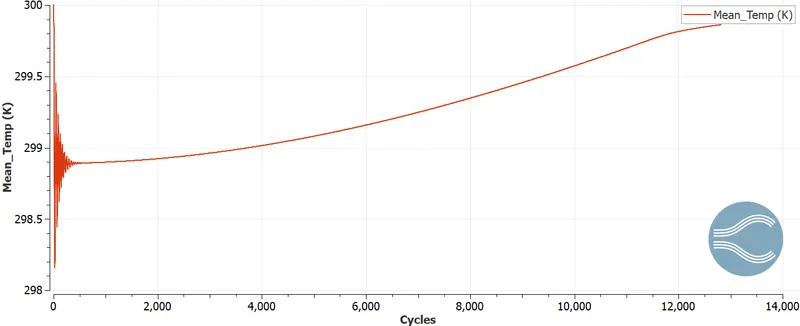
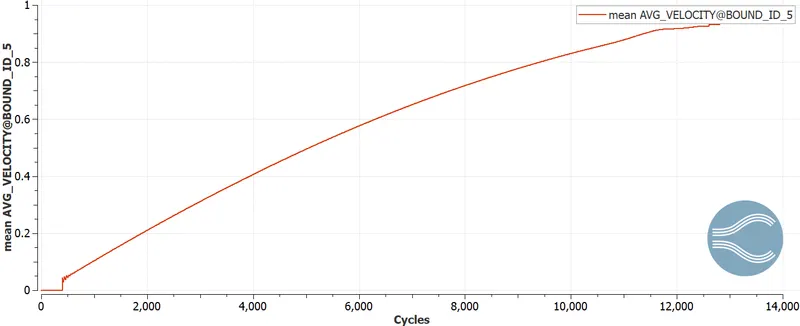
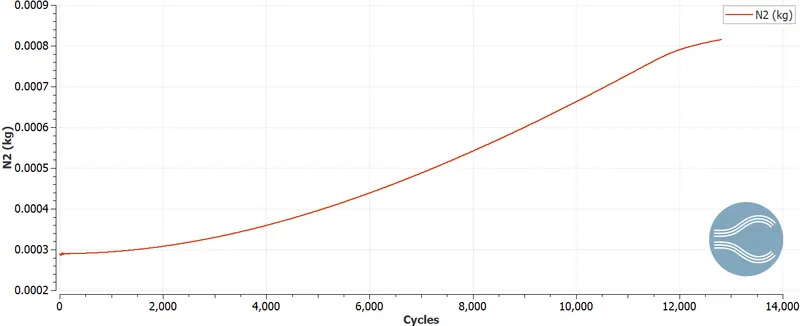
result
basic run
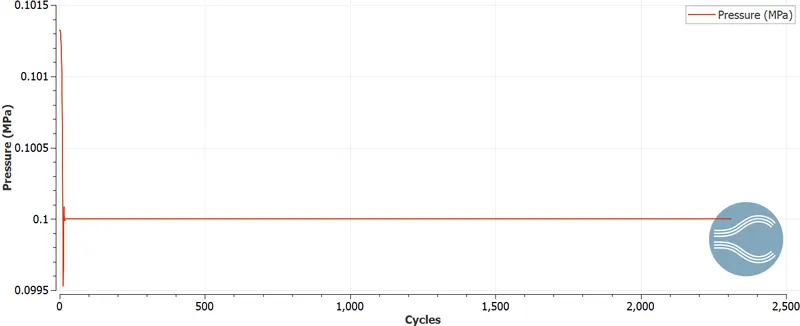
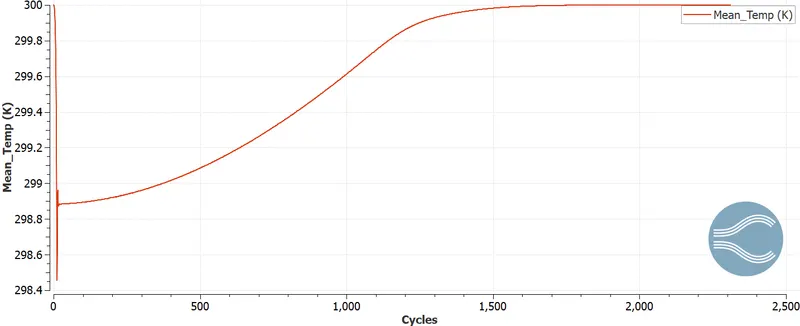
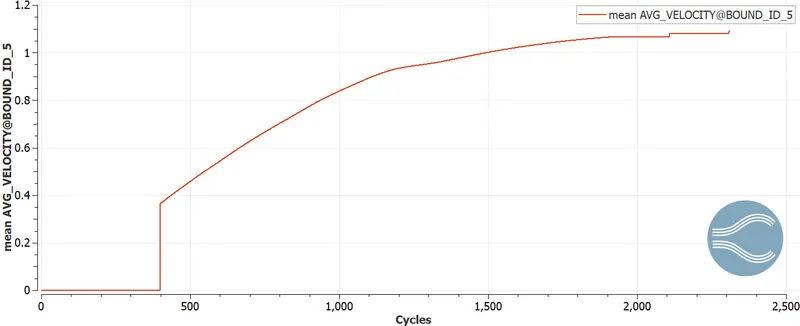
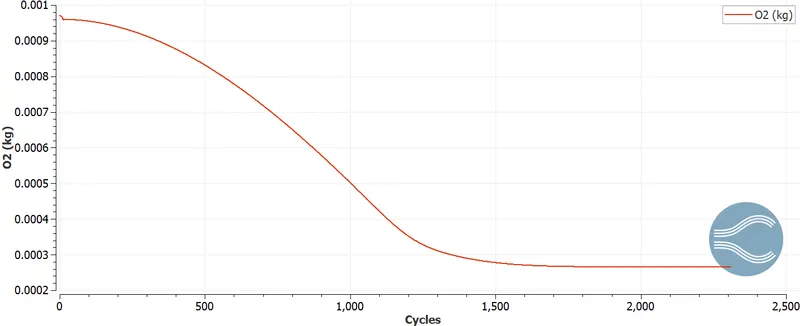
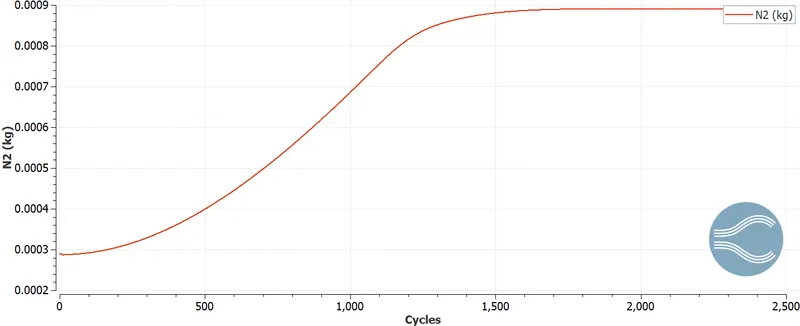
case 1
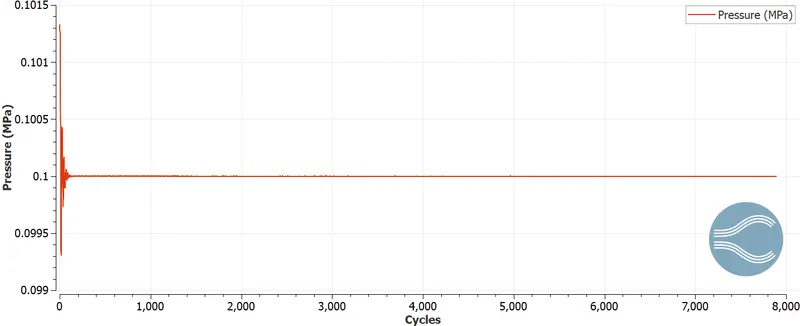
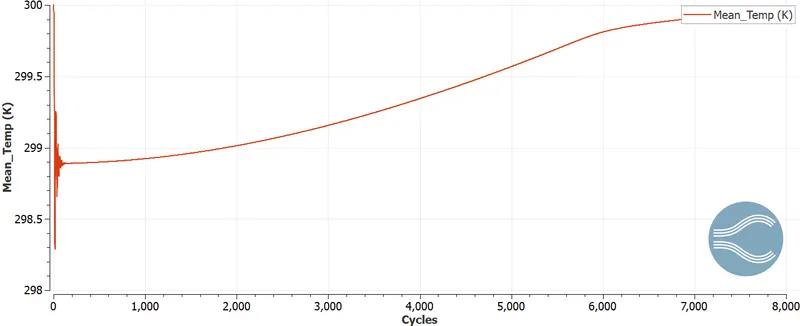
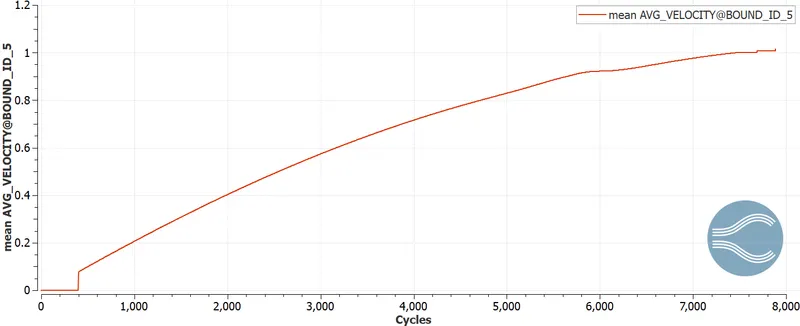
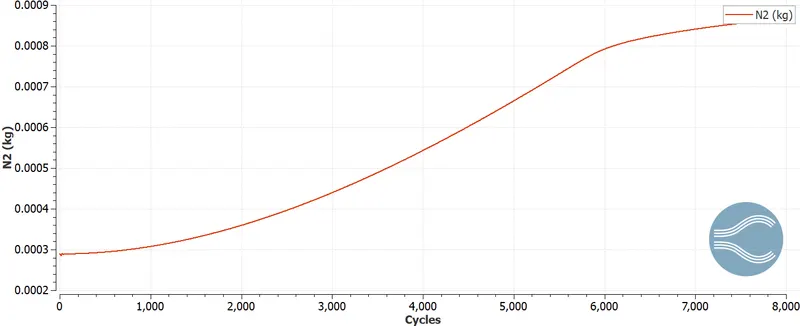
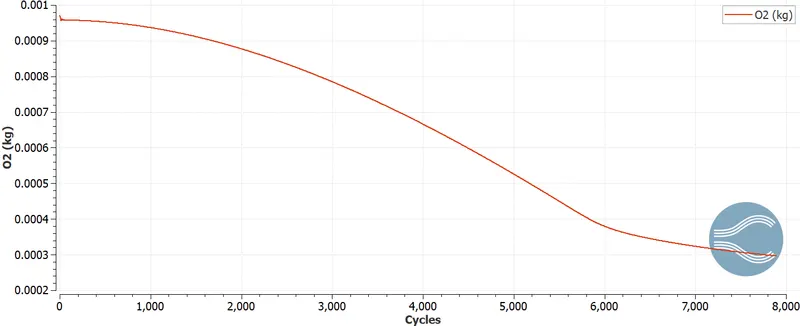
case 2
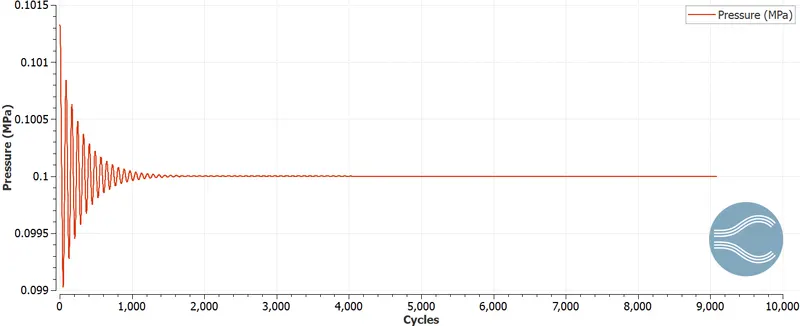
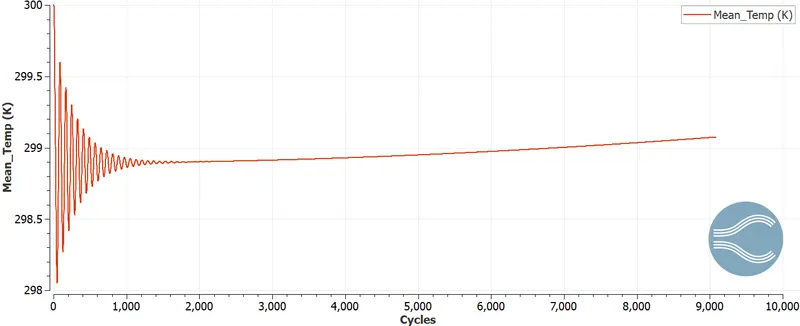
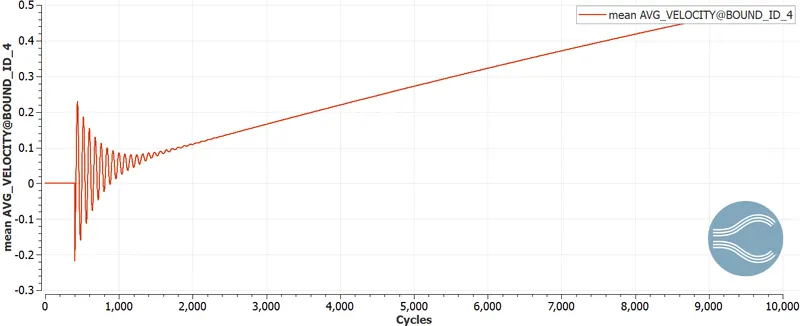
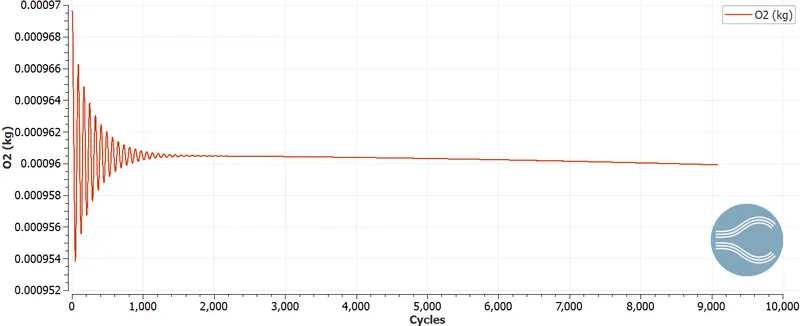
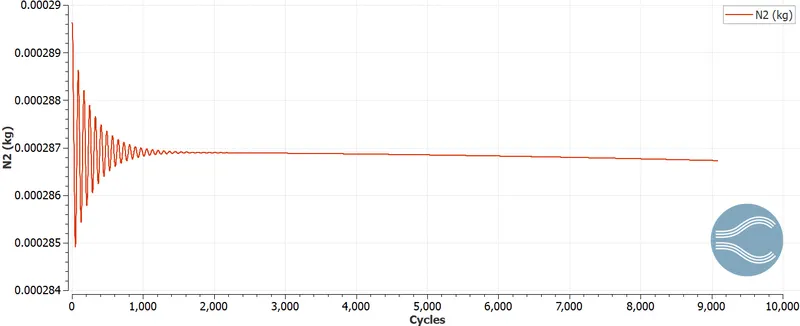
case 3
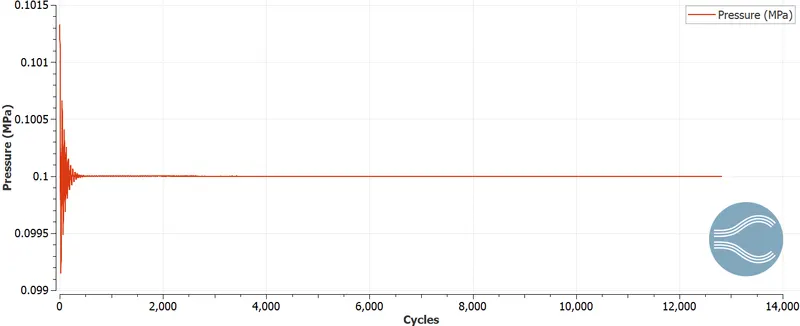
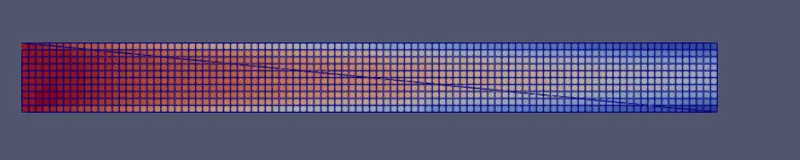
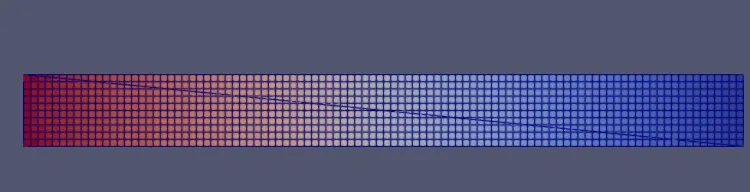
conclusion
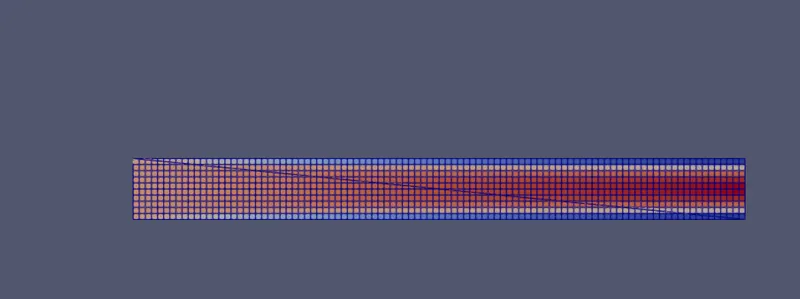
from velocity profile it can be seen that velocity at wall is less then the velocity at middle of the duct
flow follows the parabolic form in duct
and flow happens from higher pressure to lower