Week 1 Challenge : Surface Meshing of a Cylinder
AIM: To set a target length and mesh the cylindrical model using ANSA.
OBJECTIVE: To mesh the given cylinder model by using element size as 3 units by using ANSA.
INTRODUCTION:
- ANSA is a computer-aided engineering tool for Finite Element Analysis and CFD analysis widely used in the automotive industry. It is developed by BETA CAE Systems. ANSA maintains the association between CAD geometry and the FE mesh.
ANSA phases :
- Import cad geometry -> geometry clean up -> skin or mid surface generation -> shell or solid meshing -> element quality check -> mesh improvement -> apply load -> export.
Meshing: A mesh is a representation of a larger geometric domain by smaller discrete cells. By meshing, you break the domain into pieces and each piece represents an element.
- meshing process : define element size -> choose size of element -> selecting type of mesh to done -> quality criteria check -> remesh for quality improvement if needed.
PROCEDURE :
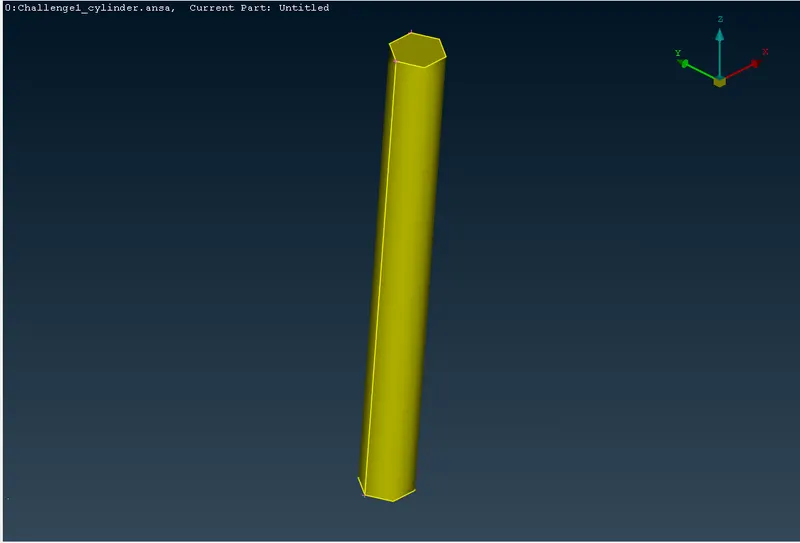
- OPEN THE MODEL: Open the model in ANSA as you see in the below image.
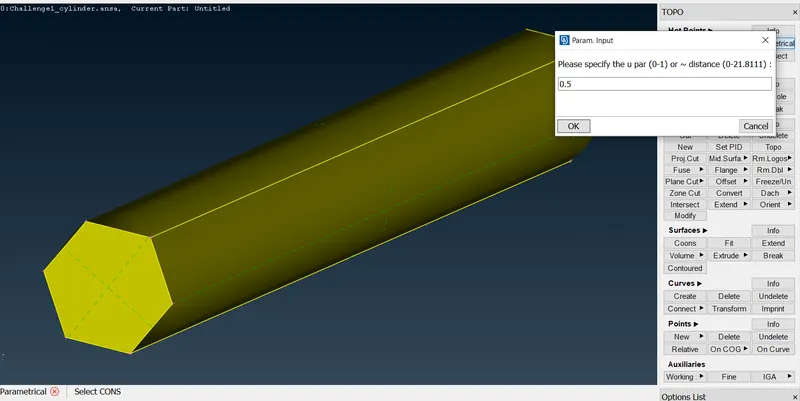
- Insert the hot points by clicking the tool name parametrical to the faces which are not created as points and specify them as 0.5.
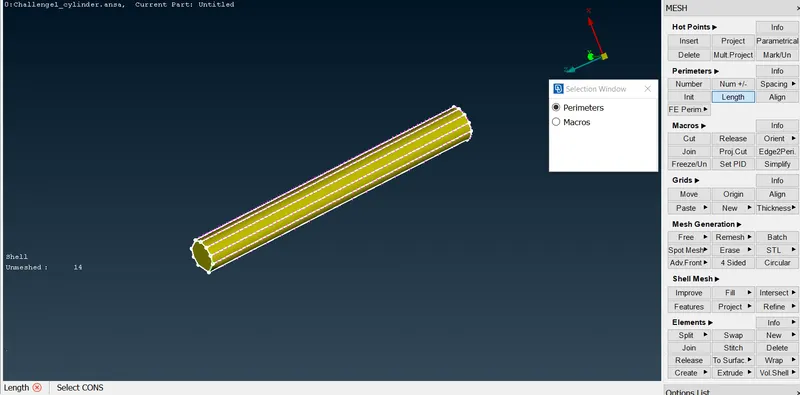
- Now for the cut a macro area with two perimeter nodes or hot points. Create a cut as much as needed to the file.
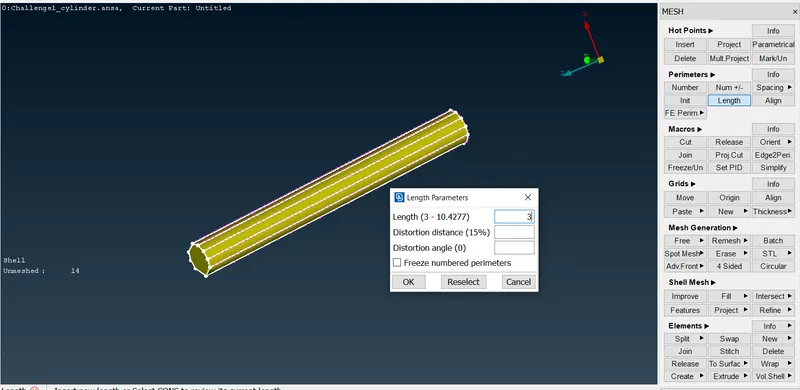
- Now in the perimeter, the length parameters have to be given as 3 as you see in the below image.
- Now going for the mesh option here we are considering the following terms,
- Target length = 3 mm
- Element type = Tria
- Then we have to give mesh length by selecting the length under parameters and then select the whole model by drag and drop then click the middle mouse. and give the mesh length as required at present we give mesh length 3.
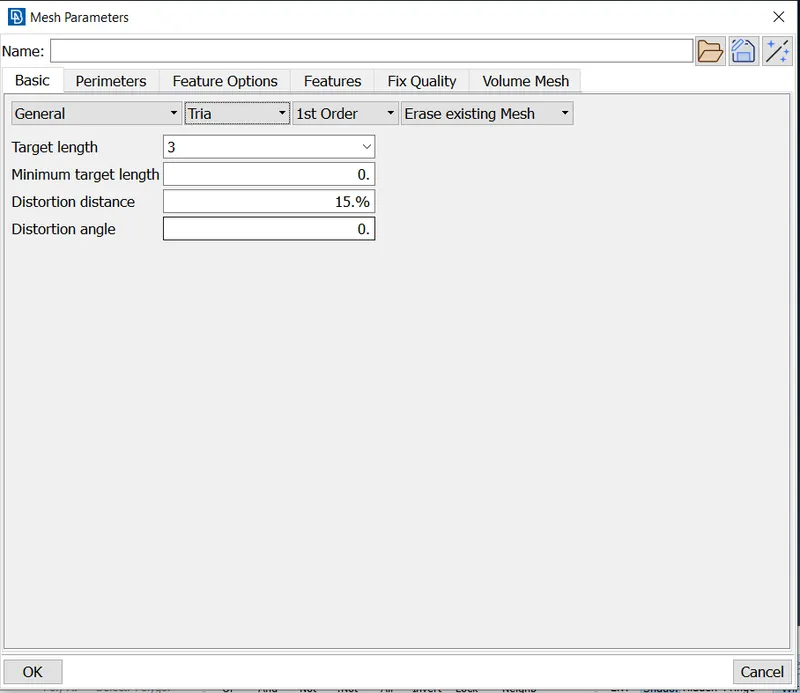
- At present we use spot mesh. To do spot mesh we have to select spot mesh under mesh generation and then select the whole model. before clicking the middle mouse we have to check the option list at the bottom. As of now, we need the tria elements we have selected and reconstruct to be enabled.
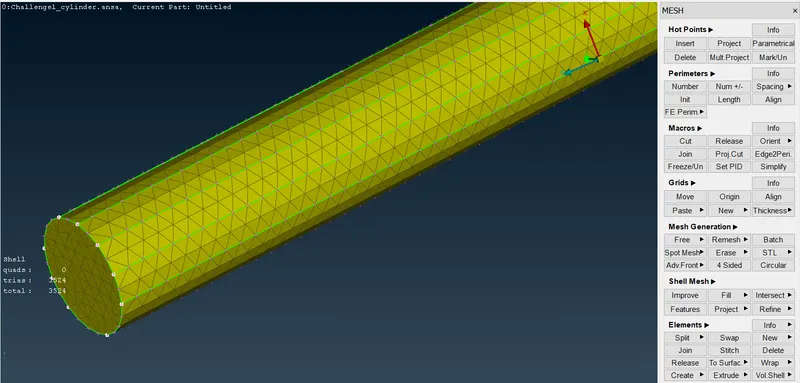
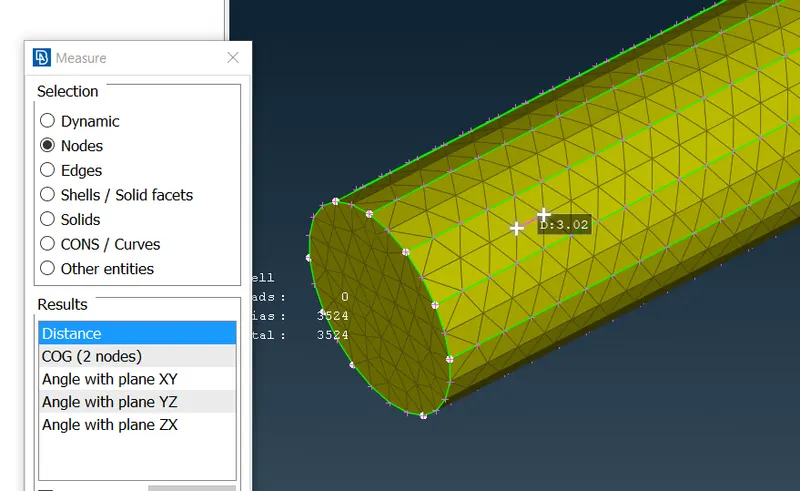
- You can check mesh length by selecting the Measure and selecting two nodes you can see the length in between them.
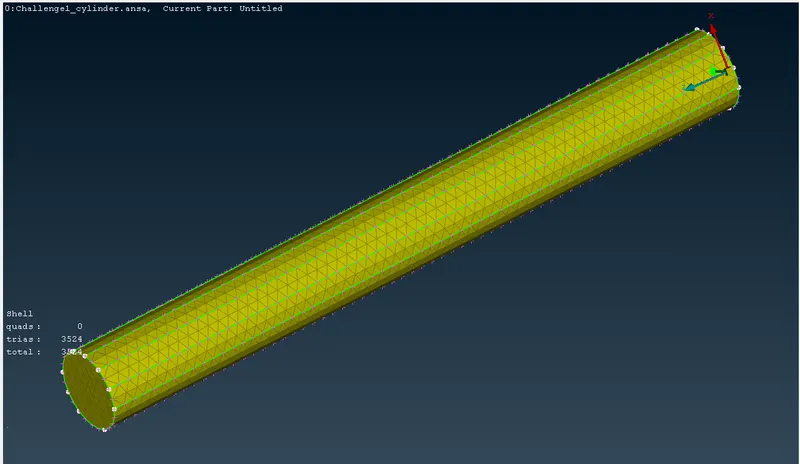
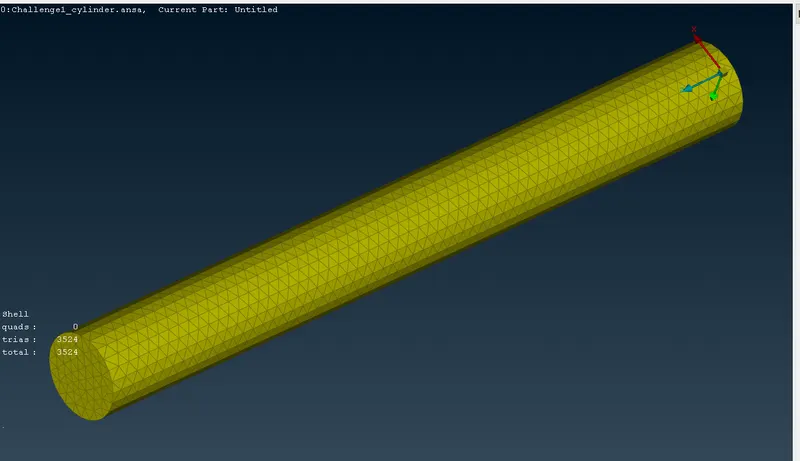
- The Mesh has been created using the target length 3 using element type tria.
-
Now after selecting this press the middle mouse button or under spot mesh visible to do the mesh. Now after the meshed model is seen then do the mesh check so that any mesh errors can be checked. if no errors you will see the below window in ANSA. Then the final mesh model is to be saved.
LEARNING OUTCOME:
- In this process, we have learned how to rectify geometry errors and mesh a cylindrical model and how to rectify errors in mesh and how those errors are to be corrected.
CONCLUSION:
- Here finally we have meshed the given cylindrical model. You can also see the number of elements meshed in the model on the left side of the workbench.
- As we have selected tria elements we see quad elements are 3. Here you can see there are 3524 tria elements in the cylindrical model we meshed.