Week 1 Challenge
1.
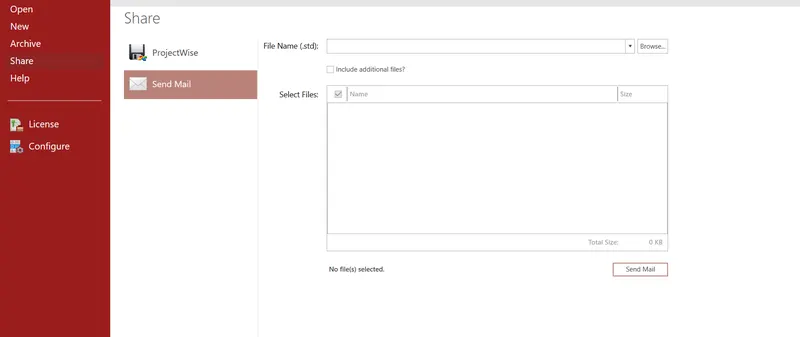
a.Write the steps involved in uploading a .std file through webmail?
Ans:
- Open the software Staad pro on the landing page
- Click on the share icon in
- Click on send mail
- Browse the file you want to share
- click on send mail
- Ensure that you are signed in
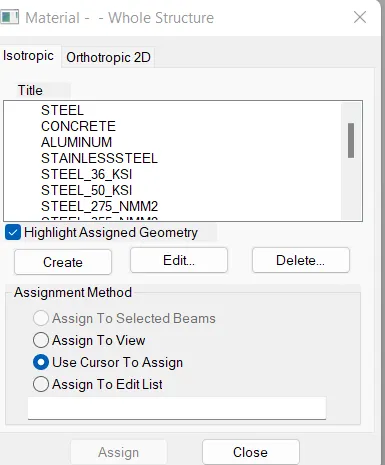
b.Name the different materials that can be designed using STAAD Pro.
c.Is it possible to capture images in STAAD Pro? If yes how?
Ans:
- Yes, it is possible to capture images in STAAD pro.
- Plot the appropriate diagram and take a picture of it by clicking the Take Picture icon shown in the screenshot below. Take pictures of as many items as you need to and each time you will be prompted to provide a caption for the pictured. Name the three ways by which you can create a model.
d. Name the three ways by which you can create a model.
Ans: There are three methods of creating the structure data:
All three methods of creating the model are explained in this tutorial. The physical modeling method is explained first, beginning with " T.3 Creating the Model using the Physical Modeler," then the analytical model method is explained beginning with " T.3 Description of the tutorial problem ." The command file method is explained in " T.3 Creating the model using the command file ."
e. Write the steps followed to assign properties in a model.
Ans:
| STAAD.Pro Physical Modeler | Analytical STAAD.Pro Modeling User Interface |
|---|---|
| 1. Select the members which all have the same section. | 1. Add the profile you want to use from the Section Database. |
| 2. Select the Section tool in the Assign properties group on the Member ribbon tab. | 2. Select the member property in the Properties dialog. |
| 3. Select the profile to use and click OK. | 3. Use the cursor to click on members with this property. |
In STAAD.Pro Physical Modeler, the general order of operations is that you first select physical objects and then assign properties or perform some operation on the selection.
This differs from STAAD.Pro, where there are many tasks in which you select the operation, property, or specification first and then assign that to some list of model objects.
2.
a.Name any six design parameters involved in RCC design.
Ans: Six design parameters that are involved in RCC design are listed below:
- E-Modulus of Elasticity.
- Fy.
- Fu.
- Poisson's Ratio.
- Density.
- Effective Length Factor i.e, Kx,Ky and Kz.
b.What are the different cursor types available in STAAD Pro?
Ans: The different cursor types that are available in STAAD Pro are listed below:
- Nodes cursor.
- Plates cursor.
- Beams cursor.
- Plates and Solid cursor.
- Loads cursor.
- Solids cursor.
- Physical Member cursor.
- Geometry cursor.
c. How will you generate different views for a model? State the steps involved.
Ans:
Click on VIEW TAB
Go to Tools Palette
Choose the icon for:
Isometric View, Top view, Bottom view, Left view, Front view, Right view, and Back view.

d. Explain the procedure to define a “Simply Supported” condition in STAAD Pro
Ans:
- Go to the support command in the tool pallet command
- Click on create support command
- There we can get options like fixed support, pin support, Fixed but
- Enforced but support
- Cable support
- Inclined support
e. Name any five topics that you will include while creating DBR.
Ans:
- DBR Design basis report
- To take up a project from scratch to the end.
- To specify the data and compile data received and analysis and design of the structural element.
- It contains the assumption and specifications to develop the project.
- It will help to avoid the scope and the creep that can derail the project schedule and lead to budget overness.
- Contains the general Column drawing.
- Contains the project planning.
f. Describe the term “Multi-material design” of STAAD Pro.
Ans: The term "Multi-material design" of STAAD Pro defines the structure that is designed by implementing more than one structural material. For example, suppose I am designing an R.C.C. building but at the same time few parts of that RCC building are composed of different materials like Steel in order to make the sheds, garage, etc. So This type of building design with different materials is known as the "Multi-Material Design".
3.
a.Name the structure systems in STAAD Pro? Explain each system.
Ans: The structure systems in STAAD Pro software are:
- Space Frames.
- Plane Frames.
- Trusses.
- SPACE FRAMES: So basically the space frames are three-dimensional truss-like structures that are designed to carry loads for longer spans without any intermediate supports. The space frame structures are rigid and lightweight in nature and it is structurally effective. It has low transportation costs.
- PLANE FRAMES: Plane frames are RCC or steel frame structures. It is a two-dimensional structure that is constructed with straight elements which are connected by rigid or hinged connections.
- TRUSSES: Trusses are created by arranging the structural elements in triangle forms which can take loads in both compression and tension
b.Explain the coordinate system adopted in STAAD Pro software.
Ans: The coordinate system that is adopted in STAAD Pro software are X, Y, and Z coordinates.
- So basically the co-ordinate system adopted in STAAD Pro software is:
- Global Axis: Mainly global axis is fixed in the coordinate system.
- Local Axis: Local axis is variable in nature. We can change the local axis but not the global axis.
As the STAAD Pro software. Basically, it uses a conventional cartesian coordinate system, and in this system Y is a global axis that is in an upward direction. We can say that the height of the building is always parallel to the global Y-axis
c. Elaborate on DBR and its uses.
Ans: The purpose of this document is to compile data required for analysis, design, and detailing of all structural steel and RCC elements viz - Foundation, Shear walls, Beams, Columns, and Slabs.
It is intended to develop a structural scheme such that the proposed structure is able to satisfy architectural and service requirements and also meet durability, longevity, and aesthetic criteria.
It depicts the assumptions and specifications that are being used to develop the documents for a project.
It will also cost help avoid the "Scope Creep" that can affect the project schedule and budget.
d. Explain the different types of analysis options in STAAD pro.
Ans: Types of Analysis options STAAD: -
- Linear Static Analysis
- Second-order Analysis (P -△)
- Non-Linear Analysis
- Member imperfection Analysis
- Pushover analysis (Deformation)
e. Explain the difference between Fixed and Fixed But condition.
Ans:
Fixed condition: A fixed condition in the STAAD Pro software is the condition where all the degrees of freedom that is horizontal or vertical or moment are fixed or we can say these conditions are restrained we cannot change accordingly. Those conditions we can say are fixed conditions.
Fixed-But condition: As for the fixed-end condition we can say that this condition can be customized its end conditions accordingly. In this condition we can change the end condition it is not restrained. We can release some of the required degrees of freedom.
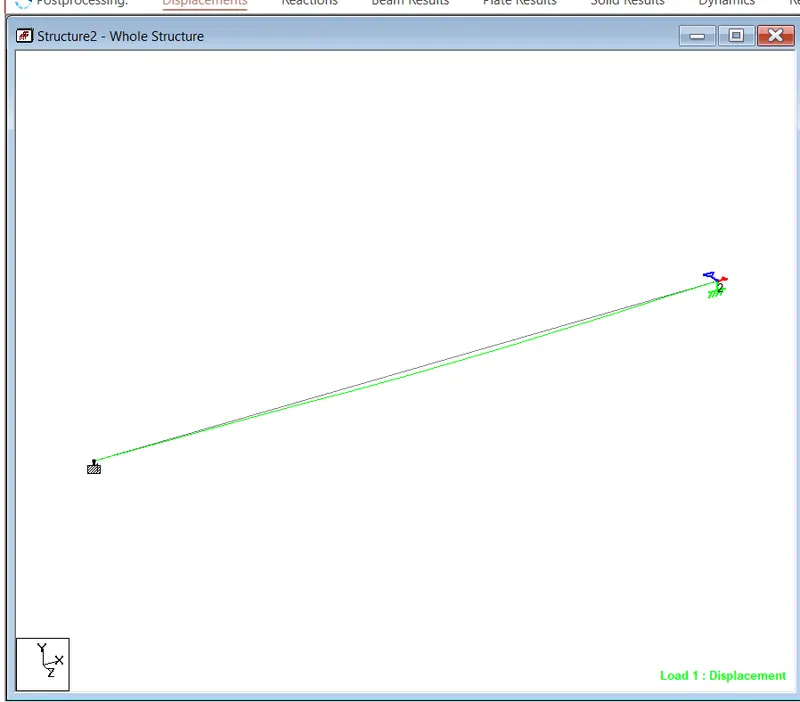
AIM: Creating a STAAD Model with the following Specification
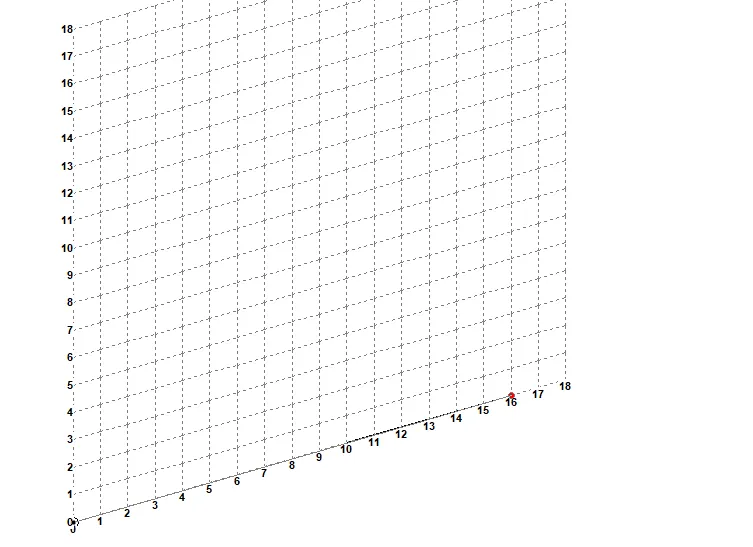
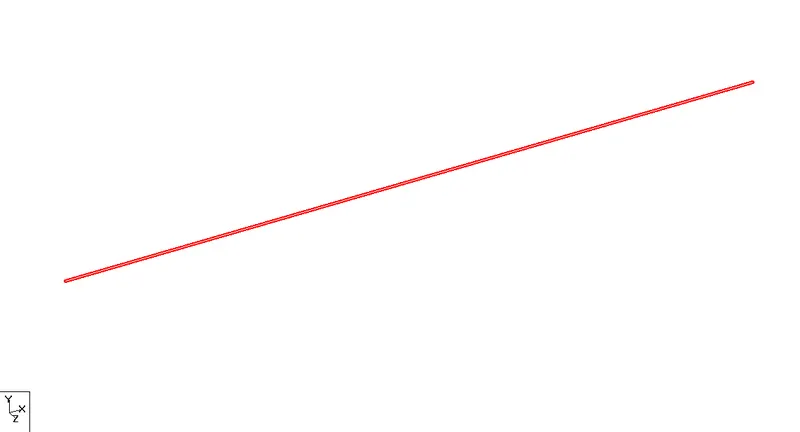
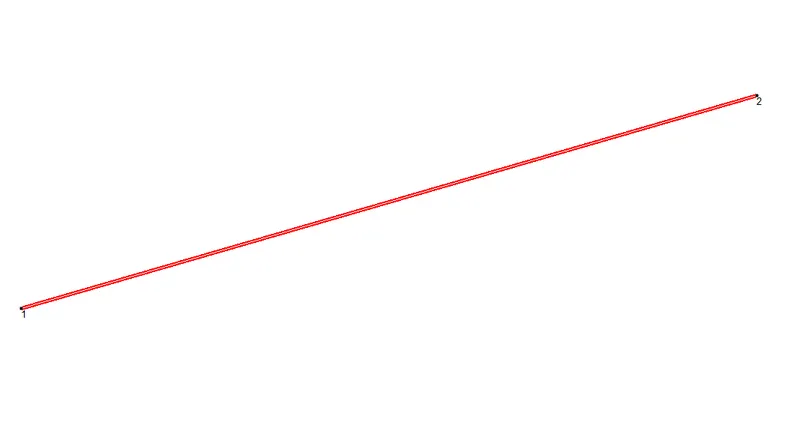
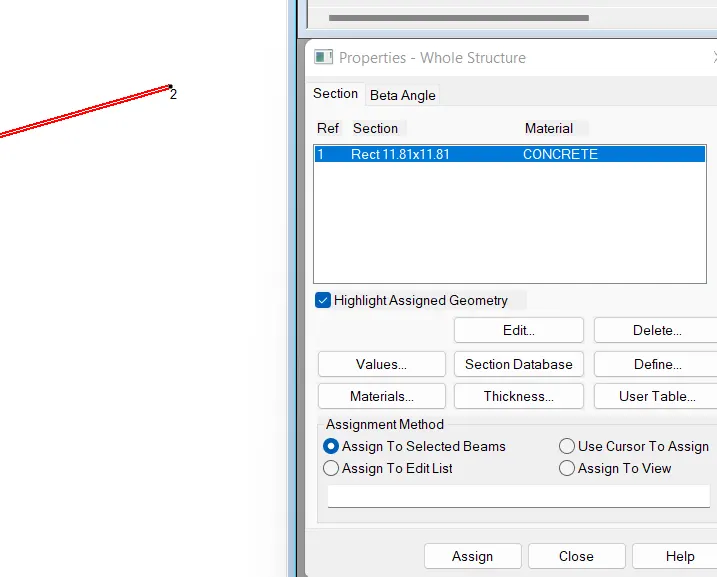
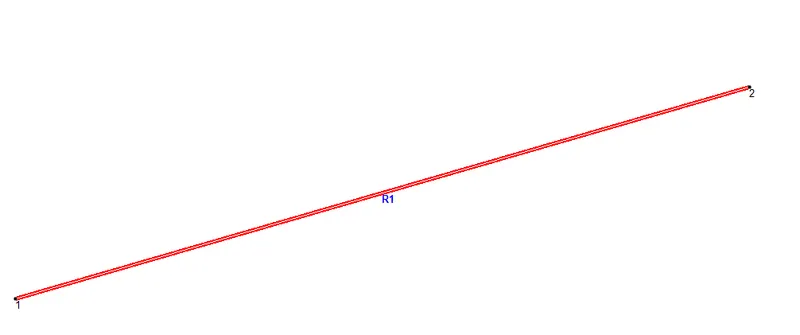
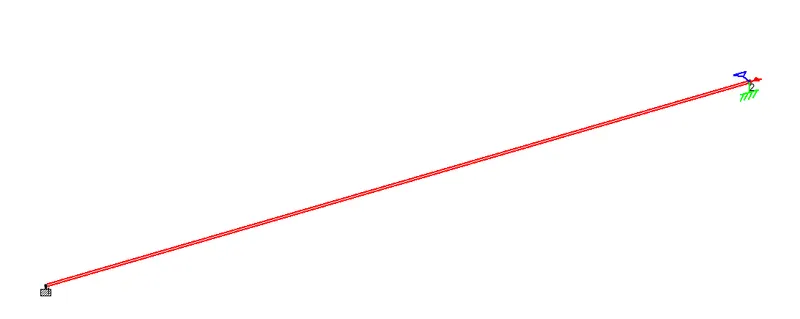
a. A beam of span 16m.
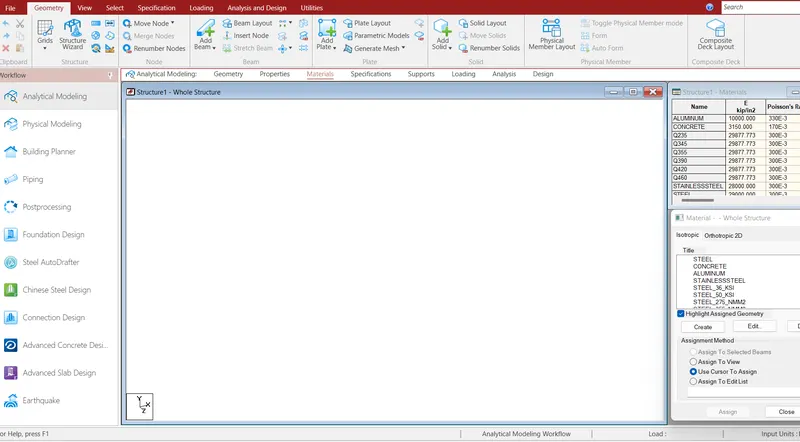
- Grid Dimension is to be given spacing as 1 m and in X and Y directions.
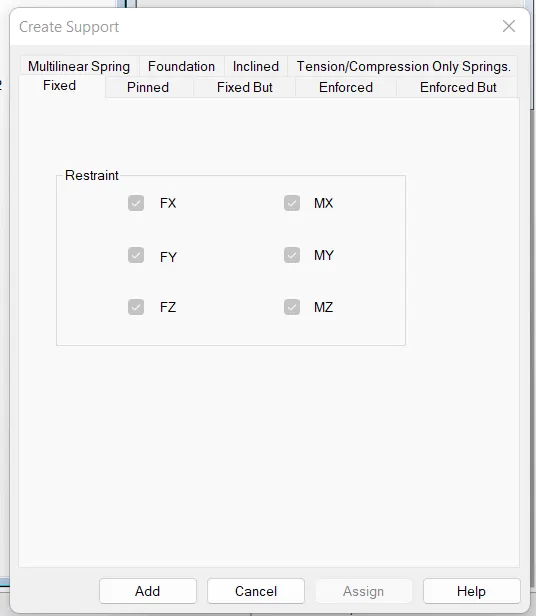
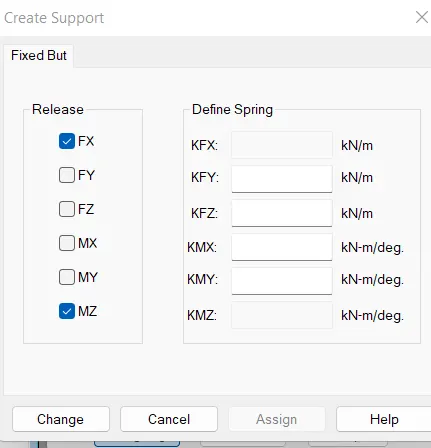
b. Support: Fixed on one end and Roller support(Horizontal) on the other end
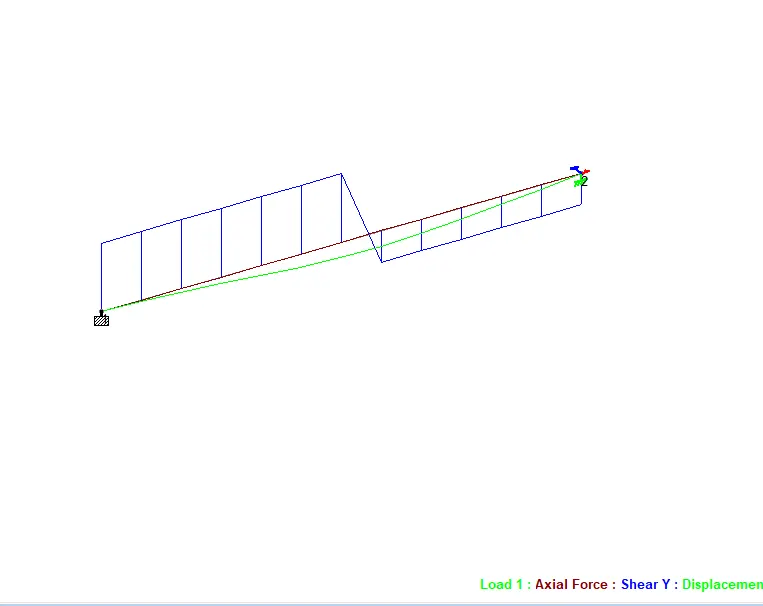
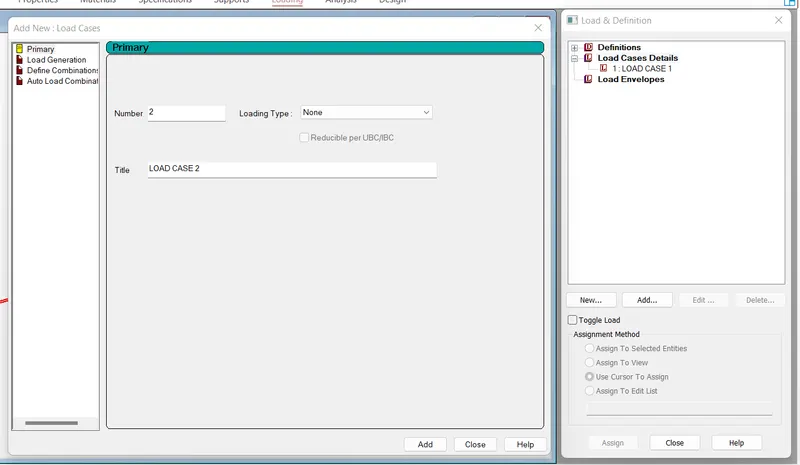
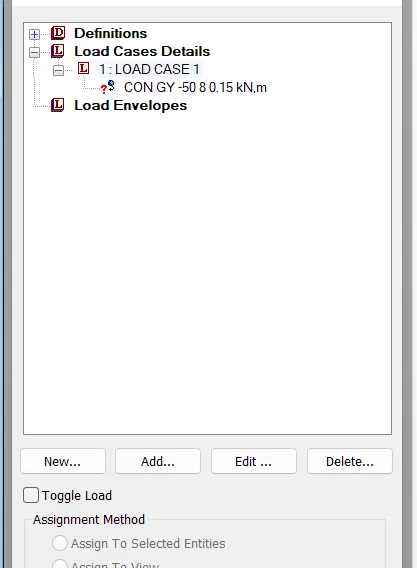
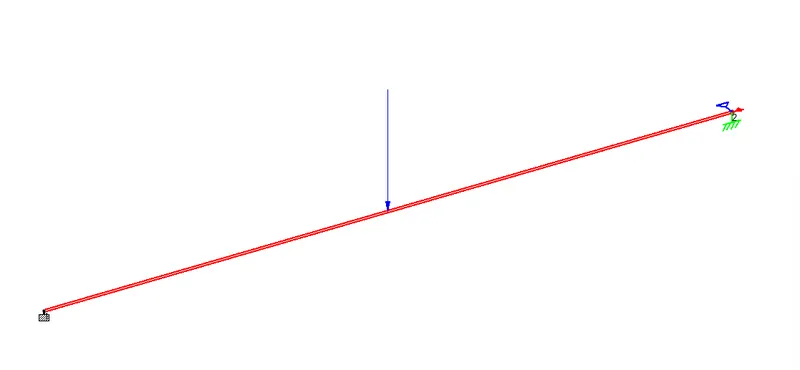
c. A point load of 50 kN at the mid-point:
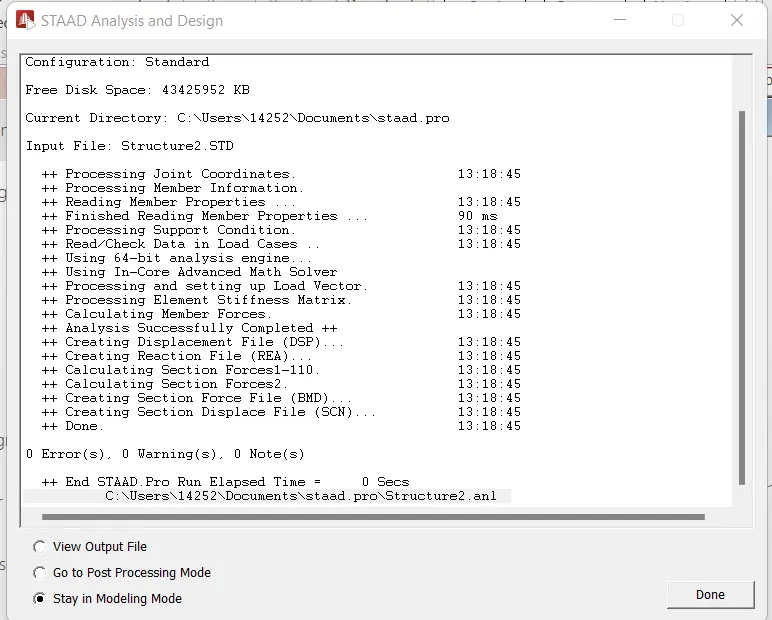
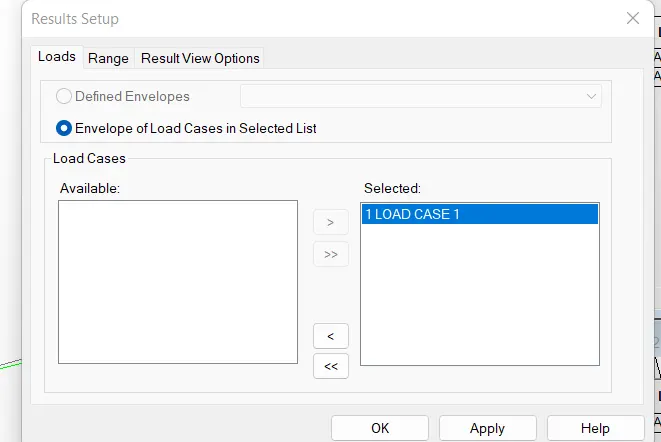
Draw SFD and BMD using software