Vasavi_External Exam_Tekla
QUESTIONS:
- Consider the structure as cladded by steel sheeting and Grade A material is used according to IS 2062
- Consider Live, Dead, Wind, and Seismic loading. Even though the height does not exceed 10m, the analysis and manual calculations of wind load need to be done
- For load calculation kindly refer to IS Codes
- The structure is located in Coimbatore
- Analysis and footings of the model need to be done
- Provide Elevation bracings in appropriate locations
- The answer needs to be given in a detailed format with appropriate screenshotS
ANSWERS:
AIM: To Analyze and Design a Boiler shed structure as per IS code in Tekla Structural Designer.
TOOLS USED:
- File
- Home
- New
- Grids
- Levels
- MAnage Property Sets
- Column
- Beam
- Slab on beams
- Panels
- Loads
- Dead Load
- Live Load
- Wind Load
- Seismic Load
- Validate
PROCEDURE:
- Open the Tekla Software.
- Click on New and open a new file.
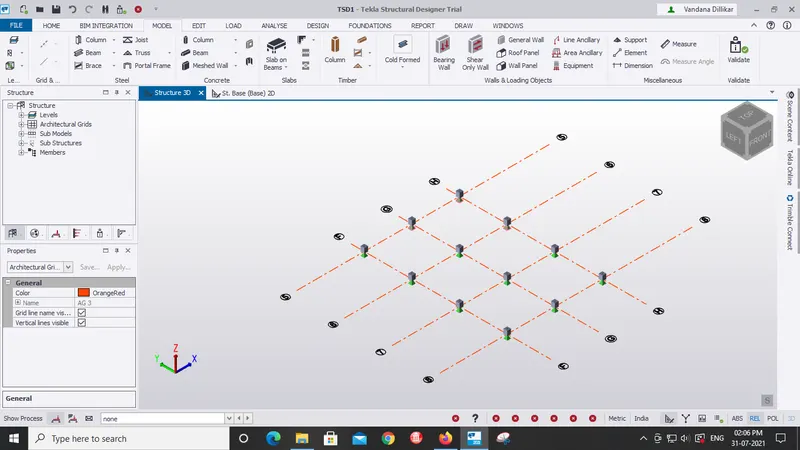
- By using Grid option draw the grids as required
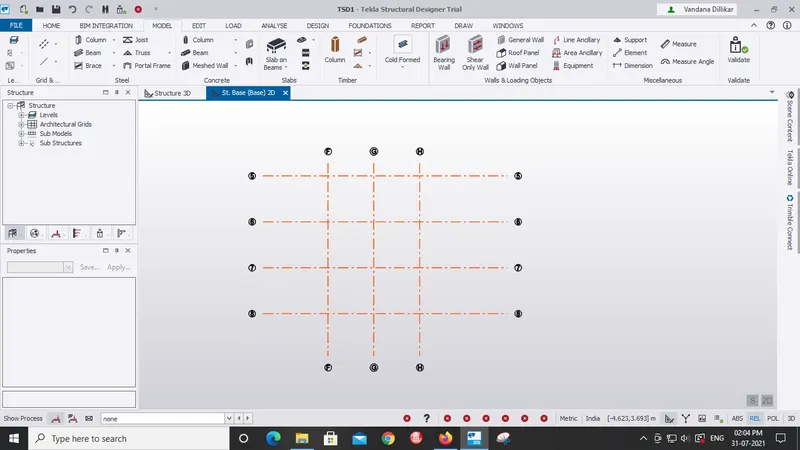 .
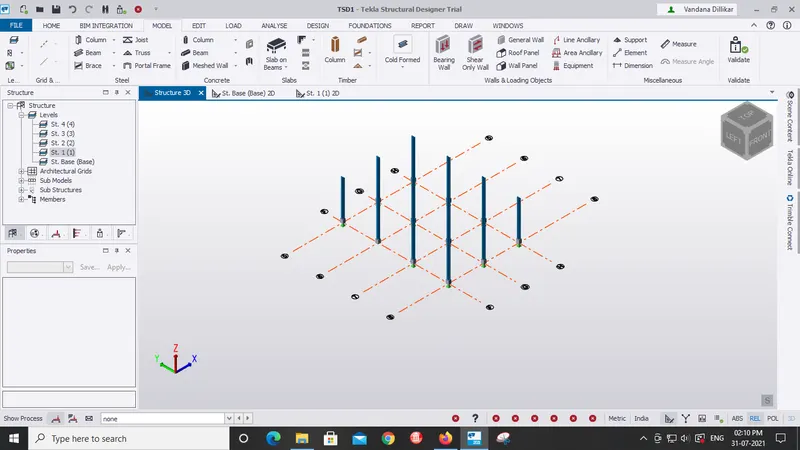
.- By using the construction levels create the levels as required.
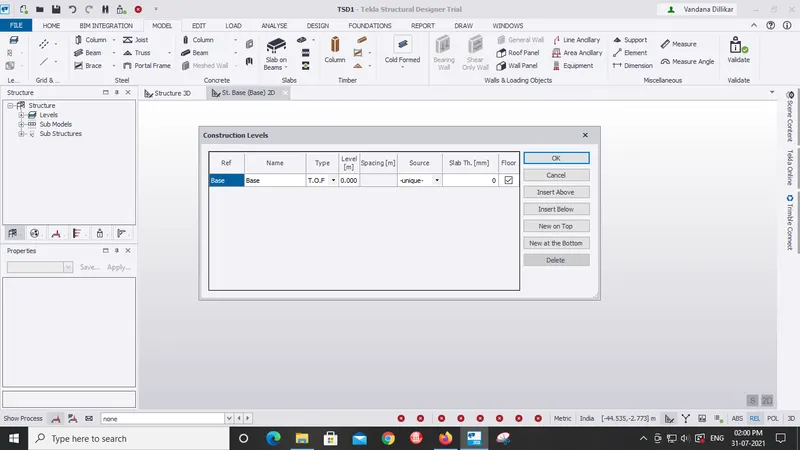
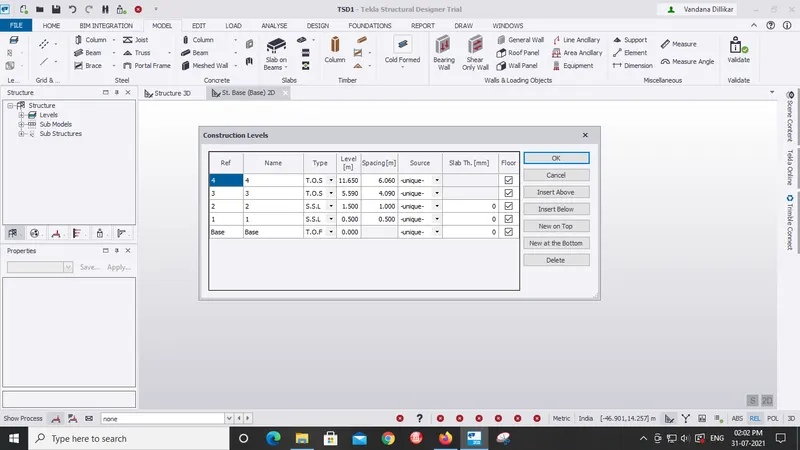
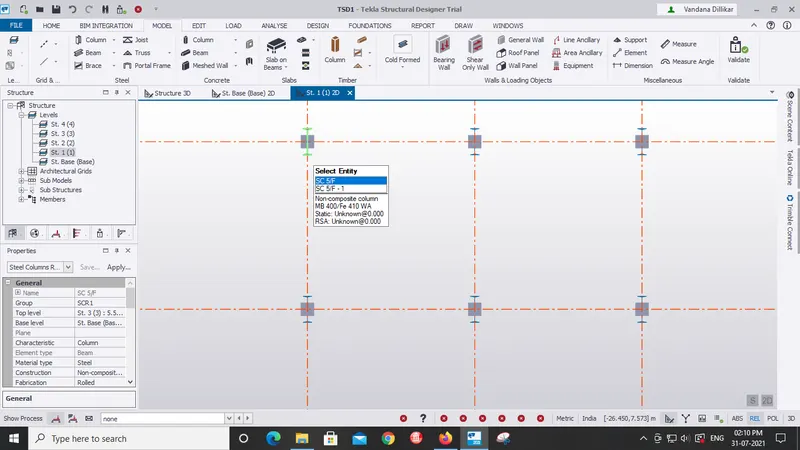
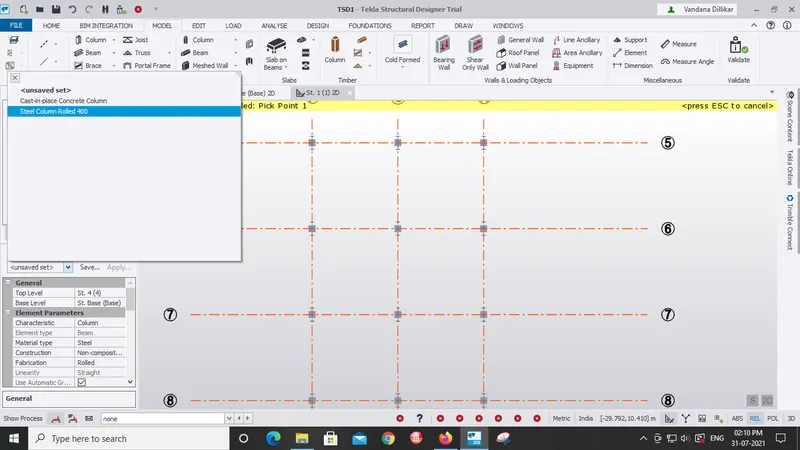
- Go to manage properties sets and create new columns and beams as required of any grade.
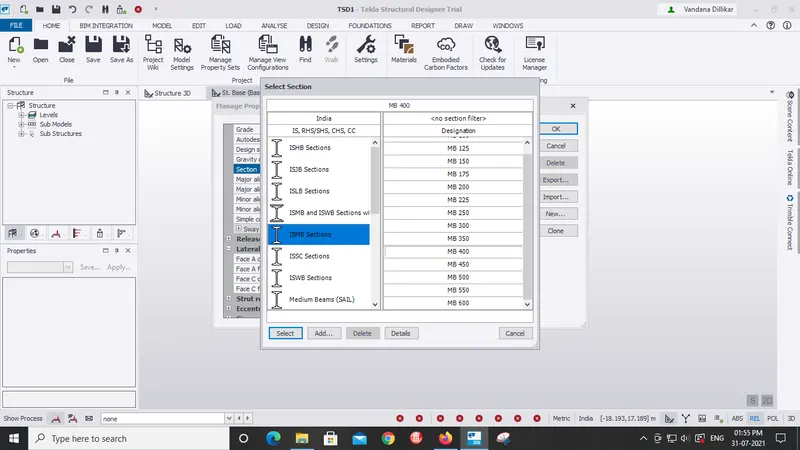
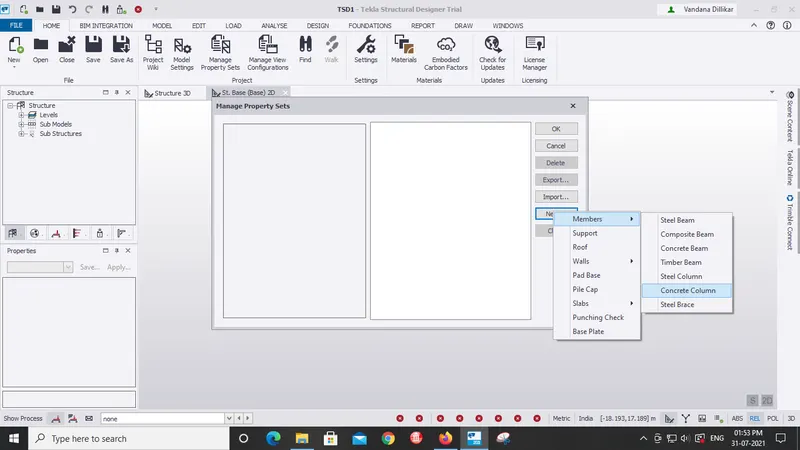
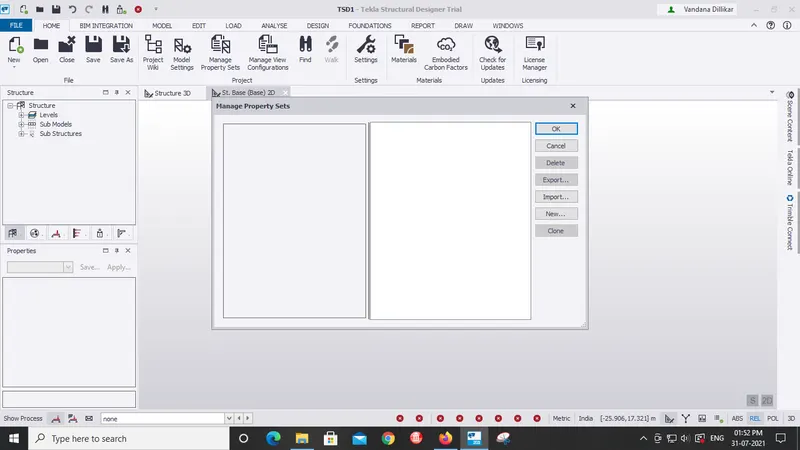
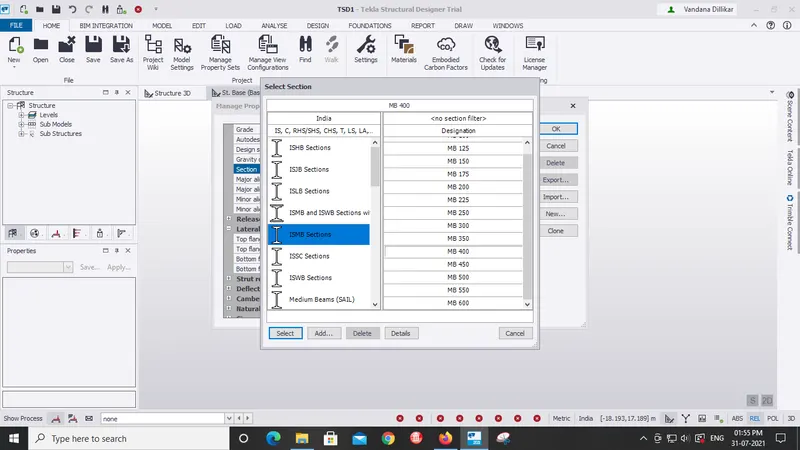
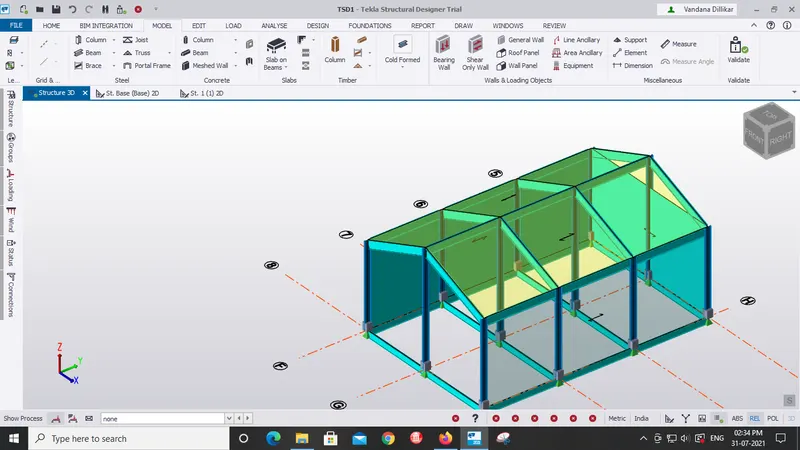
- Start drawing the structure by using columns first then beams on it.
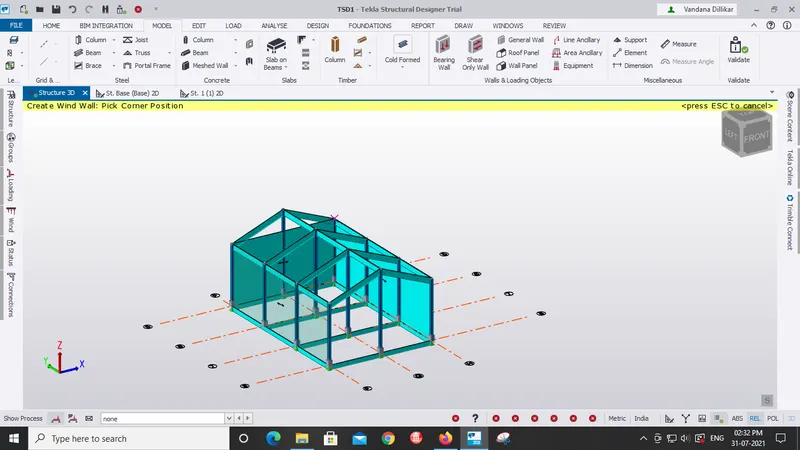
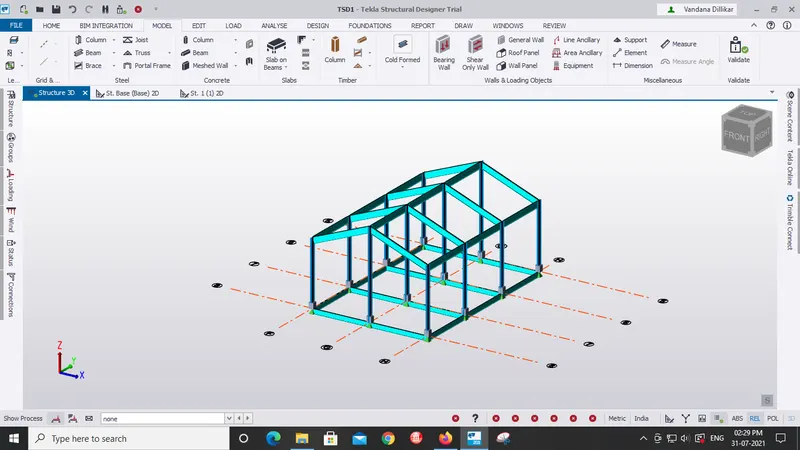
- Use Wall and roof panel to create panels.
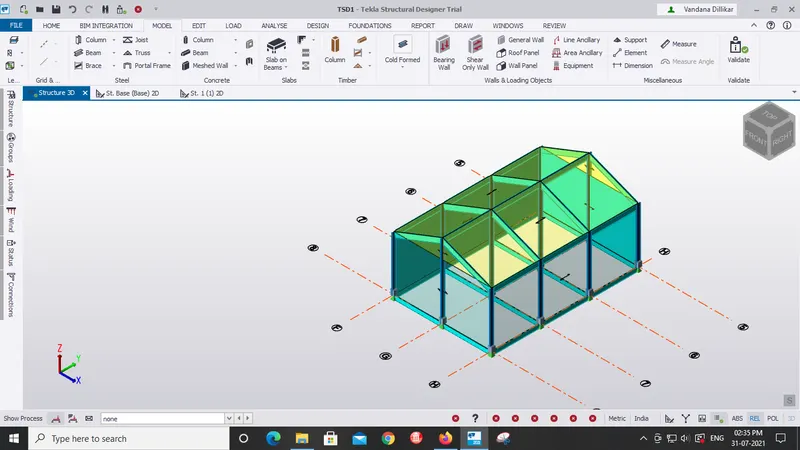
- Now we have to create the loading requiremnts.
- Then we need to calculate the loads.
- Create dead, live, wind, seismin loads as required and place the loads at required places.
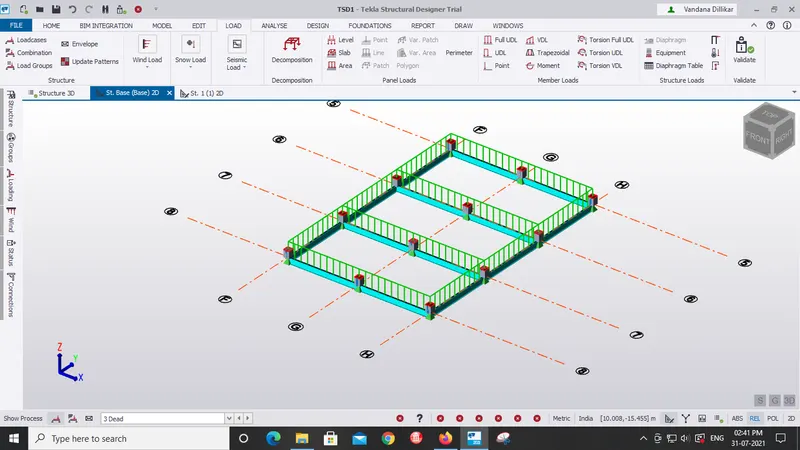
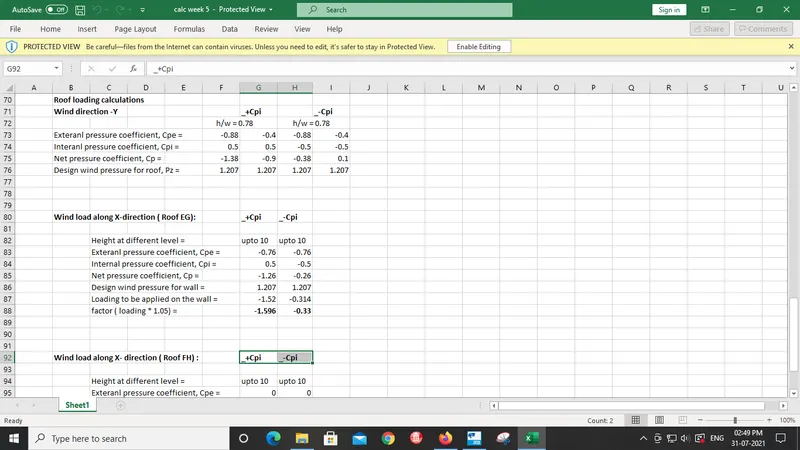
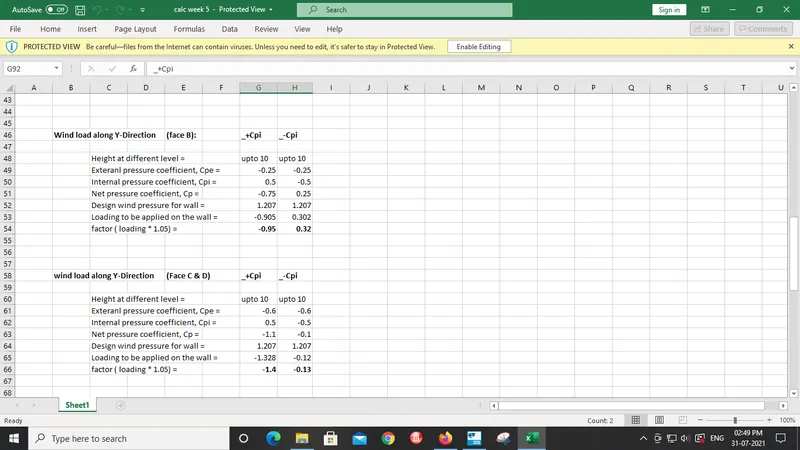
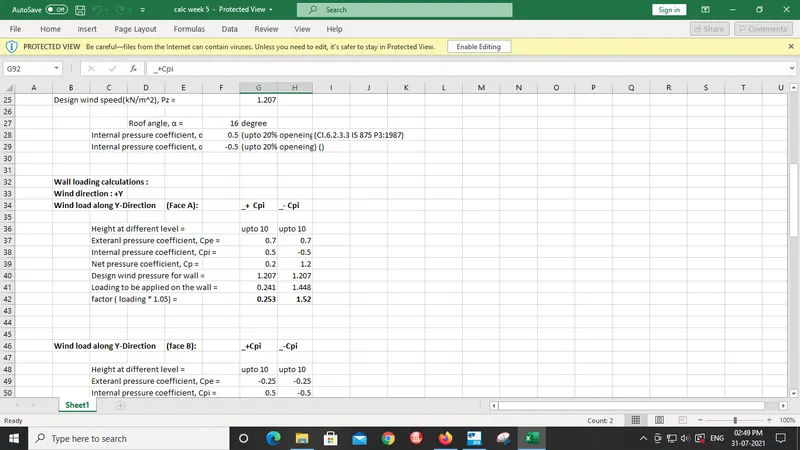
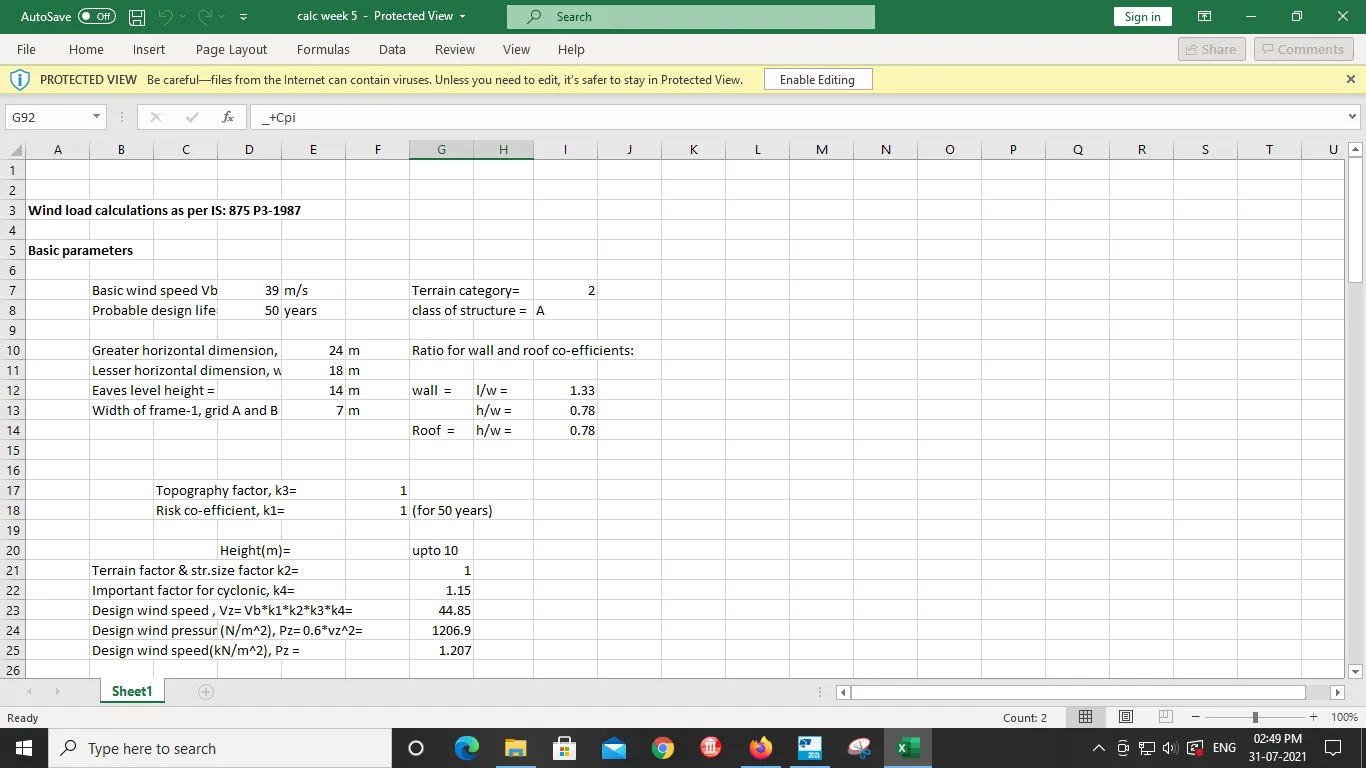
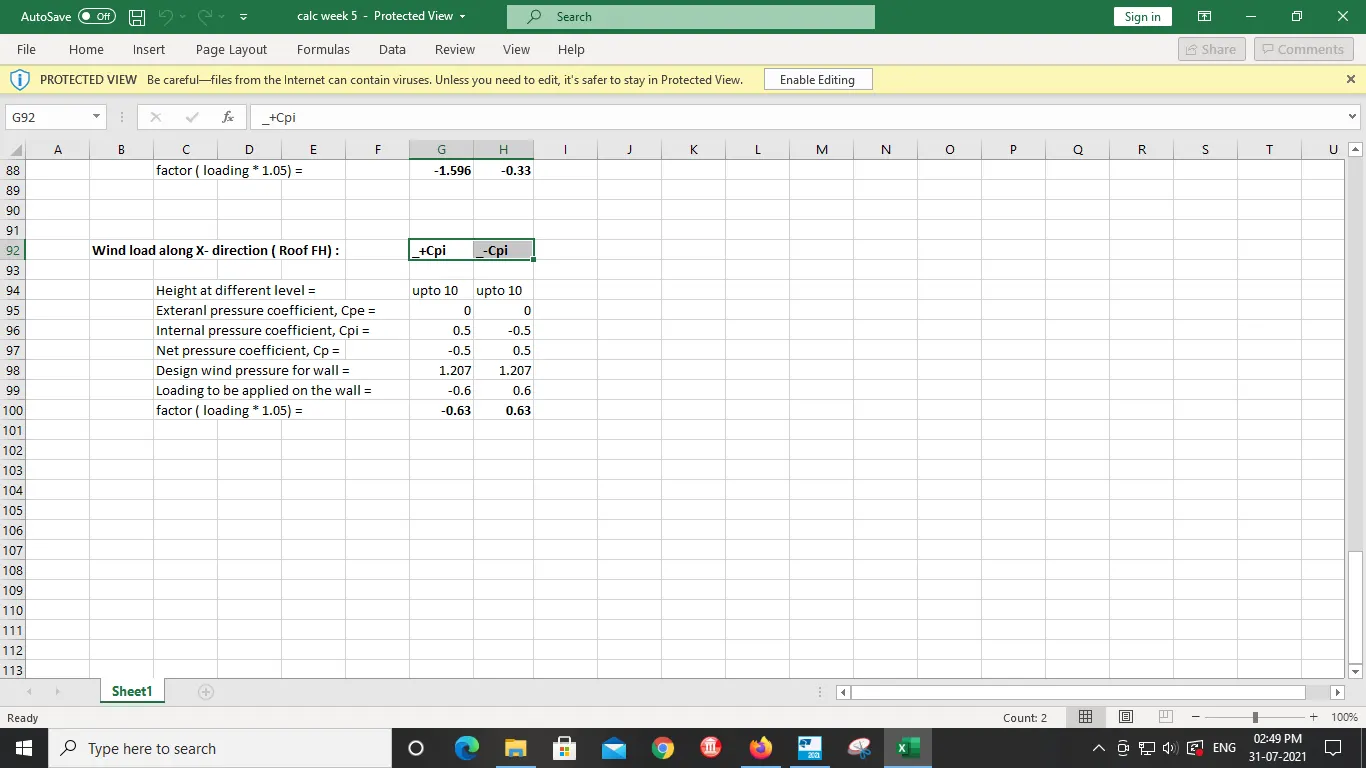
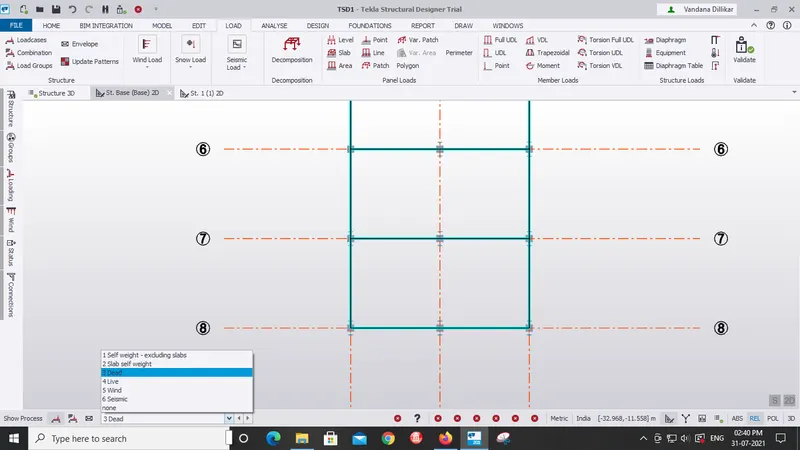
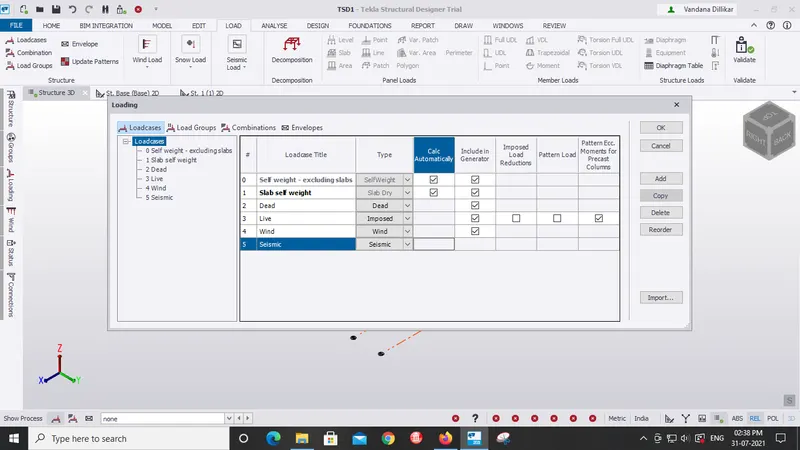
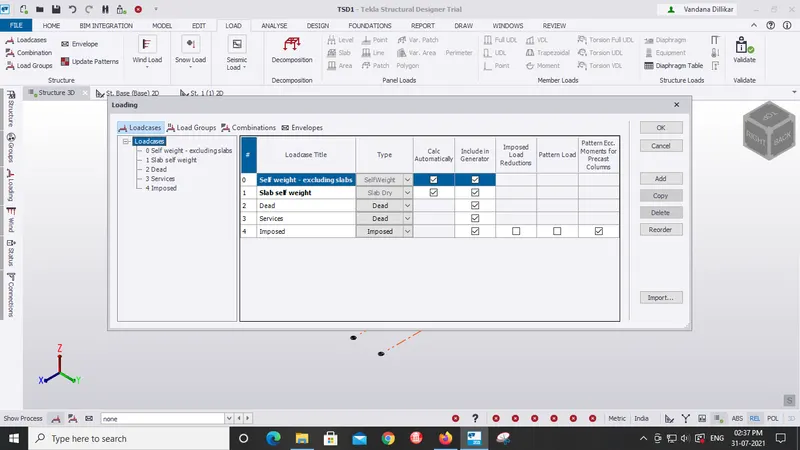
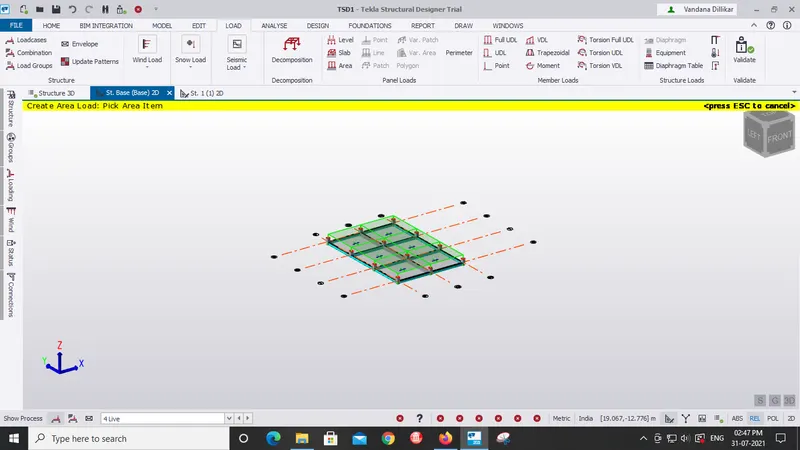
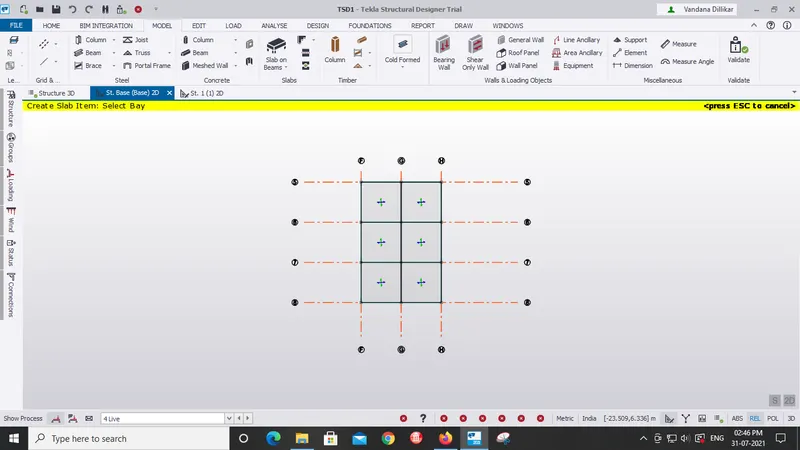
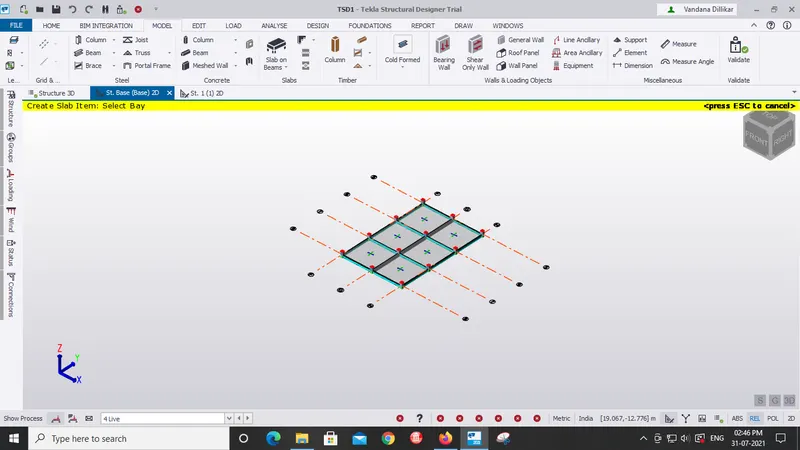
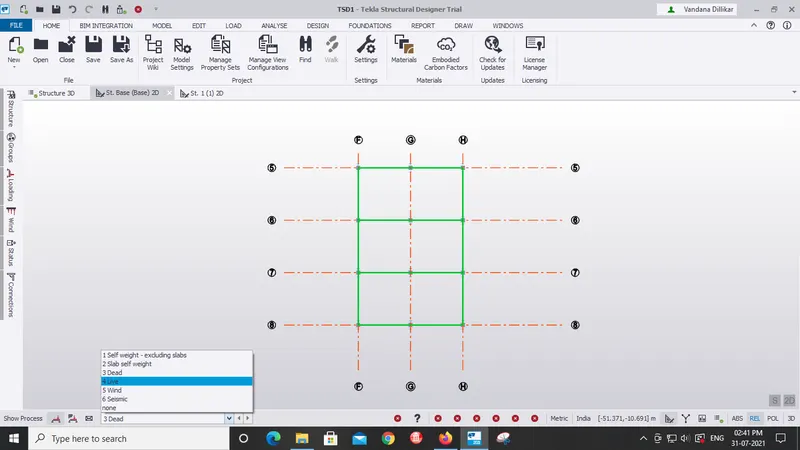
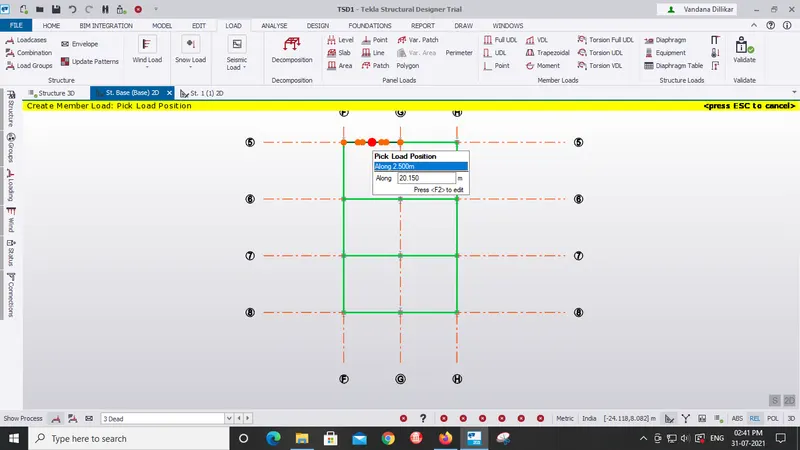
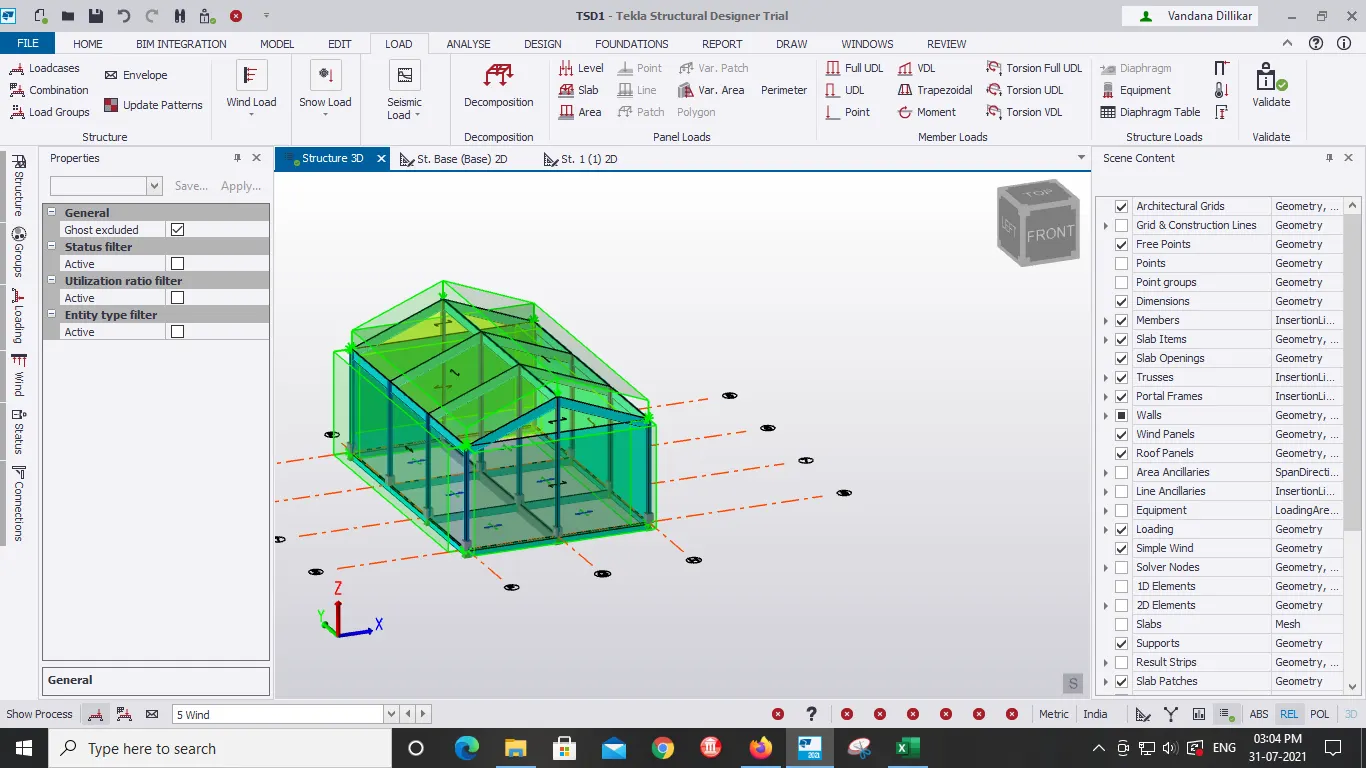
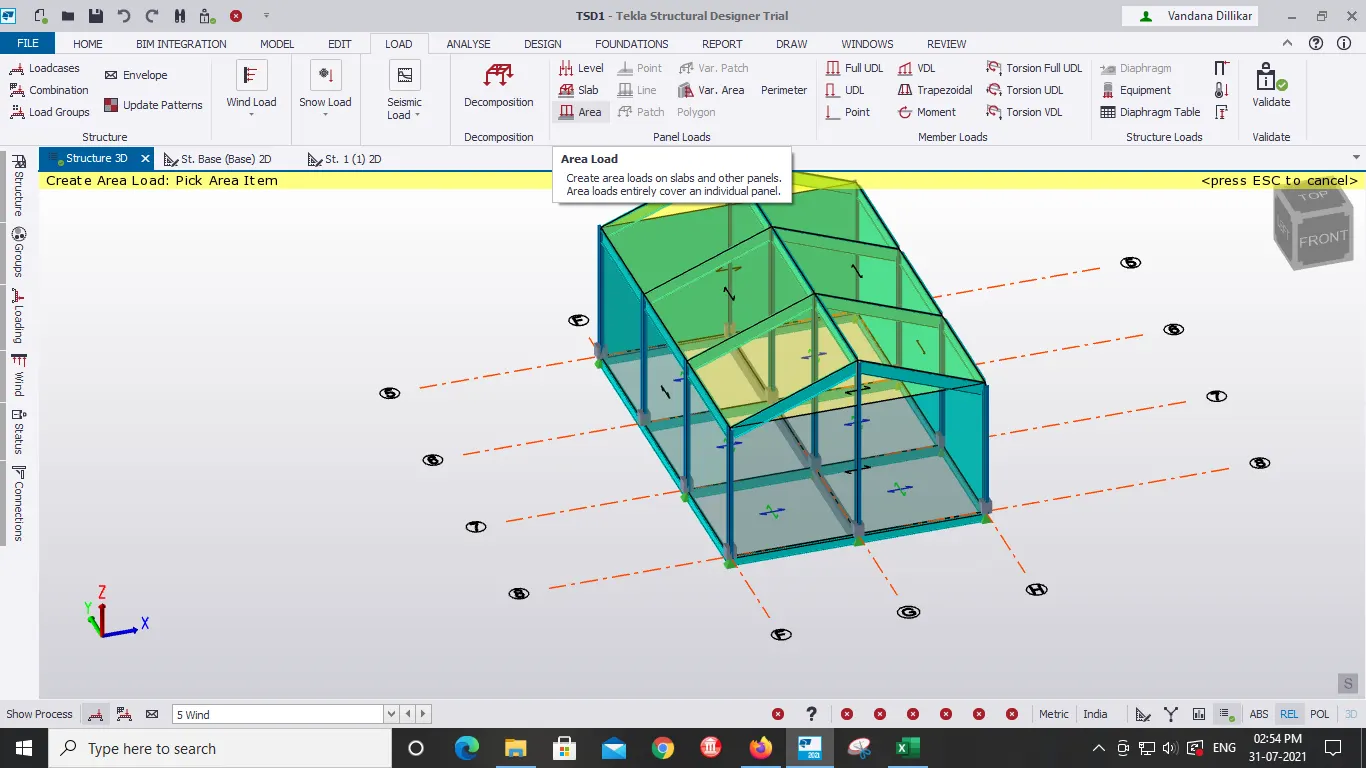
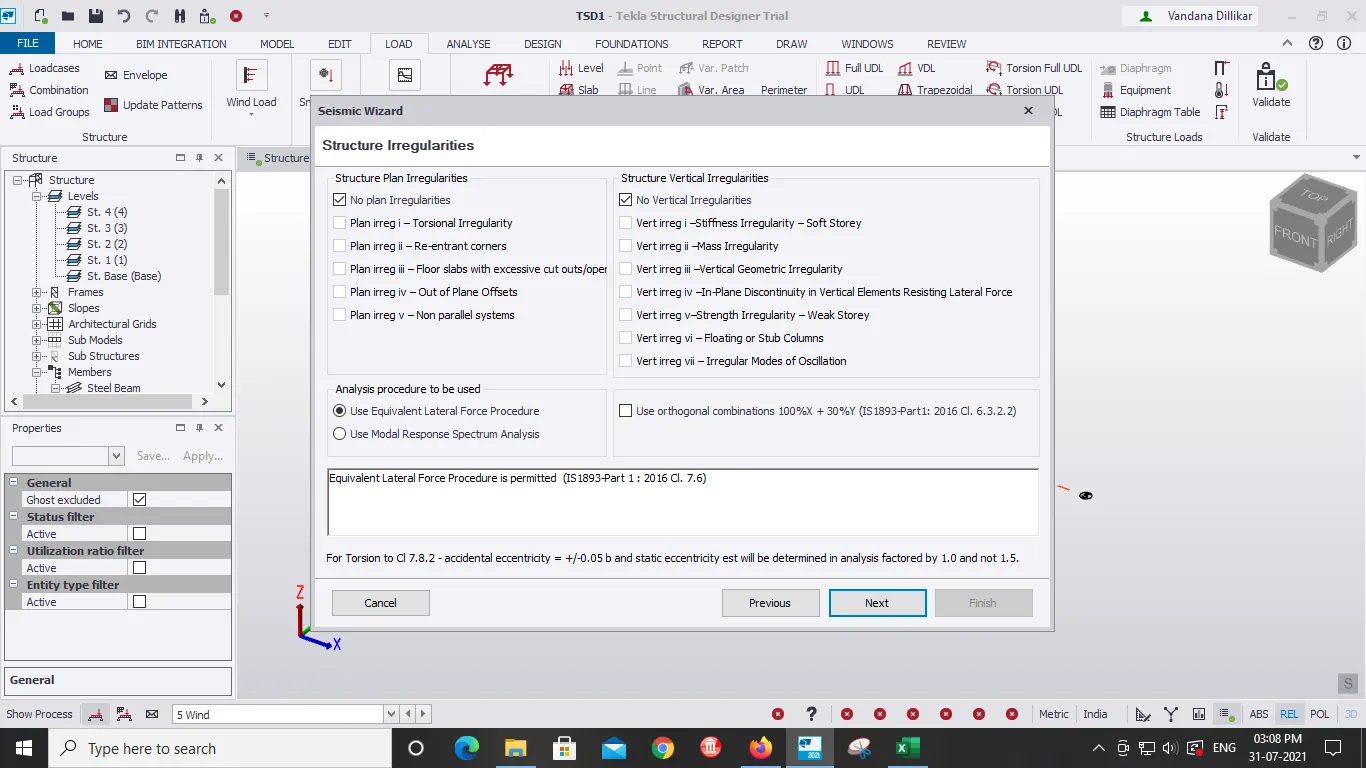
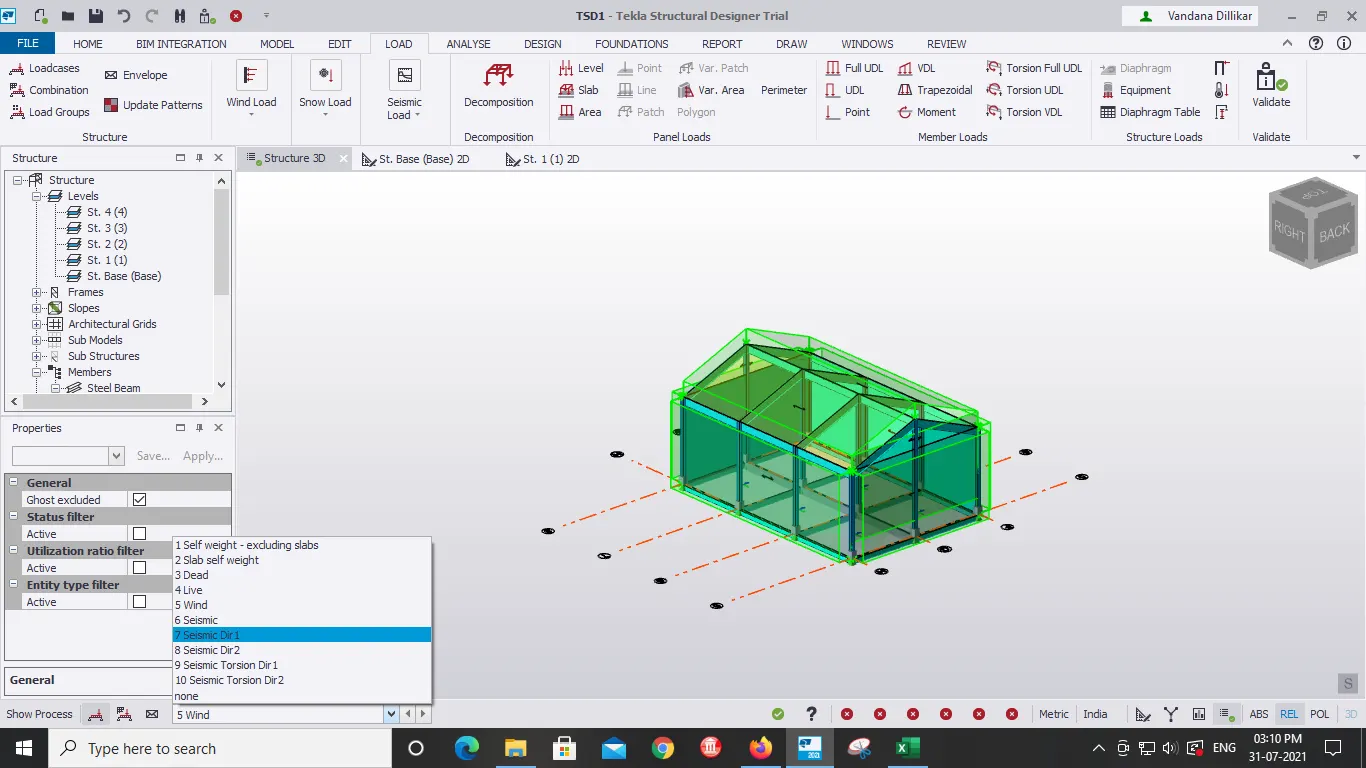
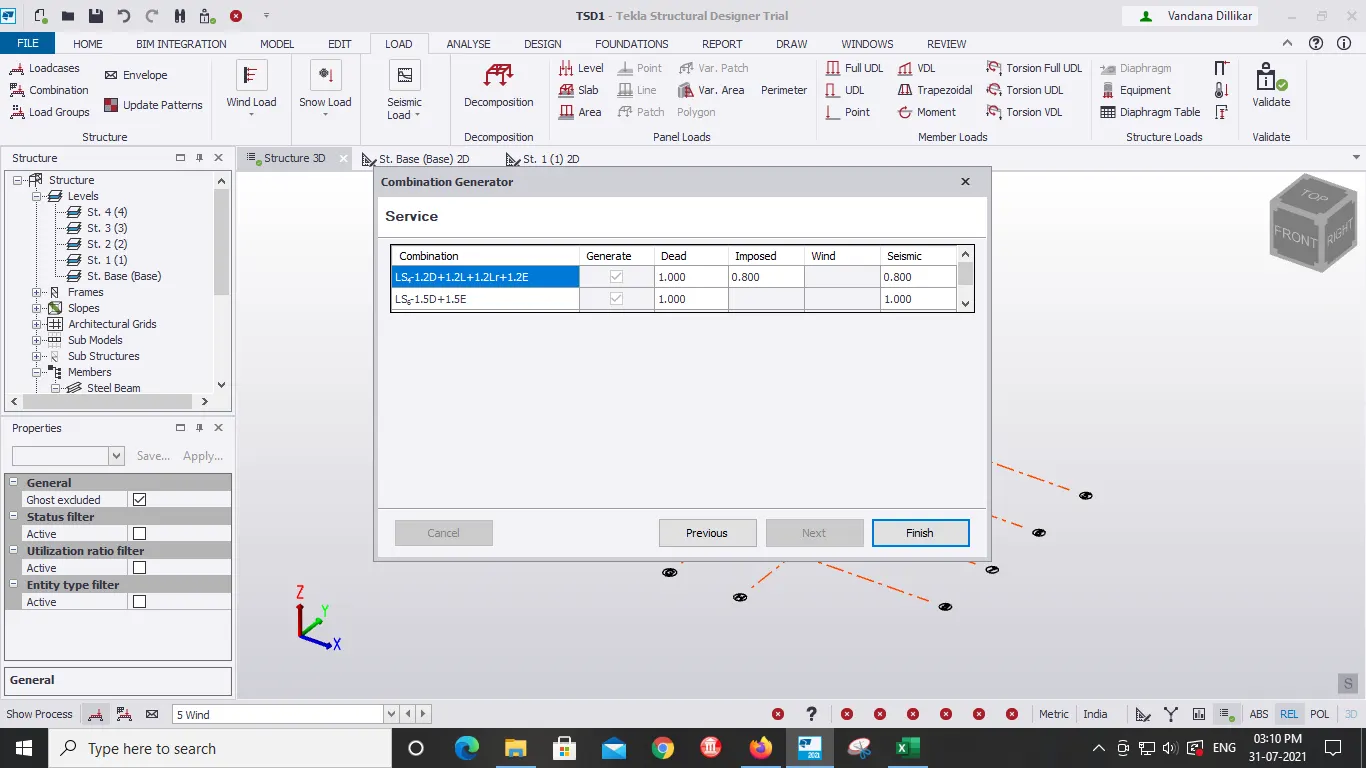
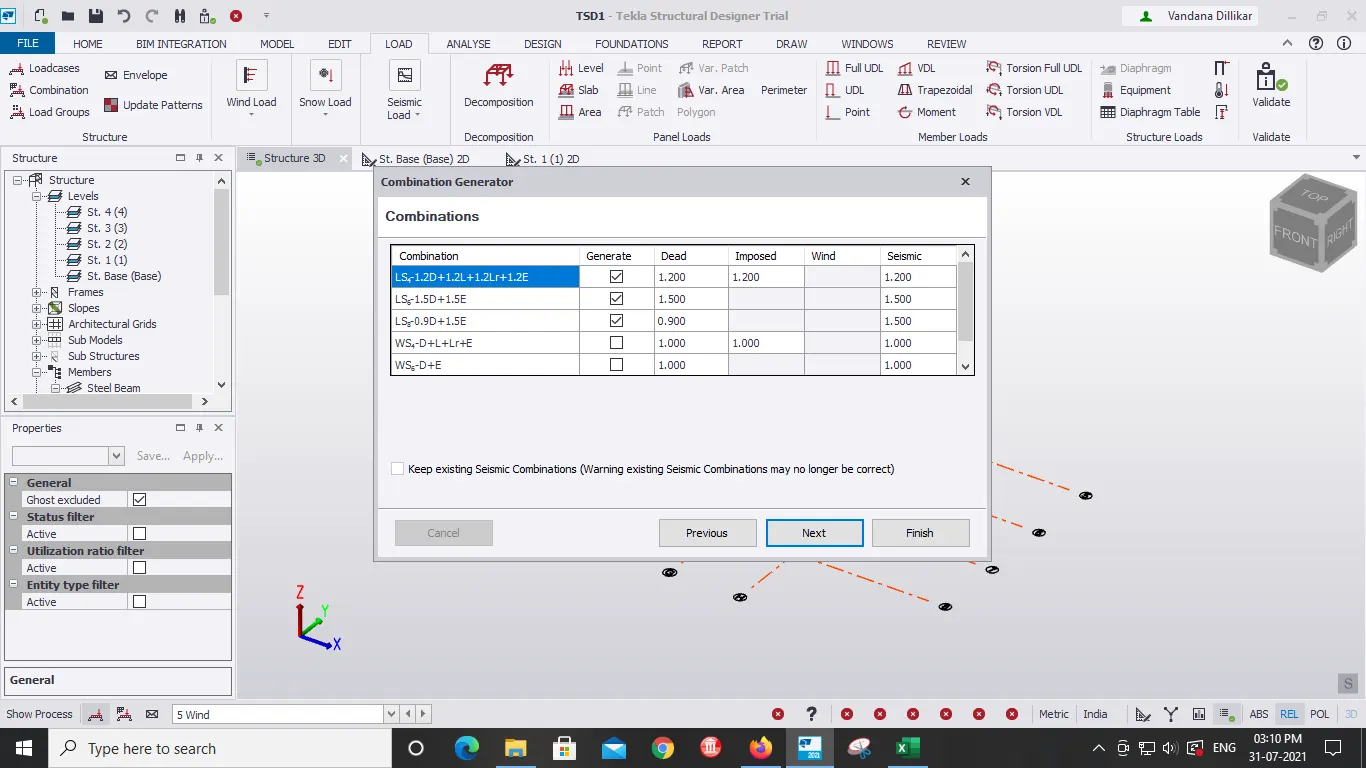
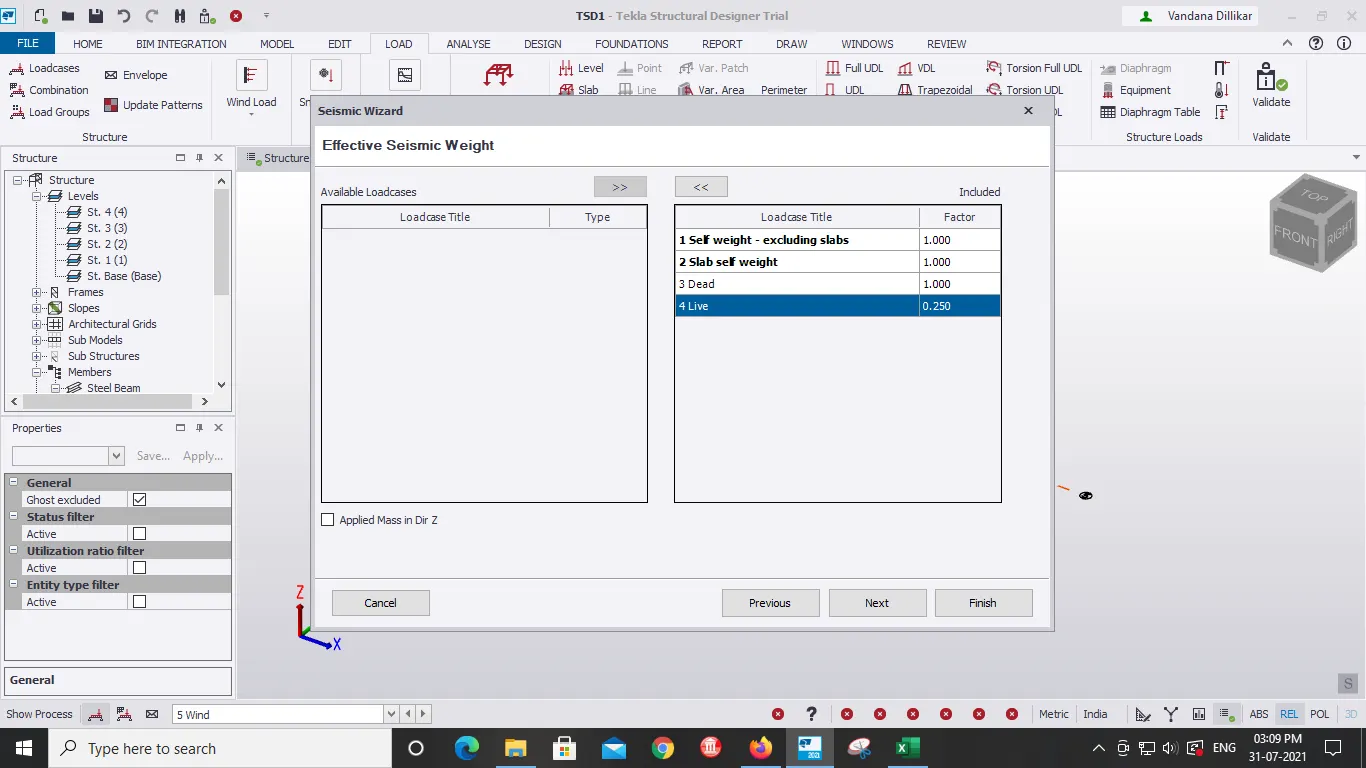
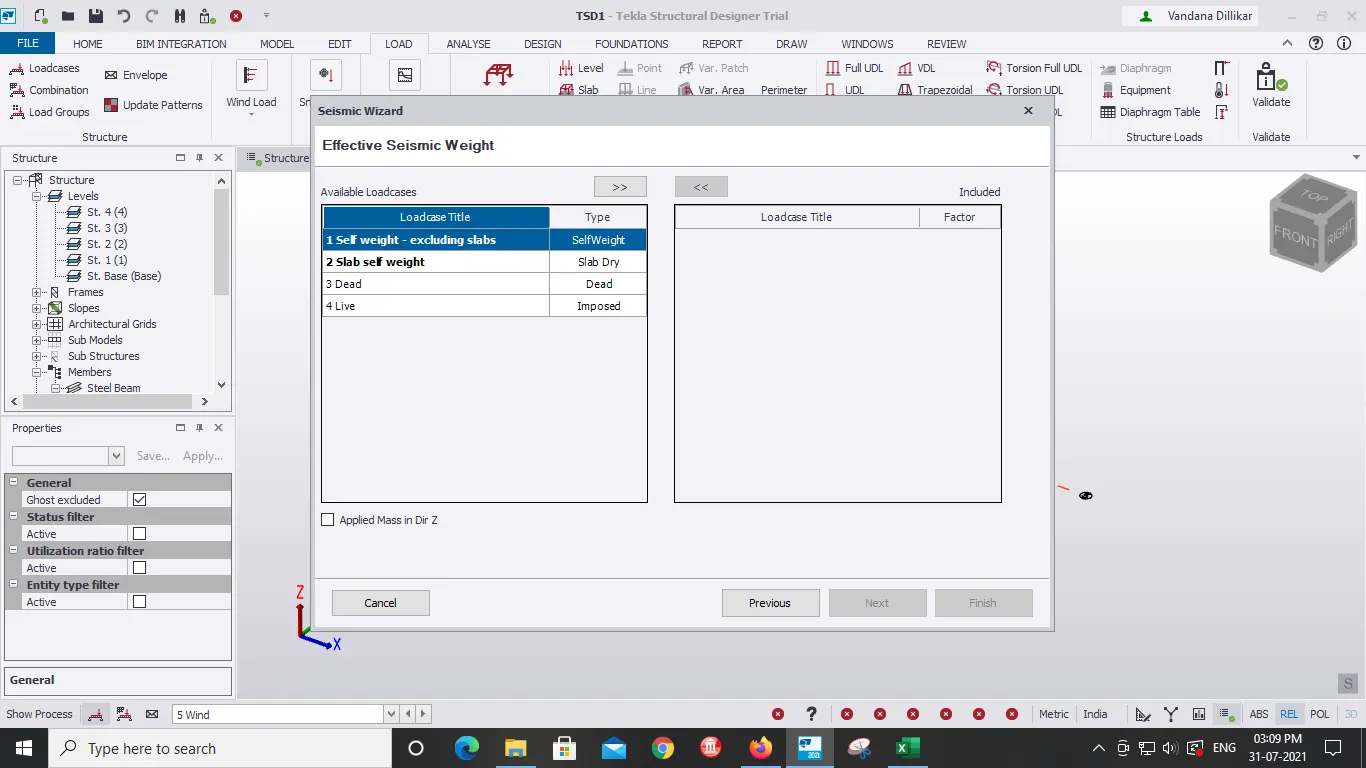
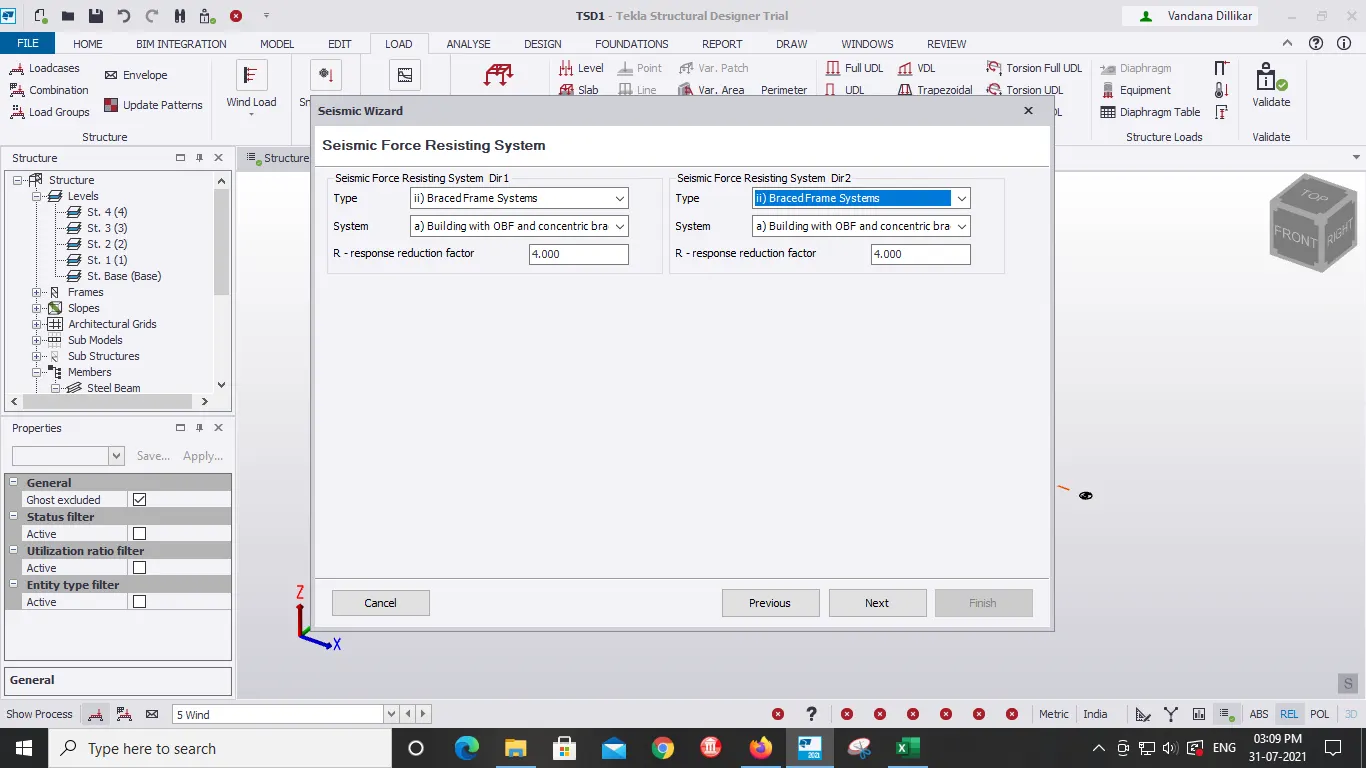
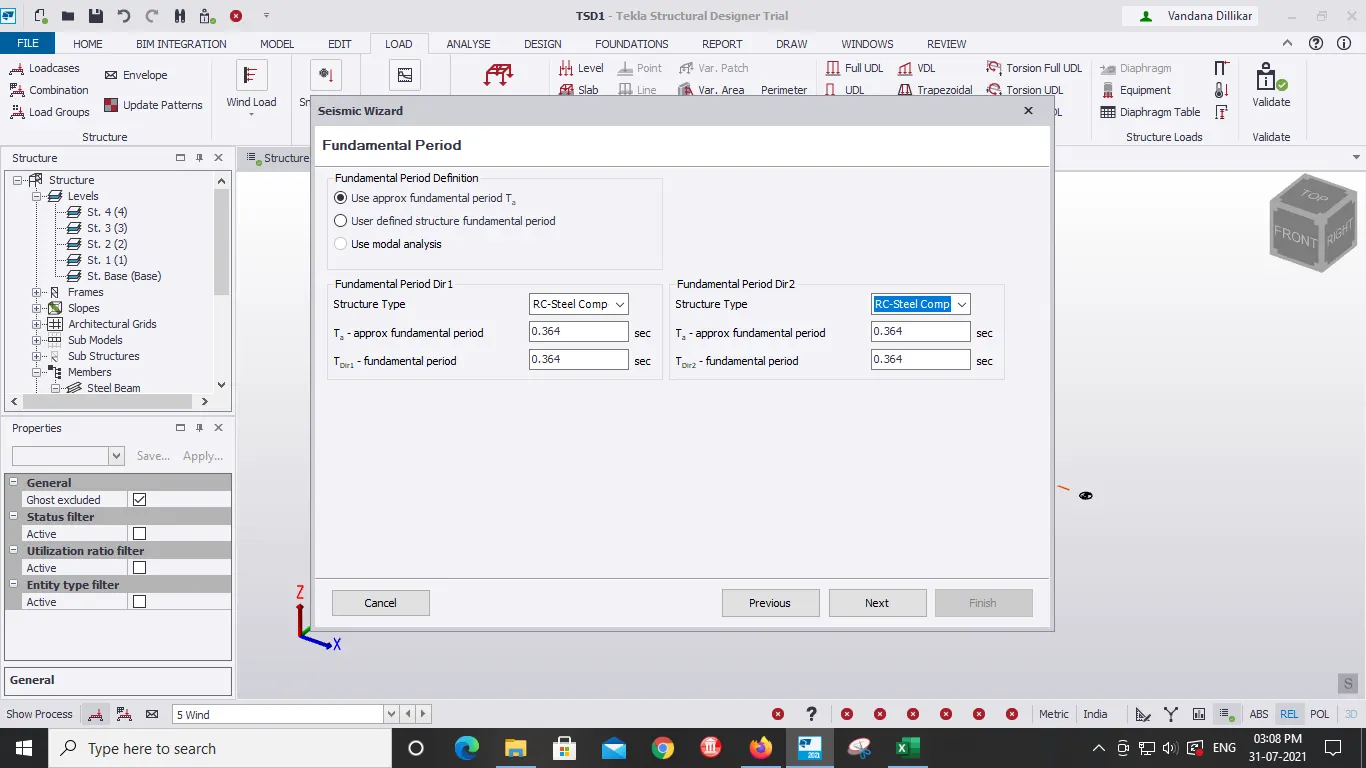
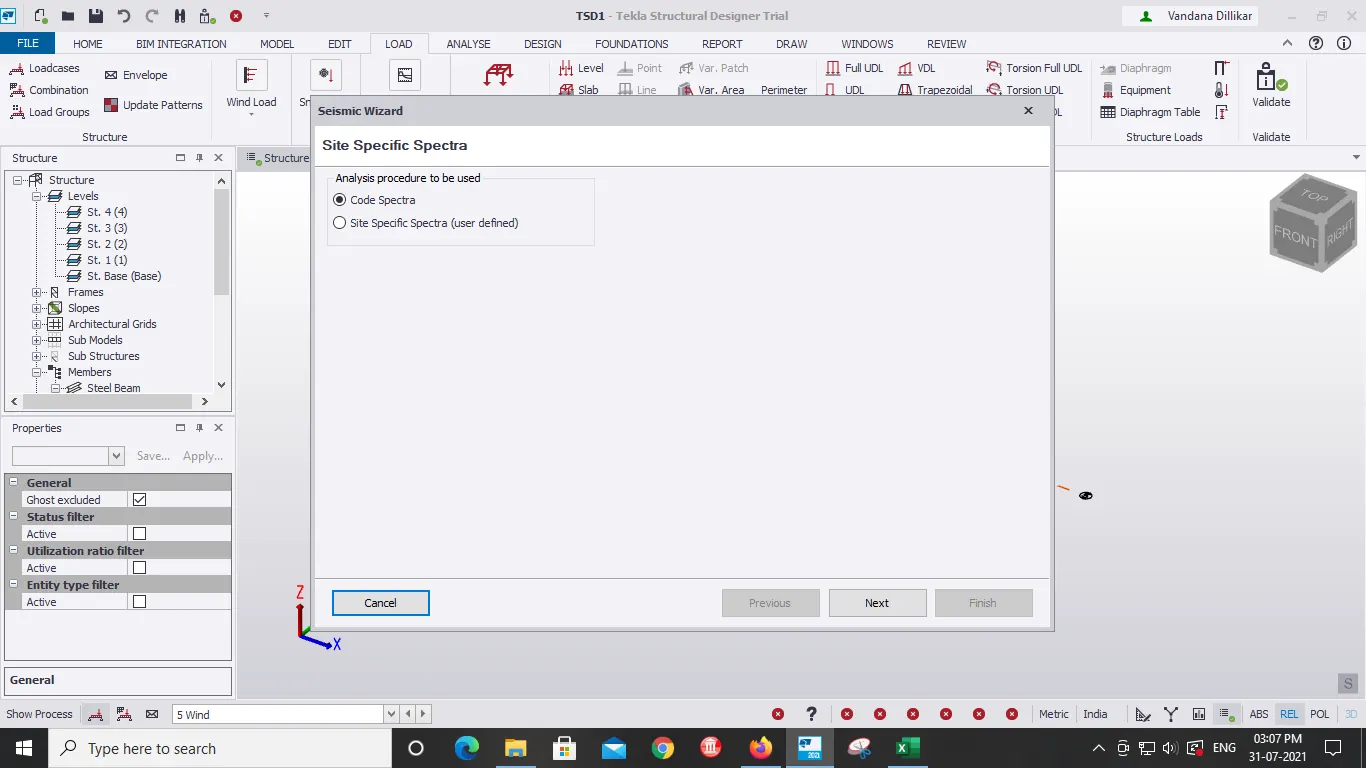
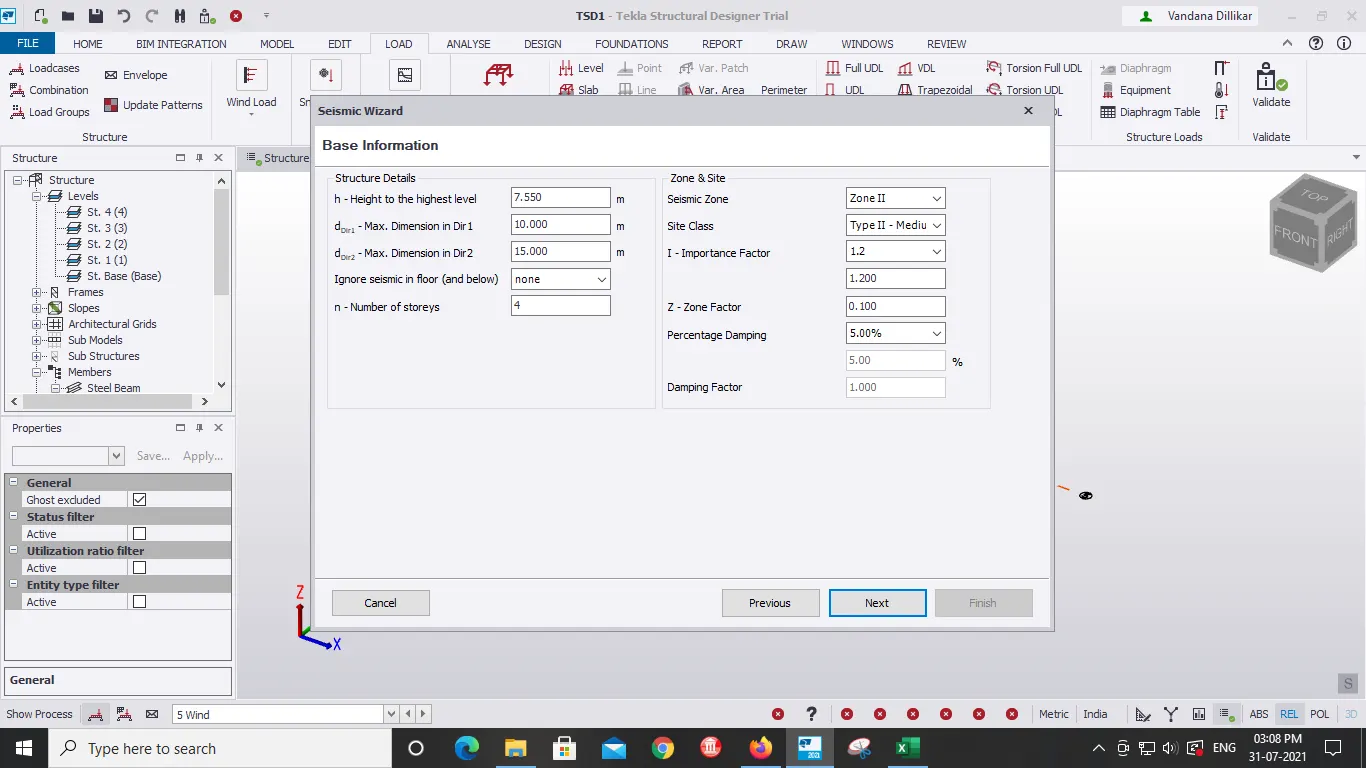
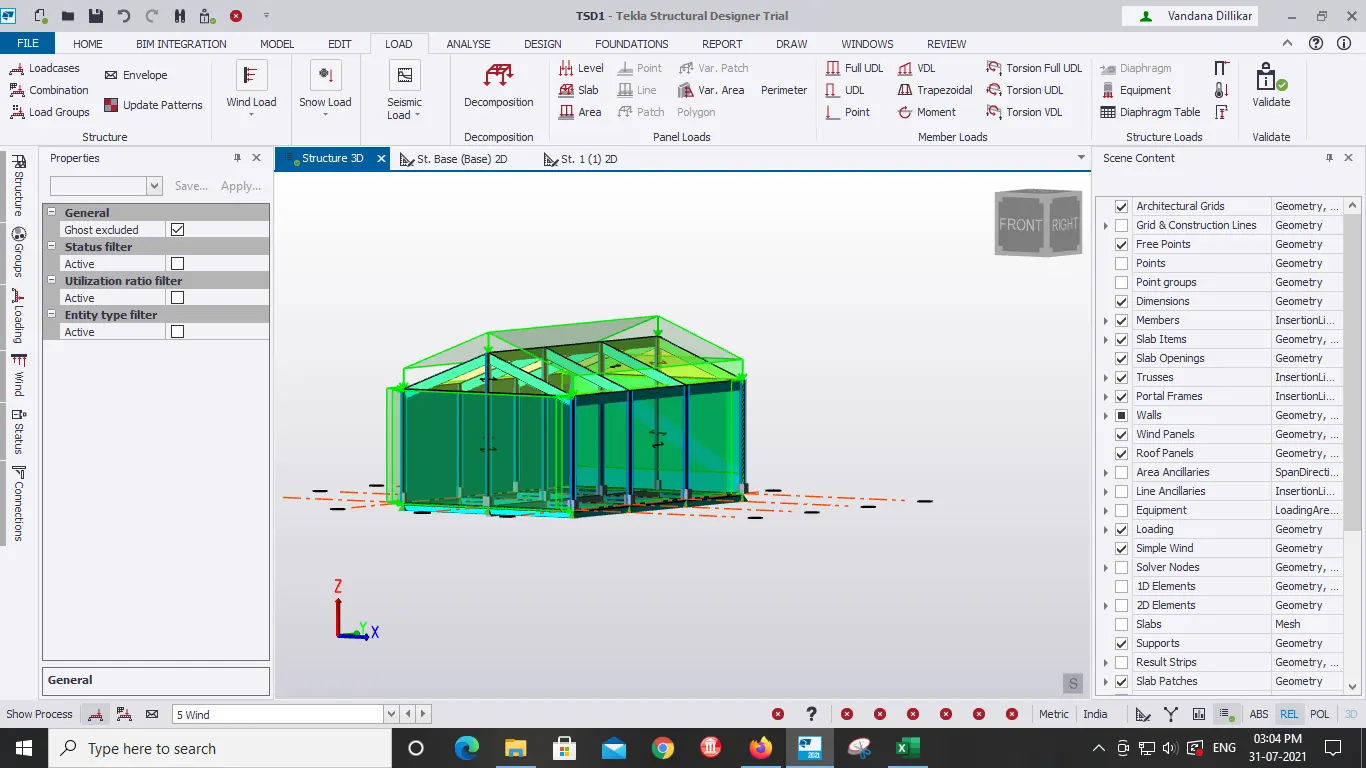
- After Placing all the loads click on Validate.
RESULT:
With the help of above steps analysis and design of a Boiler shed structure as per IS code in Tekla Structural Designer is done.