Usage of Navigation tool , Timeliner and Clash Detection test using Naviswork
Ans 1
Use the Architecture/ Structure Project file developed by you in Week 6 to 8. Export the Revit architecture and structure model to Navisworks Cache file.
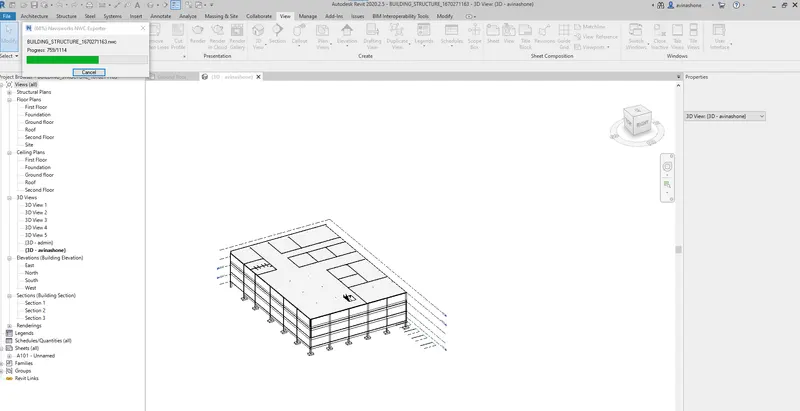
if NWC is not there then we download from Autodesk and NWC is softwware is used to transport the Revit model to Naviswork.
Ans 2
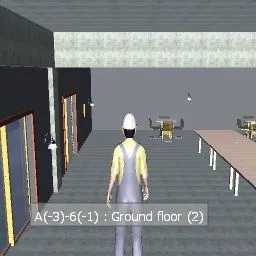
Use Navigate Tool to walk around the model and walk through the rooms created and record your moving as animation in your Navisworks file
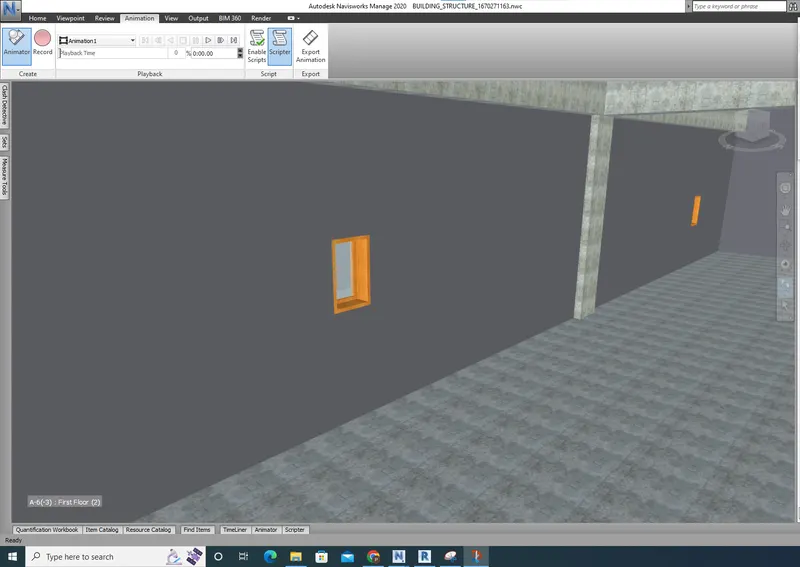
not able to attach the video.
Ans 3
Use Navigate tool to use Realism feature to walk through the model and record your moving as animation in Navisworks file
ANs 4
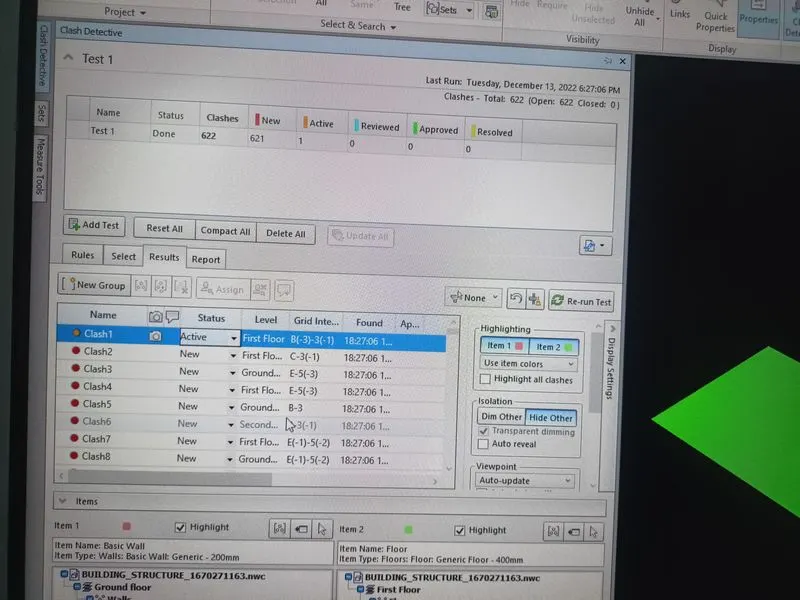
Embed both architecture and structure *.nwc file to your Navisworks file. Create a clash detection test between the two models
Ans 5
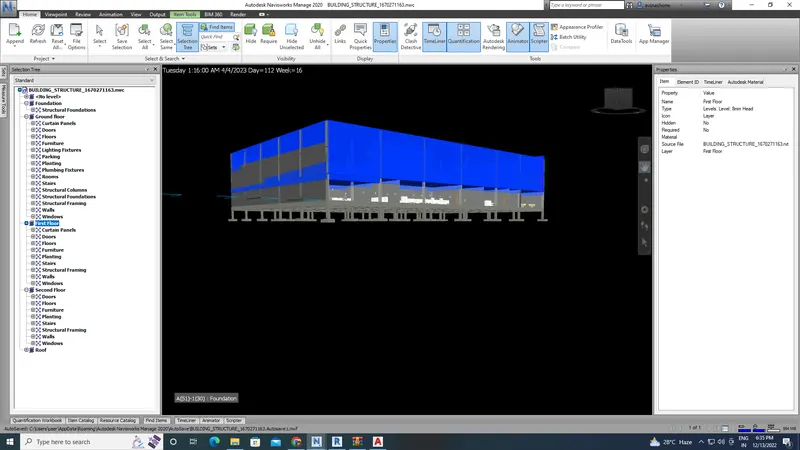
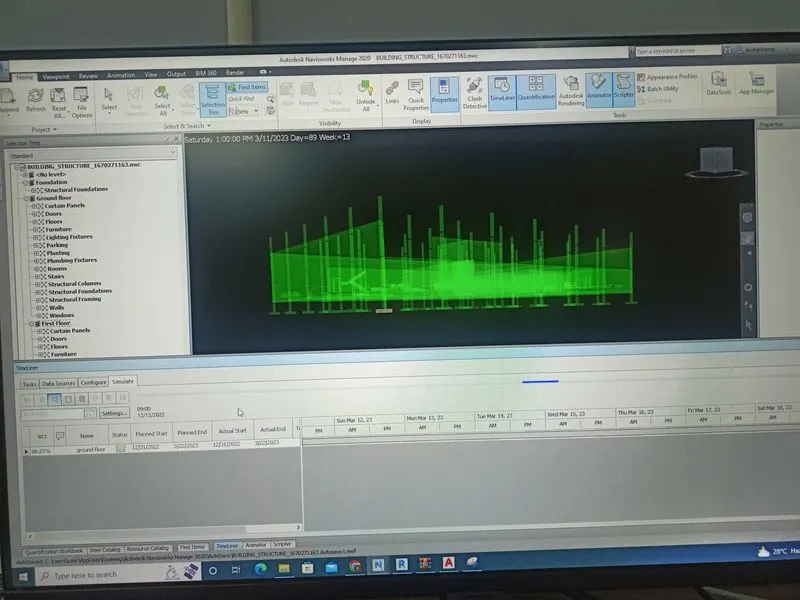
Using the Timeliner feature in Navisworks prepare a schedule for the project developed in week 6 to 8 by adding reasonable assumptions for task start date and end date and simulate the task completion as a visual simulation. Record it and save the timeline simulation to Navisworks file