Usage of Navigation tool , Timeliner and Clash Detection test using Naviswork
1) open the previous file arch tempalate and and save it
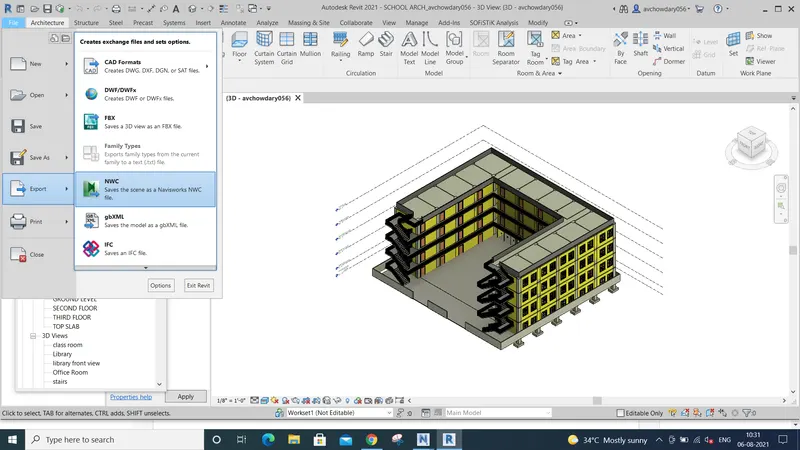
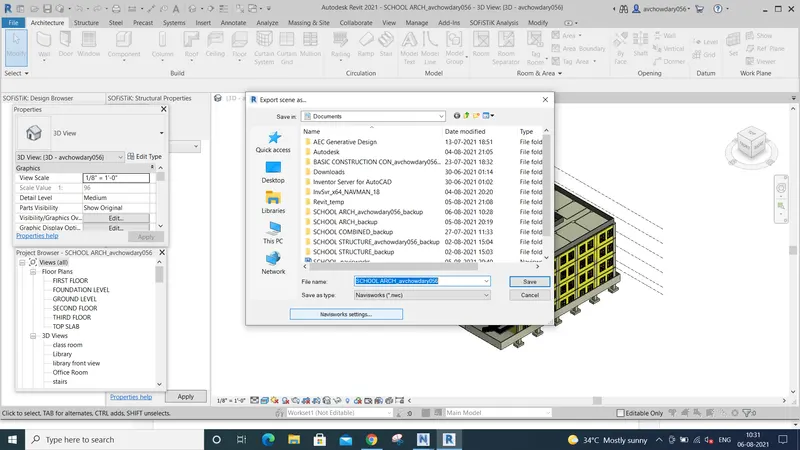
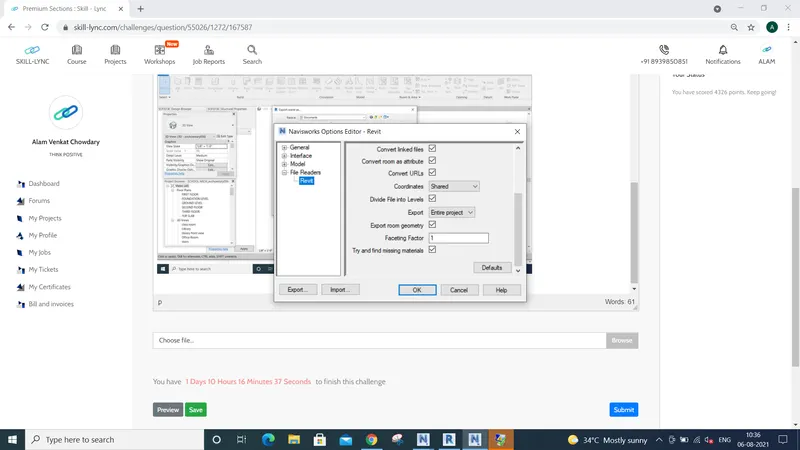
go to file option there is export option and click that we can observe NWS and click and before the saving check the settings
save the file, the progress start and the file is saved, and go to saved file open the file the file open in the navisworks manage
2) the file opened in navisworks manage
we can see like this
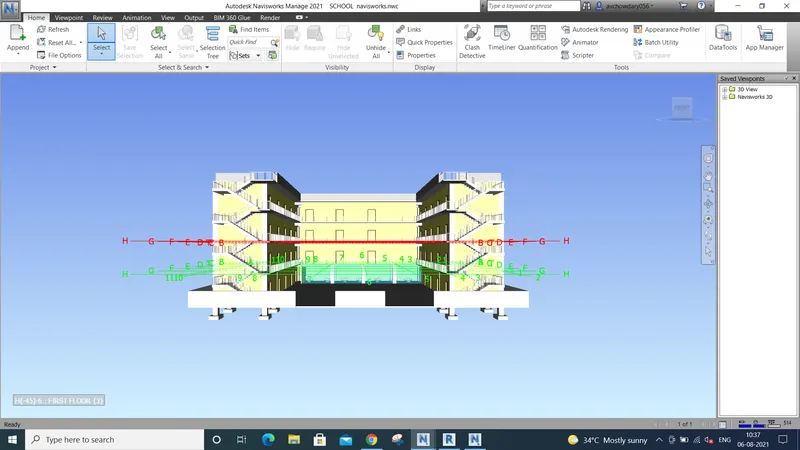
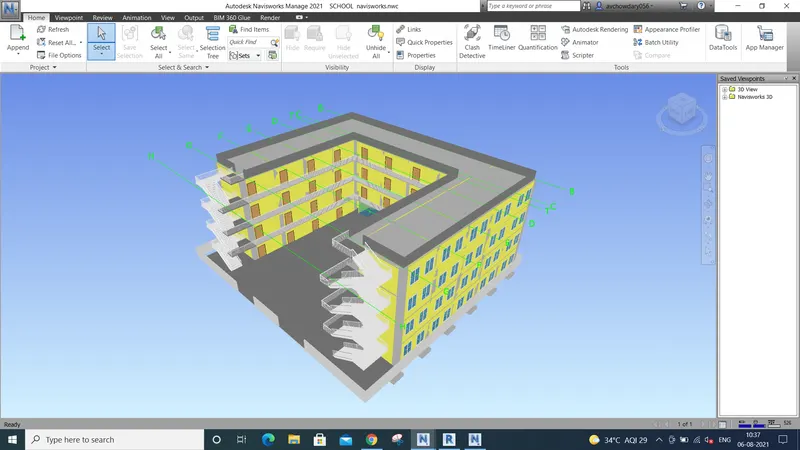
go view port open the saved images in 3d in revit and top there is a walk option
walk around it
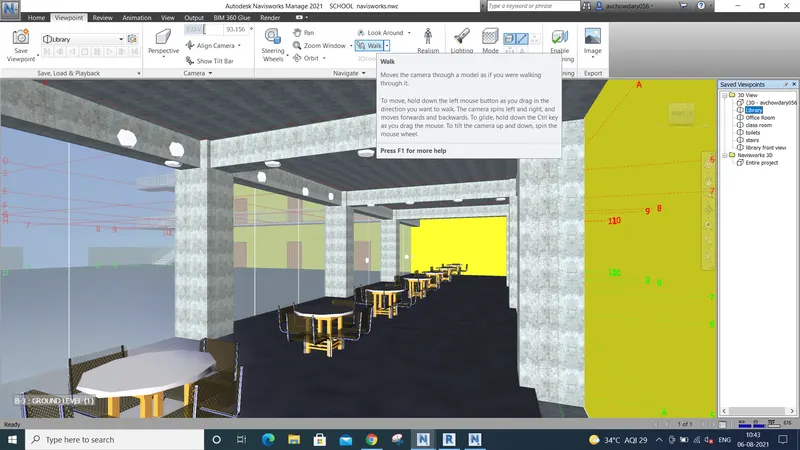
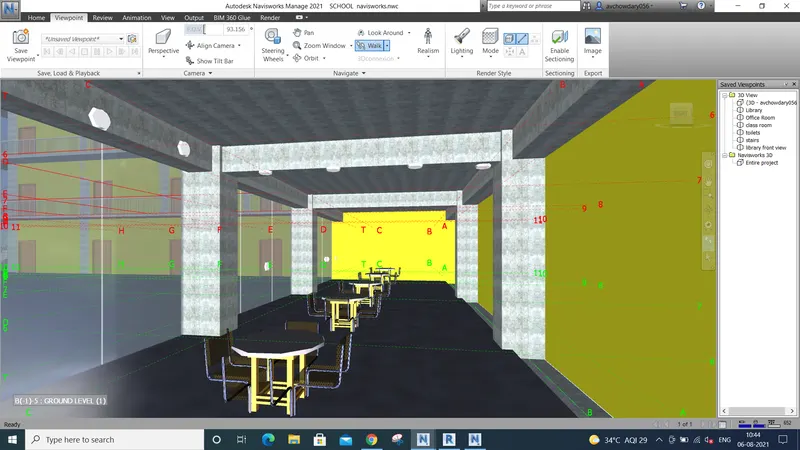
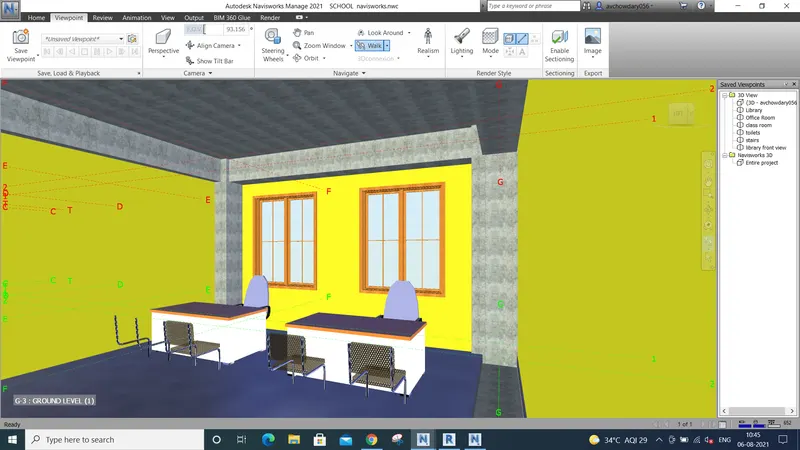
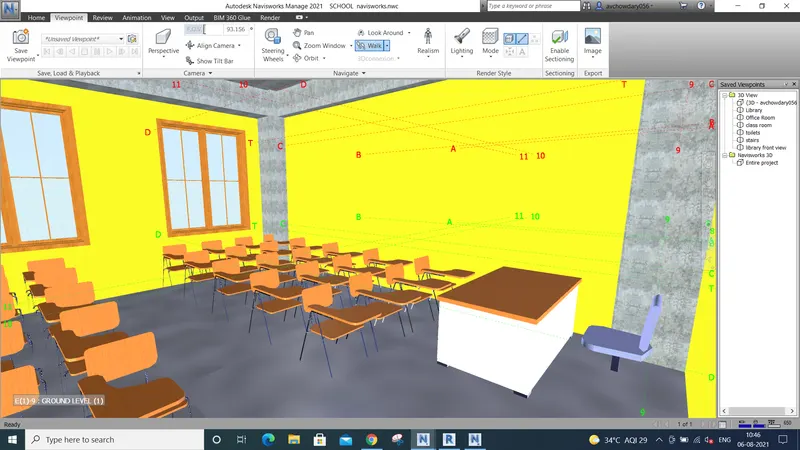
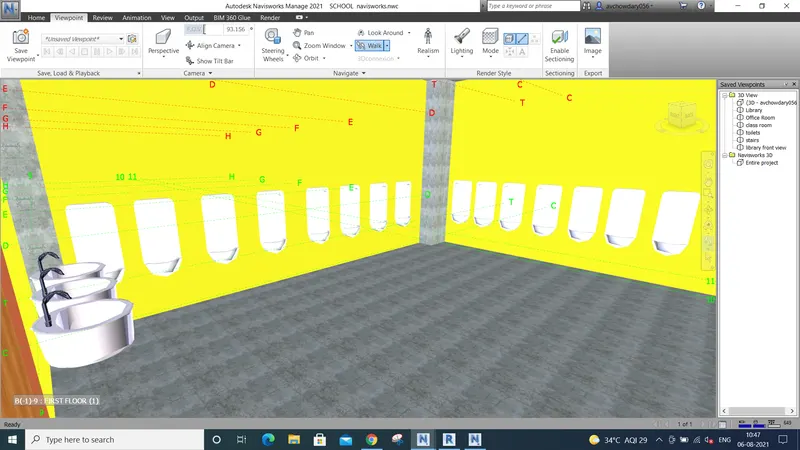
3)
same thing , there is option realism option keep third person and select option walk and walk around the buildings are rooms
if we move mouse+left click to wards the up the person walk forward and if we move down ward the person move back direction
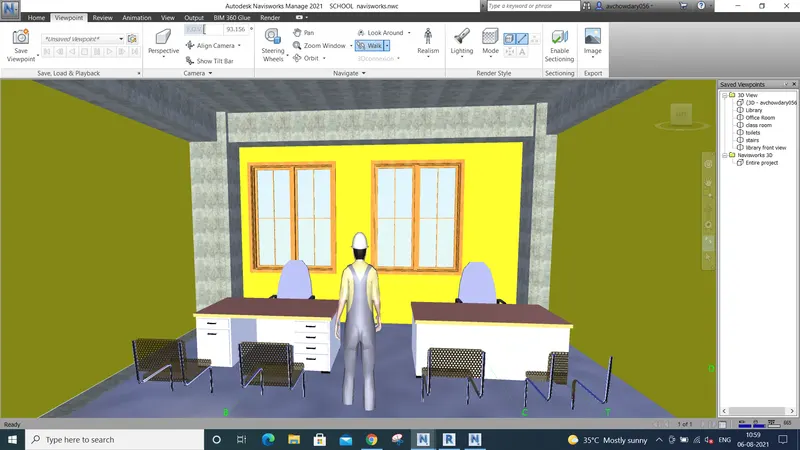
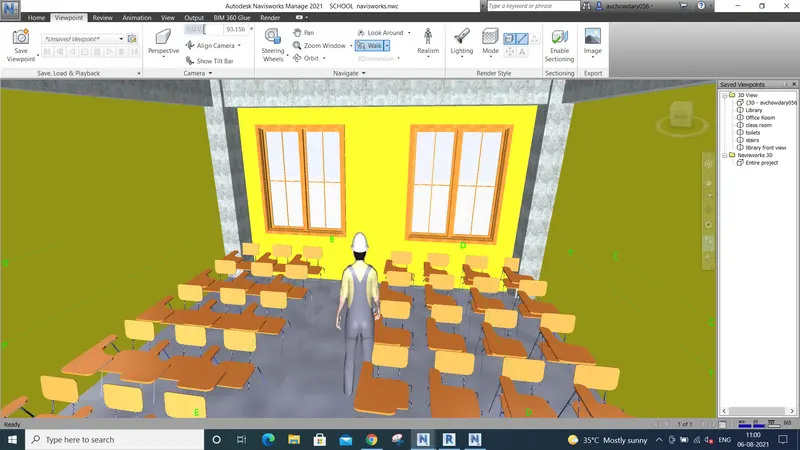
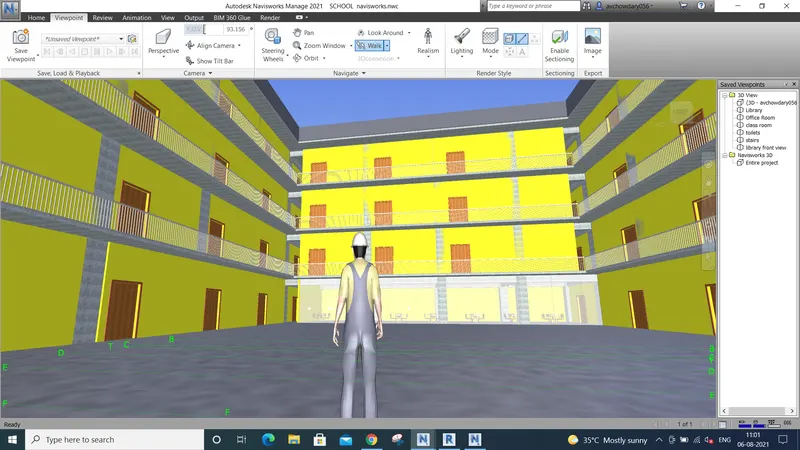
4)open the naviswork manage and in home tab there is a clash detective test open it 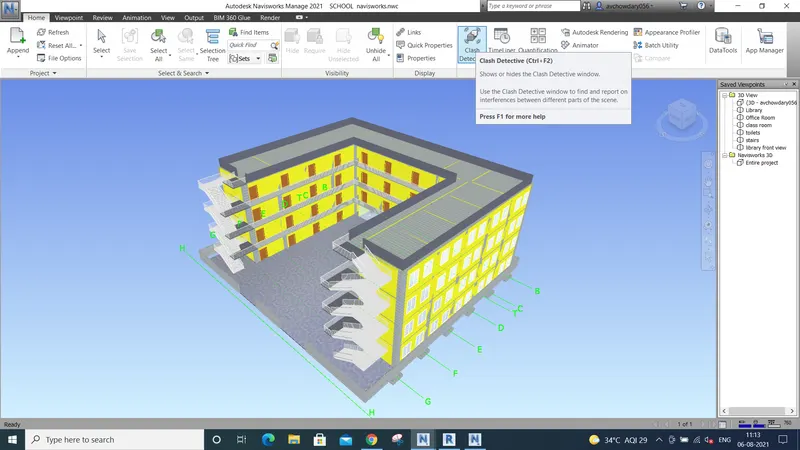
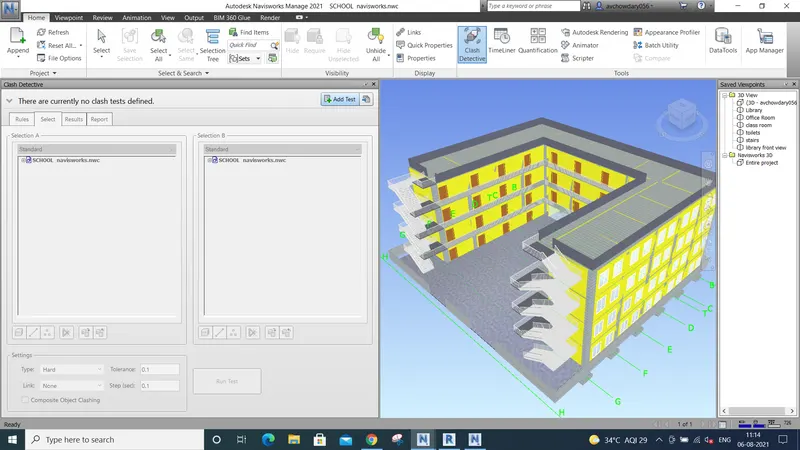
click on addd text in it and compare
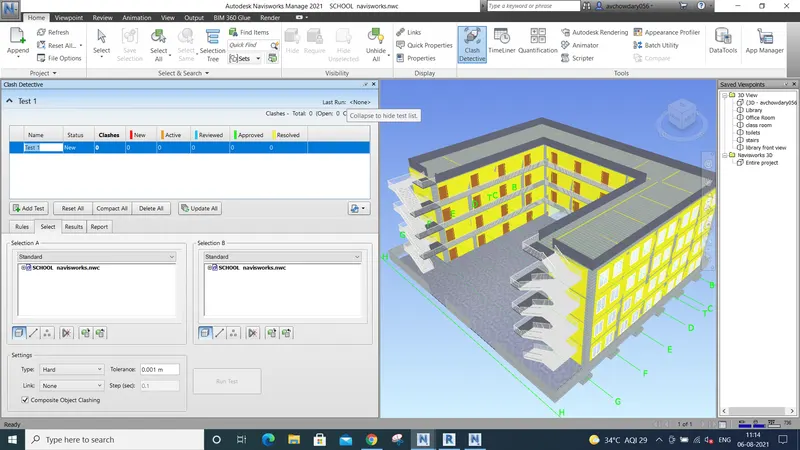
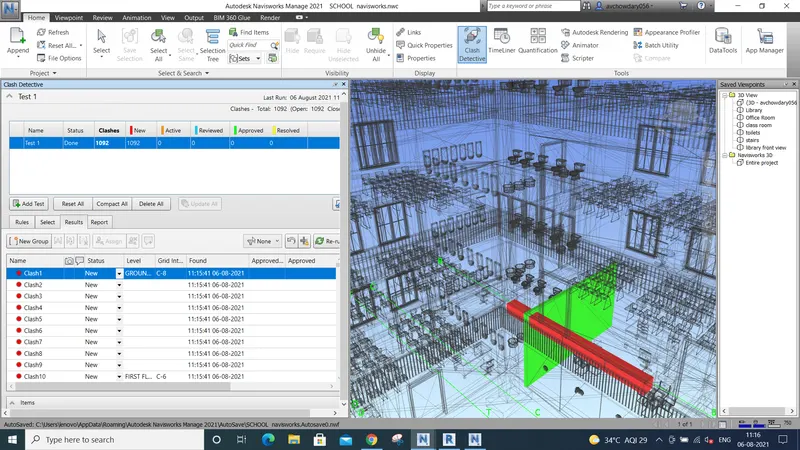
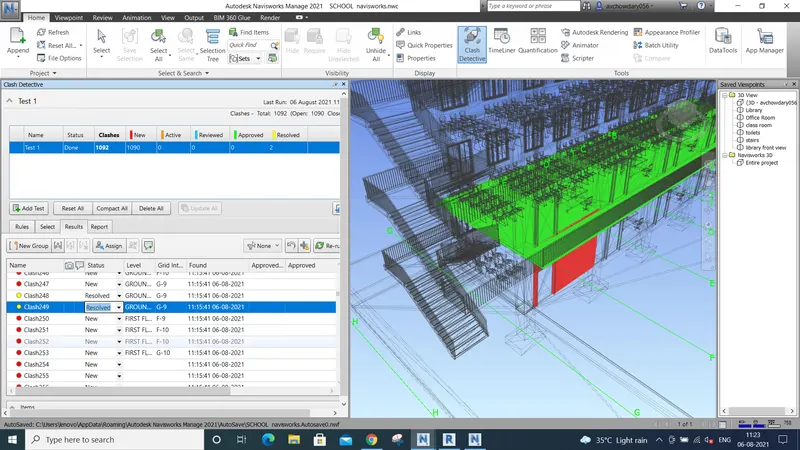
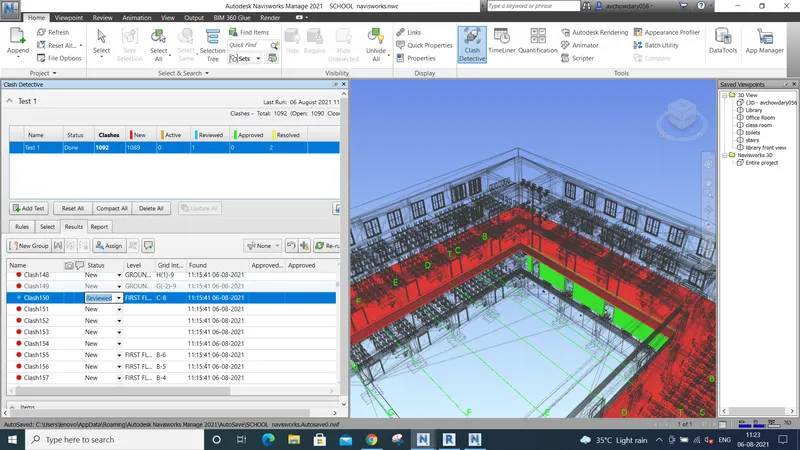
write the reviews to clashes
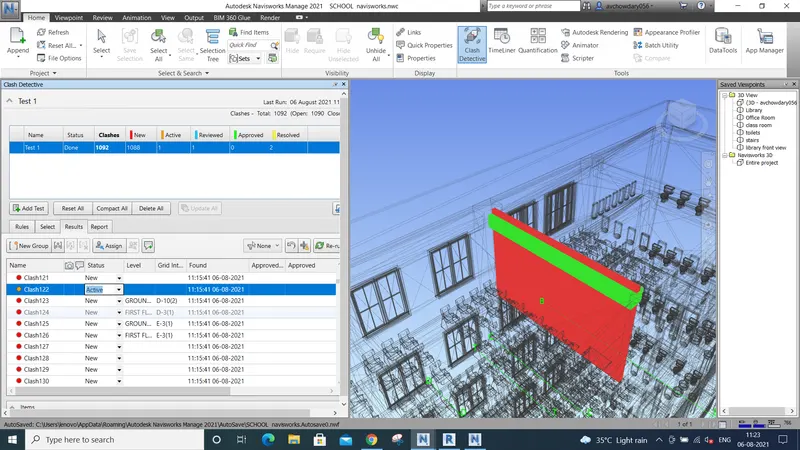
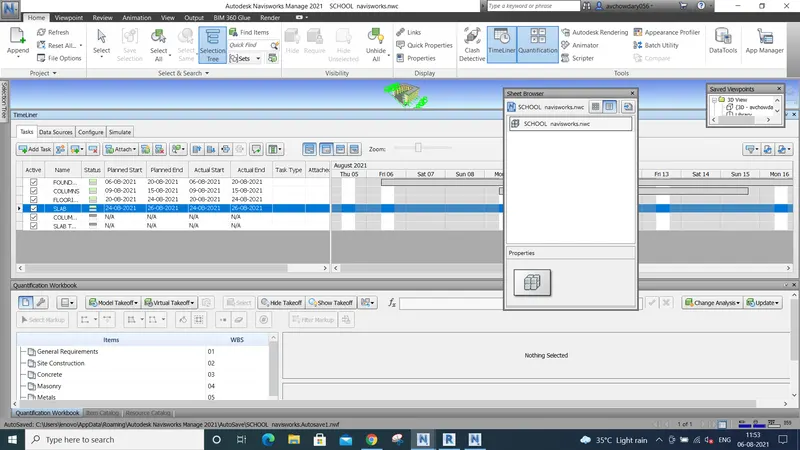
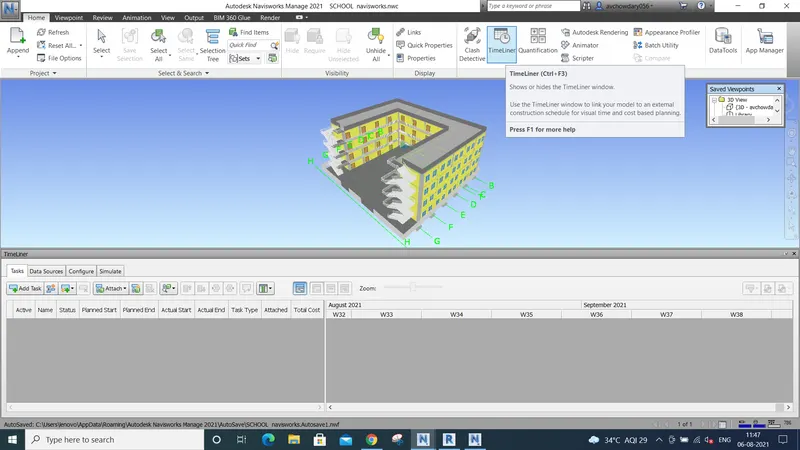
5)OPEN THE NAVISWORKS MANAGE FILE AND I HOME TAB THERE IS A OPTION TIME LINER CLICK ON IT
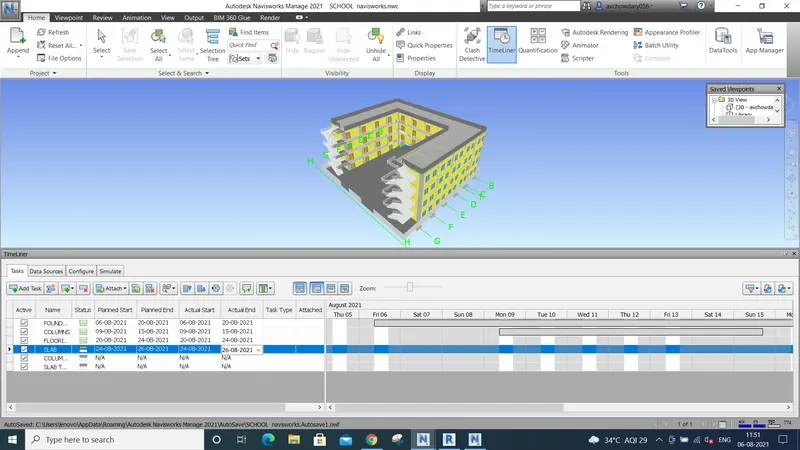
ADD TASK AND FILL THE DETAILS WHEN TO BE COMPLETED PERIOD OF TIME
THER EIS QUALIFICATION OPTION WHICH DETAILS CAN BE METIONED DETAILED
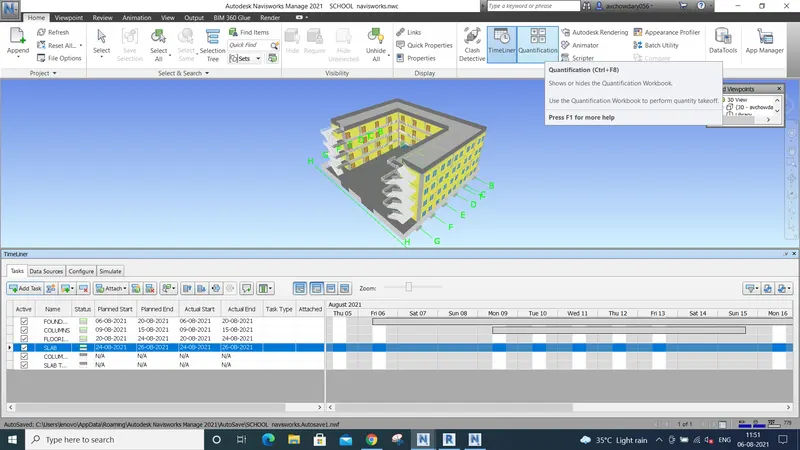
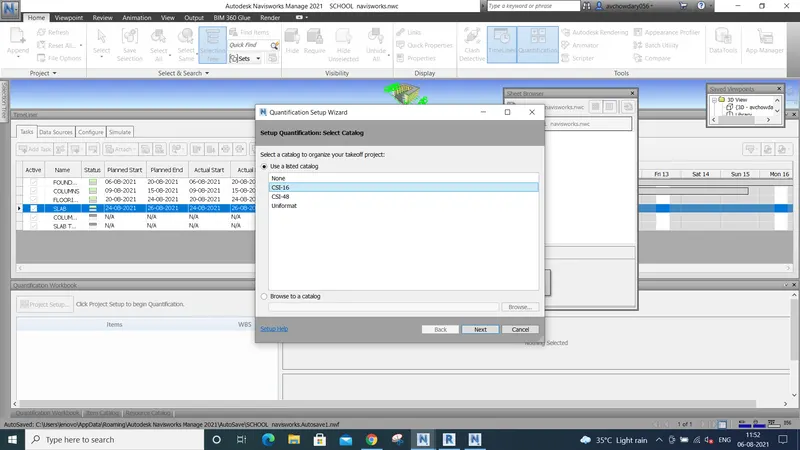
NEXT
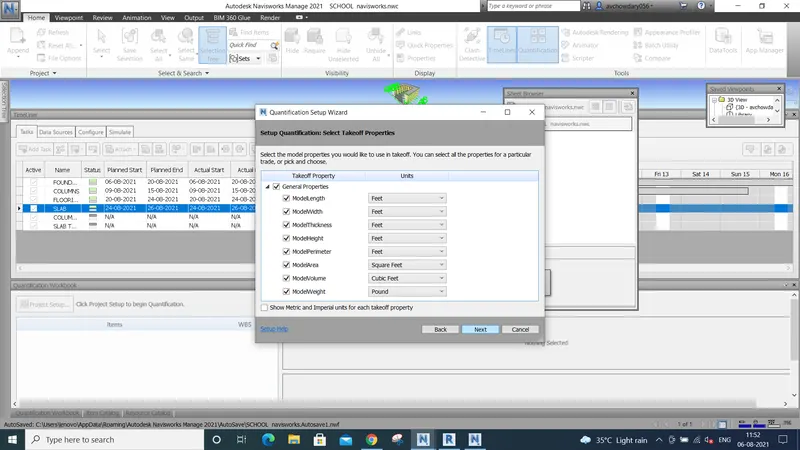
FINISH OK