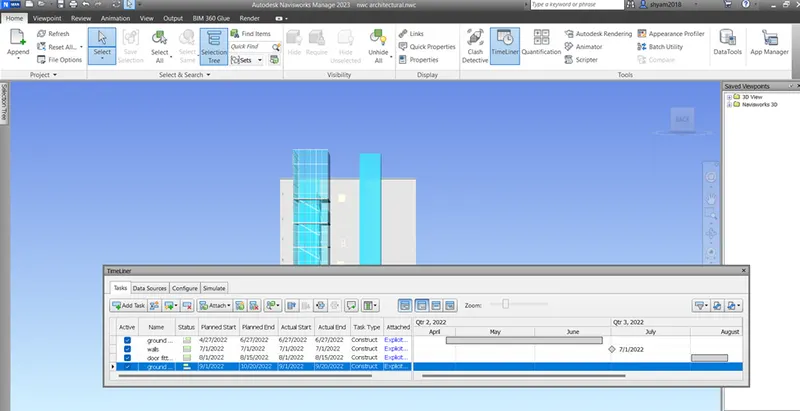
Usage of Navigation tool , Timeliner and Clash Detection test using Naviswork
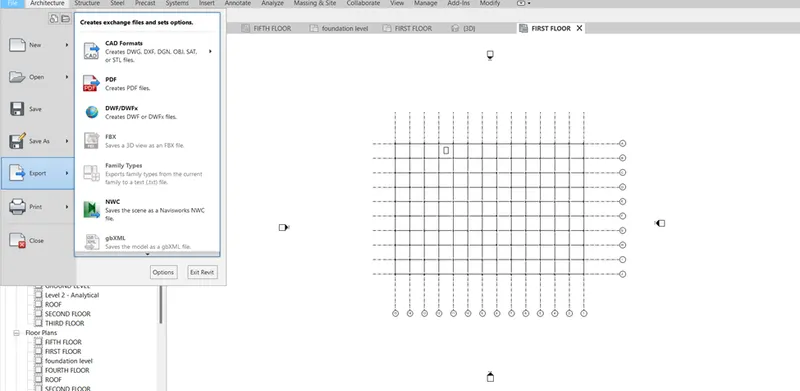
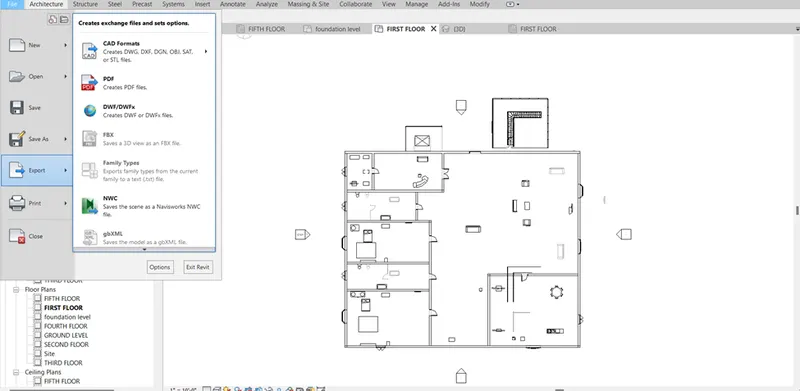
- Open a architectural file ,structural file then file export option enter nwc save it in nwc file name.
2.Open navis works mange software , file open the architectural file . go inside the building ,in view point tab choose save viewpoint option then record walk through building.
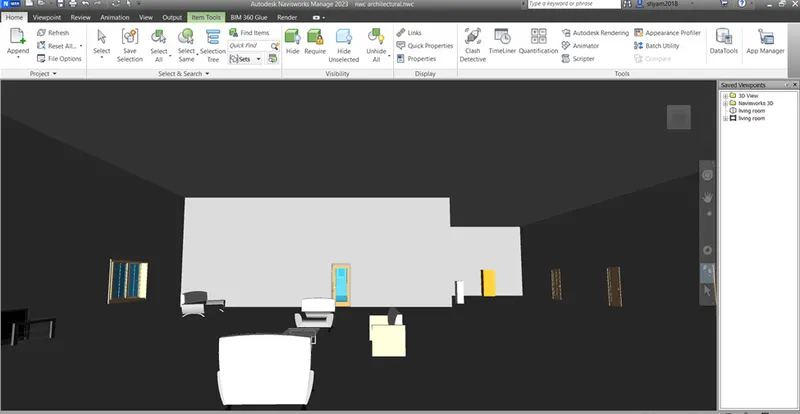
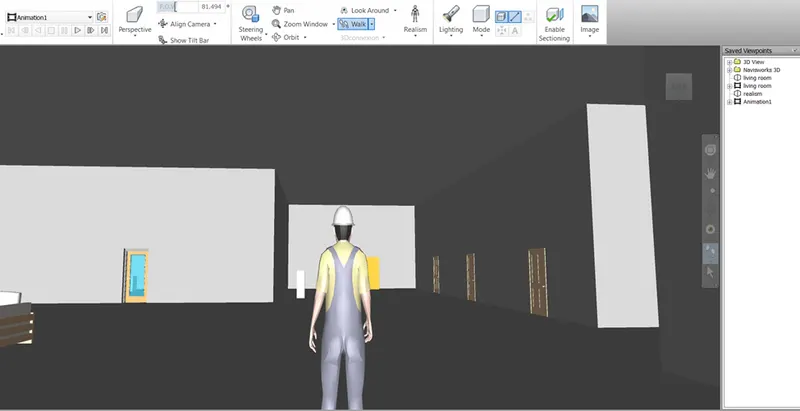
- Open navis works mange software , file open the architectural file . go inside the building , enter realism option in view point tab choose save viewpoint option then record walk through building. Also save the recording.(export)
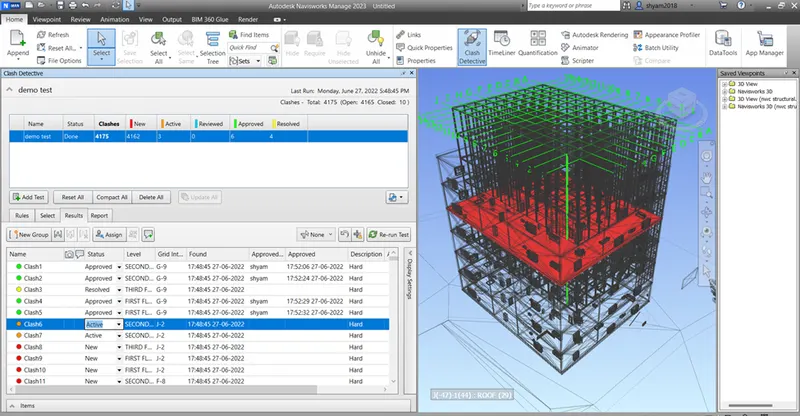
4. In navis works software , open architectural file and structural file combinely . In home tab enter clash detection , choose architecture from section A and structure from section B press surface option and run the test. Then result of clash properties appears detect and examine them.
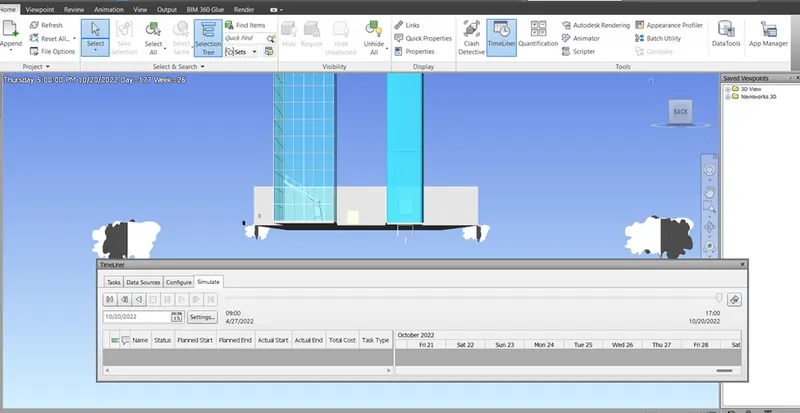
5.Open Navisworks software , architectural file in home tab go to time liner option and section tree. In time liner you need to press add task and assign the constructional works as progress. Enter required details in planned start , planned end, actual start , actual end, task type. Go to selection tree click the needed parameters align it to add task file and attach them to each current selection . click stimulate button to see the recorded process. For save enter export animation.