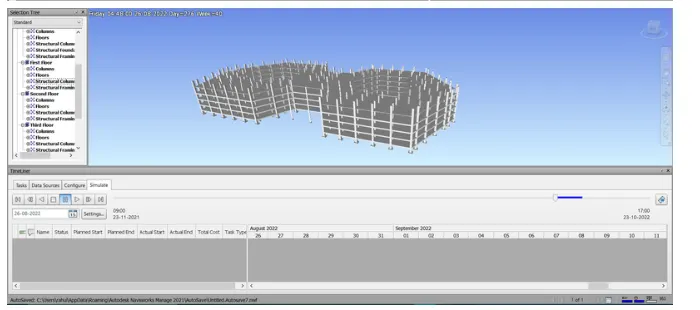
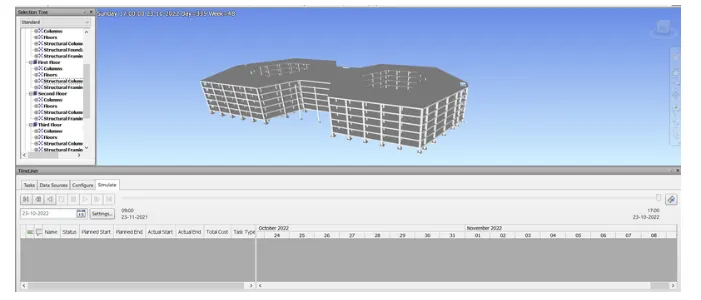
Usage of Navigation tool , Timeliner and Clash Detection test using Naviswork
1)
Aim: Use the Architecture/ structure Project file developed by you in Week 6 to 8.
Introduction:
Use Navisworks project review software to improve BIM (Building Information Modelling) coordination.
Combine design and construction data into a single model.
ldentity and resolve clash and interference problems before construction.
Aggregate data from muitiple trades to better control outcomes
Used primarily in construction industries to complement 3D design packages (such as Autodesk Revit, AutoCAD, and
Microstation) Navisworks allows users to open and combine 3D models, navigate around them in real-time and
review the model using a set of tools including comments, redlining, viewpoint, and measurements.
Procedure
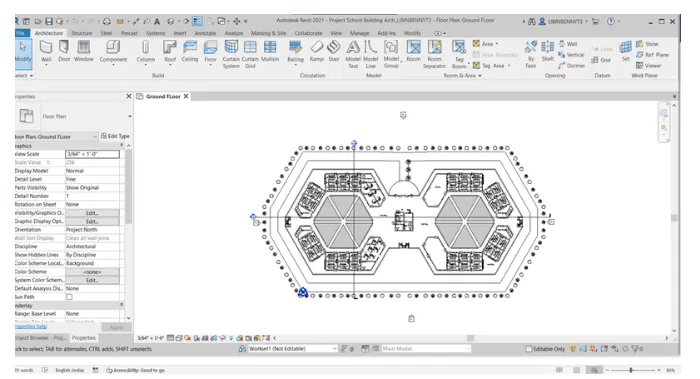
Step 1: Open Revit
Open Revit
Click on Open and Select the 7th-week project Architectural File
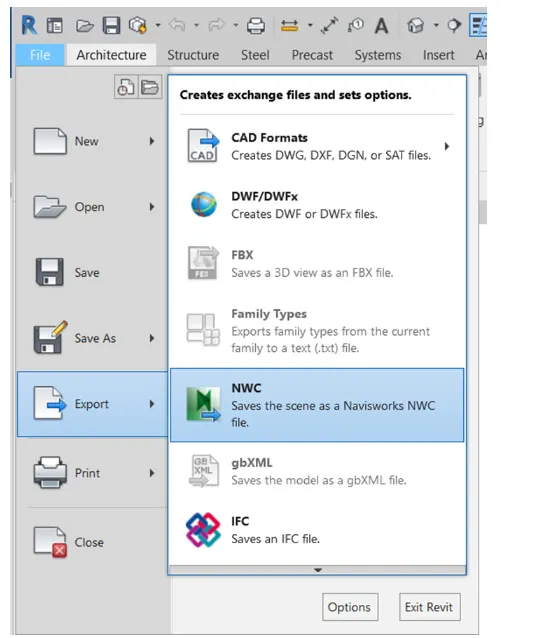
step 2:
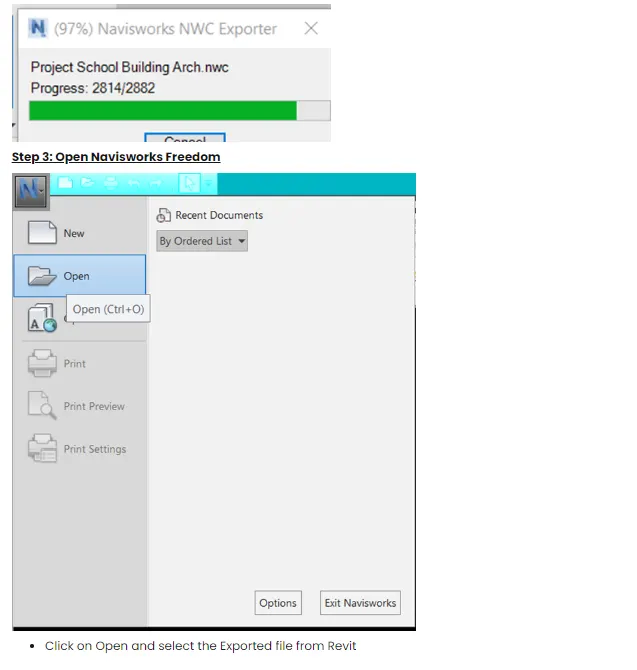
go to file tab
click on export
select NWC
RESULT:
2)
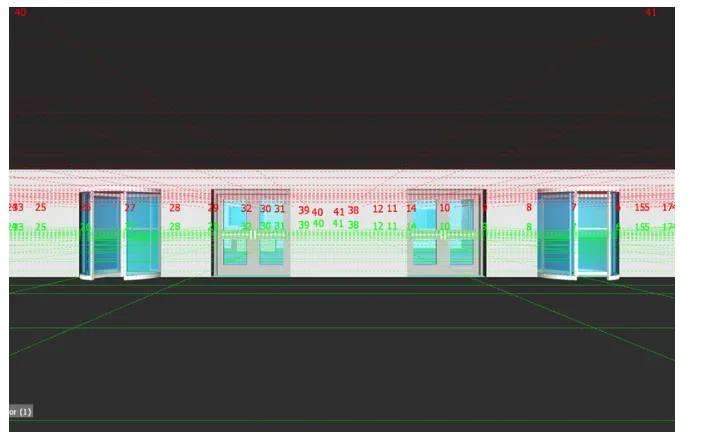
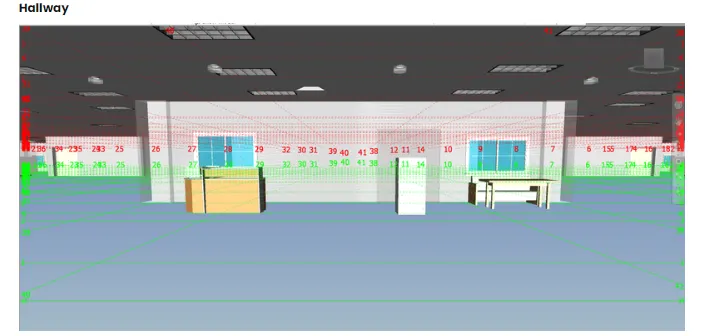
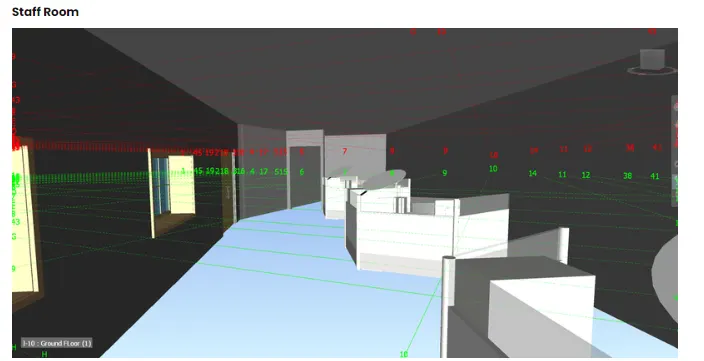
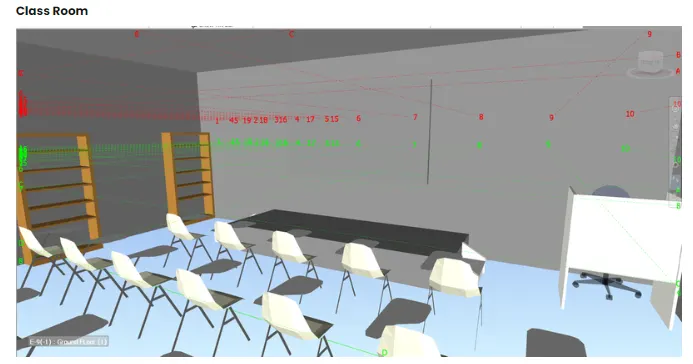
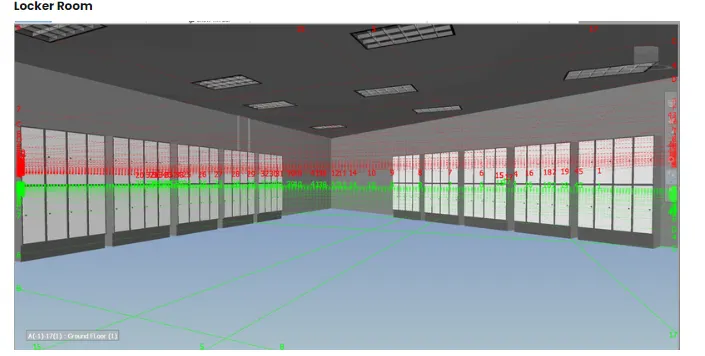
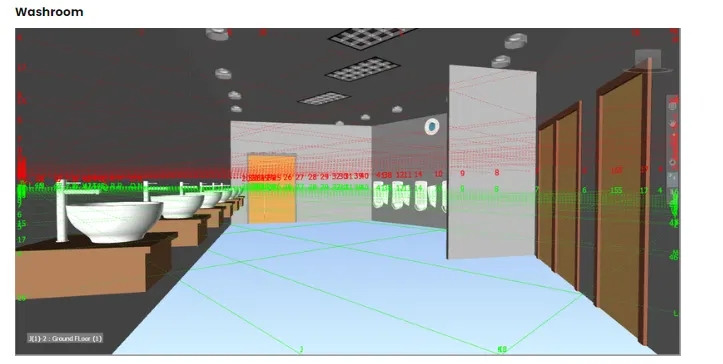
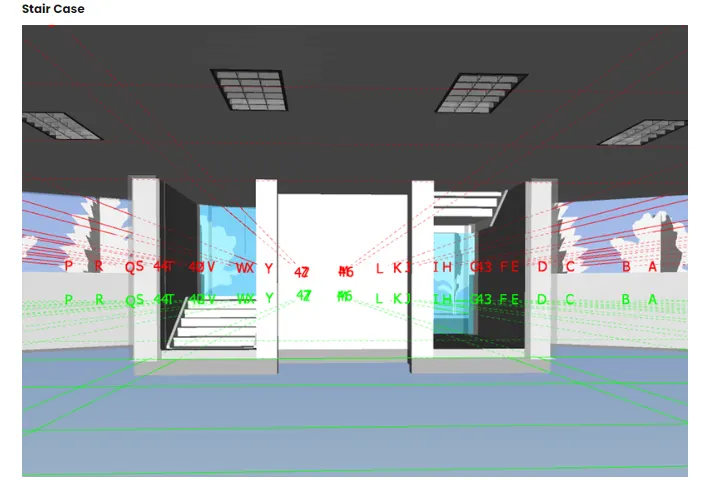
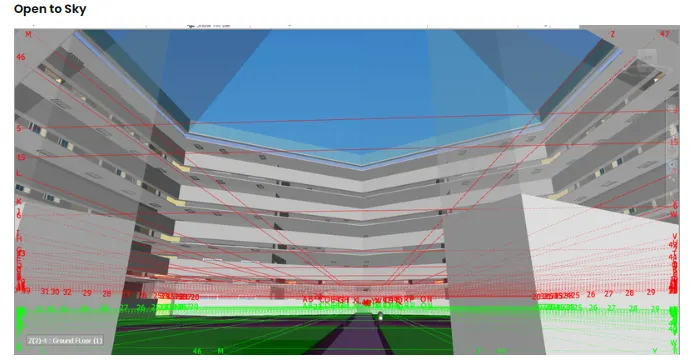
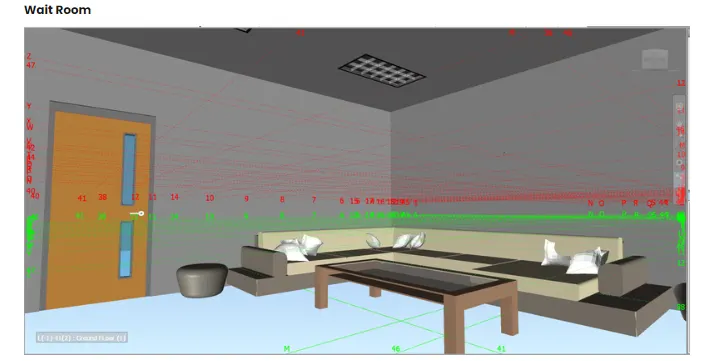
AmoUse Navigate to0 to walk around the model and walk through the rooms created and record your moving as
animation in your Navisworks file
Introduction:
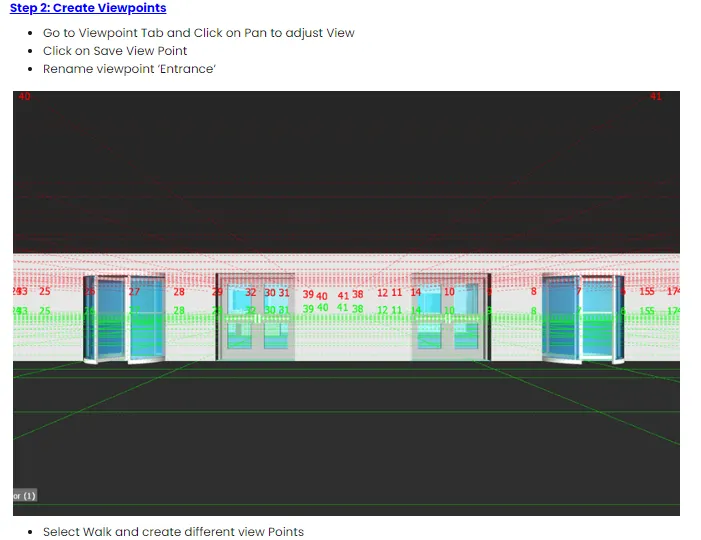
he saved Vewpoints window is a dockable window that endbles you to create and manage different views of your
model so that you can junmp to pre set viewpoints without having to navigate each time to reach an item. The Saved
Viewpoints window is a dockable window that enables you to jump to pre-set viewpoints without having to navigate
each time to reach an item Viewpoint animations are also saved with the viewpoints, as they are simply a list of
viewpoints treated as keytrames, ih fact yVewpoint animatons can be made by dragging pre-set viewpoints onto an
empty viewpoint animation. You can organize your viewpoints and viewpoint animations using tolders.
Procedure:
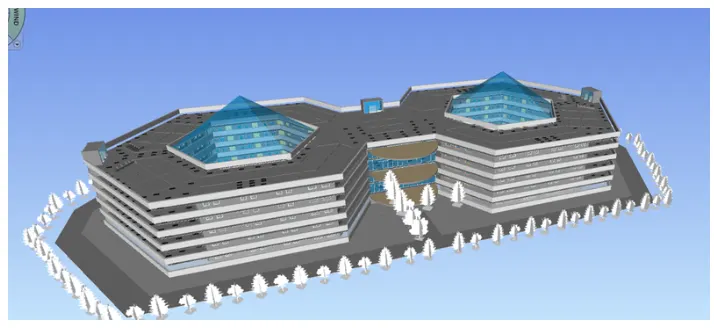
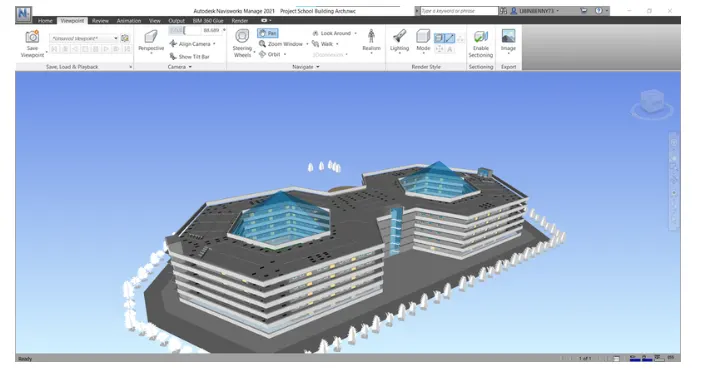
Step 1 Open Navisworks Model
Open Navisworks
Click on open and select
RESULT:
3)
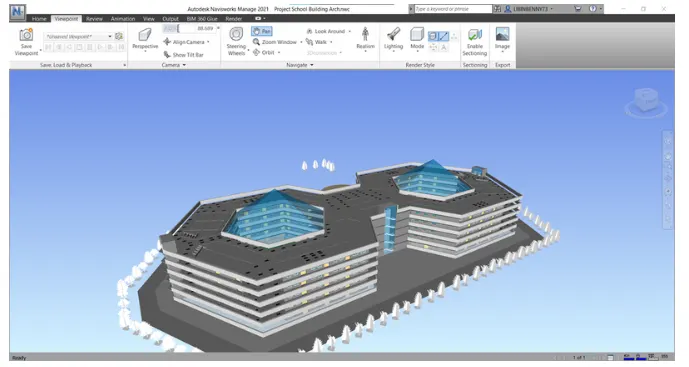
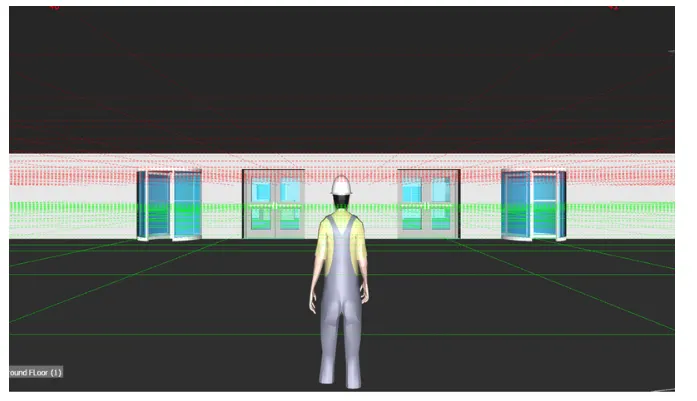
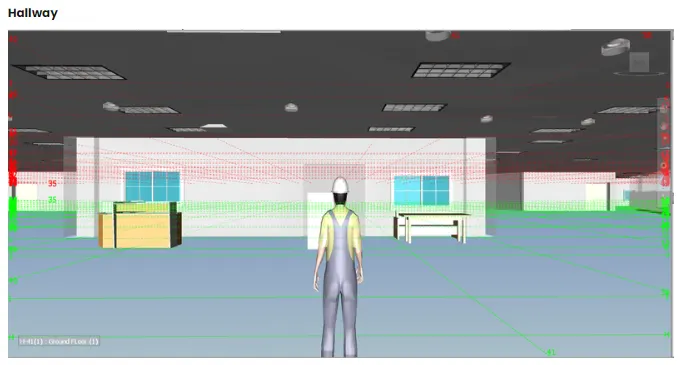
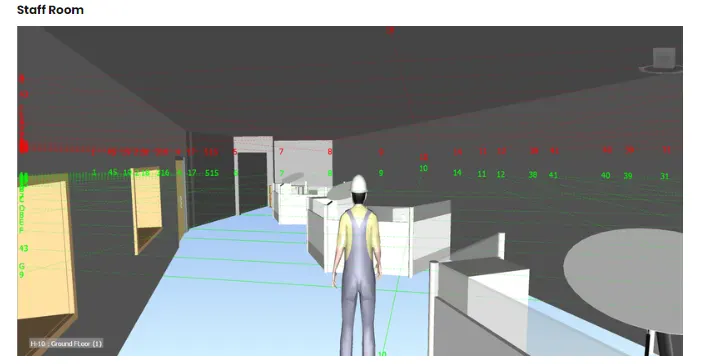
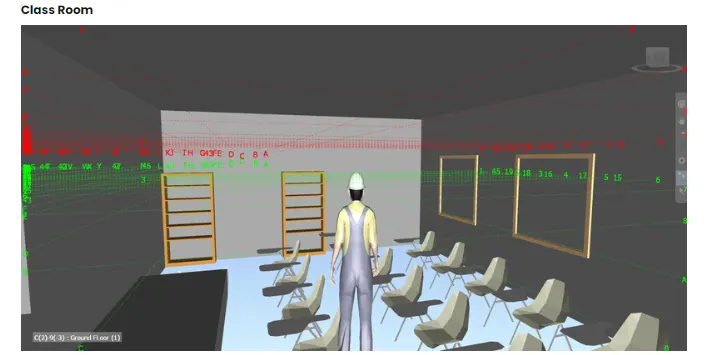
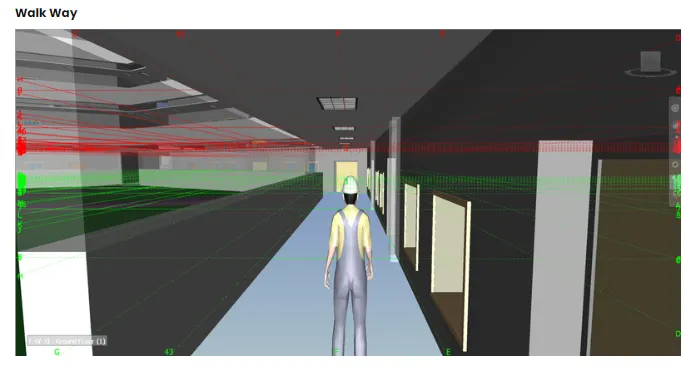
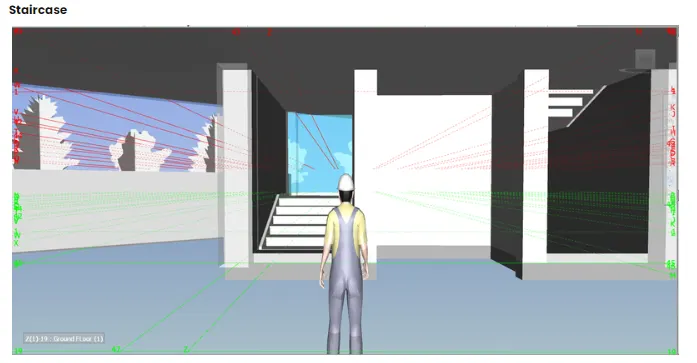
Aim: Use Navigate tool to use the Realism feature to walk through the model and record your moving as
animation in the Navisworks file.
introduction
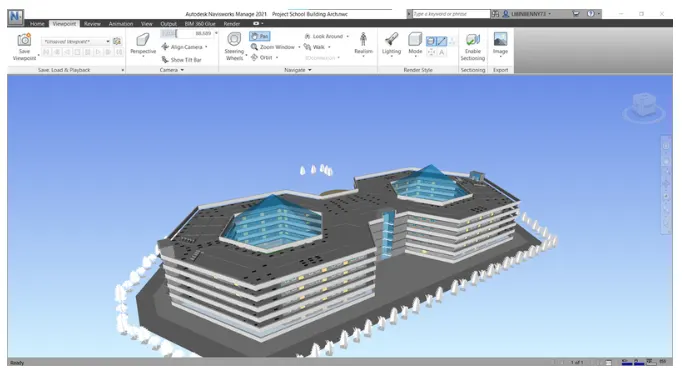
When you navigatea 3D model, you can use the realism tools on the Viewpoint tab Navigate panel to control the
speed and realism of your navigation. The realism tools are not available in a 2D workspace.
Procedure
Step 1: Open Navisworks Model
Open Navisworks
Click on open and select
RESULT:
4)
Aim: To Embed both architecture and structure nwc file to your Navisworks file.
Introduction:
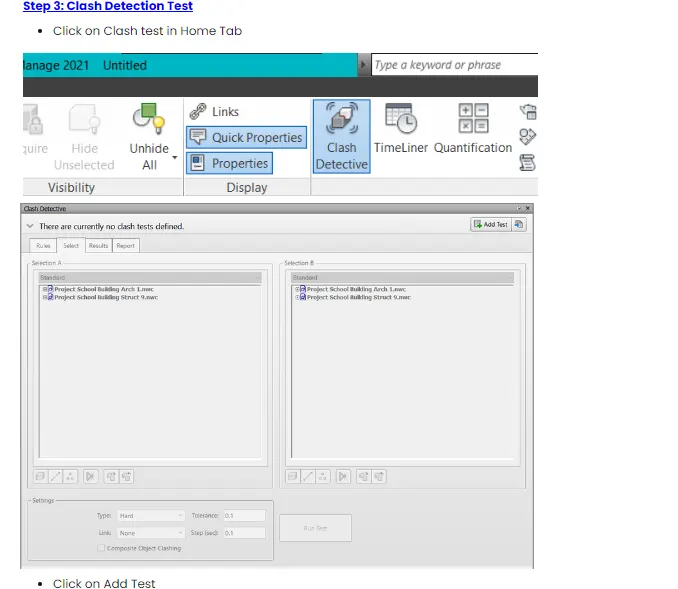
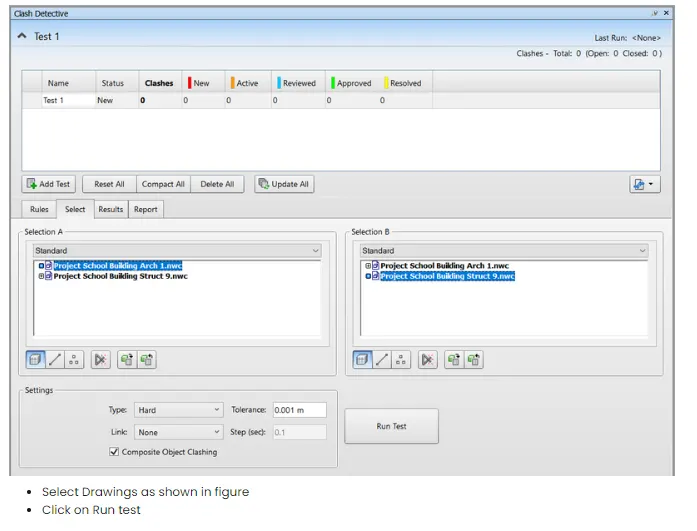
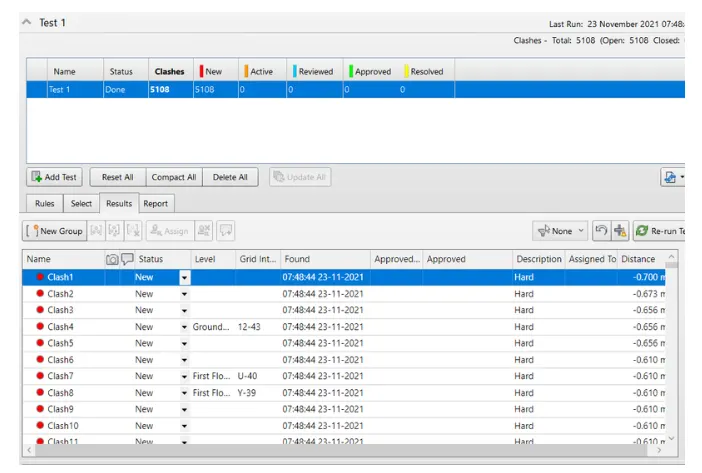
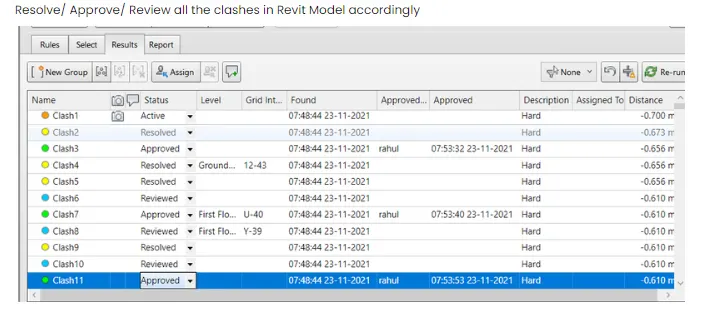
The Clash Detective tool enables you to search through your total project model, identifying cross-discipline
interferences (clashes) earlier in the design process. This feature is available for Autodesk Navisworks Manage users
only. Clash Detective can be used as a one-oft r'sanity check tor completed design work, or it can be used as an
ongoing audit check of the project. You can use Clash Detective to conduct clash tests between traditional 3D
geometry (triangles), and laser-scanned point clouds
Procedure:
step 1: Open Navisworks Model
Open Navisworks
Click on open and select
RESULT:
5)
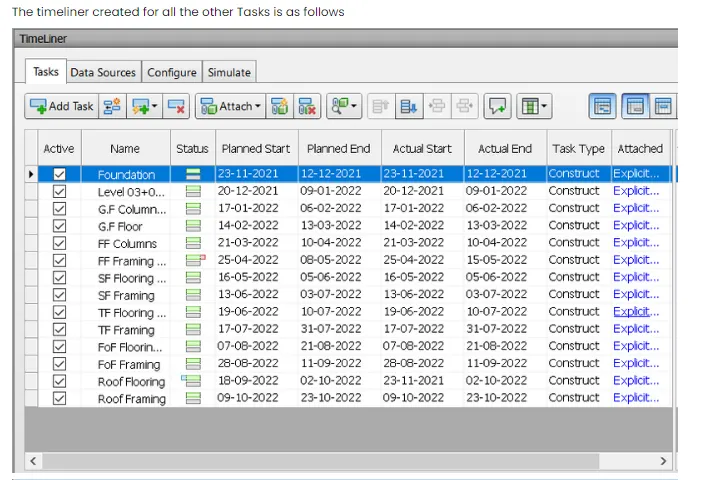
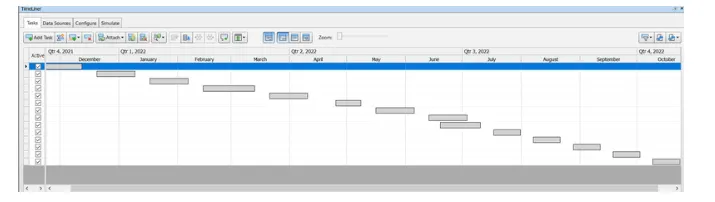
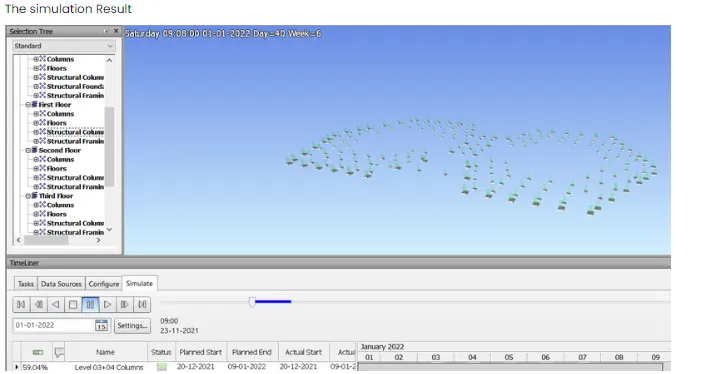
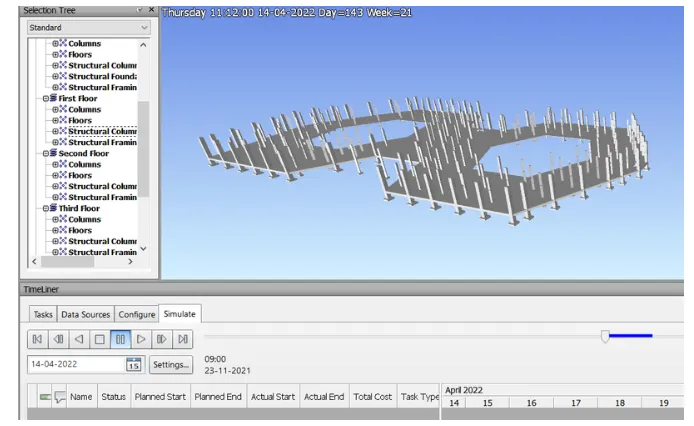
Aim: To Use the Timeliner feature in Navisworks to prepare a schedule for the project developed in weeks 6 to 5 Dy
adding reasonable assumptions for task start date and end date and simulating the task completion as a visual
simulation.
introduction:
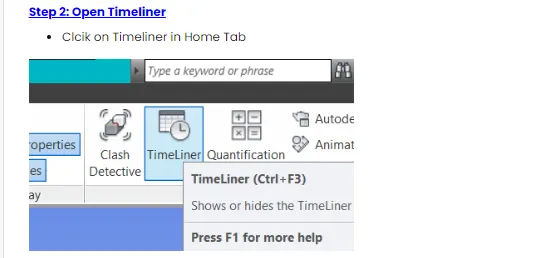
The TimeLiner tool adds schedule simulation to Autodesk Navisworks. Timeliner inmports schedules from a varety or
sources. You can then connect tasks in the schedule with objects in the model to create a simulation This allows you
to see the effects of the schedule on the model, and compare planned deates against actual dotes. Costs con also be
assigned to tasks to track the cost of a project throughout its schedule. Timeliner also allows the export of images
and animations based on the results of the simulation. Timeliner will automatically update the simulation if the
model or schedule changes.
Procedure:
Step 1: Open Navisworks Model
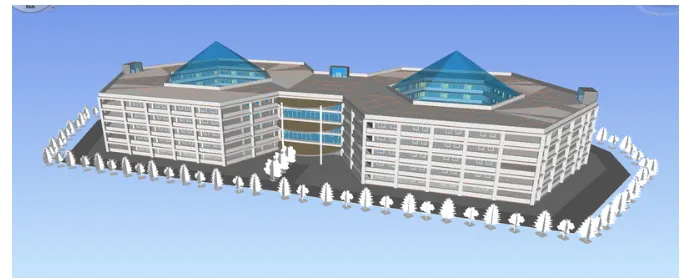
Open Architectural Export model of Week 7 project
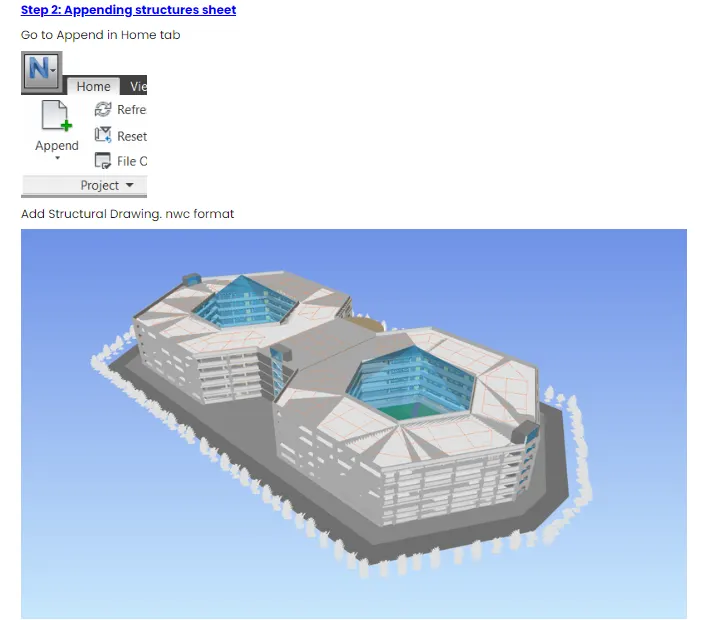
APpend the structural drawing toit
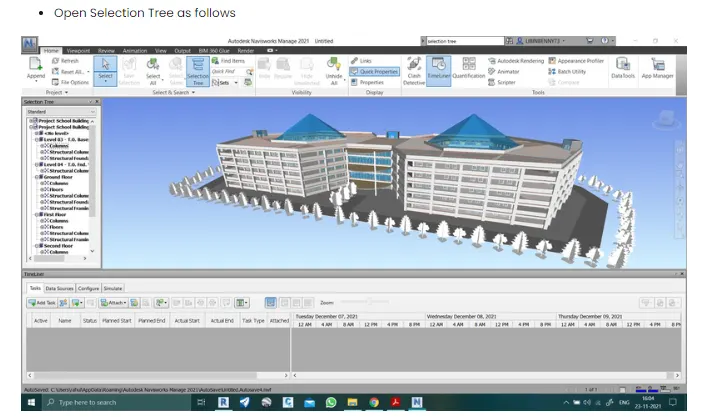
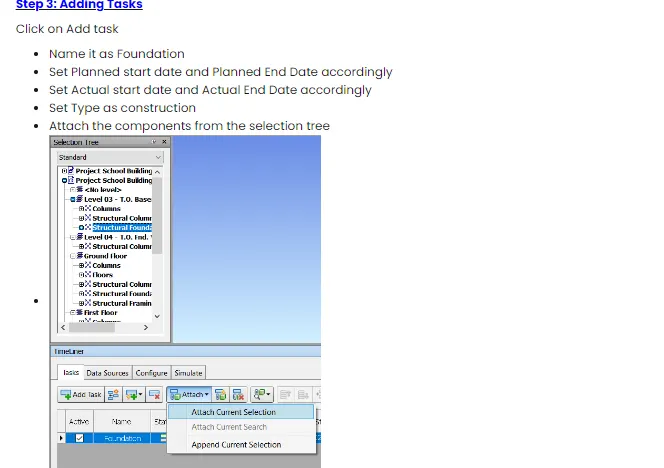
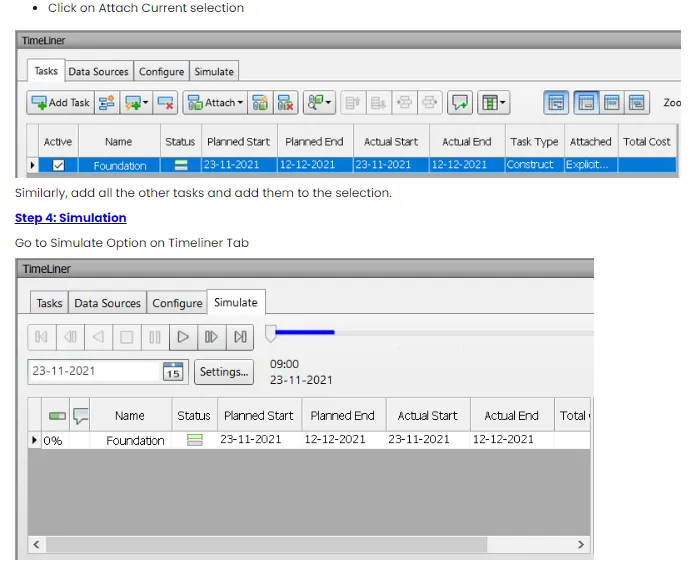
RESULT: