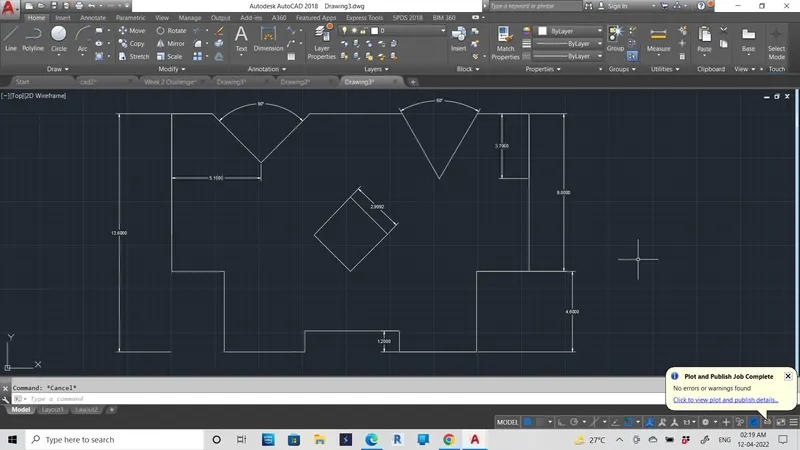
Drafting of various geometries using Chamfer, Fillet tool in AutoCad
aim:Drafting of various geometries using Chamfer, Fillet tool in AutoCad
procedure :
- using fillet option we can join the two line and also joind the line with curve
- using offset
- using chamfer tools,circles, square,and line geometries make a drawings
- Click Home tab > Draw panel > Line. Find.
- Specify the start point and end point of the line segment by clicking in the drawing area.
- Continue specifying additional line segments. ...
- Press Enter or Esc when done or enter c to close a series of line segments.
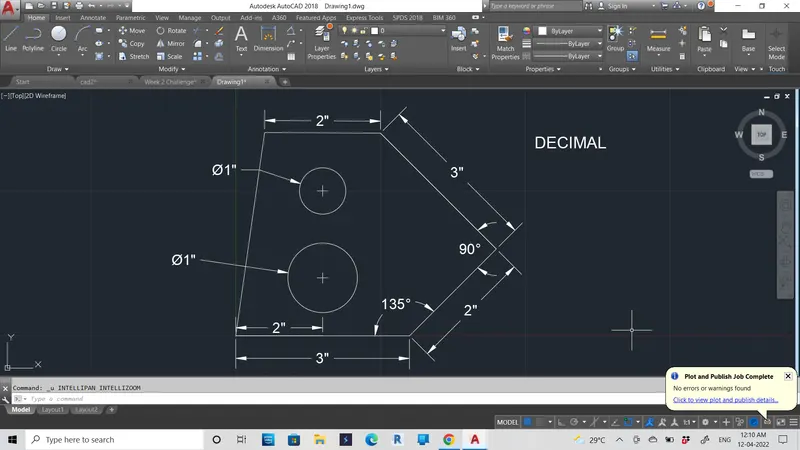
1)DECIMAL
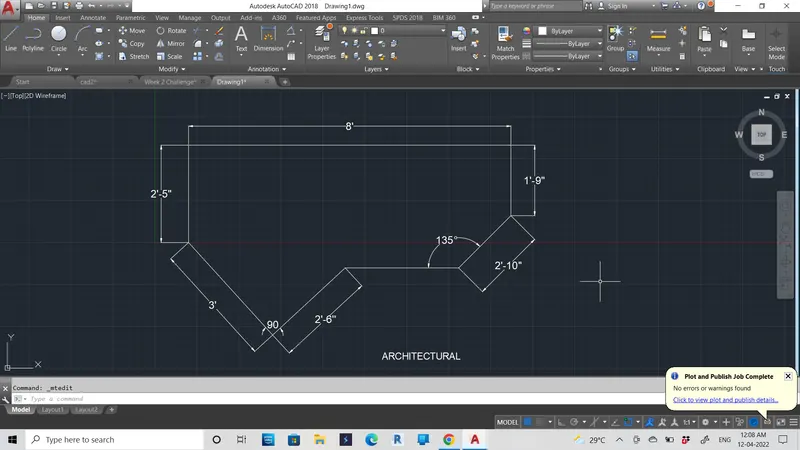
2)ARCHITECTURAL
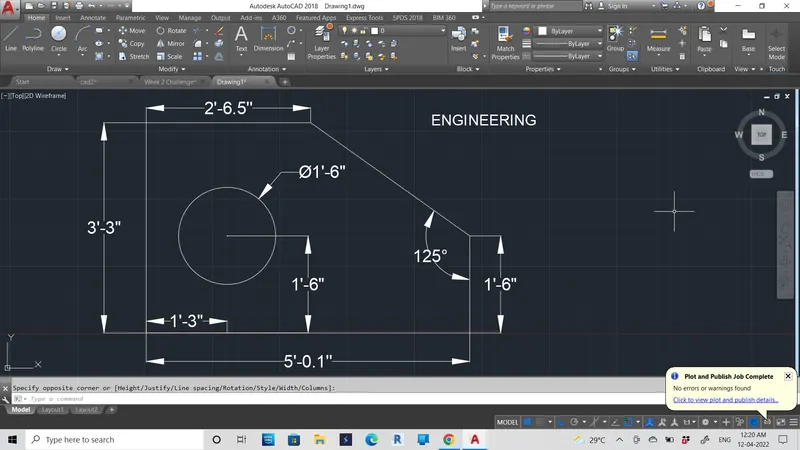
3) ENGINEERING
4)
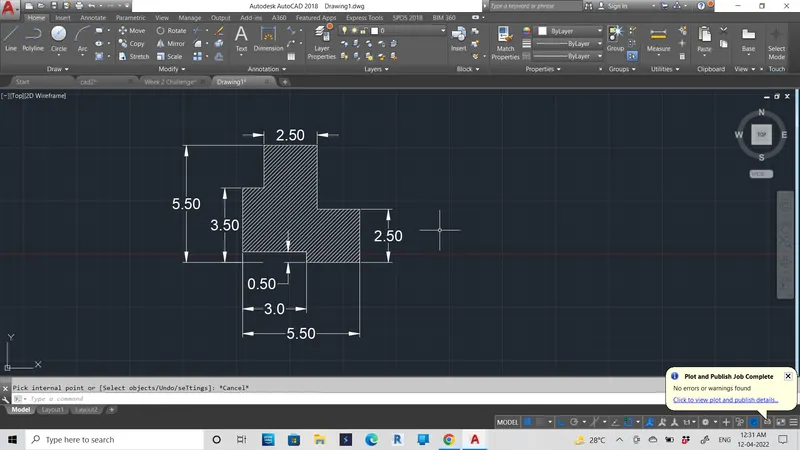
5)
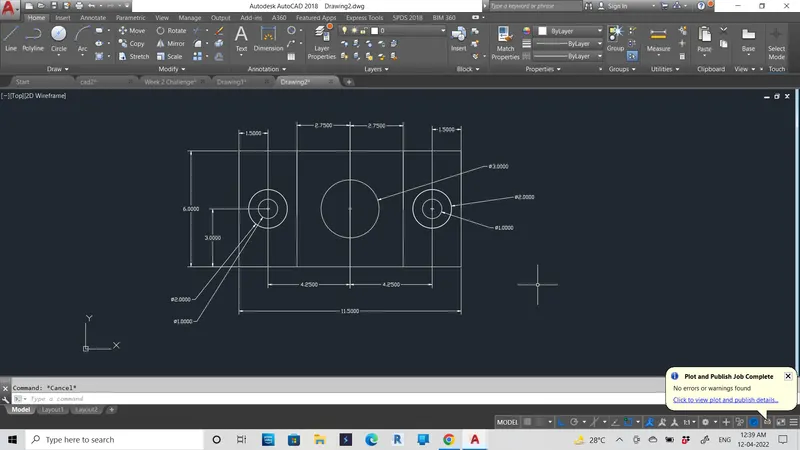
6)
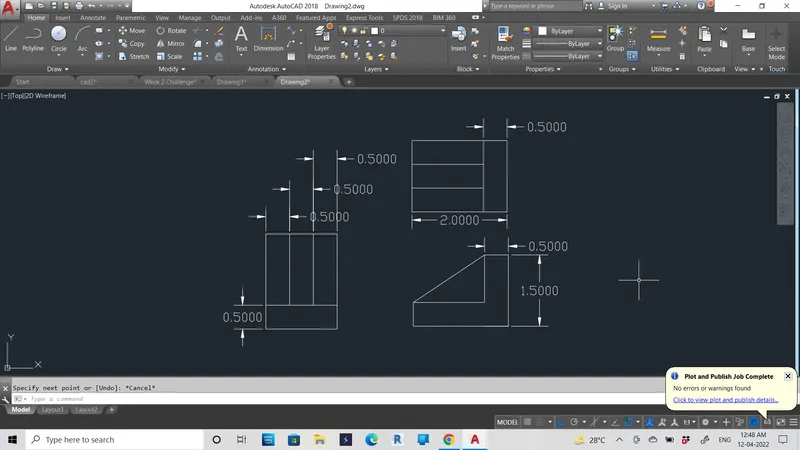
7)
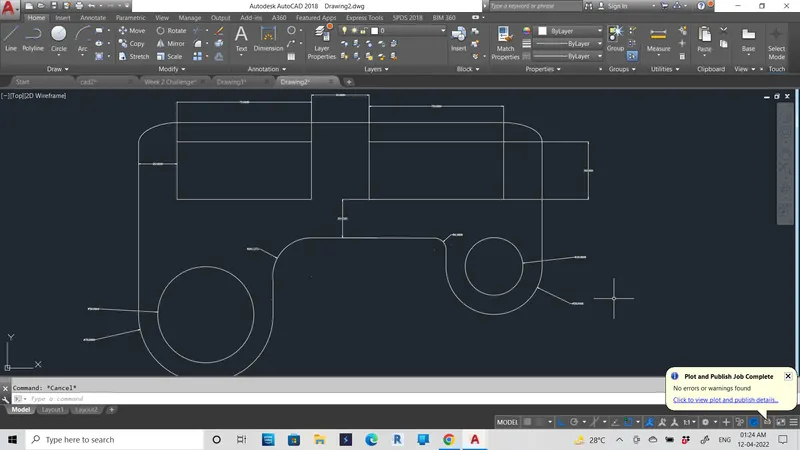
8)
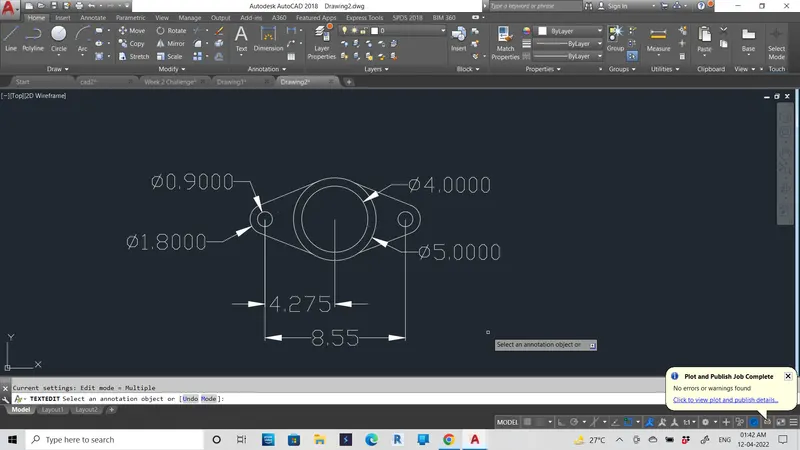
9)
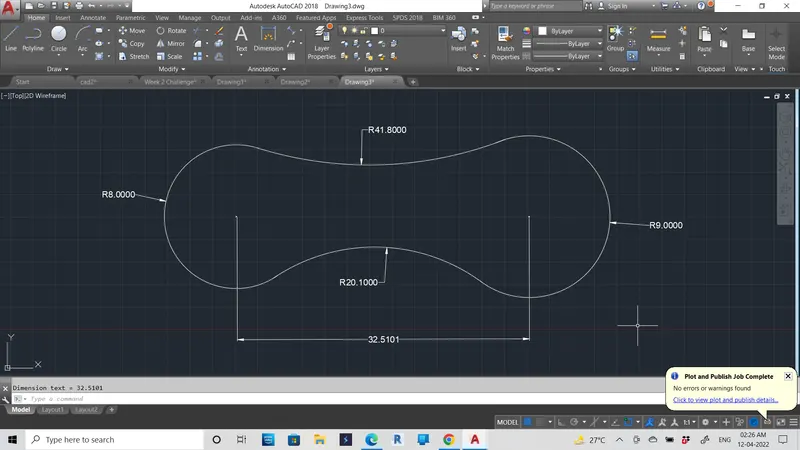
10)
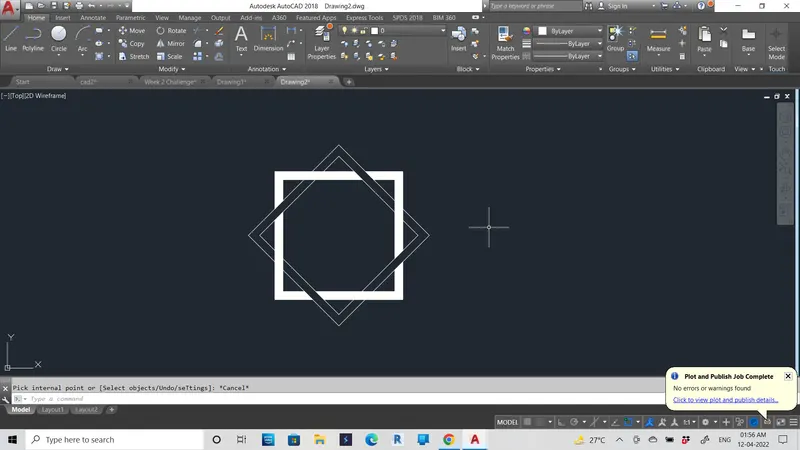
11)