Tool Test-2
AIM:
To do a pre-processing on a given Intake Manifold component model using ANSA.
OBJECTIVE:
● To check the geometrical error on the Intake Manifold model
● To generate 2D mesh on the components based on the quality criteria given
● To generate volume mesh on the component using tetra elements
PROCEDURE:
IMPORTING THE CAD MODEL:
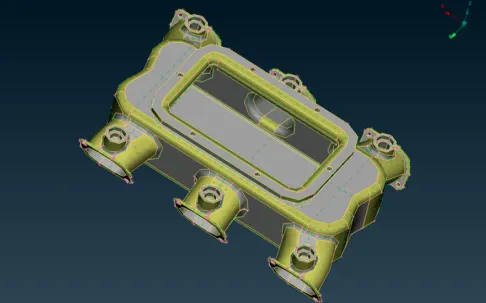
● The CAD model is imported into the workspace by using file → open and select the CAD model.
● The model will be imported into the workspace.
● In ANSA we can import all types of CAD software file formats.
GEOMETRY CLEANUP:
● Before working on the model we need to check whether the model has any geometrical errors.
● To check the geometrical errors go to check manager that is washable at the tool bar.
● In the check manager select geometry and click execute.
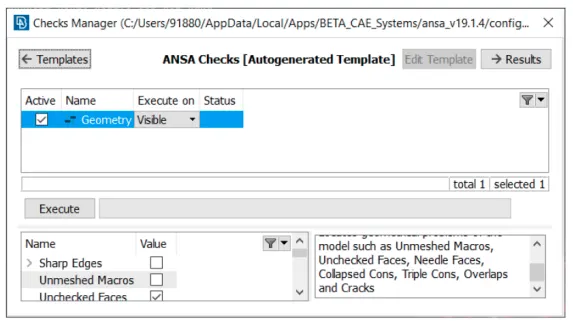
● After clicking on the check geometry the geometrical errors will display.
● The geometrical errors can be fixed manually or automatically.
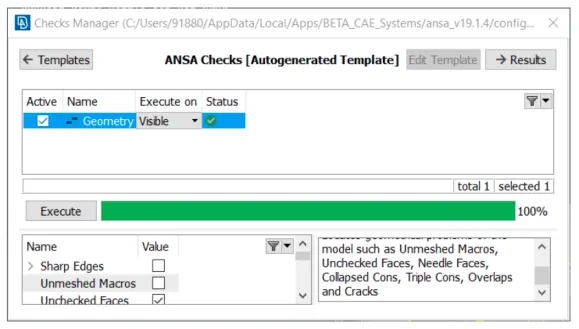
● In our case we fixed the error automatically by right clicking on the error and click fix.
● Once the model has no error it will show green status in the above image and we can proceed further.
2D MESHING:
QUALITY CRITERIA
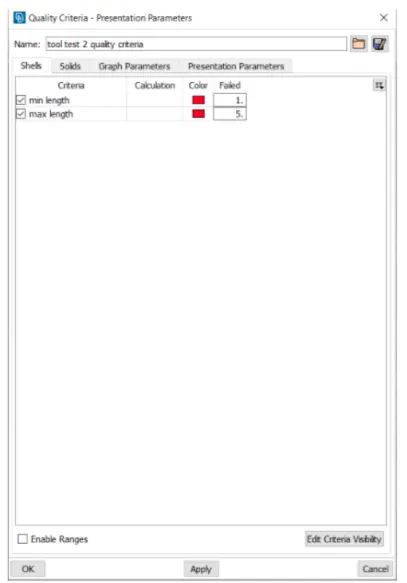
● Go to quality criteria that is available in toolbar.
● The criteria that is given in the question are selected and given the value and clicked apply and ok.
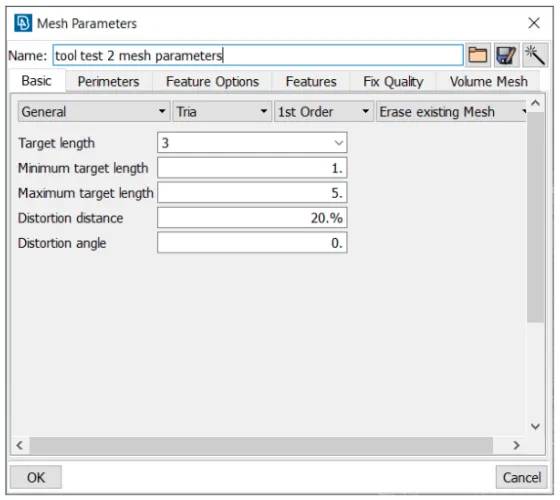
● Then the values of mesh parameters are entered.
● Far that go to the mesh parameter tool that is available in the toolbar of ANSA.
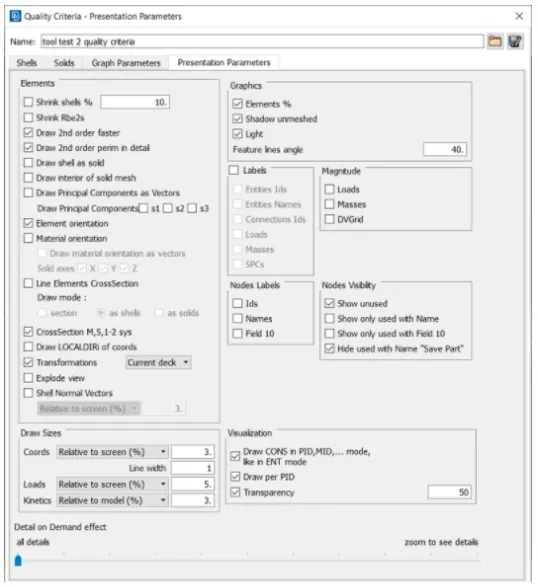
● To enable the total percentage of trias and the quality of the off elements we are selecting element percentage in presentation parameters. After that select all details and click apply to obtain the total values of elements and trias percentage of the total model.
● Then the meshing Is done using a mesh generator → spot mesh tool. This tool generates the mesh flung the element type given.
● The curved faces are given the mesh element type as ortho tria and the flat surfaces are the mesh element type as tria.
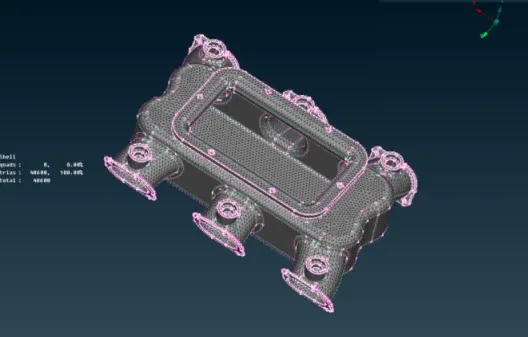
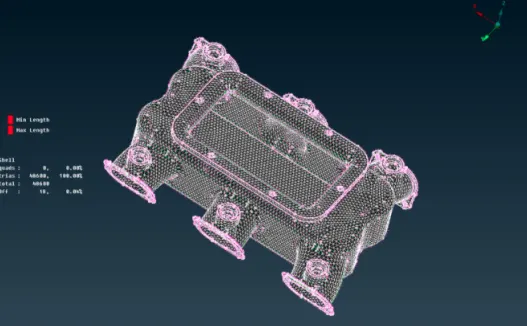
● Then the created mesh Is refined and flung the shell mesh → Improve → reconstruct smooth, reshape tool in mesh module of ANSA.
VOLUME MESH:
• Now, we will provide the solid quality criteria as given in the problem statement.
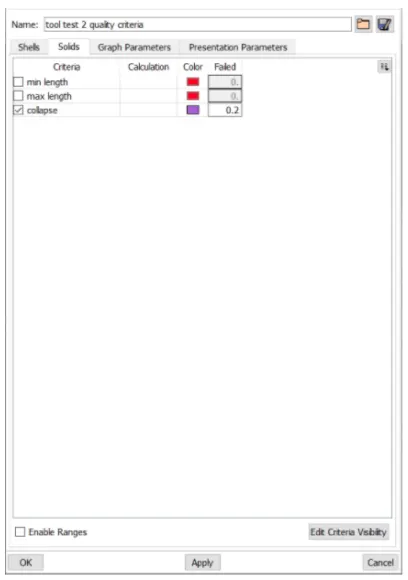
● Then the volume is defined by using the define option in volume mesh module.
● Then the solid property is created.
● Now go to the volumes → list option and right click on the solid property and click remesh option and select the volume type as tetra rapid to obtain the volume mesh.
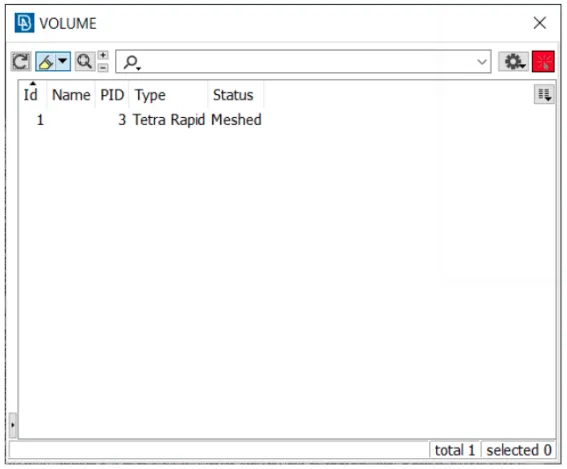
● Once it is done the status on the volume mesh list will show meshed.
● Ensure there are no OFF elements in the quality.
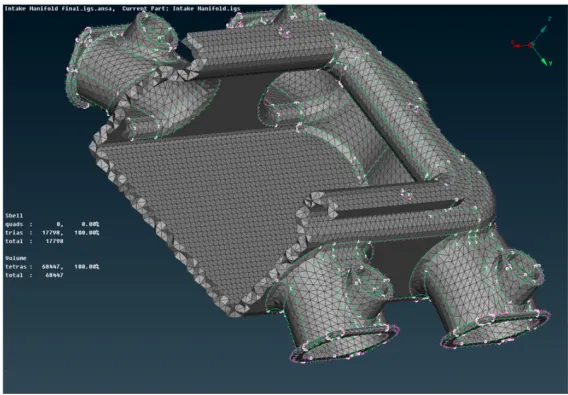
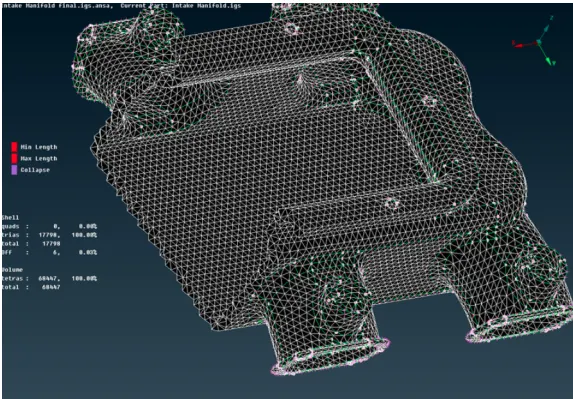
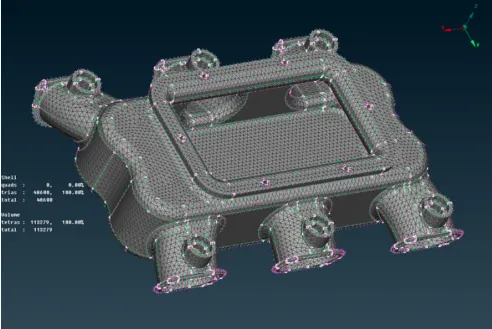
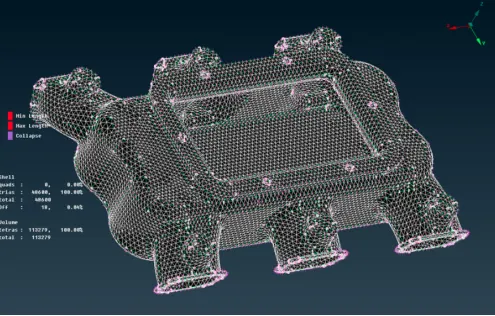
● Then the final model will look like the image as shown below.
CONCLUSION:
Geometry cleanup, 2D meshing and volume meshing of the given Intake Manifold model were successfully done.