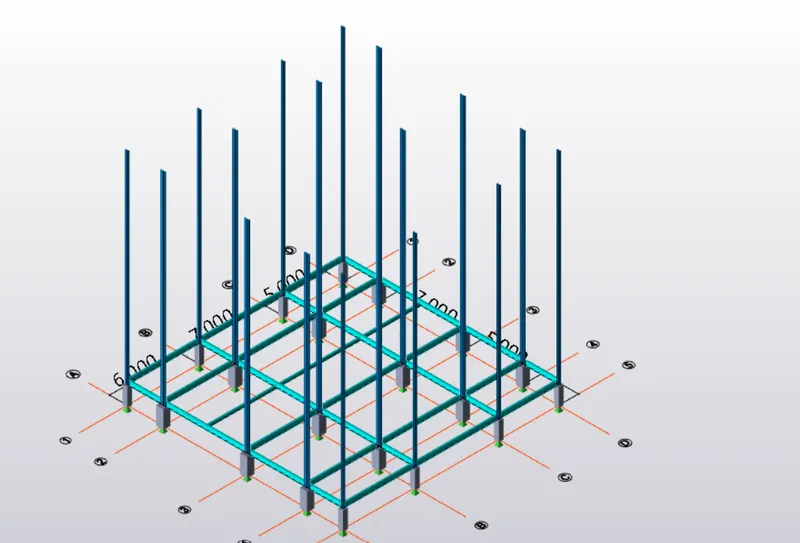
To model columns for industrial steel structure using TSD
1. Aim: Create column properties for different types of pedestal members and model the grids created as per assignment 1.
Procedure:
- Open the Tekla software.
- Now create the levels by using the construction level option.
- Draw the grid lines as per assignment 1.
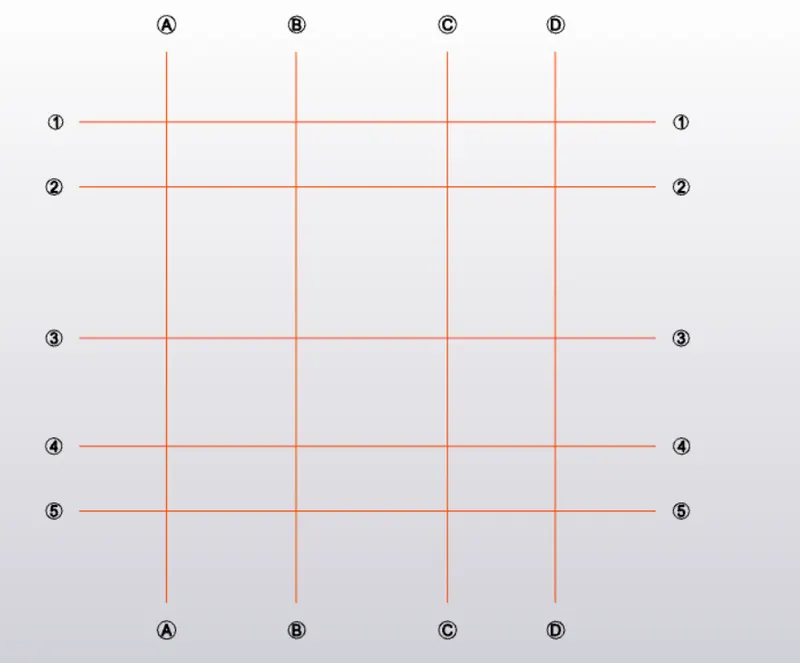
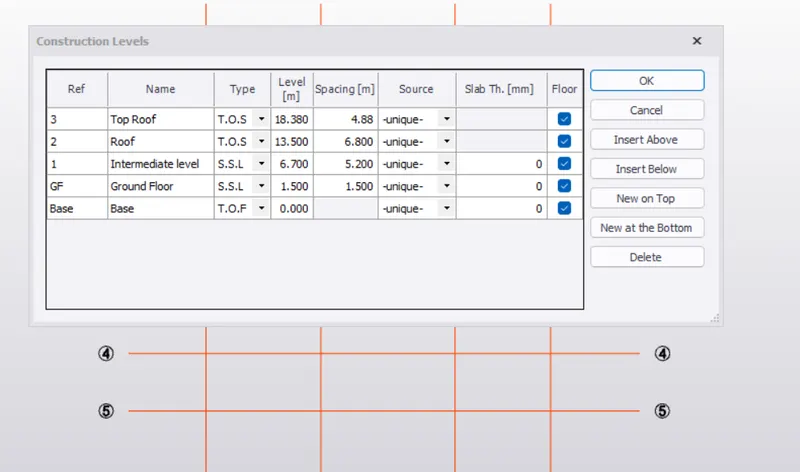
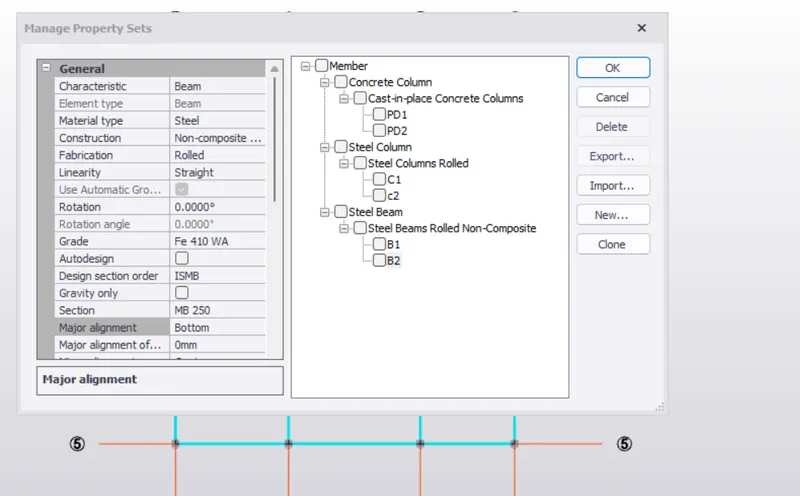
- Go to manage property set and create a concrete column for pedestal
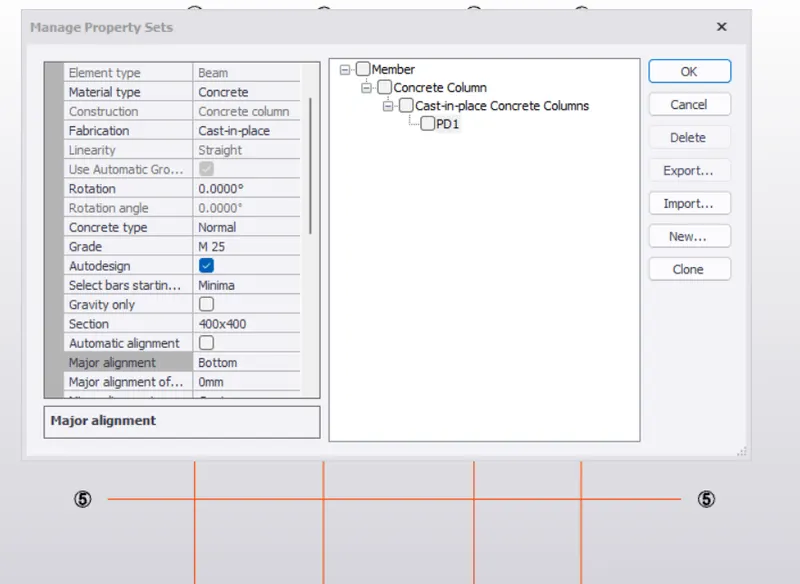
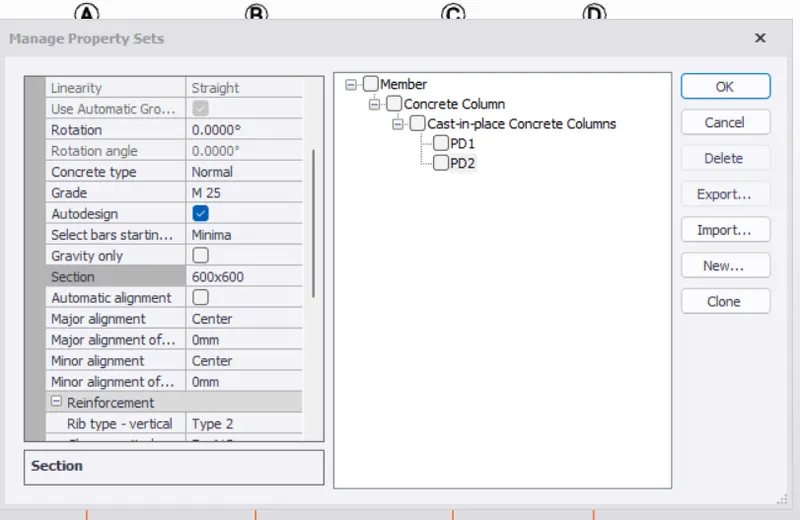
- Give the dimensions between the grid line.
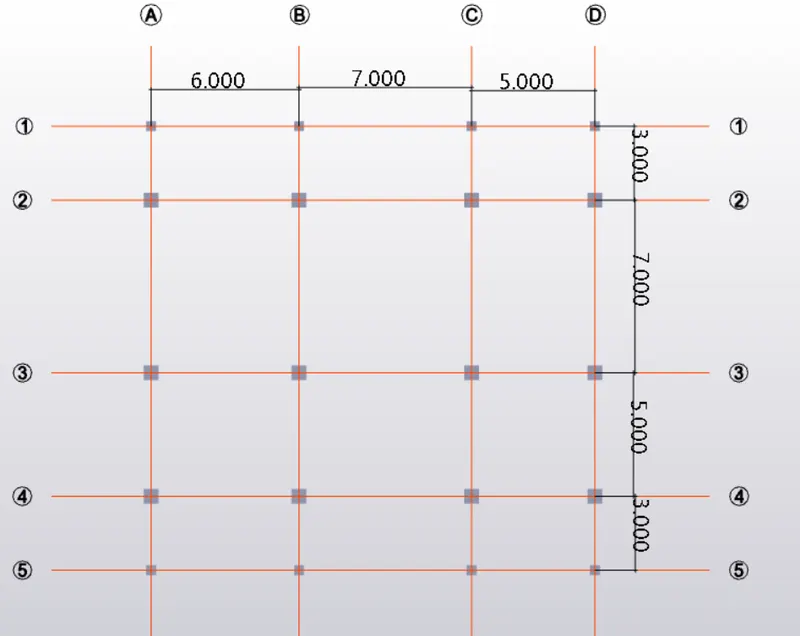
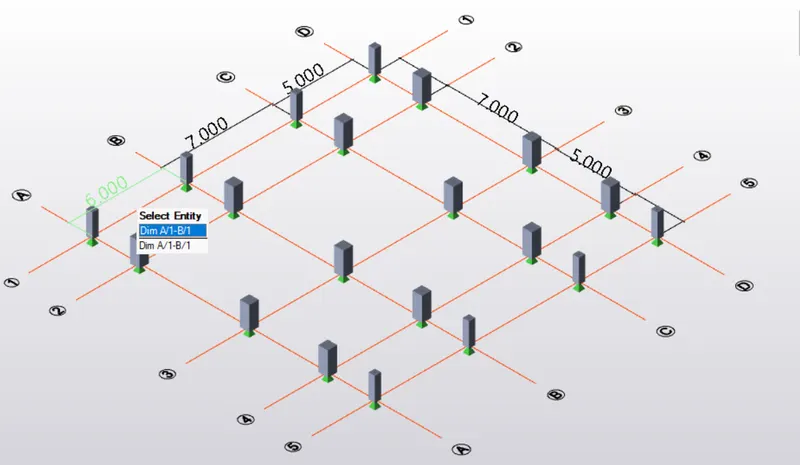
2. Aim: Create column properties for steel columns and model columns in the grid created as per assignment 1.
Procedure:
- Go to manage property set, now create a Steel column
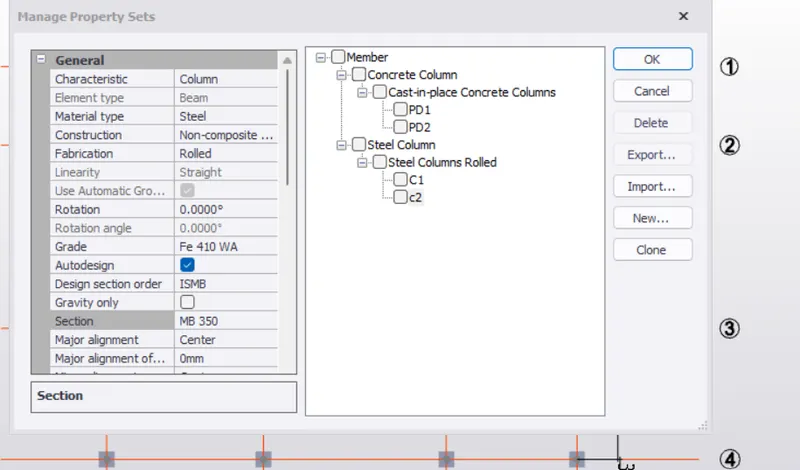
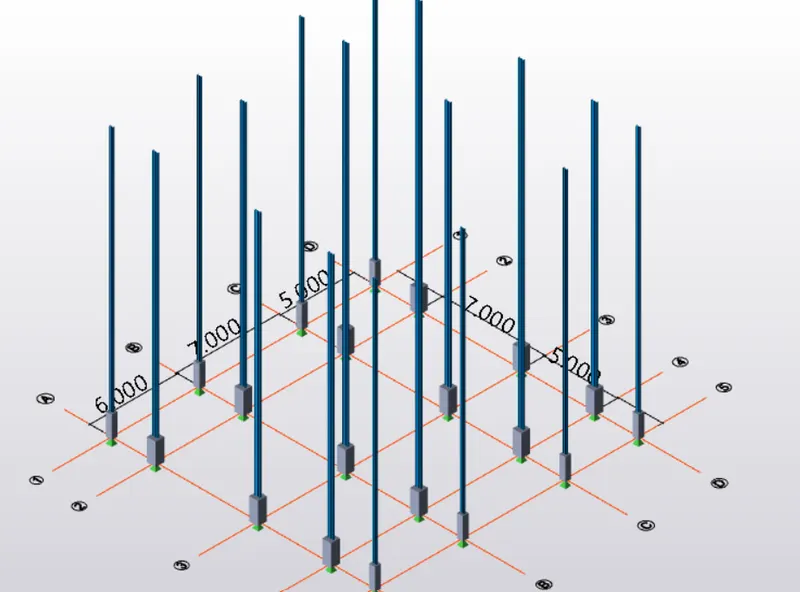
3. Aim: Create beam properties and model primary and secondary beams on the ground floor
Procedure:
- Go to manage property set, now create a Steel beam and add the properties.
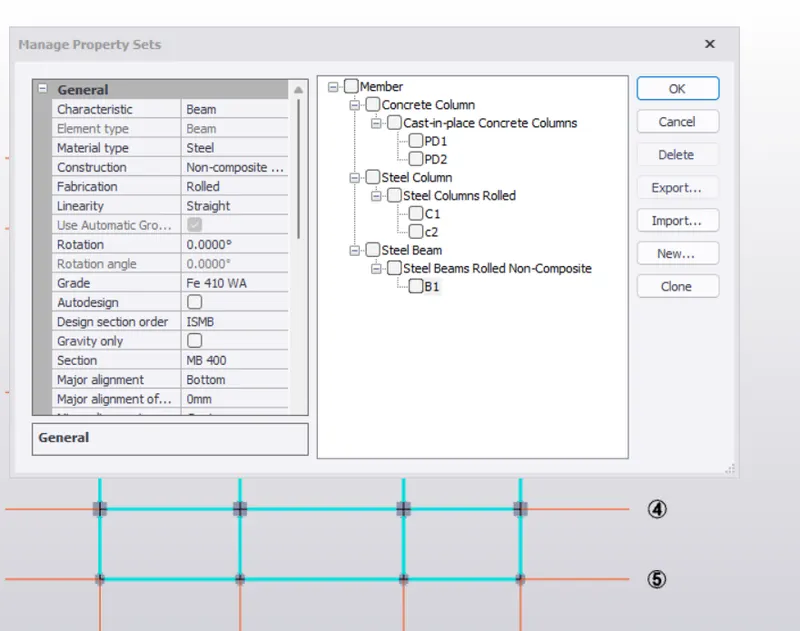
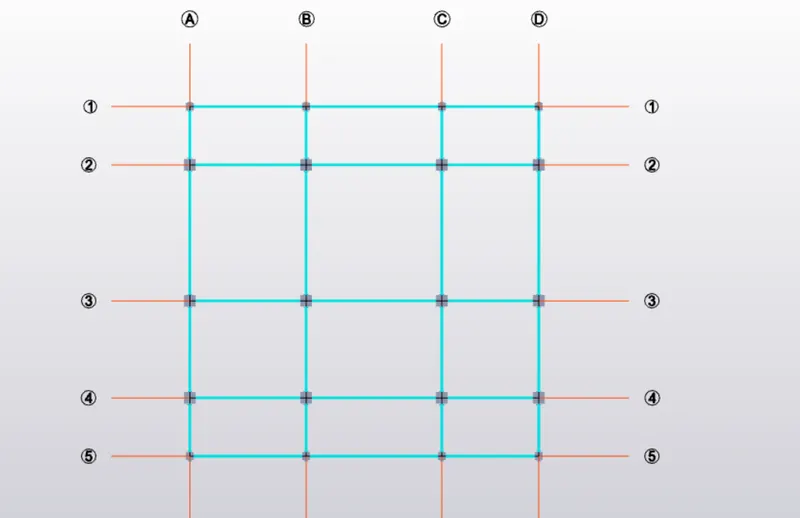
- draw the construction line between the grid 2 and 3
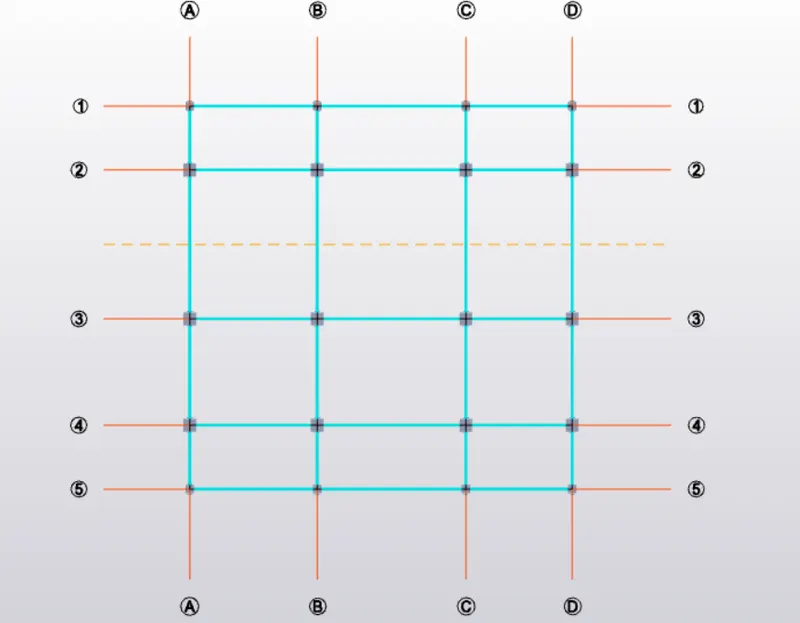
- Go to manage property set, now create a Steel beam
- To draw the secondary beam.
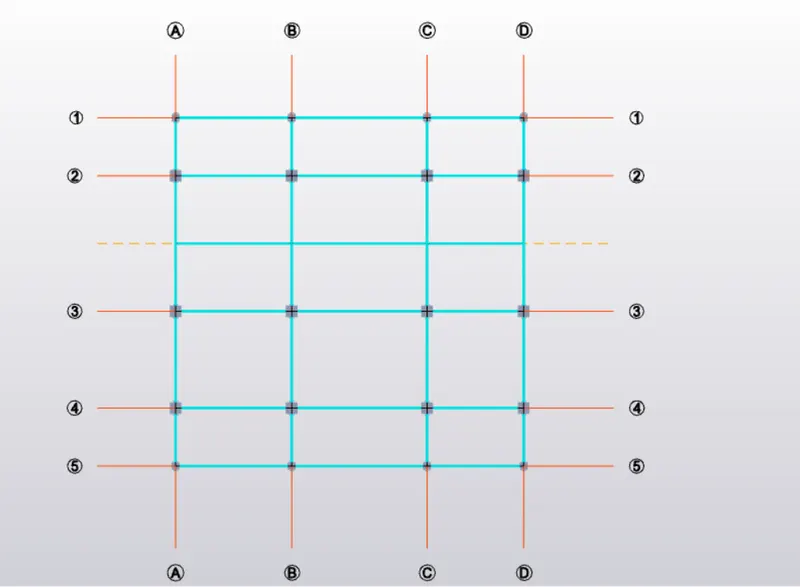
Result: