To Generate seismic loading based on IS code and to run the analysis using TSD
AIM: Generate seismic loading based IS codal provisions and zone II. Any other data you can assume and input accordingly.Run the analysis. Summarize your understanding of the analysis results
Procedure:
- First open the previous model
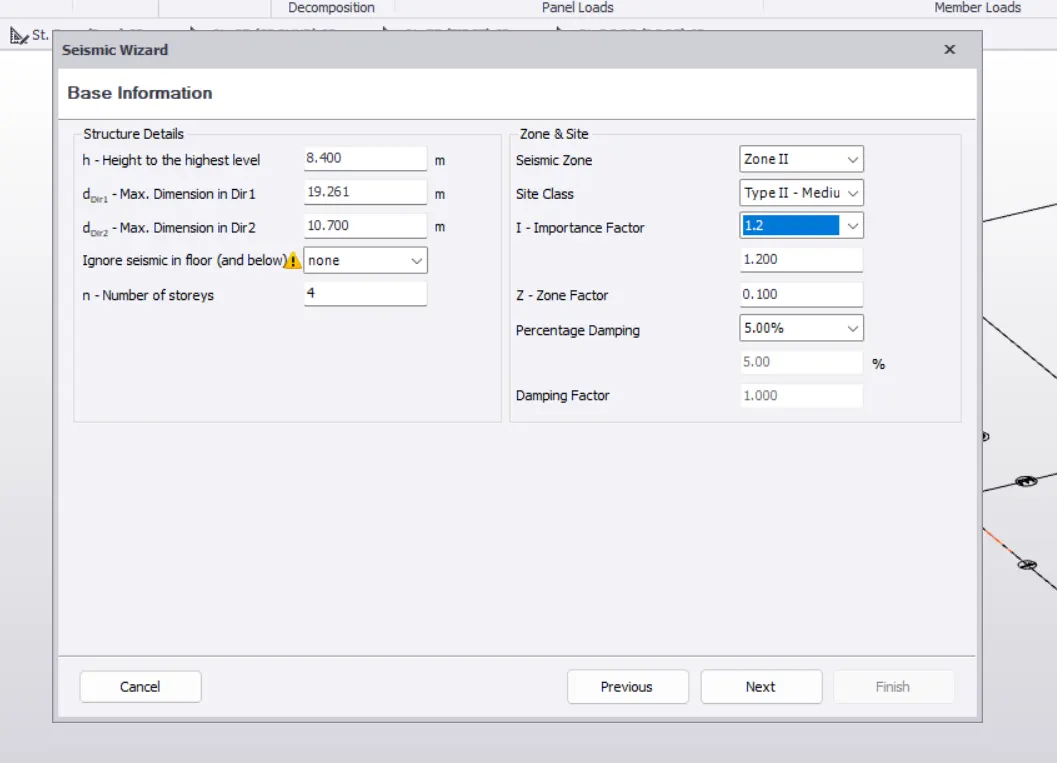
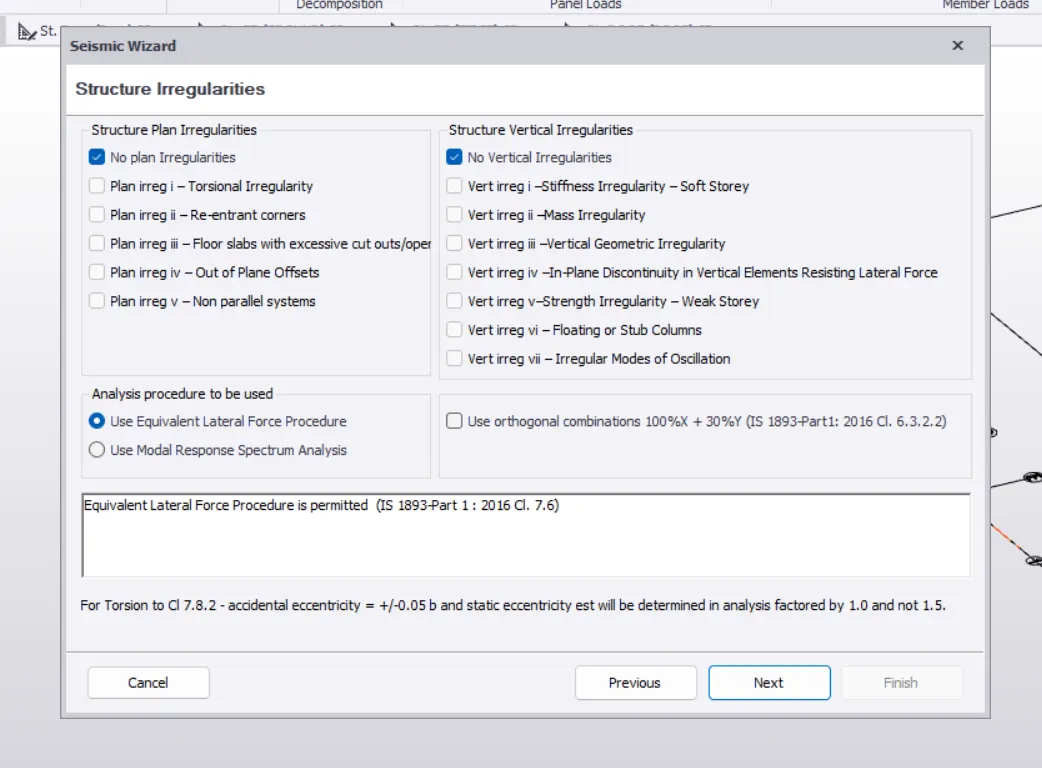
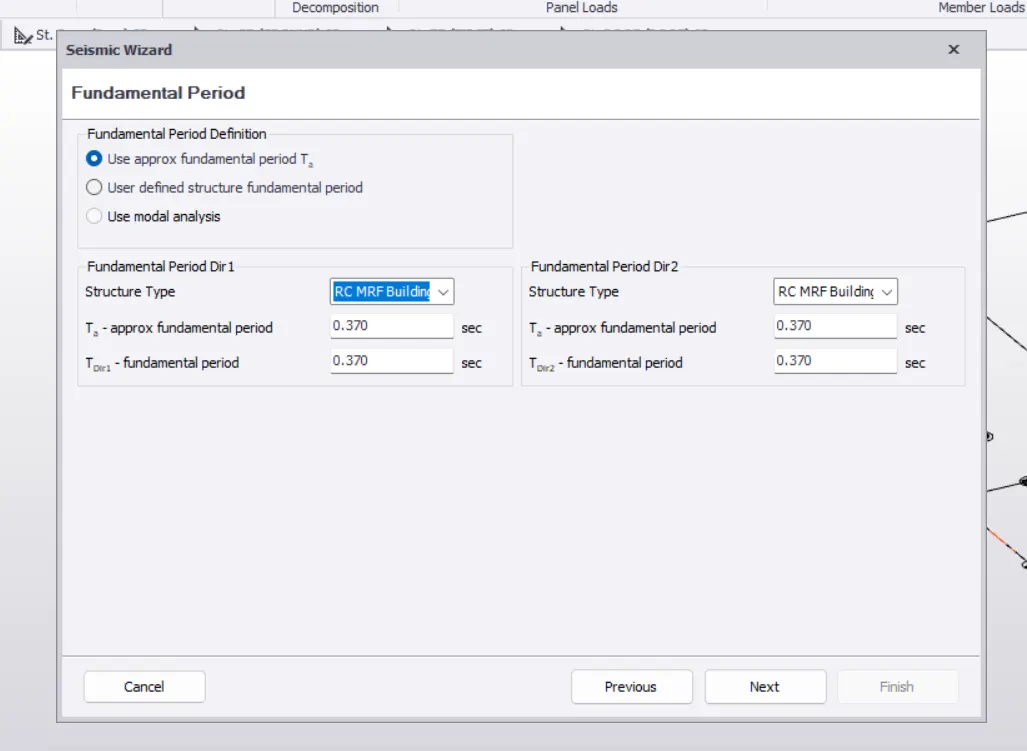
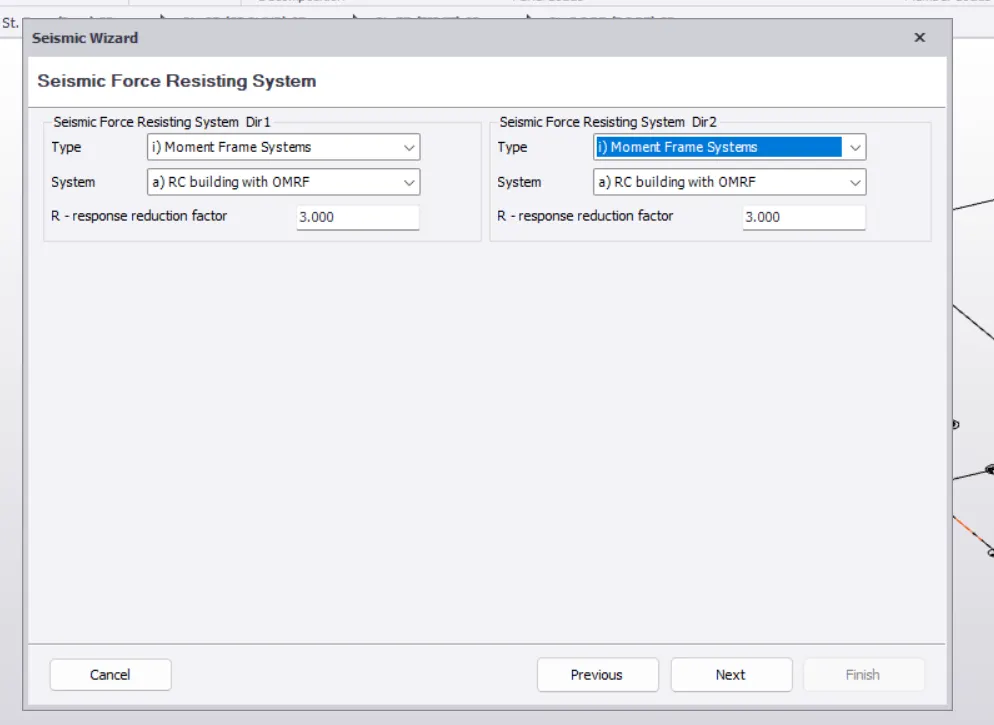
- Go to load tab and select the sesmic wizard option.
- Enter the data
- Analyze the model through the seismic forces.
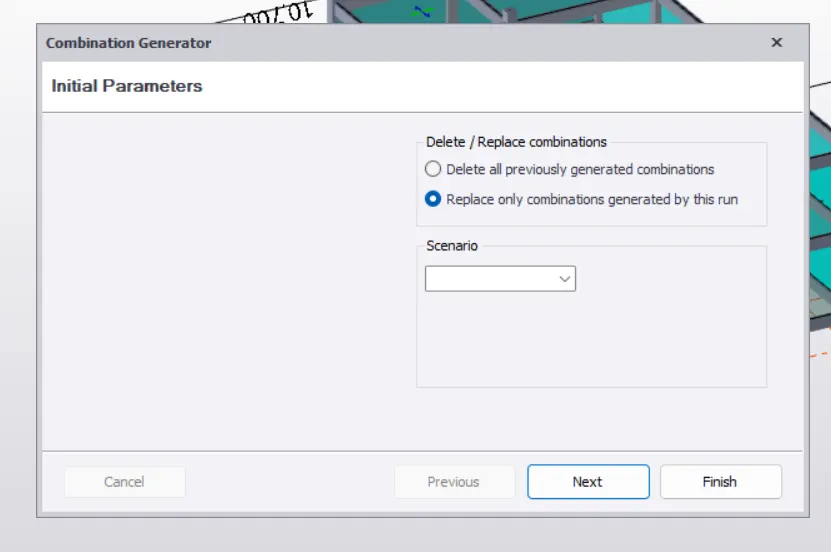
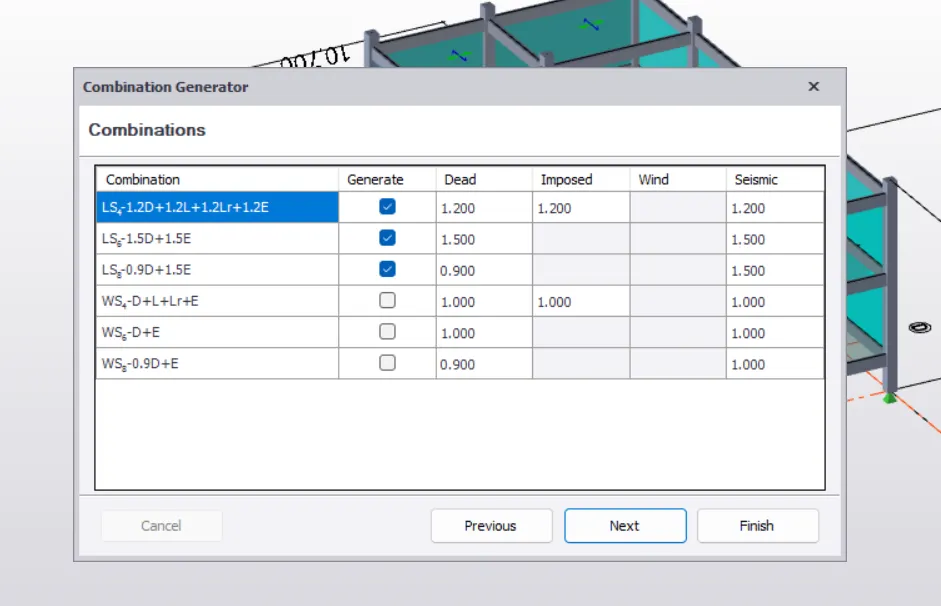
- After that select load combinations go to analyze tab select 1st order and selct the loads.click ok .
- The analysis will be done after click ok.
- We can check the results at the results tab.
2. In result view mode,
AXIAL FORCE:
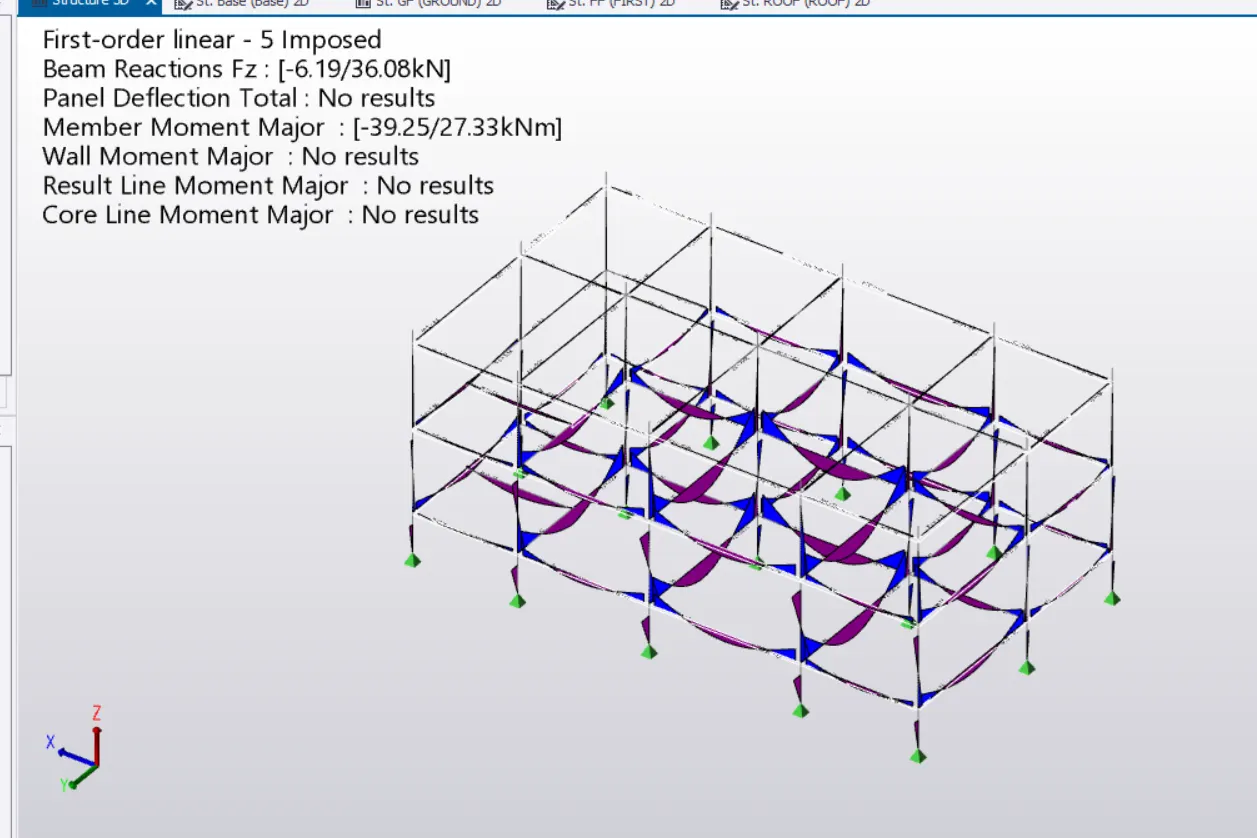
BENDING MOMENT :
- bending moment of the beams and columns are minimum,hence ok.
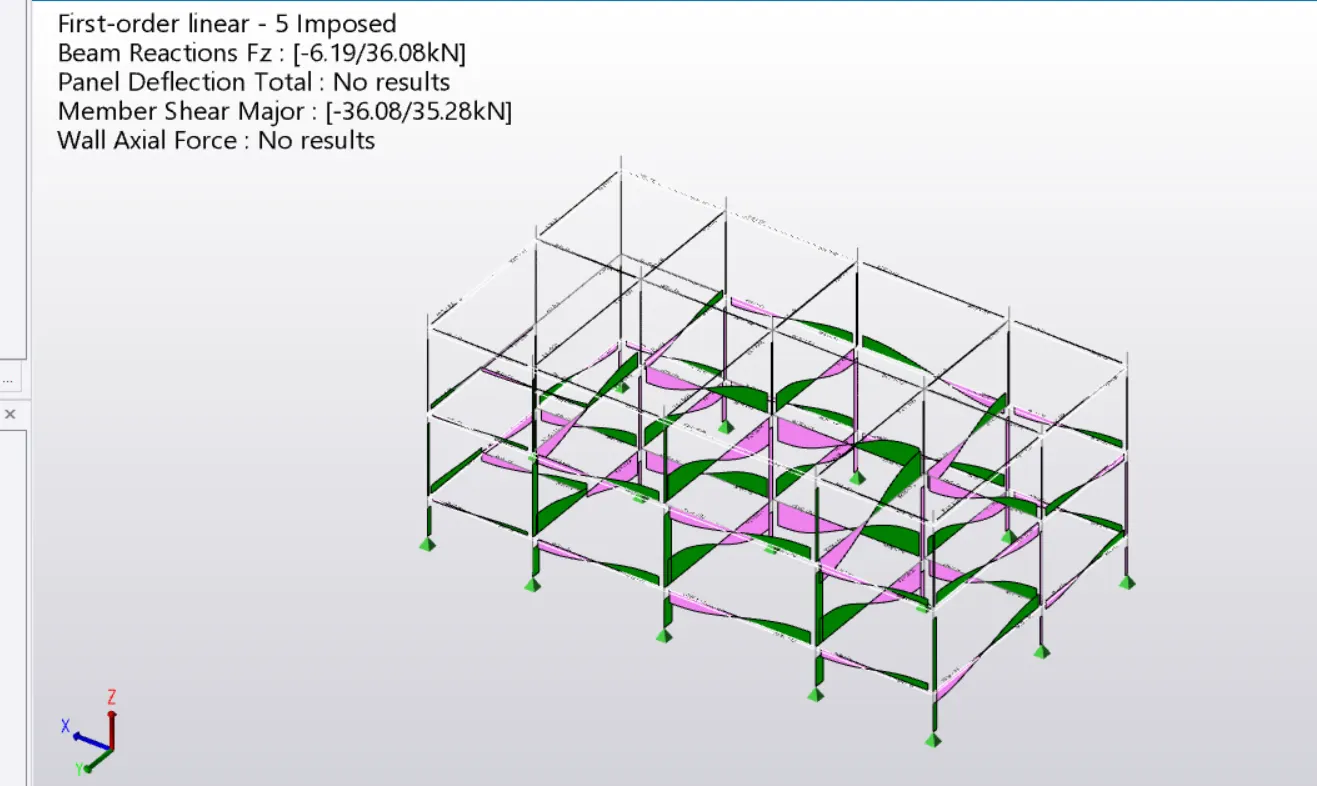
SHEAR FORCE :
- shear force of the column is same as equal,hence ok.
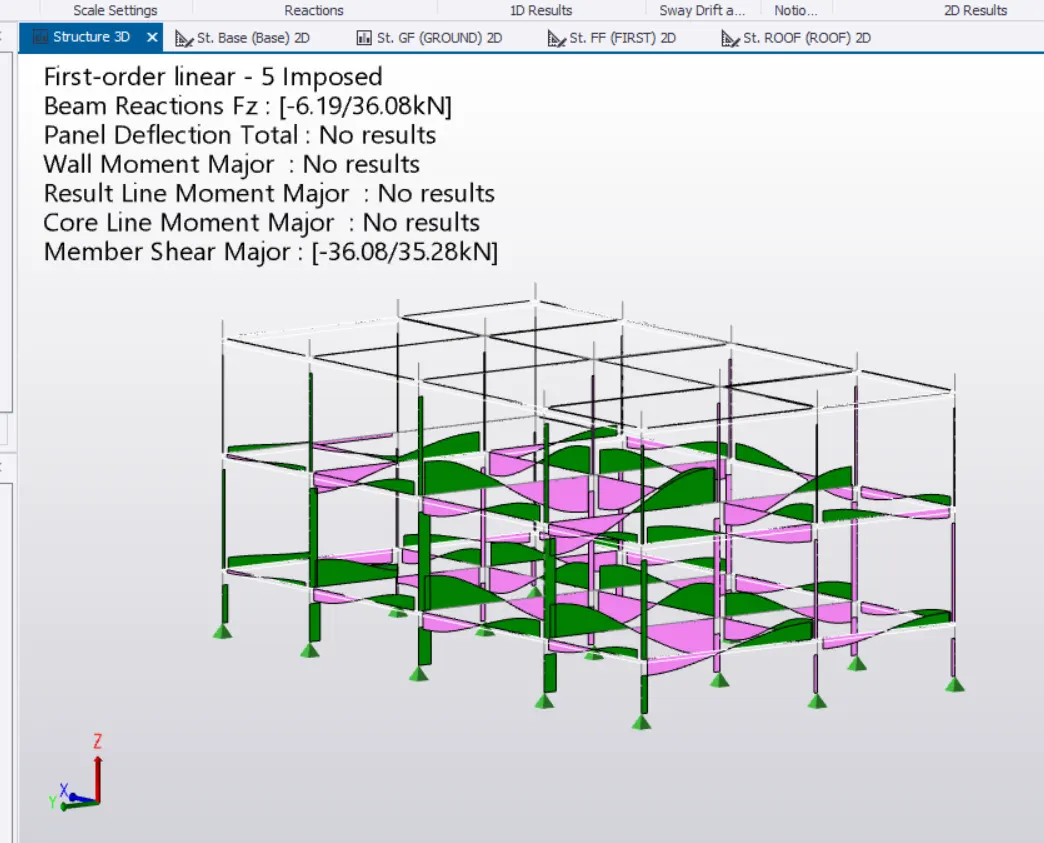
RESULTS :
- THE SEISMIC LOADING WAS GENERATED AND THE ANALYSIS ALSO DONE BY THE TEKLS SOFTWARE.
- SUMMURISED THE POINTS THAT I UNDERSTOOD ON ABOVE .