To Generate report for Steel Industrial and RC structures using TSD
QUESTION 1
AIM
To generate a report for the steel building design
PROCEDURE
- Open the saved Tekla model
- Now go to the report option for the Ribbon and select model report
- Now select the load cases and combinations summary to obtain a report
- Click on the show report to obtain the report
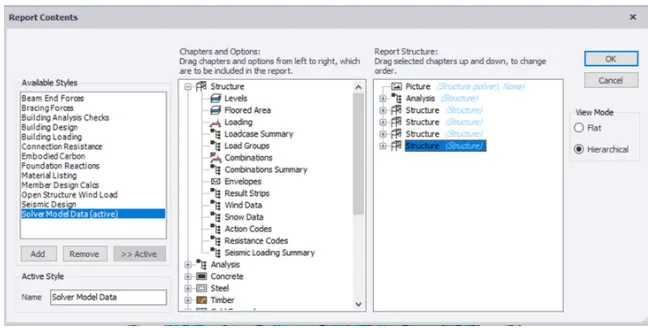

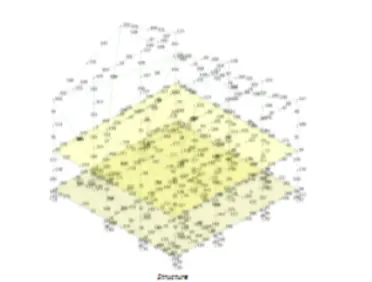
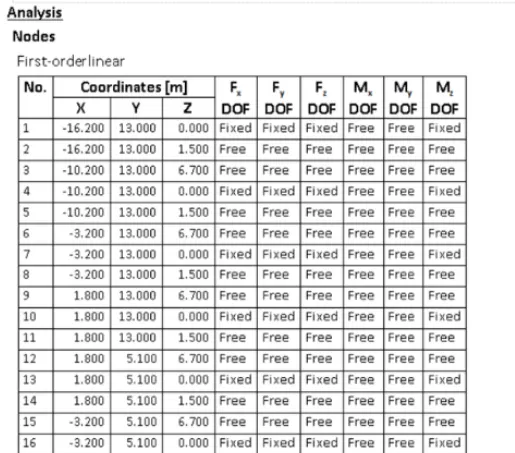
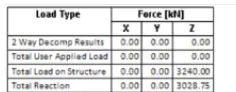
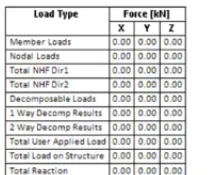
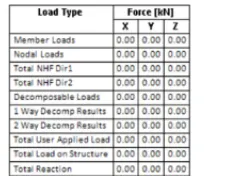
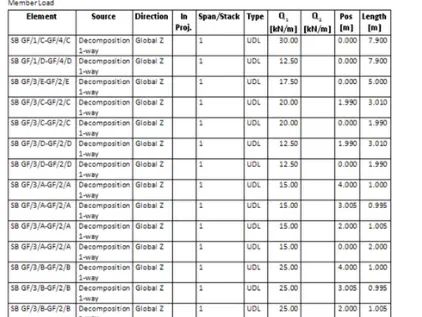
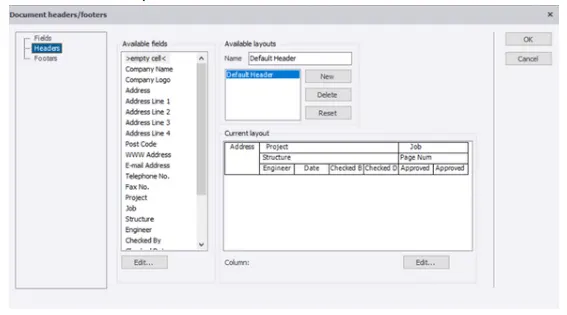
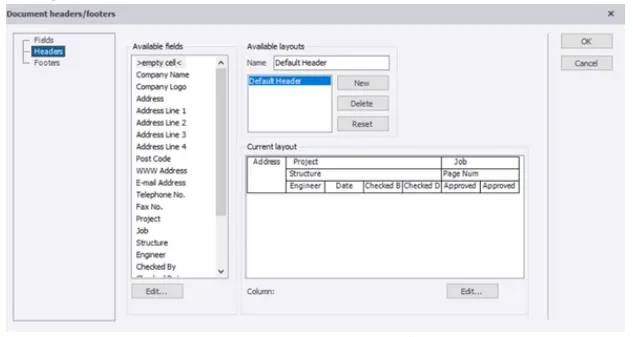
- We can change the project name, address, etc, with the help of the edit header option
RESULT
With this objective is completed
QUESTION 2
AIM
To generate the report for RC structure along with loading summary
PROCEDURE
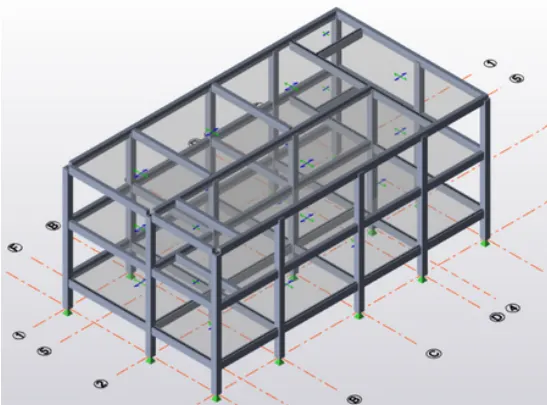
- Open the previous saved Tekla model
- Now go to the report option from the ribbon and select model report
- Now select load cases and combinations summary to obtain a report
- Now click on the show report option to obtain the report
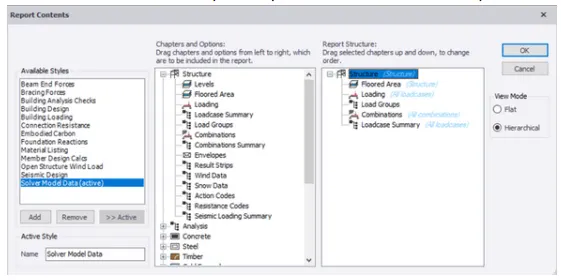

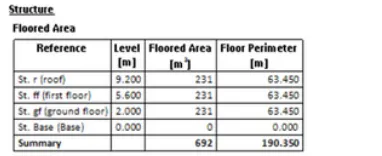
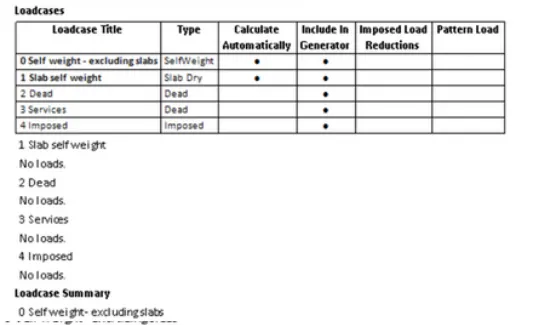
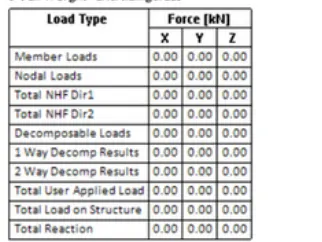
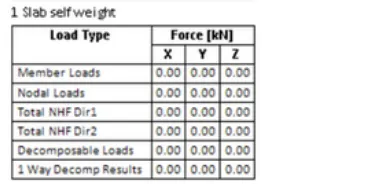
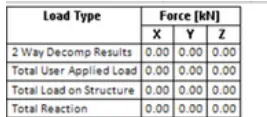
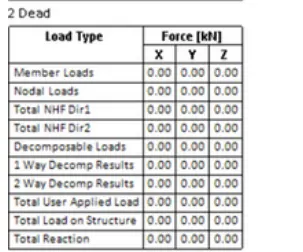
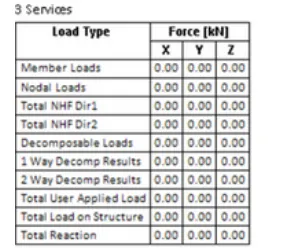
- we can make changes in the settings, project name, type, etc, using the edit header
- We can convert those reports to PDF, word format, etc
RESULT
Objective is completed
QUESTION 3
AIM
To update the layers set in the model and generate plan drawings and details from the model
PROCEDURE
- Go to the setting option from the ribbon
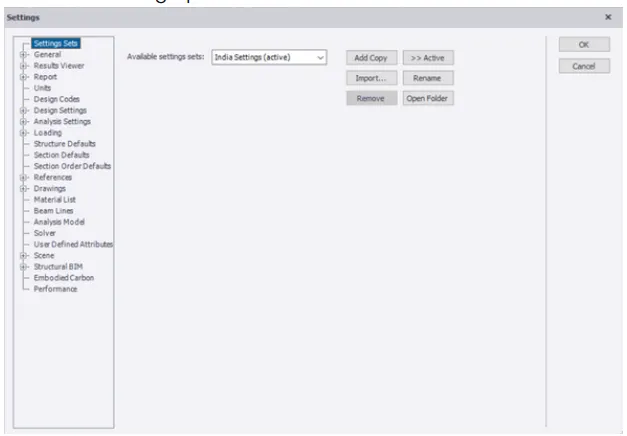
- Now select the drawing option and adjust the scale and sub-layer configuration
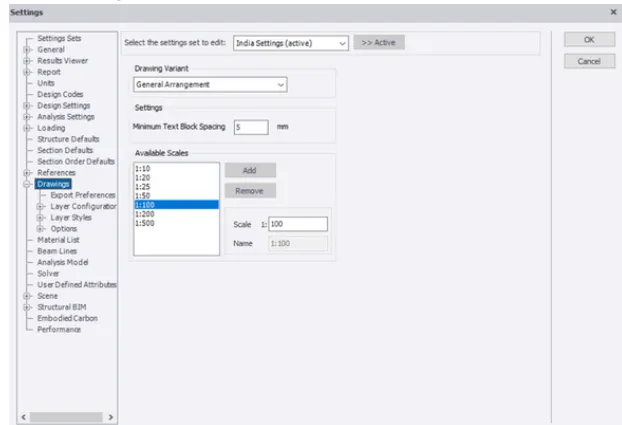
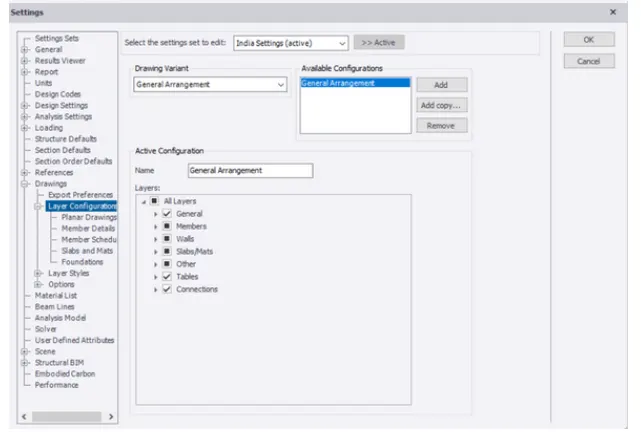
- Now we have to select the layer style and we will get the list of colors of different members of the model, which is our choice
- Click on a color and then select the desired color for our desired member
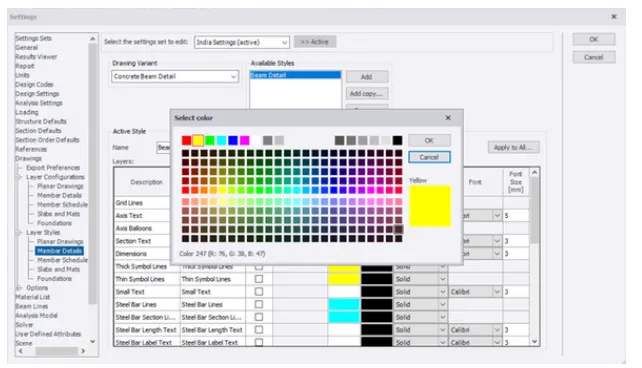
- Thus, we can make changes to layer settings
RESULT
Thus objective is completed