To Generate report for Steel Industrial and RC structures using TSD
1. Generate report for the steel building design from challenges 1 – 6 along with the loading summary.
Aim - To generate report for steel building design with loading summary.
Tools Used - Open, Model Report, Building Loading, Loadcase Summary, Show Report.
Procedure -
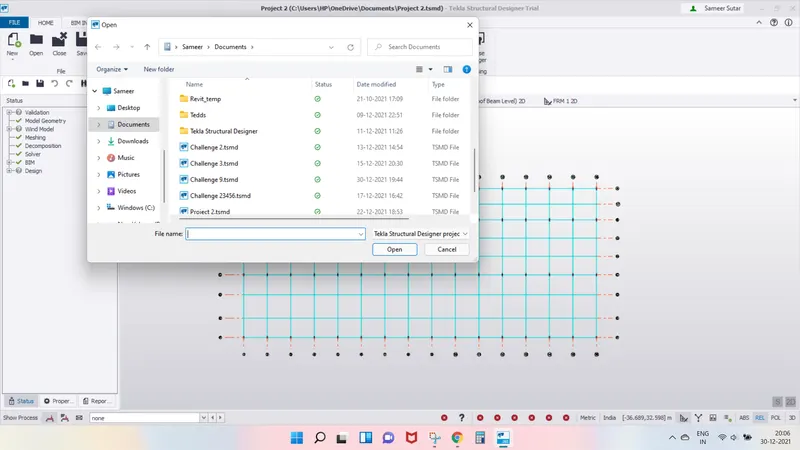
Open the steel structure and click on model report.
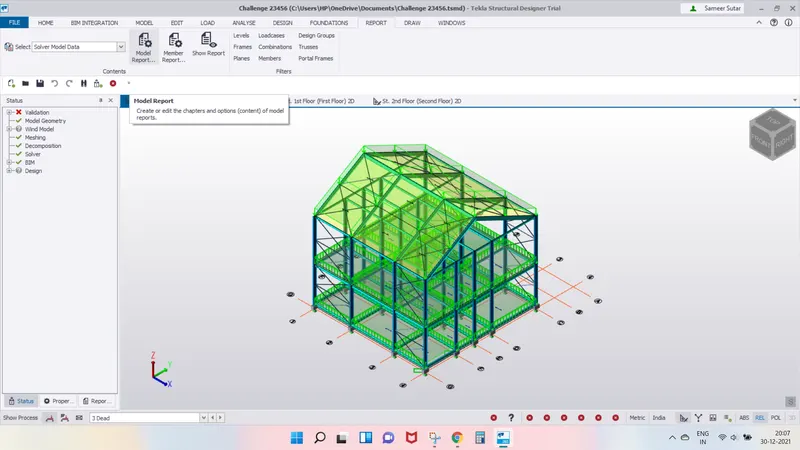
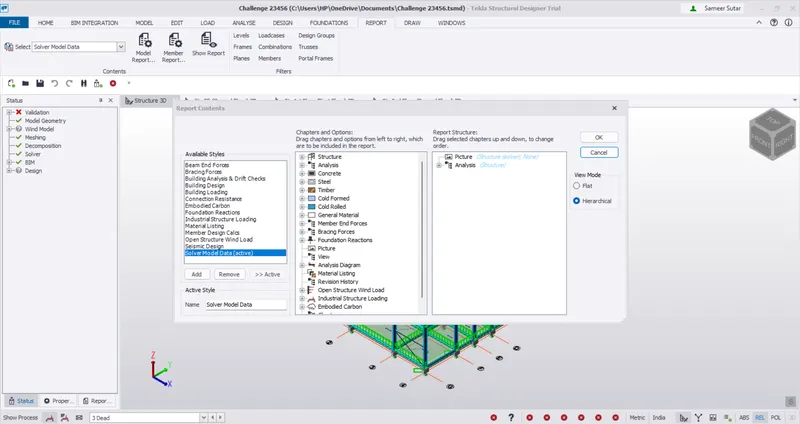
Click on building loading in available styeles tab in left of report contents dialogue box.
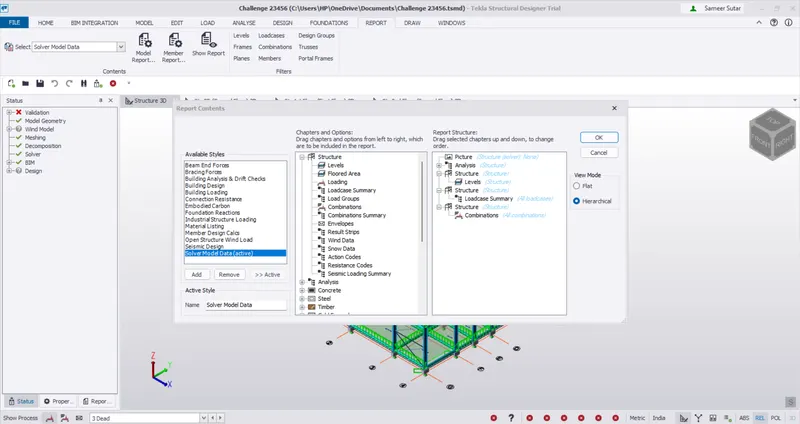
Click on structure and drah the loadcase summary and drag it into the contents and click ok.
Click on show reports in Report Tab to generate reports.
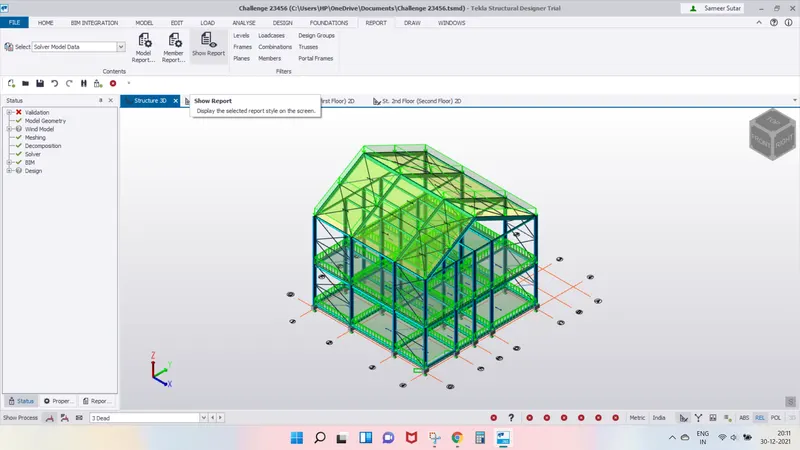
Results -
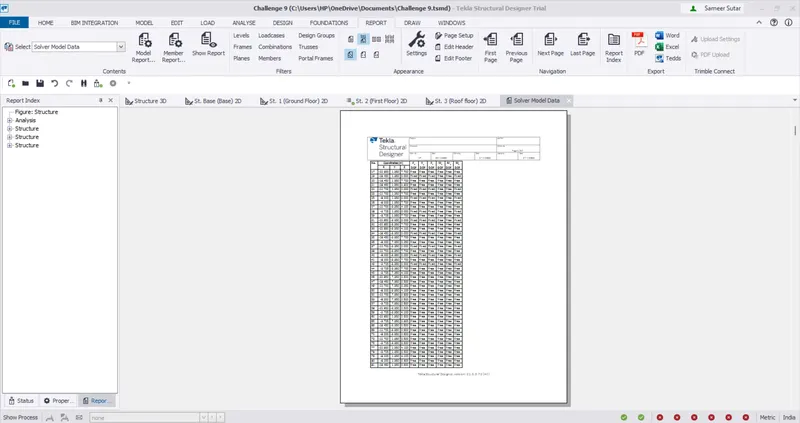
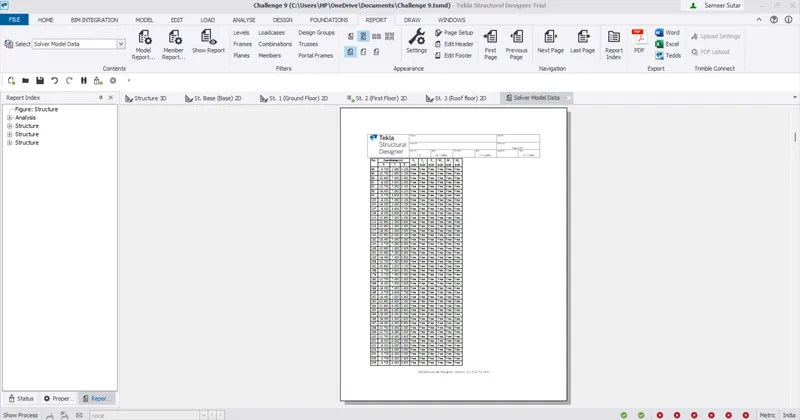
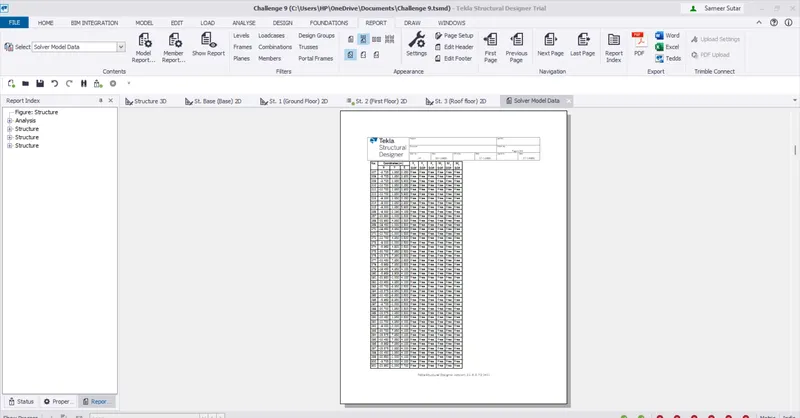
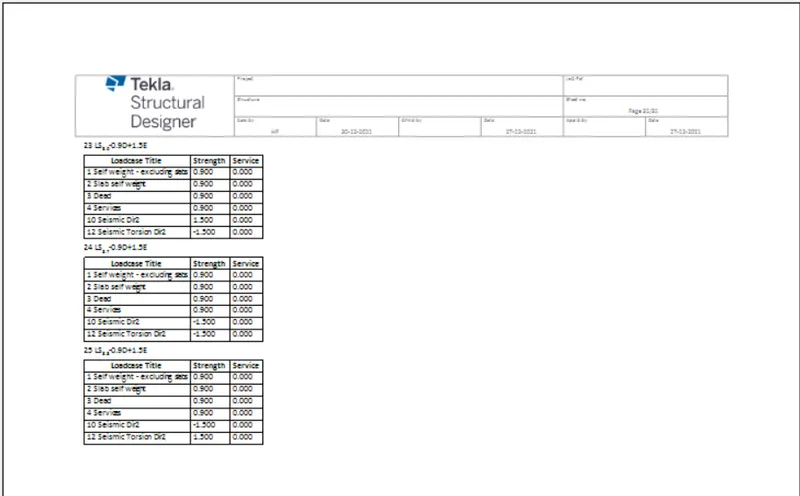
The following reports are generated.
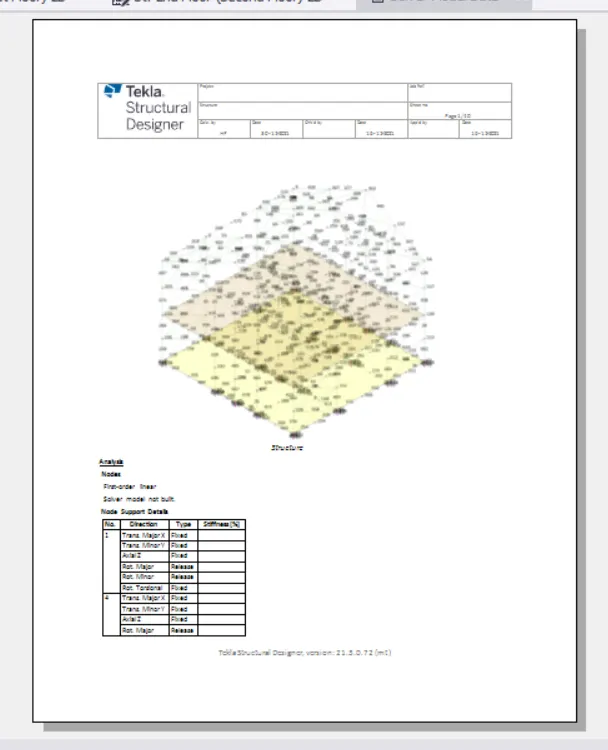
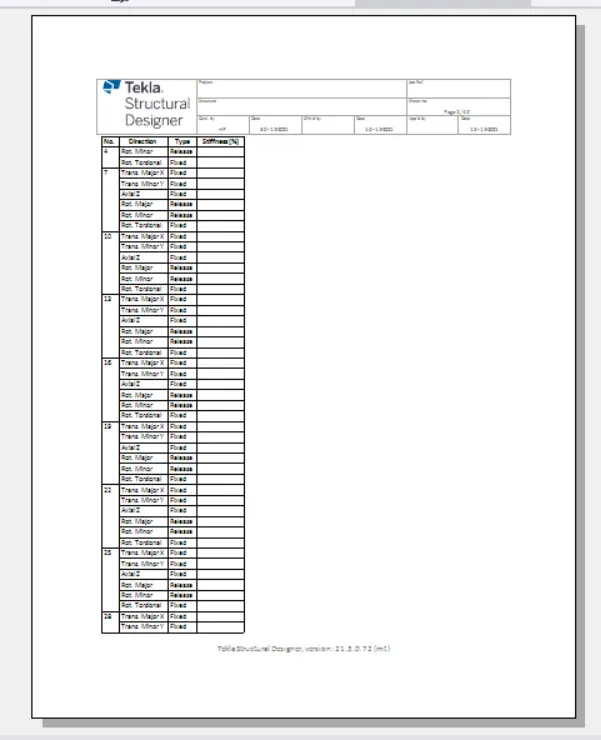
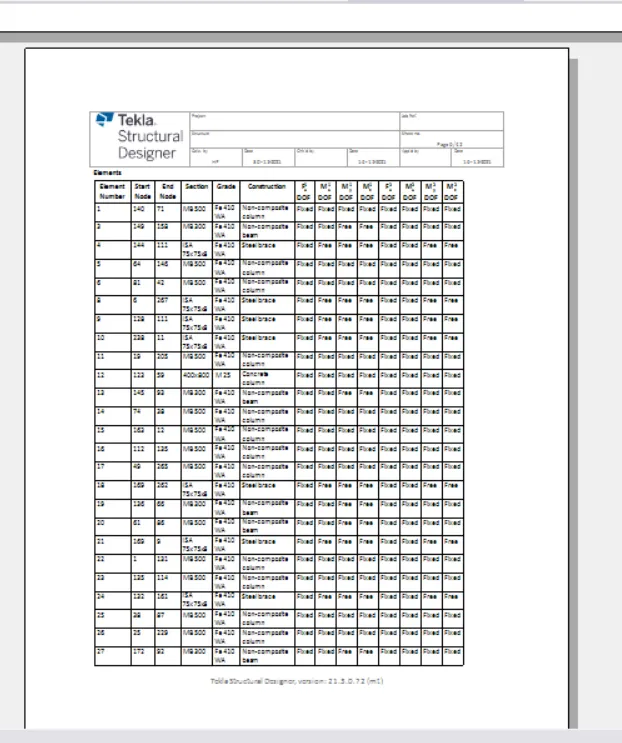
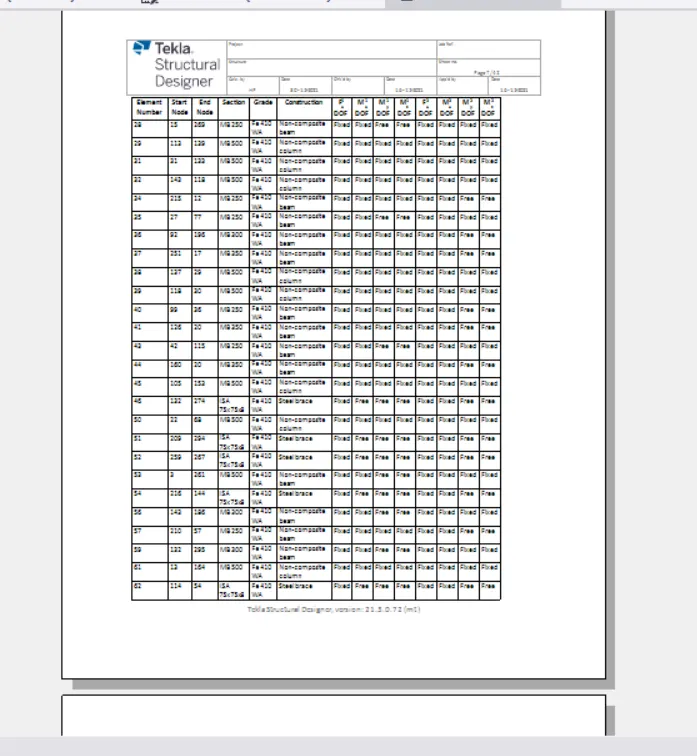
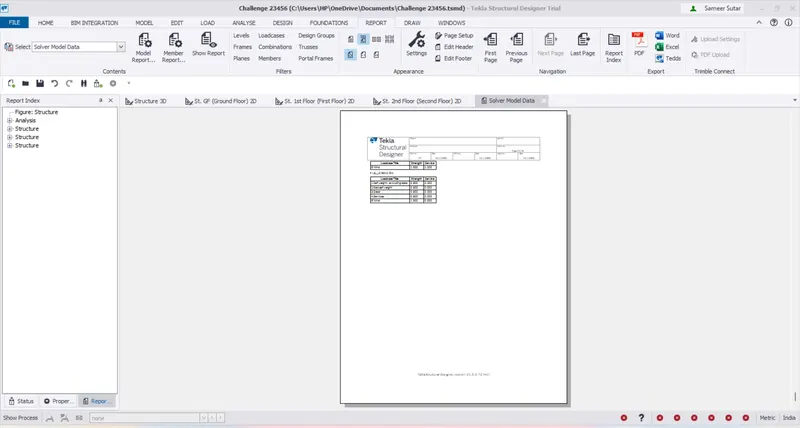
2. Generate report for RC structure along with the loading summary.
Aim - Generate report for RC structure along with the loading summary.
Tools Used - Open , Model report, Building Loading, Loadcase Summary, Show Report.
Procedure -
Open the RC structure and click on Model Report.
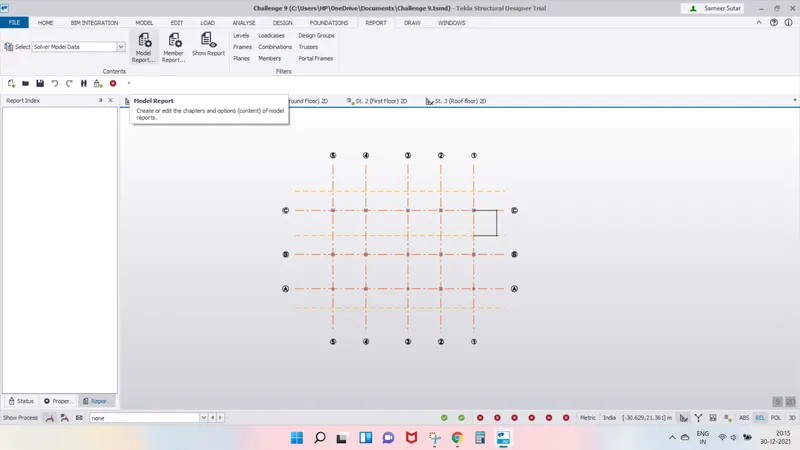
Click on Building loading in available styles tab in left of report contents dialogue box.
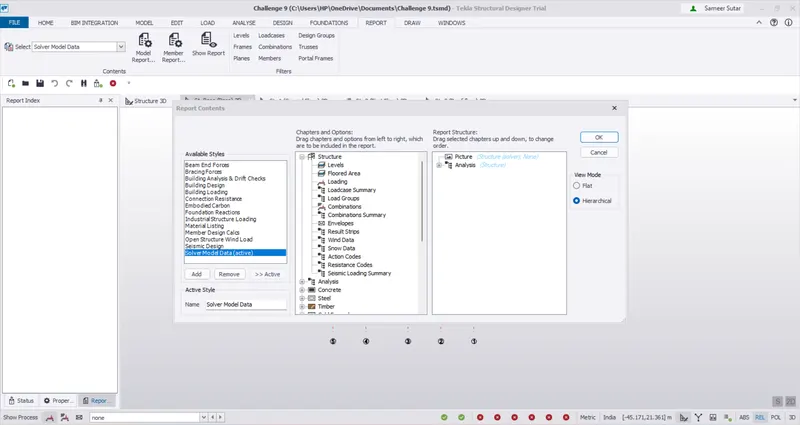
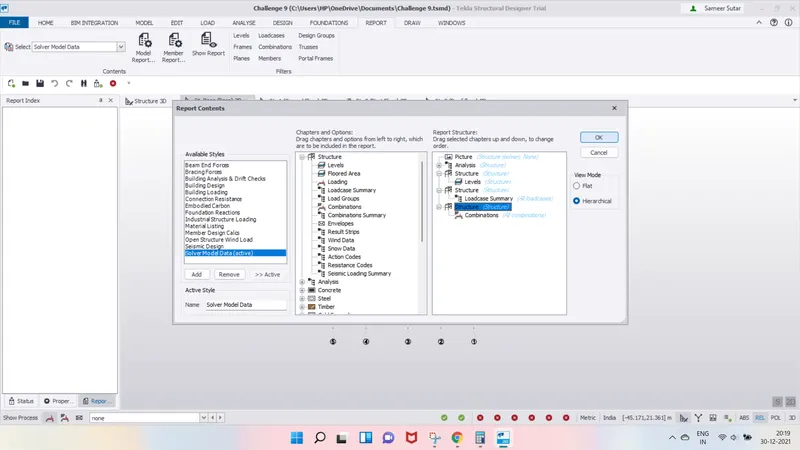
Click on structure and drg the loadcase summary and drag it into the contents.
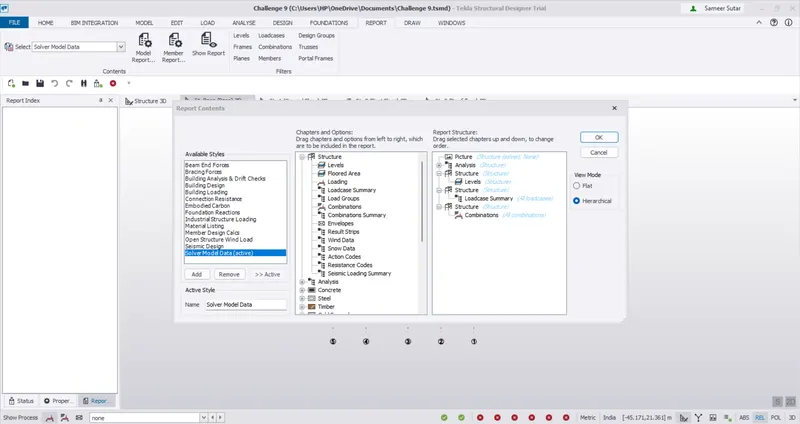
Review all the contents and click ok.
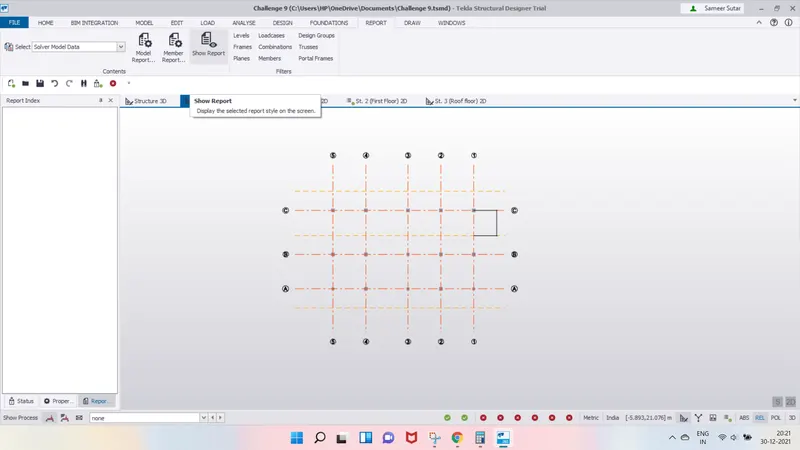
Click on show reports in report tab to generate reports.
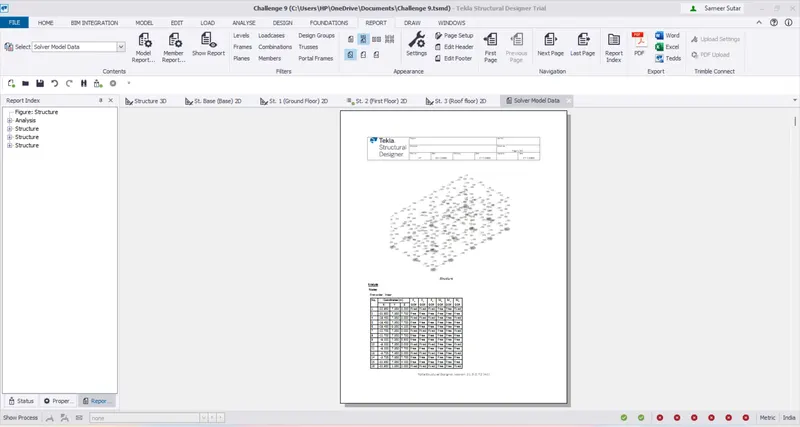
Results -
The reports are generated successfully.
3. Update the layers settings in the model and generate plan drawings and details from the model
Aim - To Update the layers settings in the model and generate plan drawings and details from the model.
Tools Used - Draw tab, Setting, Layer Styles, Colour.
Procedure -
Click on setting in draw tab.
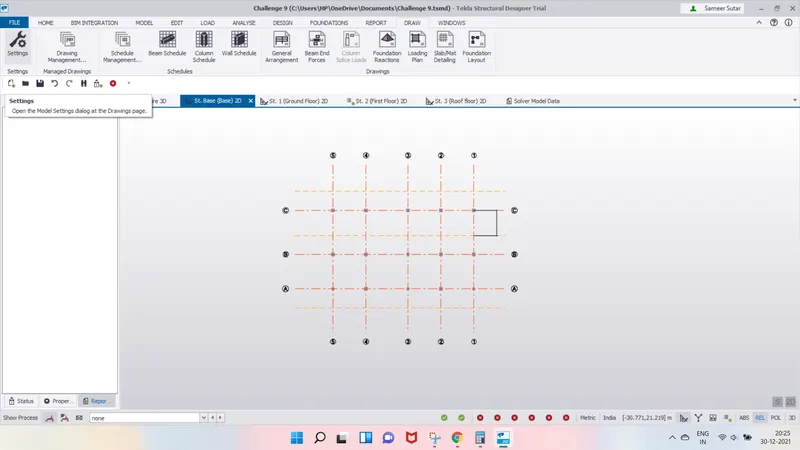
In the tab that appears, click on layers styles in the drawings.
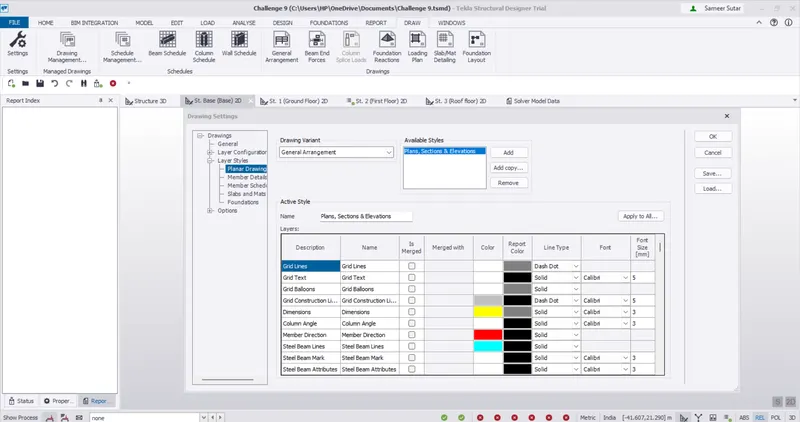
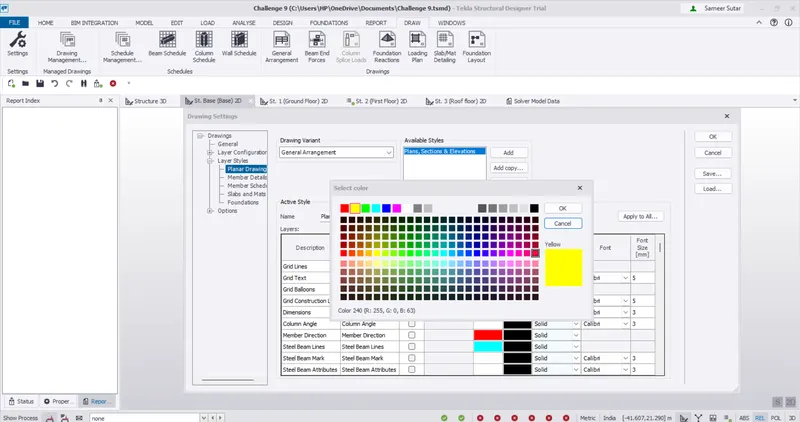
Click on the colour and select the colour as you require and click OK.
Again click ok after creating the layers for all the lines, member of TSD.
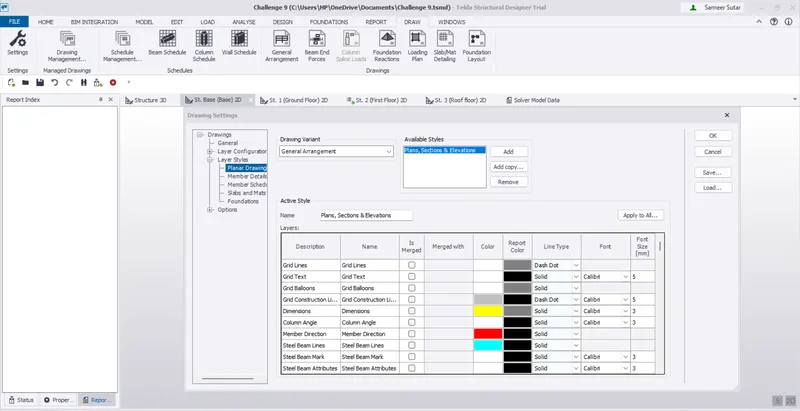
Results -
The layers are successfully created.