To Design slab and foundation for an RC residential building using TSD
AIM
To design the slab and foundation of the model
PROCEDURE
- Open the saved Tekla model
- Generate the same load combinations again
DESIGN OF SLAB
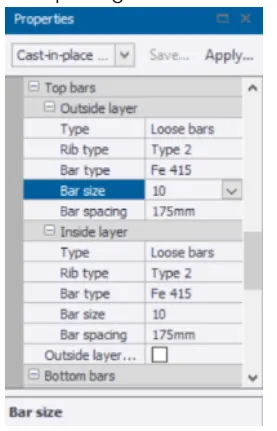
- Click any one slab and change its properties like rib type, bar type spacing, and bar size
- Now right-click on any one slab and select the design member
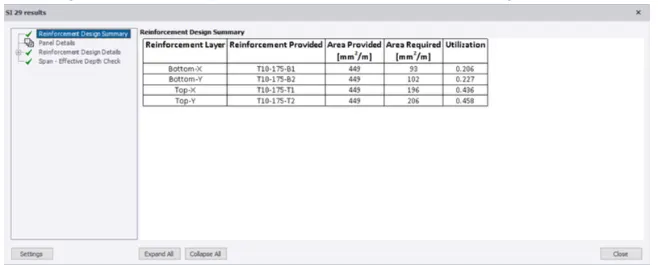
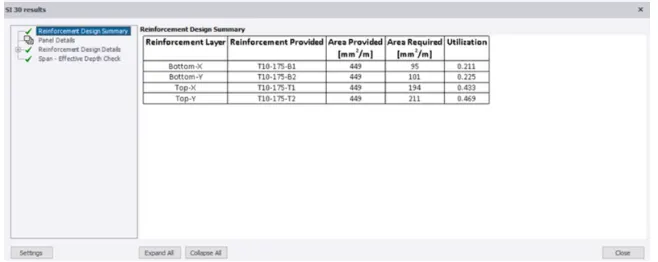
- If the member shows an error, they correct it according to the failure
- If the member passes, it will show green, then proceed with the design
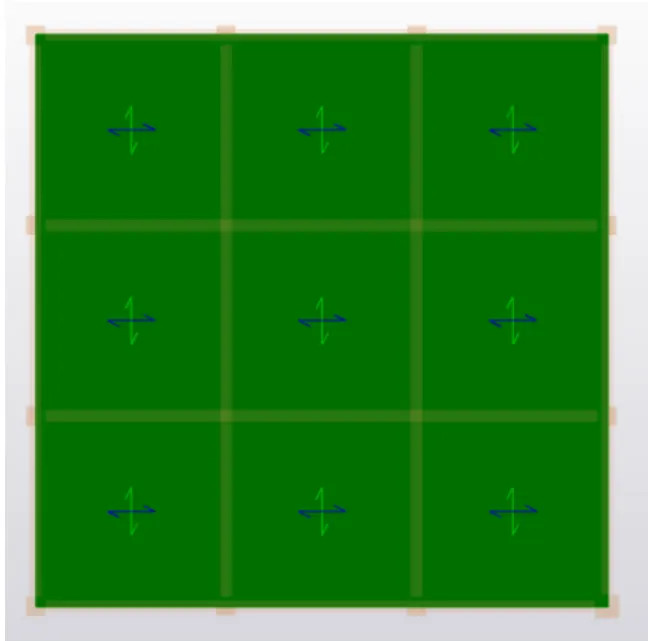
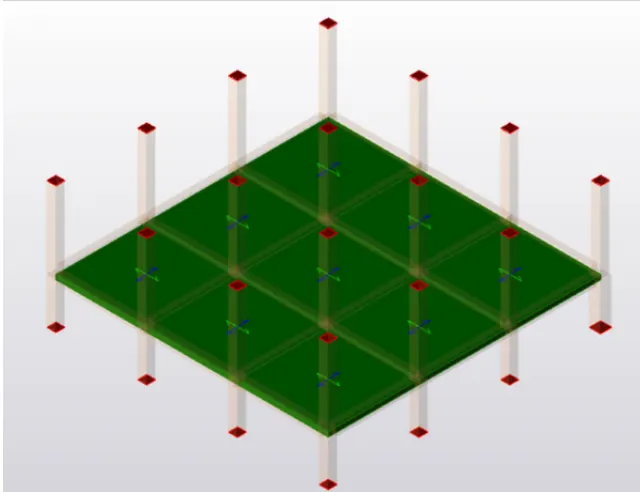
- Now repeat this procedure for all the slabs and click on the review
Designing of foundation
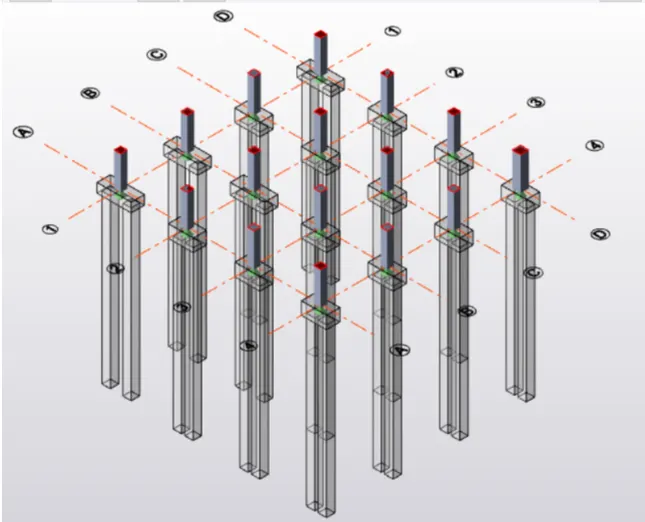
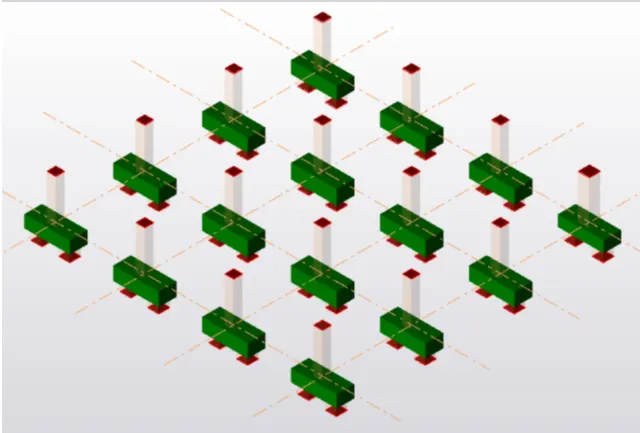
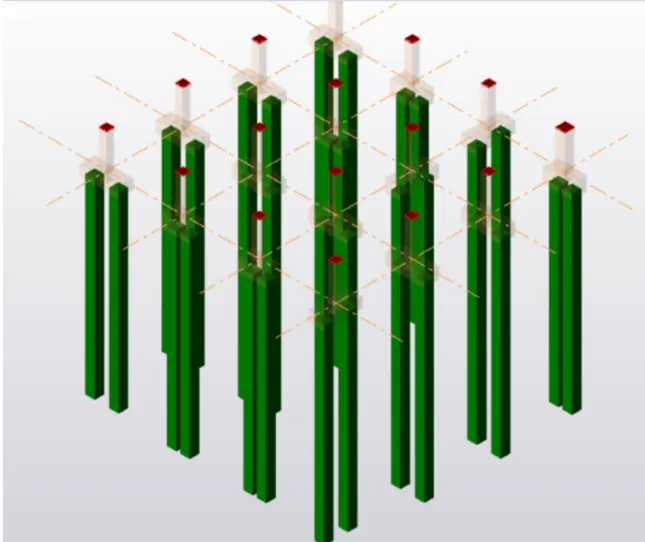
- A Pile foundation is used
- Go to the settings and make changes in settings for the foundation like for the reinforcement, foundation size, general parameters, etc
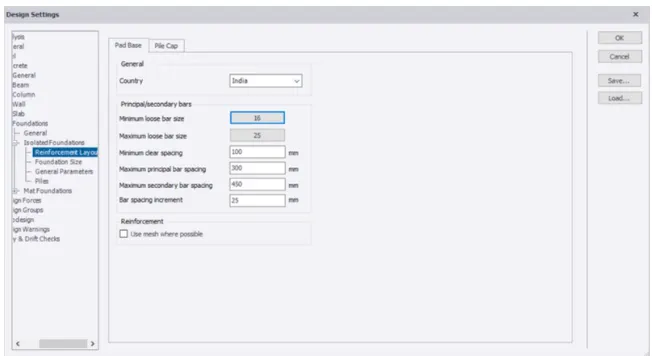
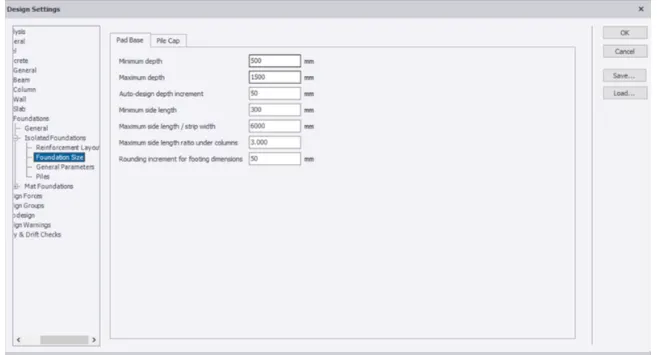
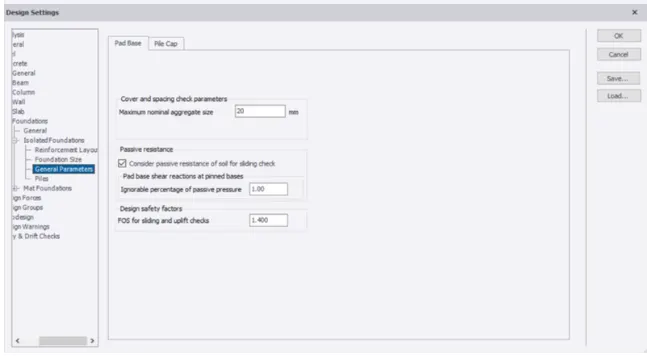
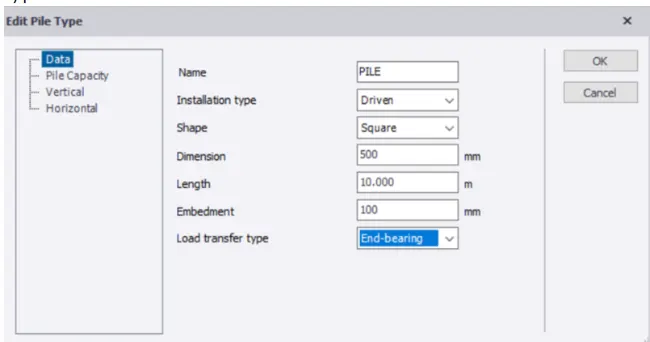
- Now we have to edit the pile type, shape, and the load transfer type
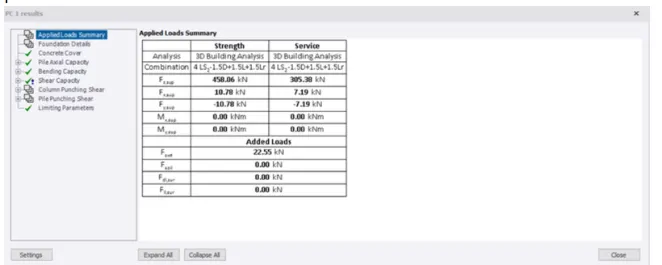
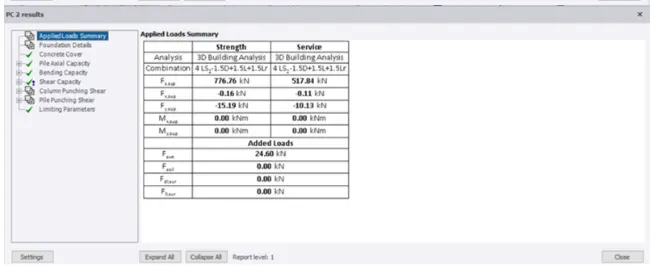
- Now right click on the member we have to design and click on the design
- If it shows green, then the design is correct and we can proceed
RESULT
The slab and foundation design of the model is created