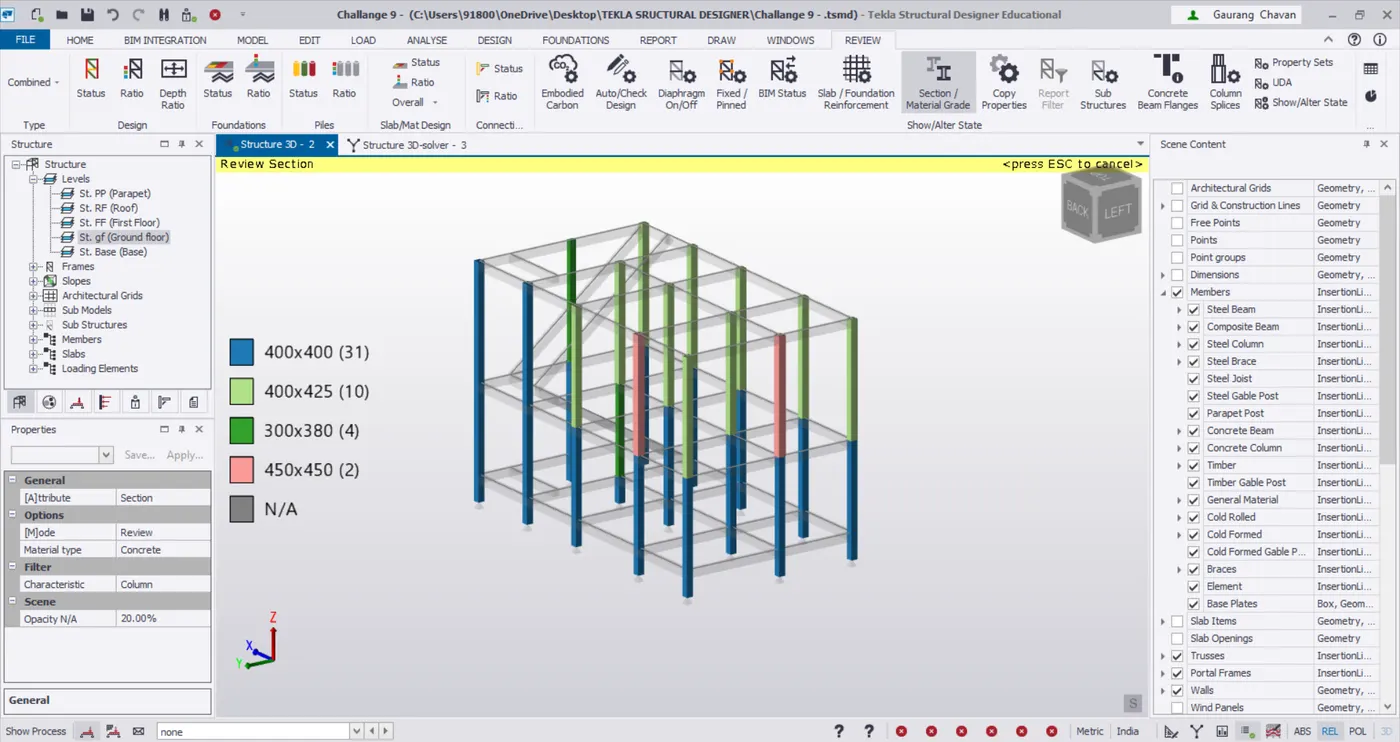
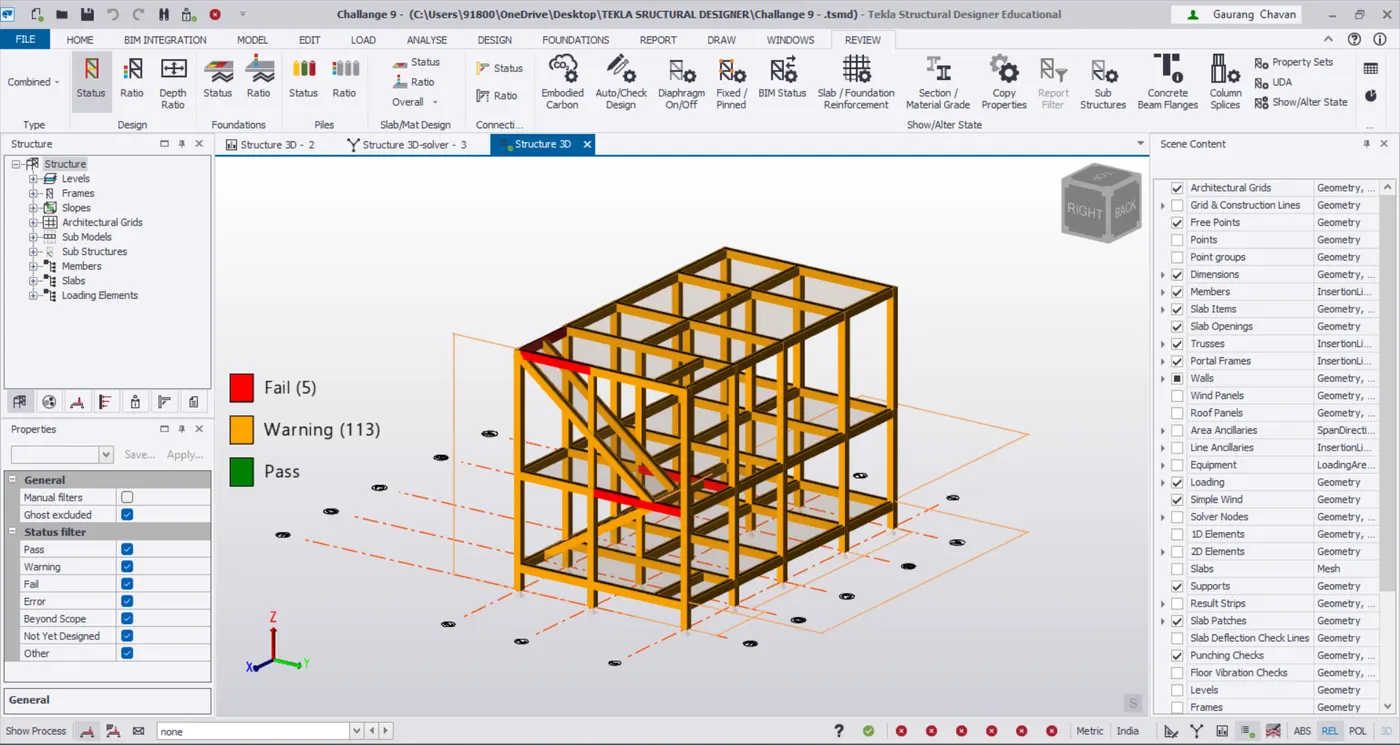
To Design RC column and beam for RC residential structure using TSD
DESIGNING THE COLUMN :
- Open the tekla software and open previous file
- After analysis the model
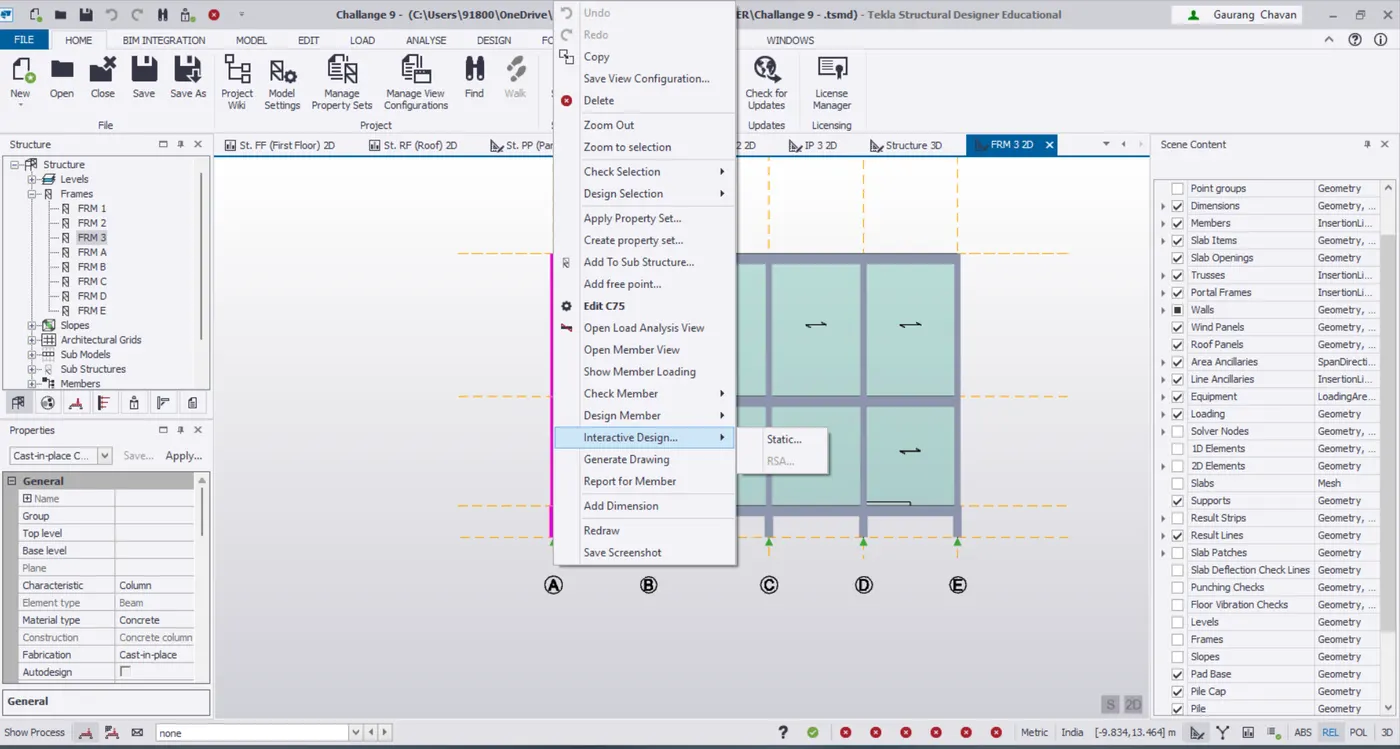
- Select the column and right click
- select the interactive design --> static
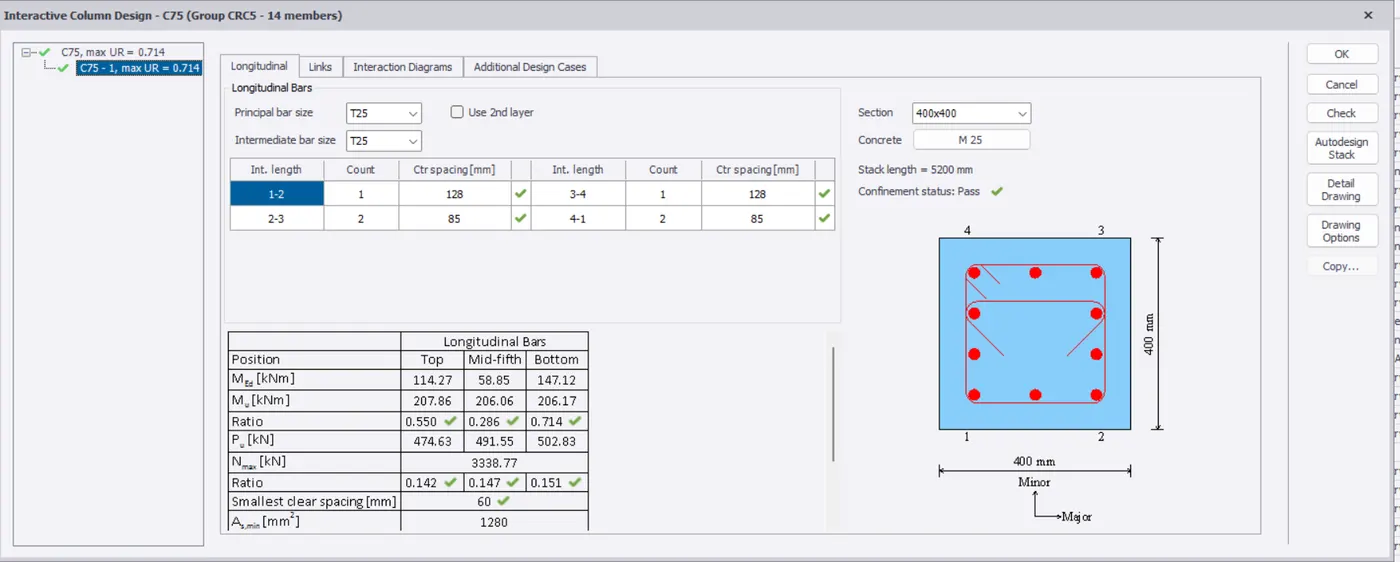
- First we want to check the errors
- And they have any errors shown
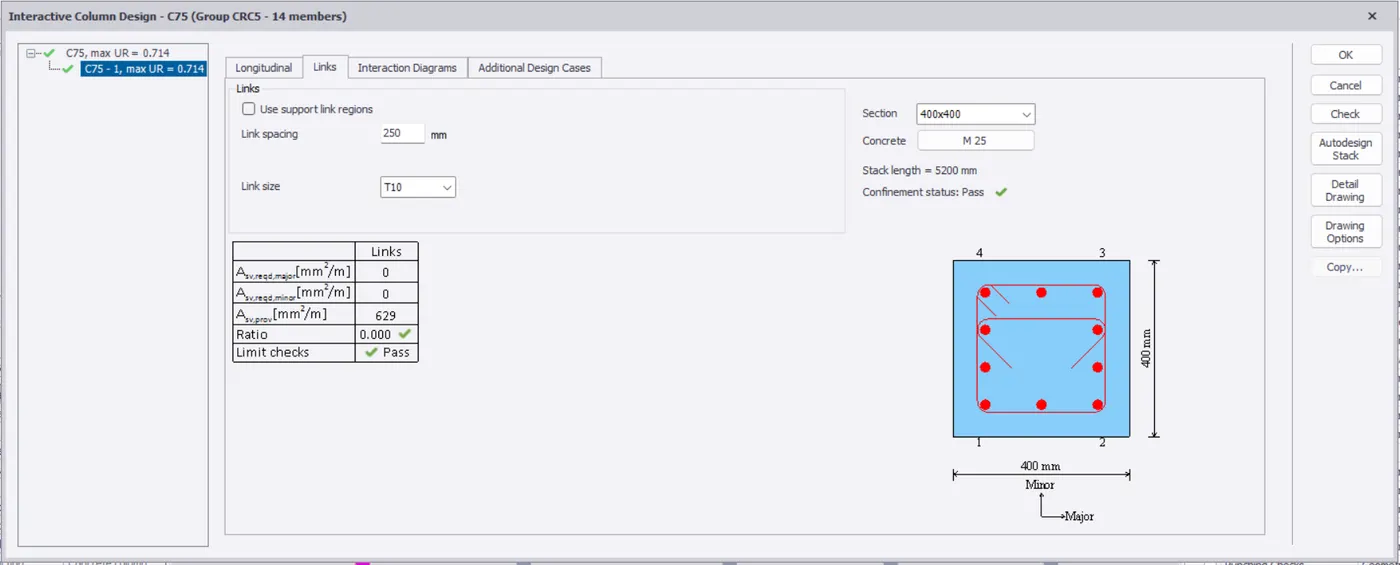
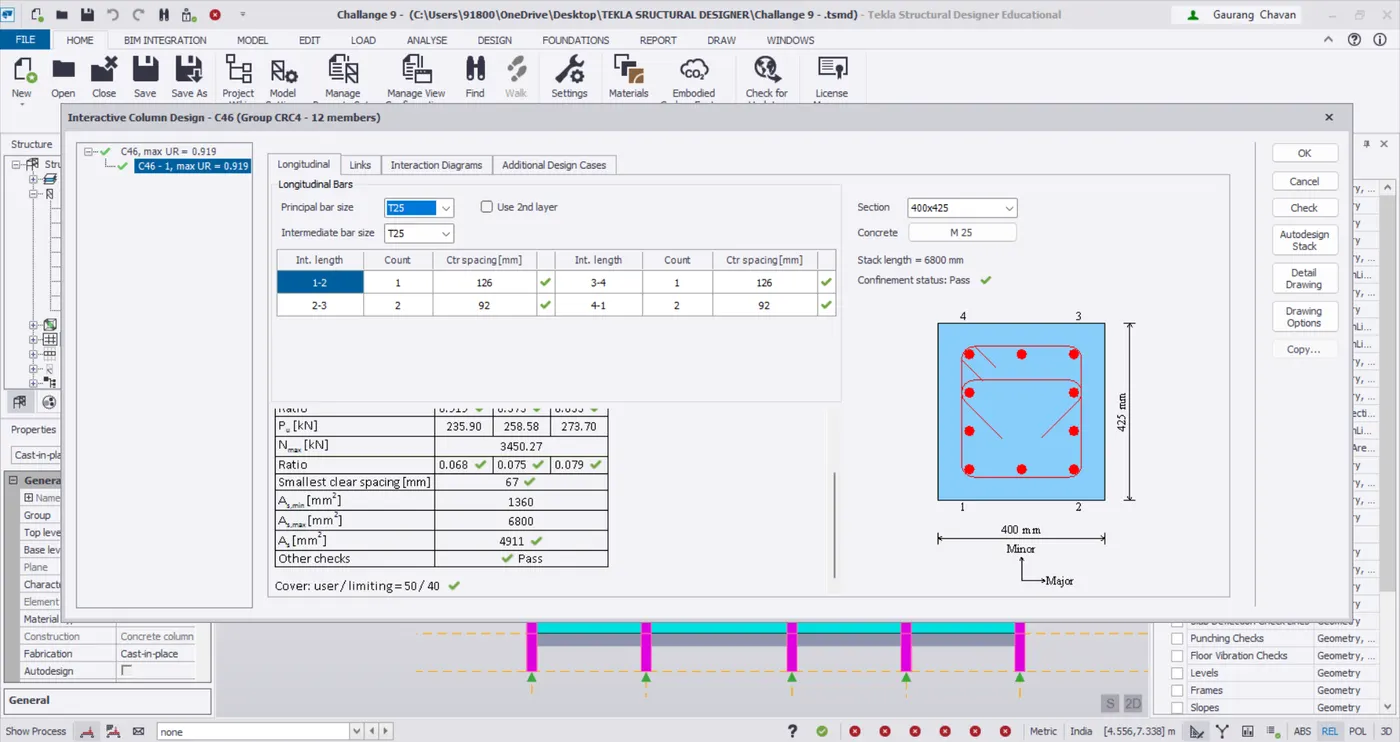
- first change the principle bar size and intermidetate bar size
- Again shows errors means just change the counts
- And again shows errors change the section size
- Repeat the same procedure for all the columns
- The procedure process image as been given below
DESIGNING THE BEAM :
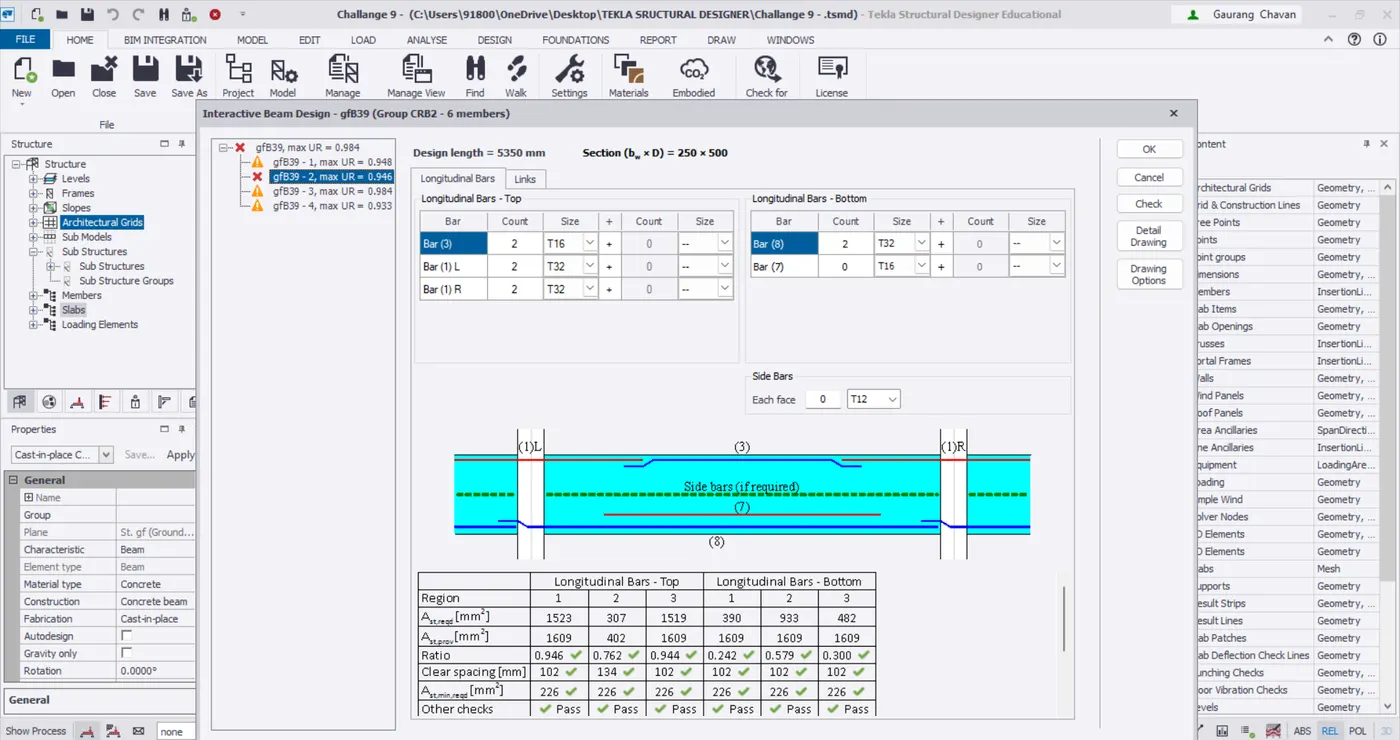
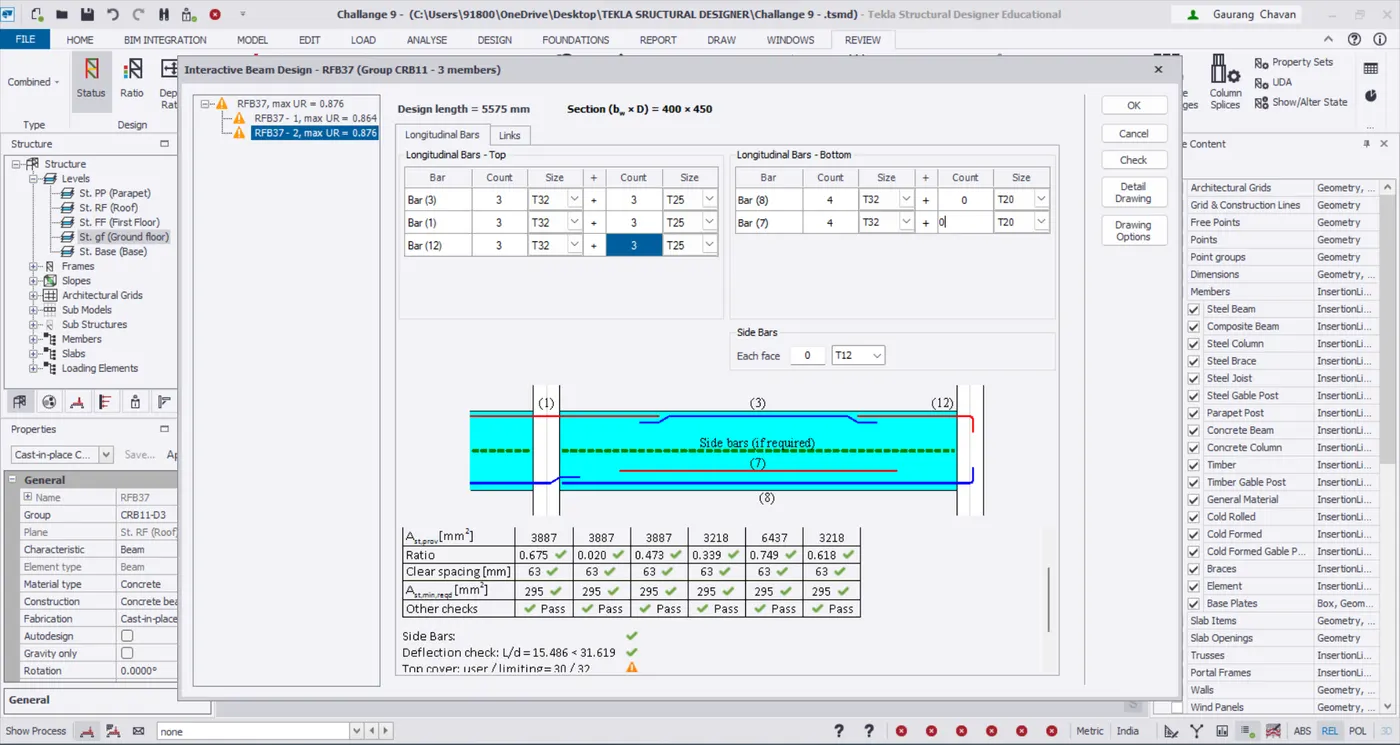
- Here we want to adjust the beam designs
- First go to the design setting under the design tab
- Go to the concrete --> Beam --> Top longitudinal bar --> select the (Bar 2)
- Select the beam and right click
- select the interactive design --> static
- First we want to check the errors
- And they have any errors shown
- First adjust the size and count still the beam as been passed
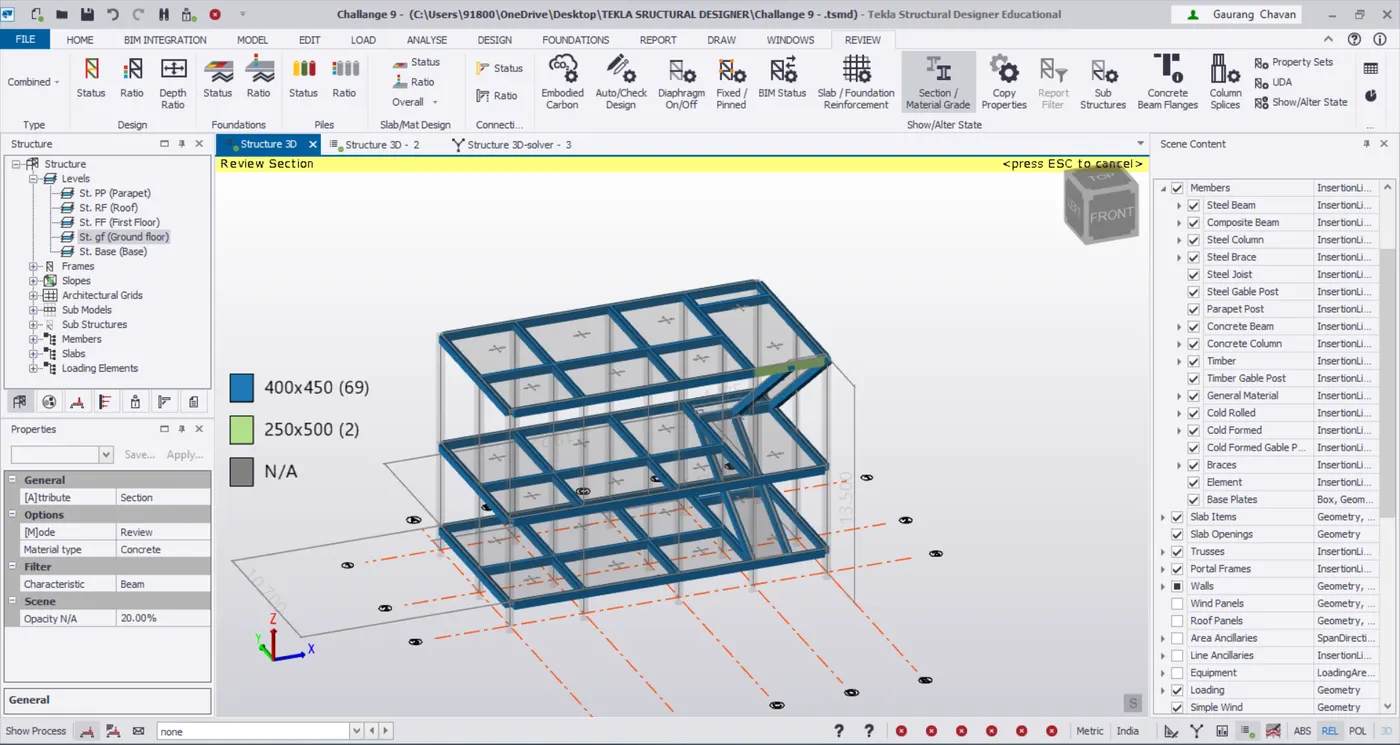
- Repeat the same procedure for all the beams
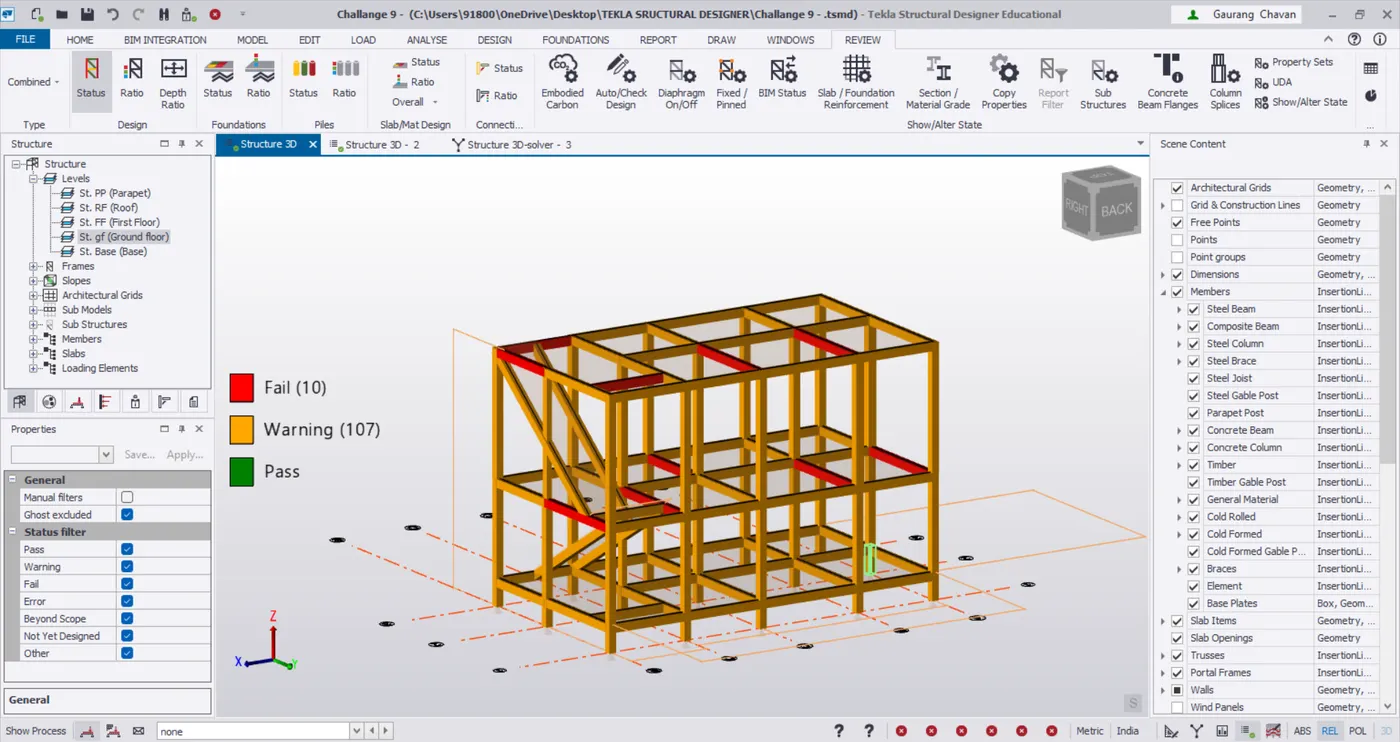
- After finish all the beams we want select the status and we check the member are all passed