To Analysis and Design of Steel Structures using TSD
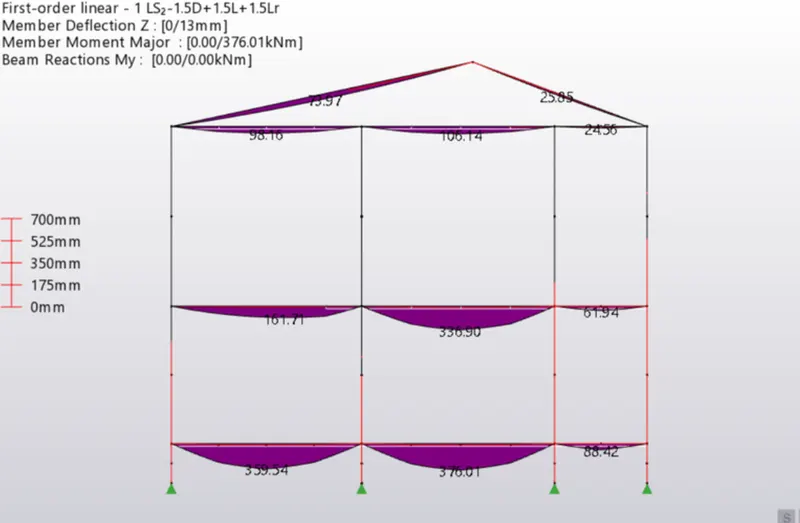
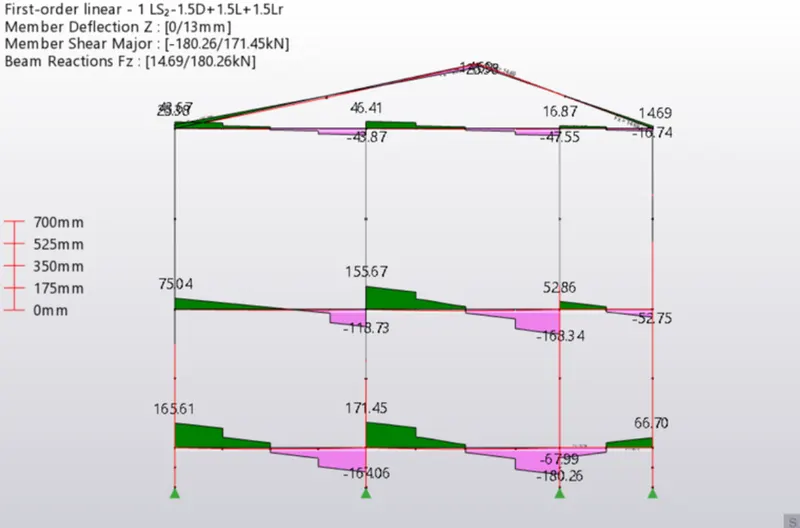
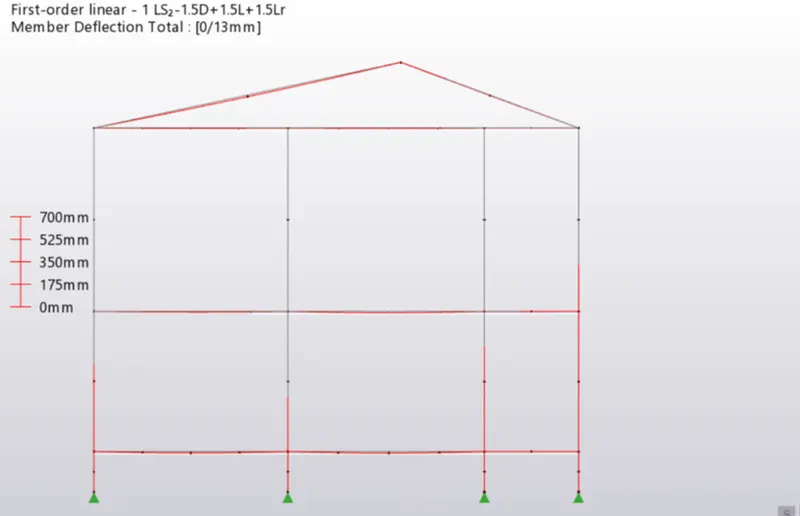
1. Aim: To Summarize the bending moment, shear force, and deflection diagrams for the elements of the model.
Procedure:
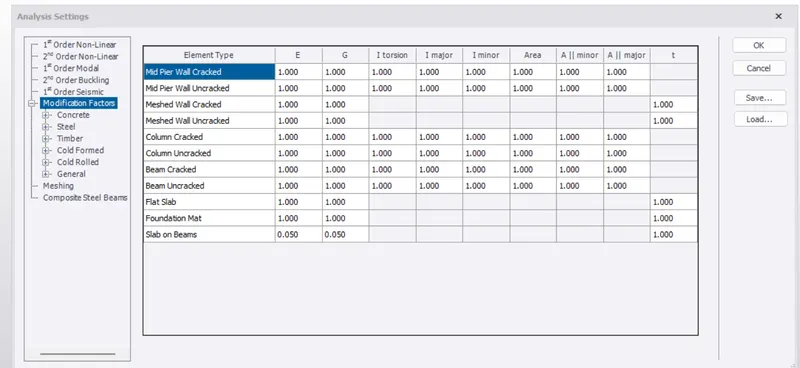
- Now before starting the analysis check the factors
- In settings under modification factor select steel and all the values is 1.00
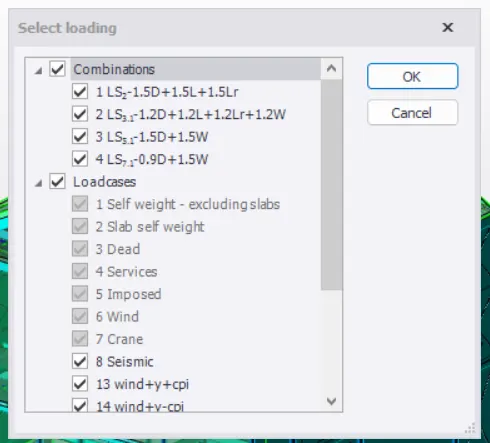
- In the load combination, generate the load combination
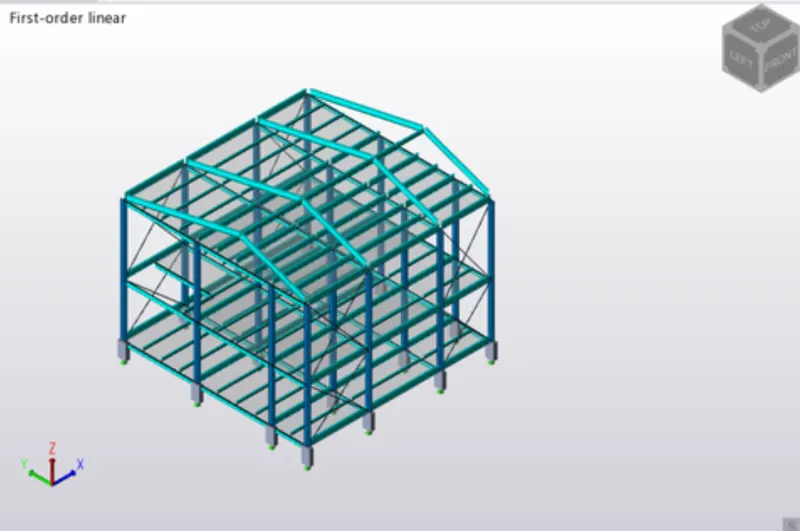
- For analysis of structure, select 1st order analysis.
- Now select the load combination.
- After that go to the result from the view in the bottom right corner.
- In the result panel, select major and also select axis.
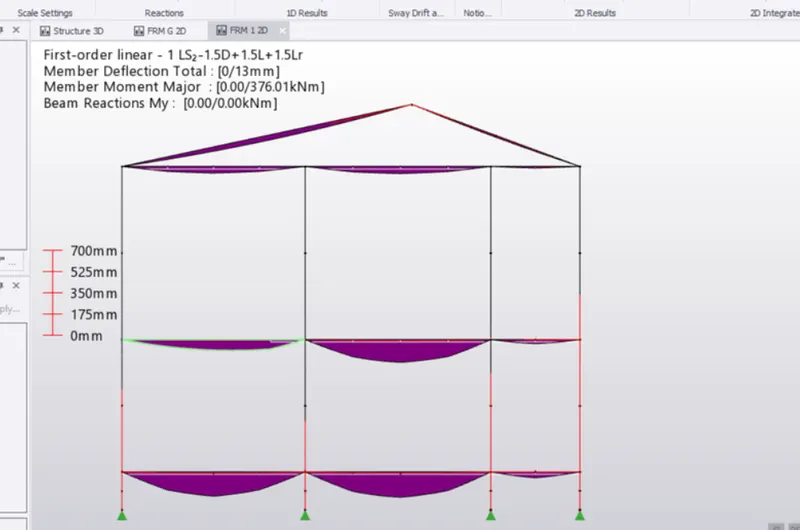
- Moment major.
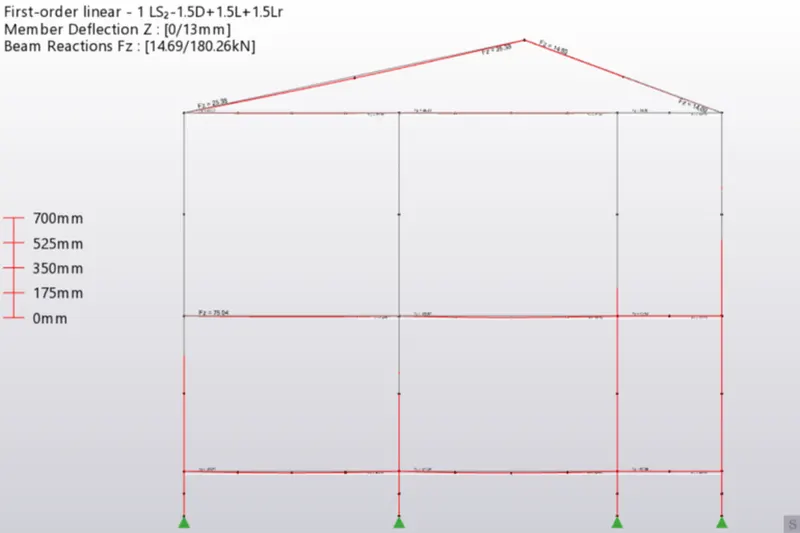
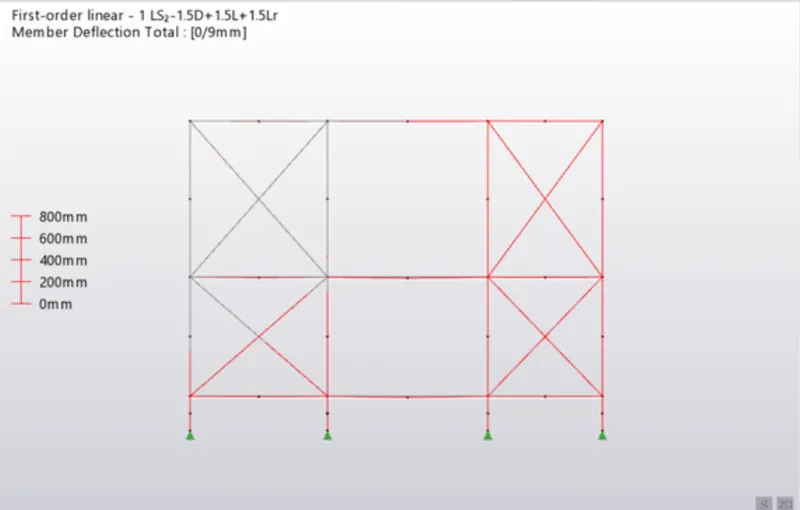
- Click on result view, select deflection
- Select load combination at the bottom.
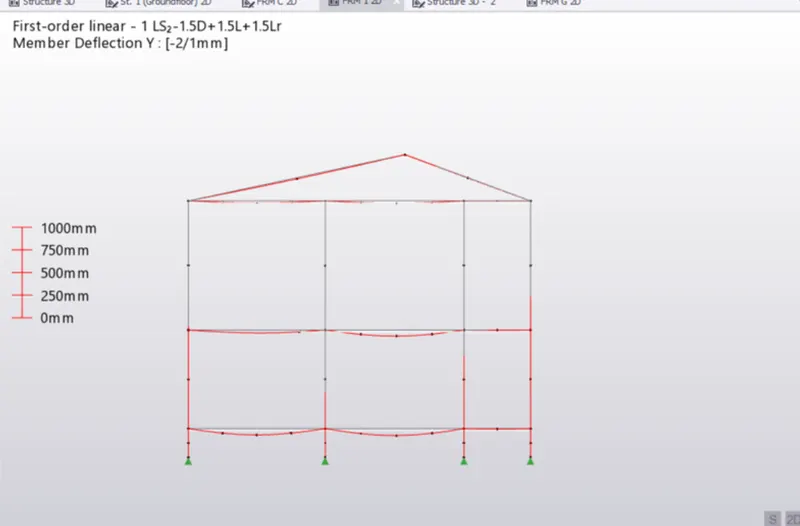
- Bending Moment:
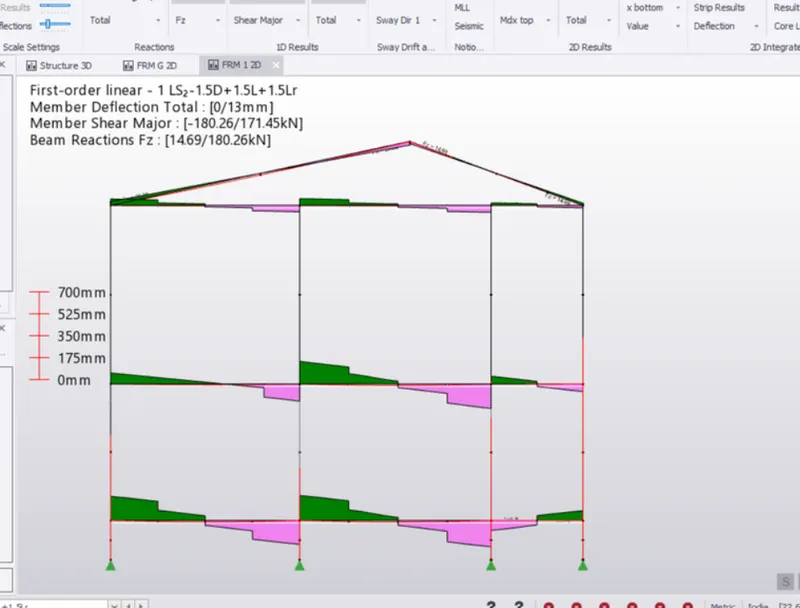
- Shear Force:
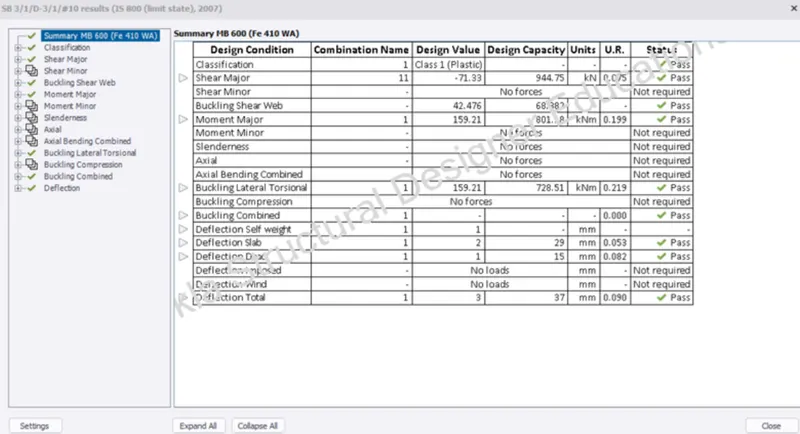
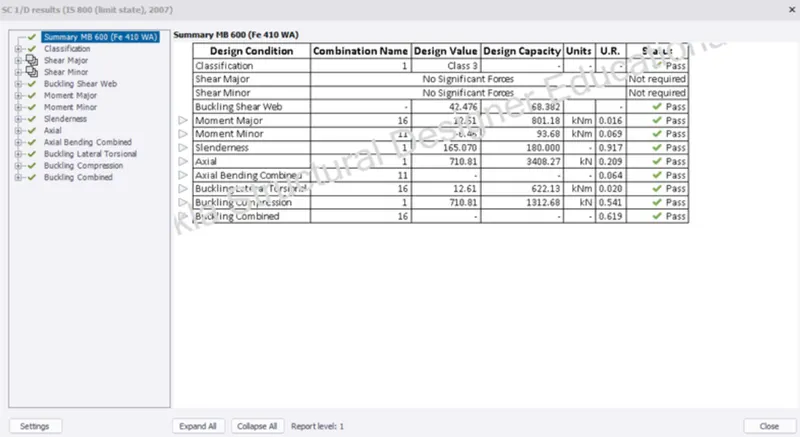
- Right-click on the member, and select check member-static.
- Column mumber sizes need to be changed.
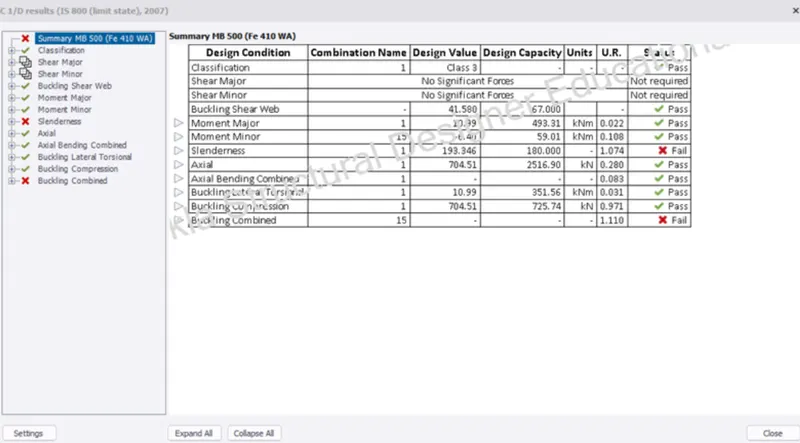
Result:
- Primary steel member sizes changed to ISMB600
- IS Code 800 table 6 is applied.
- After changing sizes deflection is reduced.
Beam details:
Column details:
2. Aim: To analyze the design the members and select the member sizes along with the foundation design.
Procedure:
- Go to the ground floor and analyze the pedestal element.
- Select 1st order linear in the analysis.
- Select combination and load cases.
- Click on ok.
- Now Right-click on any pedestal element.
- Select "check member"-Static
- Go to the design tab.
- Click on design slabs.
- In the "Review" tab select "slab reinforcement".
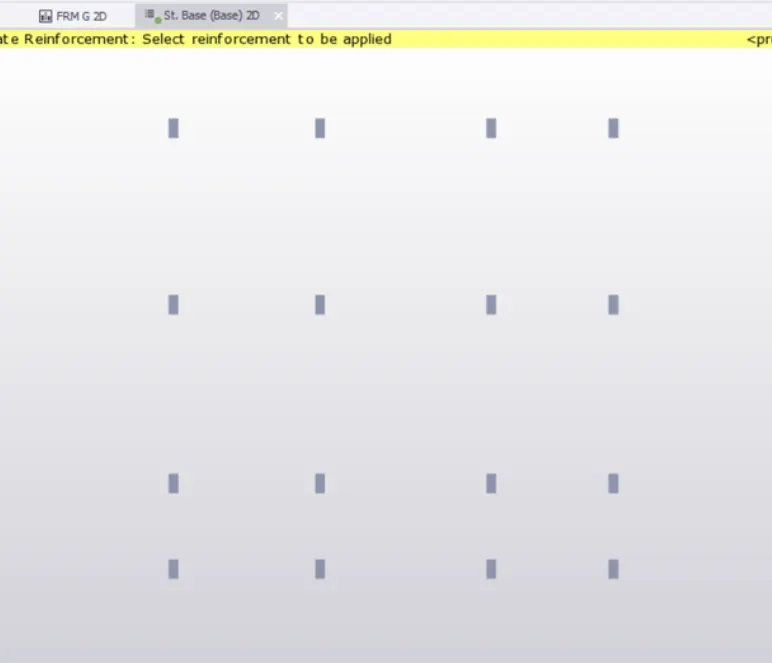
- Select foundation tab
- Select pad base column.
- Select pedestal and assign it.
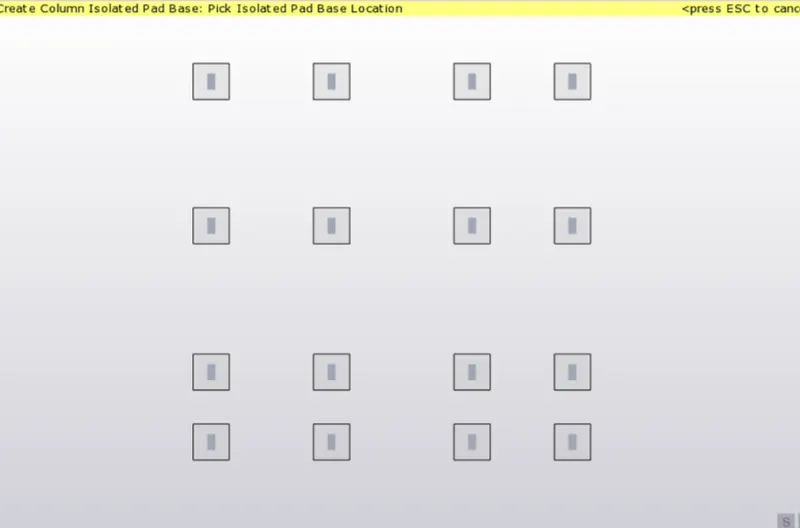
- Select 1st order linear in the analysis.
- Select combination and load cases.
- Click on ok
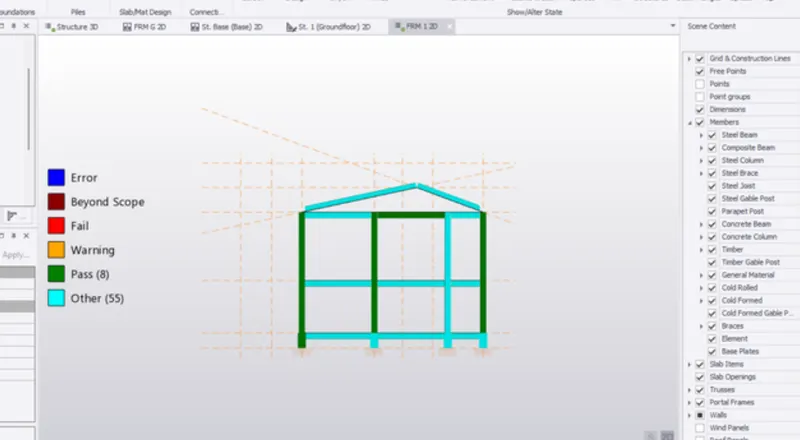
- Select Review at the bottom and check pass or fail.
- Go to the Results tab
- Select axial forces-Fz in ID analysis.
- click on Forces in the text
- Select load combination.
- Similarly, check shear force and moment.
Result: