Study to simulate the forward kinematics of a 2R Robotic Arm using MATLAB
Forward Kinematics of 2R Robotic Arm
OBJECTIVE:
We have to
- Write a program in MATLAB to simulate the forward kinematics of a 2R Robotic Arm
- Create an animation file of the plot
- Upload an animation on You tube and provide the You tube link
THEORY:
A robotic arm is a type of mechanical arm, usually programmable, with similar functions to a human arm; the arm may be the sum total of the mechanism or may be part of a more complex robot. The links of such a manipulator are connected by joints allowing either rotational motion (such as in an articulated robot) or translational (linear) displacement. The links of the manipulator can be considered to form a kinematic chain. The terminus of the kinematic chain of the manipulator is called the end effector and it is analogous to the human hand. However, the term "robotic hand" as a synonym of the robotic arm is often proscribed.
In our Project, we are going to use the basic arms of the robot to do that we are dealing with the linkage known as Forward kinematics of a 2R Robotic arm (where 2R means 2-rotating Link i.e 2 is a number of link and R is rotation). we are taking two links as a representative of the Robotic arm in which Link-1 is Hinged at (X0, Y0) and making an angle1, while Link-2 is hinged at the end of the Link-1 and making angle2 with respect to Datum.
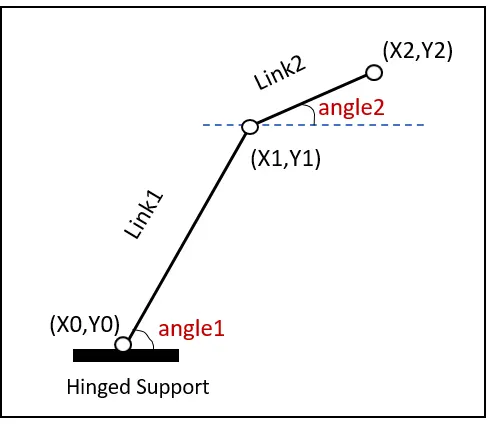
We need to Animate the Arm and find out its behaviour in Different conditions.
CALCULATIONS:
Step-1: Calculating the position of Link-1.
From the fixed Support, the initial value of X and Y for the Link-1 (X0, Y0) and the final value is (X1, Y1)
X0=0
Y0=0
X1= L1* cosd(A1)
Y1 =L1* sind(A1)
Step-2: Calculating the position of the Link-2.
For the Link-2 starting point is the Ending point if the Link-1 ie (X1, Y1) and Ending point is (X2, Y2)
X2 = X1+l2* cosd(A2)
Y2 = Y1+l2* sind(A2)
MATLAB CODE:
%forward kinematics of a 2R Robotic Arm

clear all
close all
clc

%Basics Inputs
l1=1;
l2=0.5;

theta1=linspace(0,90,10)
theta2=linspace(0,90,10)

ct=1
for i=1:length(theta1)
    THETA1=theta1(i)
    for j=1:length(theta2)
        THETA2=theta2(j)
        x0=0;
        y0=0;

        x1=l1*cosd(THETA1);
        y1=l1*sind(THETA1);

        x2=x1+l2*cosd(THETA2);
        y2=y1+l2*sind(THETA2);


        %Plotting
        plot([x0 x1],[y0 y1],[x1 x2],[y1 y2],'linewidth',3)
        axis([-0.1 1.5 0 1.5])
        pause(0.03)
        M(ct)=getframe(gcf);
        ct=ct+1;
    end
end

% To create the AVI file

movie(M)
videofile=VideoWriter('forward_kinematics.avi','uncompressed AVI');
open(videofile)
writeVideo(videofile,M)
close(videofile)
EXPLANATION OF CODE:
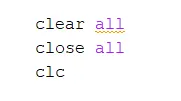
clear all, close all, clc; This clears your workspace, closes all figures, and clears command window.
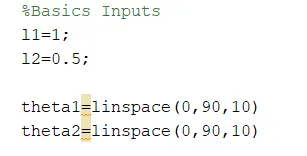
Basic inputs like length of link1(l1),length of link2(l2) were given, Along with that we have provided the inputs for the angle with the help of linspace command
Where In linsapce command the first value represents the starting point of angle, similarly, the second point represents the ending point of the angle and at last, the third point represents the number of values between them
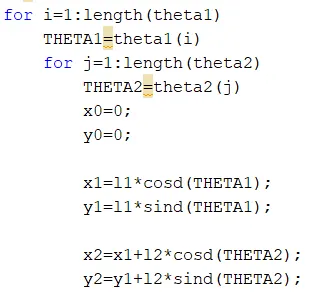
To simulate the positions of arm we have to give multiple theta values for that we have to use the for loop commands as follows
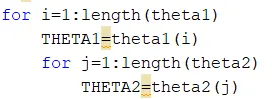
Now, here the value of (i),(j) are taken from the values of theta1, theta2 from the original arrays, and assigning to the new variable called THETA1, THETA2.
Further, for each value of theta1, we are looping the value of theta2
The purpose of length command as follows
For eg:
length (MATLAB Functions) The statement length(X) is equivalent to max(size(X)) for nonempty arrays and 0 for empty arrays. n = length(X) returns the size of the longest dimension of X
For the kinematics calculation code as follows
Plotting of the results as follows
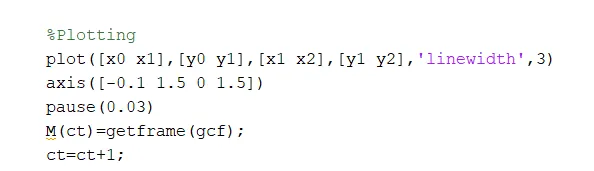
The plot function in MATLAB is used to create a graphical representation of some data.
The command axis(limits) specifies the limits for the current axes. Specify the limits as vector of four, six, or eight elements
ct represents every frame and getframe command represents to getting the current figure in the gcf window. Further, we are going to save all the figures in the array called (M).
To create the AVI files following command are used
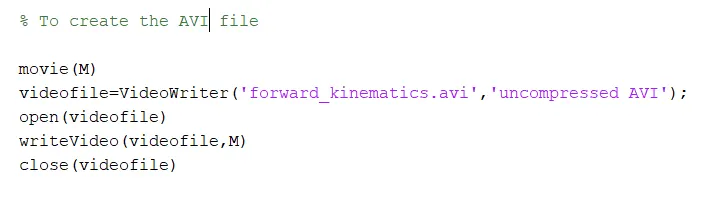
while using the writeVideo command we have to be carefull because MATLAB is case sensitive hence any mistake can give an error in the program execution.
RESULT AND CONLUSION:
As per the requirement we have coded to simulate the forward kinematics of a 2R robotic arm and uploaded the animation successfully
Final result:
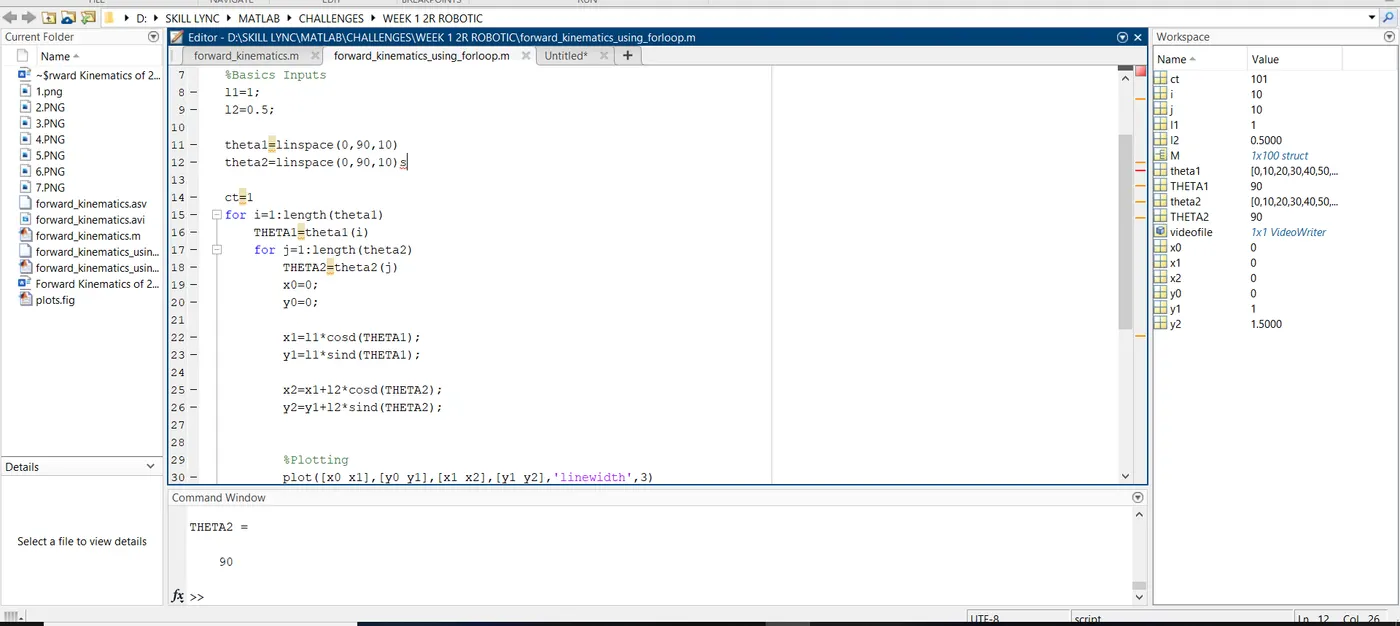
PLOT:
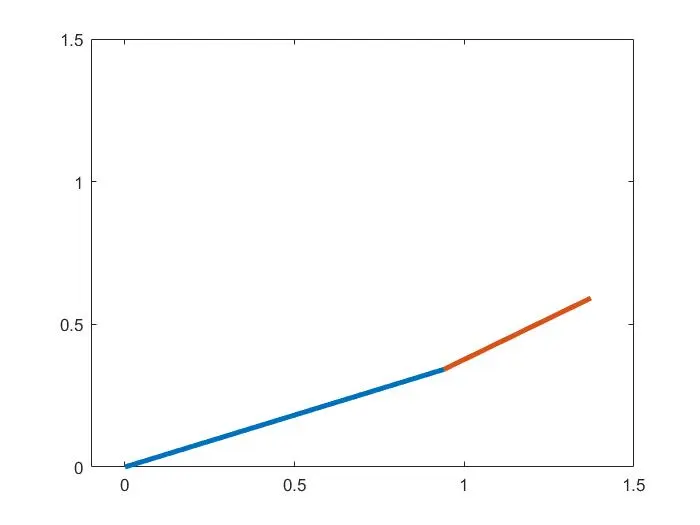
Animation Video Link: https://youtu.be/RLUvr_ZG0x0
REFERENCES:
- https://en.wikipedia.org/wiki/Robotic_arm
- https://uk.rs-online.com/web/generalDisplay.html?id=ideas-and-advice/robotic-arms-guide