Structural analysis of a buidling using Robot Structural Analysis
1 Heating ventilation and air conditioning
It is a technology of indoor environmental comfort.its goal is to provide thermal comfort and acceptable indoor air quality
Important part of the structure
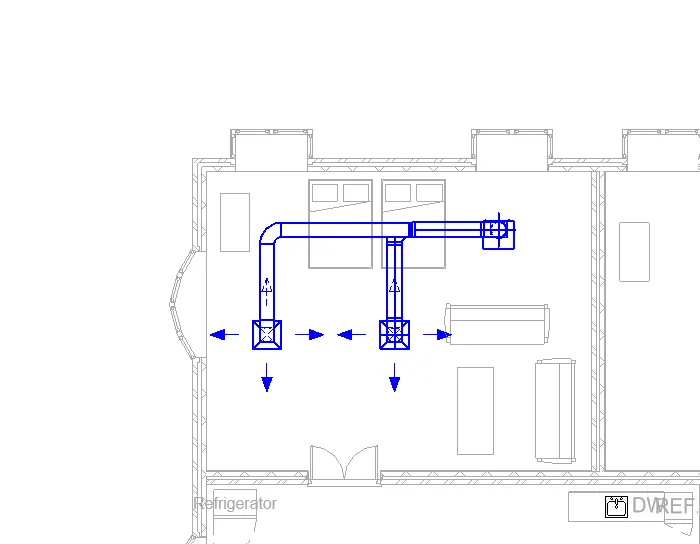
2 Open the mechanical template and then link the architectural template to the mechanical template
in the mechnical floor plan file-duct are the options are available in the model
System-air terminal-various files are shoen choose any one and place in the model plan
Mechsanical equipment-load family-MEP-Air site components-choose any one in the air site components
and then load in the floor plan
Click and select the all objects we created in ribbon duct--ok-connectors sizes-ok-generate layout-make layout -finish -ok the model is created
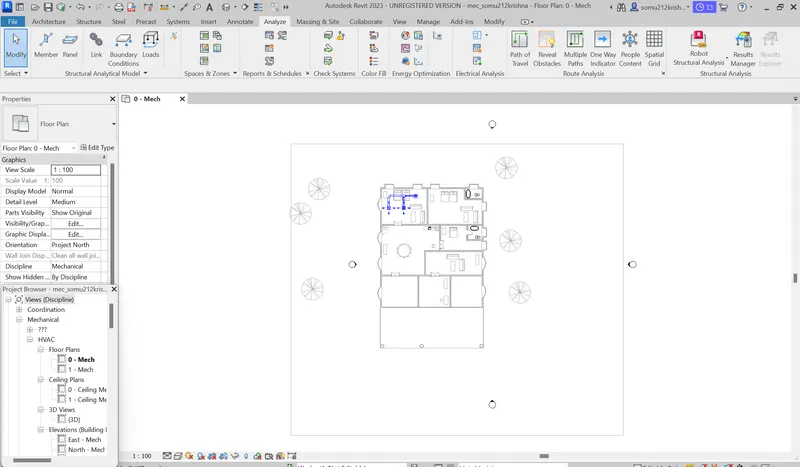
3 Click the shopping in the revit and then tupe the structural analysis toolkit and the download the the version
If it is not availablre in the revit type robt structural analysis and then downlaod the file
4 It helps to calculating and determing loads and internal forces
It helps to cross check the engineering design
Can perform during the design
Can analyse each and individual elements
5
Aim
To create the structural model in the revit and then create the boundary condition and then apply the moments by using the robo structural analysis
Procedure
To create the structural model in the revit and then analysis the load in the robot structural anaysis
Create the grids in the structural template and then by clicking the pick line we have create the more number of grids in the structural template
By using the coloumn command in the structural tab we have to create the coloumn in the grids by selecting all the grids we have to create the coloumn in all the grids
After the creation of the coloumn we have to create the beam in the structural template by using the beam in the structural template we have to create the beam in all the grids
After the creation of the coloumn and beams we have to analyse the analytical view and then apply the boundary condition
We have to select the boundary condition before that we have to enter the details of the load combunation
After that we have apply the boundary condition by clicking that in the analyse tab and then select any one of the load type and then apply at the grids of the structure
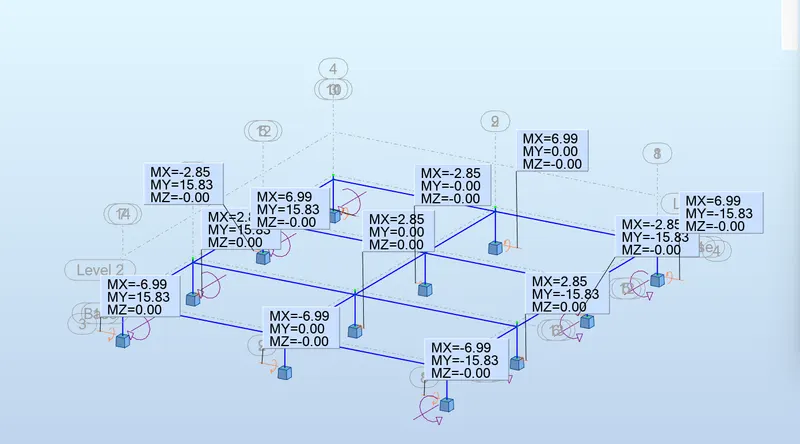
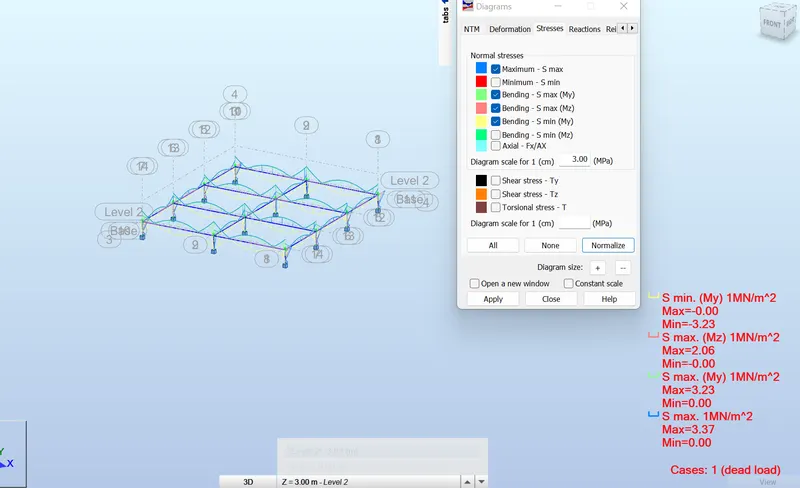
After creating the boundary condition in the anltical 3D view we have to anlyse the structure by using the robot structural analysis and then find the moments and shear force value in the robot structural analysis
After that we have to find the moment and force value in the structure by using the robot strucutal anlaysis
By using the load combination we have to apply the manual load values in the structure after that we have to analyze the structure and then apply the force and moment values and the maximum deflection 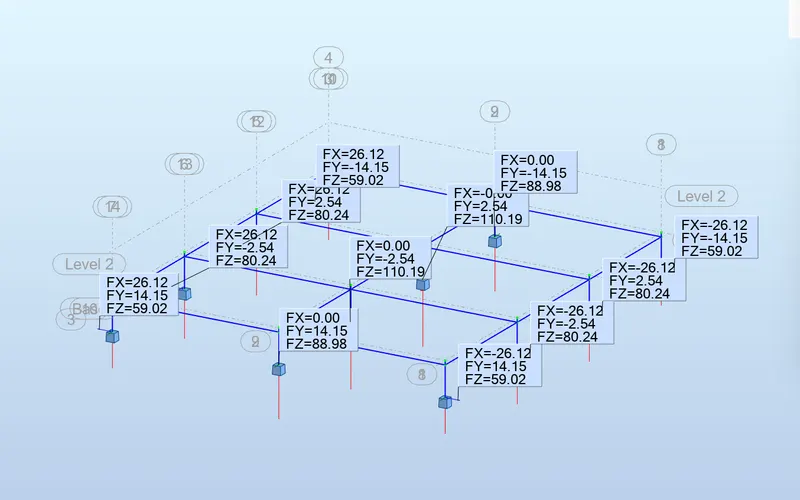
6 It is the traditional method of assesing the way the energy is used in an operation involving the physical/chemical processing of materials and the transfer conversion of energy
Calculating heat loss and gain
Calculating the energy
Determinig the fuel requirements
Evaluating the costs
Factors sustainabilty of design
Low energy
Impact of climate change
Resource consumption
Quality and durability of price
Non toxic materials