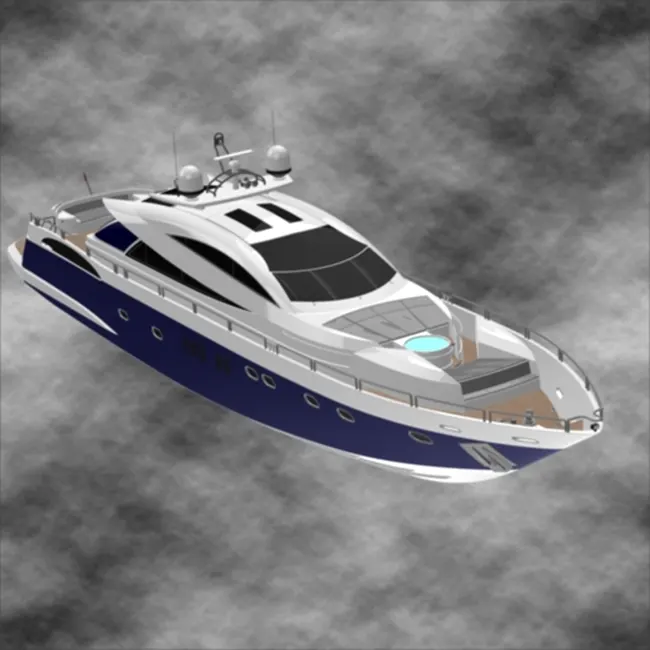
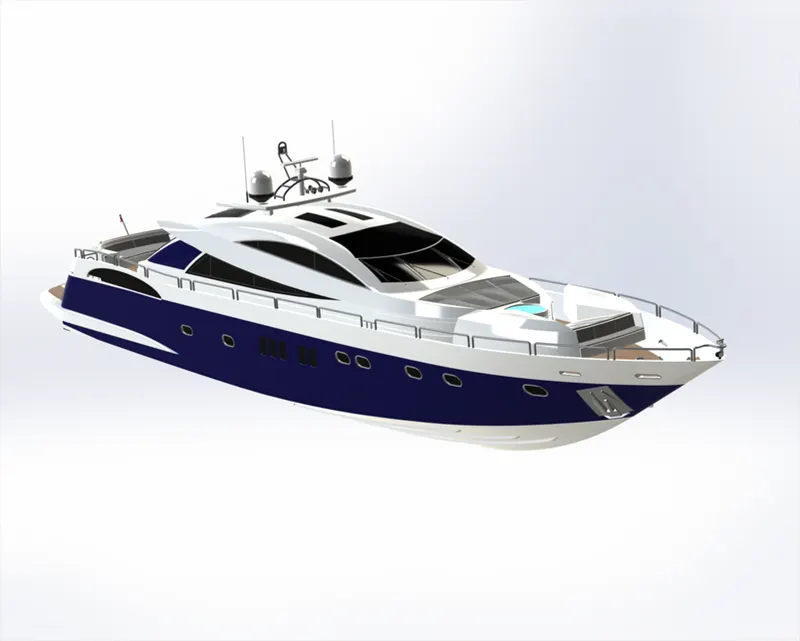
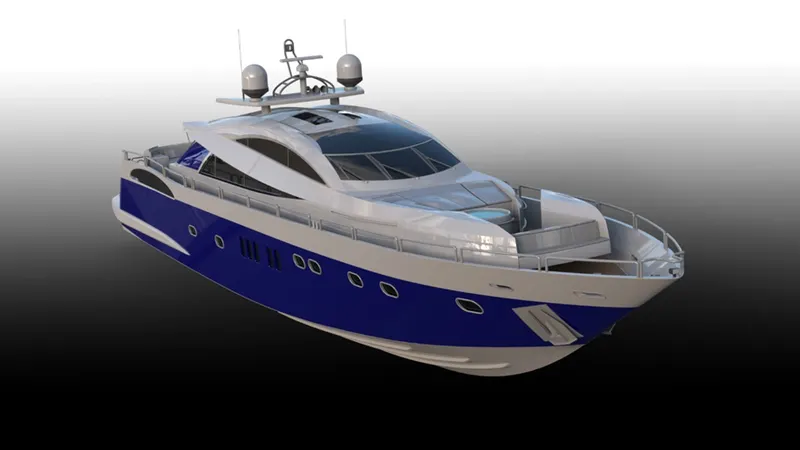
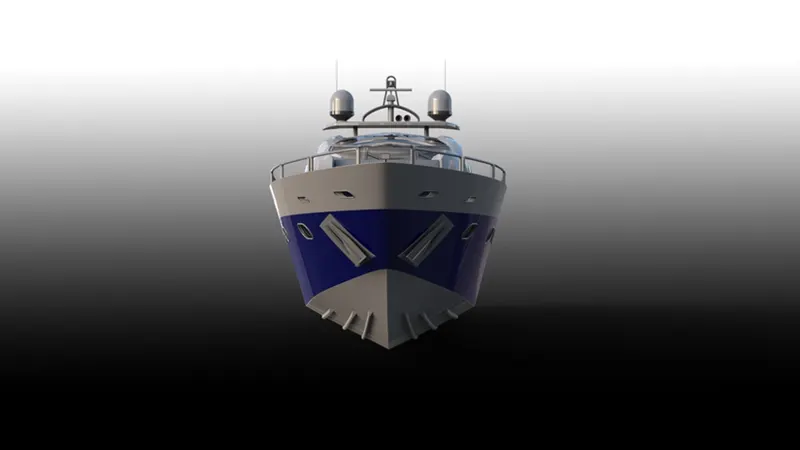
Radar Mast & Final Assembly of Yacht
3D Modelling, Assembly, and Photorealistic Rendering of Yacht
AIM- To create a 3D Model of a Sunseeker Predator Yacht
OBJECTIVE
- To Model 3D Parts of Yacht
- To create an assembly of a Sunseeker Predator Yacht
- To create Photorealistic Rendering of Yacht with proper tools, setup and decals
- To create a full yacht with all its components and bring it realistic as possible.
- To create fully define sketch with proper dimensions and constraints.
- To create multi parts designing surfaces
Introduction - Yachts are watercraft used for pleasure and sports. They but nowadays exclusively used for pleasure travels of their owners. The first yachts were built in1600s in England. Earlier versions of yachts were built from wood or steel. As the technologies grew wood and steel are replaced by fiber glass.
DESIGN METHEDOLOGY
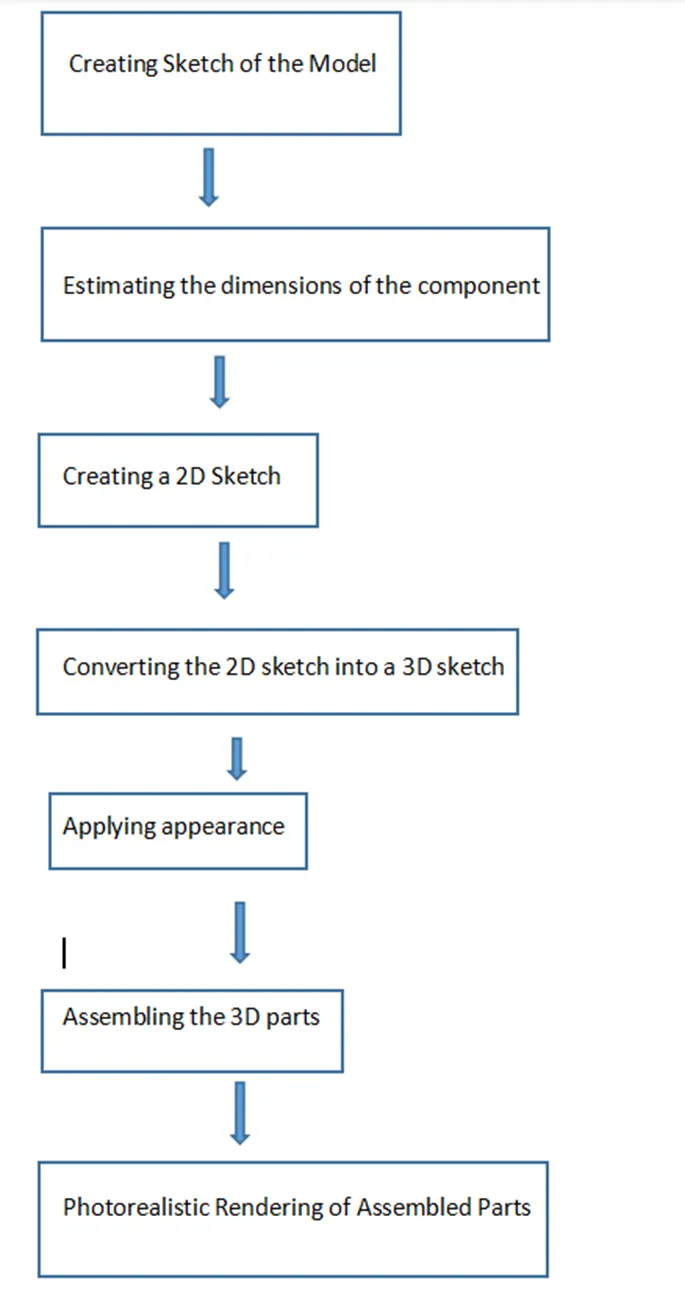
- Creating 2D Sketch - 2D Sketch is created on XY, XZ, or YZ planes. With the help of a 2D sketch, we create 3D features. The status of the sketch can be determined by color codes. If the sketch is black then it is fully defined, if the sketch is blue then it is under-defined, if the sketch is red then it is called over-defined.
- Extruded Boss/Bass - Using this feature we can create a solid which has the same boundary as that of the 2D sketch that we are using for extrusion.
- Knit Surface - Using this feature two or more than two surfaces can be joined and converted into a single entity.
- Trim Surface - Using this feature we can remove unnecessary surfaces.
- Extend Surface - Using this feature we can extend the surface using its edge.
- Fill Surface - Using this feature we can create the surface in the close boundary.
- Surface Extrude - Using this feature any 2D sketch can be extruded to create a surface.
- Revolved Boss/Bass - This feature is used to create a solid 3d model around an axis. With this feature, we can create cylindrical shapes.
- Swept Boss/Bass - Using this feature we can create complex hollow pipes, curved rods, tubes, twisted parts. Inputs for this feature are a path and sketch perpendicular to that path.
- Extruded Cut - Using this feature we remove solid which has the same boundaries as of that of the 2D sketch, this feature is used to create hollow surfaces.
- Lofted Boss/Bass - This feature is used to add materials between two or more profiles with ease. Inputs for this feature are cross-section and guide curve.
- Fillet - This feature is used to create smooth edges
- Chamfer - This feature is used to create cuts (45-degree angle with the normal surface), or make edges or corners (vertex) of the 3D model straight.
- Circular Pattern - Using this feature we can create patterns of a feature, body, or face in a circular manner.
- Mirror - This feature is used to copy features across planes.
- Curve-driven Pattern -This feature is used to create patterns along a planar or 3D curve.
- Draft - We use this feature to provide taper on specified angles, using a neutral plane or parting line.
- Convert Entities - This feature is used to create a replica of a sketch entity or its dimensions in the same plane or another coordinate.
- Shell - This feature is used to create the spherical shape or Dome on 3D parts or shapes.
- Split - This feature is used to cut the part across some sketch boundary and to remove that part from the main model.
- Reference Geometry - This feature is used to create plans, axes, coordinate systems, and points.
- Curves - This feature is used to create one 3D curve from two 2D curves drawn on different plans.
- Combine - This feature is used to join two or more solid bodies into a single entity.
MODELLING
BLUE PRINT SETUP – A blueprint is a guide for making something or it's a design or pattern that can be followed. Yacht blueprint is a combination of multiple images of the yacht, such as front view, top view, side view, bottom view and back view. Blueprint of the yacht is used for guidance while designing individual parts of the yacht.
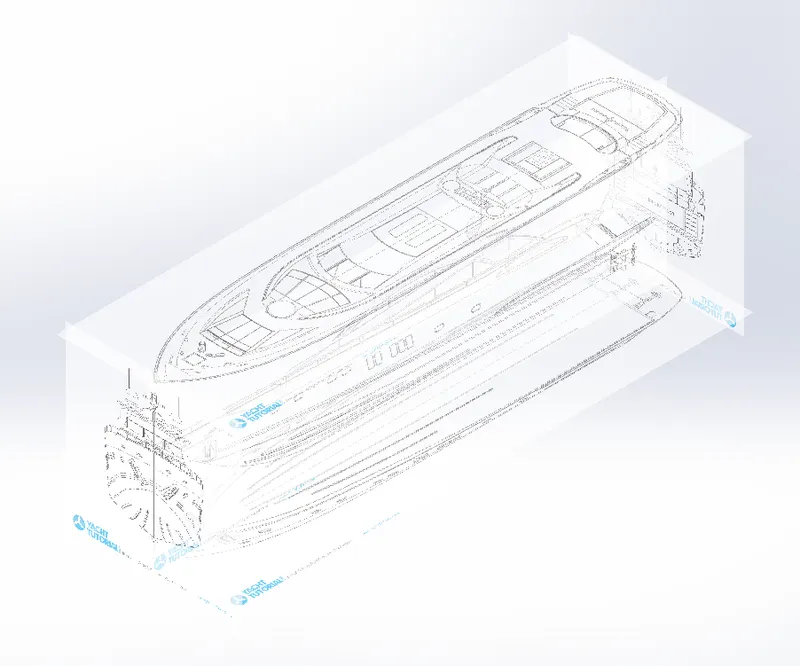
Following steps need to get the setup: Go to tools then sketch tools then sketch picture and browse the picture location file and then click OK. Then give properties data to get the exact setup.
PROPELLER
Propeller is the main part of the yacht which is used to move the yacht forward. It is a fan like structure which produce trust force from the engine to move the yacht.
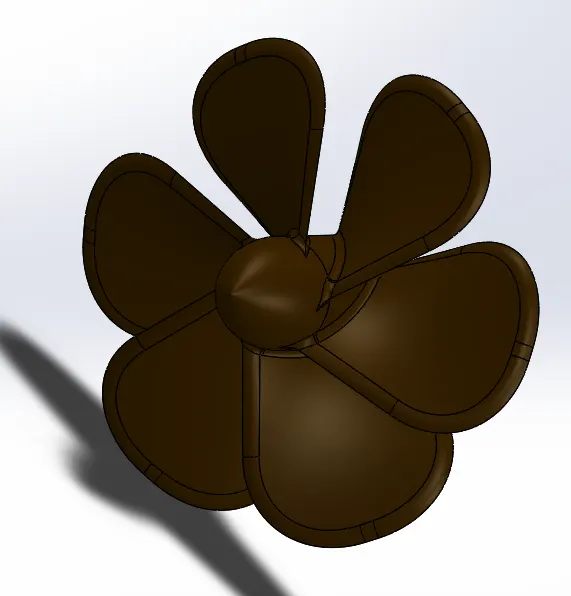
Tools used - Revolve, Loft, Fillet, Cut Extrude, Circular Pattern.
RADAR
Radar is a device which is used to detect the obstacles and transmit signals. Radar use sound wave to detect the obstacles.
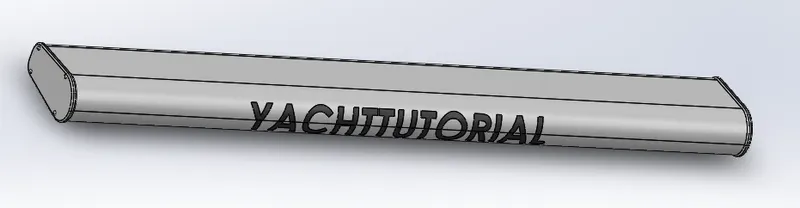
Tools used - Extruded Boss/Bass, Fillet, Extrude Cut, Sketch Pattern, Mirror, Split Line
HULL
Hull is the watertight enclosure of the ship, which protects the goods carrying area, machinery and accommodation space of the ship from the weather, flooding and structural damage.
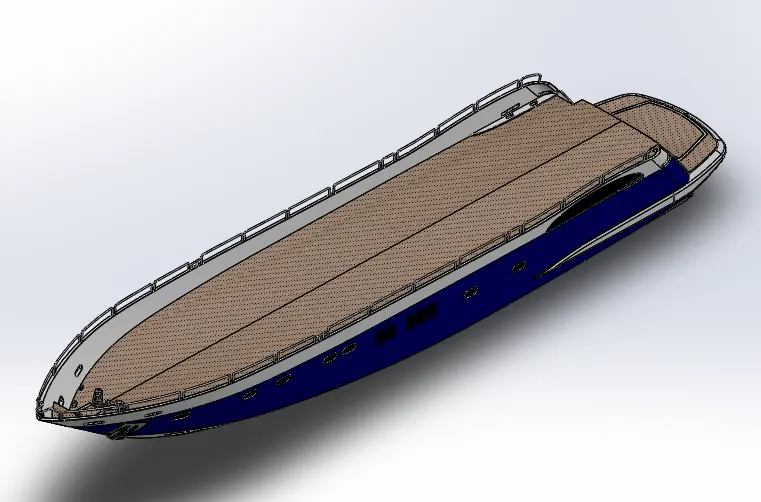
Tools used - Projected Curve, Surface Loft, Surface Trim, Surface Extend, Surface Trim, Surface Fill, Surface Knit, Shell, Extruded Boss, Chamfer, Fillet, Sweep, Dome, Helix/Spiral, Mirror.
GARAGE DOOR
Garage door is located at the back side of the yacht where you can park the vehicle.
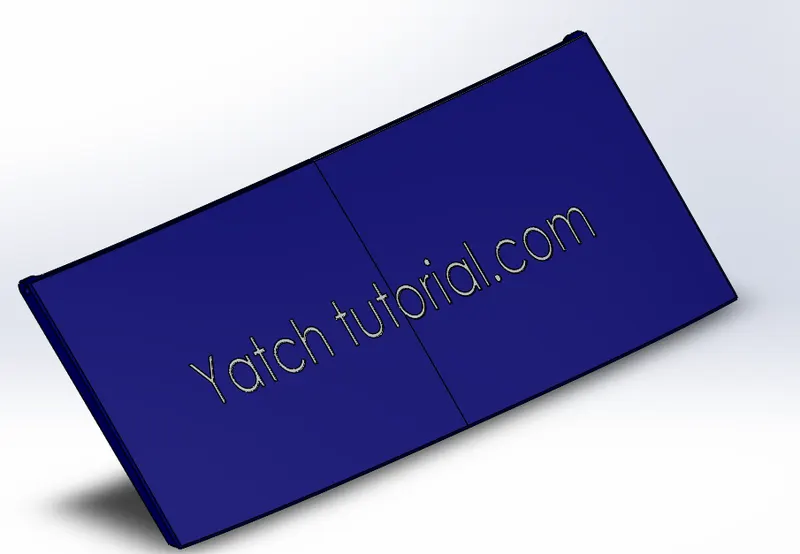
Tools used - Extrude Cut, Shell, Fillet, Mirror.
REAR SEAT
The rear seat is mounted at the rear side of the yacht, above the garage for the purpose of rest.
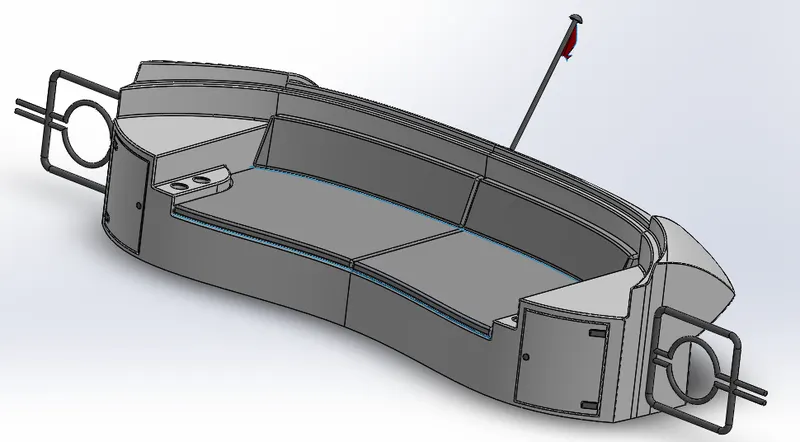
Tools used - Tools used are Surface Sweep, Surface Offset, Surface Knit, Surface Trim, Surface Loft.
FRONT SEAT
Front seat is mounted at the front side of the superstructure.
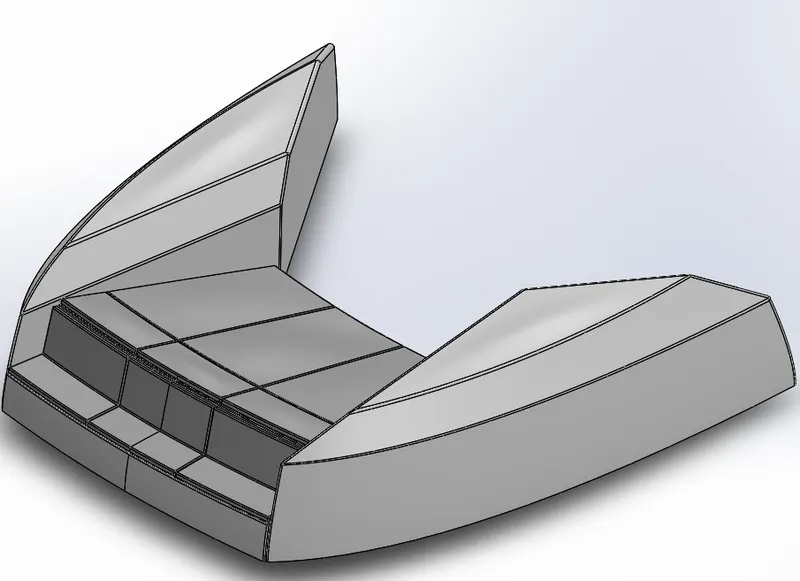
Tools used - Surface Sweep, Surface Extrude, Surface Trim, Surface Loft, Surface Fill, Surface Knit, Chamfer, Fillet, Dome, Mirror, Cut Extrude
MIDDLE
The seat is a thing which is used for the sitting purpose. Middle seat is mounted on the Centre of yacht.
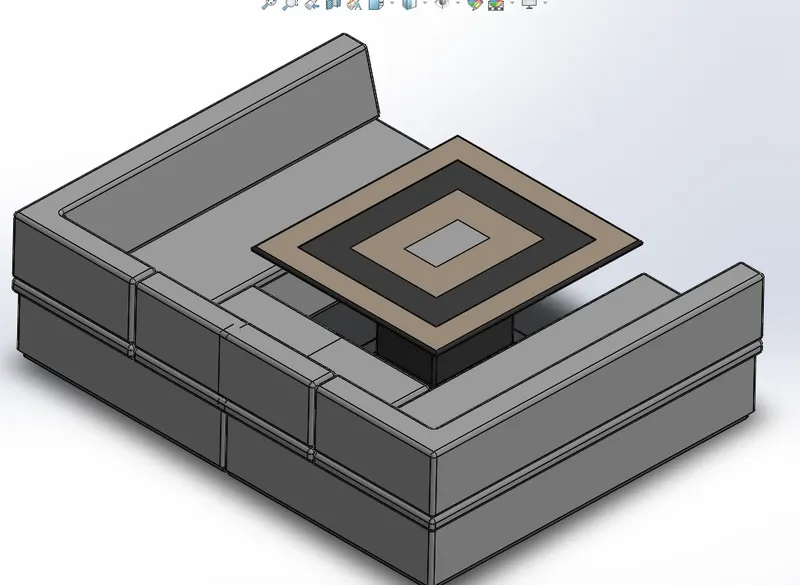
Tools used -Extrude, Chamfer, Fillet, Mirror, Cut Extrude.
SUPERSTRUCTURE
Super structure is nothing but a deck which is constructed on the hull surface, where the pilot cabin and other amenities are built.
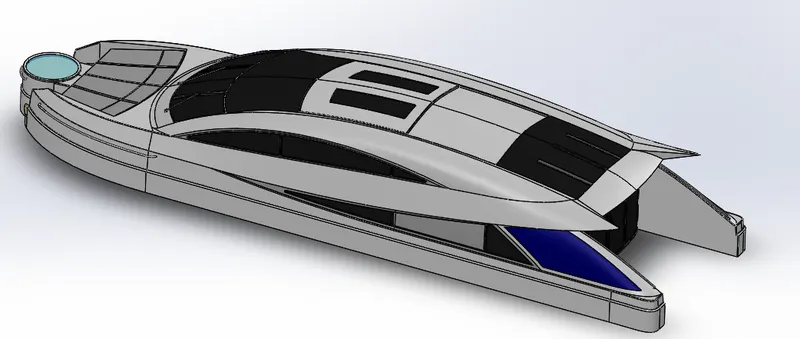
Tools used - Surface Extrude, Surface Sweep, Surface Knit, Fillet, Projected Curve, Surface Loft, Surface Fill, Surface Trim, Surface Knit, Ruled Surface
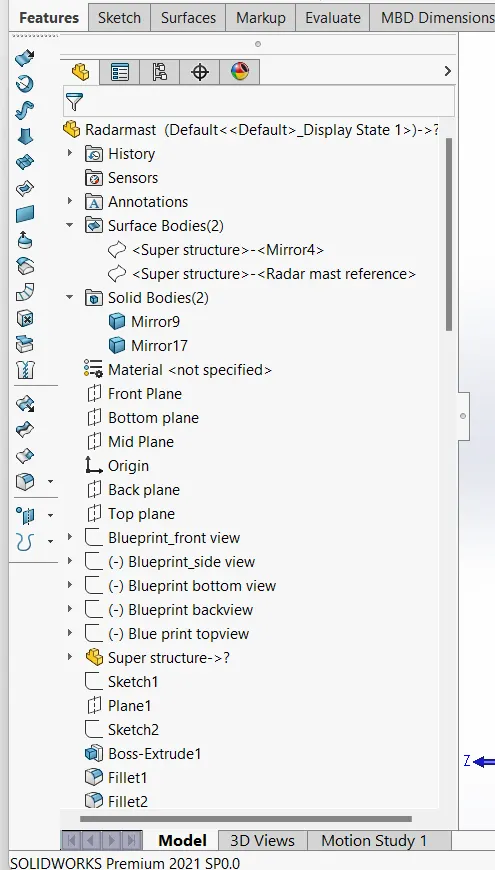
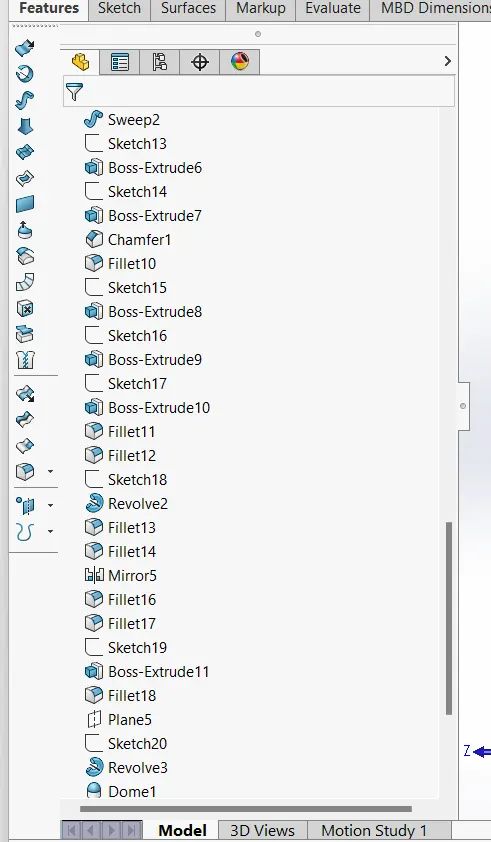
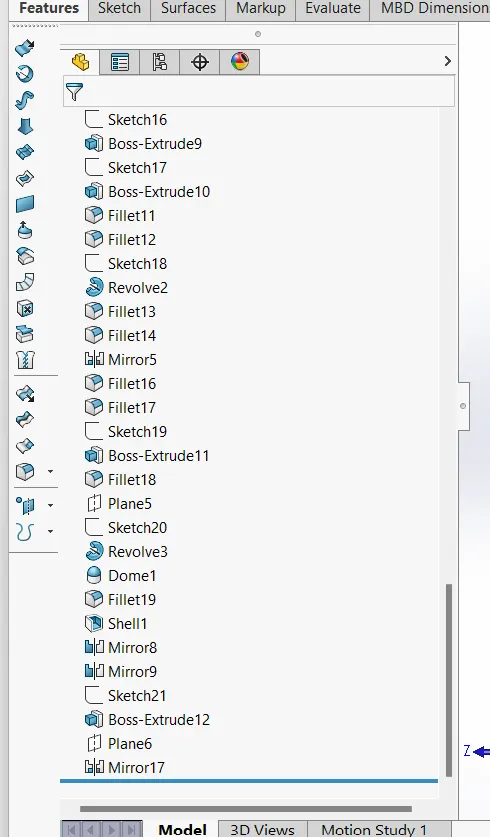
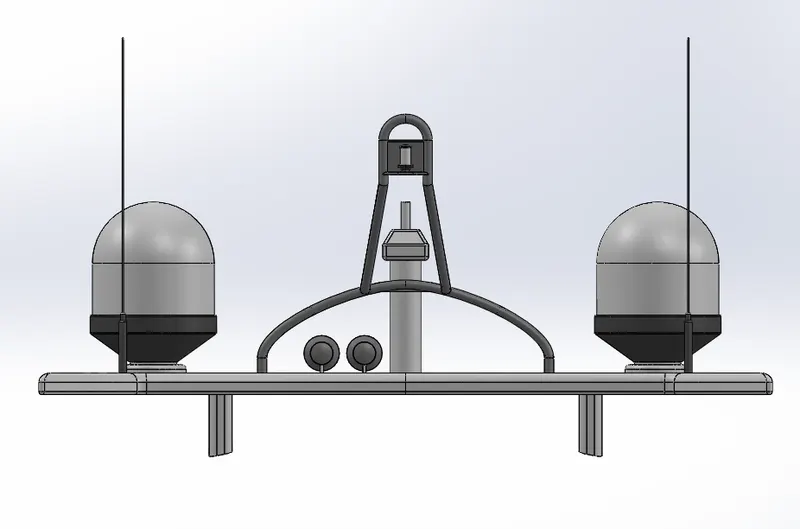
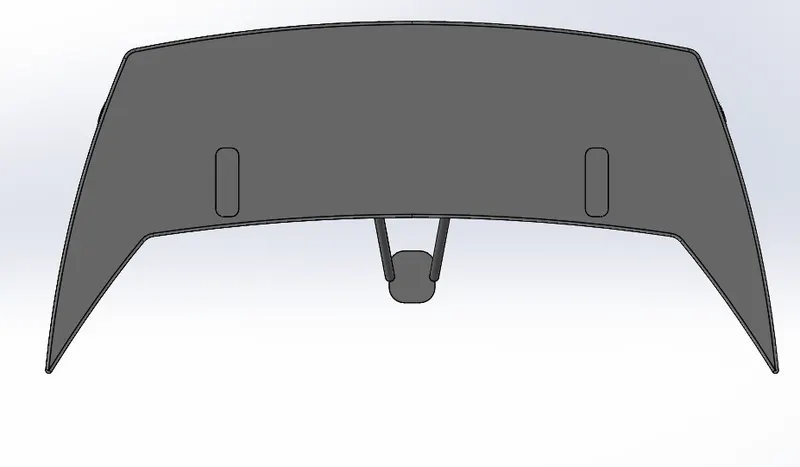
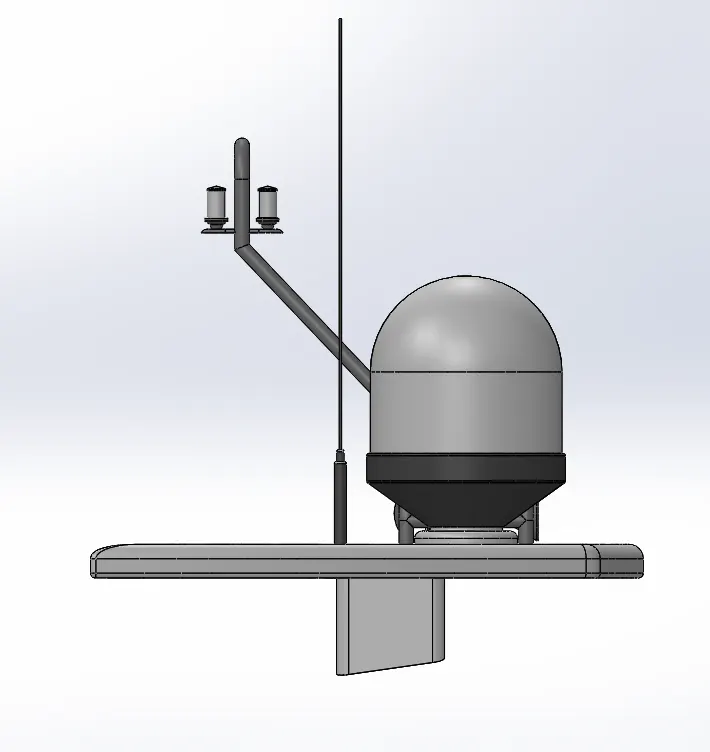
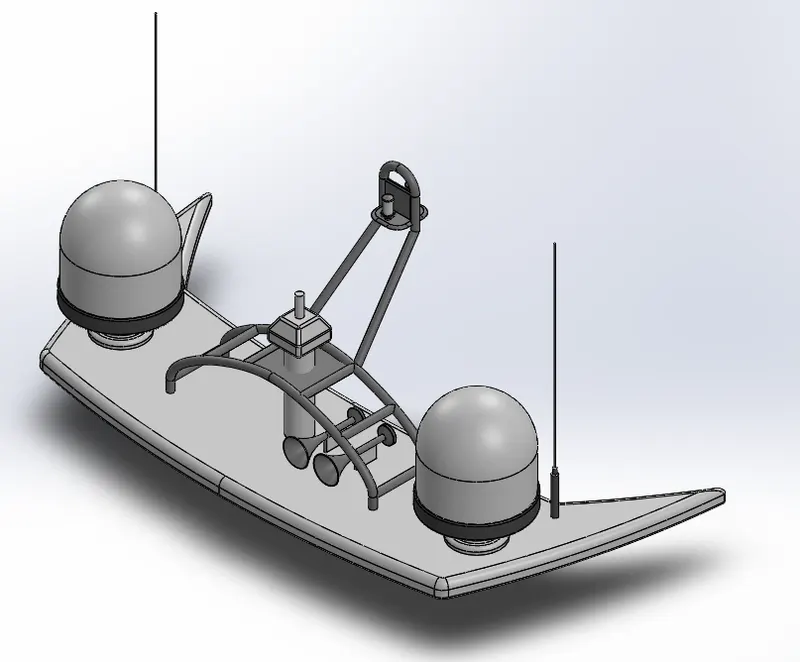
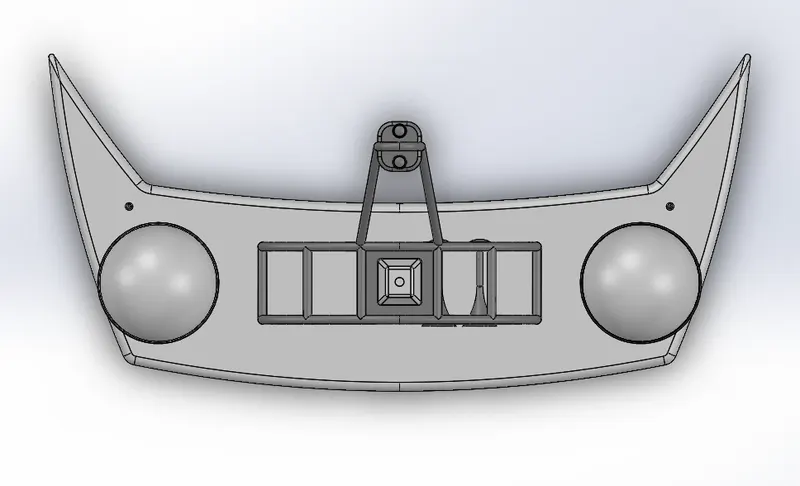
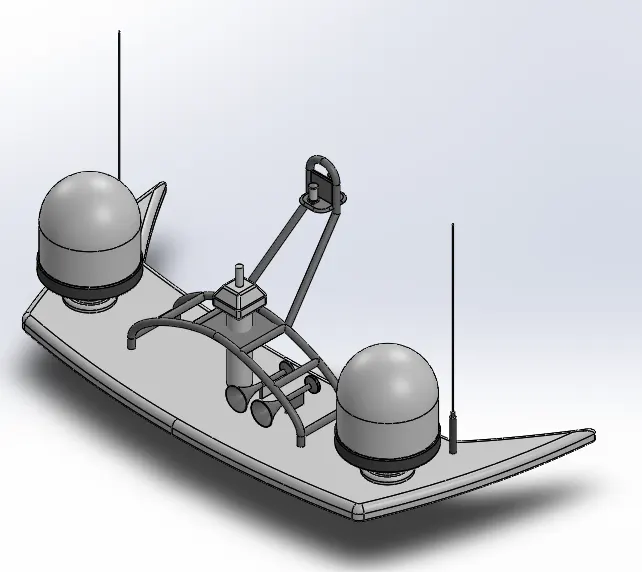
RADAR MAST
Radar mast is used for the navigation purpose which is mounted at the top of the yacht.
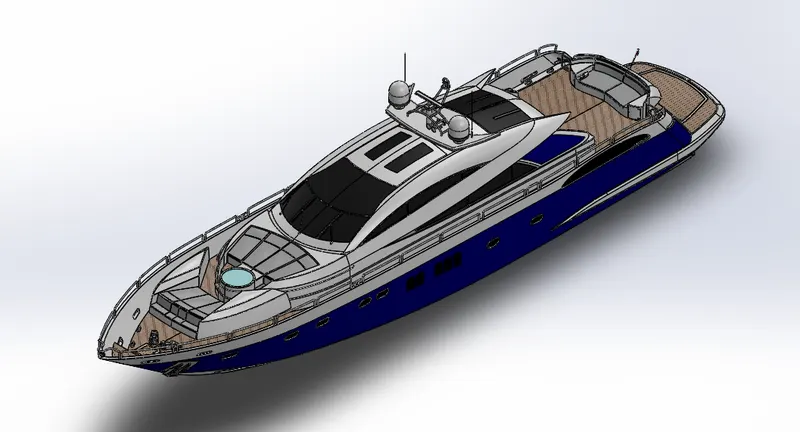
YACHT ASSEMBLY
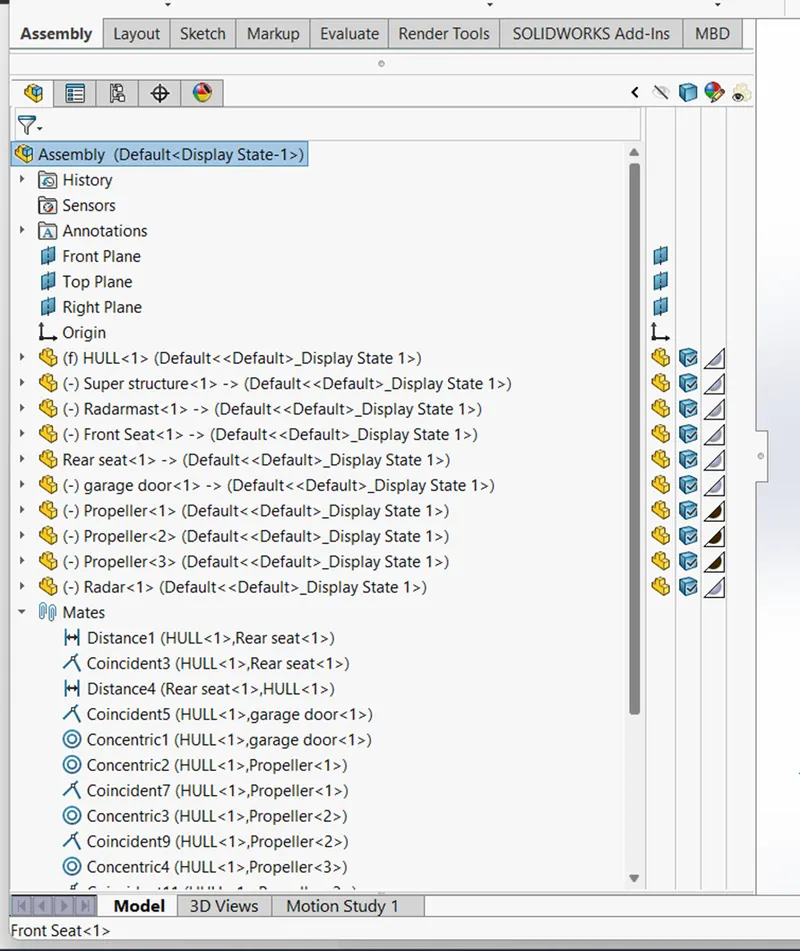
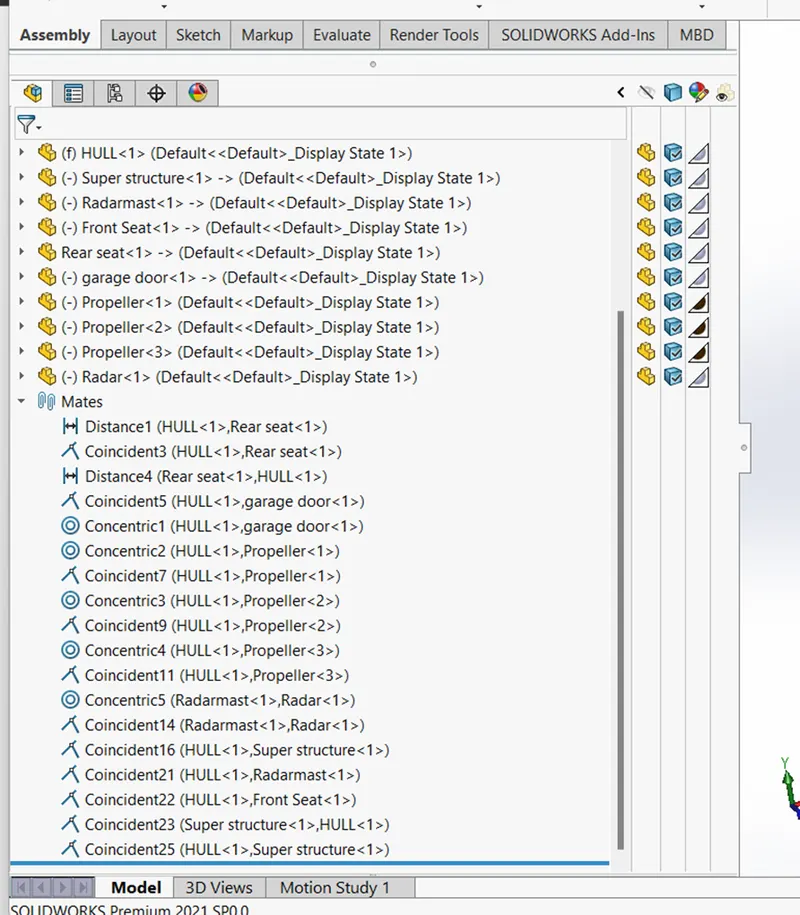
You can build complex assemblies consisting of many components, which can be parts or subassemblies. Adding components to an assembly creates a link between the assembly and the component. When SOLIDWORKS opens the assembly, it shows the component file to show it in the assembly. And mate creates geometric relationship between assembly components. As you add mates, you define the allowable directions of linear or rotational motion of the component. You can move a component within its degree of freedom, visualizing the assembly behaviour .The Different Assembly Parts are opened and then assembled in the assembly window by using different mate options like as coincident, concentric, angled, parallel, limit angel, tangent, width mate etc.
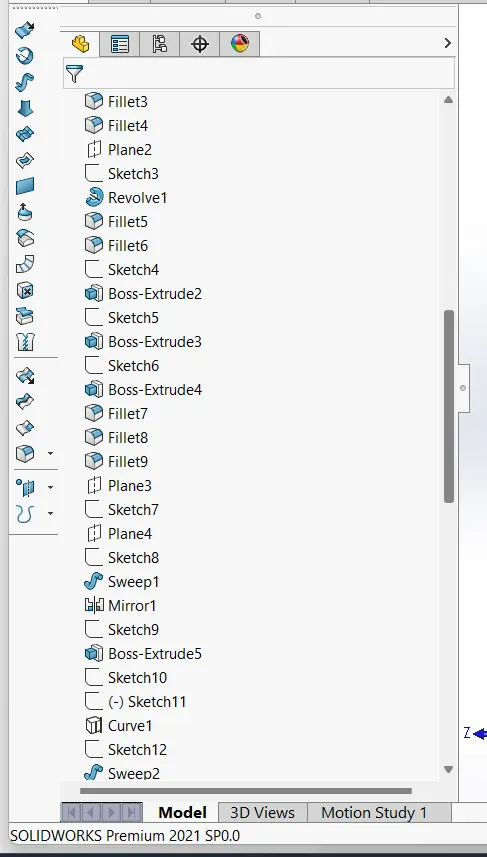
FEATURE TREE
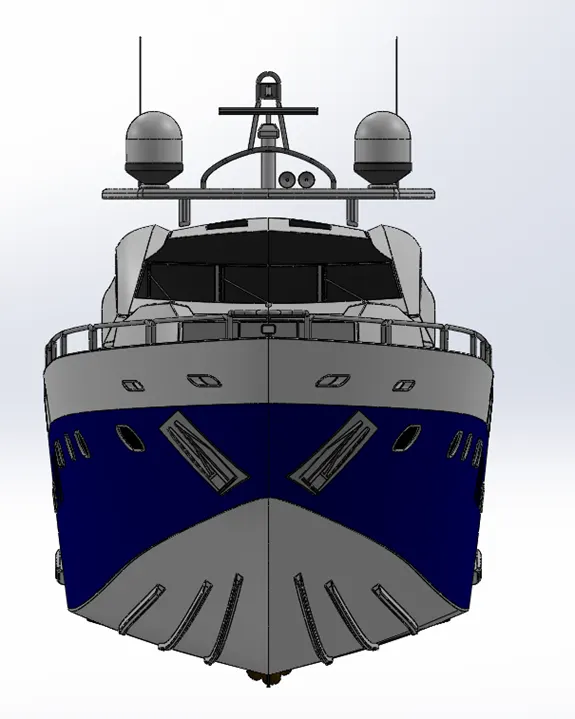
FRONT VIEW
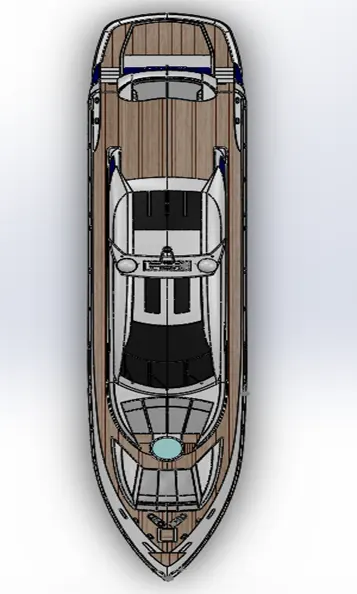
TOP VIEW
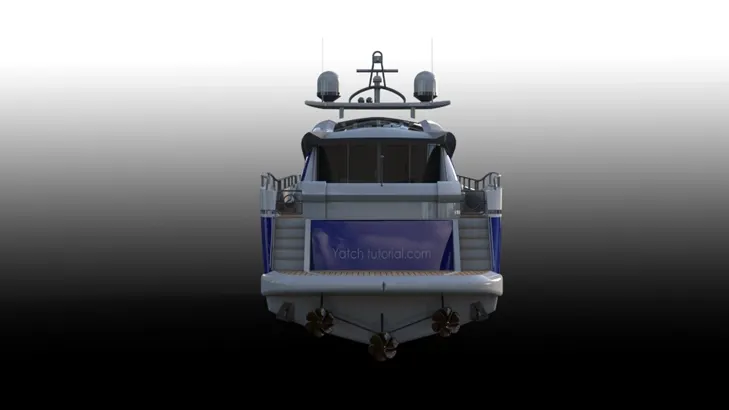
BACK VIEW
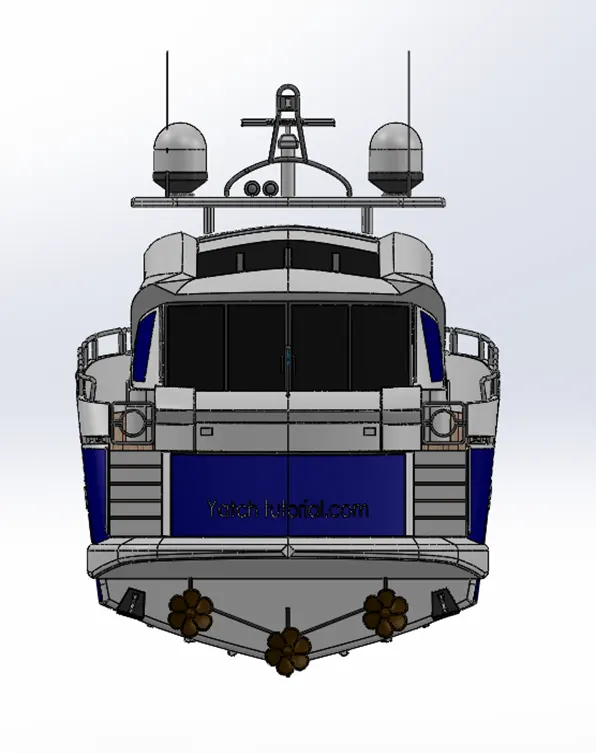
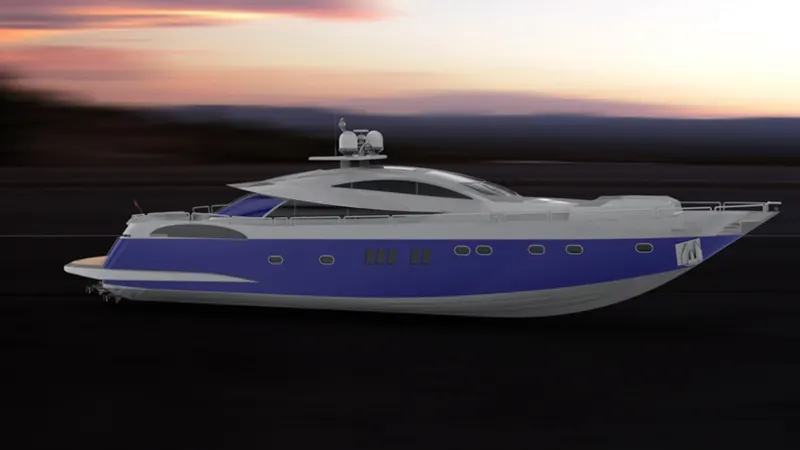
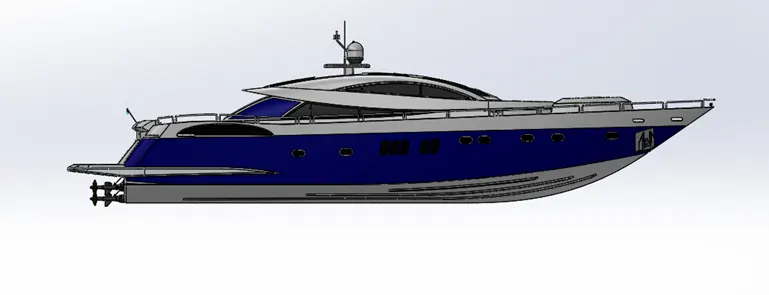
LEFT VIEW
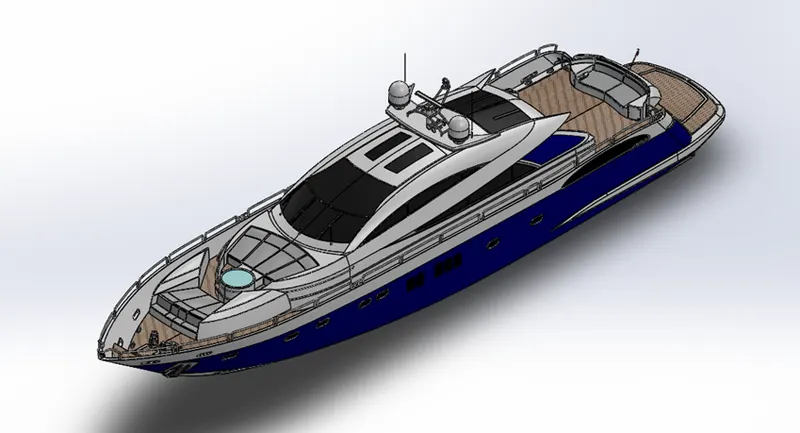
ISOMETRIC VIEW
RENDERING
SOLIDWORK S VISUALISE