Radar Mast & Final Assembly of Yacht
SUNSEEKER PREDATOR YACHT
Objective
To understand,
- Surface modelling.
- assembling the yacht
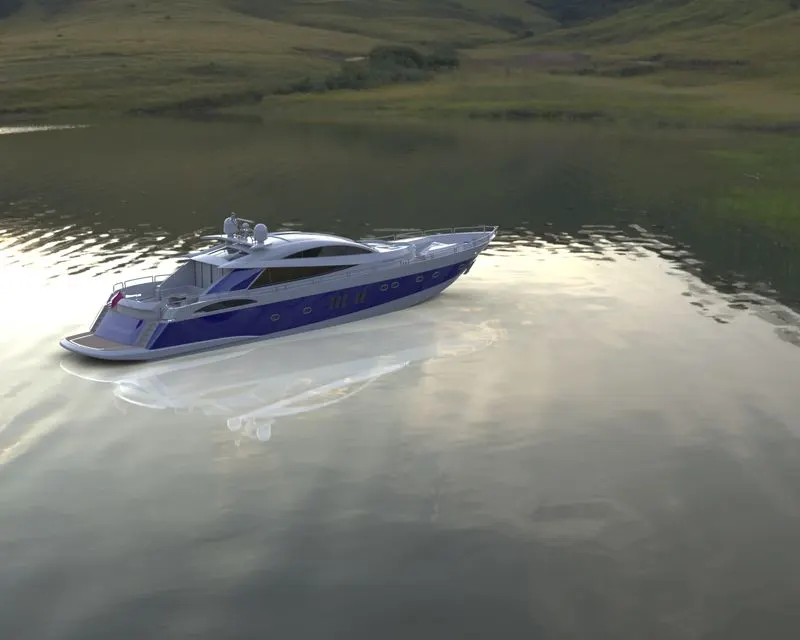
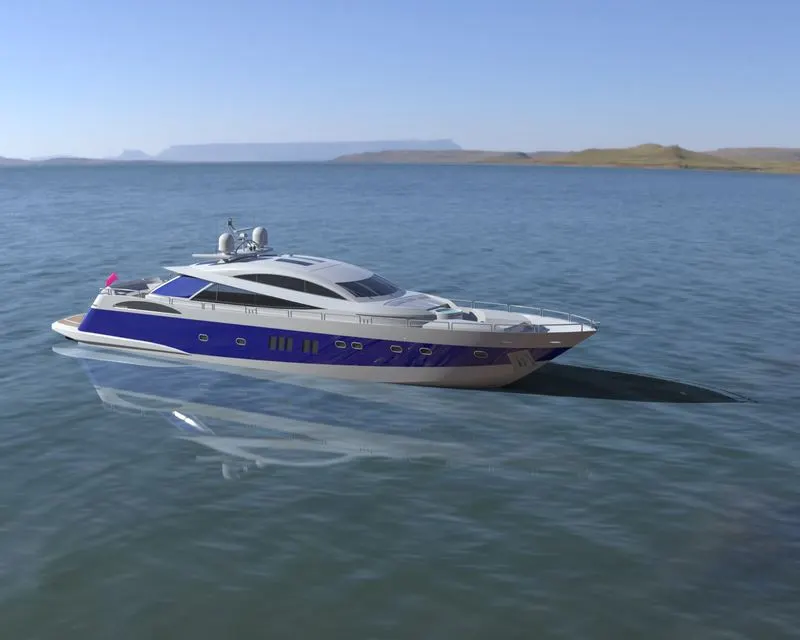
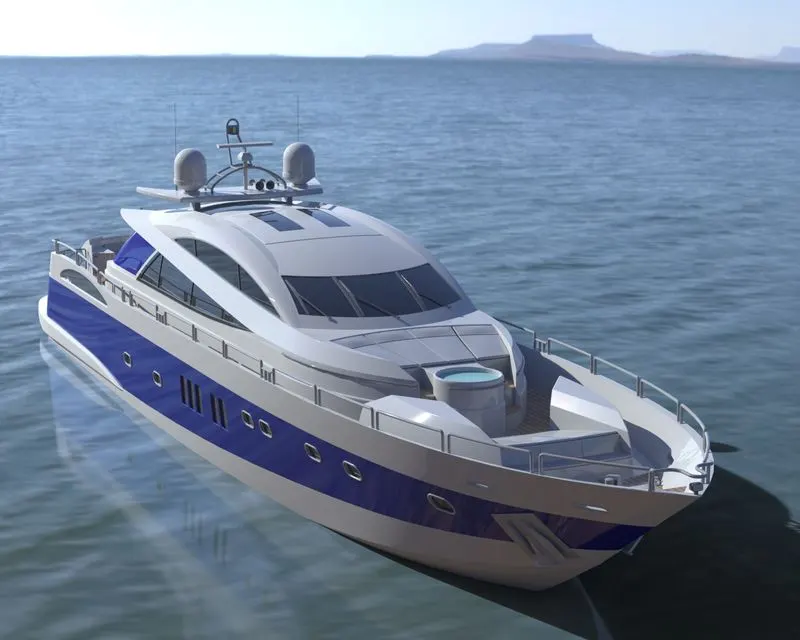
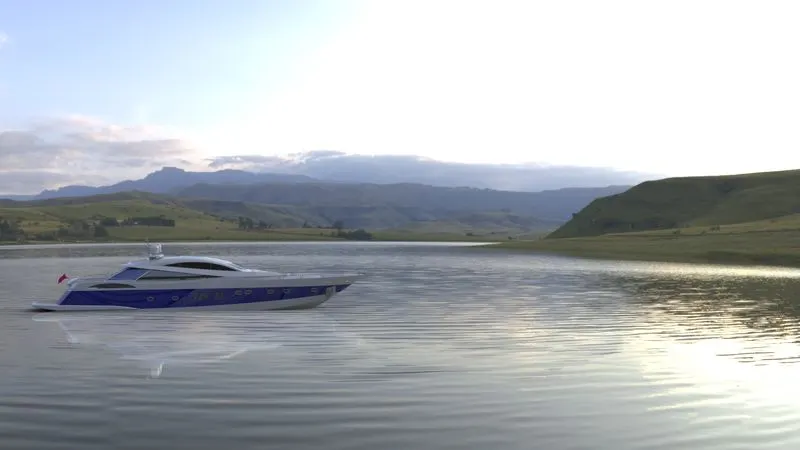
- Scene setup in solidworks visualize to create renders.
Introduction
In this project we learnt
- the various features of surface modelling
- knitting and converting the surfaces into a solid
- assembling of the yacht
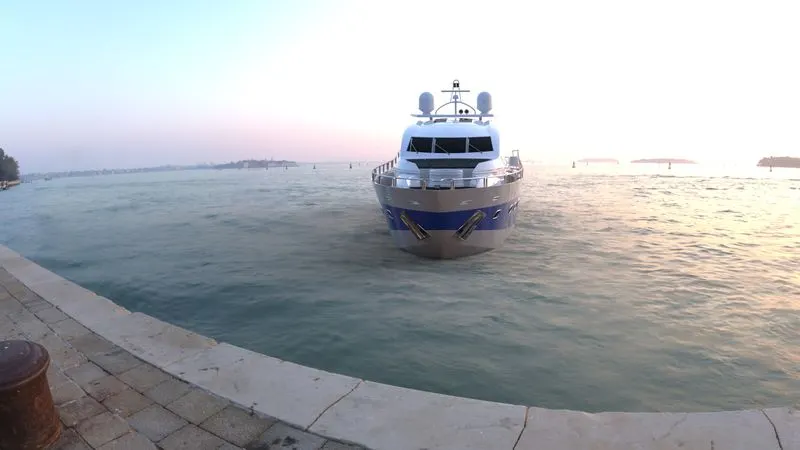
- to create renders for the model or final assembly
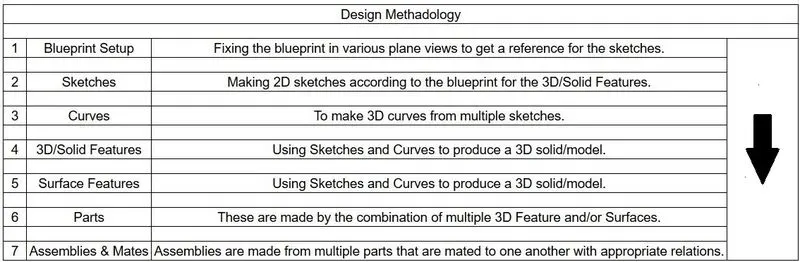
Design Methadology
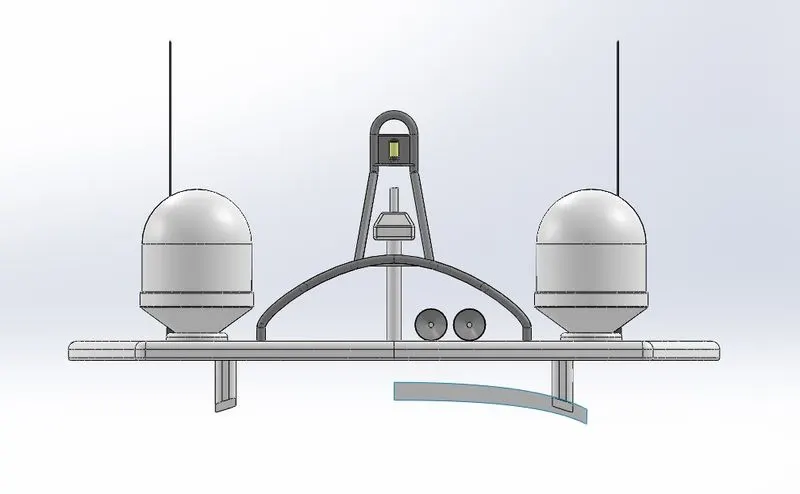
Parts
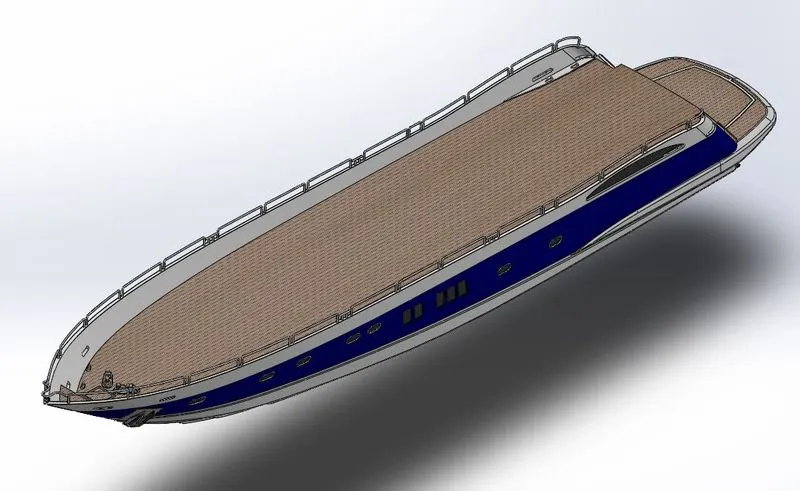
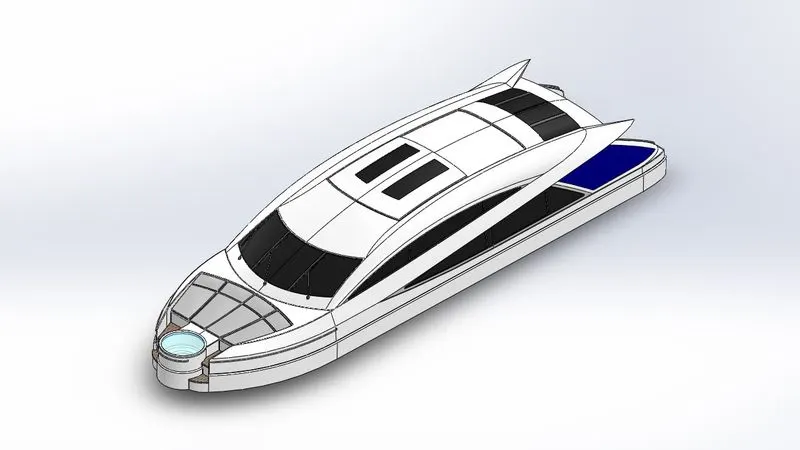
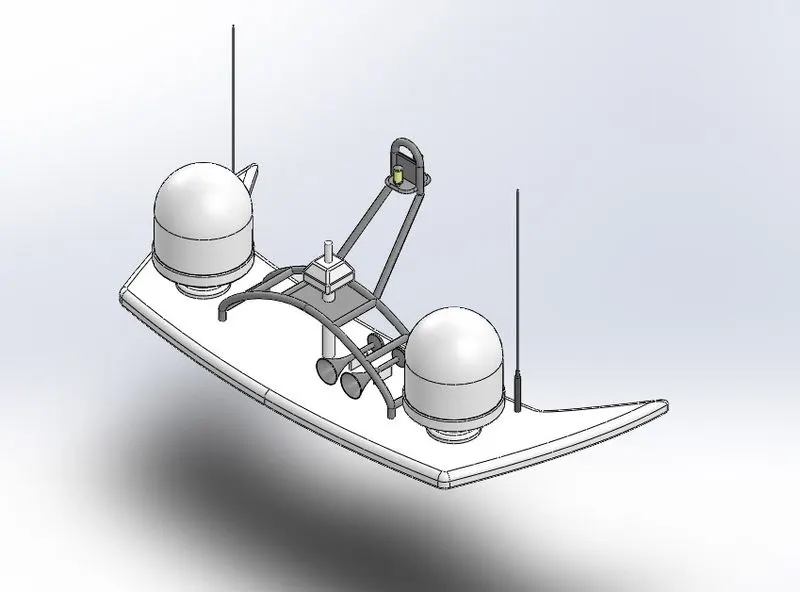
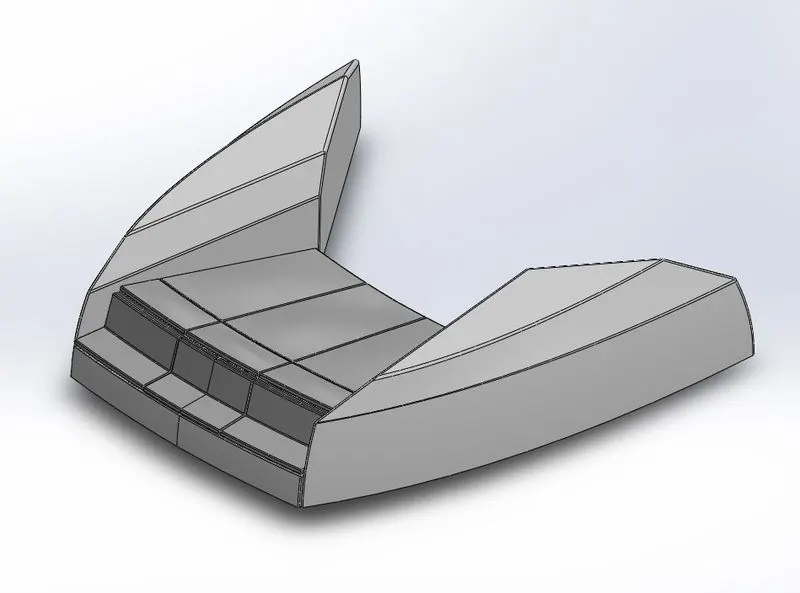
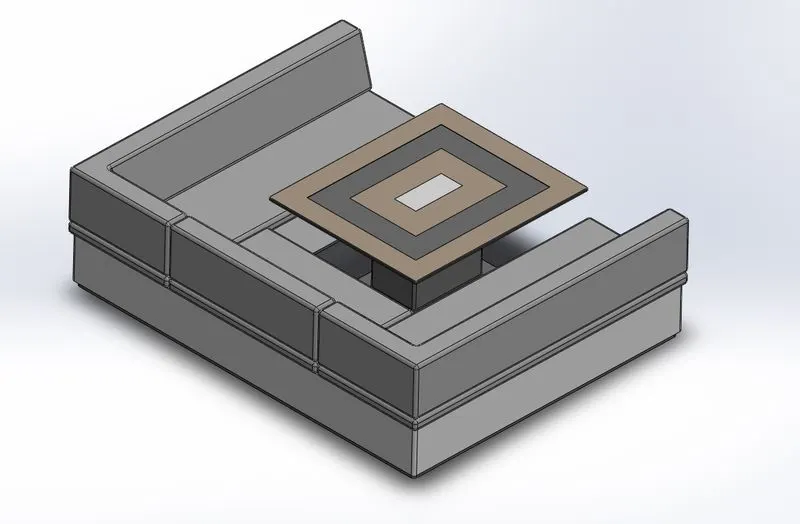
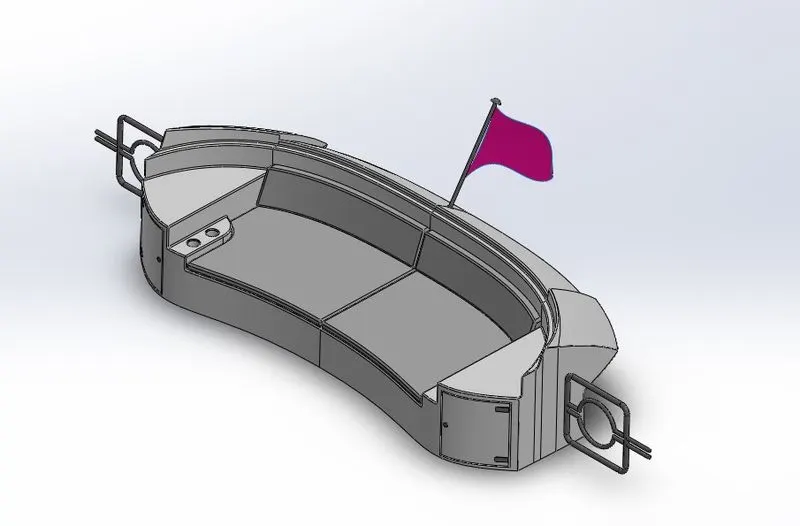
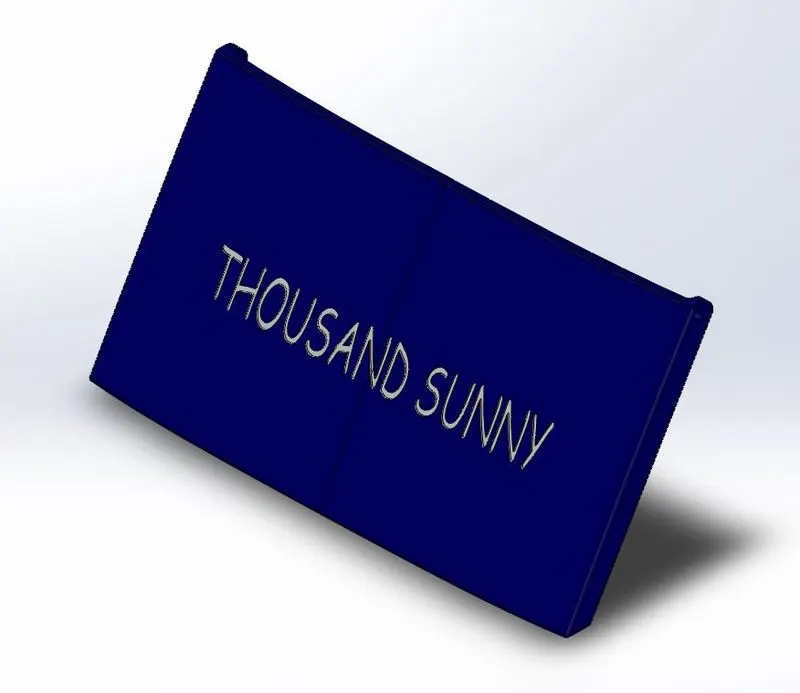
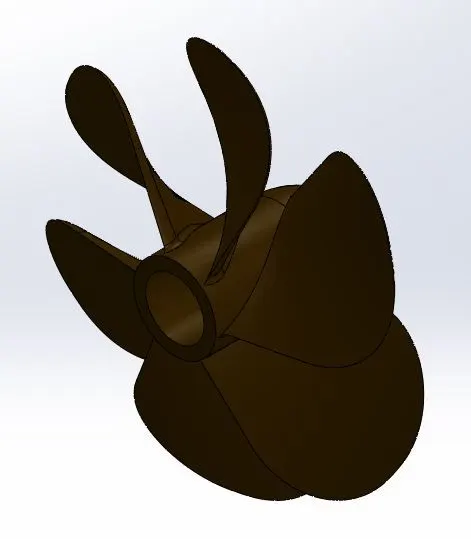
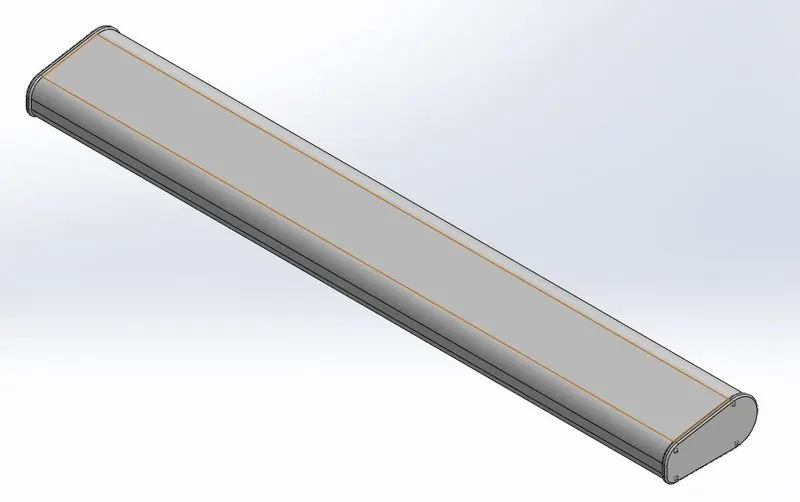
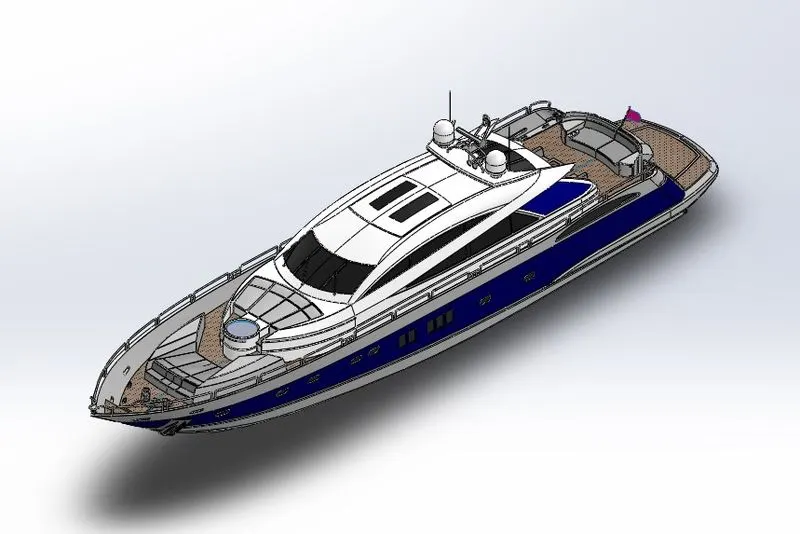
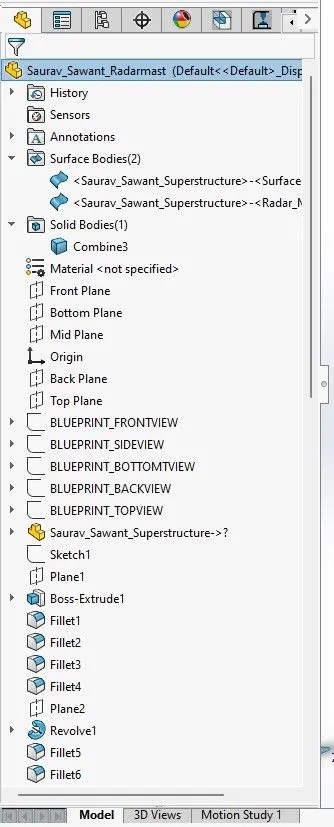
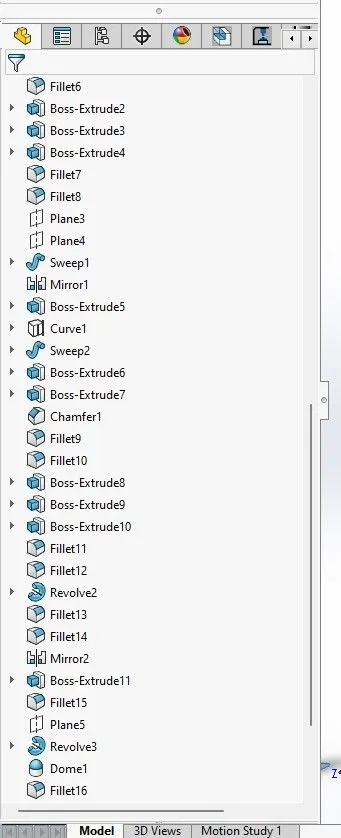
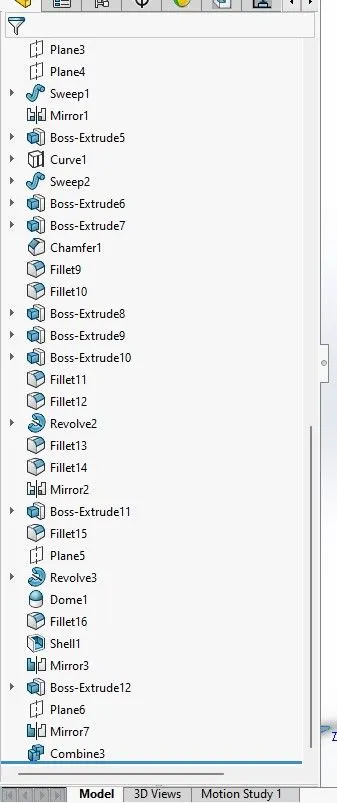
Above parts were created using following features.
- Projected Curve - Creates a 3D curve from 2 different sketches.
- Lofted Surface - Creates a lofted surface between two or more profiles/sketches.
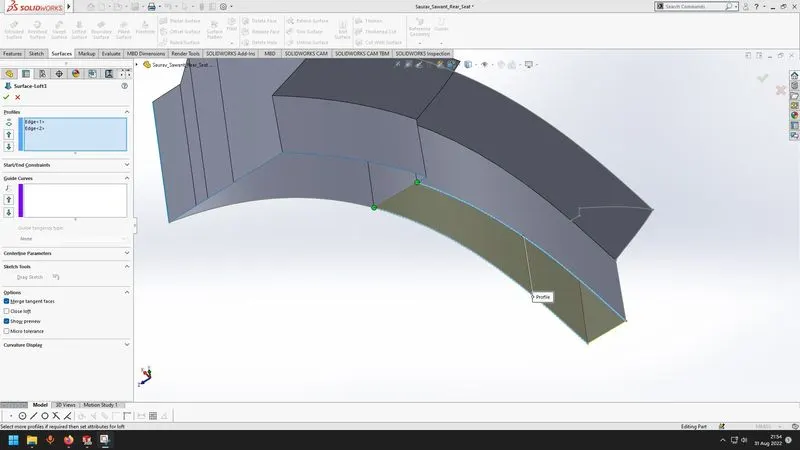
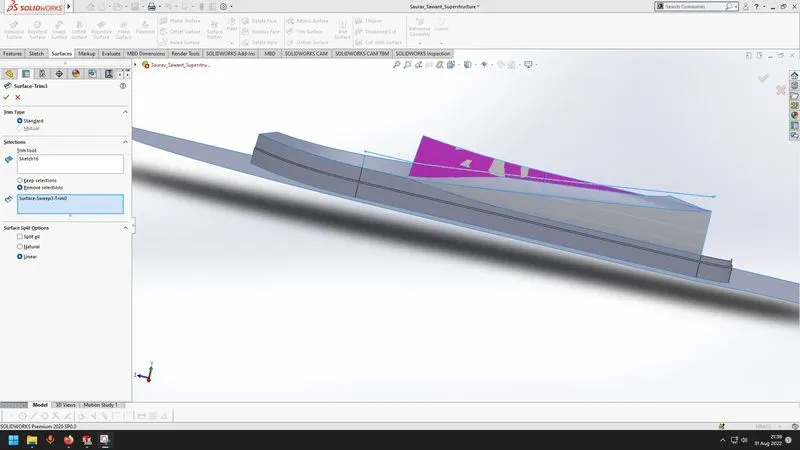
- Surface trim - Trims a surface beyond intersection of two surfaces.
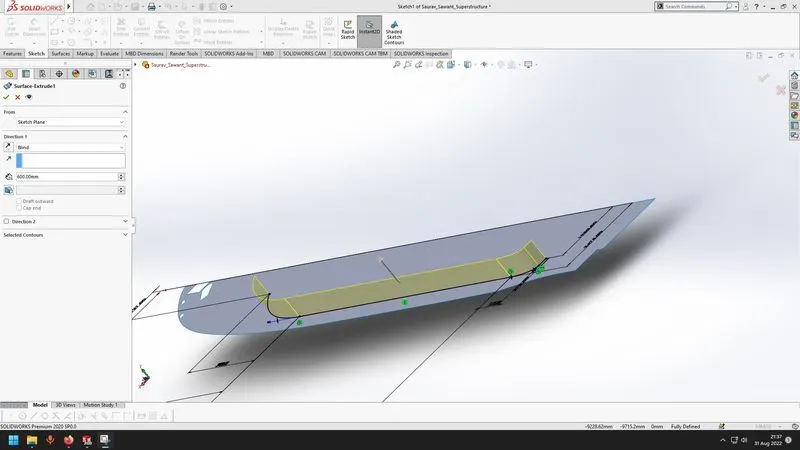
- Surface extrude - Creates an extruded surface from a selected sketch.
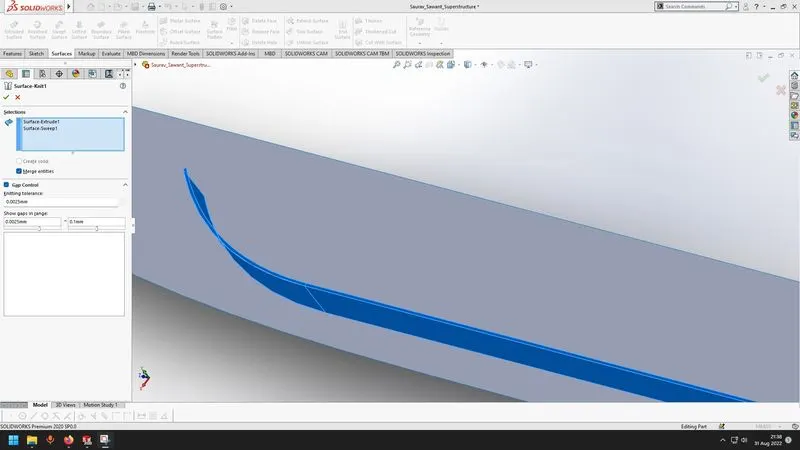
- Surface knit - It knits multiple surfaces together to create a single surface.
- Surface fill - Creates a surface between a boundary defined by edges.
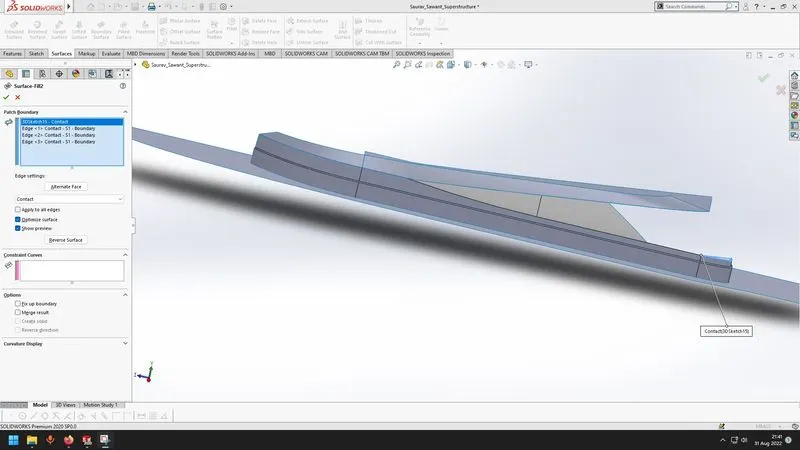
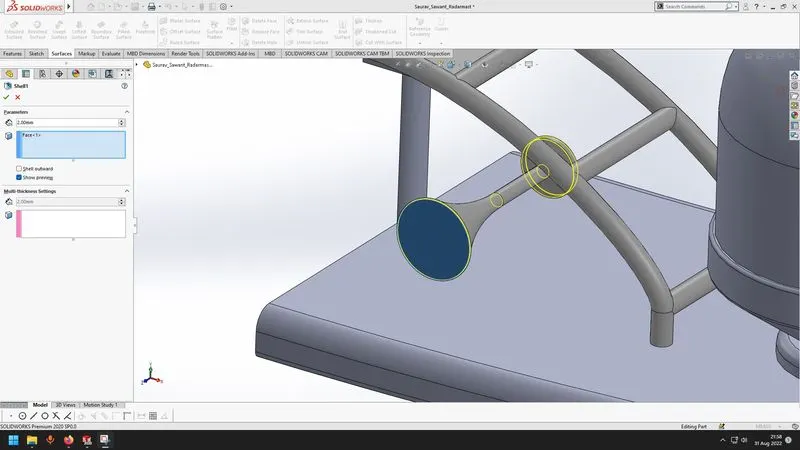
- Shell - It makes a solid body hollow.
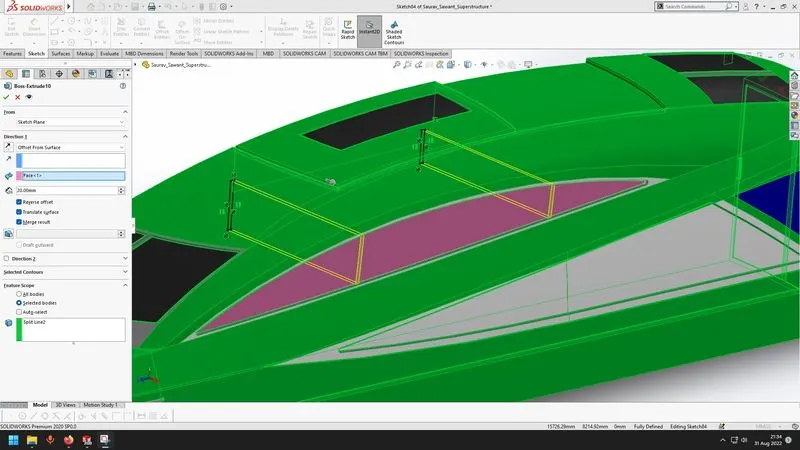
- Boss Extrude - Extrudes a solid body with reference to a sketch.
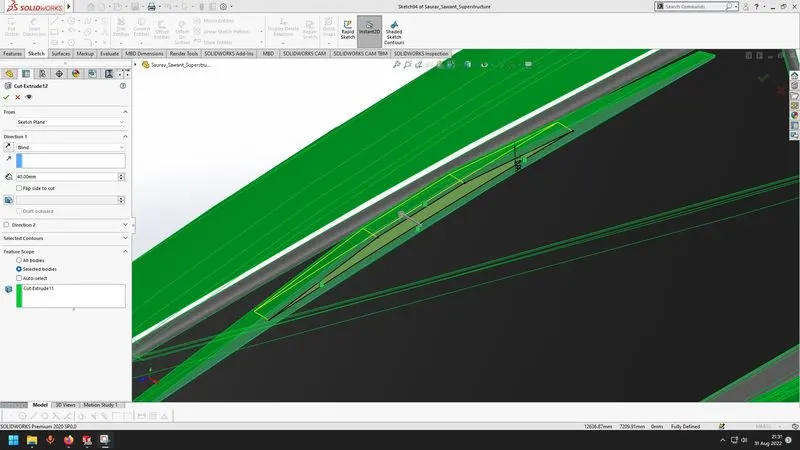
- Cut Extrude - Cuts material from a solid body with reference to the sketch.
- Fillet - Converts an edge into a curved surface.
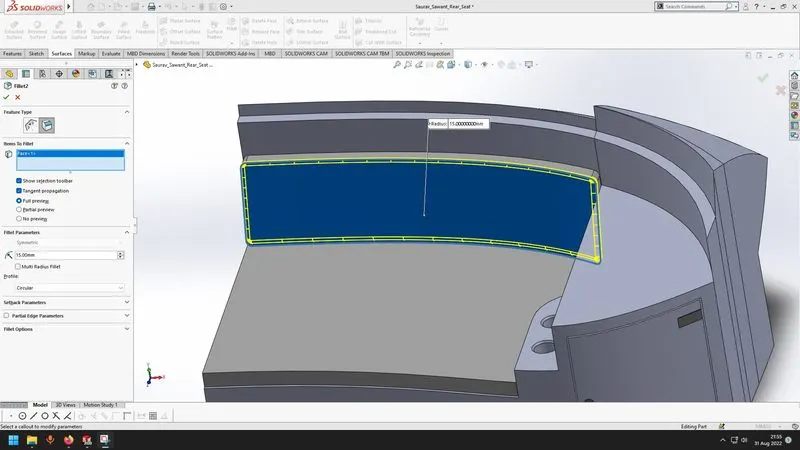
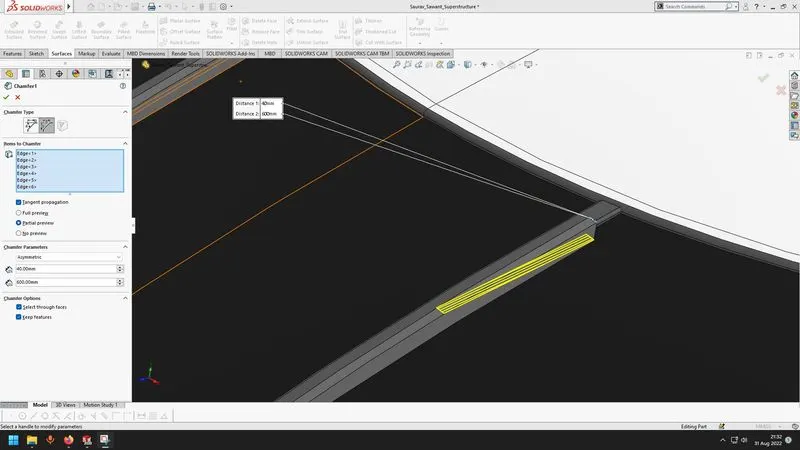
- Chamfer - Converts an edge into a sloping edge.
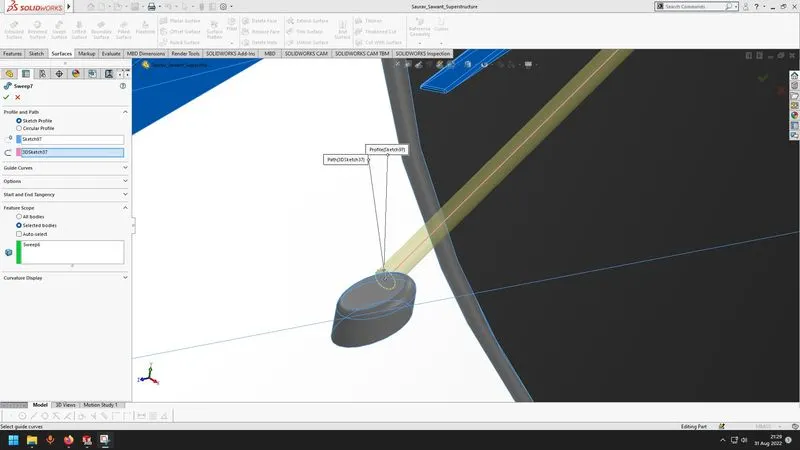
- Swept Boss - Sweeps a body with reference to a sketch and a path.
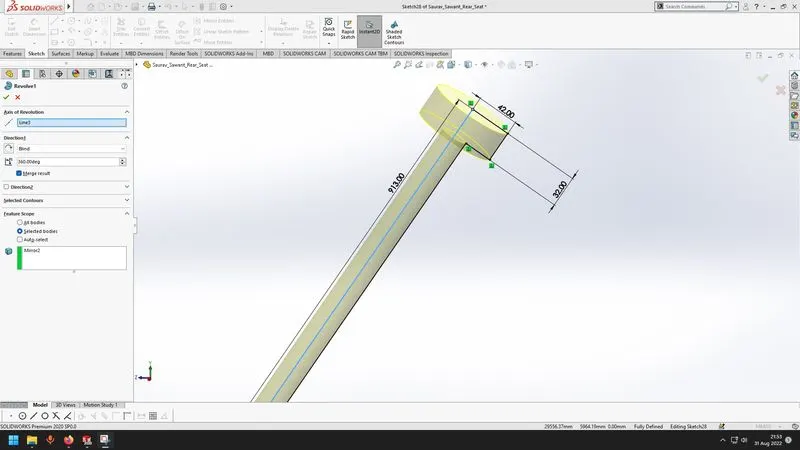
- Revolved Boss - Creates a revolved feature with reference to a sketch and axis.
- Surface Offset - Creating a new surface at an offset from original surface.
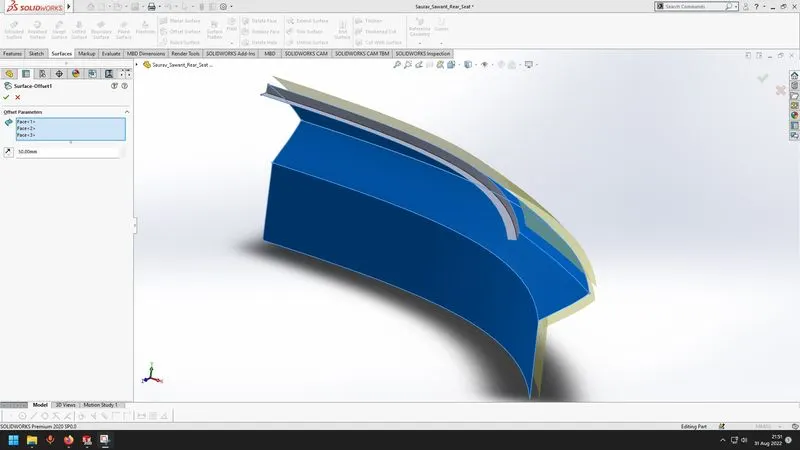
- Split Line - projects a sketch onto a surface.
- Mirror - Mirrors features or bodies.
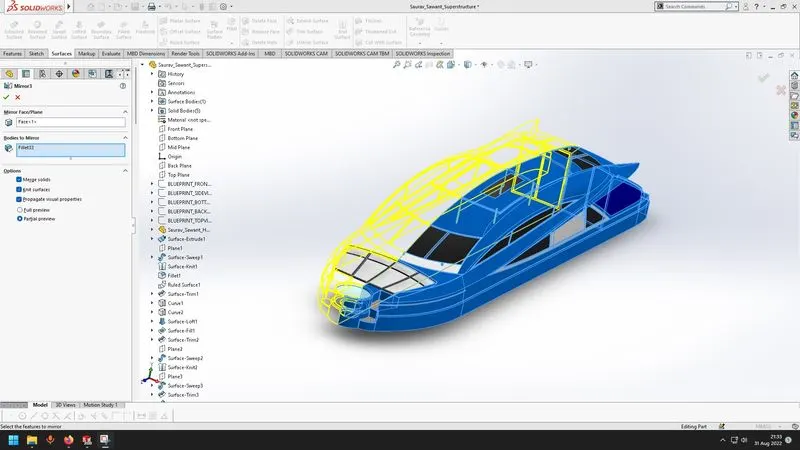
- Surface Swept - Sweeps a surface with reference to a sketch and a path.
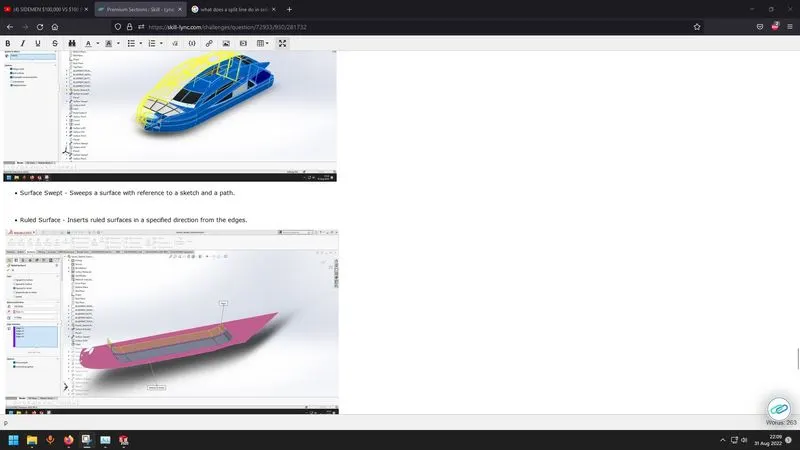
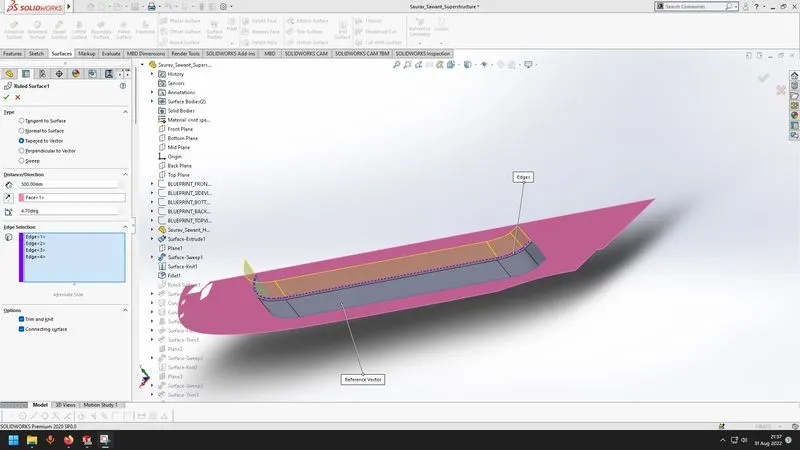
- Ruled Surface - Inserts ruled surfaces in a specified direction from the edges.
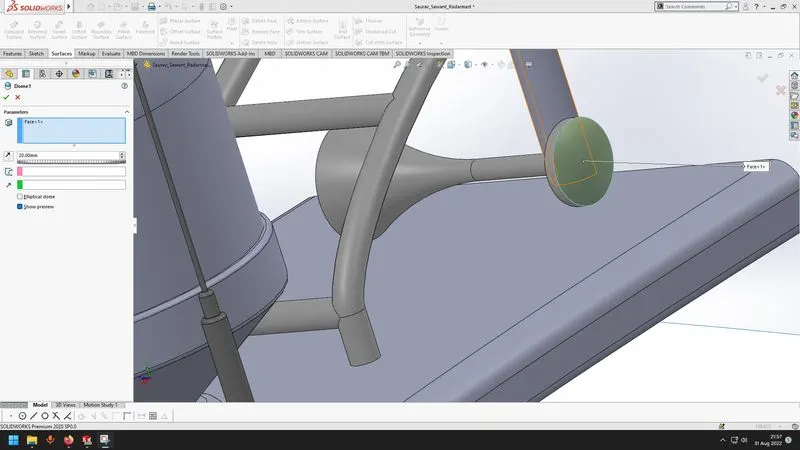
- Dome - Creates a dome structure on a selected face.
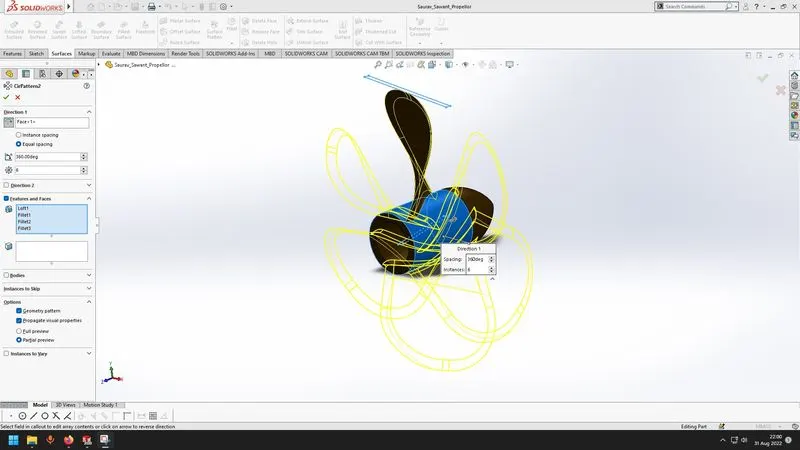
- Circular pattern
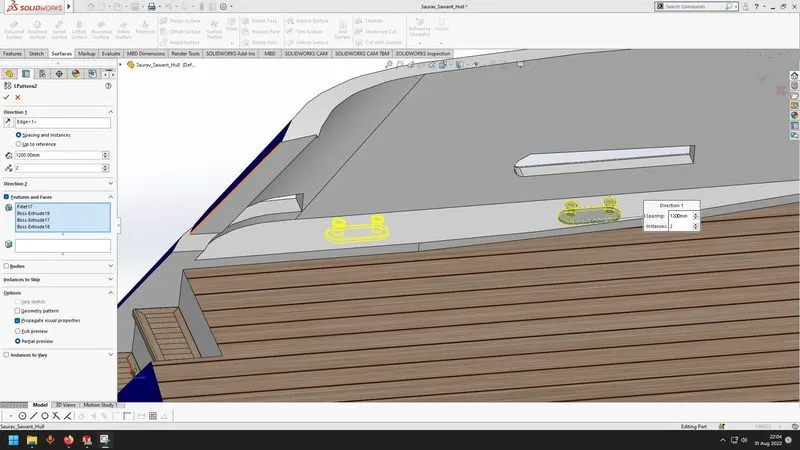
- Linear pattern
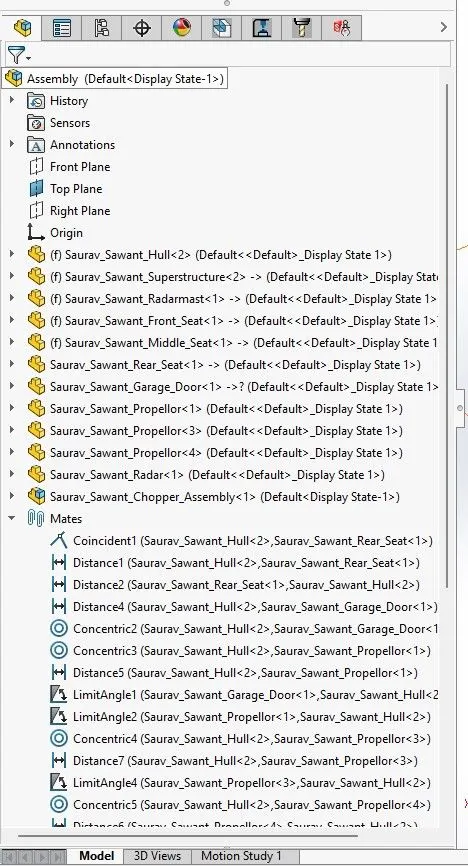
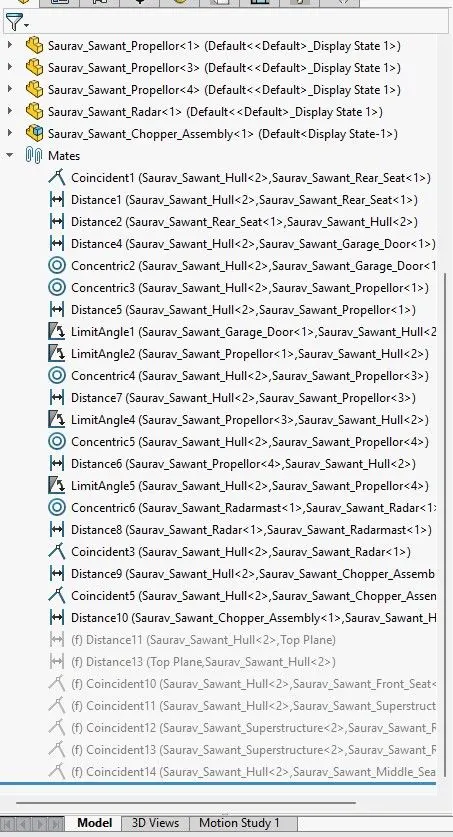
Assembly
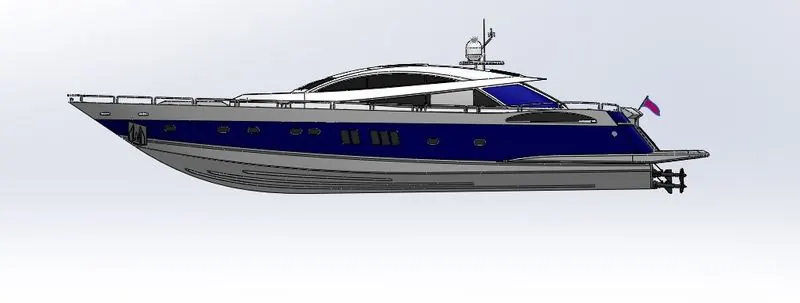
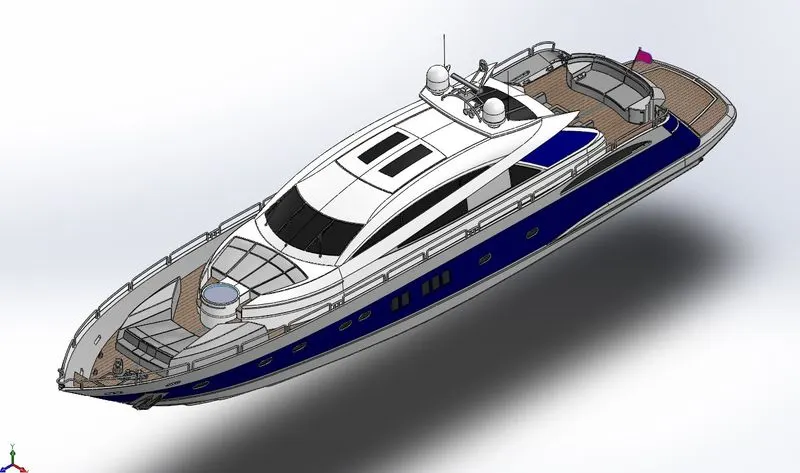
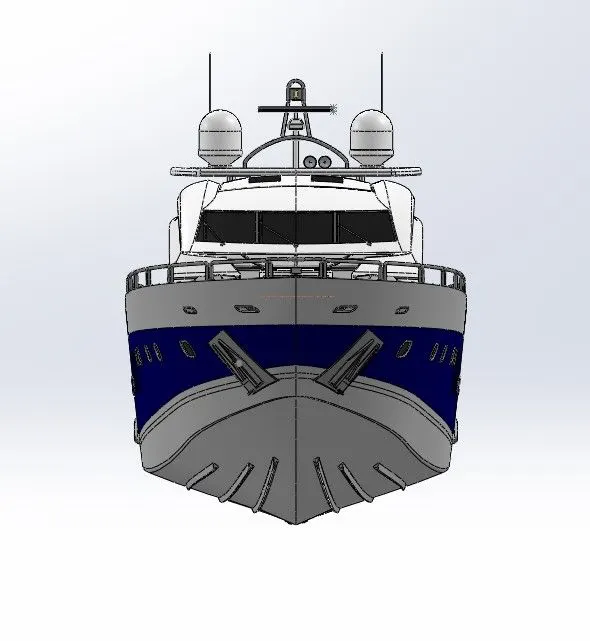
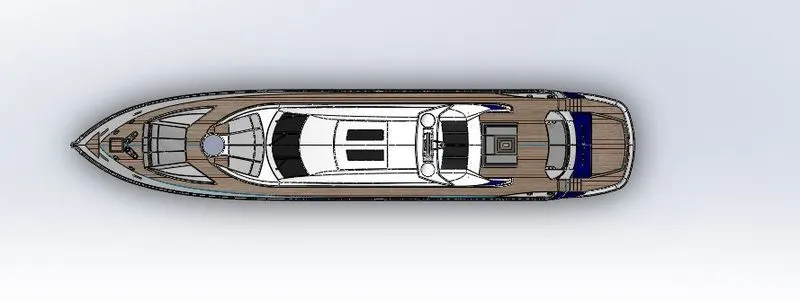
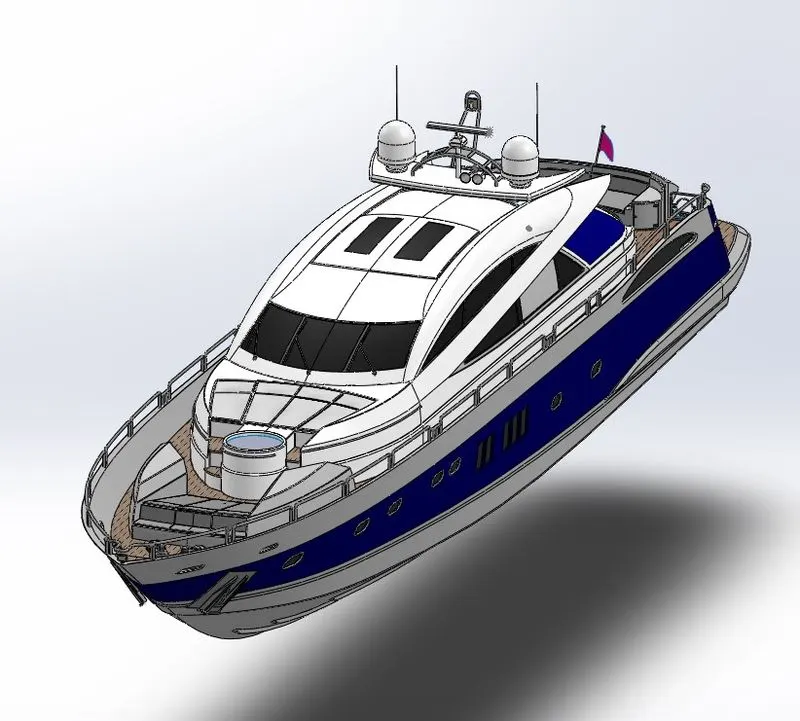
Renders
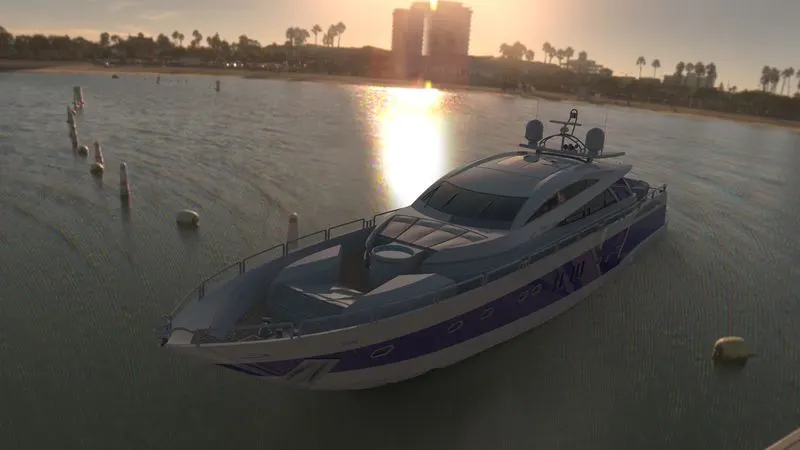
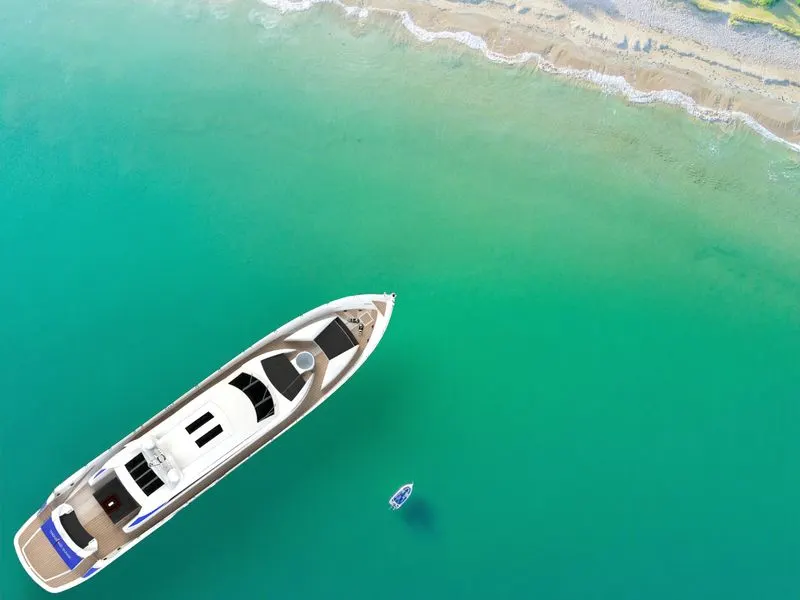
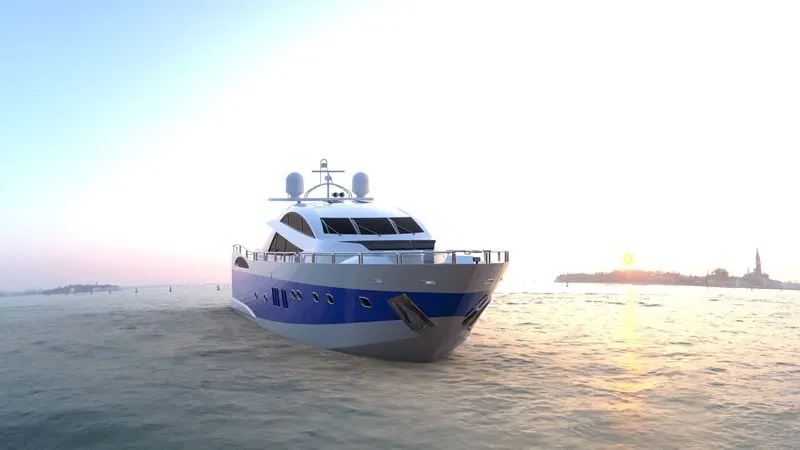
Conclusion
Understood the various features required for surface modelling and how to create a final solid model out of various surfaces.
Understood setting up scenes and environments for renders.