Photo Realistic Rendering
AMERICAN CHOPPER
Objective
To understand,
- 3D modelling.
- assemblies.
- real view rendering.
Introduction
In this project we learnt
- the various features of 3D modelling.
- how to add decals and appearances to the 3D models.
- setting up display states.
- how to assemble the 3D modelled parts in relation to one another.
- to import the model into Solidworks Visualize and setup scenes, changing appearnaces and adding environments.
Design Methadology
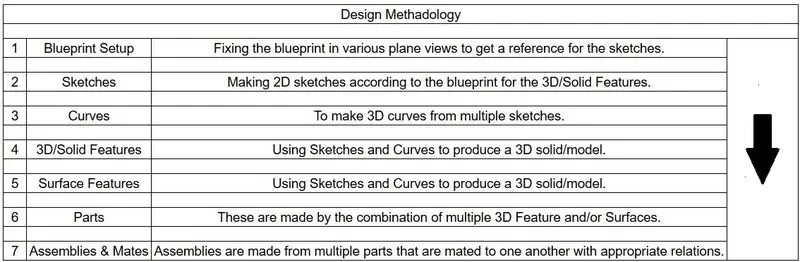
Parts
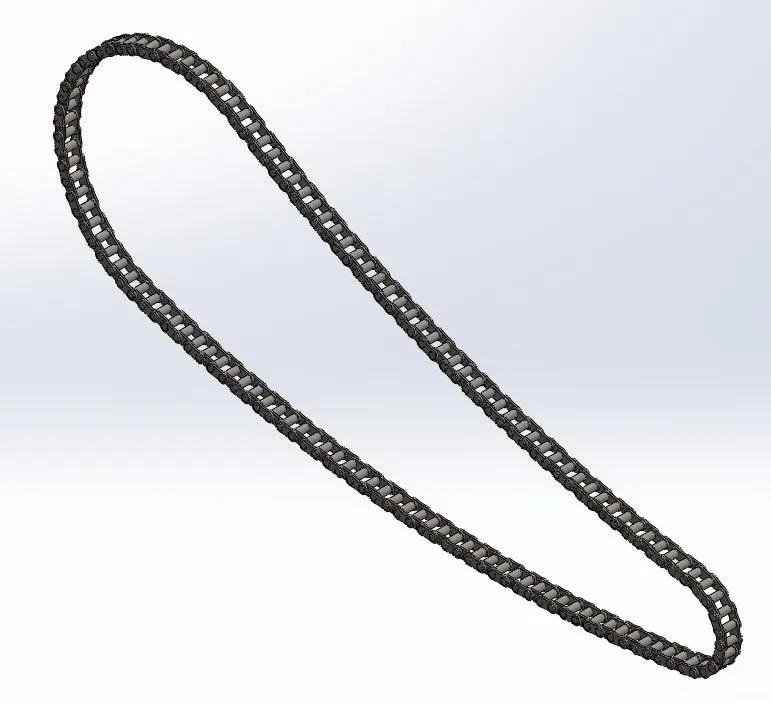
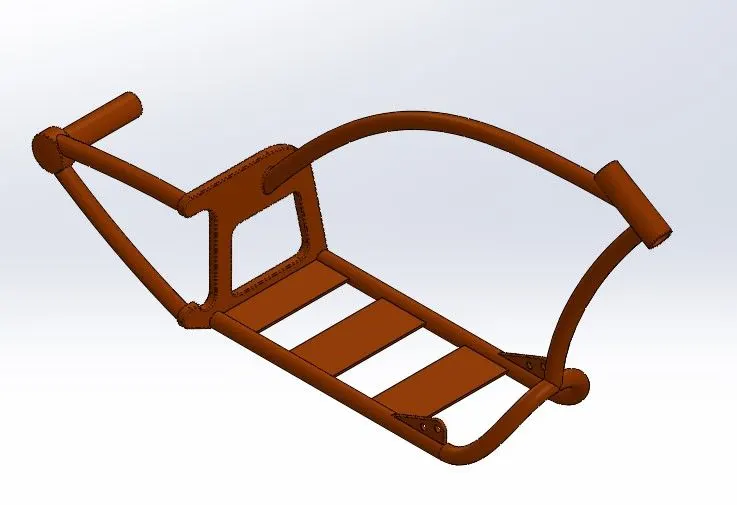
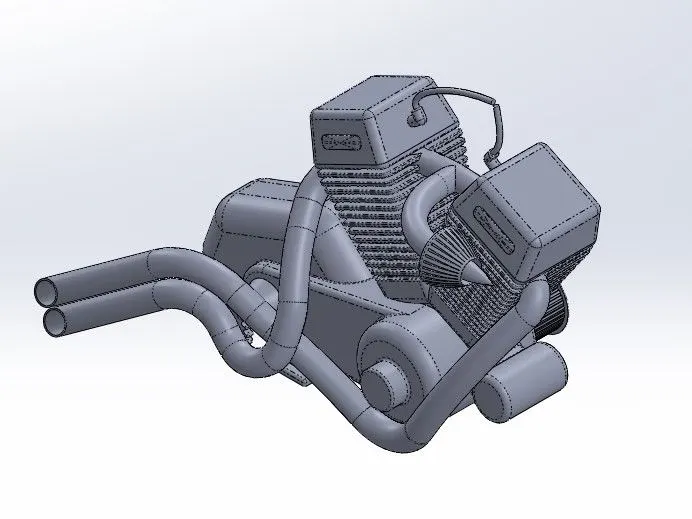
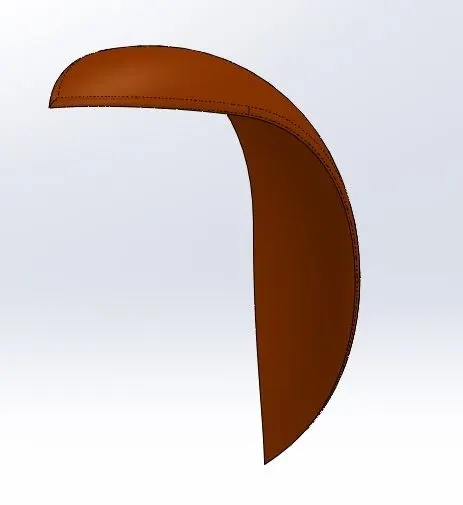
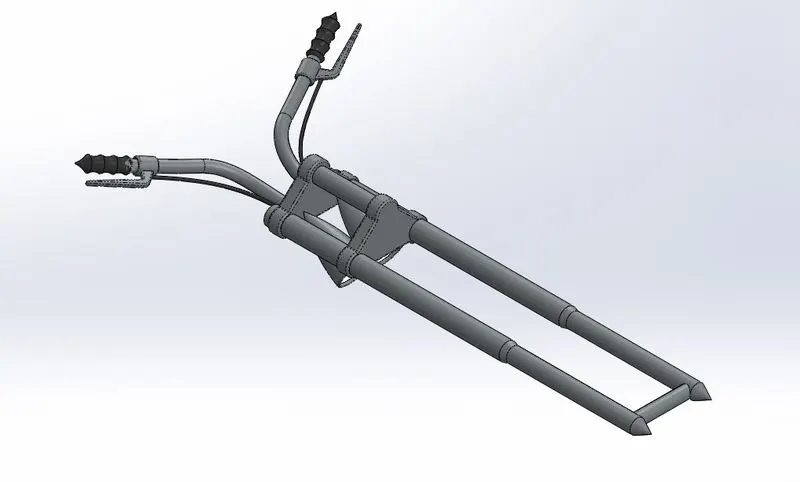
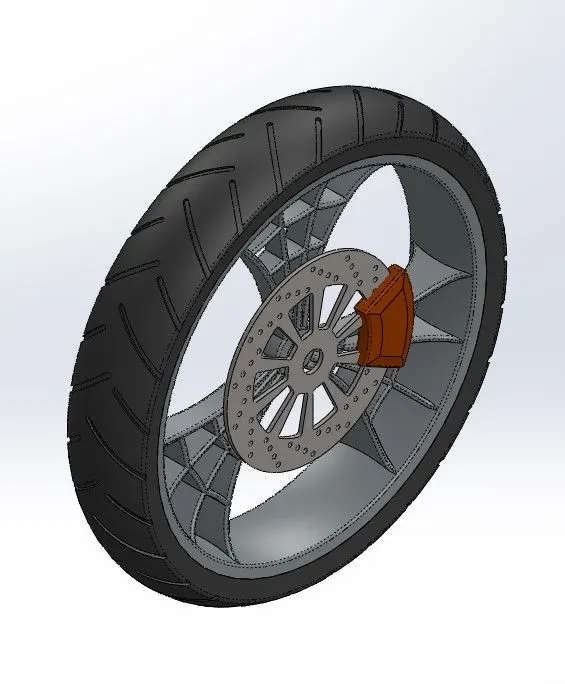
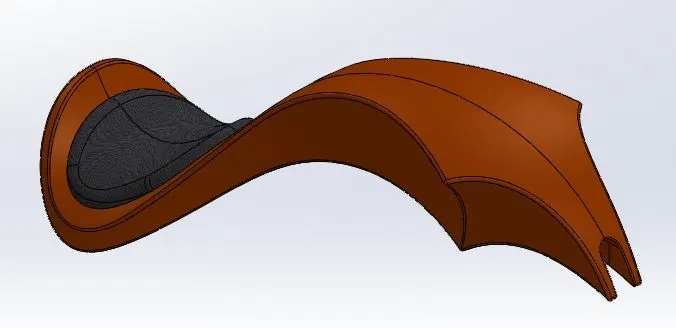
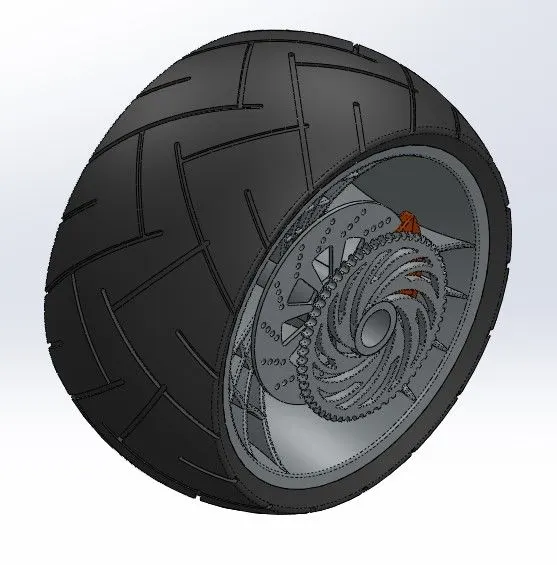
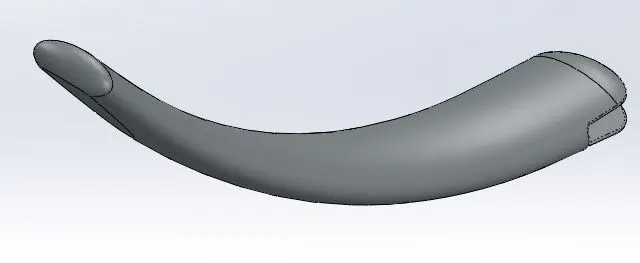
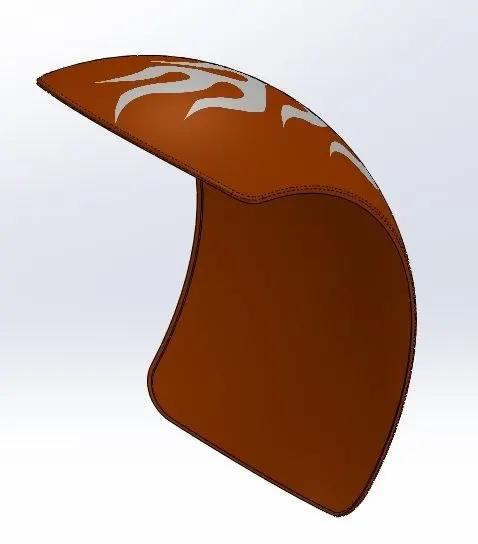
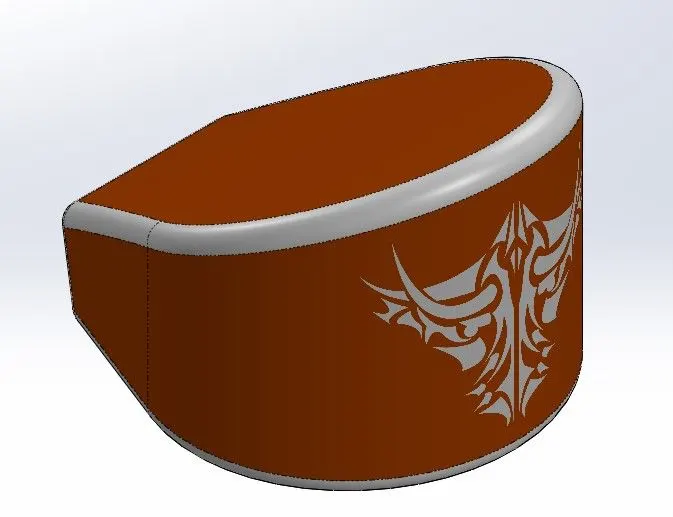
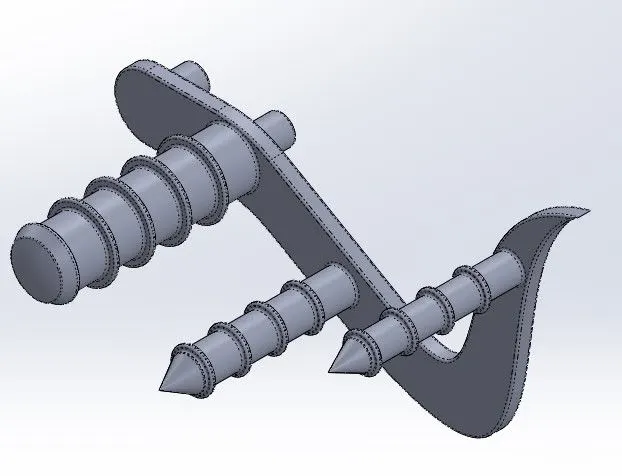
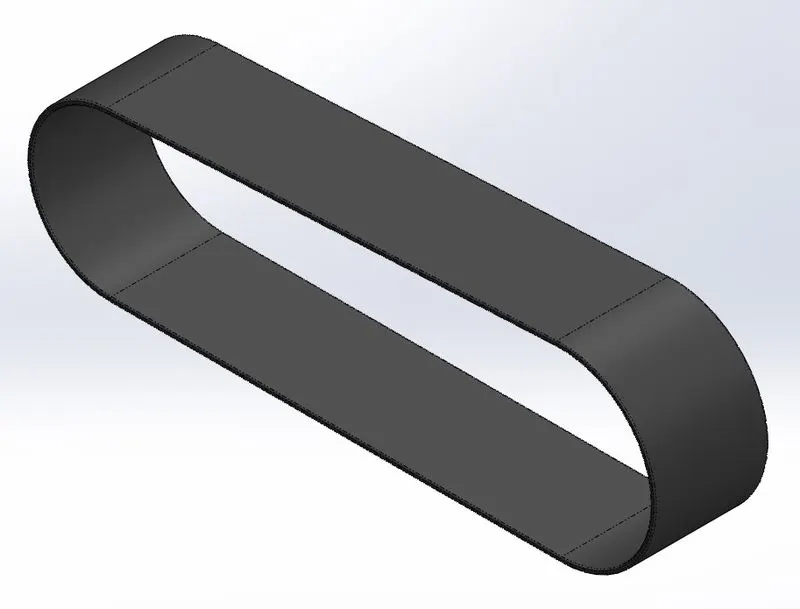
Above parts were created using following features.
- Extrude - It elongates the 2D sketch into a solid body by adding material.
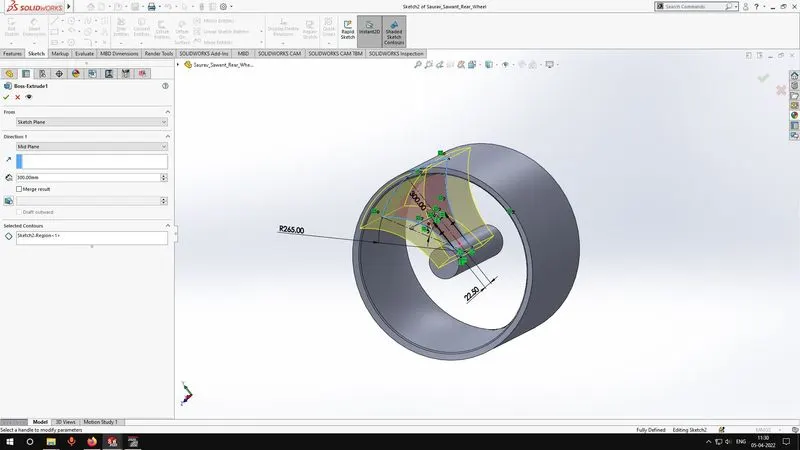
- Extrude Cut - It performs in similar way of extrude feature but removes material.
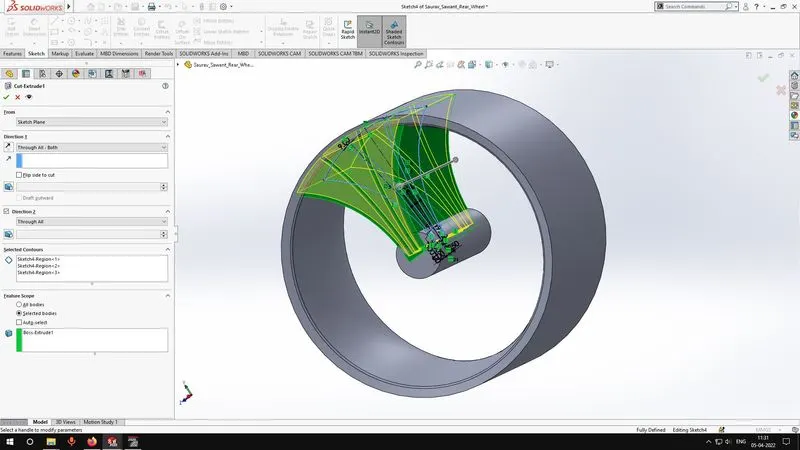
- Revolve - It revolves a 2D sketch around an axis to make a solid body by adding material.
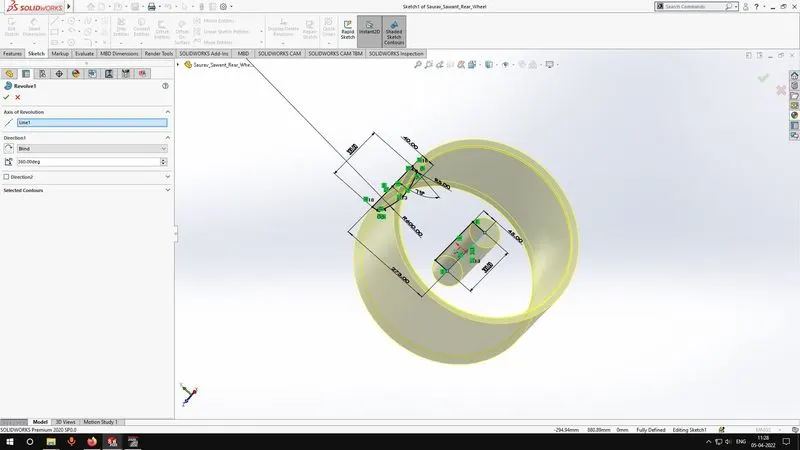
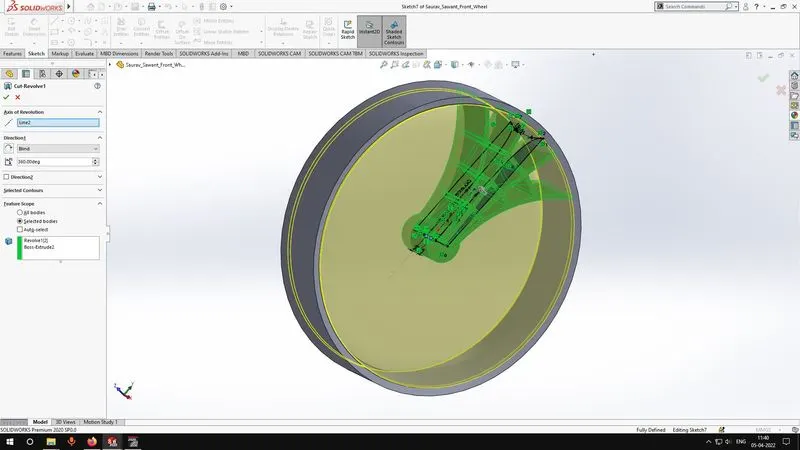
- Revolve Cut - It performs in similar way of revolve feature but removes material.
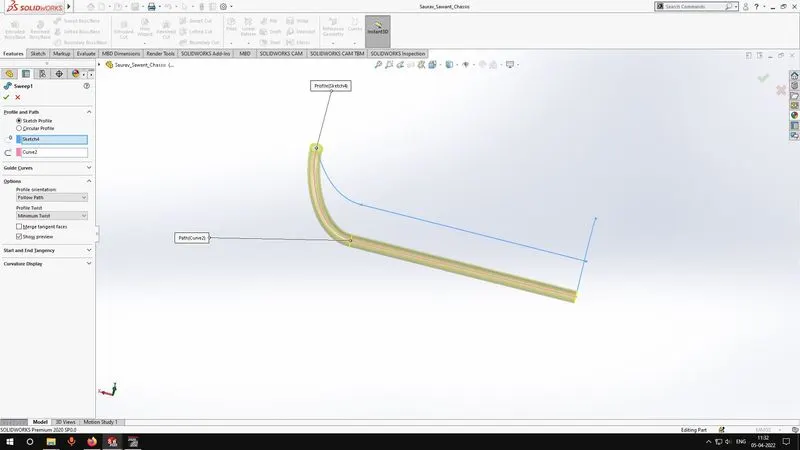
- Sweep - It uses a sketch and a guide curve to elongate the shape of the sketch according to guide curve.
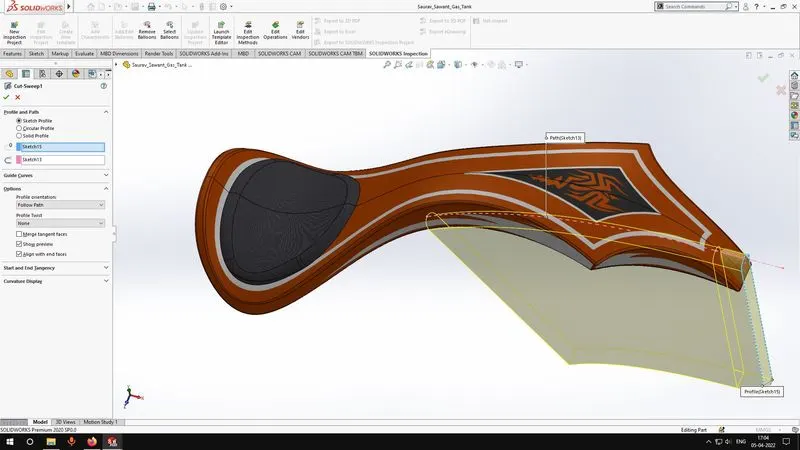
- Sweep Cut - It performs in similar way of sweep feature but removes material.
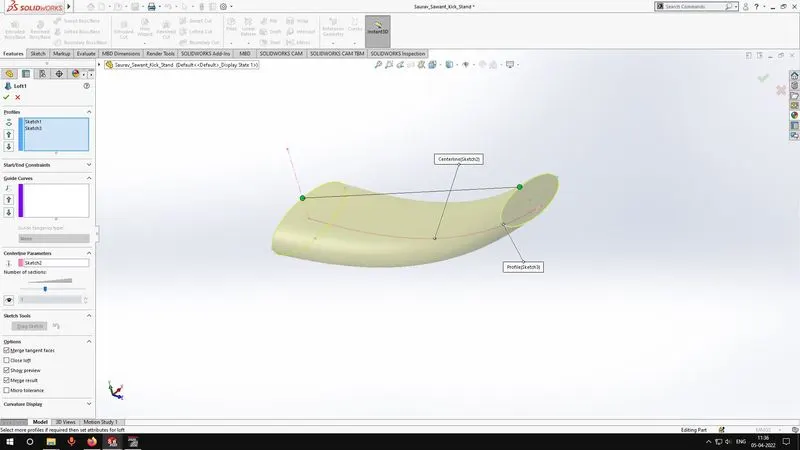
- Loft - It uses multiple sketches in different but parallel planes to form a solid body which connects the circumference of the sketches.
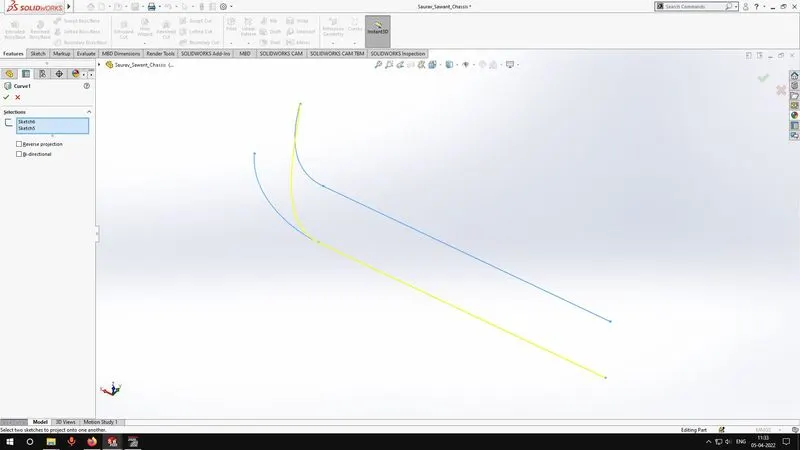
- Curve - Multiple sketches make a 3D curve.
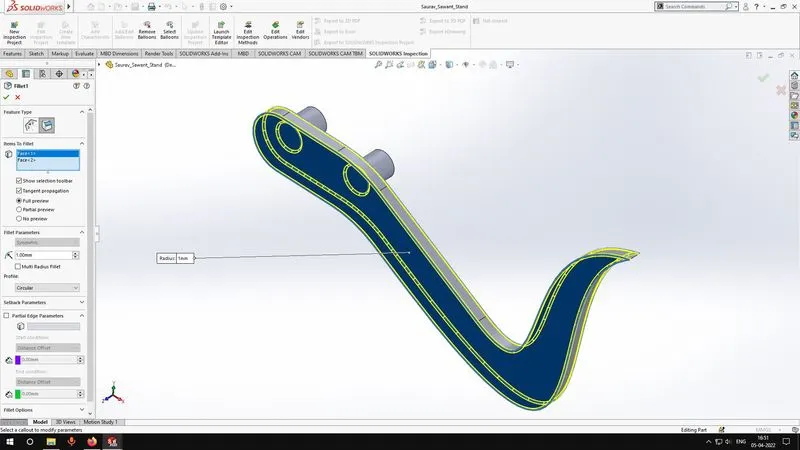
- Fillet - It curves the selected edge.
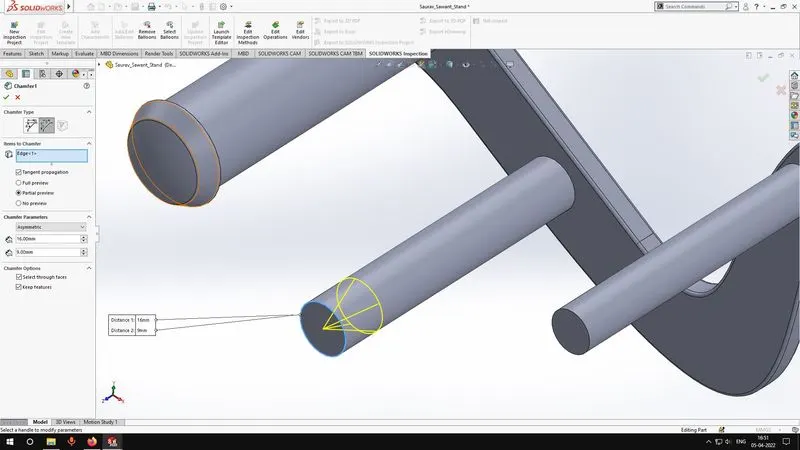
- Chamfer - It removes a sharp edge with a slope.
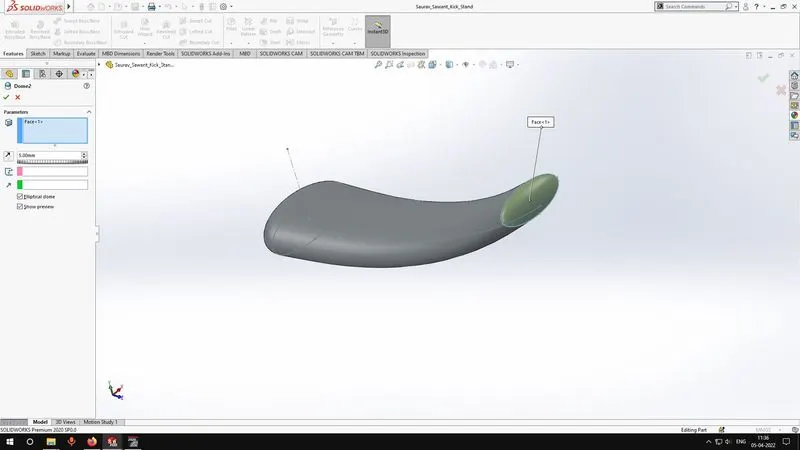
- Dome - It creates a dome on the selected face.
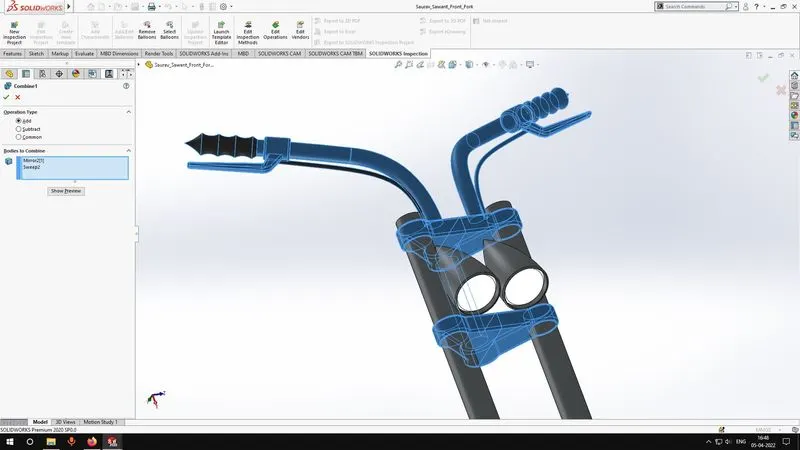
- Combine - Combines multiple solid bodies into one.
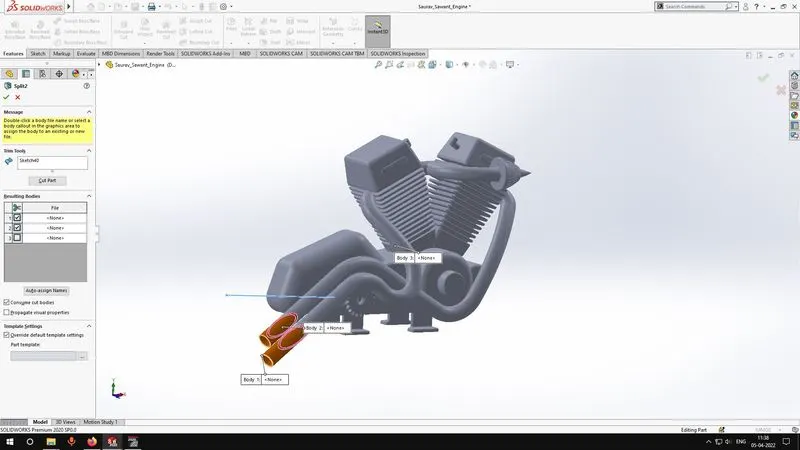
- Split - It split one part into multiple parts.
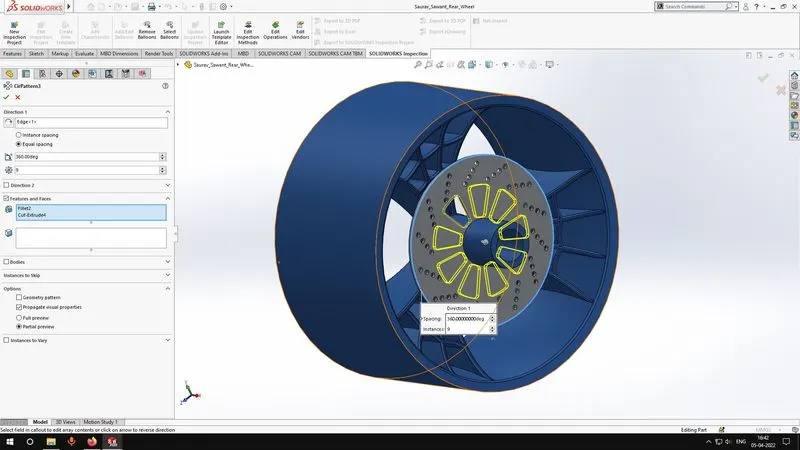
- Circular pattern - It selects a feature and makes a radial array of that feature.
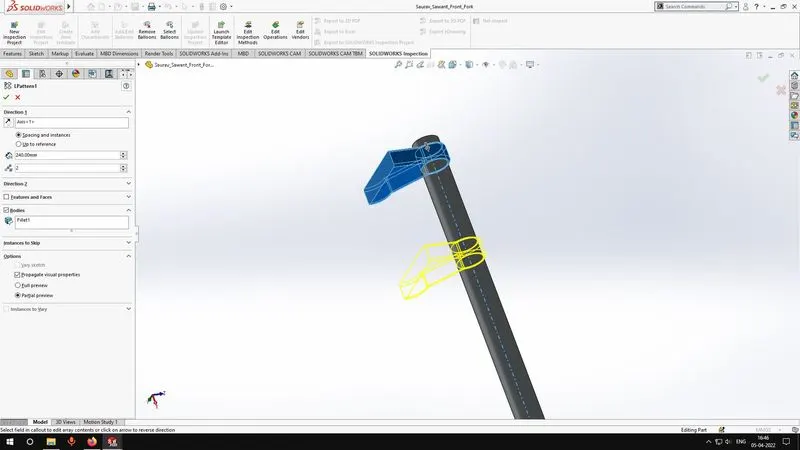
- Linear pattern - It selects a feature and makes a pattern in the desired direction.
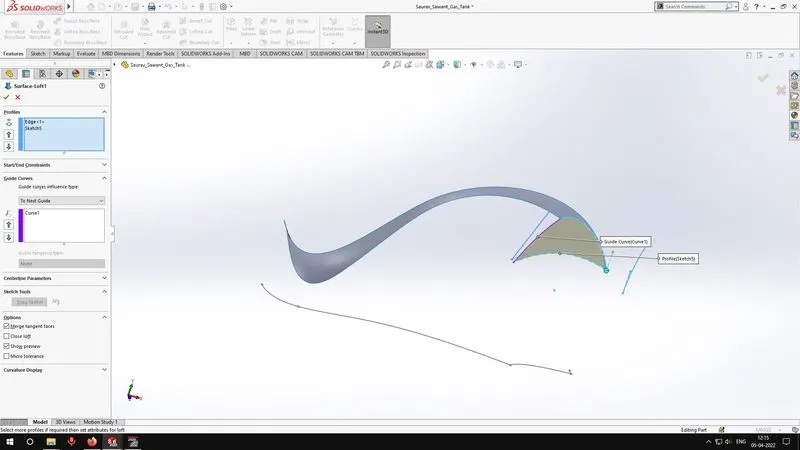
- Surface Loft - It lofts a surface by using multiple sketches.
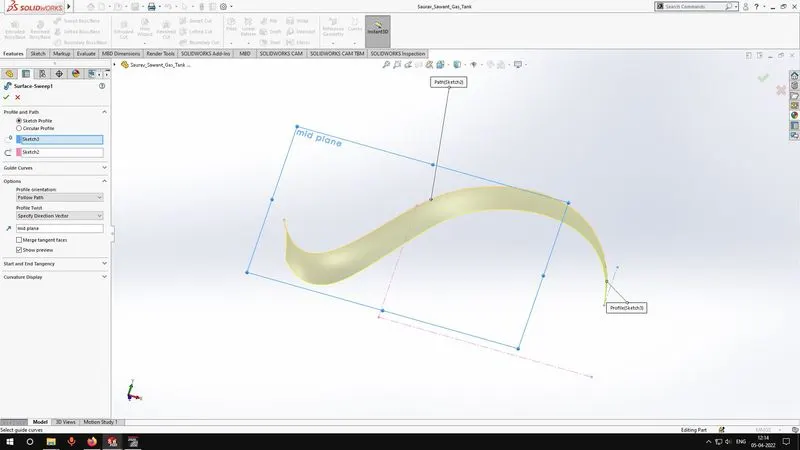
- Surface Sweep - It sweeps a surface by using multiple sketches.
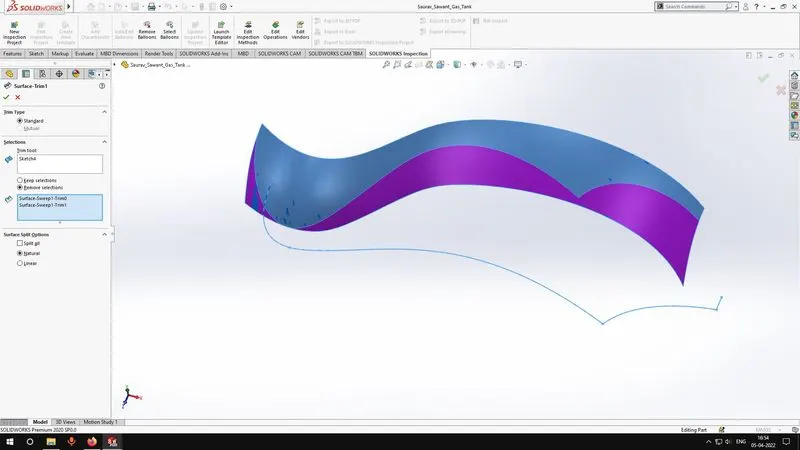
- Surface trim - Removes unwanted area of the surface.
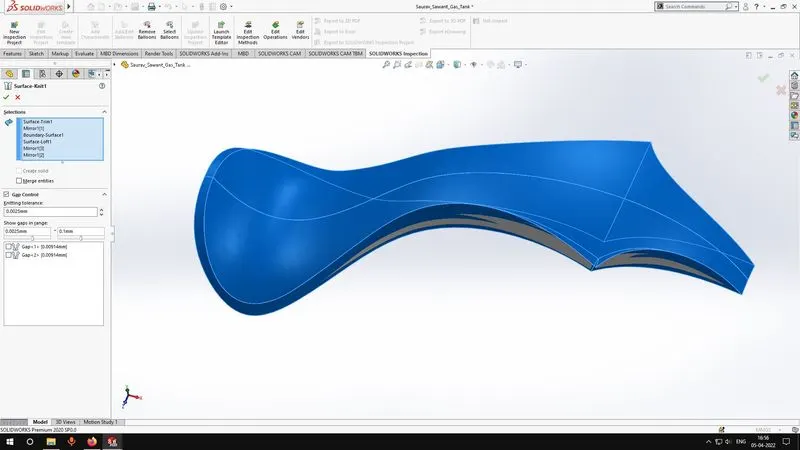
- Surface knit - Knits multiple surface together.
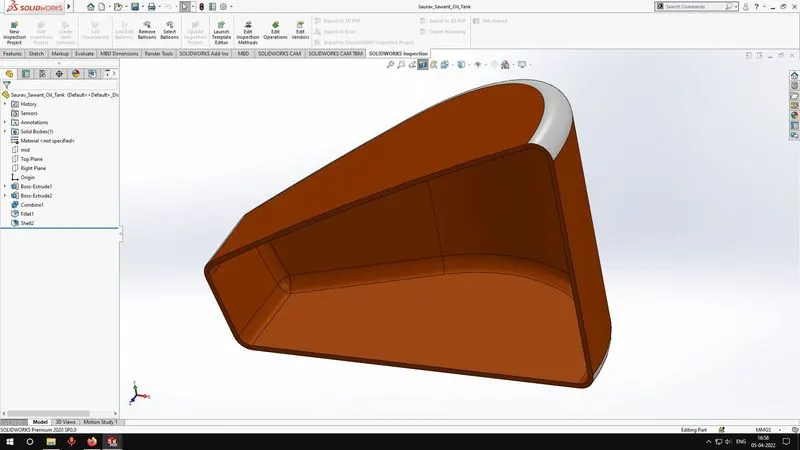
- Shell - It makes a solid body hollow.
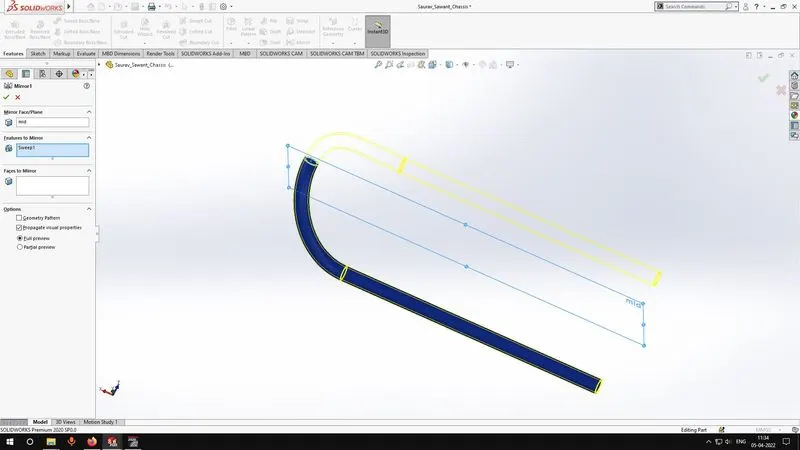
- Mirror - It mirrors the solid body using a reference plane.
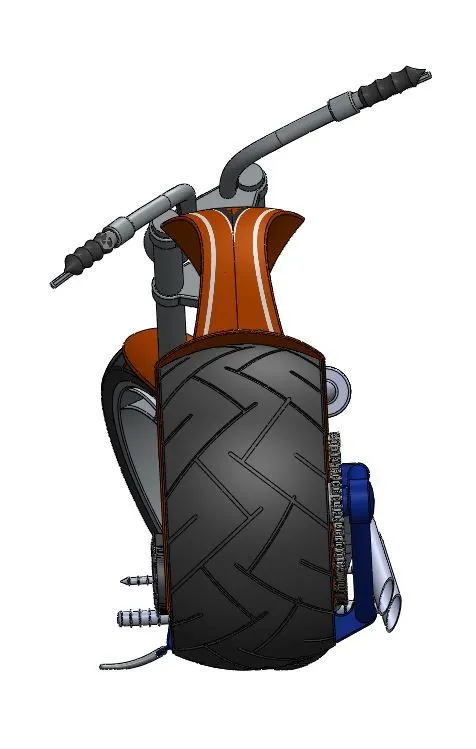
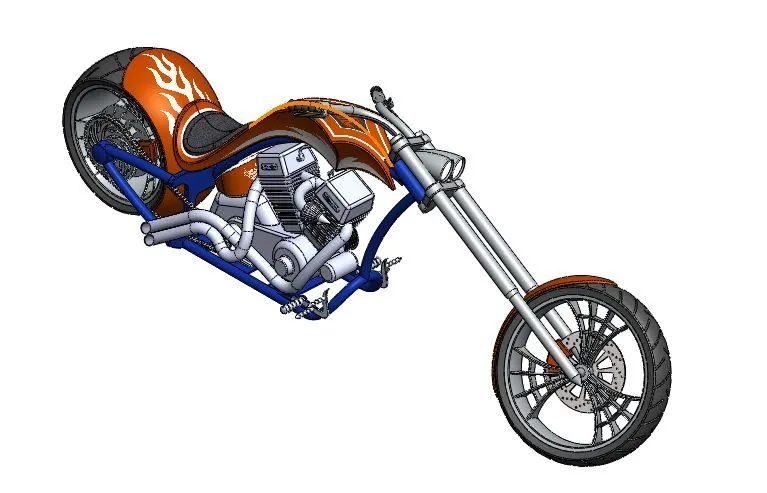
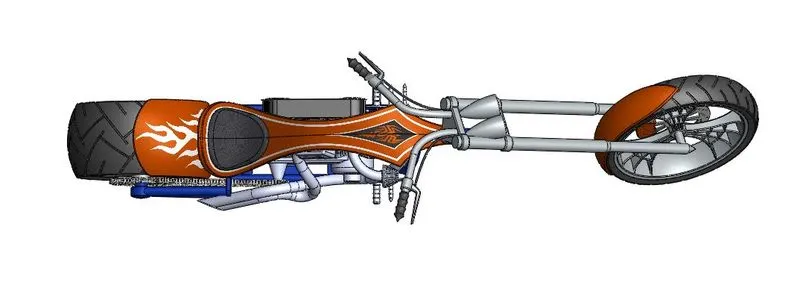
Screenshots of the model.
Front View
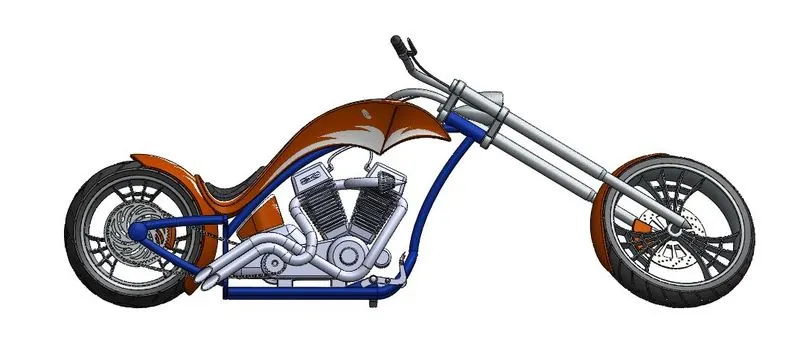
Side View
Isometric View
Top View
Camera Setup View
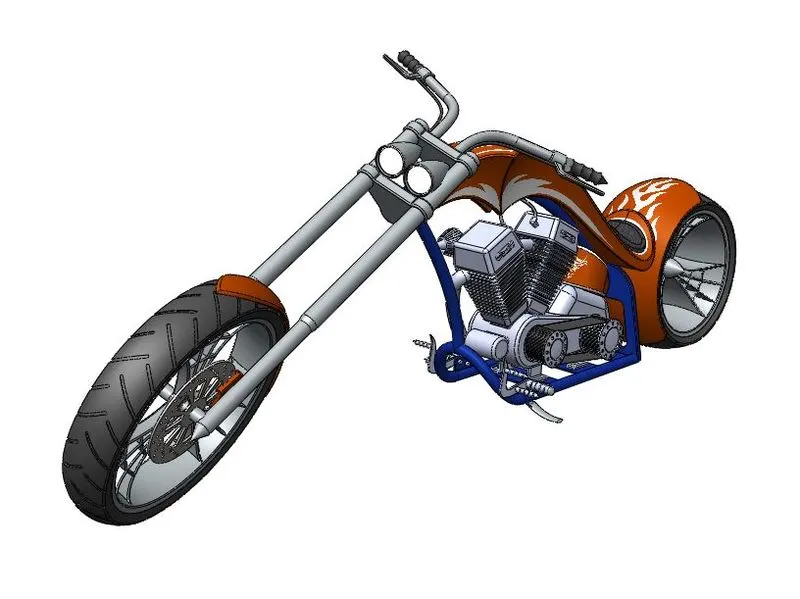
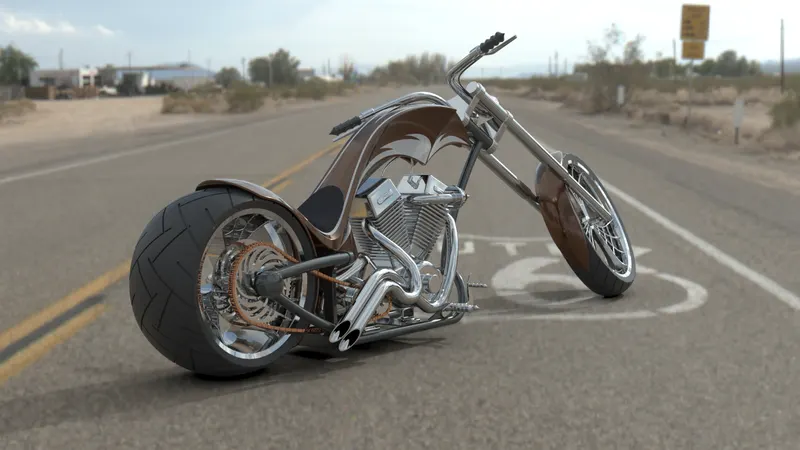
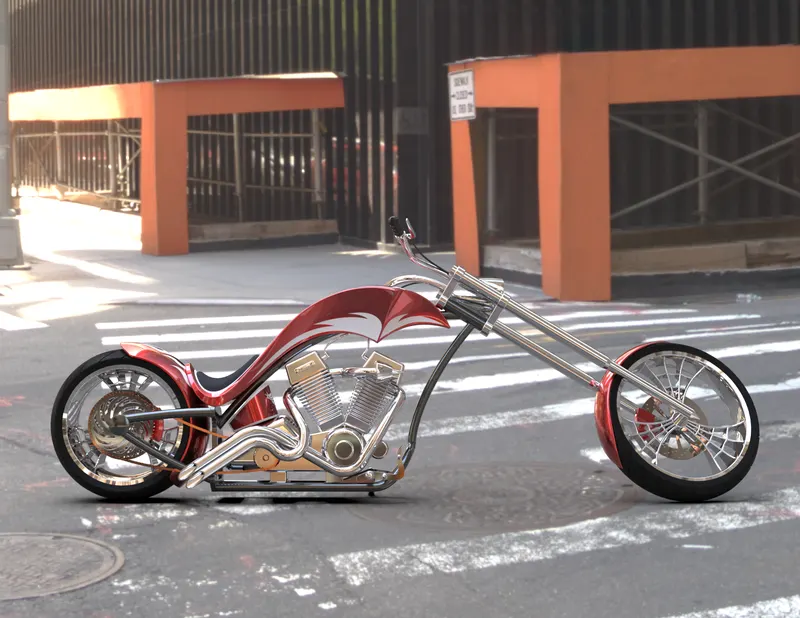
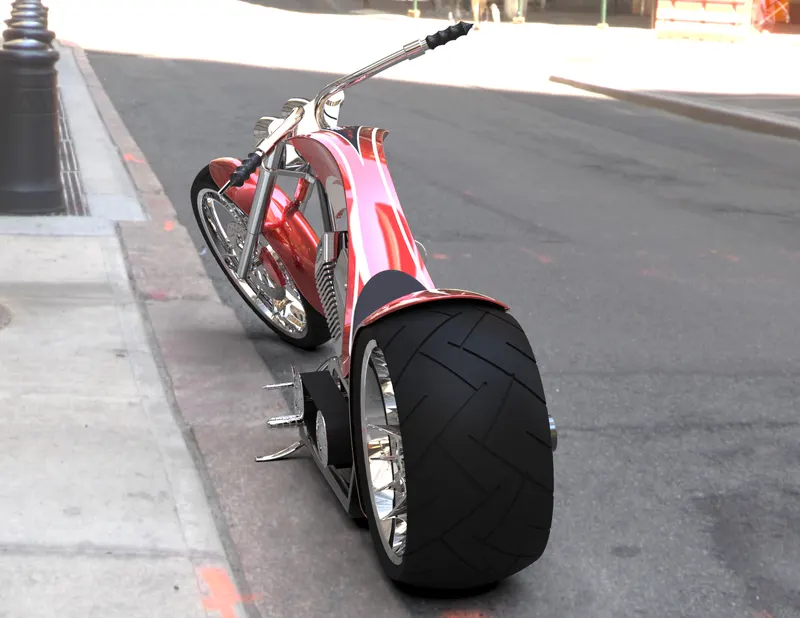
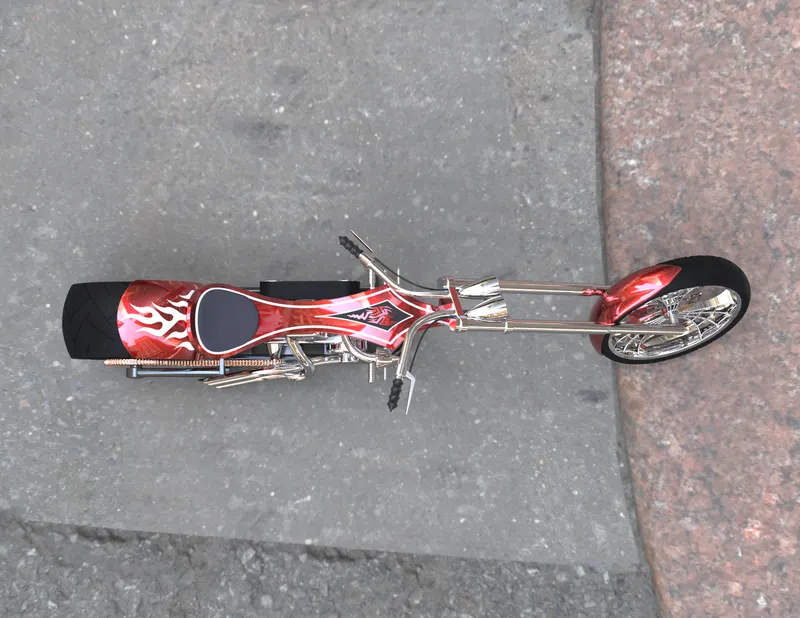
Rendered images
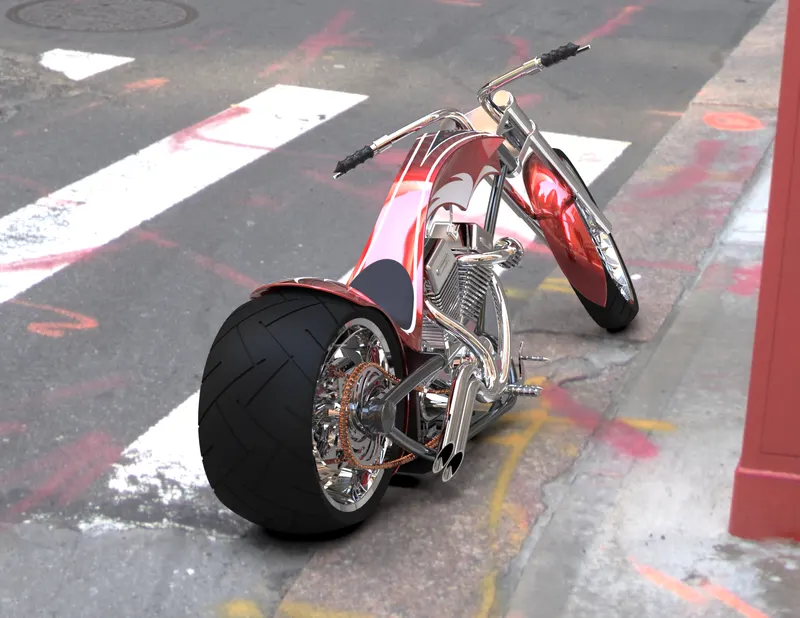
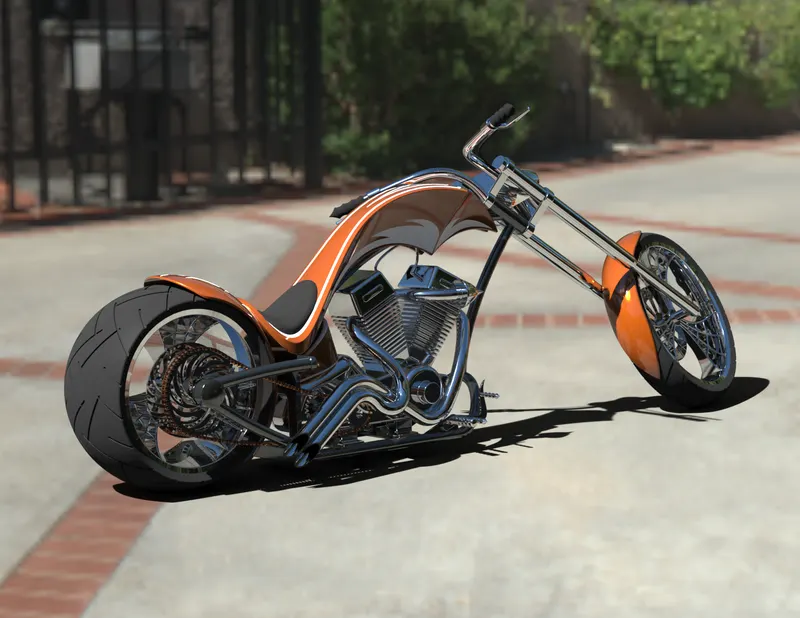
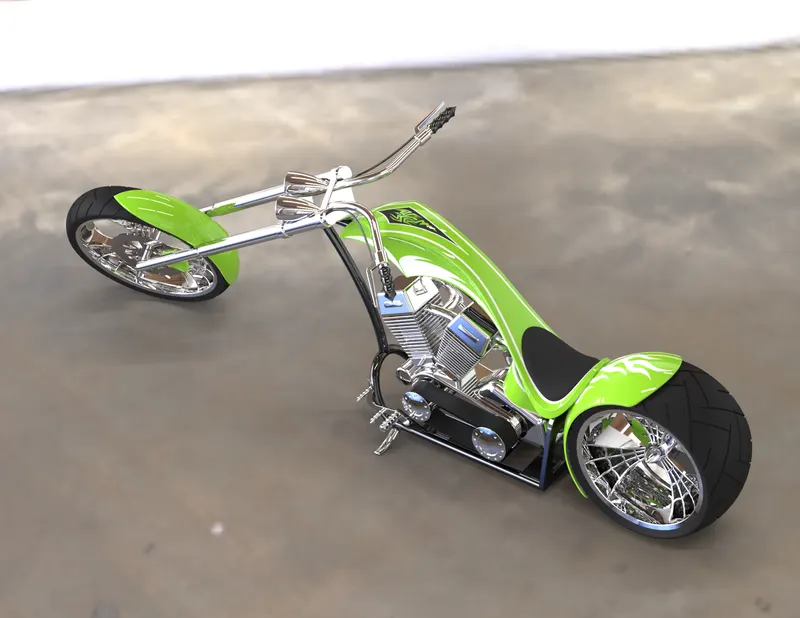
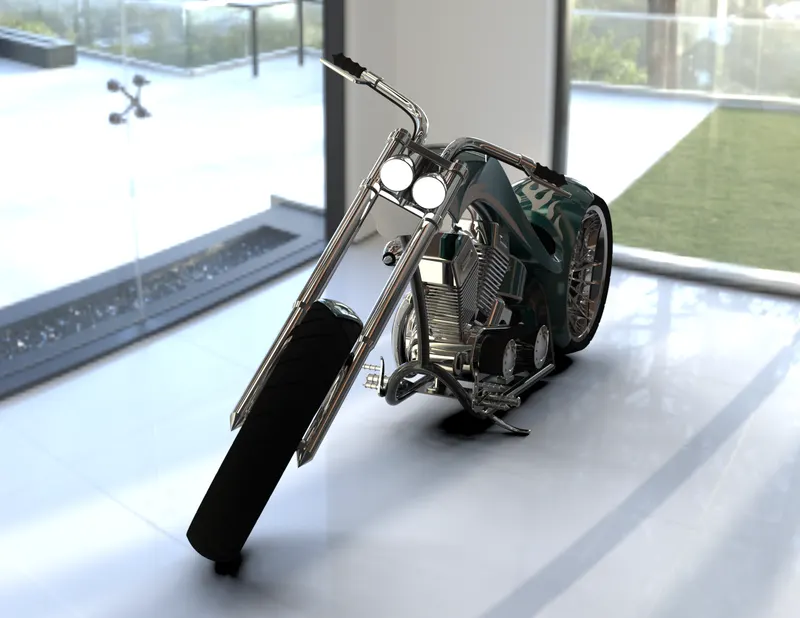
Conclusion
Understood 3D modelling, assemblies and real view rendering.