Radar Mast & Final Assembly of Yacht
PROJECT REPORT
MODELLING AND ASSEMBLY OF SUNSEEKER PREDATAR YACHT
- OBJECTIVES :
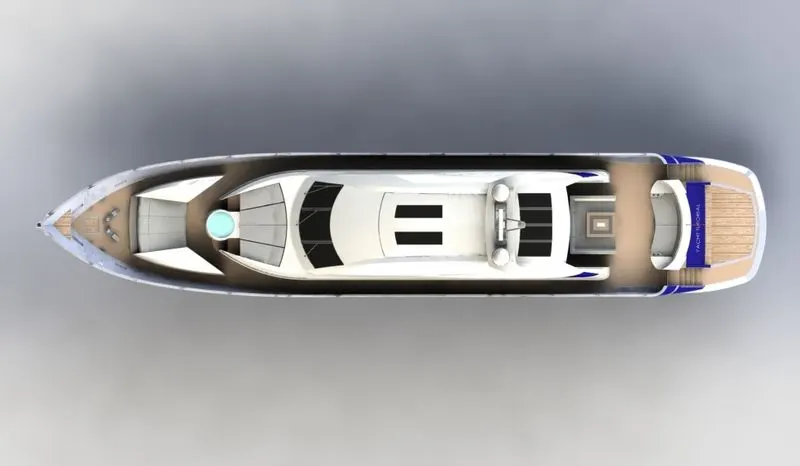
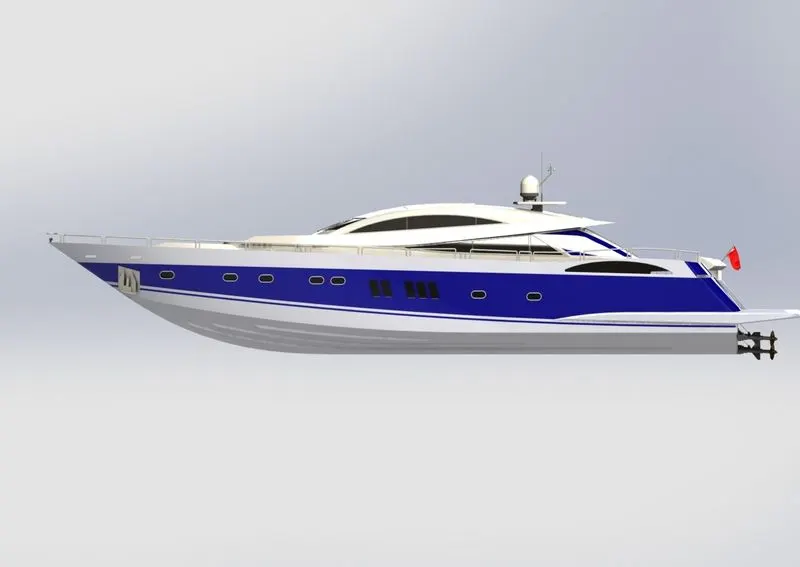
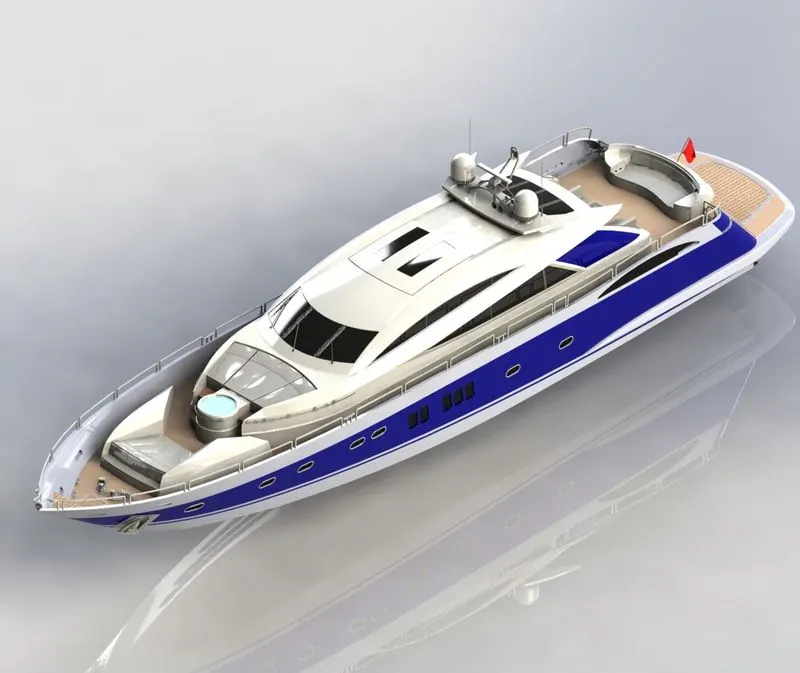
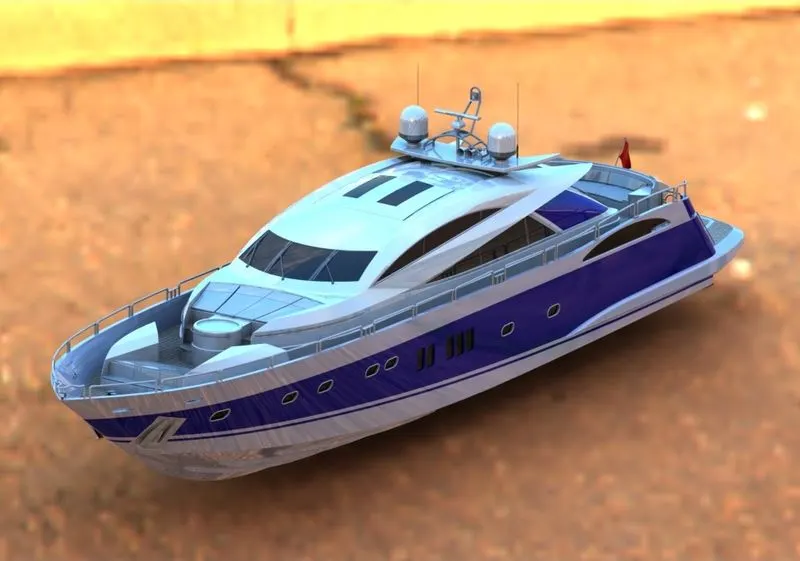
The aim is to make a modelling parts of the sunseeker predatar yacht with help of bluebrint and also to assmble the entire parts by using solidworks software . finally make photo realistic view by using solidwork visualize.
- INTRODUCTION:
SOLIDWORKS uses a 3D design approach. As you design a part, from the initial sketch to the final result, you create a 3D model. From this model, you can create 2D drawings or mate components consisting of parts or subassemblies to create 3D assemblies. You can also create 2D drawings of 3D assemblies. When designing a model using SOLIDWORKS, you can visualize it in three dimensions,the way the model exists once it is manufactured.
- The assembly of yacht part modeling is as well as surface modeling
- The part modeling desing mostly create from blueprint of yacht.
- assembly and visualizing the yacht model creating by cad softwares.
we design the part models using initially 2d sketch then make soild model or surface model by using feature, surface,visualize etc....
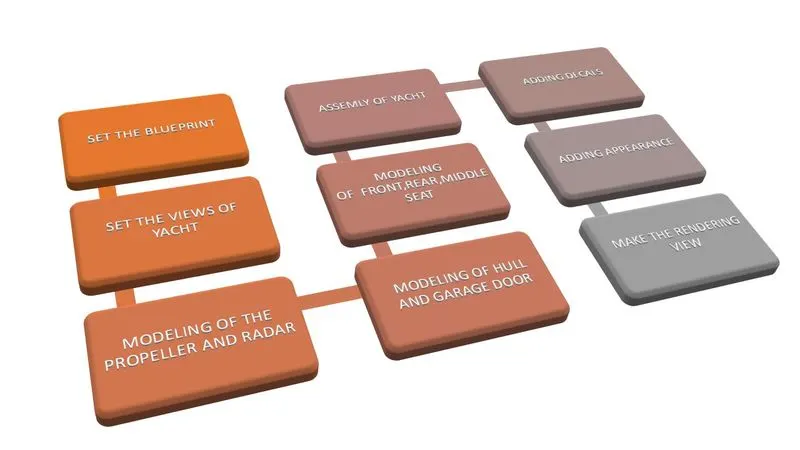
- DESIGN OF METHODALOGY :
- PARTS OF BEING MODELED:
- Propeller
- Radar
- Hull
- Garage door
- Rear seat
- Front seat
- Middle seat
- Superstructure
- Radarmast
- Describtion of used feature and tools:
- Sketch
Creating a model usually begins with a sketch. From the sketch, you can create features.You can combine one or more features to make a part. Then, you can combine and mate the appropriate parts to create an assembly. From the parts or assemblies, you can then create drawings.There are various ways of creating a sketch.
All sketches include the following elements:
- plane
- orgin
- dimention
- realtion
- driven dimension
- sketch defenition

- Features
Once you complete the sketch, you can create a 3D model using features such as an extrude or a revolve Some sketch-based features are shapes such as bosses, cuts, and holes. Other
sketch-based features such as lofts and sweeps use a profile along a path.

- Surfaces modelling

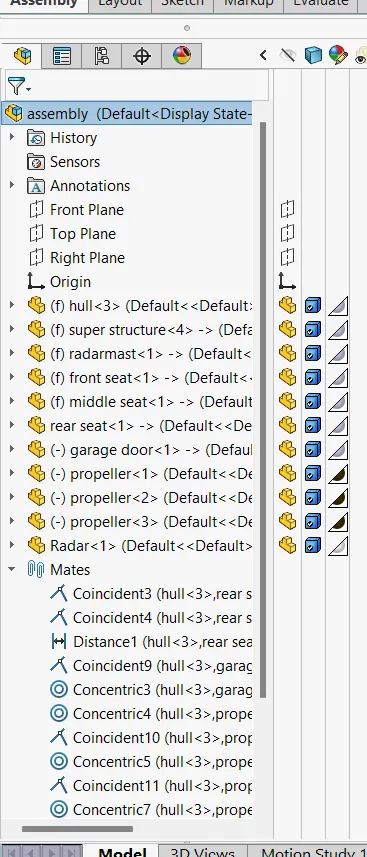
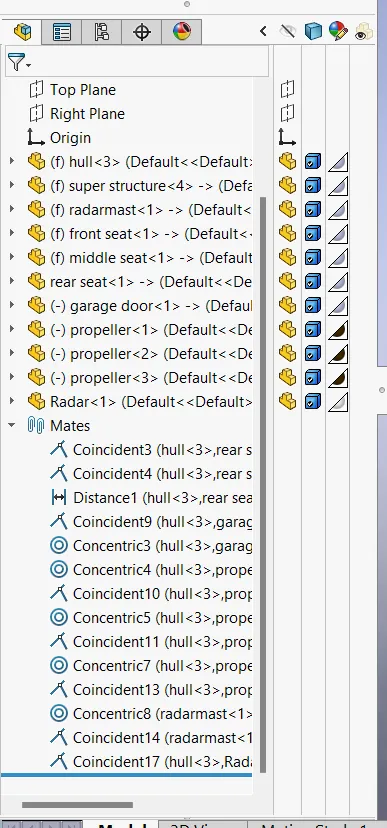
- Assembly
By using the mates created parts will be asswmbeld.
- Feature comments:
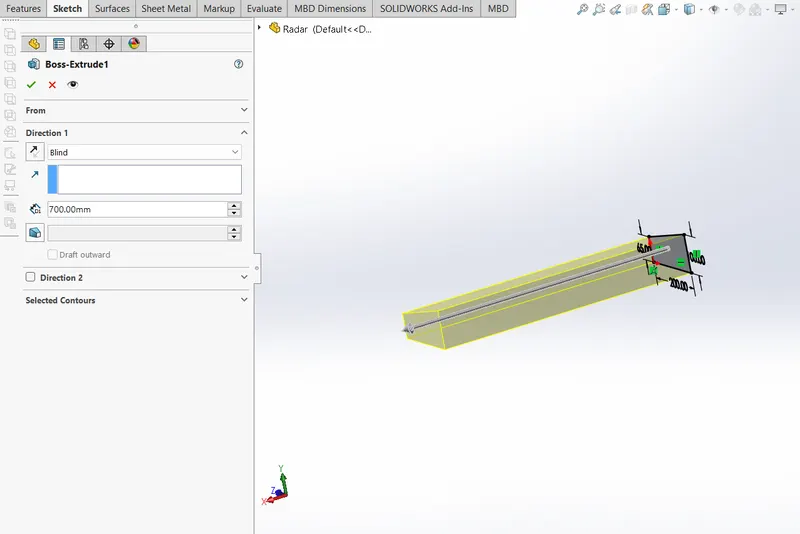
- Extrude boss/base:
Creates a 3D solid from an object that encloses an area, or a 3D surface from an object with open ends. Objects can be extruded orthogonally from the plane of the source object, in a specified direction, or along a selected path. You can also specify a taper angle.Simply means that material is extruded in a single direction the length of the specified.
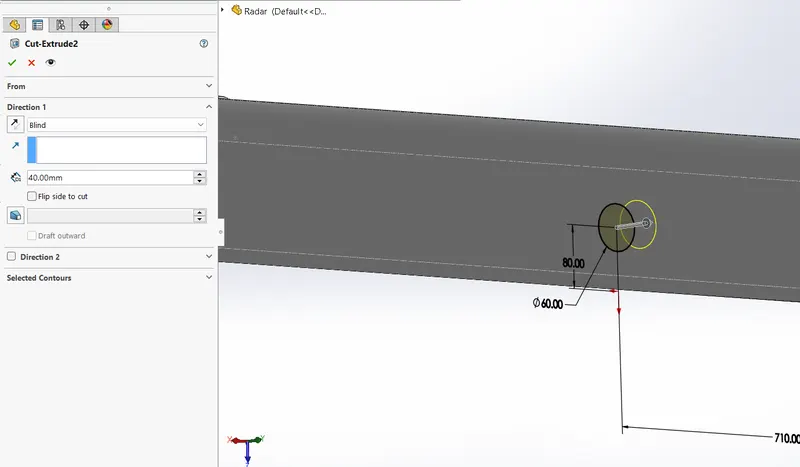
- Extruded cut:
Removes material from the solid part.The Cut-Extrude feature will then preview the shape of cut based on the selected sketch. The Cut-Extrude feature button will prompt you to set parameters in the menu shown in Figure.
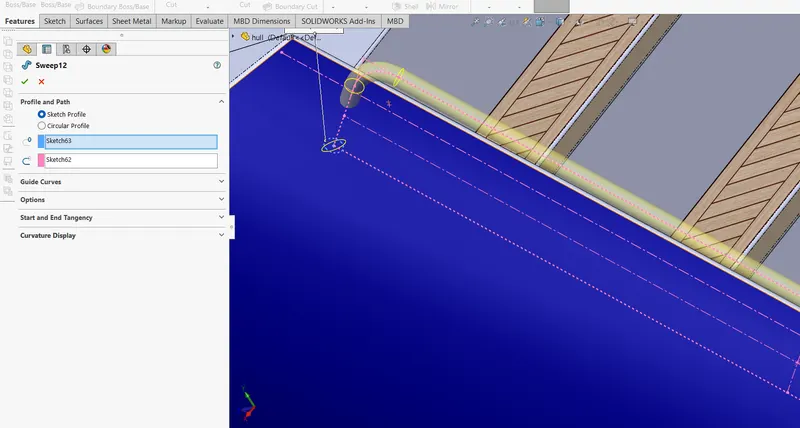
- Sweep:
Creates a solid rod or hollow tube along a sketch line, edge, or curve directly on a model. Sets the profile (section) used to create the sweep. Select the profile in the graphics area or FeatureManager design tree. The profile must be closed for a base or boss sweep feature.
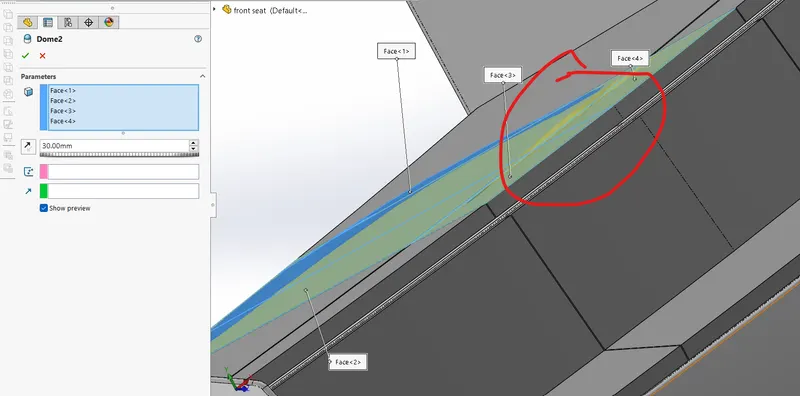
- Dome :
Faces to Dome. Select one or more planar or non-planar faces. You can apply domes to faces whose centroid lies outside the face. This allows you to apply domes to irregularly shaped contours.
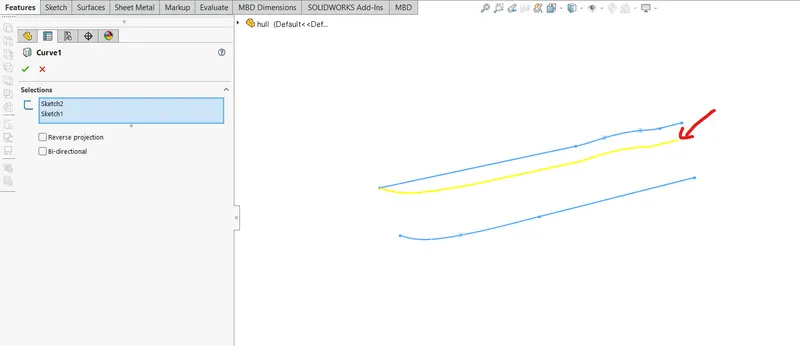
- Projected curve:
It allows the user to create curves by projecting the selected curves onto the face of the user-defined solid or surface geometry.
- Surface command:
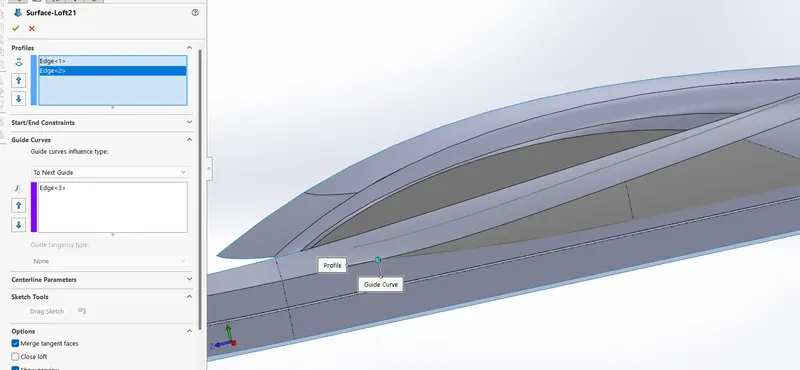
- Lofted surface:
With a loft surface. Tool you can create complex 3d shapes from a series of nurbs curves. These curves will act as either a rail or cross
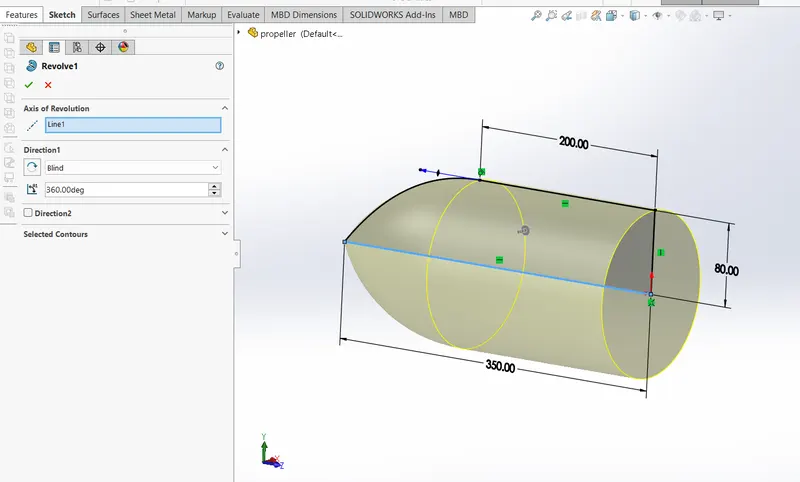
- Revolved surface:
Choose different sketches from intersecting or non-intersecting sketches to create the revolve with the Selected Contours pointer.
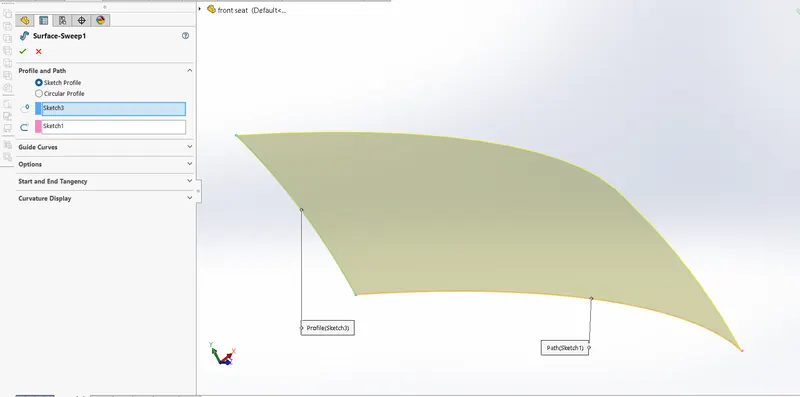
- Surface sweep:
SWEEP is the one feature in Solidworks that helps sweep a closed profile along a closed or open path. In this session, we are going to use a simple 3D object as an exercise to demonstrate the use of the SWEEP command in Solidworks.If you are using guide curves, create coincident or pierce relations between the guide curves and the profile. Click Swept Surface (Surfaces toolbar) or Insert > Surface > Sweep
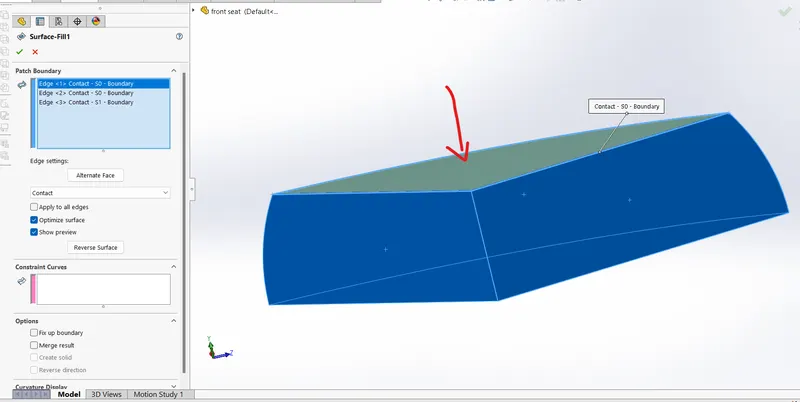
- Filled surface:
its nothing but close the three surface with filling the top of the surface when using surface edges..
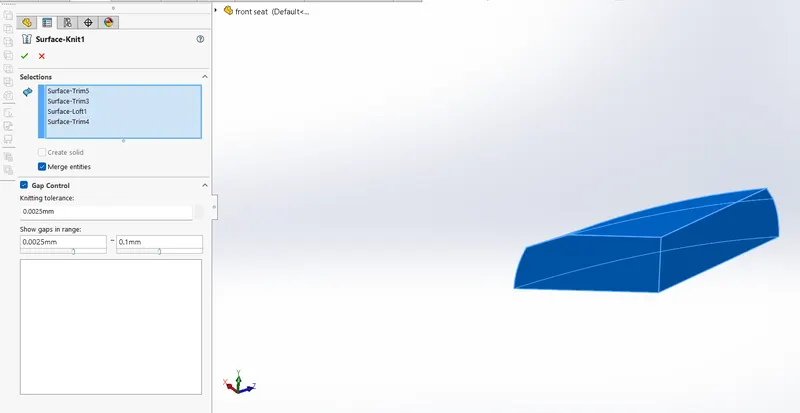
- Knit surface:
Use the Knit Surface tool to combine two or more faces and surfaces into one . and also surface edge to fill the gabs by using gab control option.
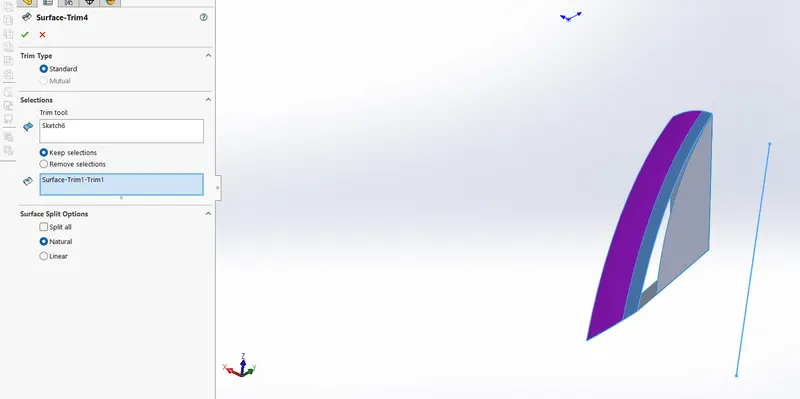
- Trim surface:
Create two or more surfaces that intersect at one or more points, or create a surface that intersects with a plane or has a sketch on its face.
- Extended surface:
extend the surface by selcting the edge and surfaces.
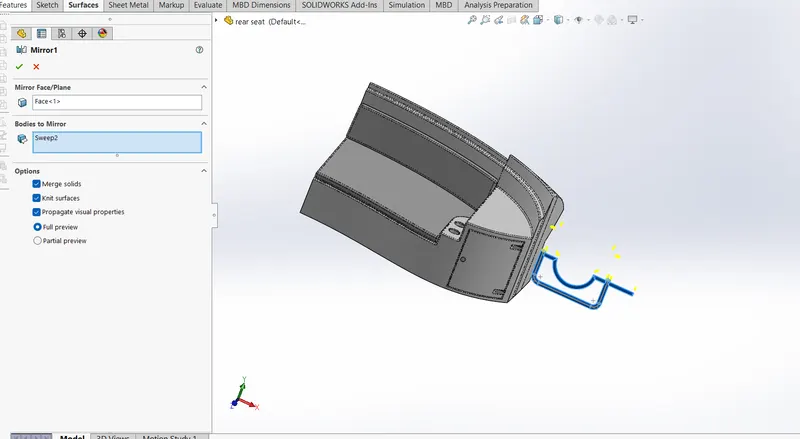
- Pattern/Mirror:
You can use Mirror to create a copy of one or more features, mirrored about a face or a plane. In parts, you can mirror faces, features, and bodies. In assemblies, you can mirror assembly features. If you modify the original feature (seed feature), the mirrored copy is updated to reflect the changes.
- Part modelling describtion:
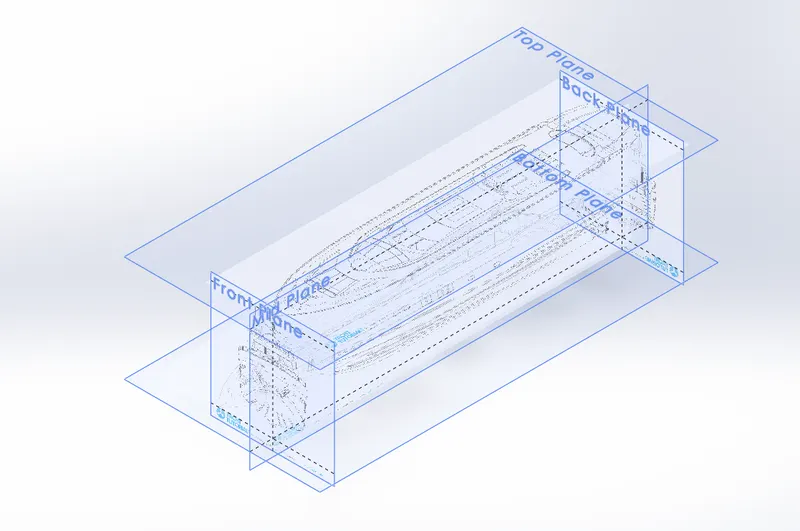
- Blueprint setup:
Blueprints are designs used to create buildings, products, and more. Blueprints got their name from the historic process of creating technical drawings on paper coated with a chemical mixture that would turn the background blue while the drawing lines remained white when exposed to light. type of views are used here:
- topview
- bottom view
- front view
- back view
- side view
- Propeller:
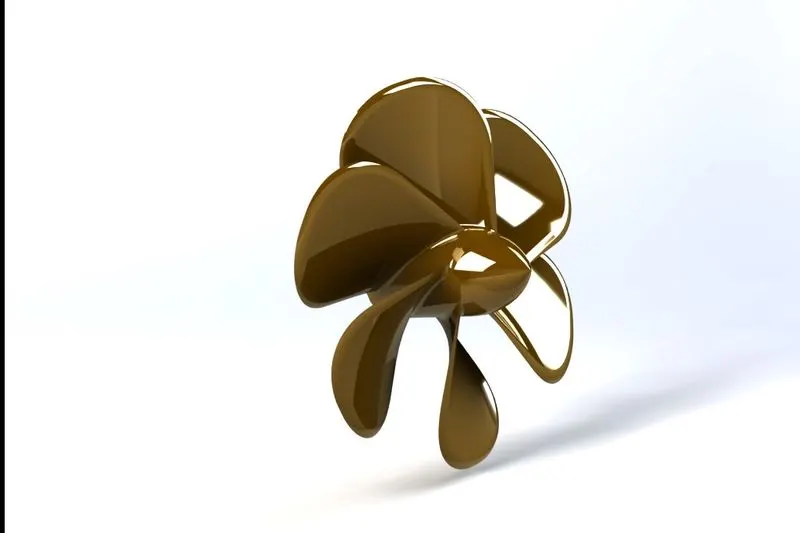
A propeller is a machine that moves you forward through a fluid (a liquid or gas) when you turn it. Though it works the same way as a screw, it looks a bit different: usually it has two, three, or four twisted blades (sometimes more) poking out at angles from a central hub spun around by an engine or motor
Used commands:
- revolved boss
- circle
- spline
- fillet
- projected curve
- refrence plane
- extrude cut
- circular pattern
- Radar:
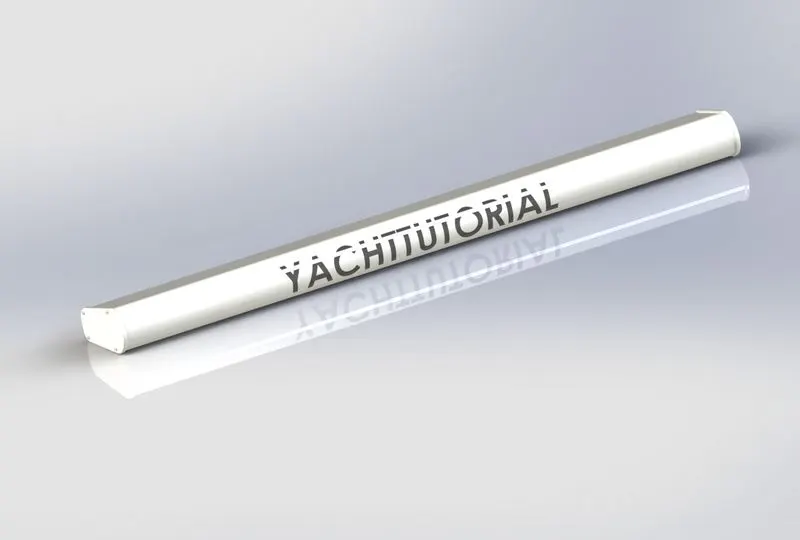
A Radar (Radio Detection And Ranging) is an instrument that can detect surrounding objects using radio waves. Thus, in the maritime world, objects such as ships, buoys or birds can be detected by Radars.
Used commands:
- line
- extrude boss
- mirror
- circle
- extrude cut
- split line
- text
- sketch pattern
- fillet
- Hull:
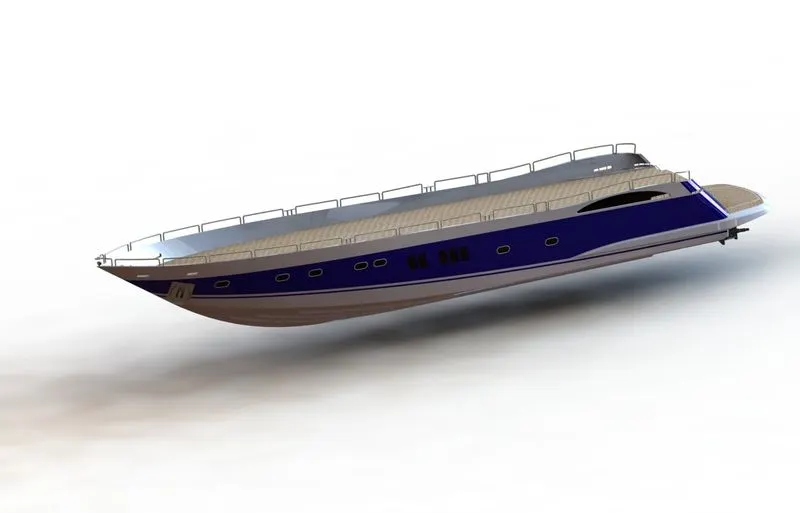
the frame or body of a ship or boat exclusive of masts, yards, sails, and rigging. b : the main body of a usually large or heavy craft or vehicle (such as an airship or tank) 3 : covering, casing. hull. The hull of a ship is the most notable structural entity of the ship. To define the hull, it can be said that it is the watertight enclosure of the ship, which protects the cargo, machinery, and accommodation spaces of the ship from the weather, flooding, and structural damage.
Used commands:
- line
- circle
- spline
- arc
- 3d sketch
- rectangle
- project curve
- extrude surface
- revolved surface
- surface trim
- delete surface
- slot
- mirror
- fillet
- chamfer
- split
- split line
- knit surface
- Front seat:
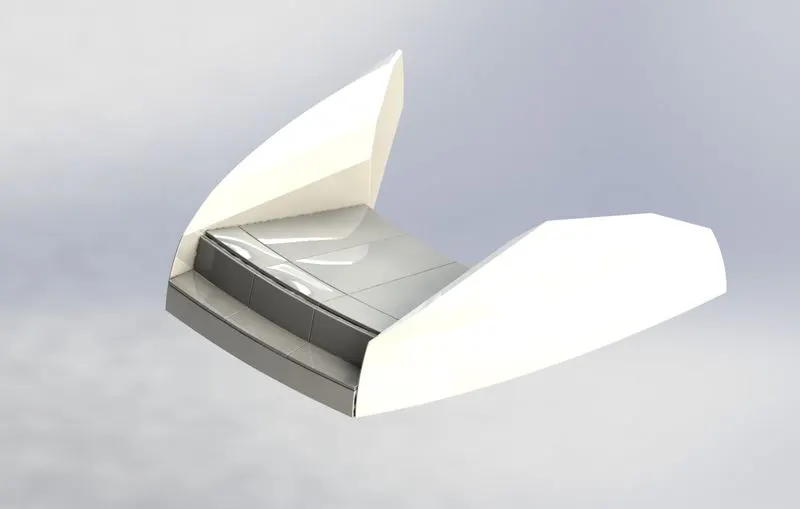
Used commands:
- line
- sketch picture
- 3d sketch
- extrud boss
- circle
- spline
- arc
- extruded surface
- ruled surface
- swept surface
- kint surface
- trim surface
- fillet
- chamfer
- dome
- extrud cut
- Middle seat:
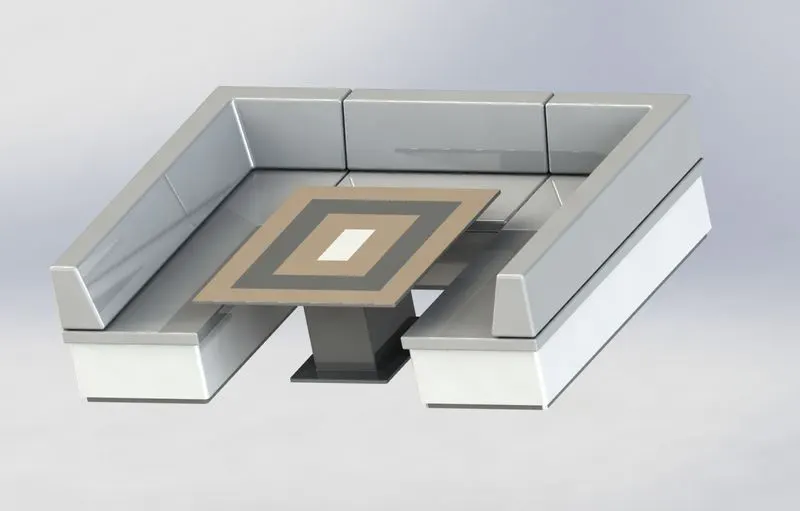
Used commands:
- line
- sketch picture
- 3d sketch
- extrud boss
- mirror
- extruded cut
- rectangle
- fillet
- chamfer
- Rear seat:
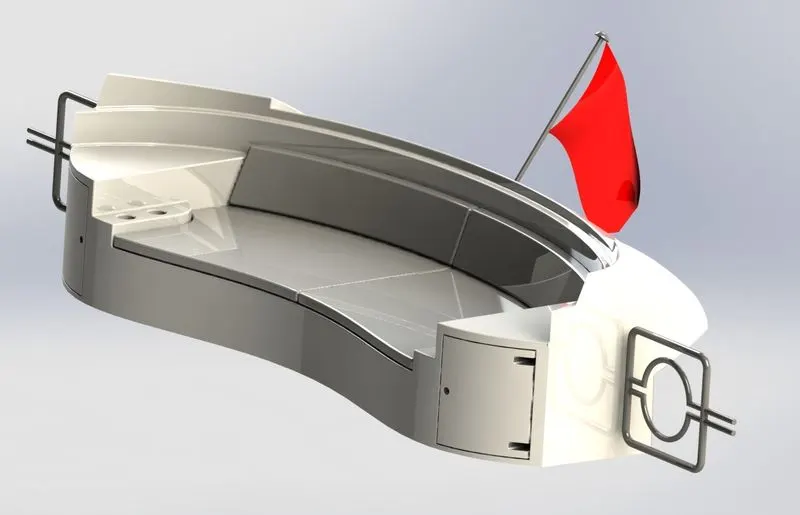
Used commands:
- line
- sketch picture
- 3d sketch
- extrud boss
- circle
- spline
- arc
- extruded surface
- ruled surface
- swept surface
- kint surface
- trim surface
- mirror
- reference plane
- extruded cut
- Garage door:
Steel garage doors are the most popular. They are maintenance free, durable and have the lowest cost. They are often available in many colors and styles with tons of window options and are available with many insulation options. Most garage doors sold today are steel.
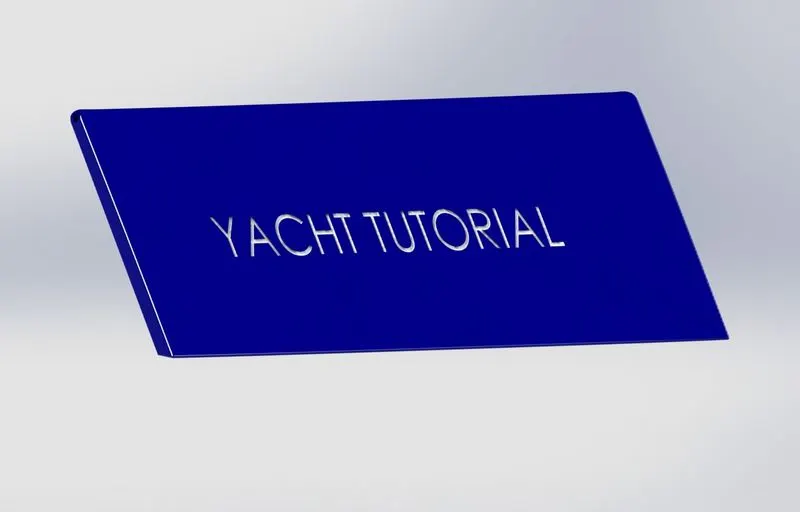
Used commands:
- line
- rectangle
- extrud boss
- chamfer
- text
- extruded cut
- reference plane
- mirror
- Superstructure:
The definition of a superstructure is a building or part of a building built above the foundation. An example of a superstructure is the lobby and floors in a high rise building. A structure built on top of another. That part of a ship above the main deck.
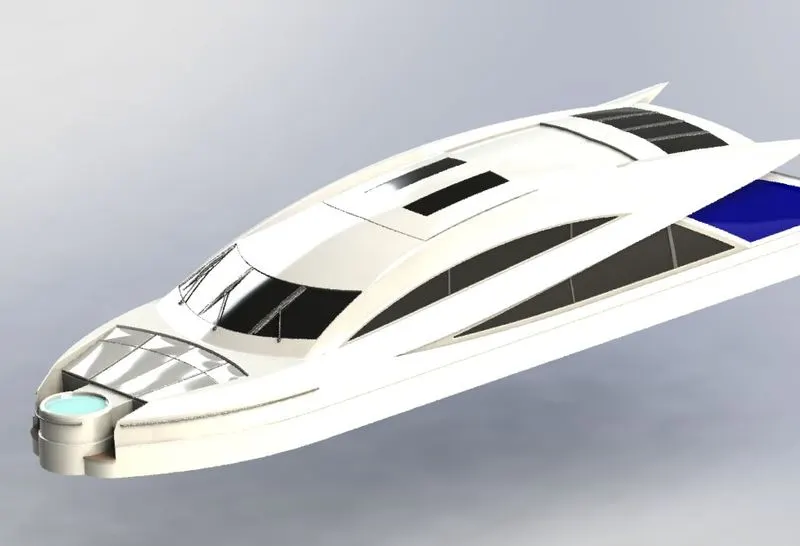
Used commands:
- line
- sketch picture
- 3d sketch
- extrud boss
- circle
- spline
- arc
- extruded surface
- ruled surface
- swept surface
- kint surface
- trim surface
- fillet
- chamfer
- dome
- extrud cut
- dome
- split
- project curve
- mirror
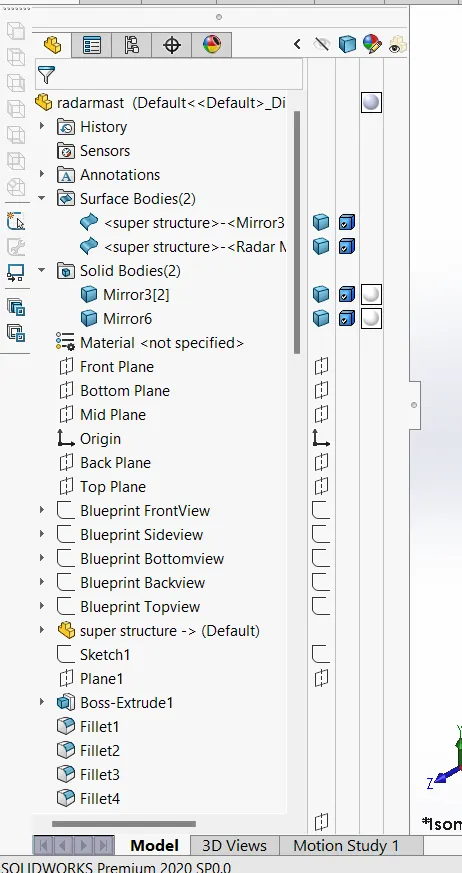
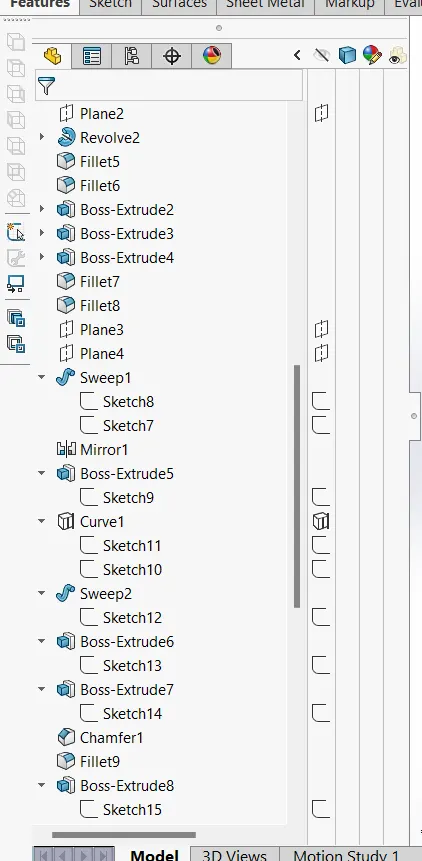
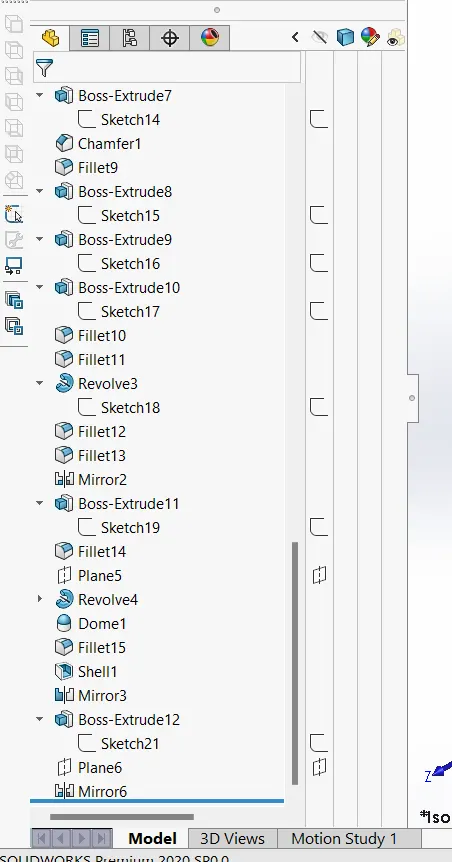
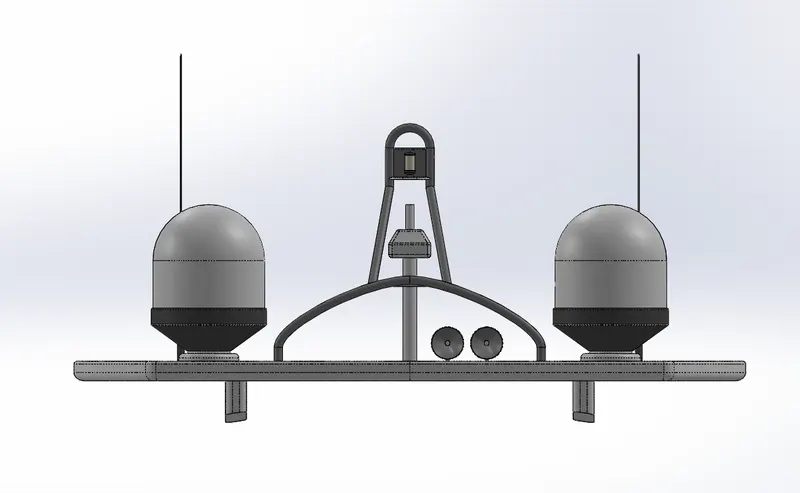
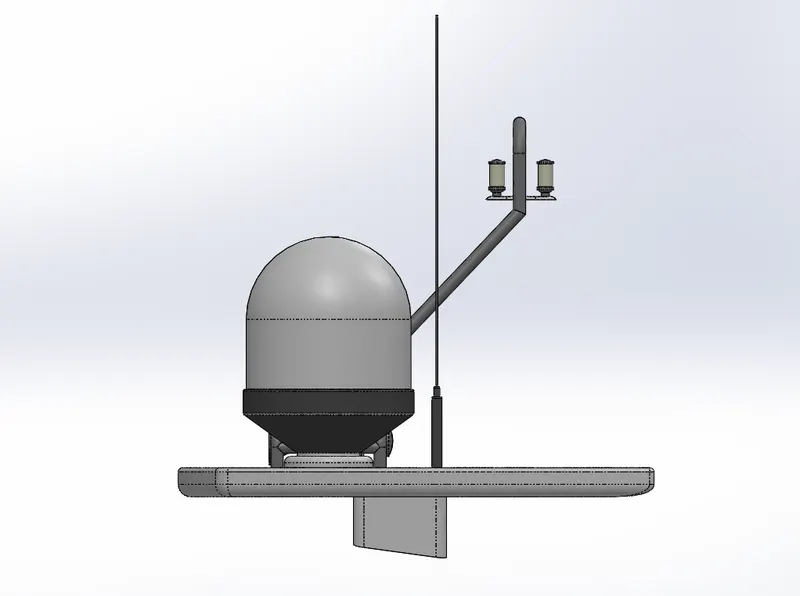
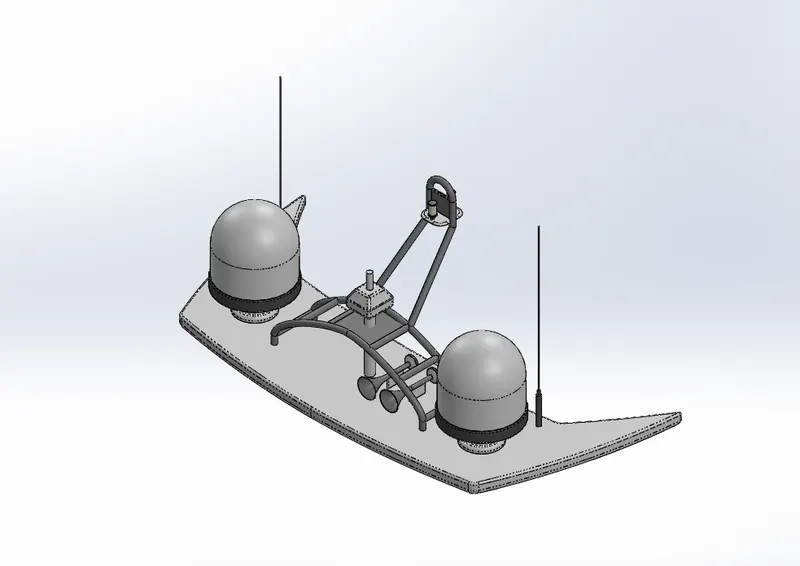
- Radarmast:
A radome (a portmanteau of radar and dome) is a structural, weatherproof enclosure that protects a radar antenna. The radome is constructed of material transparent to radio waves. Radomes protect the antenna from weather and conceal antenna electronic equipment from view.
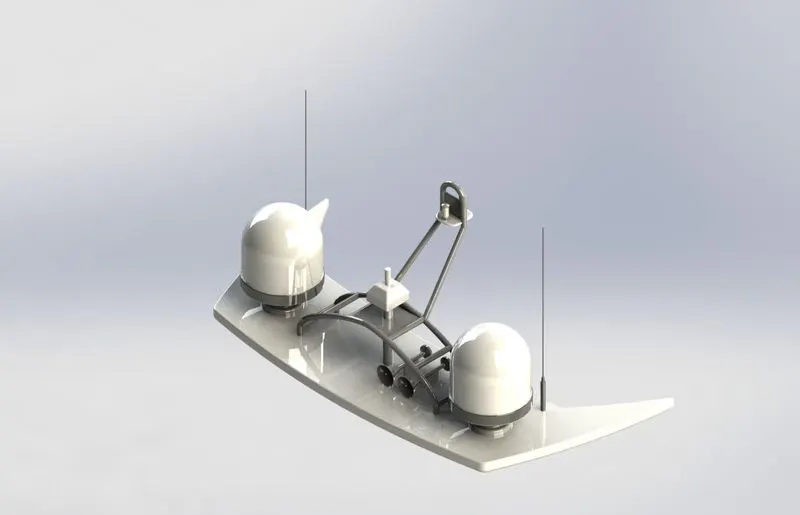
Used commands:
- sketch
- line
- circle
- extruded boss
- mirror
- circle
- dome
- revolved boss
- sweep
- reference plane
- filled surface
- trim
- extruded cut
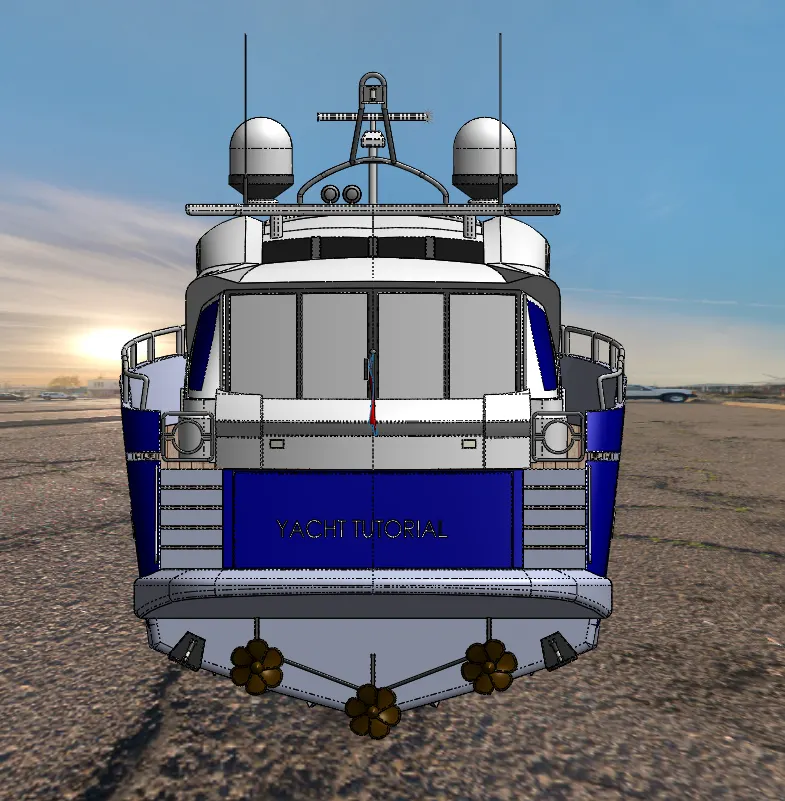
Back view:
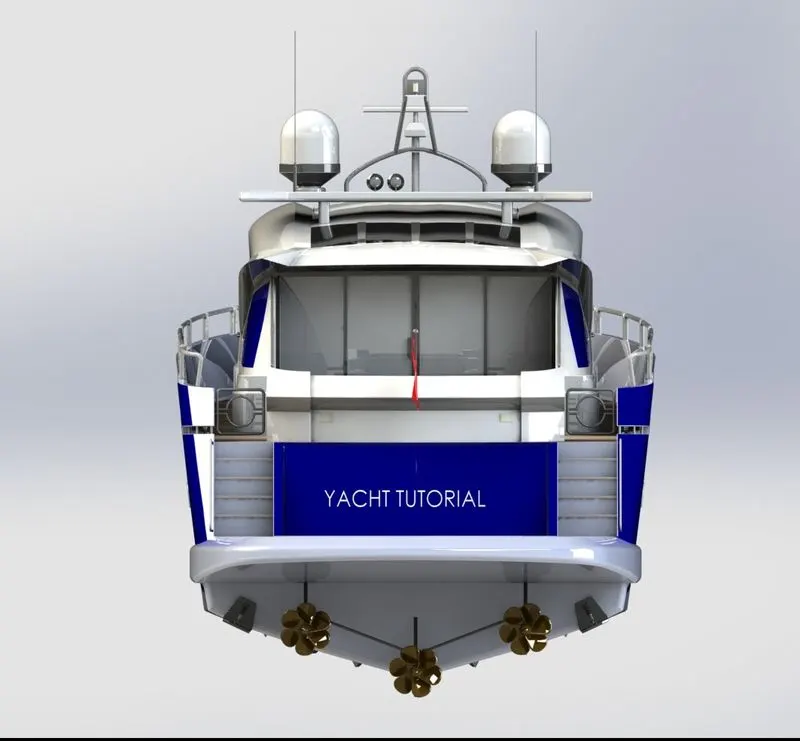
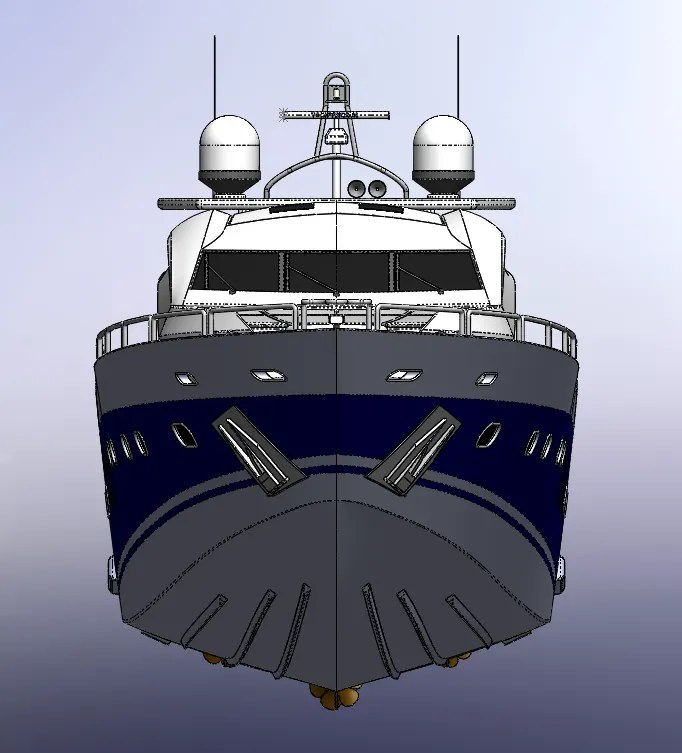
Front view:
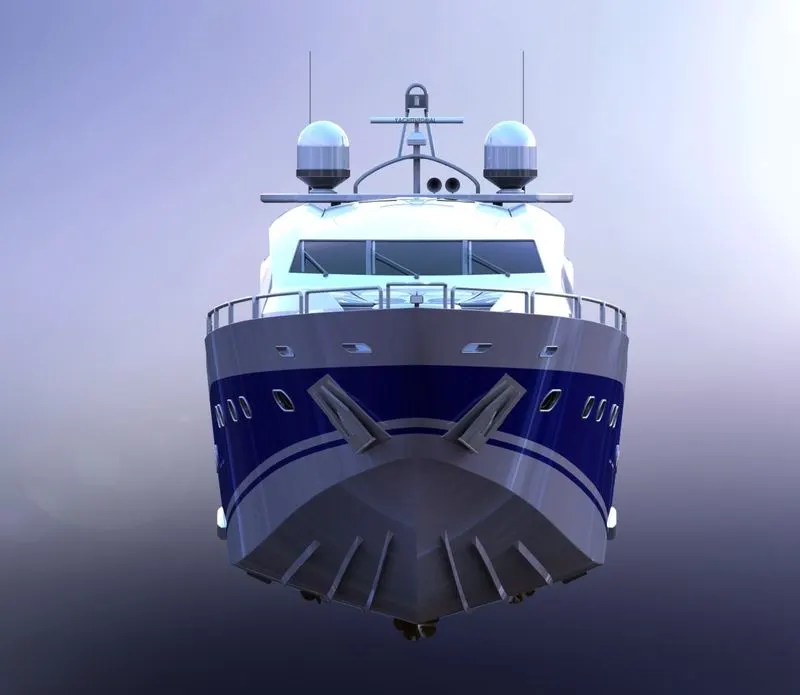
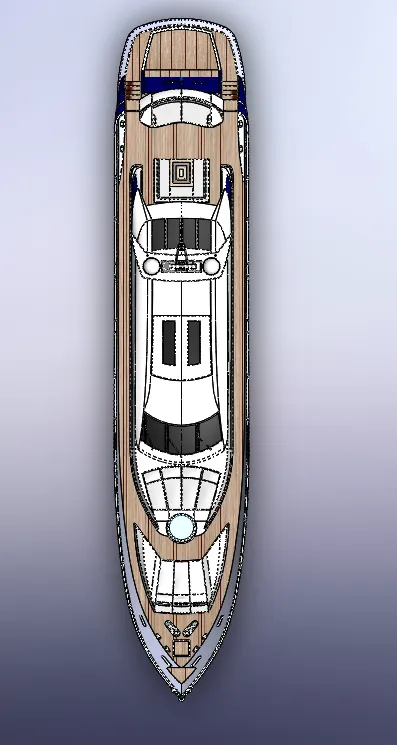
Top view:
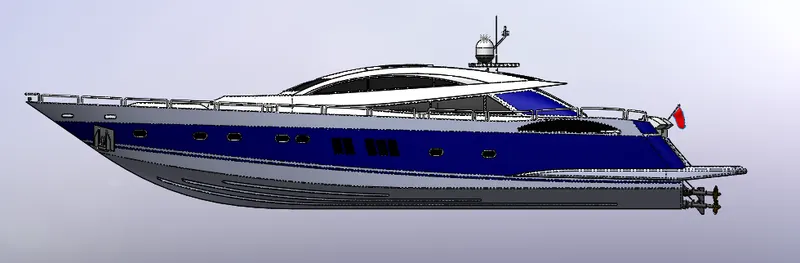
Right view:
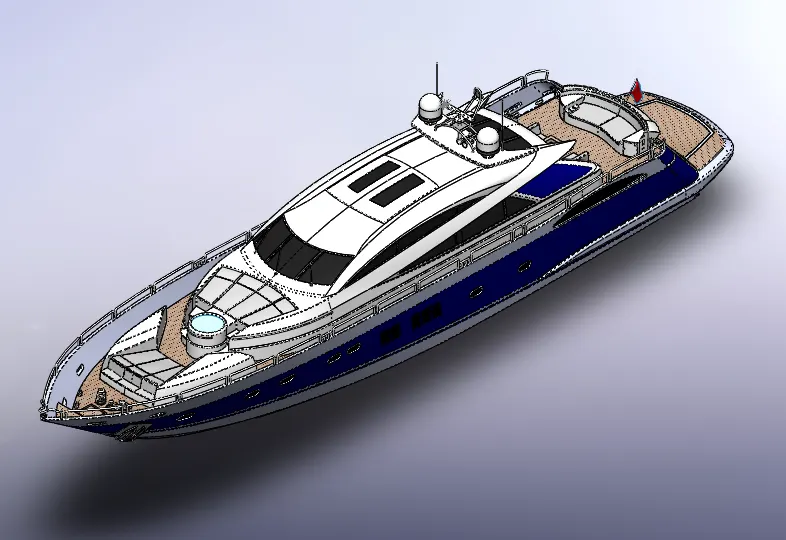
Isometric view:
- Conclusion:
What I learned from this project that is,
- How to make fully difined sketch in the part modelling.
- How to assembled the part file by using proper mates.
- How to design proper sketching and dimension.
- RADAR MAST
2. ASSEMBLY OF YACHT