Radar Mast & Final Assembly of Yacht
MODELING OF SUNSEEKER PREDATOR YACHT ON SOLIDWORKS
OBJECTIVE
To design a Sunseeker predator Yacht using Solidworks Solidworks
To learn basic commands of Solidworks
To create all parts of Sunseeker predator Yacht and assemble them
To do rendering
Getting realistic with the help of photo view 360
INTRODUCTION
During this course, I learned how to design a Sunseeker predator Yacht assembly using Solidworks software. Initially, I learned about commands of Solidworks and started using them while designing Sunseeker predator Yacht. After completing the design of all parts I have done assembly of the Yacht. After assembly, I have done rendering using photo view 360.
The following parts are designed during this course
Front seat
Garage door
Hull
Middle seat
Propeller
Radar
Radar mast
Rear seat
Superstructure
Blueprint
Design approach
STEP 1
Get to know about the Commands and Features of Solidworks.
Step 2
Started Designing each and every part of Sunseeker predator Yacht
Completed design of every part.
Step 3
Assembled all parts to get final Yacht
Step 4
Rendering was done after assembly
Photo View 360 is used to get a realistic view
Description of features and commands used while designing parts
Extrude Boss: It is used to convert a 2D sketch into a Solid body. It can create a completely solid body of any shape with closed entities. In this feature, we can select the dimensions also.
Fillet: To avoid sharpness at the edges this feature is used. To give Roundness to the sharp edges we add fillets. Fillets not only to hides the sharpness of the solid body but also gives a good appearance to the body.
Revolve boss feature: This feature works around an axis, by selecting the axis of a sketch adds a round material by revolving around that axis. if there is no axis we can select an edge of a sketch and it gives us appropriate geometry.
Shell: This command gives some Idea about the inside appearance of a part. To make the body hollow this tool is used.
Linear patterns: This tool helps to create a single sketch that can be used multiple times. This feature is spaced uniformly along one or 2 linear paths.
Mirror: It creates a copy of solid parts. Apply feature to one or more multibody parts by selecting geometry patterns and using feature scope to choose which body should include the feature.
Projected Curve: This command is used to project a sketch into a 3D curve. By using this command we can create multiple projected curves from a single sketch. It does not create a curve of intersecting curves
Knit Surfaces: This is used to combine 2 or more faces and surfaces into one.
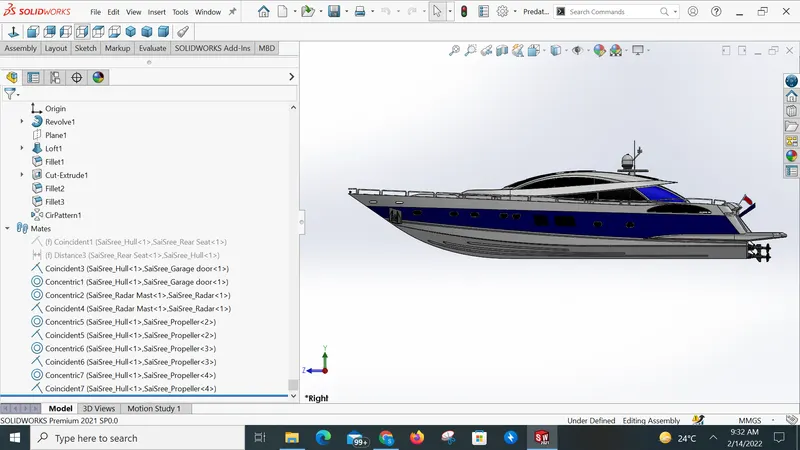
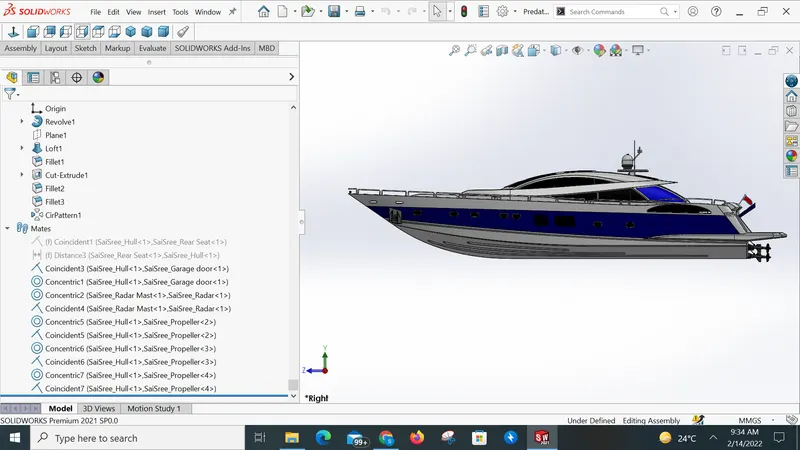
Mate: It is used to connect 2 components. Mate creates geometric relation between assembly and component. When we use the mate tool it defines the allowable motion of the component within its degree of freedom. The following are the mate features
- Coincident mate 2) Concentric mate 3) Tangent 4) Angular mate
Design parts
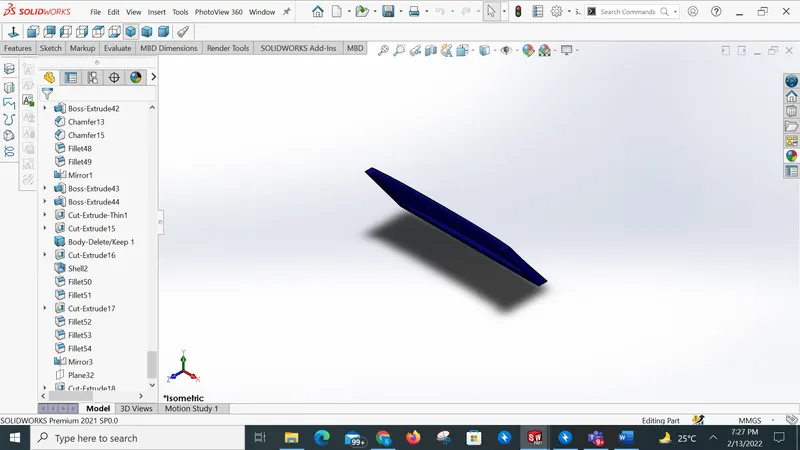
Garage door:
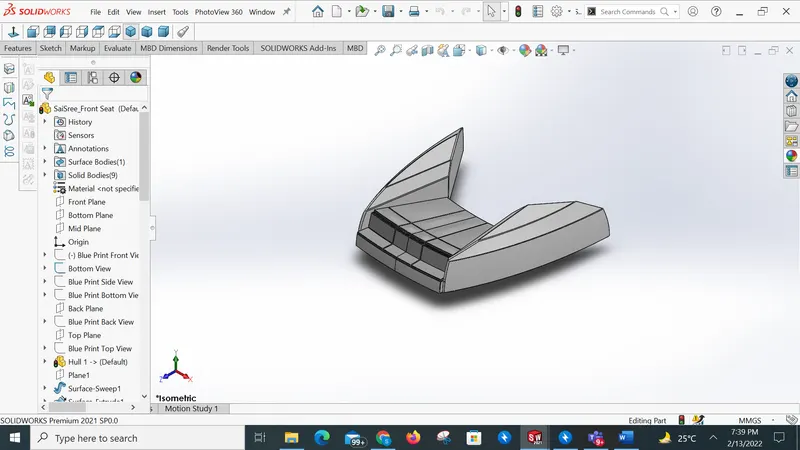
Front seat :
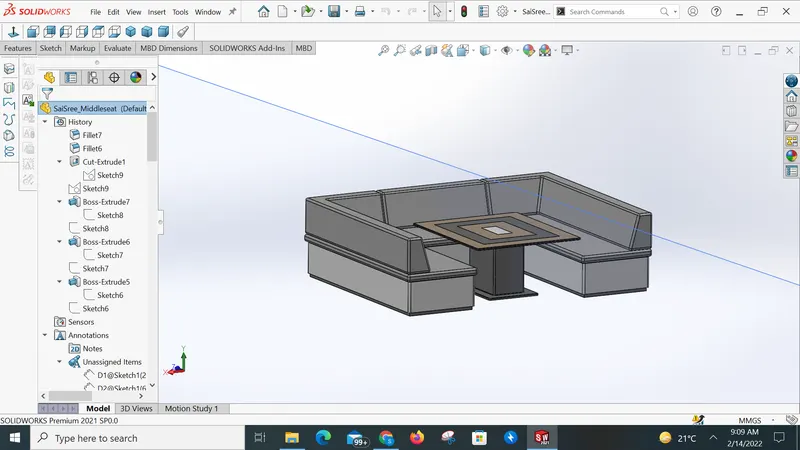
Middle seat:
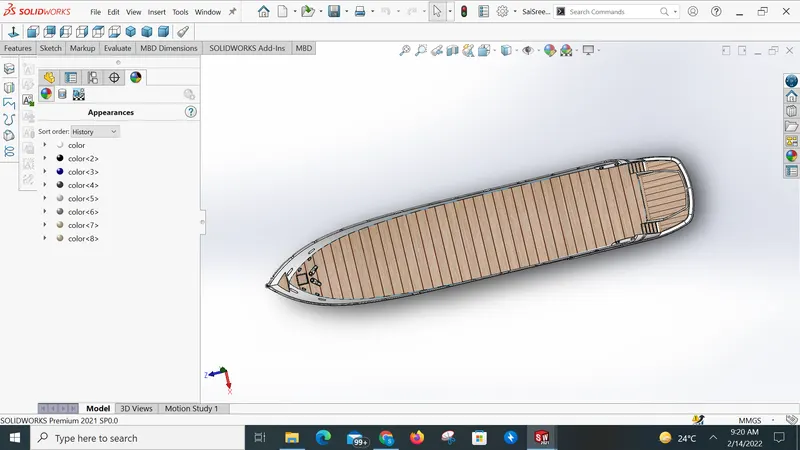
Hull:
Propeller:
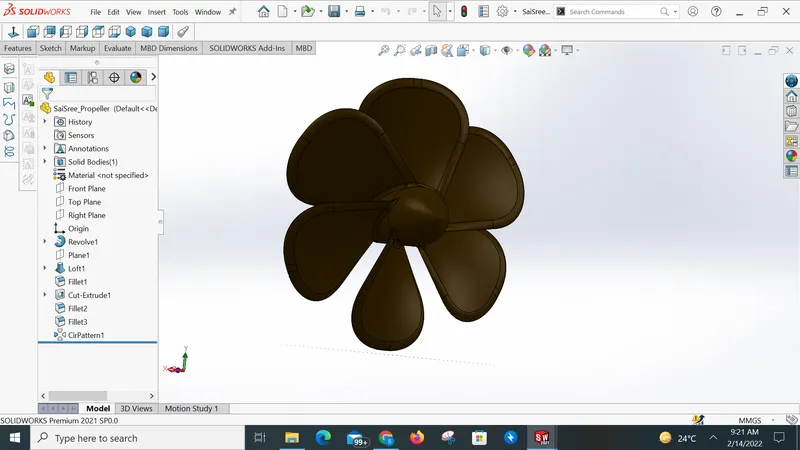
Radar:
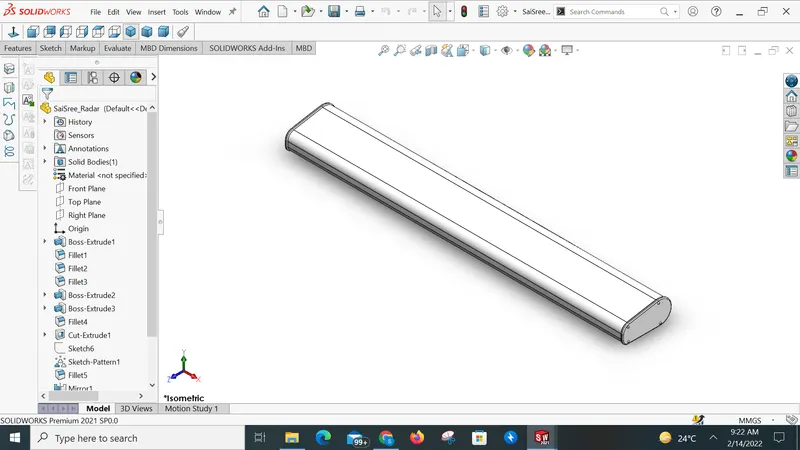
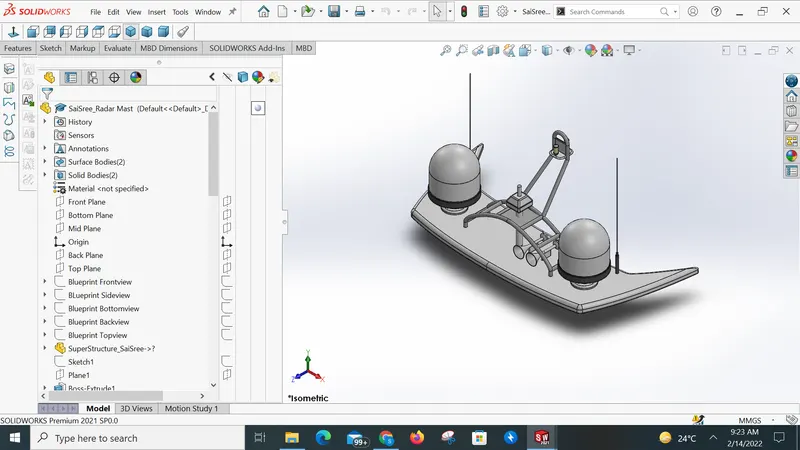
Radar mast:
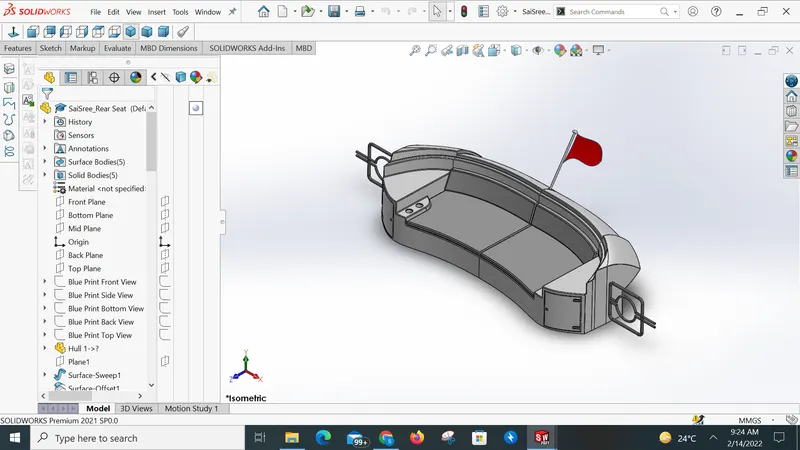
Rear seat:
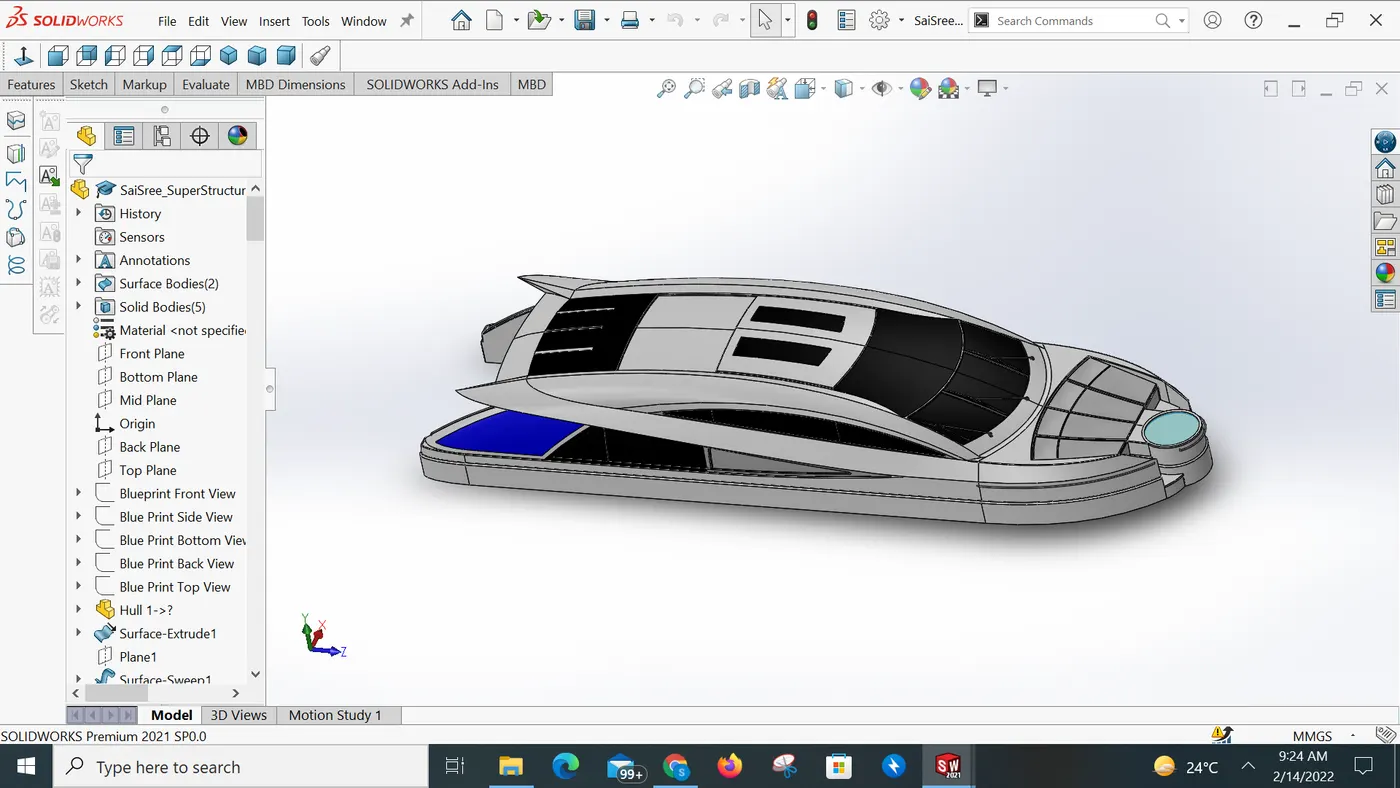
Superstructure:
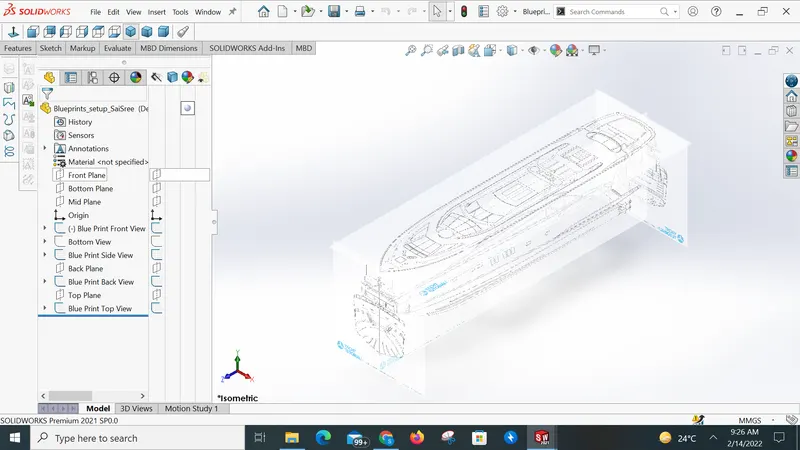
Blueprint:
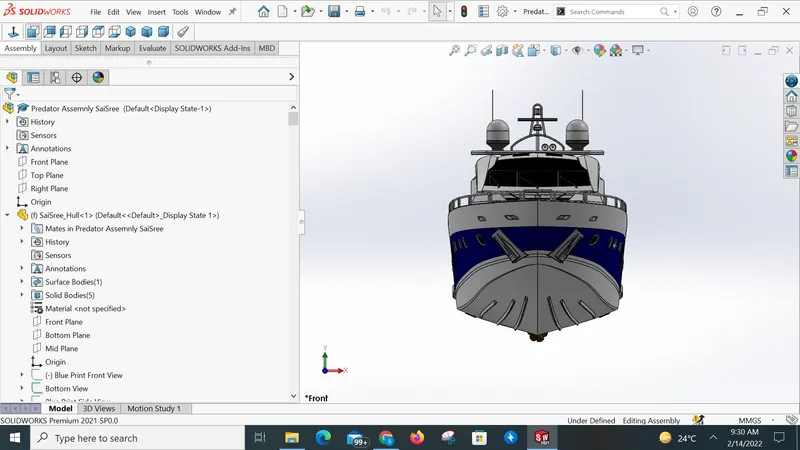
Assembly of Sunseeker predator yacht:
Front View :
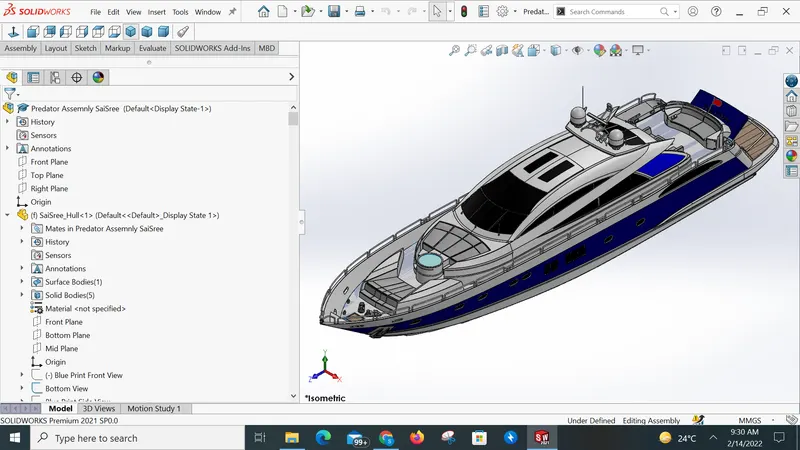
Side View :
Isometric View :
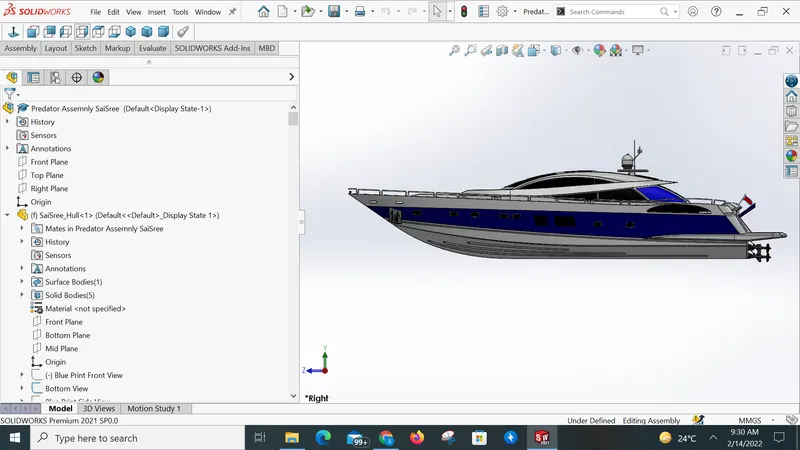
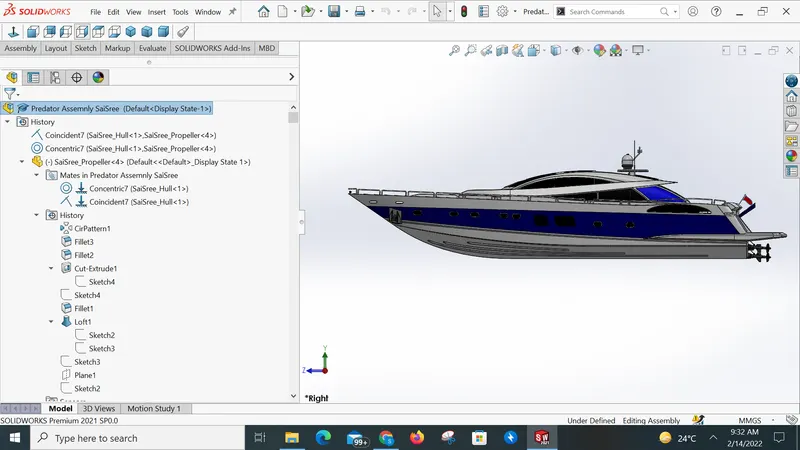
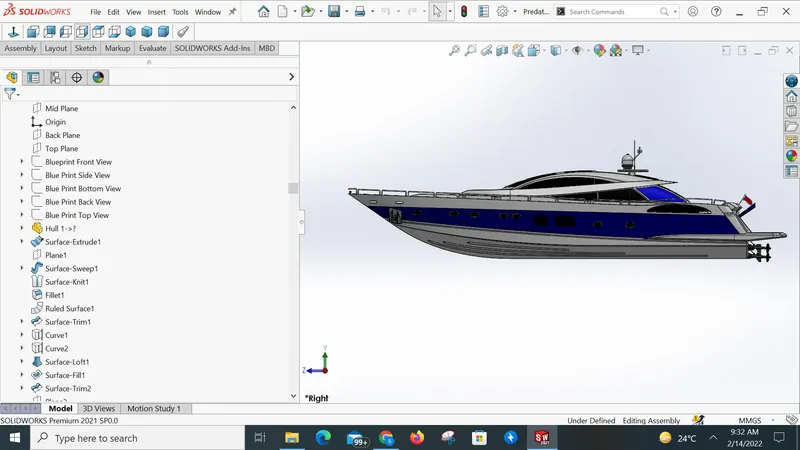
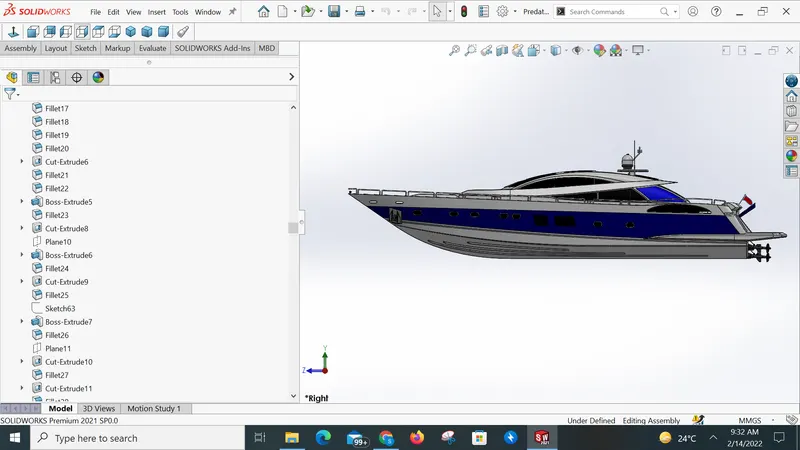
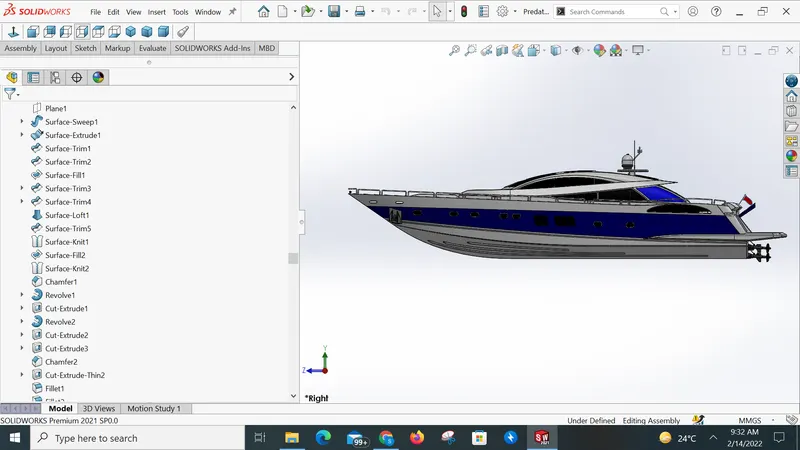
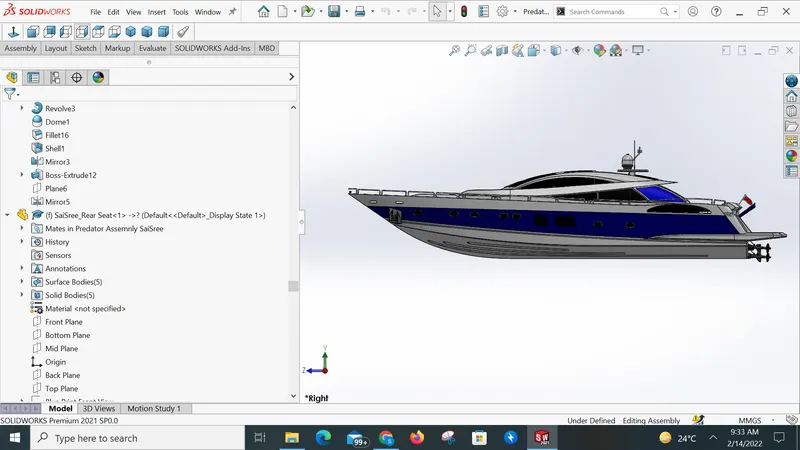
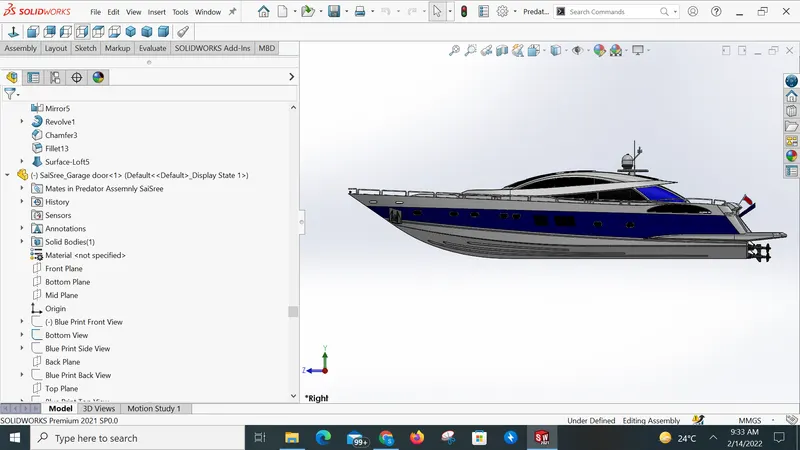
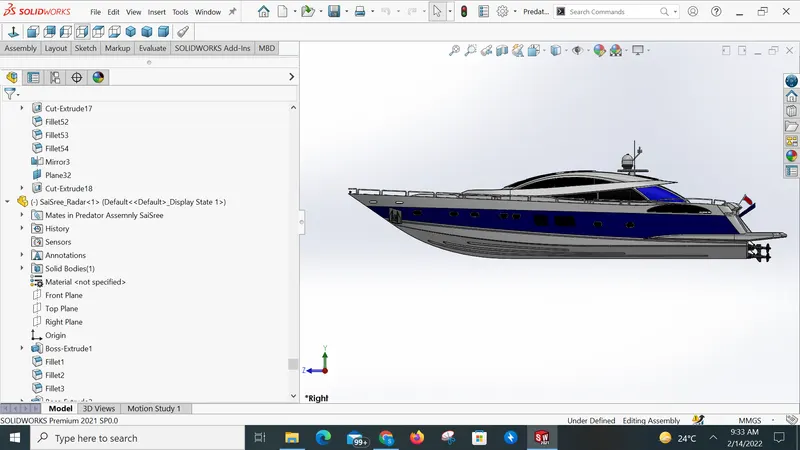
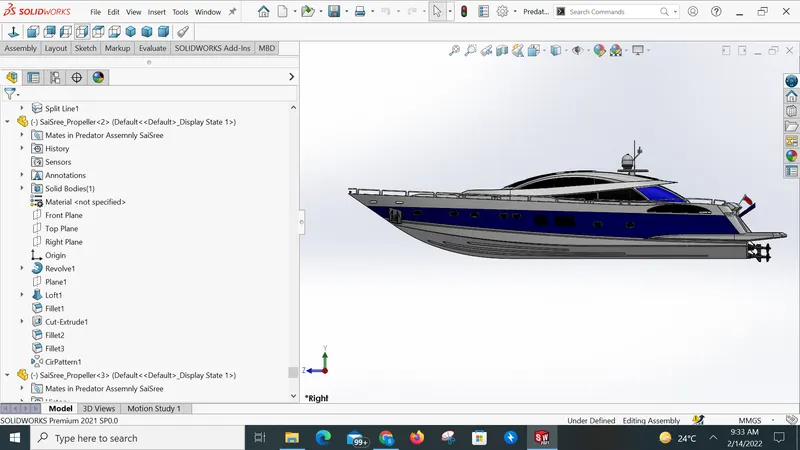
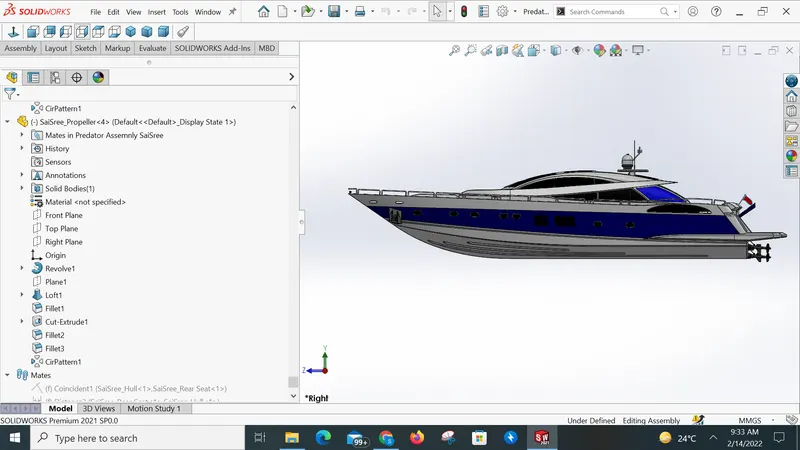
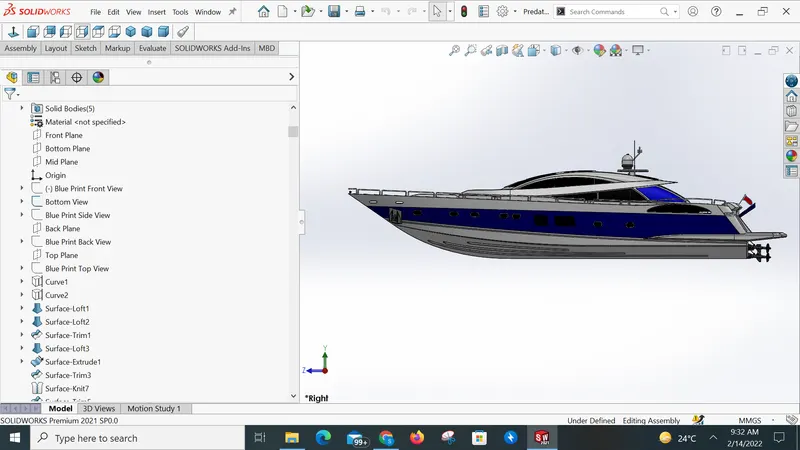
Featured tree
Conclusion :
I conclude that It is great learning, by modeling the yacht I got Knowledge on Solidworks features and tools. Now I can Design any new product by using Solidworks tools.