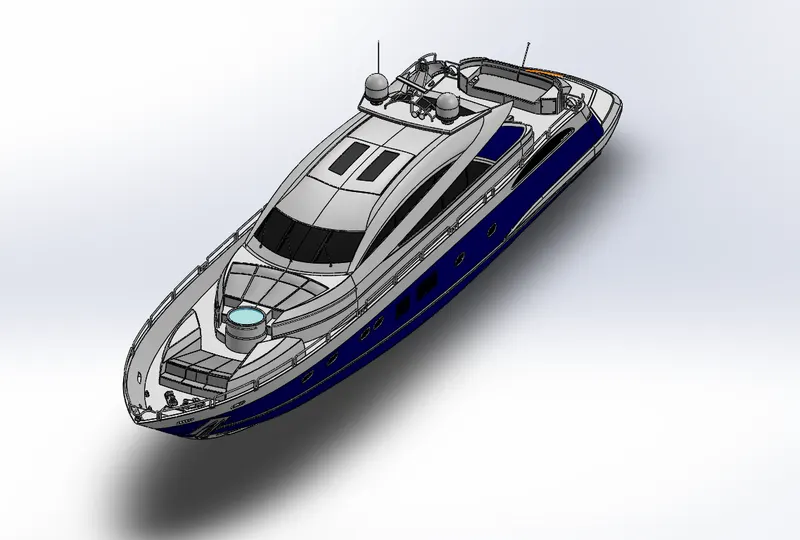
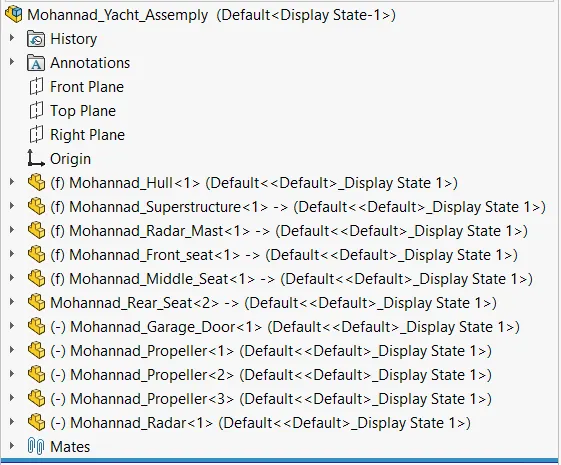
Radar Mast & Final Assembly of Yacht
Objective:
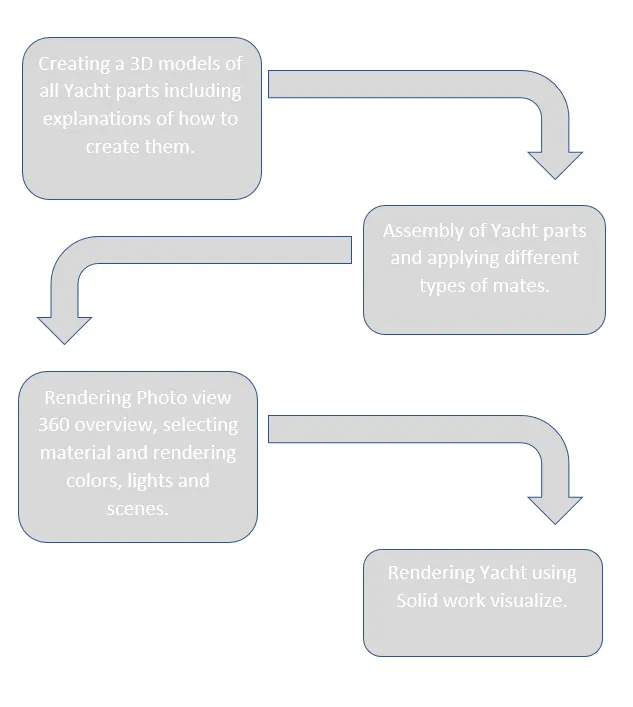
-Understanding common tool and features of solidwork.
-Creating Yacht parts.
-Assembling Yacht model.
-Rendering Yacht model.
Introduction:
Ships and boats are two of the oldest types of transportation and were first built thousands of years ago. Not only have ships and boats been used for transportation throughout history, they have been used for a number of other reasons including to transport cargo, fishing, as a type of defense from armed forces, sports, leisure, and relaxation. Today, ships, boats, and yachts are now can be modeled in a software tool to help designers and manufacturers to visualize the final image. Also they are built using advanced technology and materials, differing greatly from those that have been used throughout history.
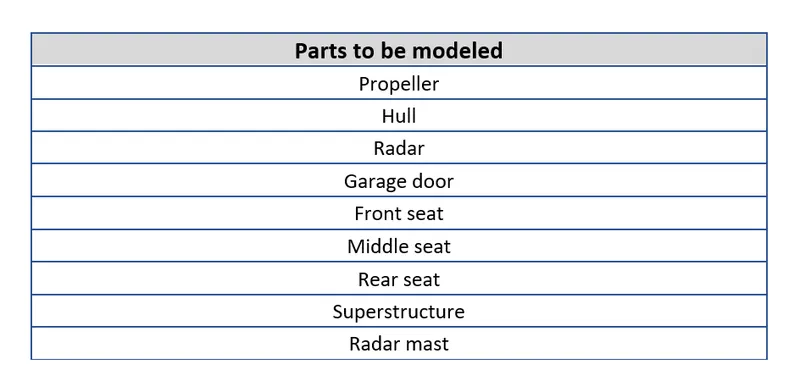
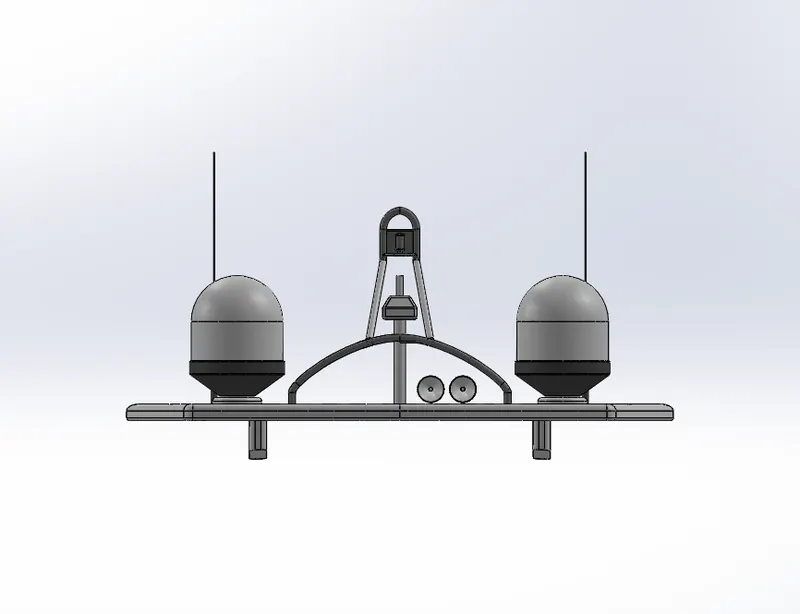
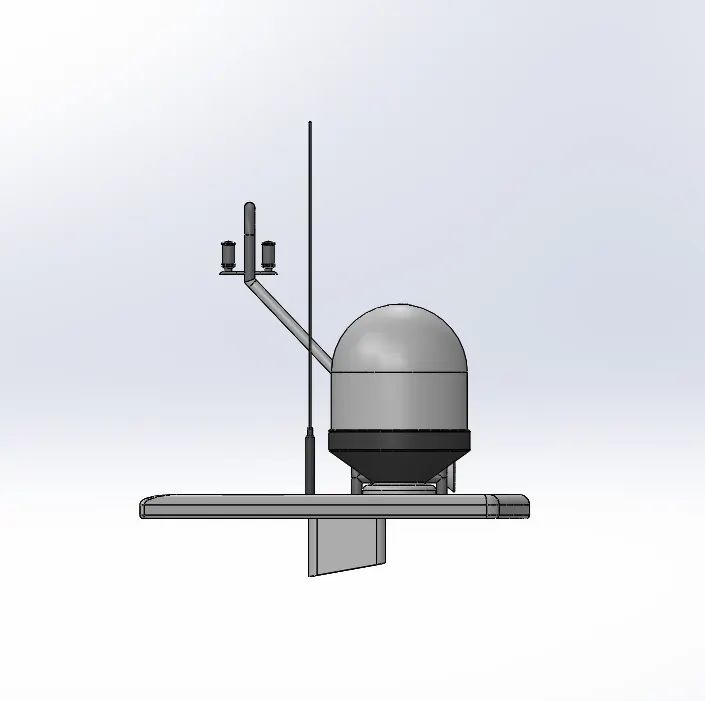
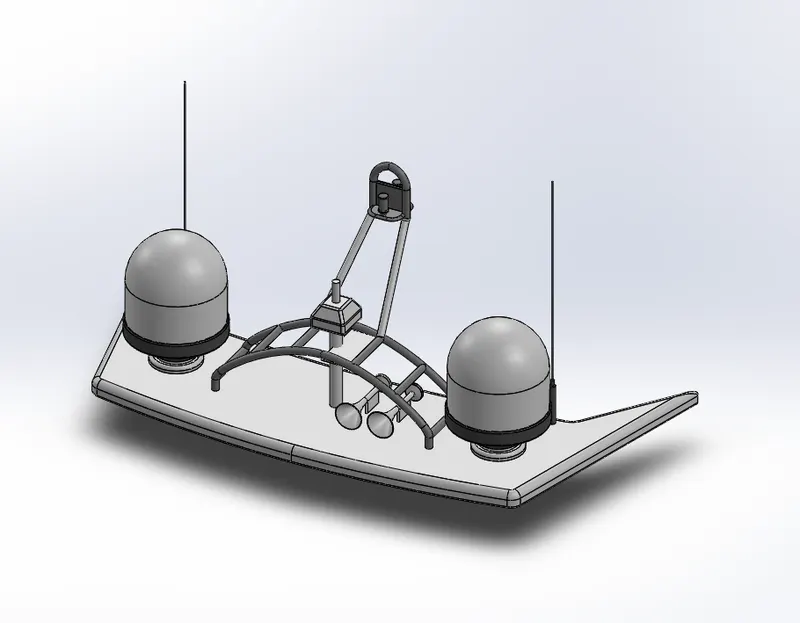
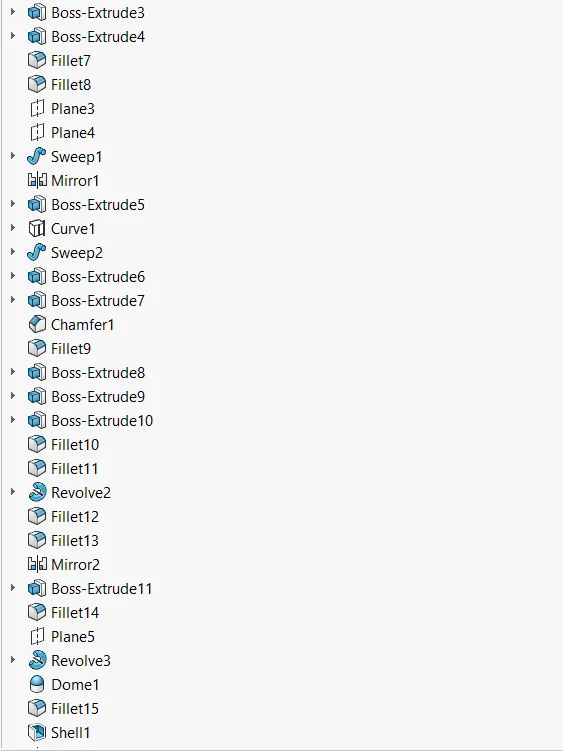
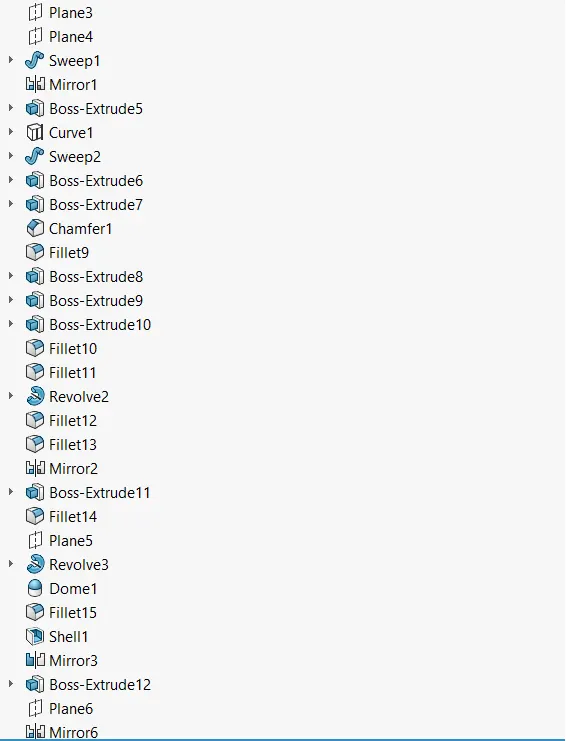
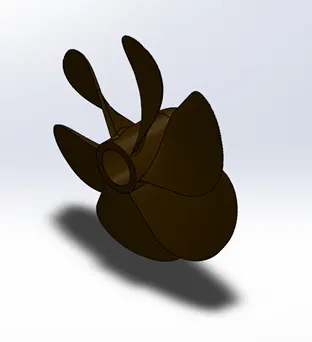
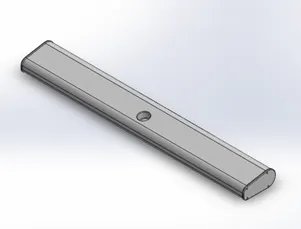
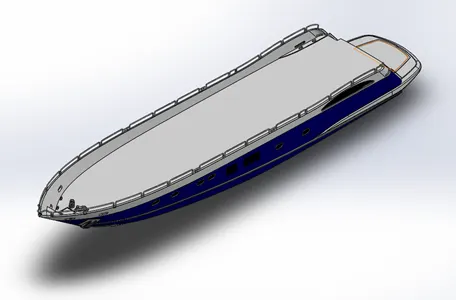
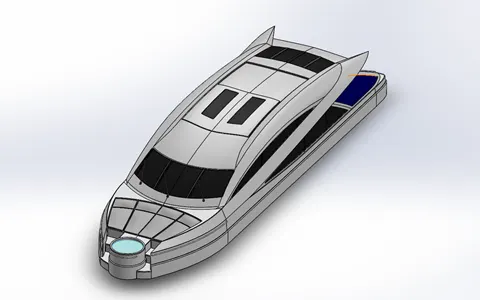
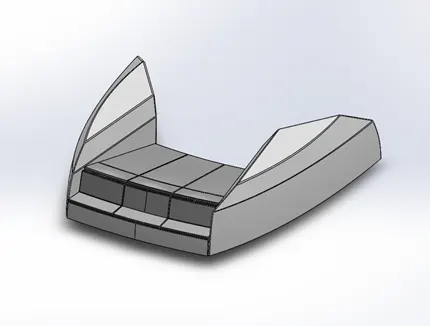
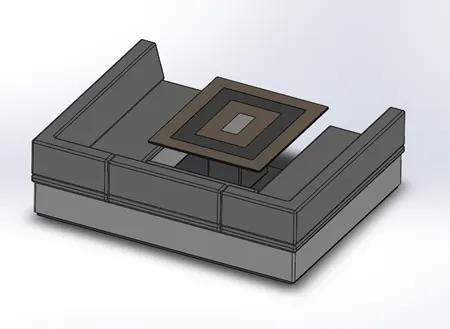
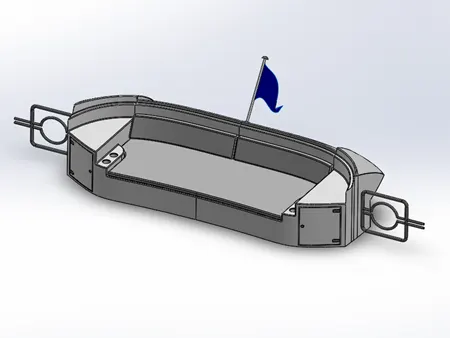
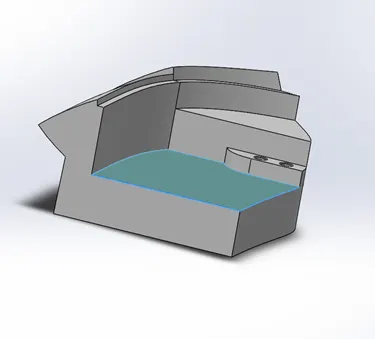
Isometric shots for different part:
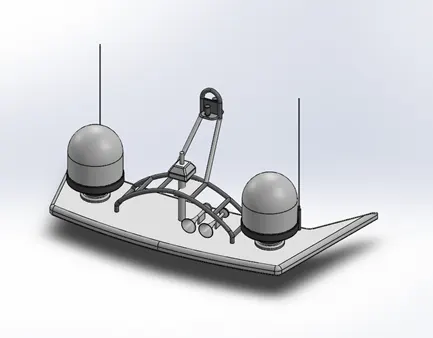
Features used for modeling Yacht:
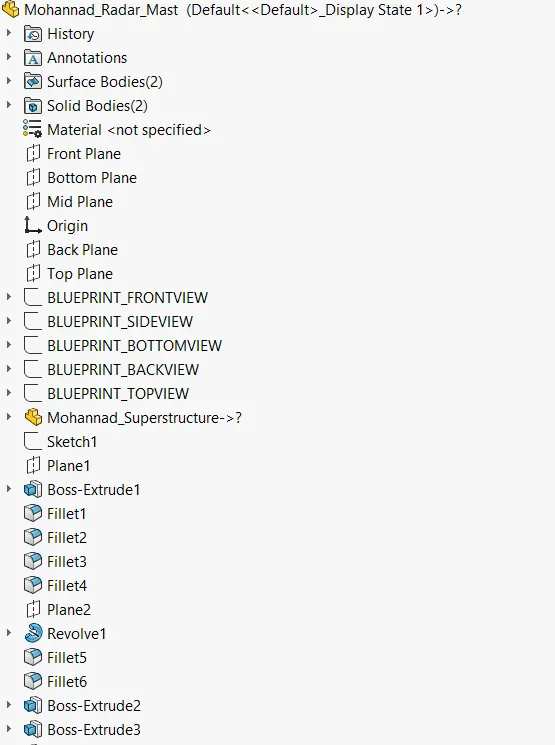
Solidwork provide many and many tools and features that can facilitate and saves more time for designers. (We will focus on surfaces features):
- Surface extrude: All you need is just sketch a path curve or line for example then extrude it. The surface will take the shape of the path.
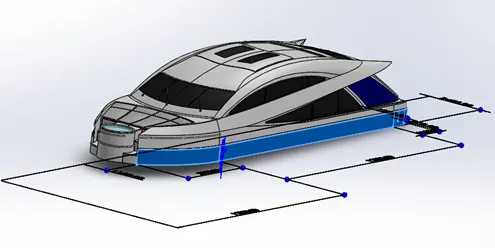
- Ruled surface: command creates surfaces that extend out in a specified direction from selected edges.
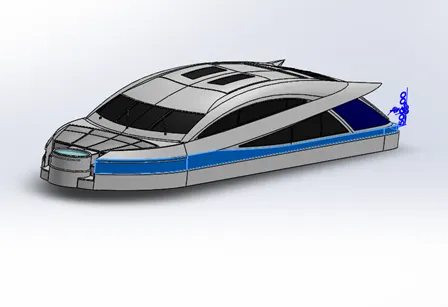
- Delete face: you have to select the unwanted surface then easily delete that it.
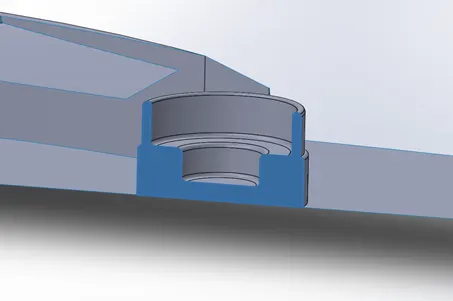
- Offset surface: you can obtain a new surface that has the same dimensions of a selected surface then offset it with the desired distance.
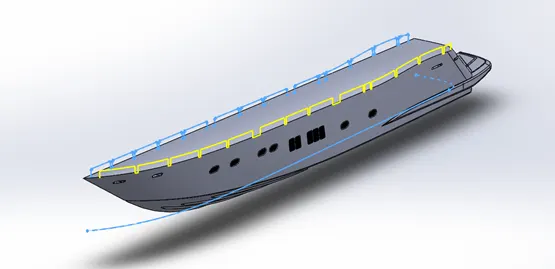
- Projected curve: you need two individual curves that must create in different planes then you can create a combination curve which is the projected.
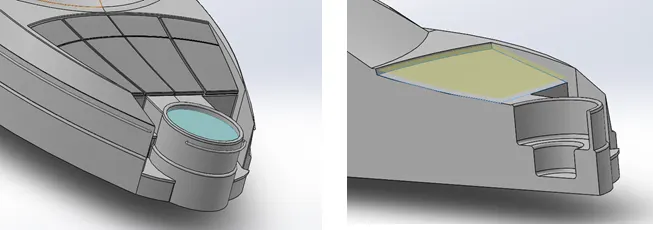
- Shell: is to make the selected surface as a hollow with the desired thickness.
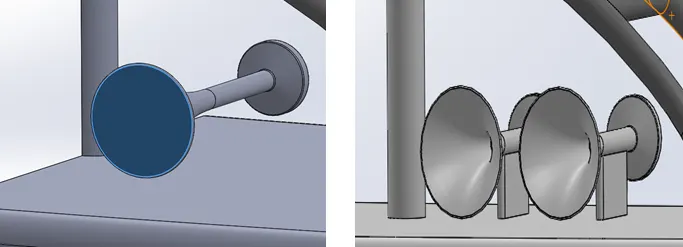
Surface fill: all you need here is to select the patch boundaries to create a surface that close this patch.
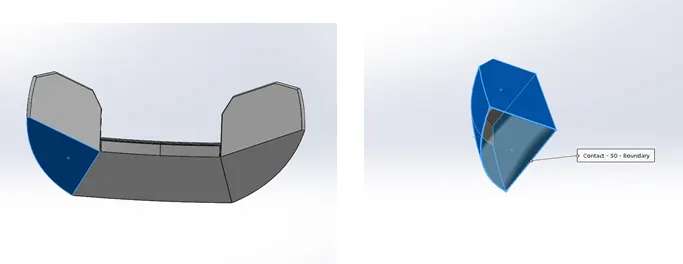
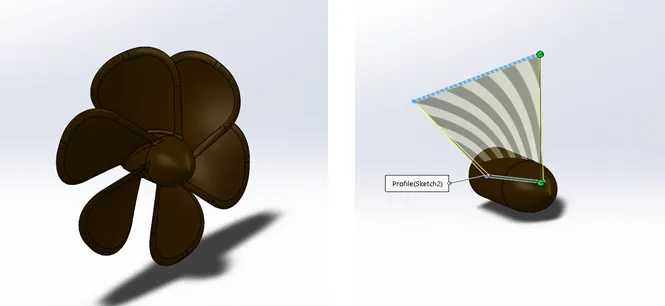
- Surface loft: allows you generate a complex geometry in a single feature. You can adjust the lofted surface by controlling the two green balls. If you select an end point of a line in the first sketch profile, it's best to to also select the corresponding point.
- Thicken: with the help of this feature, you can produce a thicken closed body by only selecting the surface you need.
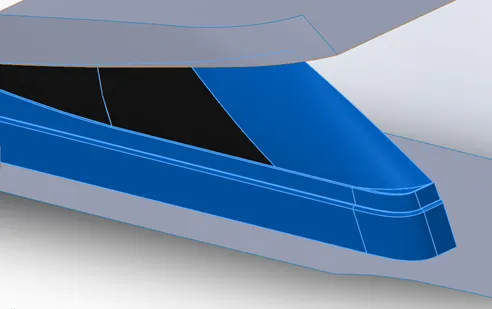
Surface knit: used to eliminate the gabs between two or more surfaces. Also we can merging the result.
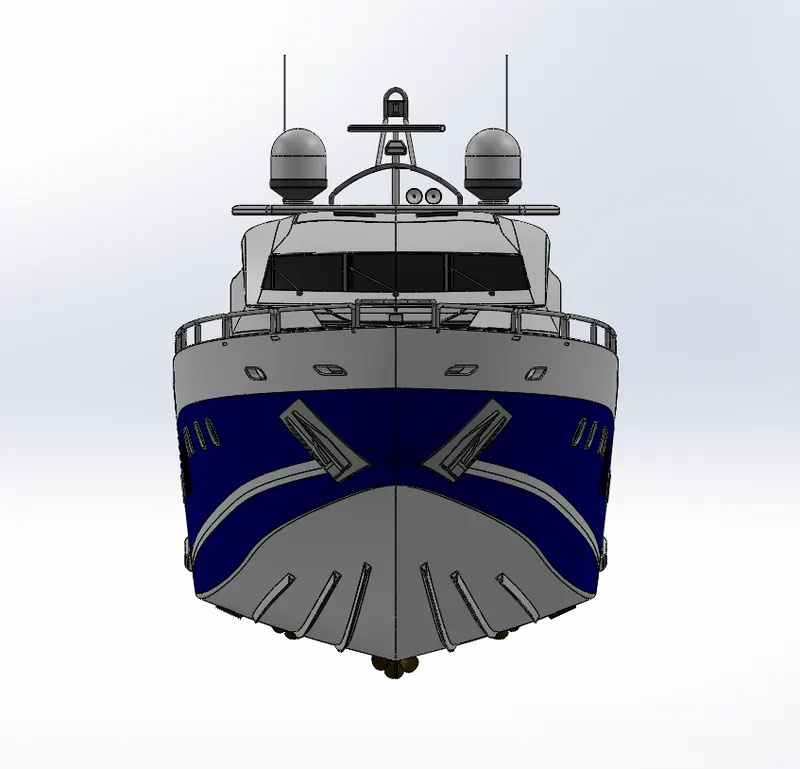
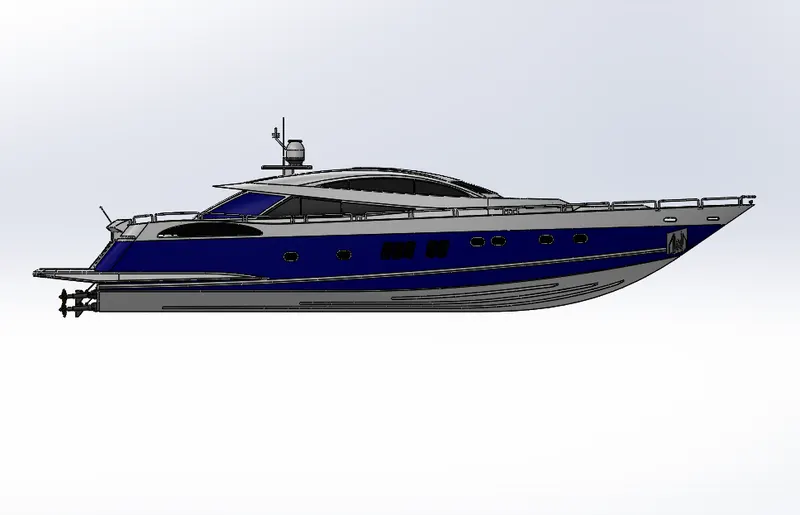
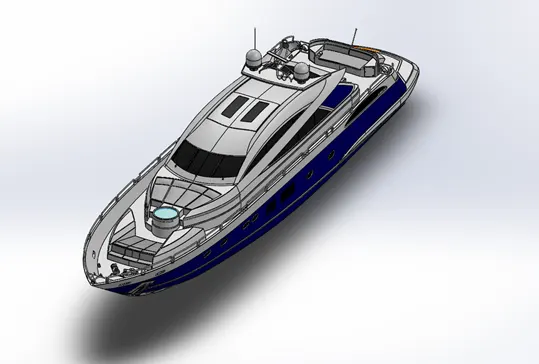
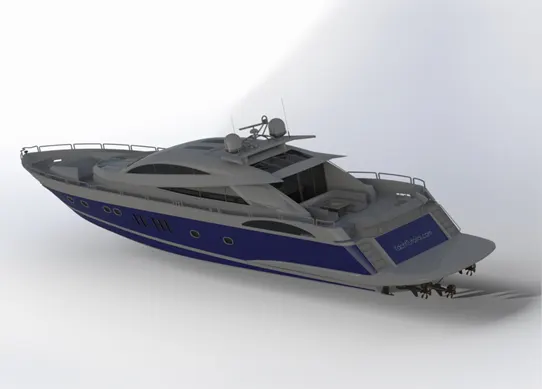
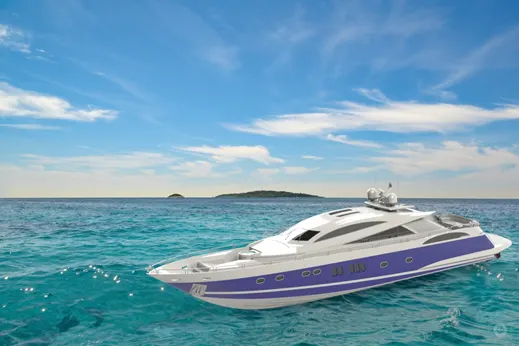
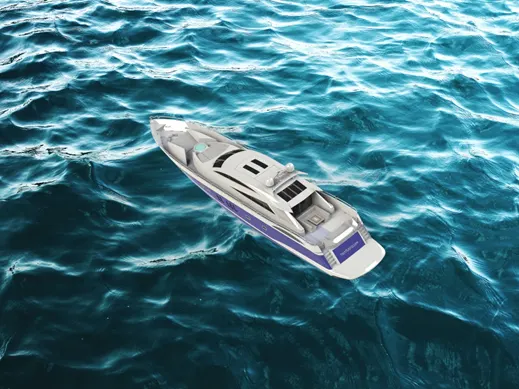
Assembly and rendering shots:
Conclusion:
Designing a model using a 3D software modeling (Soil work for example) allows us to visualize and take a real or close to real image of the final image of a very complex models in real in about one month maximum. Designing a real model require more and more processes after designing to make sure that it's safe for people, environment and different consideration depends on the model itself.