Photo Realistic Rendering
Objective:
-understanding common tool and features of solidwork.
-creating American Chopper parts.
-assembling American Chopper.
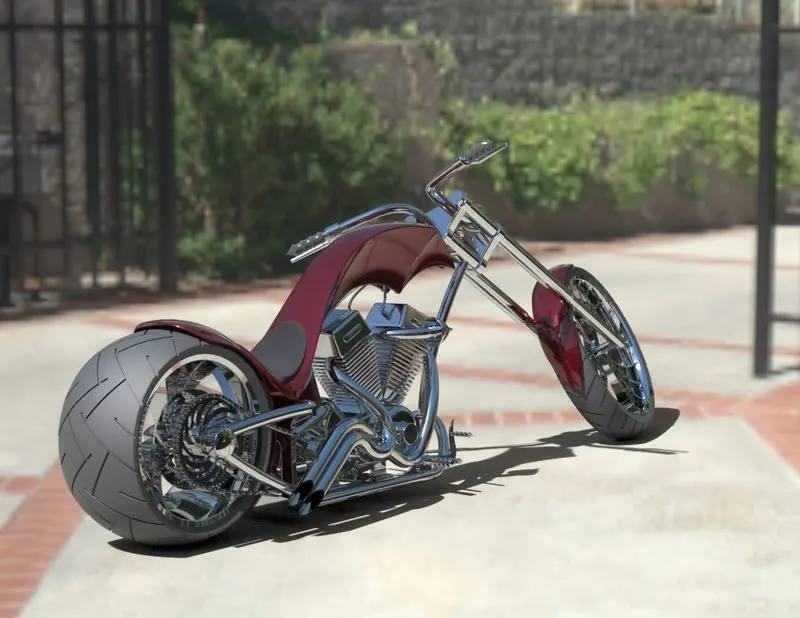
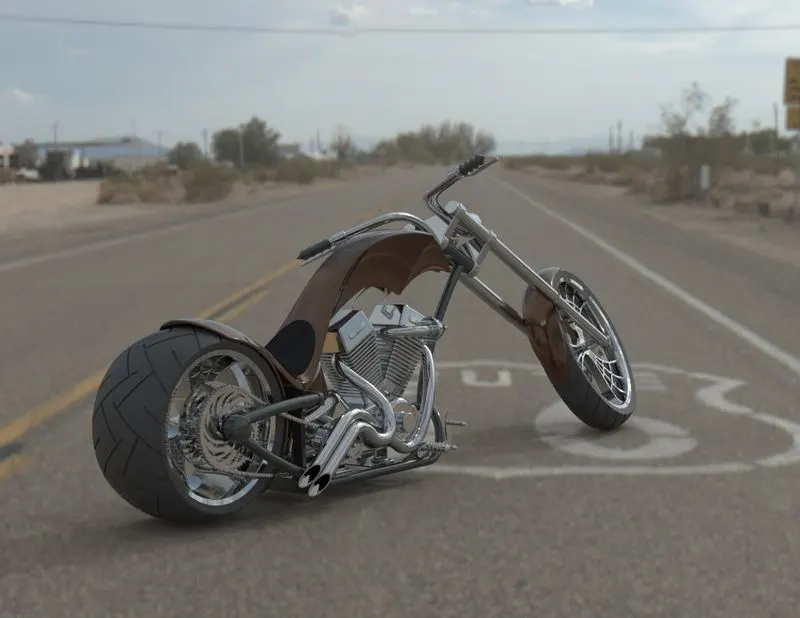
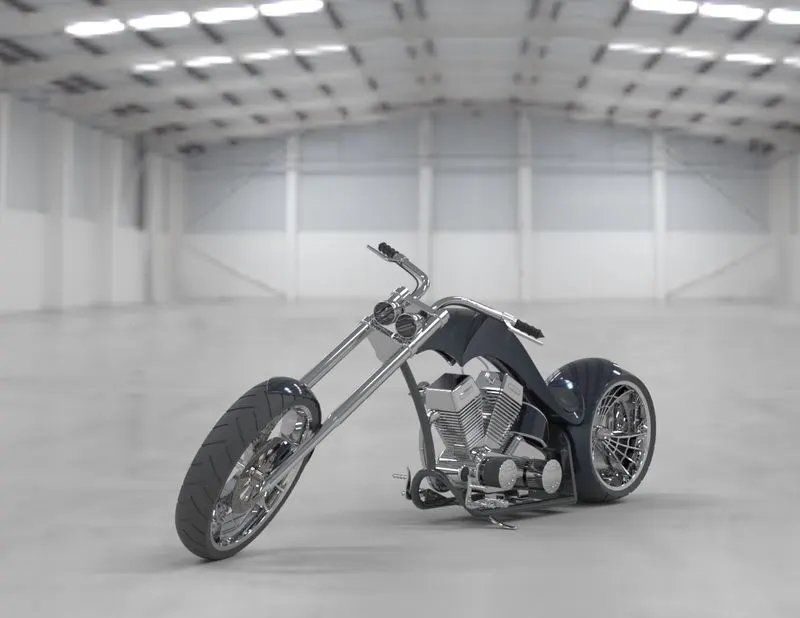
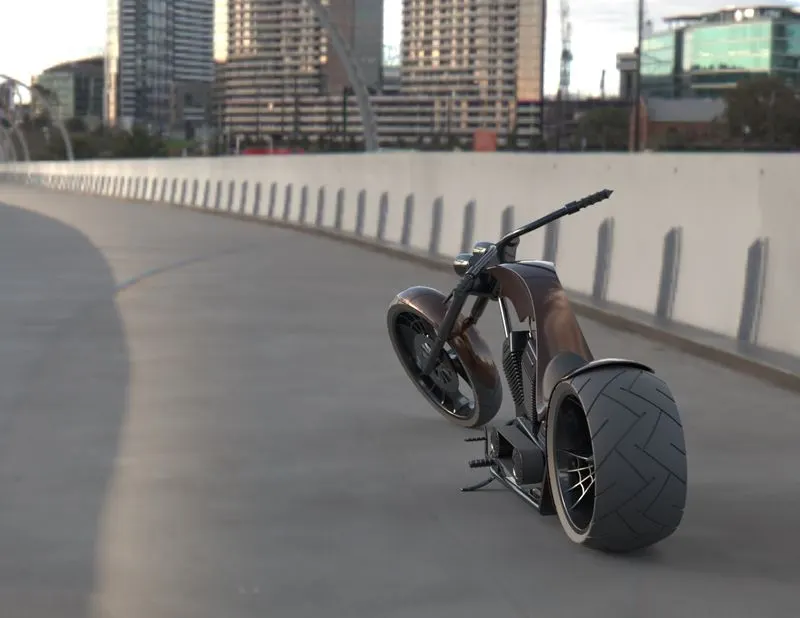
-Rendering American Chopper.
Introduction:
Many of things around us was proceeded to many processes of manufacturing. And before the manufacturing processes there're many stages that companies engineers do to assure safety to human and the suitability for the environment use etc… . One of the most stages is design stage which comes before manufacturing processes. Design stage include selecting the appropriate material that will going to be used relative to its weight, cost and many other considerations. Nowadays designers are using many kinds of software to help them to create 3D models, visualize and rendering. Solidwork is one of the most famous software that can help designers to achieve best assembling and visualizing the final product (in our case is American Chopper) and easily adjusting dimensions, selected material etc… .
|
Parts to be modeled |
|
Chain |
|
Chassis |
|
Engine |
|
Front fender |
|
Rear fender |
|
Front fork |
|
Front wheel |
|
Rear wheel |
|
Kickstand |
|
Gas tank |
|
Oil tank |
|
Pedal |
|
Transmission belt |
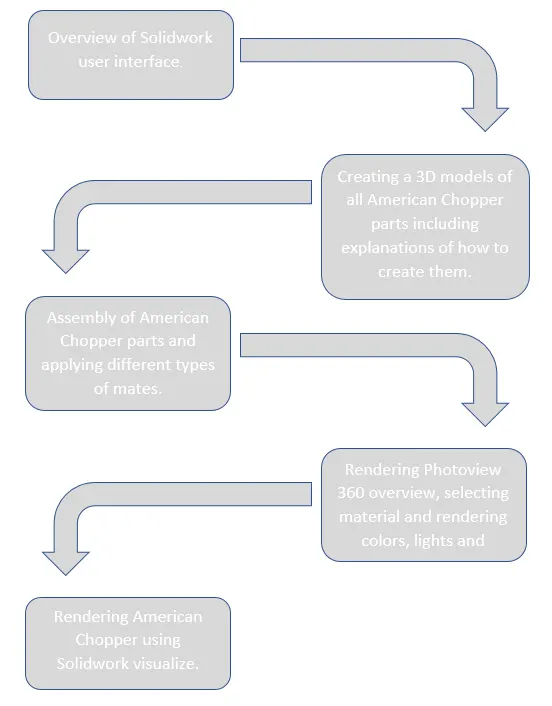
Flow diagram:
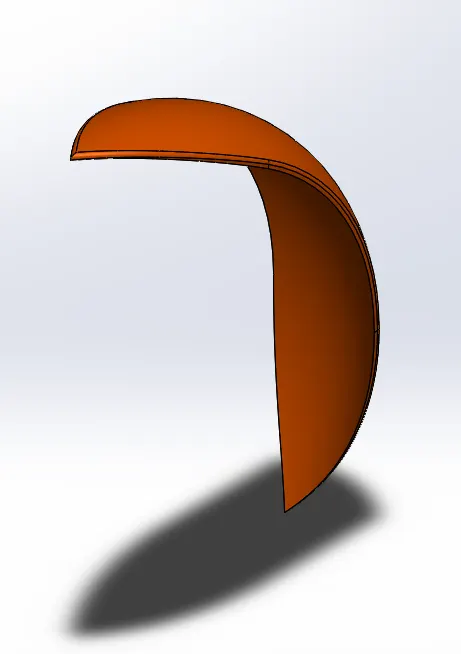
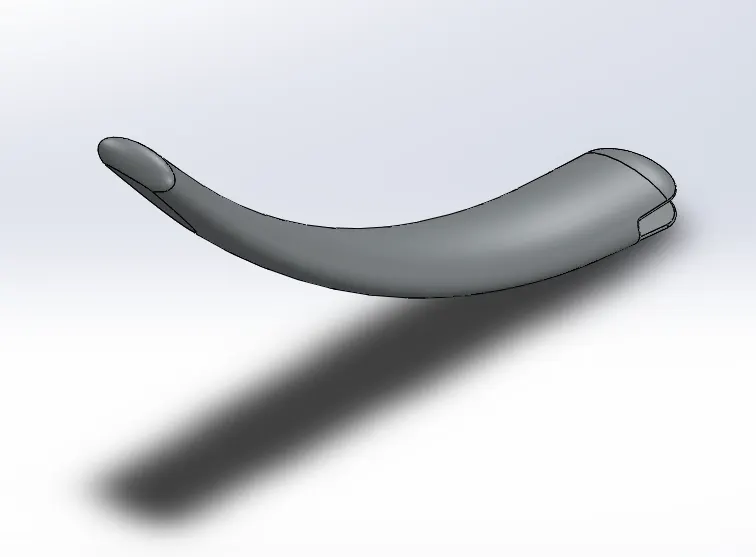
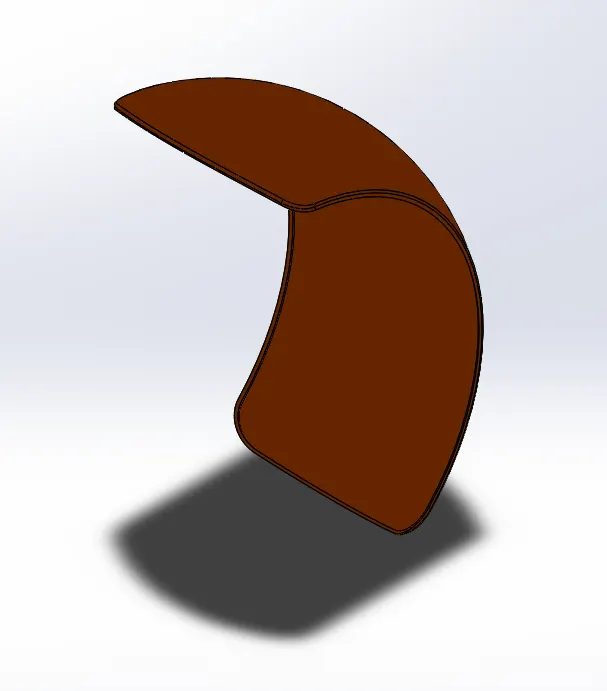
Isometric shots for different part:
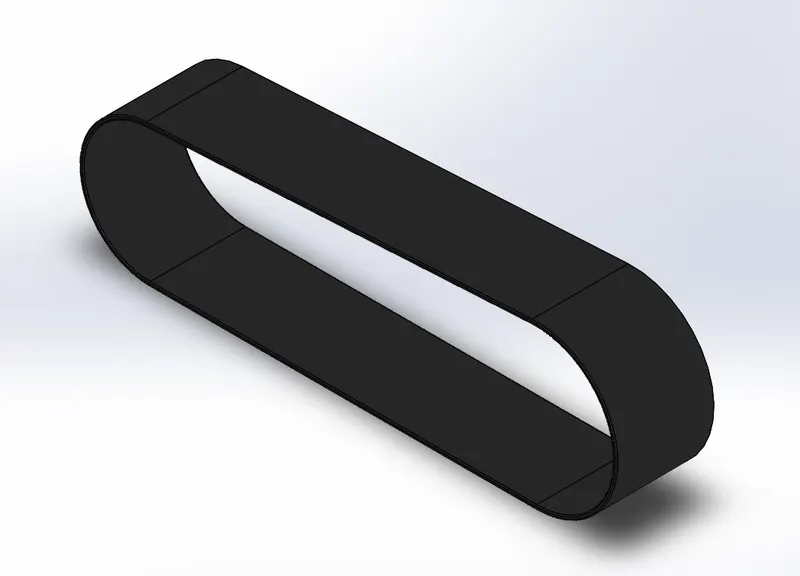
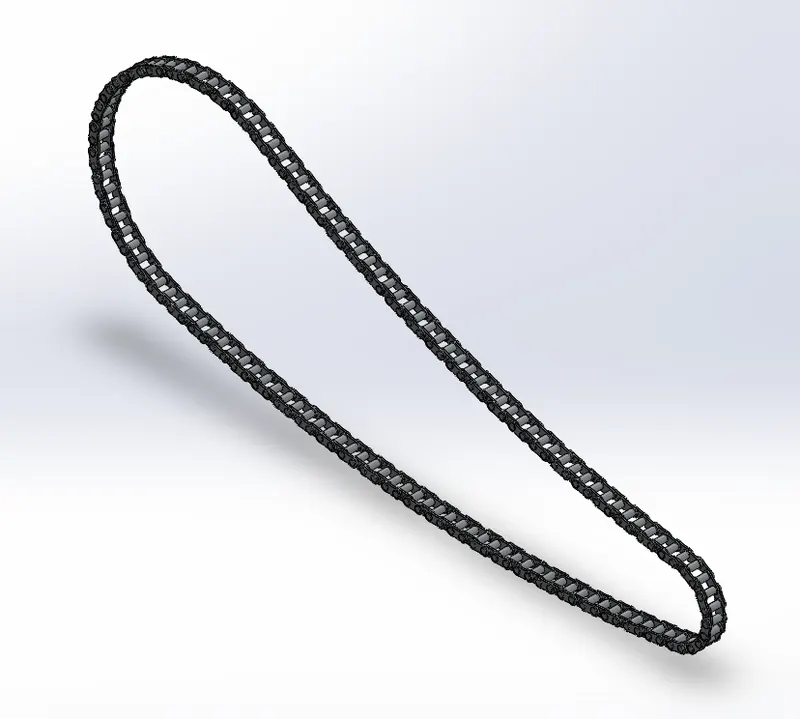
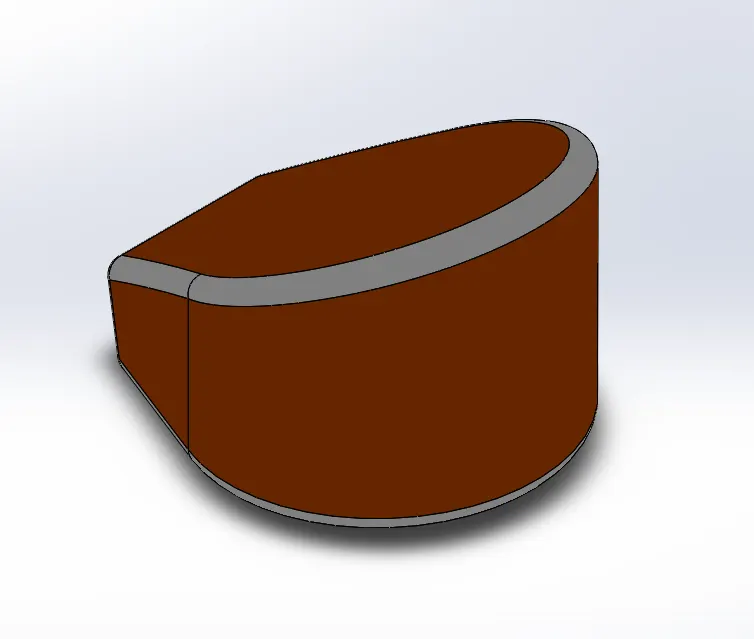
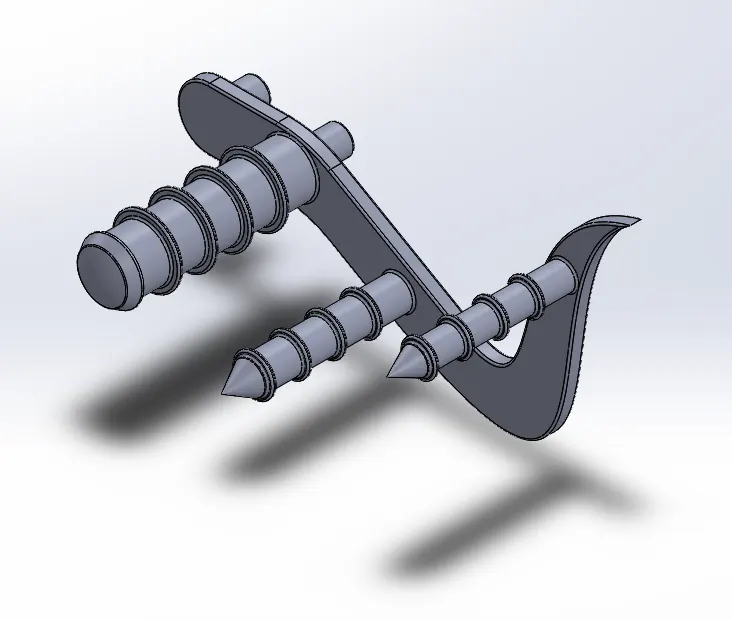
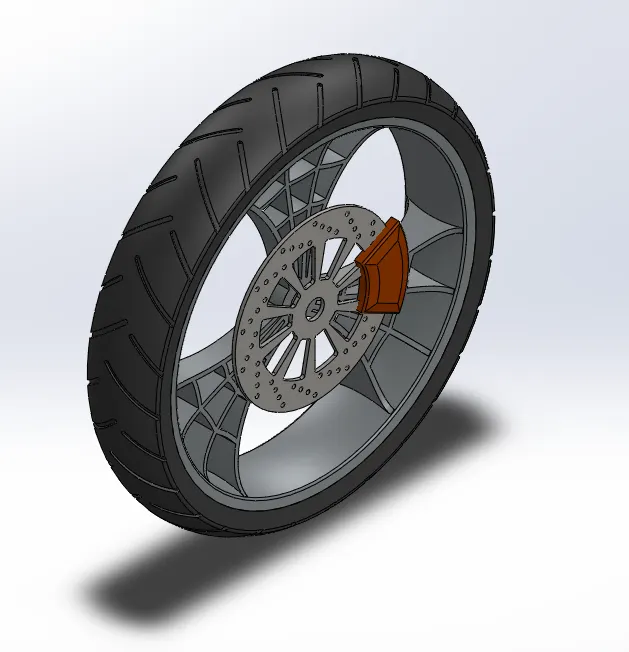
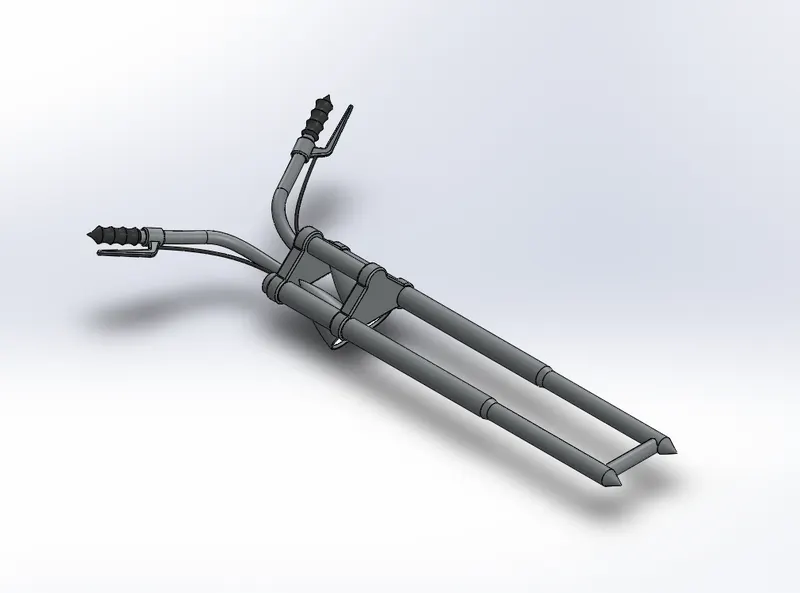
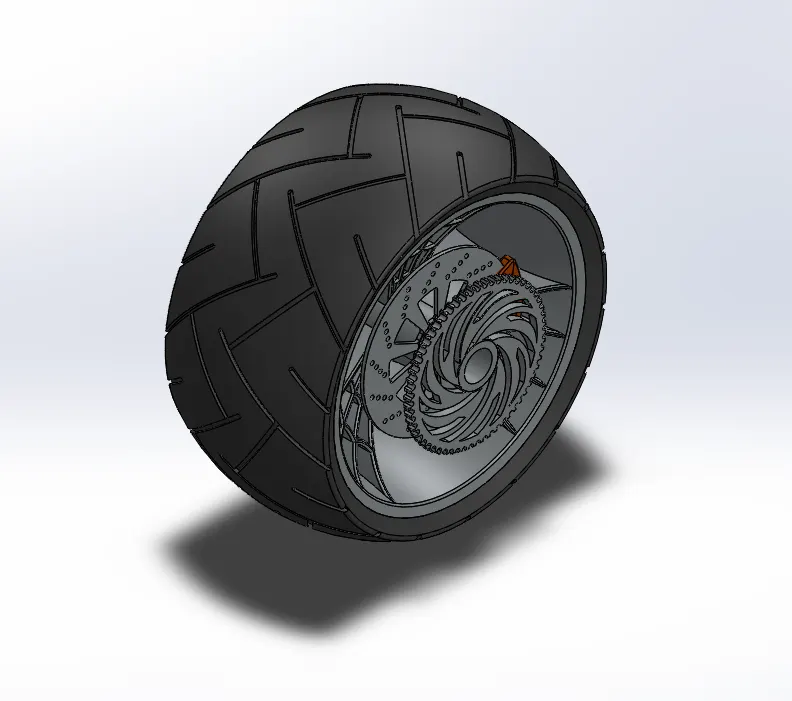
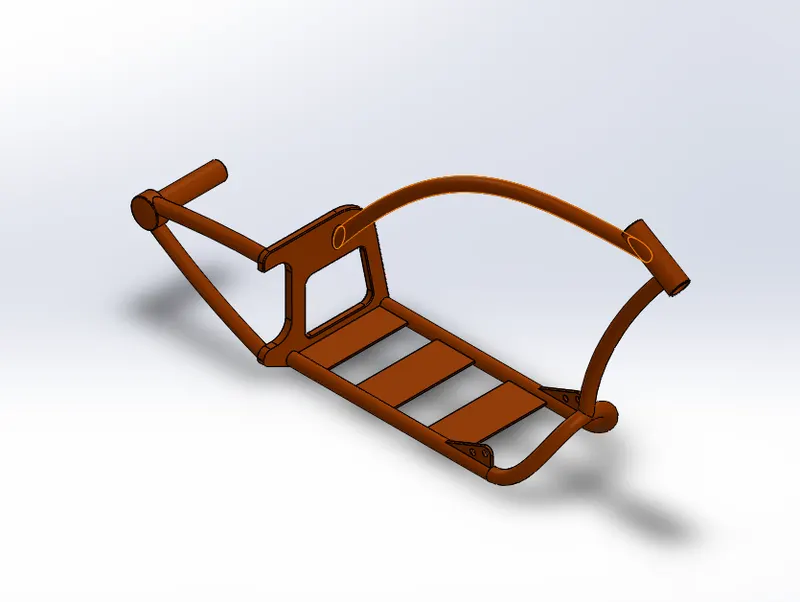
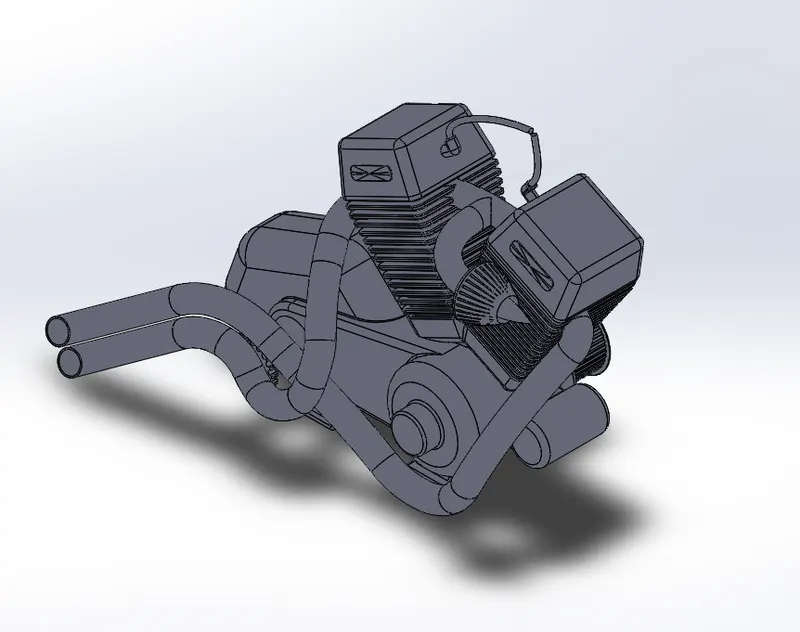
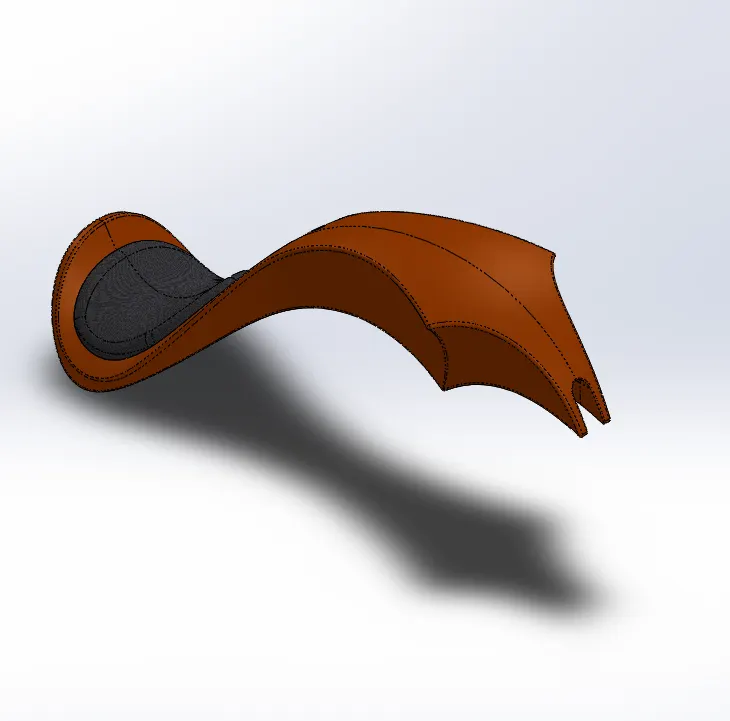
Solidwork provide many and many tools and features that can facilitate and saves more time for designers. Let's begin with the most common Tools:
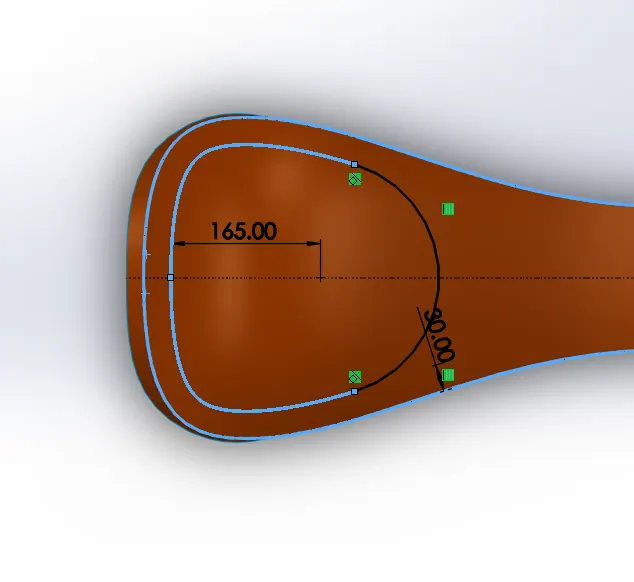
- Convert entities:
One of the helpful tools that provided into Solidwork, mostly used when you want the same and exact entity that has drawn in another plane.
- Offset entities:
If you already have an entity and you want to draw an identical entity of that one at the same sketch and offset it inward or outward, this tool will help you.
- Power trim:
This tool allow to trim entity by clicking and drag over the undesired entity.
The most common features used:
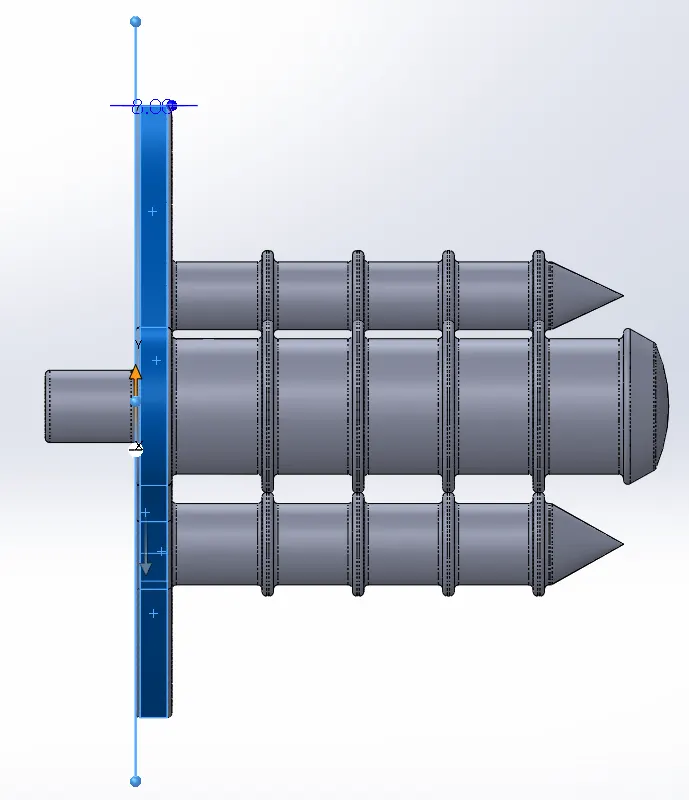
- Extrude boss/base:
This feature used to extrude a closed sketch with different options (blind, mid plane, up to next selected surface etc…).
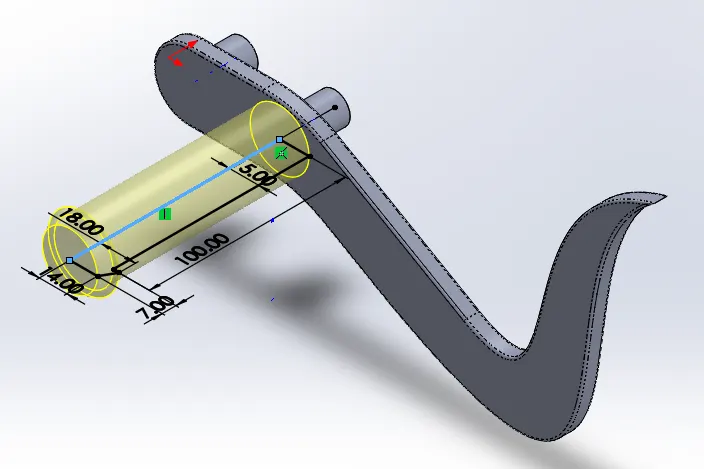
- Revolved boss/base:
This feature is used to revolve a closed sketch around a specified axis.
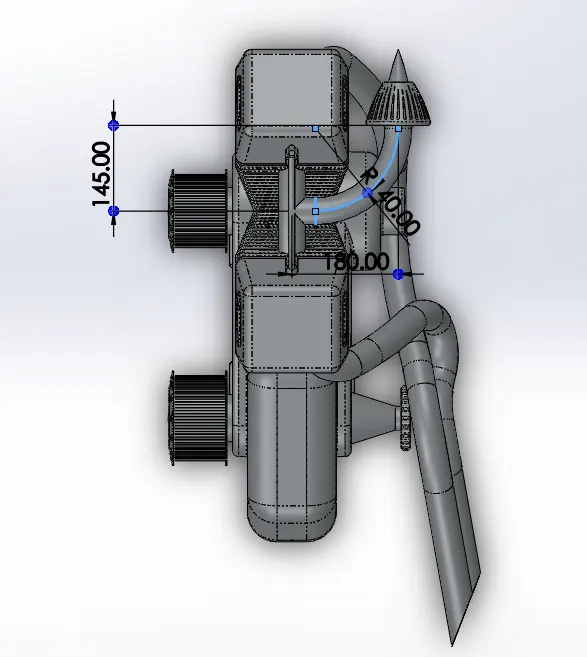
- Swept boss/base:
In order to use this feature. All you need is to sketch a profile on one plane and a path for that profile in a perpendicular plane.
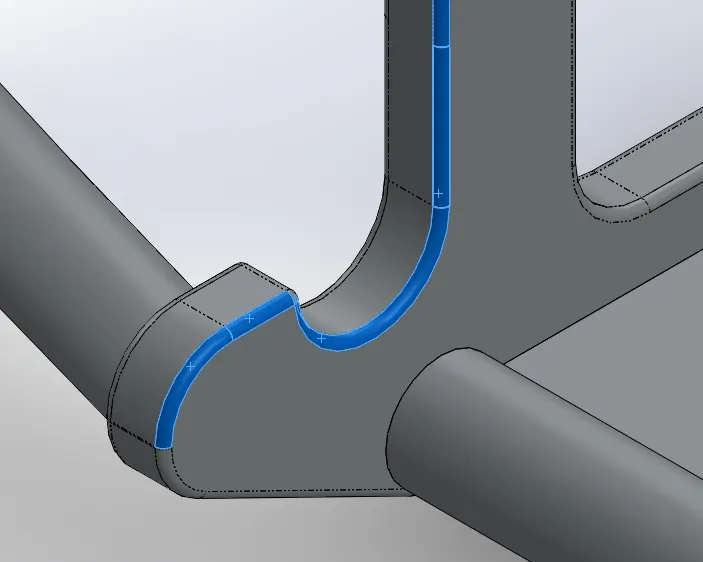
- Fillet:
Fillet is one of the most useful features in Solidwork. Simply it gives edges the circular and smooth shape to avoid sharpness.
- Chamfer:
Chamfer has almost the same purpose of fillet feature but here a new surface created with specified input angle.
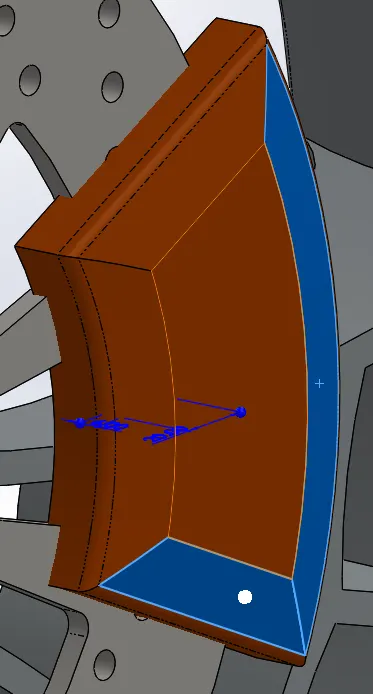
- Circular pattern:
You can specify the number of feature/body that you choose to pattern also you can specify the angle of rotation.
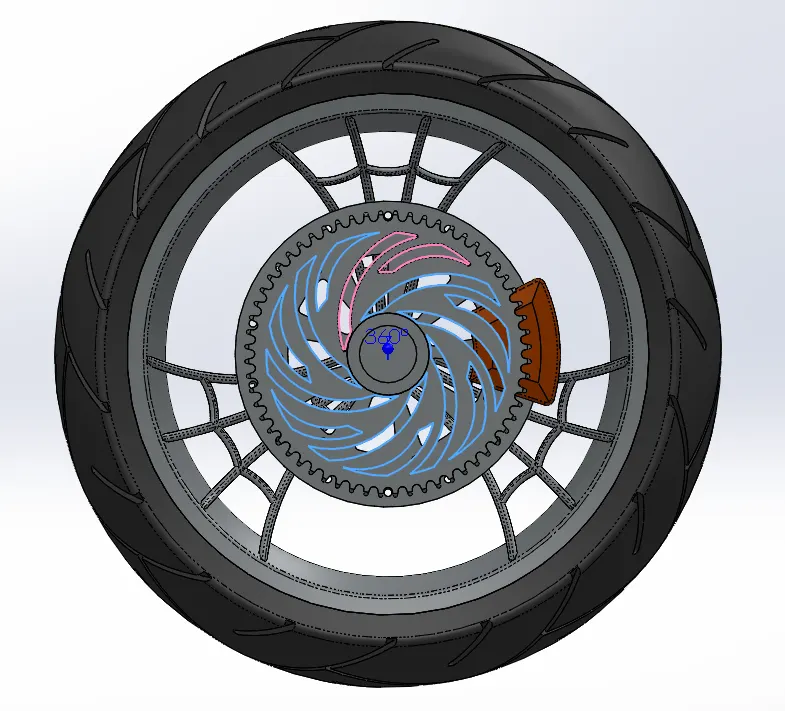
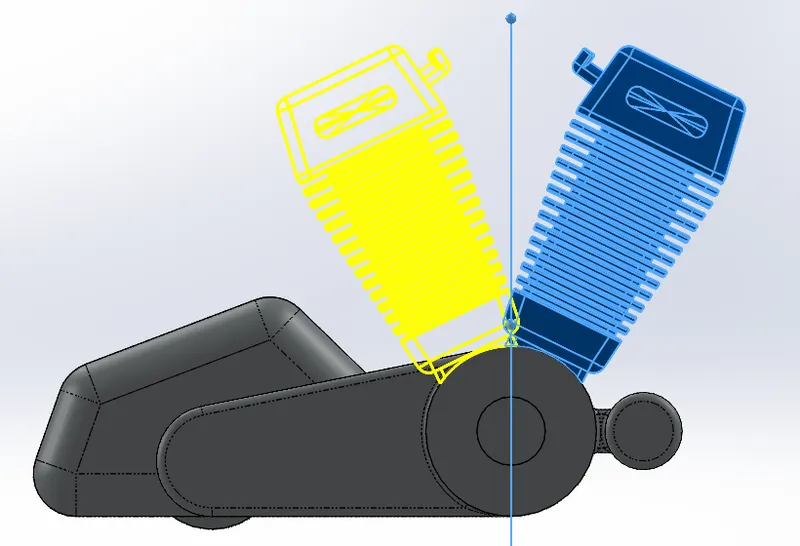
- Mirror:
With Solidwork you can easily mirror feature/body across specify plane/face.
We've discussed the most tools and features that are used to create American Chopper.
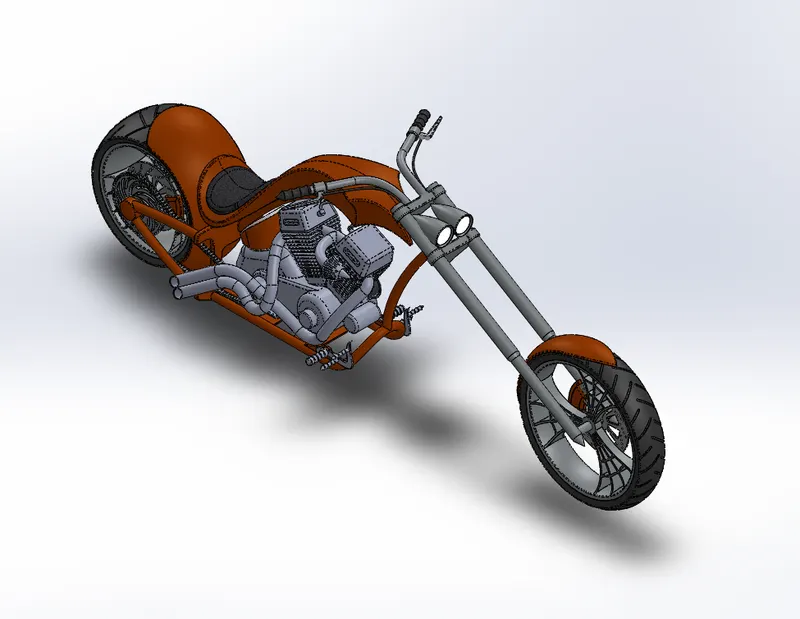
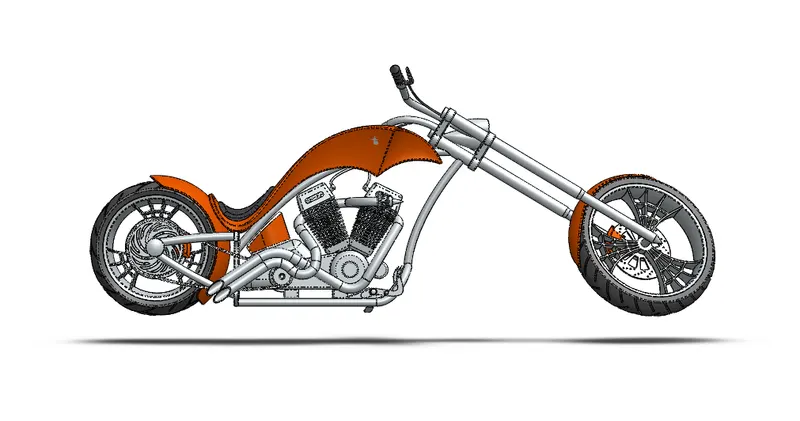
Shots of American Chopper after assembled:
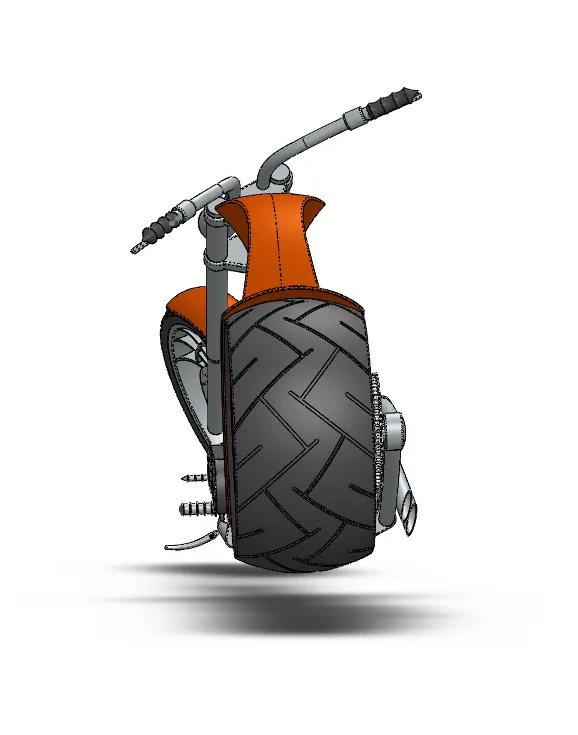
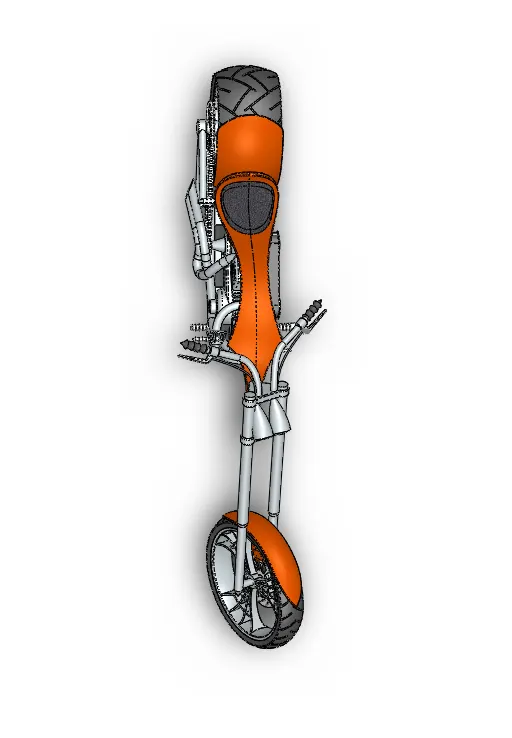
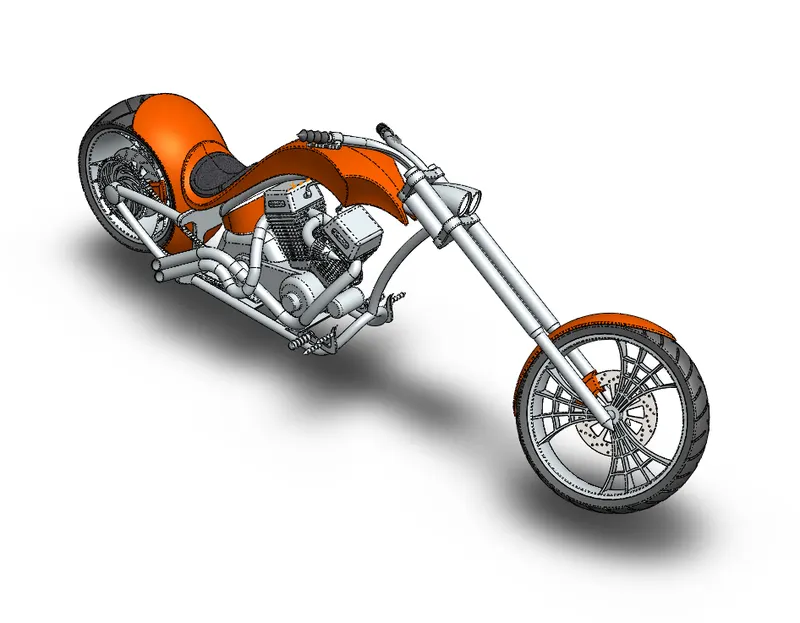
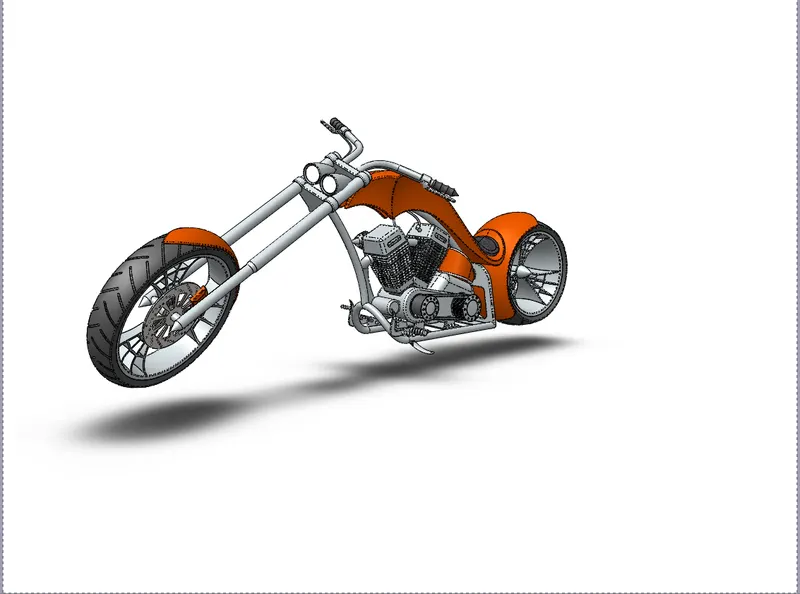
Different Rendering scenes using Solidwork Visualization:
Conclusion:
At the end, we've seen the American Chopper and assemble its parts together (with the help of Skill Lync) before proceeding to the manufacturing process. Solid work is a great way or tool to visualize what you're going to create.