Radar Mast & Final Assembly of Yacht
MODELING AND RENDERING OF YATCH USING SOLIDWORKS
OBJECTIVE:-
- The main objective of this project is to model different part of a custom designed Yatch using SOLIDWORKS.
- To assemble the different parts modeled for the Yatch.
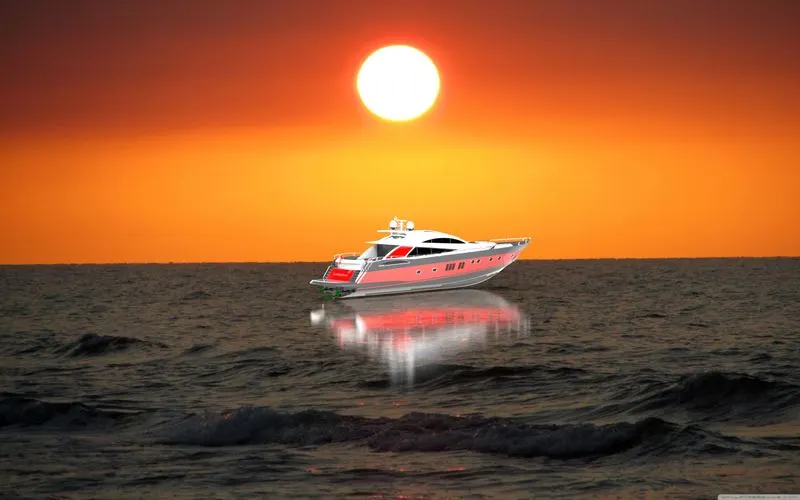
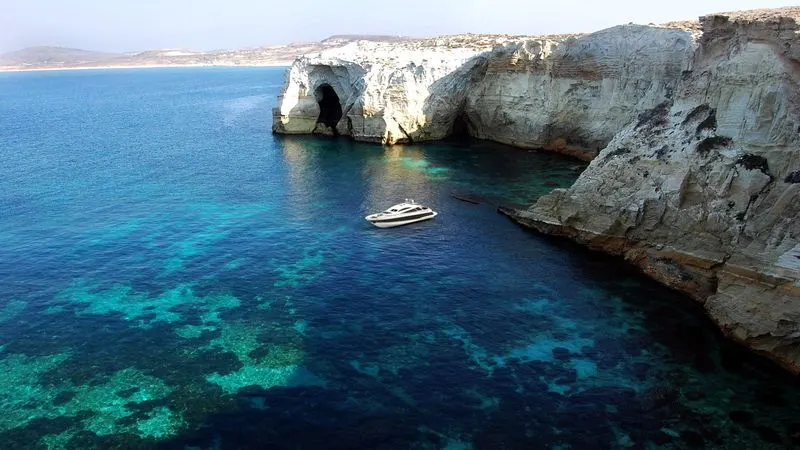
- To create a photo-realistic view of the Yatch by rendering the model using Solidwork Photo View 360 and Solidwork Visualize.
PART MODELING:-
- Modelling in general means to create a virtual prototype of an item. It can be used for various purpose. Consider a Superstructure of Yatch. It has many parts. Each part can be modelled separately and can be assembled together to get the superstructure final form.
PARTS MODELED FOR AMERICAN CHOPPER:-
- Propeller
- Radar
- Hull
- Garage Door
- Front Seat
- Middle Seat
- Rear Seat
- Superstructure
- Radar Mast
FEATURE DESCRIPTION OR COMMANAD USE:-
SKETCH ENTITIES:
- Sketch is the two dimensional representation of the model with respect to the plane from the outside of the model. In solidworks there are different sketch option available to create a sketch.
OFFSET:
- You can offset one or more sketch entities selected model edges or model faces by a specified distance.
EXTRUDE BOSS BASE:
- Extrude is a type of feature available in solid works to convert a 2D sketch into the 3D model.
CONVERT ENTITIES:
It convert the line in 2D
FILLET:
- Fillet creates a round internal or external faces on the part. You can fillet all edges of a face, selected sets of face, selected edges or edge loops.
EXTRUDED CUT:
- Cut Extrude is another cool feature which helps to remove materials from the 3D models.
DOME:
- Select one or more planar or non-planar faces. You can apply domes to faces whose centroid lies outside the face. This allows you to apply domes to irregularly shaped contours.
SPLIT:-
- The split tool is use to project an entity onto other surfaces or curved or planar faces.
MIRROR:-
- It makes the object in opposite direction.
COMBINE:-
- It combine two body in one body.
PROJECT CURVE:-
- It is use to project a sketch curve onto a model face.
EXTRUDED SURFACE:
- Creates an extruded surface.
SWEPT SURFACE:
- Sweeps a closed profile along an open and closed path to create solid feature.
BOUNDARY SURFACE:
- Creates a boundary surface between profiles in two direction.
FILLED SURFACE:
- Constructs a surface patch within a boundary defined by existing model, edges etc.
TRIM SURFACE:
- We can remove an unwanted surface.
EXTEND SURFACE:
- We can extend surface where it required as per dimension.
KNIT SURFACE:
- Surface Knit is used to knit the two free edges or open edges of the surface together. Also it reduces the gap between the two edges of the surface.
PLANE:-
- A plane is a path on which sketch is drawn. A new plane can be taken as required.
SHELL:
- The shell definition property manager is used to define the thickness of thin and thick shell elements.
YATCH PARTS:-
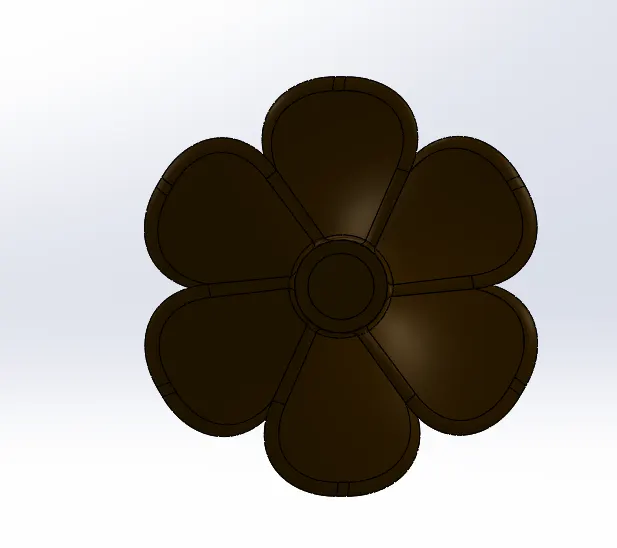
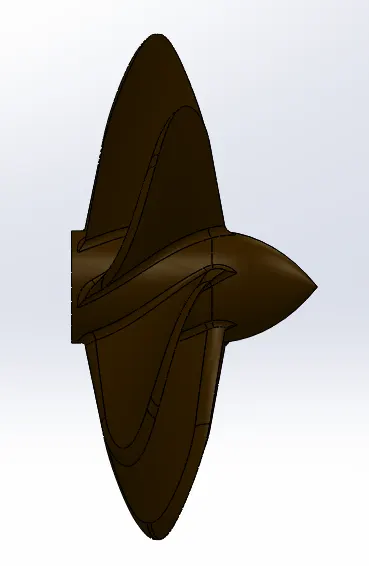
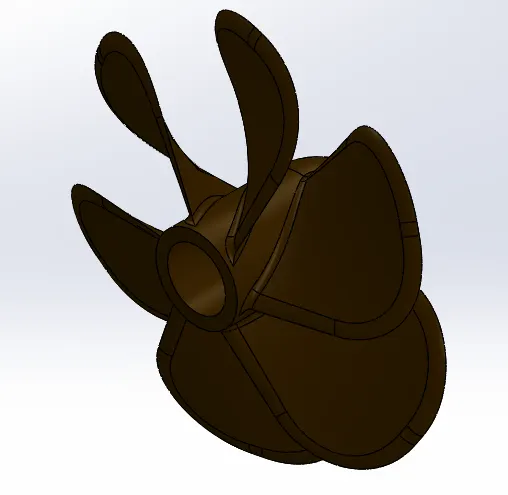
- Propeller:
A propeller is a device with a rotating hub and radiating blades that are set at a pitch to form a helical spiral, that, when rotated, performs an action which is similar to Archimedes' screw. It transforms rotational power into linear thrust by acting upon a working fluid, such as water or air.
Front View Side View
Isometric View
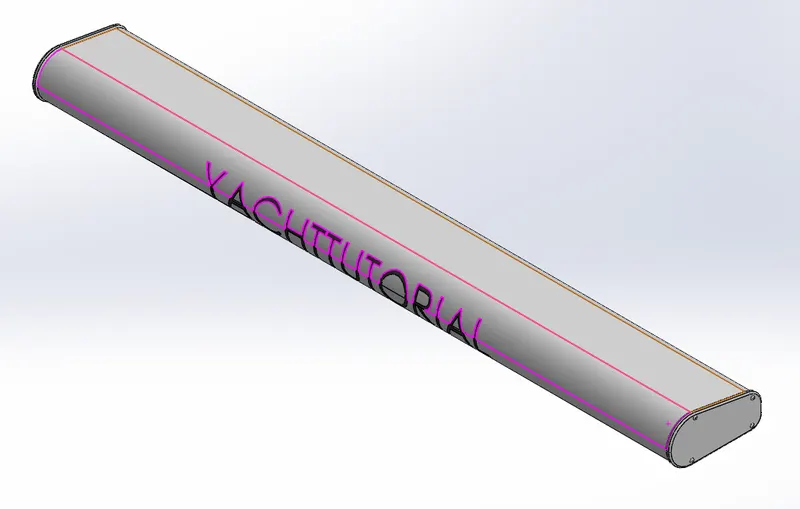
- Radar:
Marine radars are X band or S band radars on ships, used to detect other ships and land obstacles, to provide bearing and distance for collision avoidance and navigation at sea.
Front View

Side View
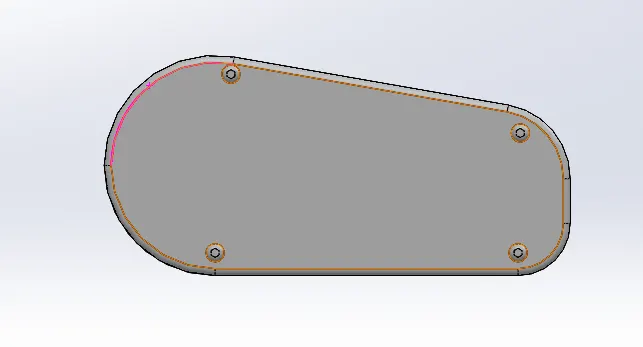
Isometric View
- Hull:
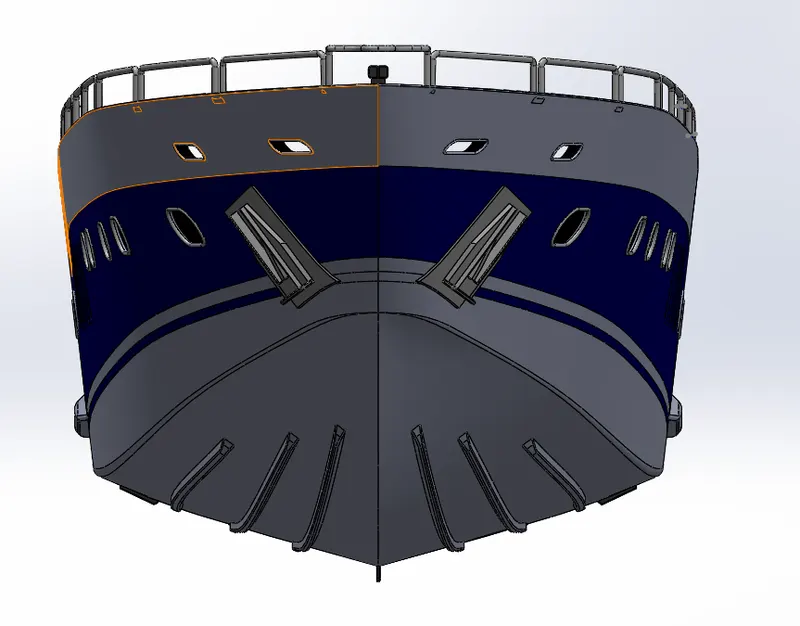
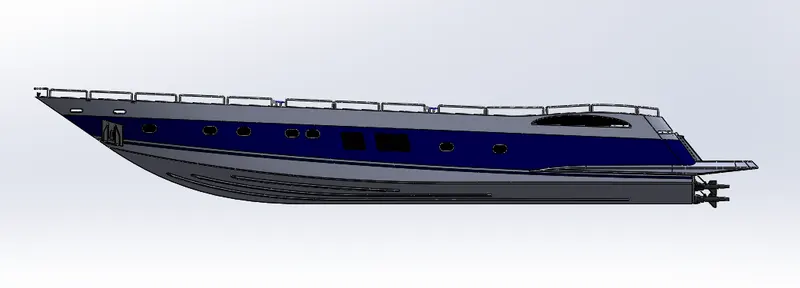
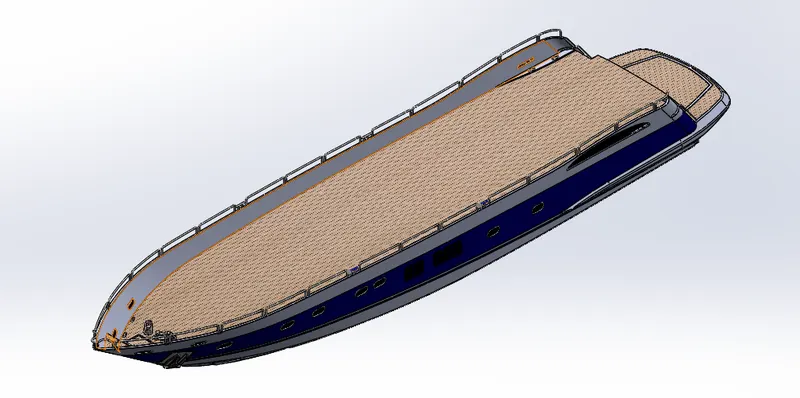
A hull is the watertight body of a ship or boat. The hull may open at the top (such as a dinghy), or it may be fully or partially covered with a deck.
Front View
Side View
Isometric View
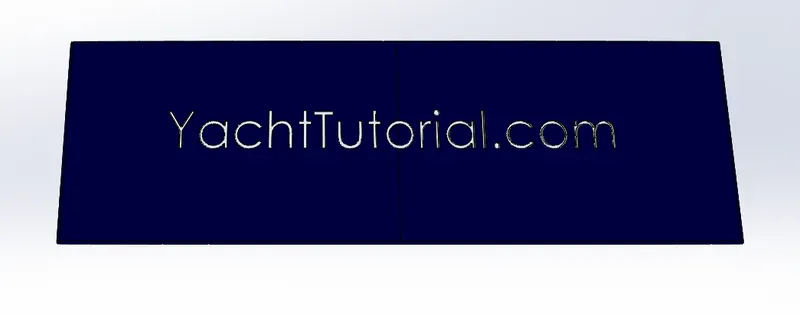
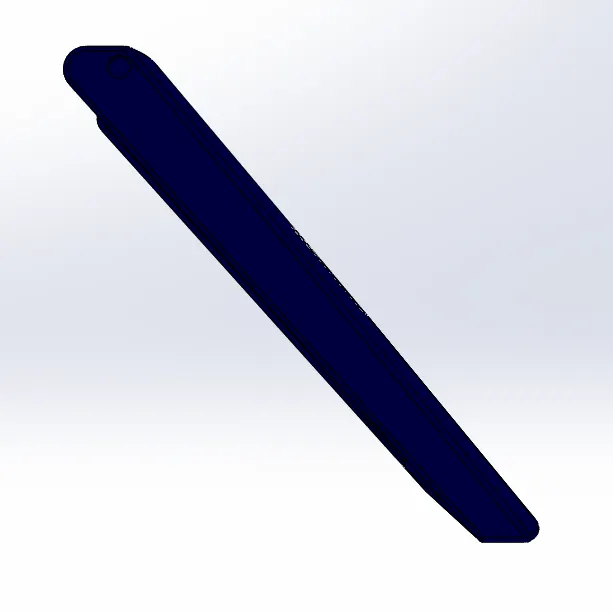
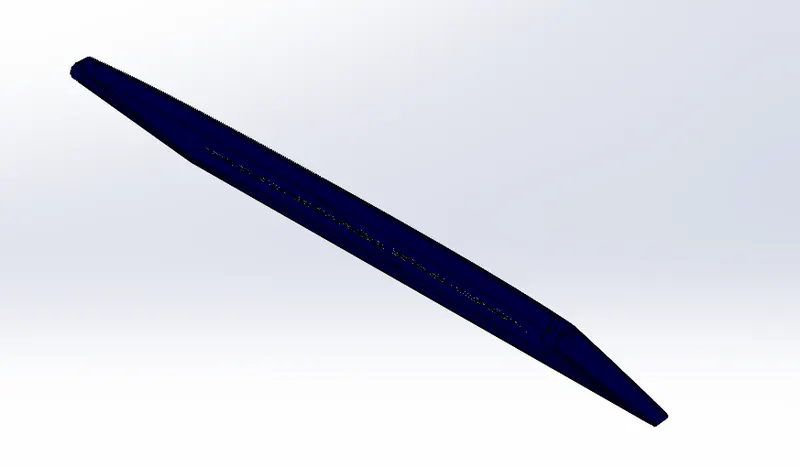
- Garage Door:
Front View
Side View
Isometric View
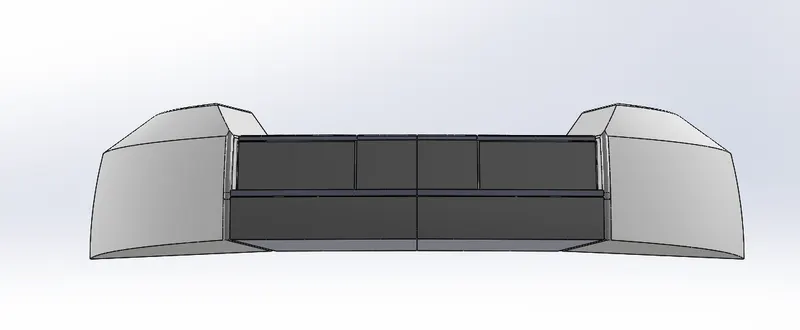
- Front Seat:
Front View
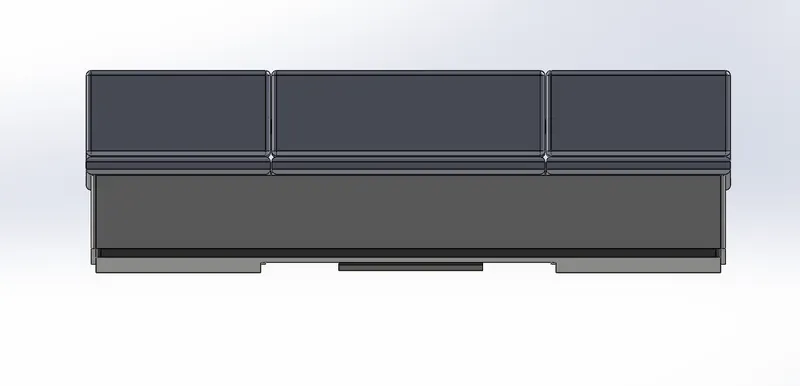
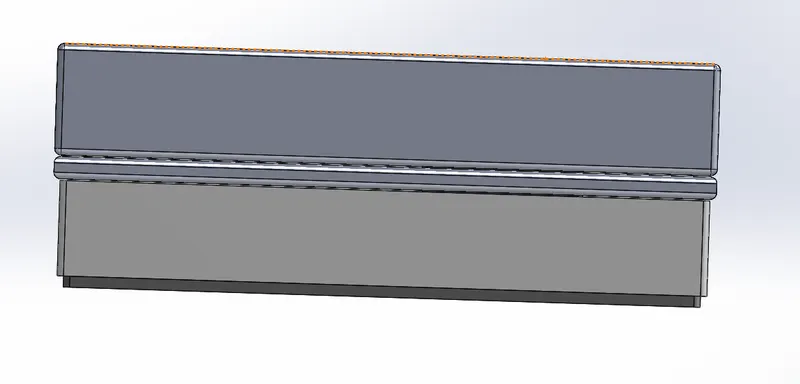
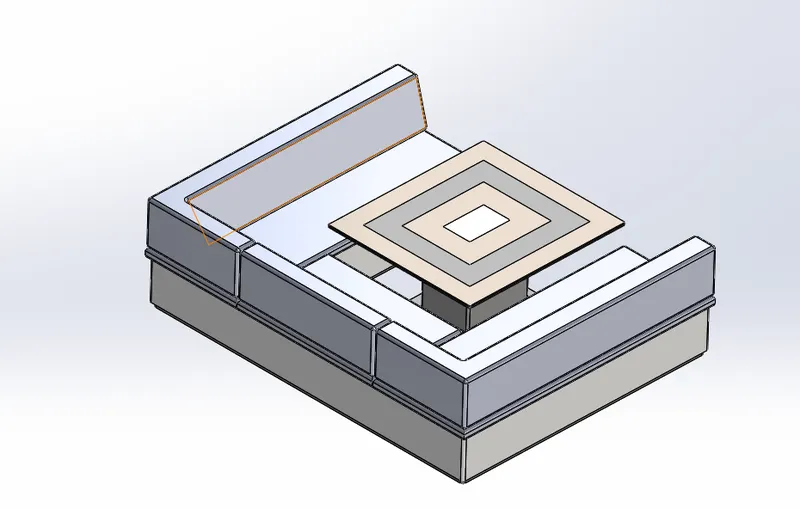
6. Middle Seat:
Front View
Side View
Isometric View
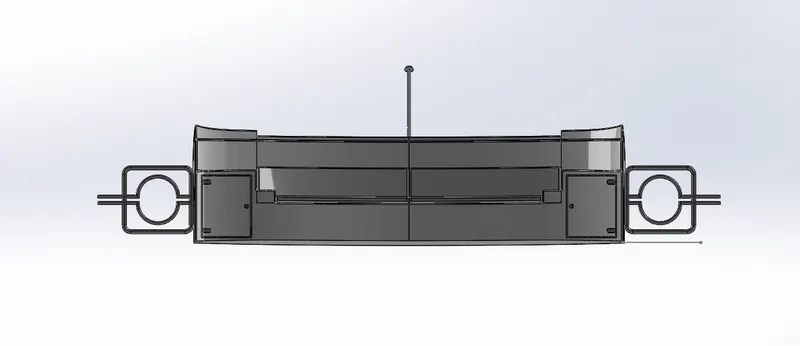
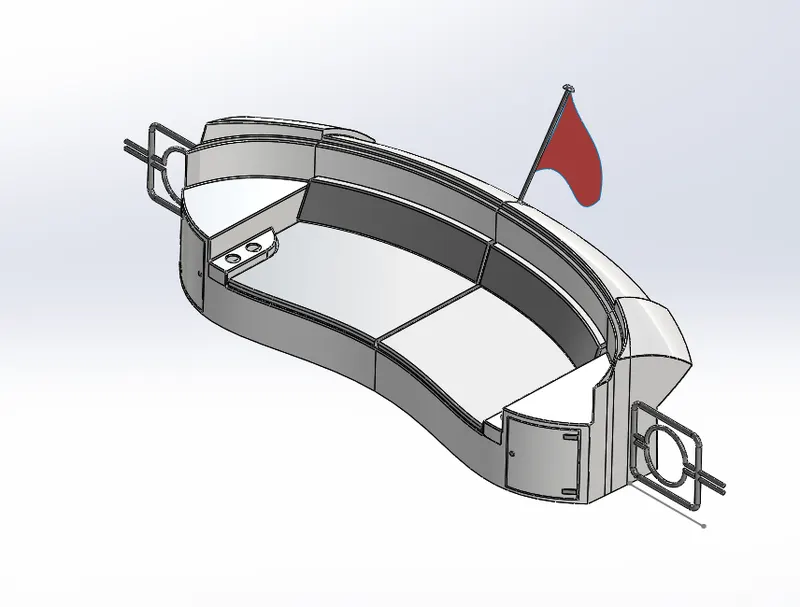
7. Rear Seat:
Front View
Side View
Isometric View
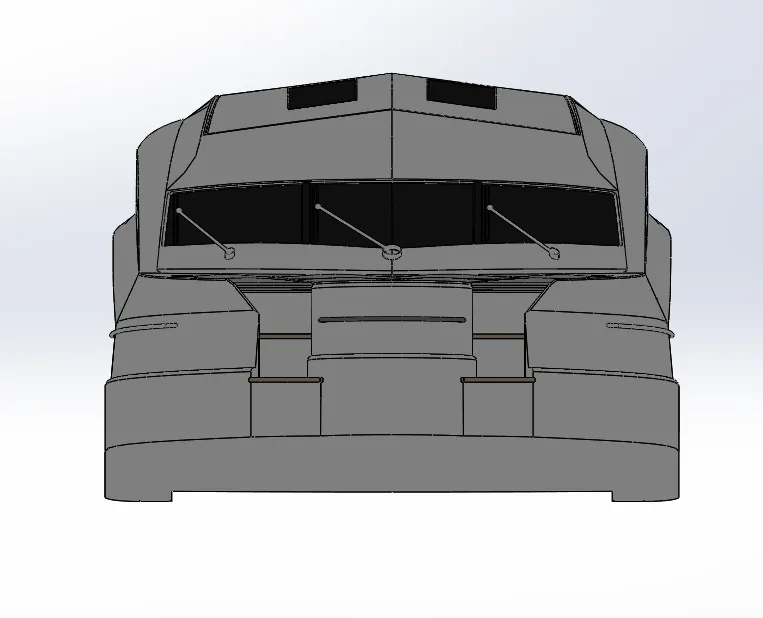
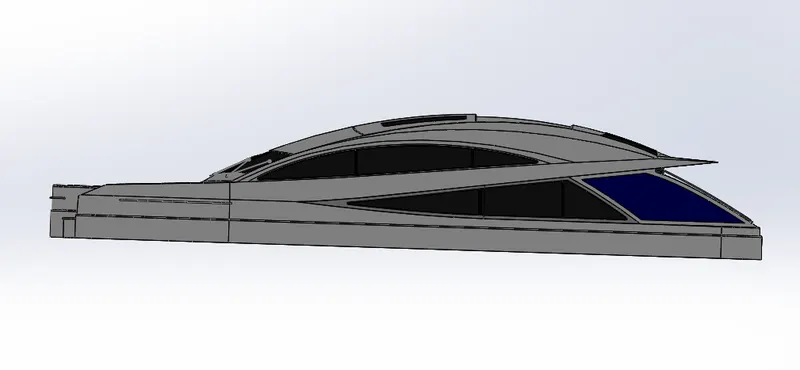
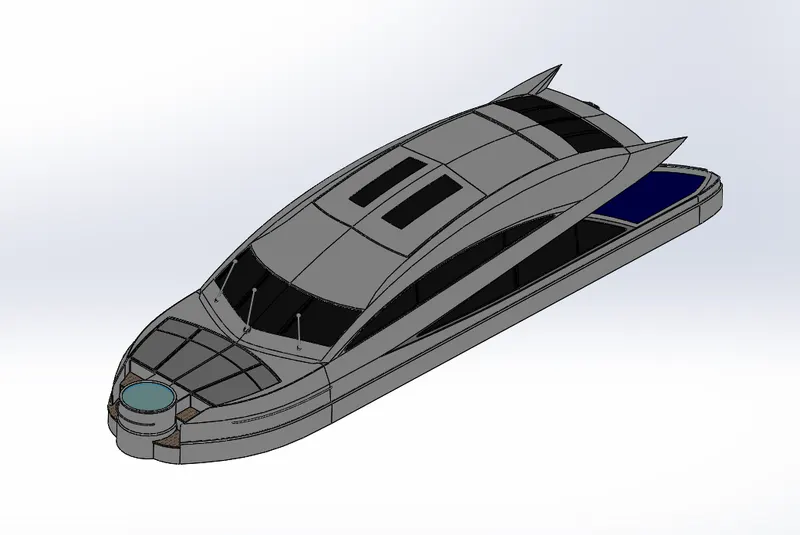
8. Superstructure:
A Superstructure is an upward extension of an existing structure above a baseline. This term is applied tp various kinds of physical structure.
Front View:
Side View
Isometric View
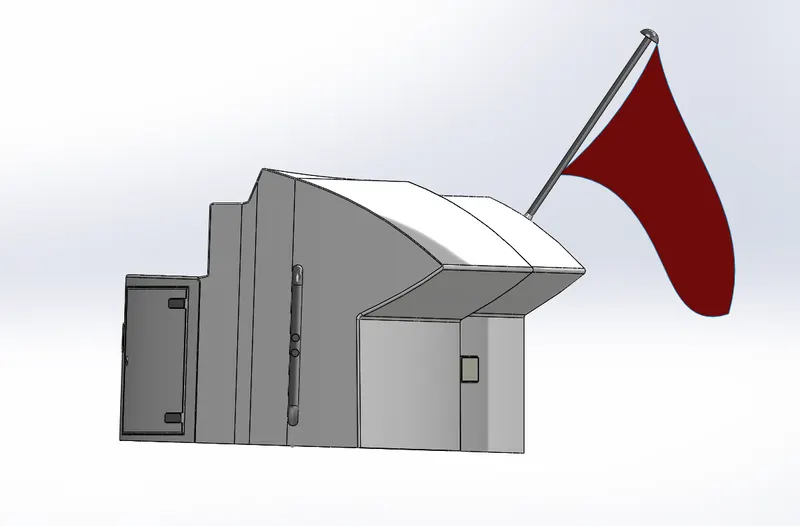
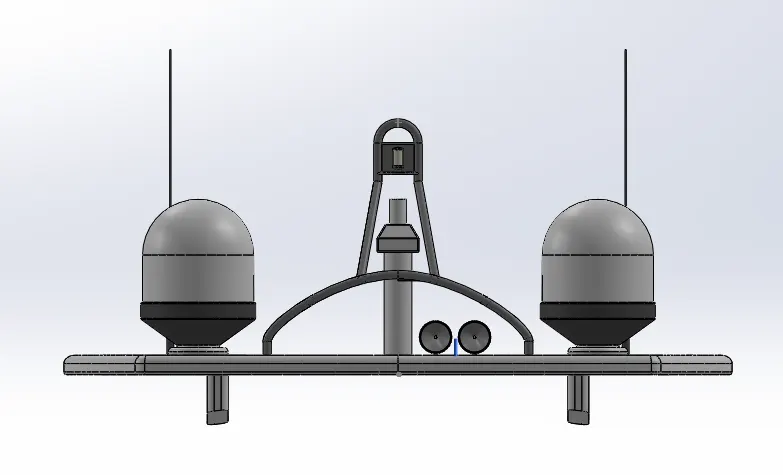
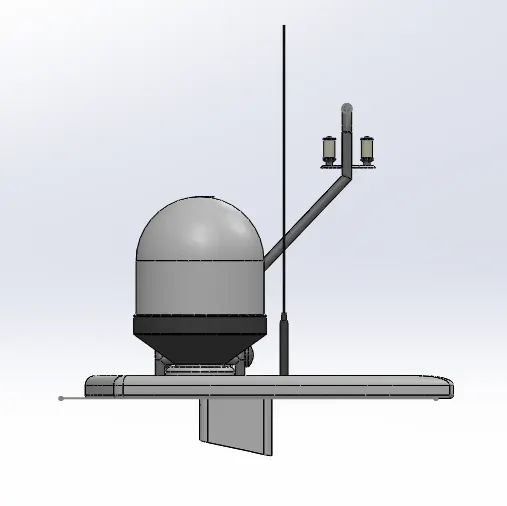
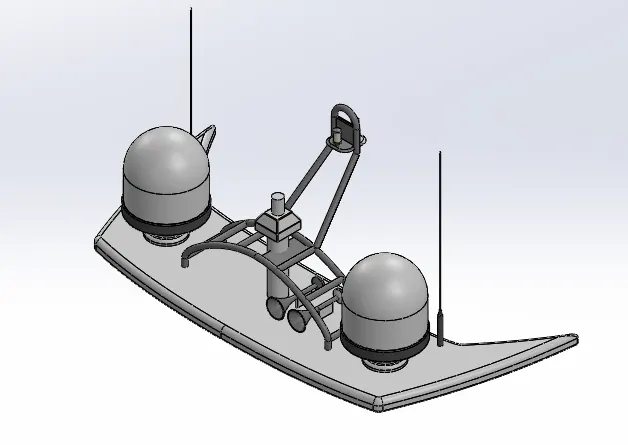
9. Radar Mast:
Front View
Side View
Isometric View
ASSEMBLY OF YATCH:-
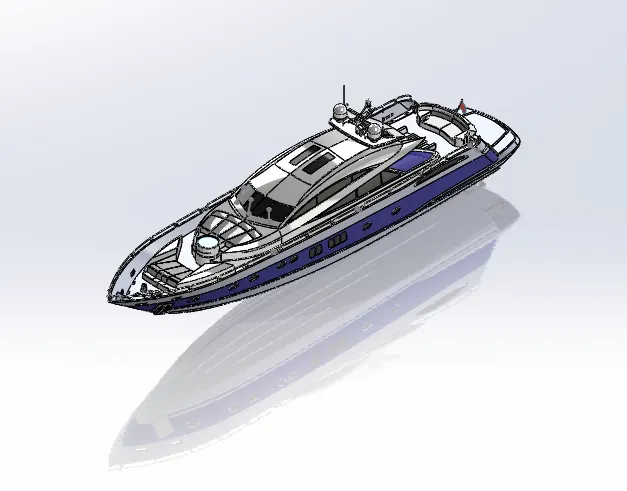
Main Assembly:-
Initially, the Hull part is inserted in the assembly by using insert part in the option. After that Superstructure part is inserted in the assembly environment and use the mate option. Then the rear seat part inserted and mate command use to fix it with proper way. Then same process apply to front and middle seat. Then the radar mast part is inserted and mate command use.
Feature Used in Assembly.
Mates
Insert Part
Mates:-
Mates create geometric relation between assembly components. As we add mates, we define the allowable direction of linear or rotational motion of the components. We can move components within its degrees of freedom, Visualizing the assembly behavior.
Insert Parts:-
We can insert the other components which need to be mated with the prime fixed component.
RENDERING:-
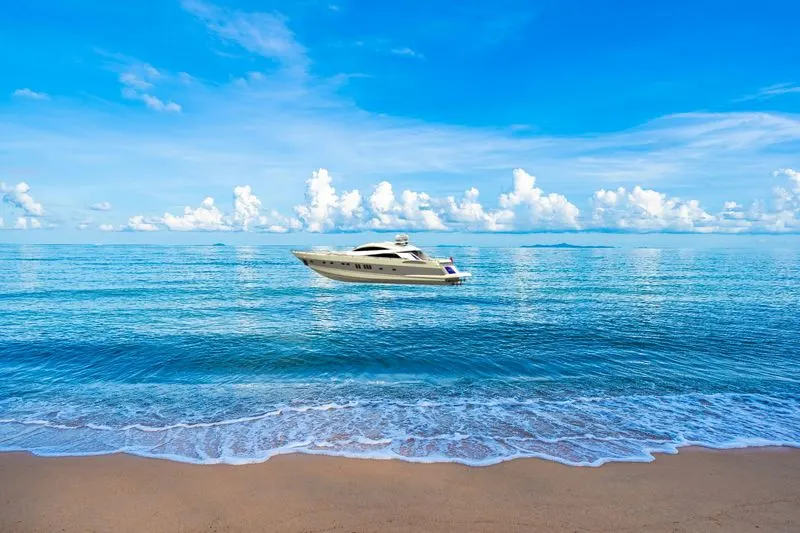
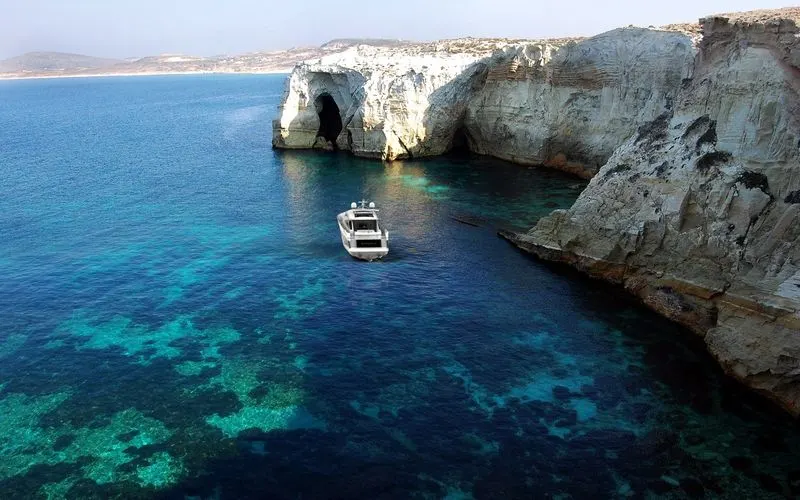
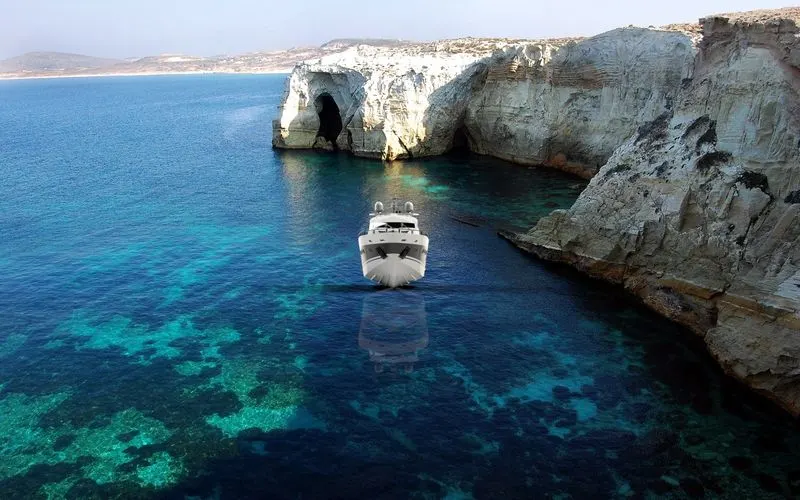
- Rendering is the process of creating realistic image of the photorealistic model with the environment.
- Rendering has been done in two ways in solid works. The following are two ways.
Photo view 360
Solid-work Visualize.
- In the photo realistic model some of the mate condition and positions are changed to render realistic models.
- Then the photo realistic model is rendered into realistic image with different views.
CONCLUSION:-
- The part of YATCH are molded.
- The part are inserted into the assembly environment and YATCH is assembled.
- The photo realistic image was rendered with the use of the Photo-view 360 and solid-Work Visualize.
I would like to thank my mentor Mr. Soundar Rajan Sir for helping me with the challenges I faced while modelling.