Project 2 - V&V SW Analysis II
1. STATIC CODE ANALYSIS
PROCEDURE
STEP 1:Open LDRA Launcher and goto LDRA Toolsuite TBurn
STEP 2:Select file from Source -> Single file -> open .c file
STEP 3:Create test sequence ->(Sequence -> New)
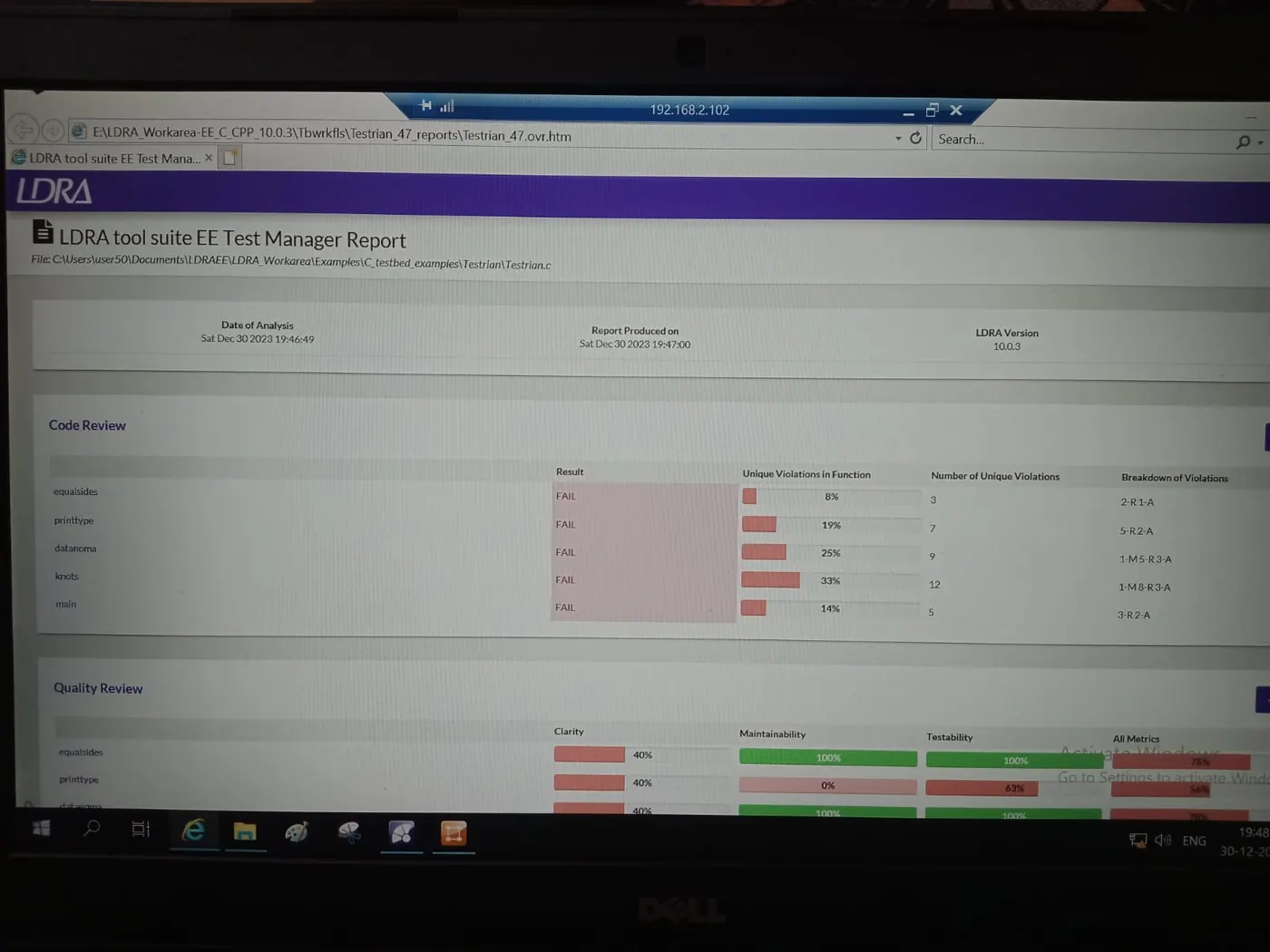
STEP 4:To perform Static code Analysis(source -> Run static Analysis)
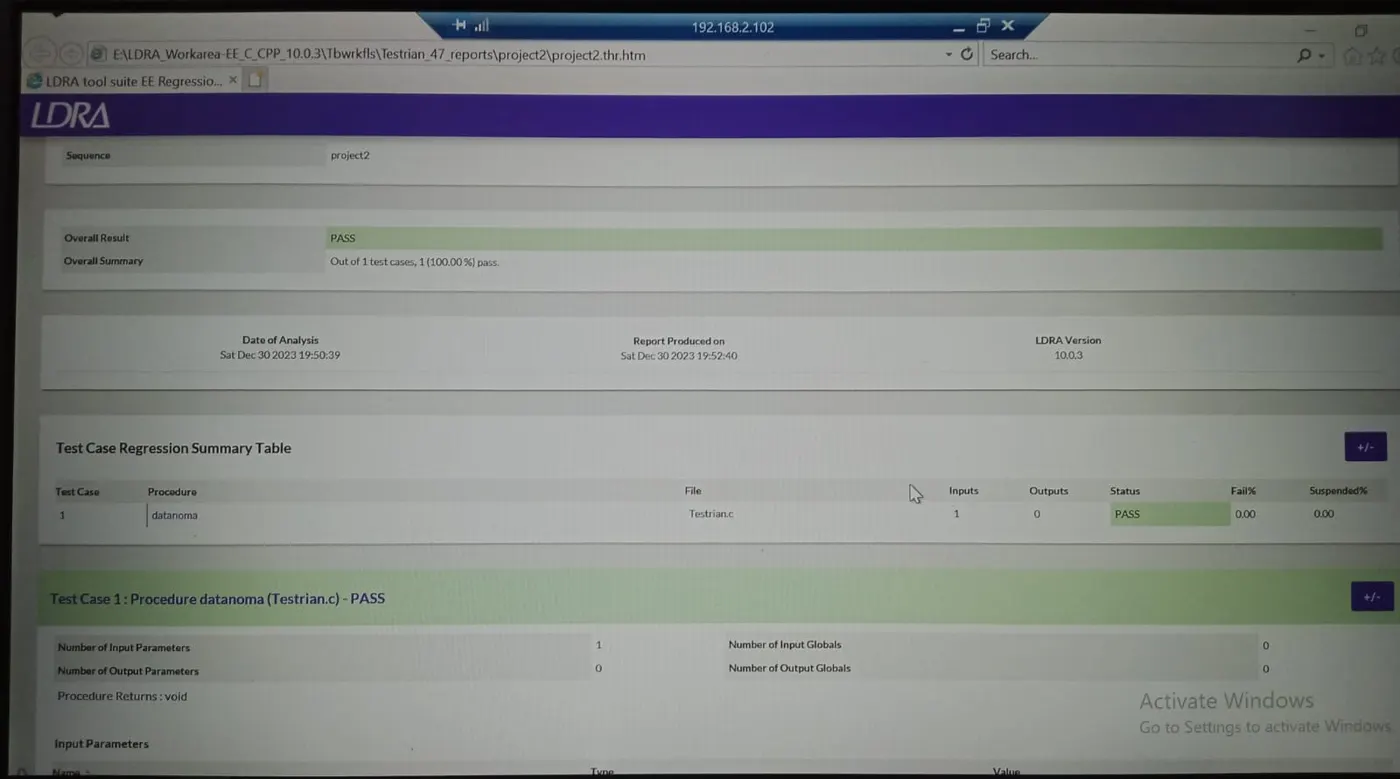
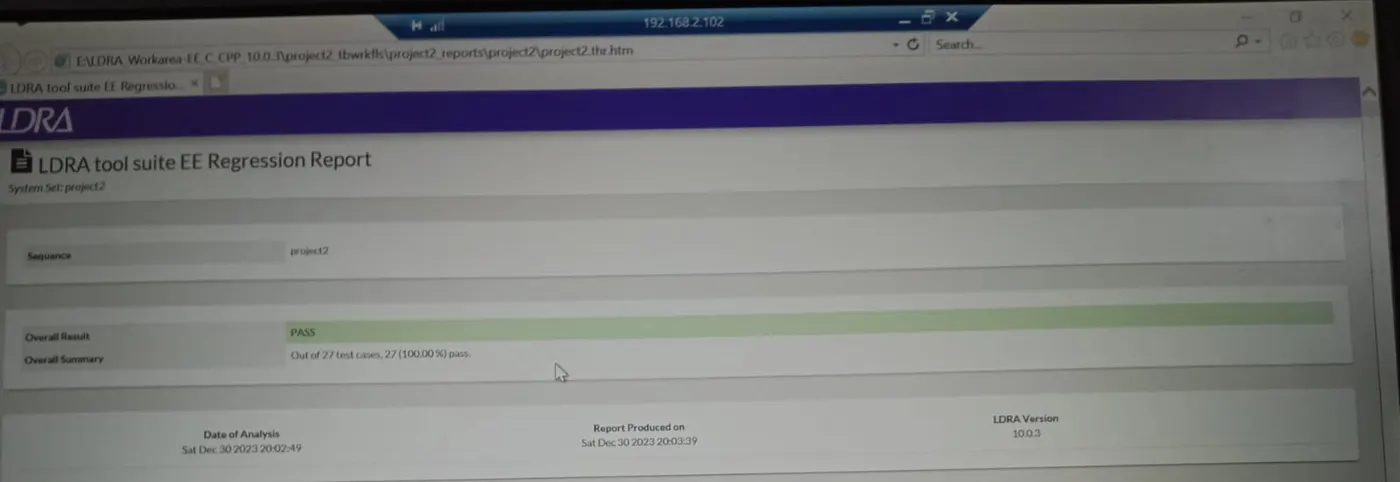
STEP 5:Downlad Report(Results -> Test Manger report/Regression Report)
STEP 6:Step 1 to 5 is common for both black and white box test
2.INTEGRATION TESTING
PROCEDURE
STEP 1:Open LDRA Launcher and goto LDRA Toolsuite TBurn
STEP 2:Select file from Source -> Multiple Files
STEP 3:Select thenew set property -> System
STEP 4:Insert File
STEP 5:Create test sequence ->(Sequence -> New)
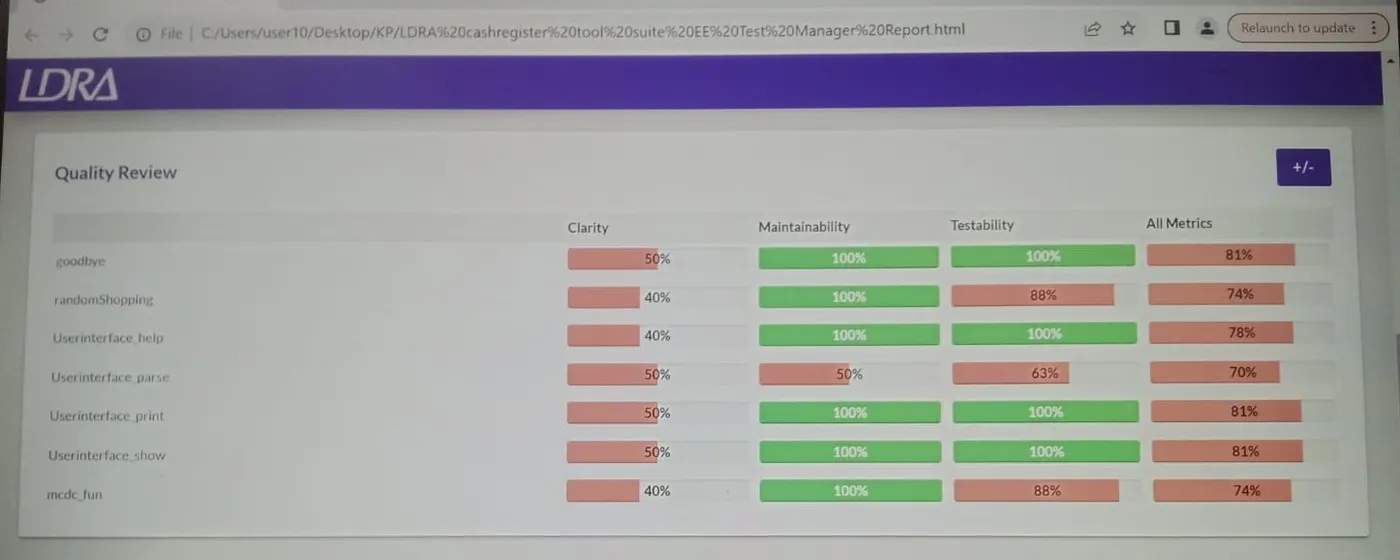
STEP 6:To perform Static code Analysis(source -> Run static Analysis)
STEP 7:Downlad Report(Results -> Test Manger report/Regression Report)
AUTOMATING TESTING
STEP 1:Open LDRA Launcher and goto LDRA Toolsuite TBurn
STEP 2:Select file from Source -> Multiple Files
STEP 3:Select thenew set property -> System
STEP 4:Insert File
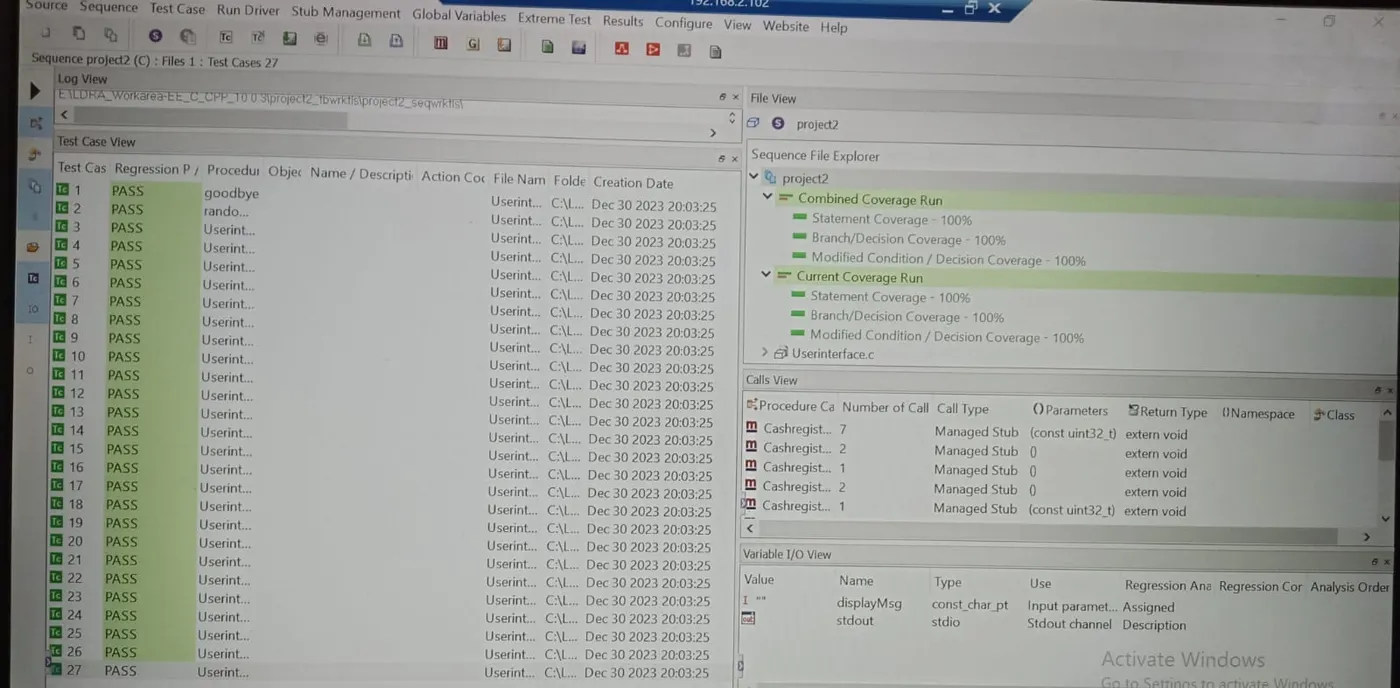
STEP 5:Extreme test -> Run Tabular Extreme Test
STEP 6:Download reports ->reports -> Test manager report
STEP 7:To save file as tcf file(Source -> save file or set to TCF)
.tcf File location
User50 -> Desktop -> KP -> project2